
StickC-Plus Watch Kit
SKU:K016-H

Description
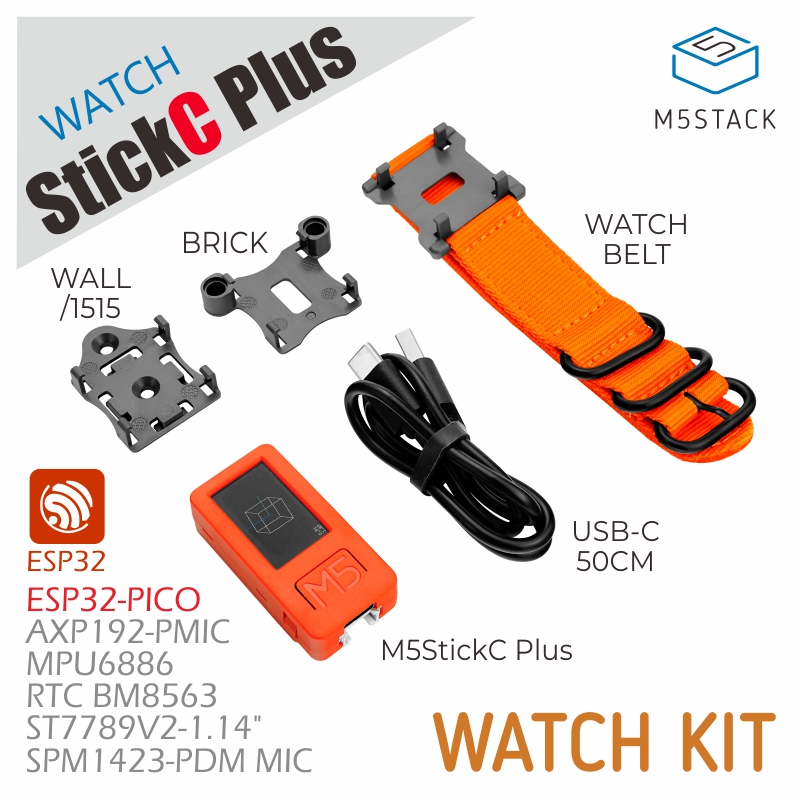
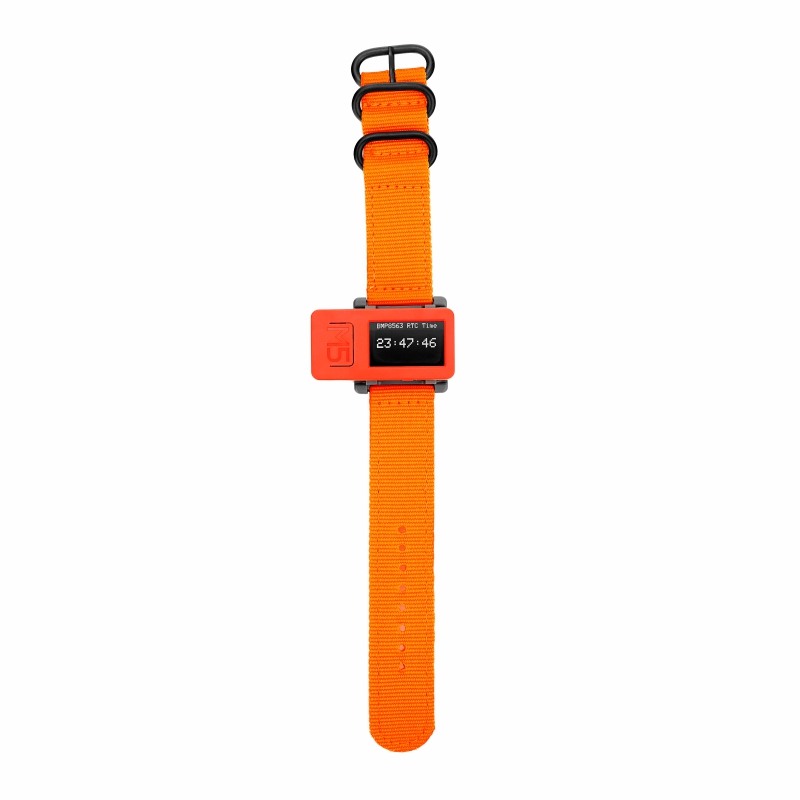
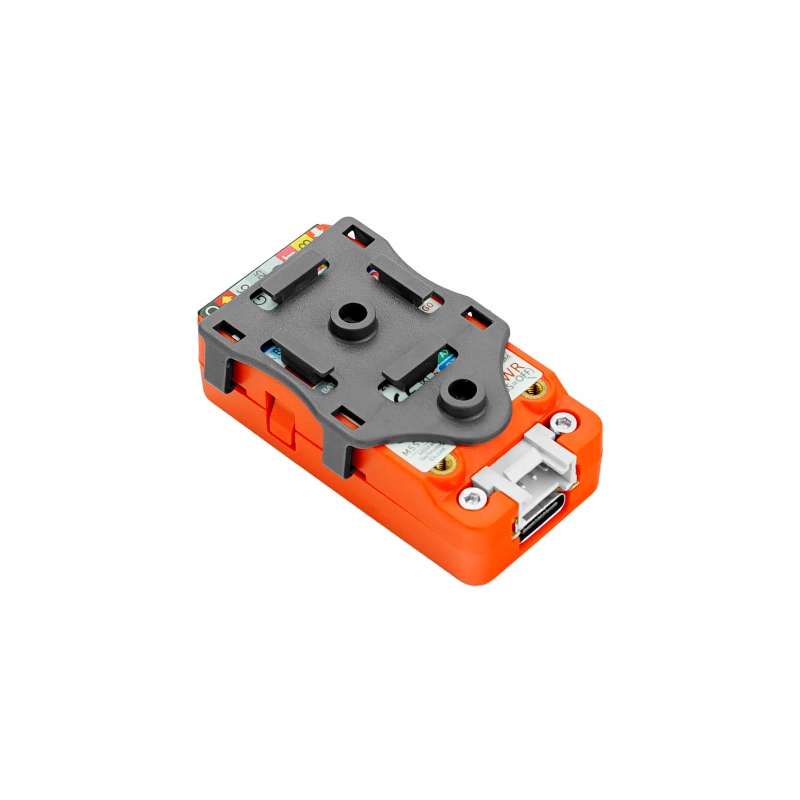
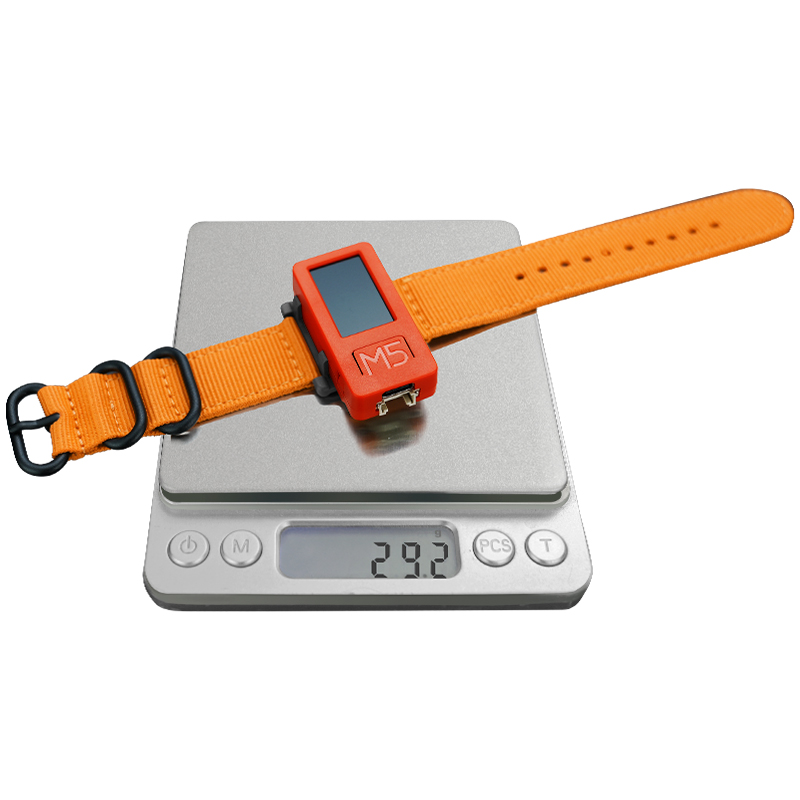
The StickC-Plus Watch Kit is a M5StickC Plus watch set, including the M5StickC Plus IoT development board and a series of watch strap accessories. Based on the powerful hardware resources and expandability of the M5StickC Plus, it can be used not only for time display but also for applications such as motion state monitoring and smart home control. Combined with the M5Stack HAT hardware peripheral system for secondary development, it can further expand the possibilities of smart wearable applications.
Features
- Personalized support for custom display
- 200mAh battery
- Lightweight and portable
Includes
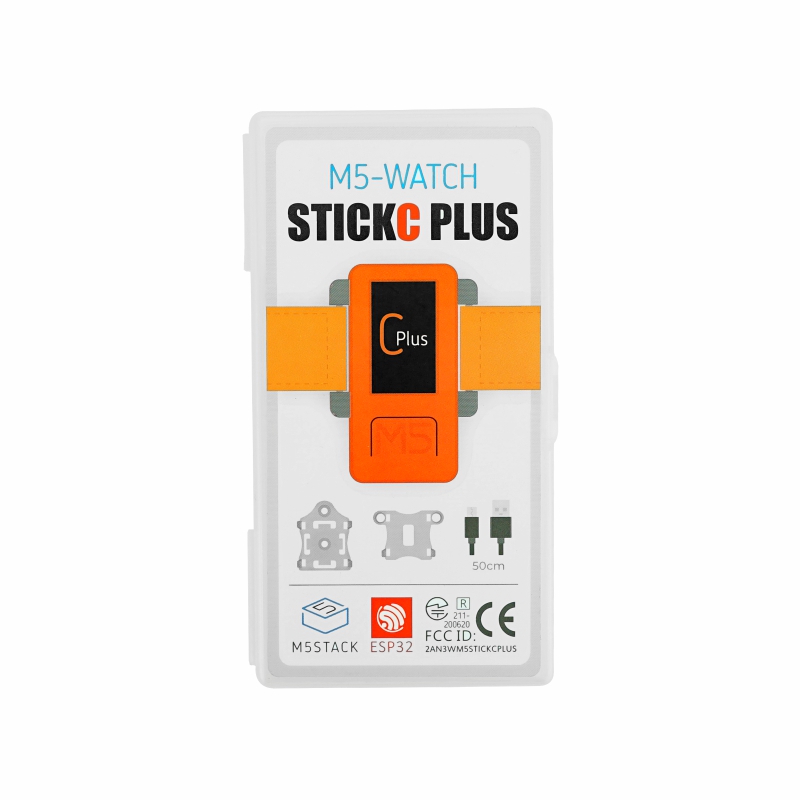
- 1 x StickC-Plus
- 1 x LEGO adapter
- 1 x Wall/1515
- 1 x Watch strap
- 1 x Type-C USB (50cm)
Applications
- Smartwatch
Specifications
| Main Control Resources | Parameters |
|---|---|
| ESP32 | 240MHz dual core, 600 DMIPS, 520KB SRAM, Wi-Fi |
| Flash Memory | 4MB Flash |
| Input Voltage | 5V @ 500mA |
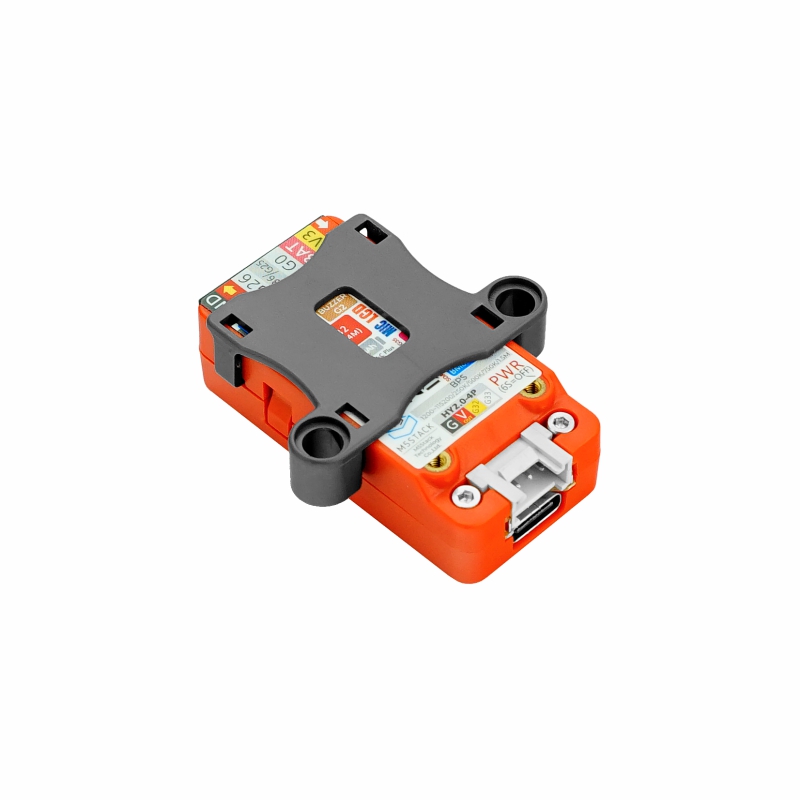
| Interfaces | Type-C x 1, GROVE(I2C+I/O+UART) x 1 |
| LCD Screen | 1.14 inch, 135 x 240 Colorful TFT LCD, ST7789v2 |
| Microphone | SPM1423 |
| Buttons | Custom buttons x 2 |
| LED | Red LED x 1 |
| RTC | BM8563 |
| PMU | AXP192 |
| Buzzer | Onboard buzzer |
| IR | Infrared transmission |
| MEMS | MPU6886 |
| Antenna | 2.4G 3D antenna |
| External Pins | G0, G25/G26, G36, G32, G33 |
| Battery | 120 mAh @ 3.7V, inside vb |
| Strap Size & Weight | 230 x 22 x 6mm / 12.3g |
| Product Size | StickC-Plus: 48.0 x 24.0 x 13.5mm |
| Product Weight | 29.2g |
| Package Size | 126.0 x 67.0 x 22.0mm |
| Gross Weight | 72.5g |
Learn
Power On/Off
- Power On
Press and hold BUTTON C for more than 2 seconds, or wake the device via an IRQ signal triggered by the RTC timer. After the wake-up signal is triggered, set the HOLD (G4) pin to high (1) in the program initialization to maintain power; otherwise, the device will return to the power-off state.
- Power Off
When no external USB power is connected, press and hold BUTTON C for more than 6 seconds. When USB is connected, holding BUTTON C for more than 6 seconds turns off the display and enters sleep mode, but does not cut power.
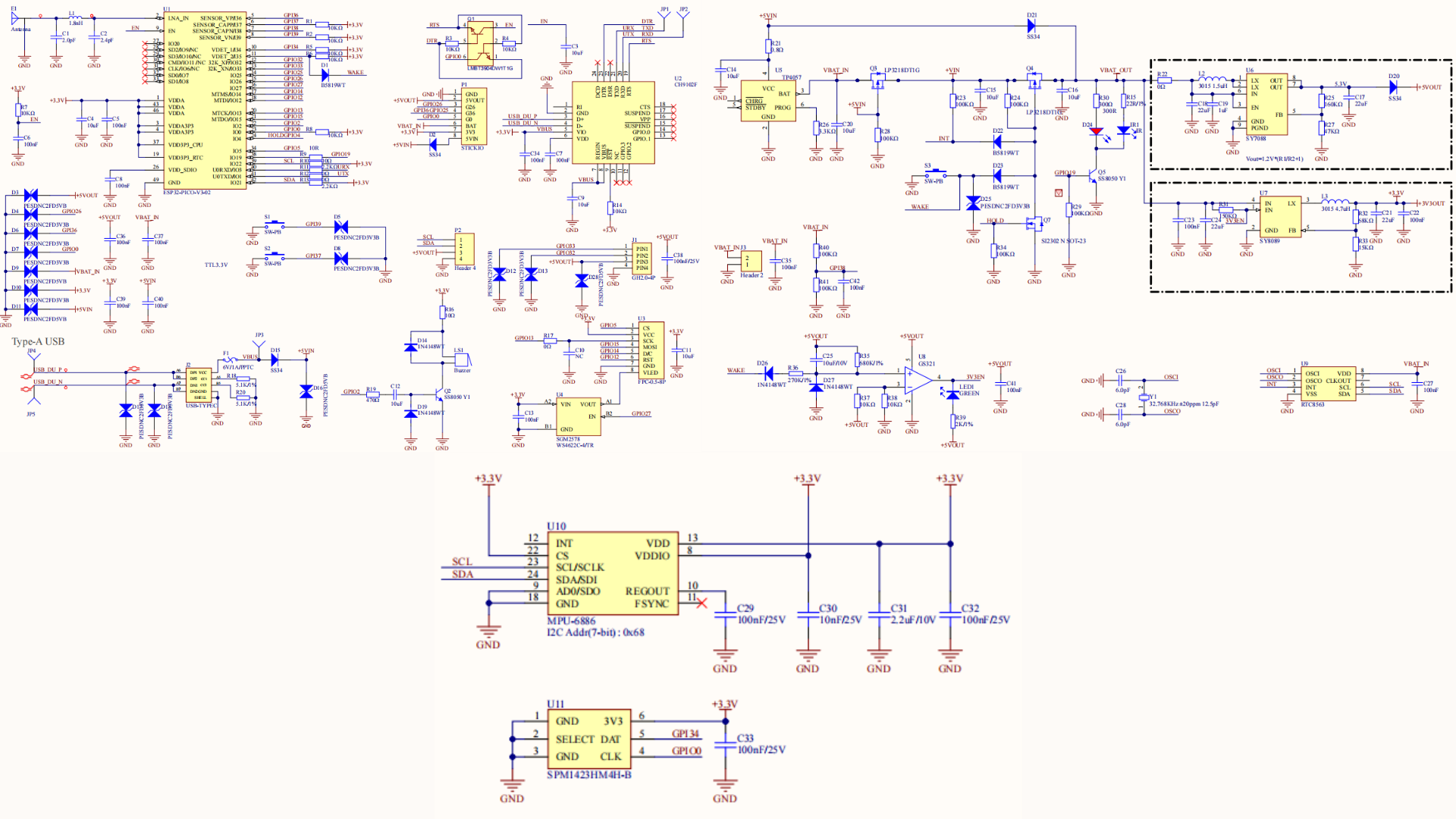
Schematics
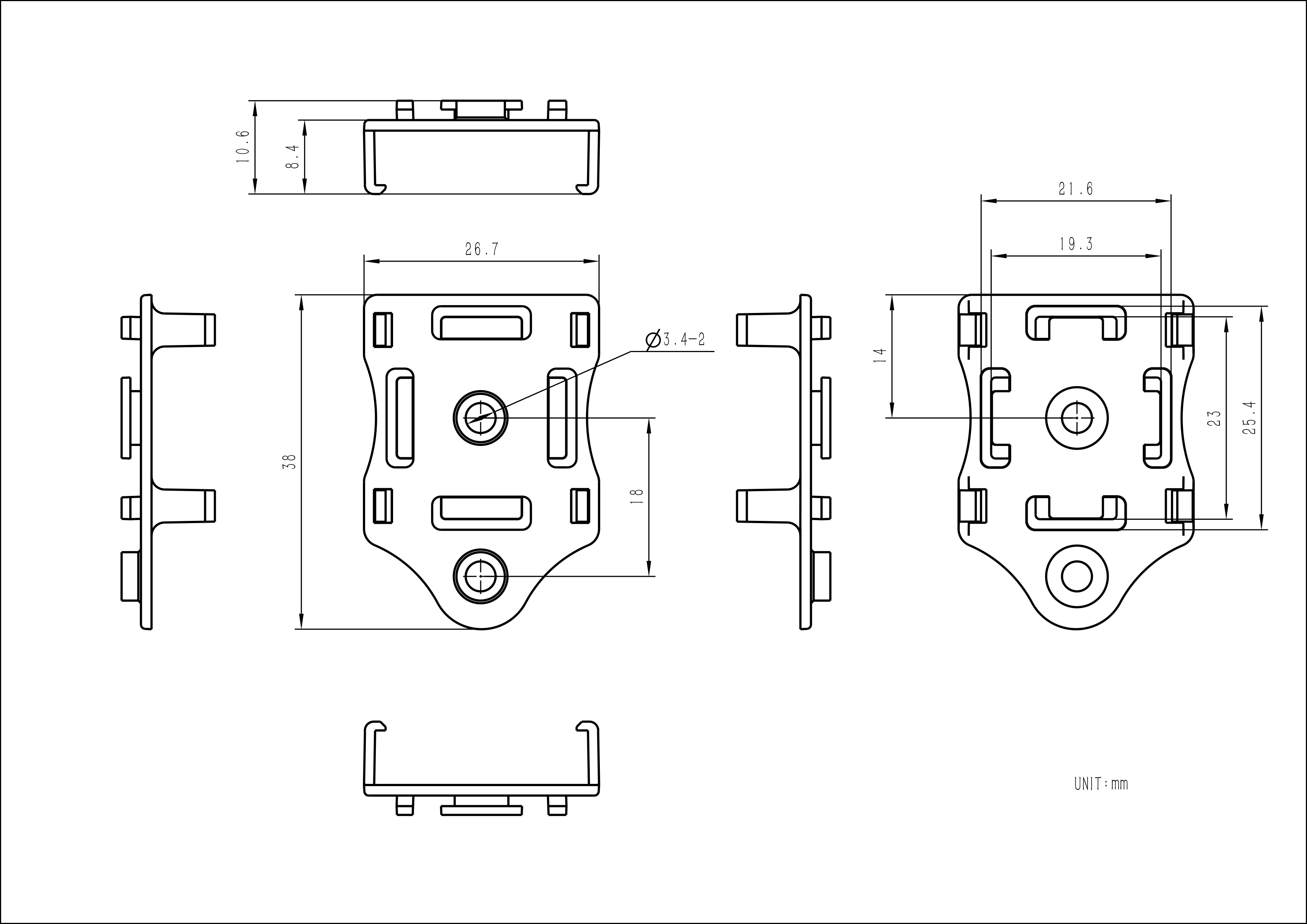
Model Size


Datasheets
Softwares
Arduino
USB Driver
| Driver Name | Compatible Chip | Download Link |
|---|---|---|
| CH9102_VCP_SER_Windows | CH9102 | Download |
| CH9102_VCP_SER_MacOS v1.7 | CH9102 | Download |
Easyloader
| Easyloader | Download | Note |
|---|---|---|
| StickC-Plus Factory Test Easyloader | download | / |
Video
- Accelerometer, microphone, LED, IR, RTC, wireless connection, and other hardware tests. Click button A or B to switch test items.