

StackFlow AI Platform
Model Library
Speech Recognition & Audio
Development Examples
OpenAI-Compatible API
StackFlow AI Platform
StackFlow is a local AI service platform for edge computing devices. It provides large language model, multimodal, computer vision, speech recognition, and speech synthesis capabilities as installable packages, together with a unified service interface.
Workflow
- Prepare the device: Complete the hardware connection, network configuration, and any required system or driver installation. Confirm that the device is operating normally and that you can access its terminal.
- Install or update StackFlow: Follow the device-specific guide to configure the appropriate package repository and install or update the core StackFlow packages. Some devices ship with StackFlow preinstalled and only require an update when needed.
- Select and install AI capabilities: Choose a model category for your application, then install the corresponding service and a model package compatible with the device platform.
- Run and invoke the service: Start the service according to the model documentation and development examples, then use the appropriate interface to integrate the local AI capability into your application.
Install StackFlow
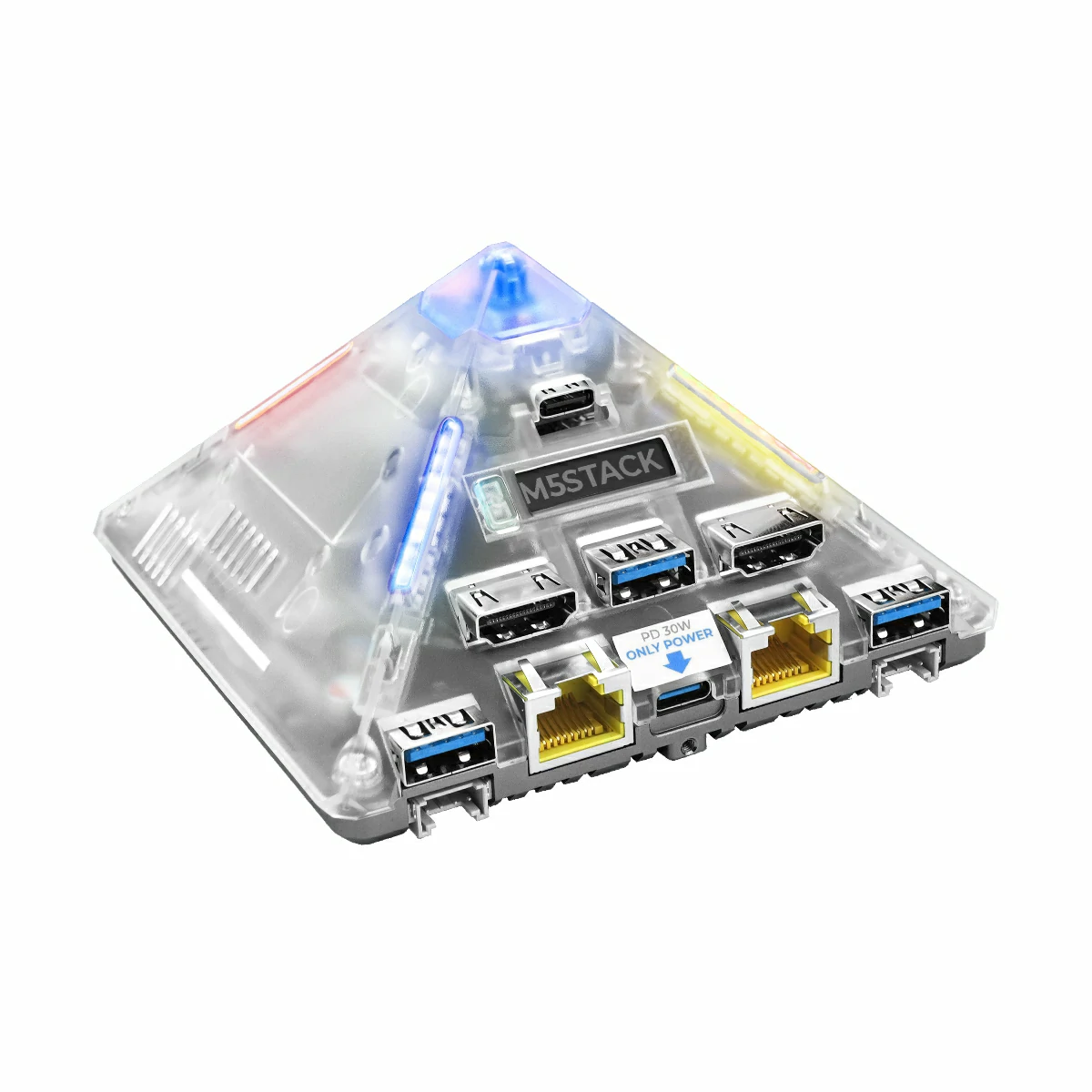
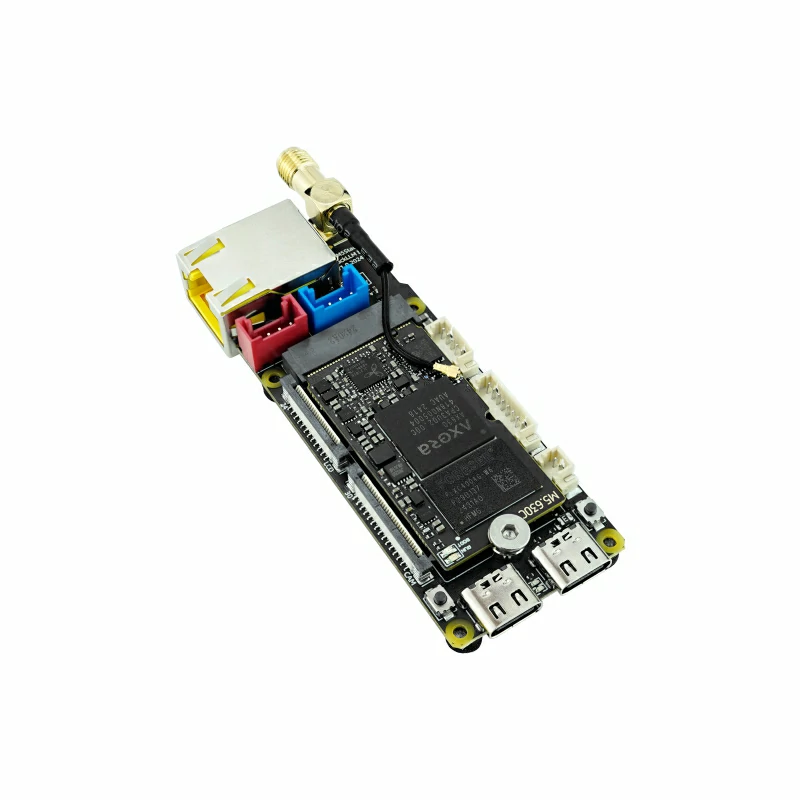
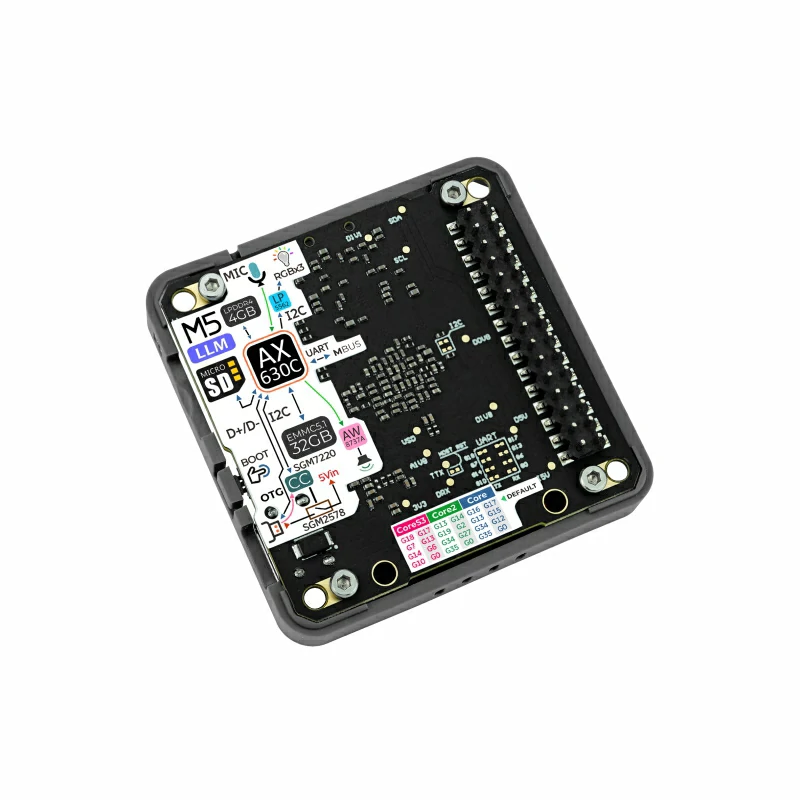
System environments and computing platforms vary by device, so package repositories, installation commands, and preinstalled software may also differ. Select your device below to open its installation or update guide.

Invocation Methods
StackFlow API
The StackFlow API uses JSON messages to configure and invoke LLM, VLM, audio, and computer vision services. JSON messages can be transported over UART or TCP, depending on the device.
| Device | Transport | Typical Use |
|---|---|---|
| Module LLM | UART, 115200bps 8N1 by default | A Core device, Arduino, or another host sends JSON commands directly |
| LLM630 Compute Kit | TCP, port 10001 by default | A PC or another device on the same network sends JSON commands through a socket |
| AI Pyramid | TCP, port 10001 by default | A local application or network client sends JSON commands through a socket |
The interaction is based on JSON messages over either transport. For example, a client specifies the operation with action and object, and passes model and runtime parameters in data:
{
  "request_id": "llm_001",
  "work_id": "llm",
  "action": "setup",
  "object": "llm.setup",
  "data": {
    "model": "qwen2.5-0.5B-prefill-20e"
  }
}After initialization, the client can continue sending inference data and use the returned work_id to identify the corresponding task. Related documentation:
- Module LLM API: message structure and functional-unit parameters
- LLM630 Compute Kit: StackFlow API LLM network example
OpenAI-Compatible API
After llm-openai-api is installed, the device provides a local HTTP interface compatible with the OpenAI API format. Existing clients such as the OpenAI SDK and Chatbox can generally access models running on the device by using the device IP address as the service endpoint.
Here, “OpenAI-compatible” refers to API-format compatibility. The model does not run in the OpenAI cloud; inference requests are processed by the local device.
- OpenAI-Compatible API overview and deployment
- List models
- Chat completions API
- Speech-to-text API
- Text-to-speech API
Model Library
Browse installation requirements, invocation methods, and supported hardware platforms by model capability.
- All models
- Large language models
- Multimodal models
- Computer vision
- Speech recognition and audio
- Speech synthesis
- Benchmarks
Development Examples
An example may be validated on a specific device. Whether it can run on another device depends on the availability of the corresponding service and model packages for that platform.