
RoverC-Pro
SKU:K036-B

Description
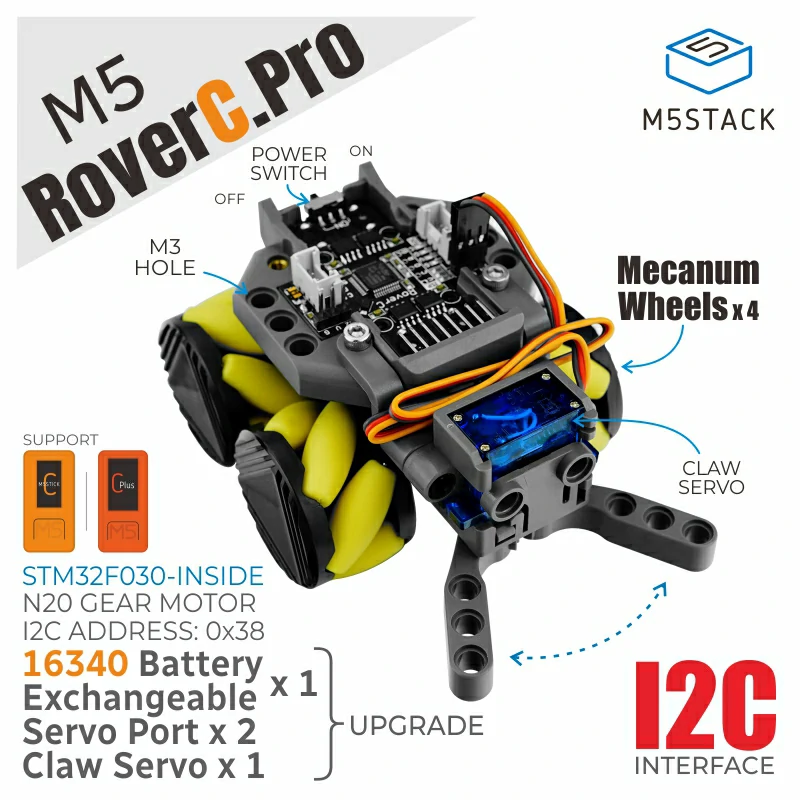
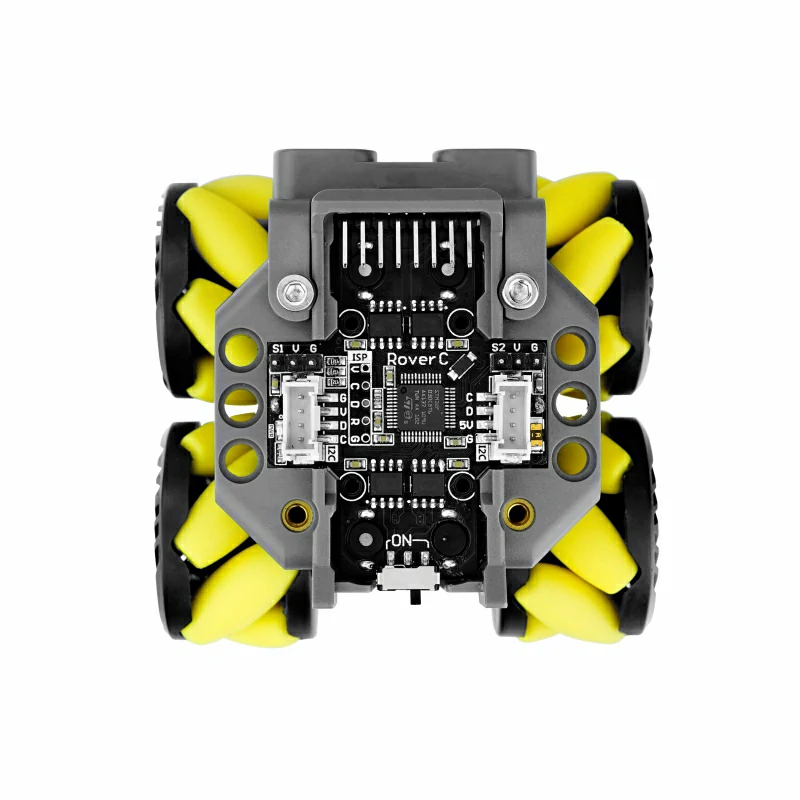
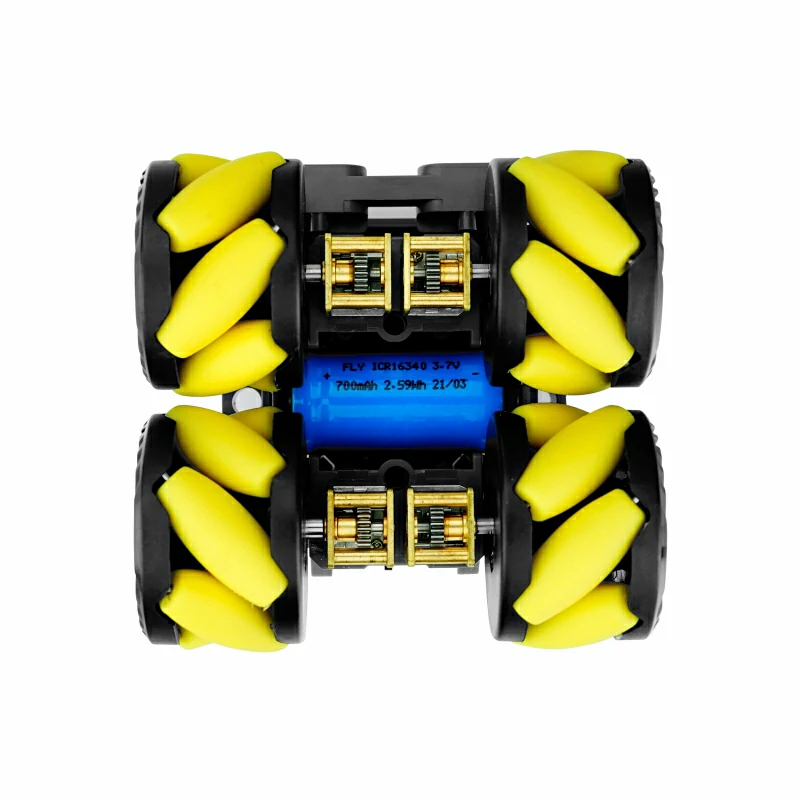
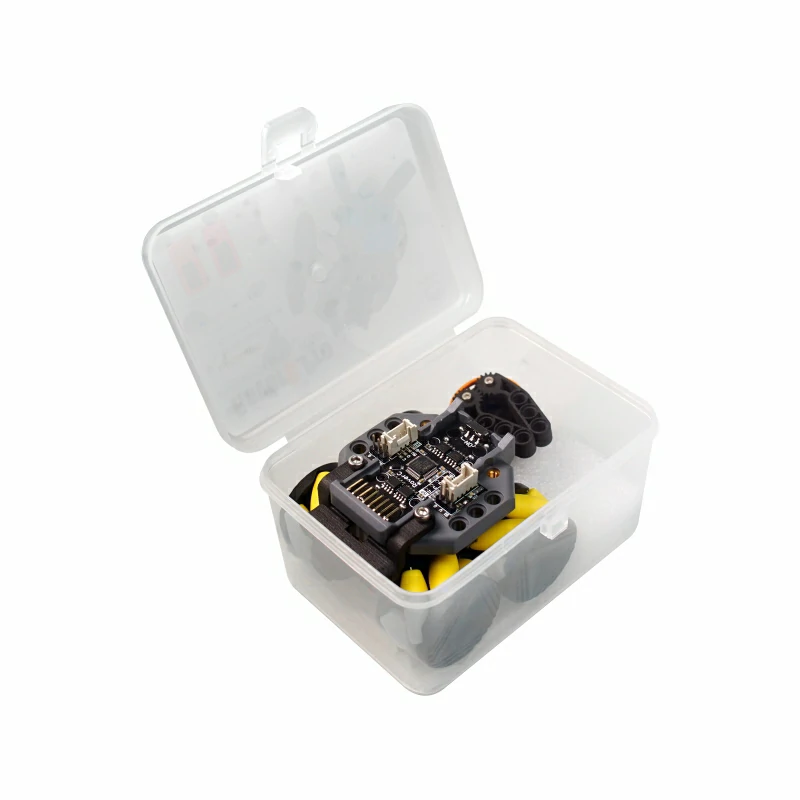
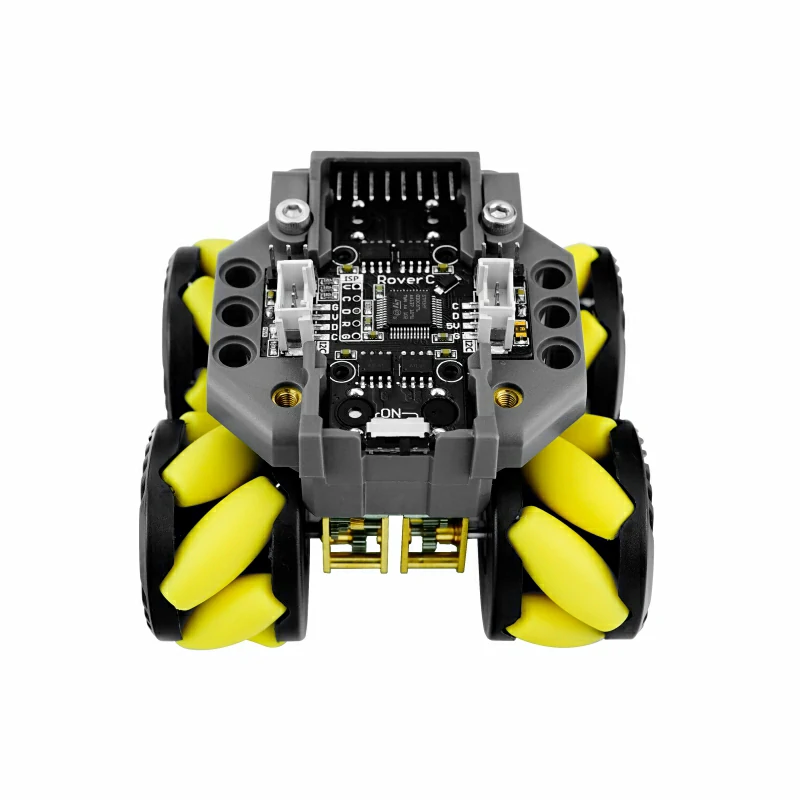
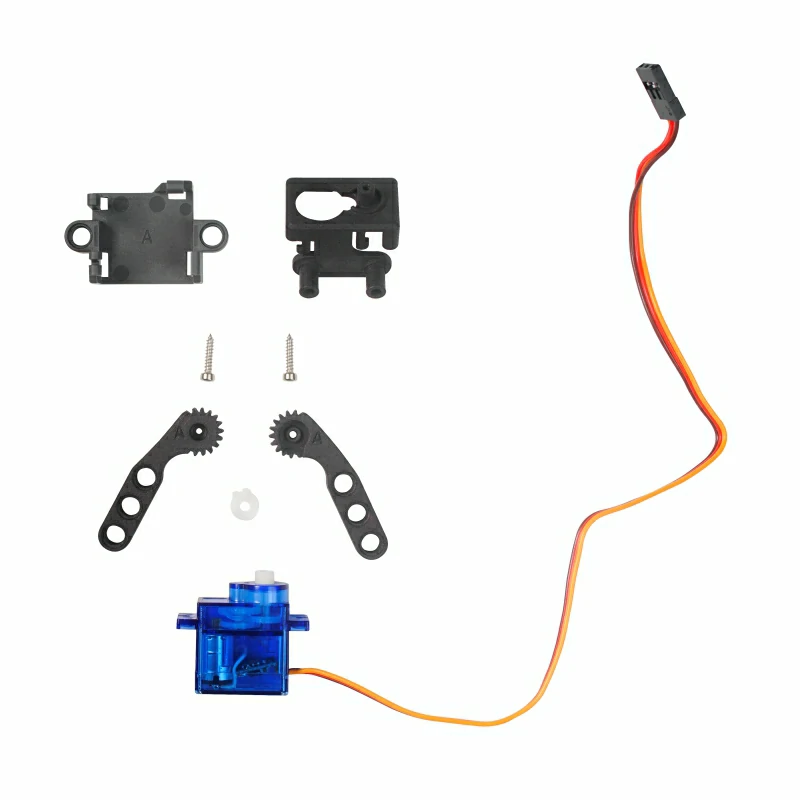
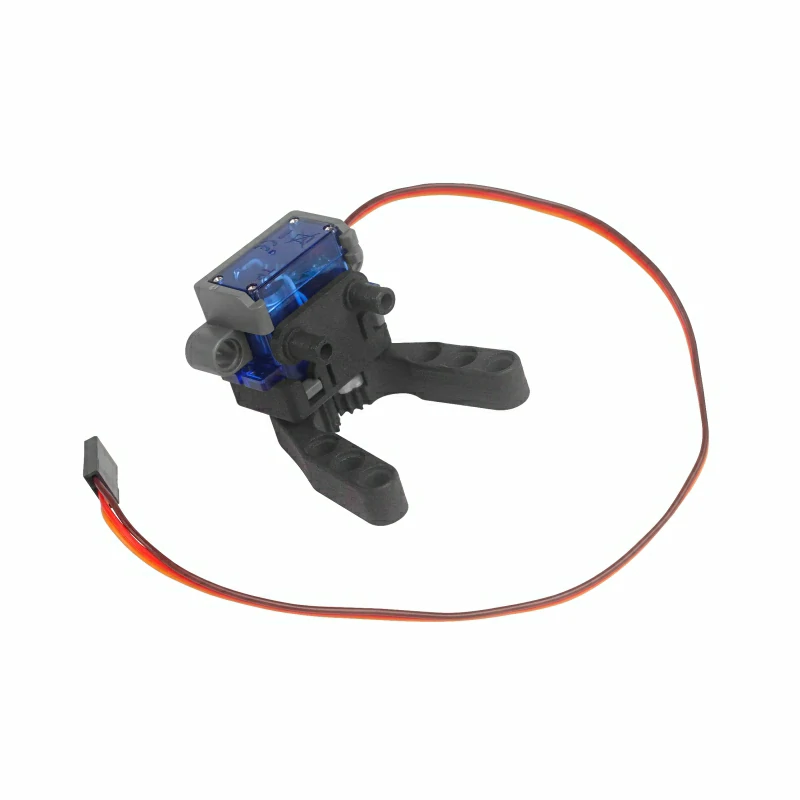
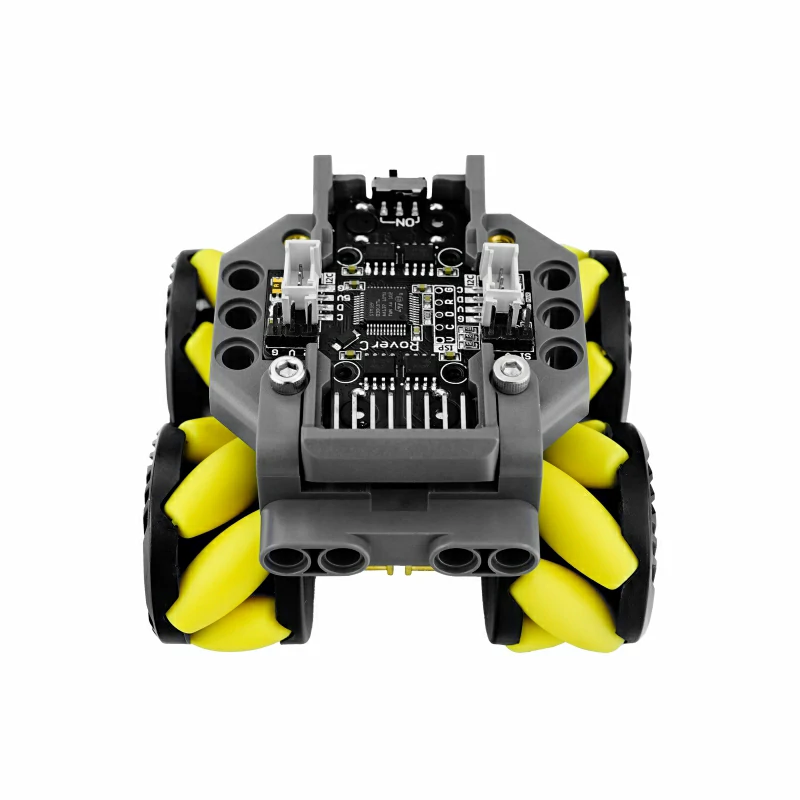
RoverC-Pro is a programmable Mecanum wheel omnidirectional mobile robot base. It is compatible with M5StickC/M5StickC PLUS and can be used by simply inserting the M5StickC/M5StickC PLUS. The main control chip is STM32F030C6T6, consisting of four N20 worm gear motors driven by the motor driver L9110S. The PRO version provides a gripping mechanism controlled by a servo for holding objects. The base offers two servo interfaces. Additionally, there are two Grove-compatible I2C interfaces for expanding other modules. The base is compatible with LEGO holes, allowing structural expansion. On the back, there is a replaceable rechargeable 16340 (700mAh) battery. The base battery can be charged via M5StickC/M5StickC Plus. There is a power switch and indicator light at the rear of the base.
Features
- I2C address 0x38
- Remote controllable
- Equipped with a gripping structure
- Programmable
- Omnidirectional flexible movement
- Four-channel motor driver
- LEGO compatible
- Additional Grove interface for expansion
- Equipped with 16340 (700mAh)
Includes
- 1 x RoverC-Pro
- 1 x Gripper Kit
Applications
- Mini reconnaissance vehicle
- Small mobile robot
- Smart toys
Specifications
| Specification | Parameter |
|---|---|
| MCU | STM32F030C8T6 |
| Protocol | I2C:0x38 |
| Product Size | 120.0 x 75.0 x 58.0mm |
| Product Weight | 169.3g |
| Package Size | 115.0 x 85.0 x 65.0mm |
| Gross Weight | 245.0g |
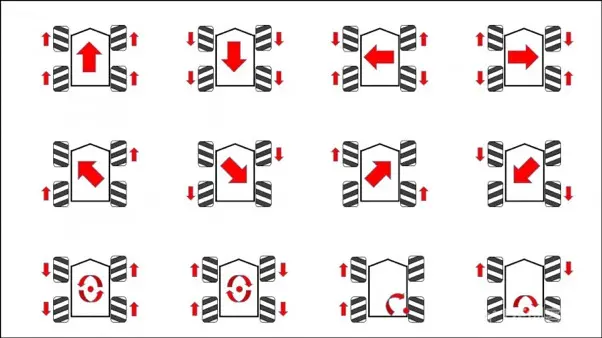
PinMap
| M5StickC | G26 | G0 | 5V | GND |
|---|---|---|---|---|
| RoverC HAT | SCL | SDA | 5V | GND |
| I2C① | SCL | SDA | 5V | GND |
| I2C② | SCL | SDA | 5V | GND |
Structure
Softwares
Arduino
1: This example uses RoverC and JoyC to achieve wireless control through UDP communication. Please choose the corresponding example program below according to the device you are using.
Note: After powering on, RoverC will display the hotspot name "M5AP+2-byte mac address", and JoyC will scan for the mac address name of RoverC. Long press the Home button on the M5StickC on JoyC for 3 seconds to start scanning the car's hotspot, and it will pair successfully. After successful pairing, the connection icon will be highlighted in the upper left corner of the screen, and the joystick values will be displayed on the screen. The left joystick controls forward and backward movement, left and right for lateral movement, and the right joystick controls turning.
2: This example is a standalone control program for RoverC, directly controlled by the main controller. Please choose the corresponding example program below according to the device you are using.
UiFlow1
Protocol
Communication Type: I2C
I2C Communication Address: 0x38
Easyloader
| Easyloader | Download Link | Remarks |
|---|---|---|
| RoverC-Pro Easyloader | download | / |
Video
Product Comparison
| Product Comparison | RoverC PRO 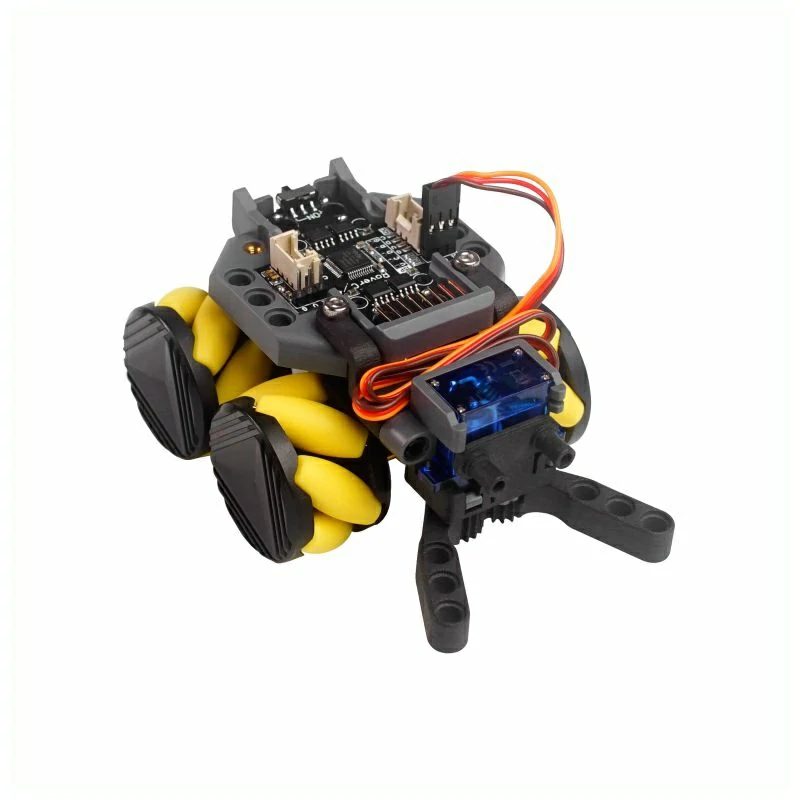 | RoverC 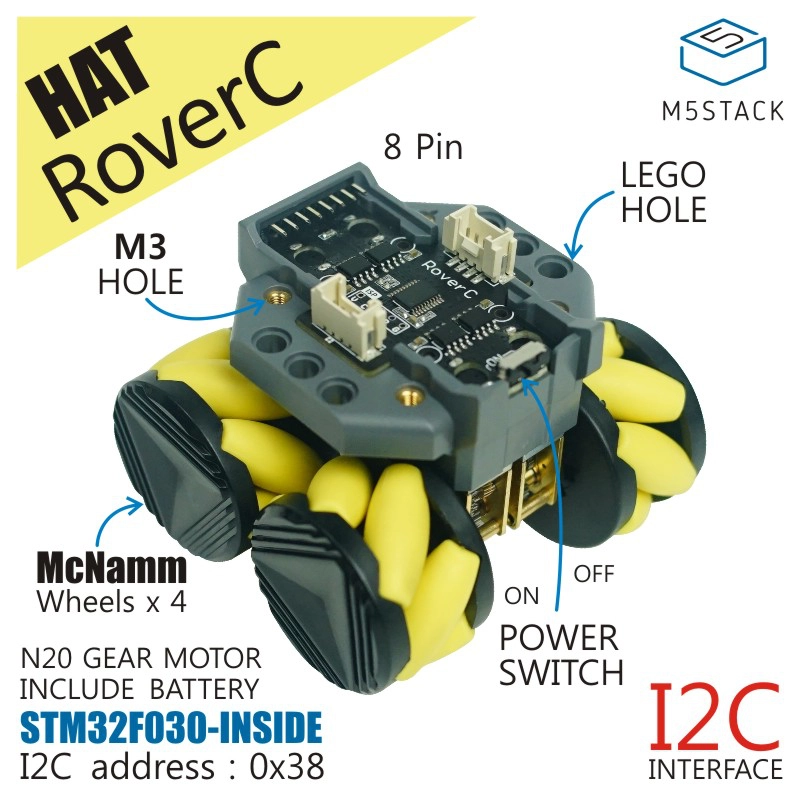 |
|---|---|---|
| Servo Gripper | x1 | / |
| Servo Expansion Interface | x2 | / |
| Battery | Removable | Non-removable |