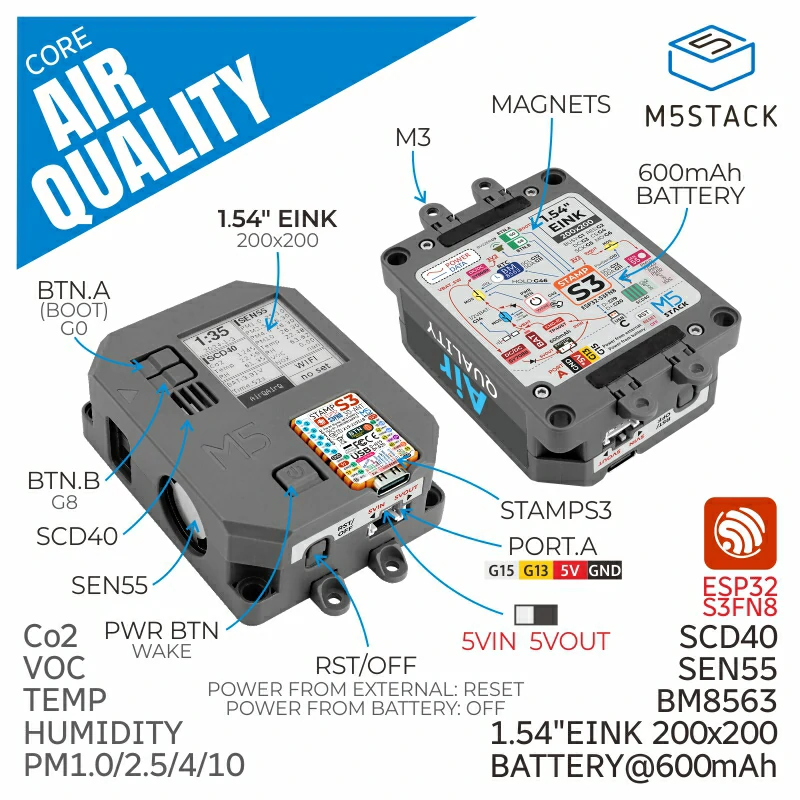
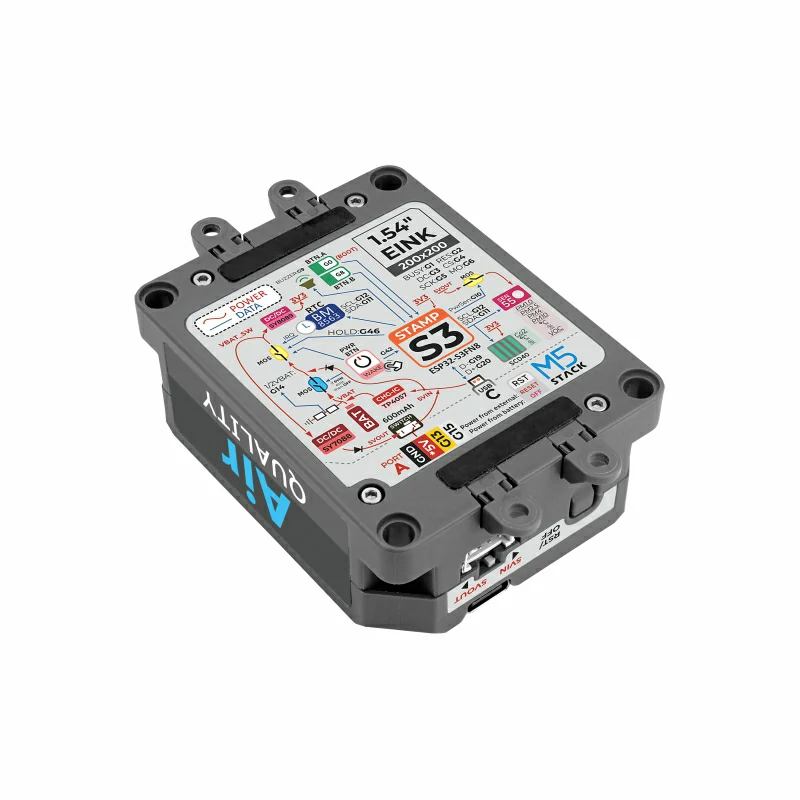
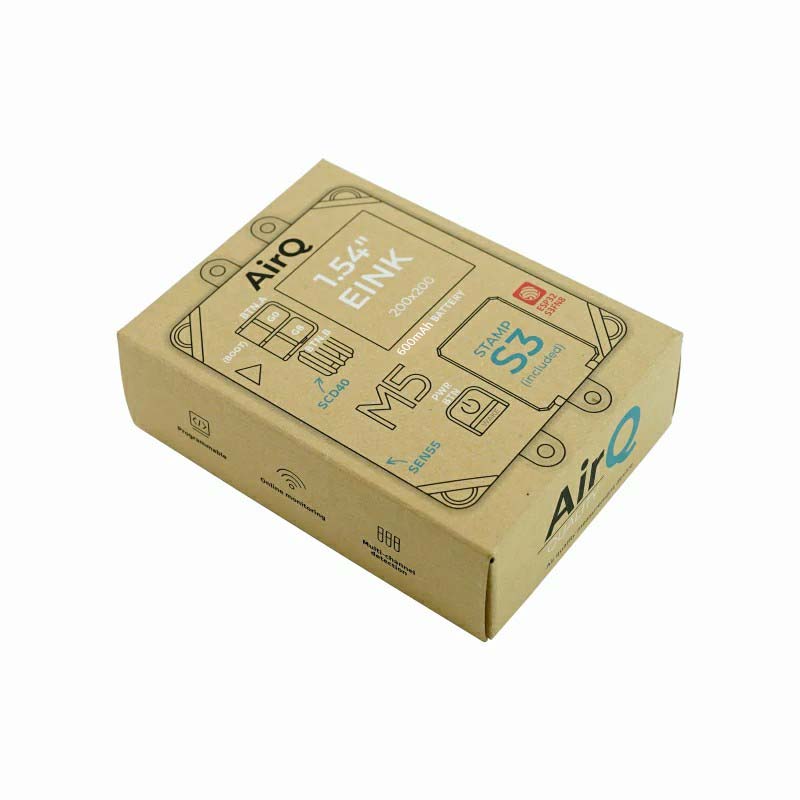
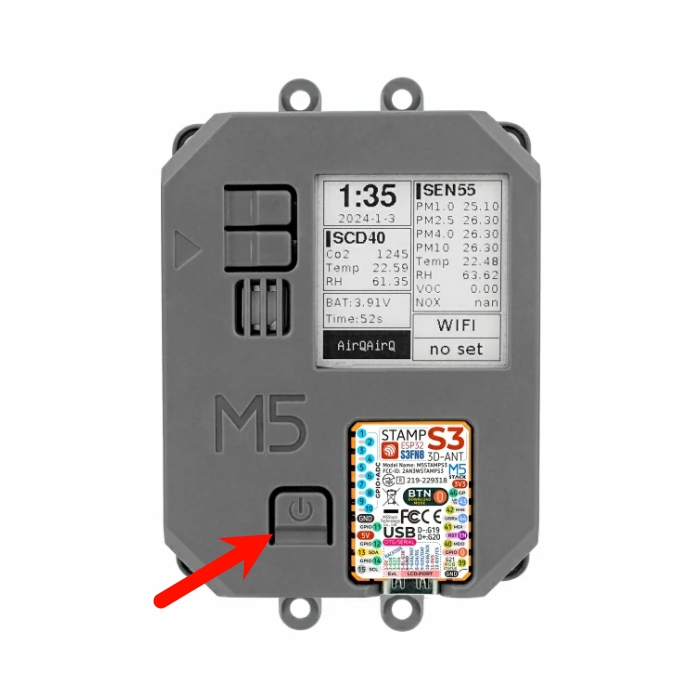
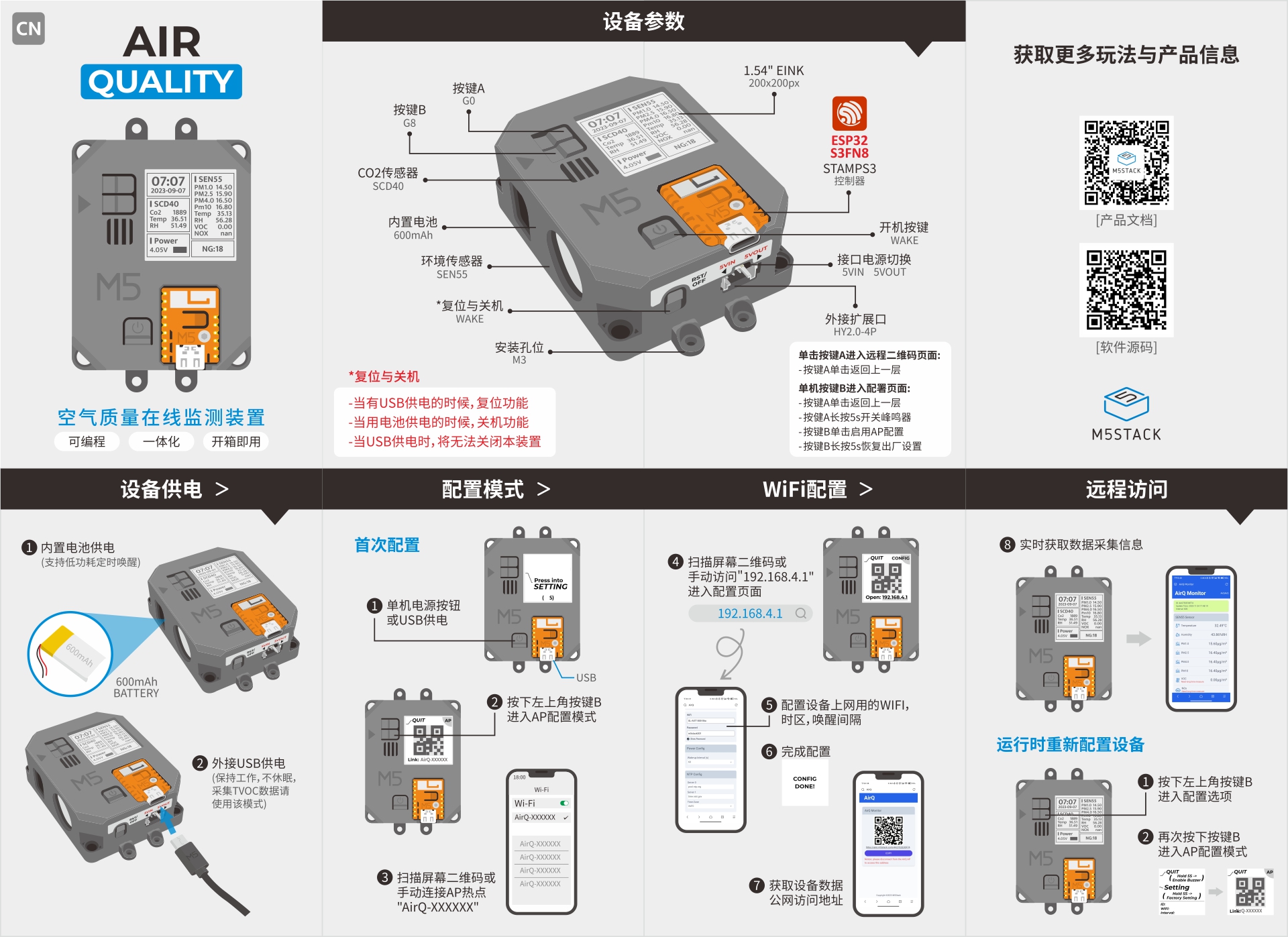
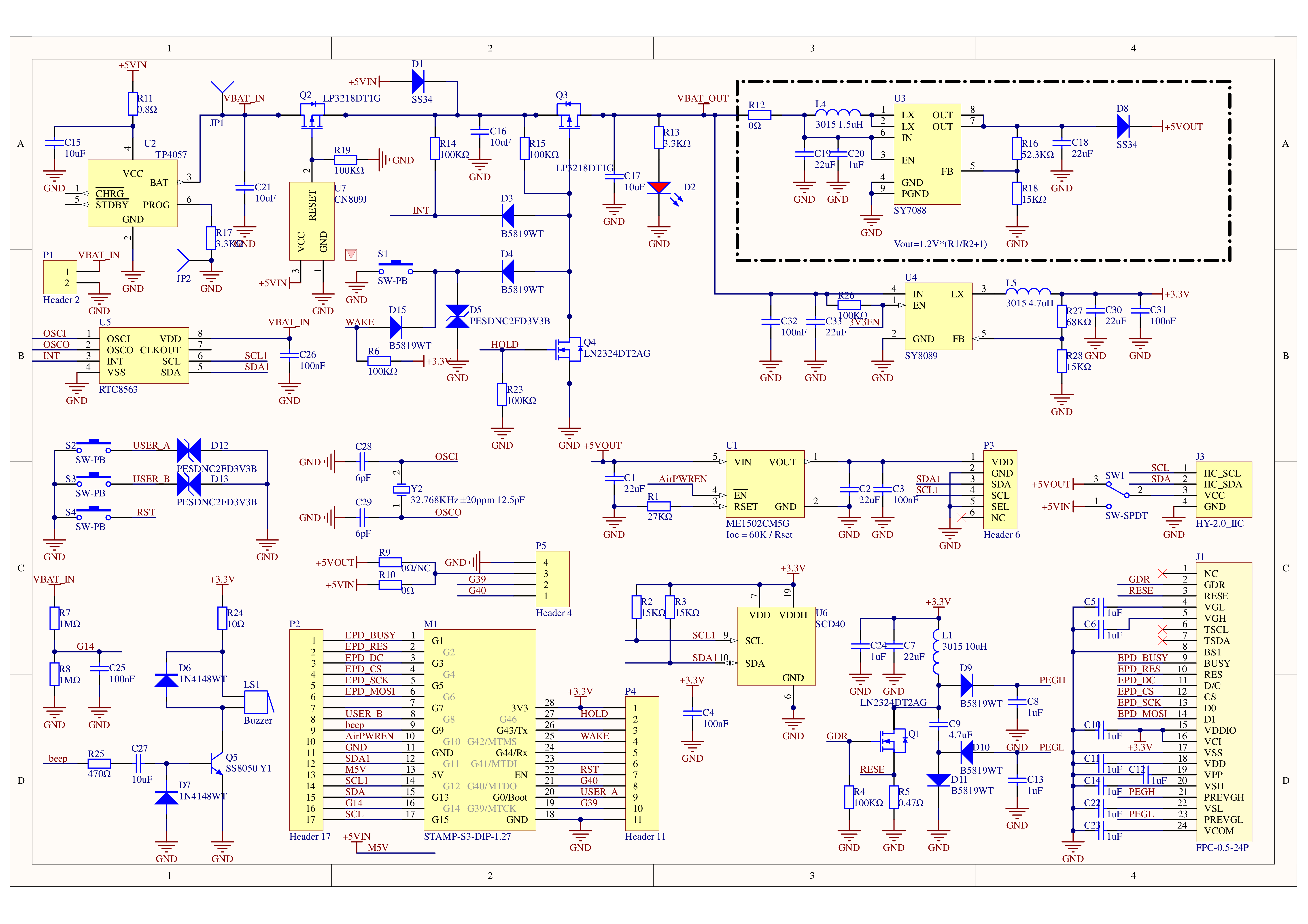
Air Quality is a low-power, all-in-one air-quality monitoring device. It integrates the multifunctional air-quality sensor SEN55 and the CO₂ sensor SCD40, enabling the measurement of PM1.0, PM2.5, PM4, PM10 particulate matter, temperature, humidity, VOC, and CO₂ concentration. Powered by the StampS3 MCU with 8MB Flash, it features a 1.54-inch E-Ink display (200 × 200) that retains the last image even when power is off. A built-in 600 mAh battery together with an RTC low-power management circuit supports sleep and timer wake-up functions.
The factory firmware uploads data to M5’s EZDATA cloud platform and automatically generates a monitoring page, allowing convenient remote access for users. The bottom of the device provides LEGO mounting holes, magnets, and four detachable mounting ears for versatile installation. It is ideal for long-term online monitoring in environments such as homes, schools, industrial sites, and medical facilities.
Button A (G0), Button B (G8), power button, reset/power-off
Grove Interface
HY2.0-4P
Buzzer
On-board passive buzzer
Mounting
LEGO holes, magnet, 4 x M3 detachable mounting ears
Operating Temperature
0 ~ 40 °C
Product Size
72.0 x 56.0 x 24.1 mm
Product Weight
91.9 g
Package Size
100.8 x 74.3 x 30.5 mm
Gross Weight
120.0 g
Learn
Power On/Off
Power On: When the device is powered only by the battery, press the WAKE button or wake it via an IRQ signal triggered by the RTC timer. After the wake-up signal is triggered, set the HOLD (GPIO46) pin to high (1) in the program initialization to maintain power; otherwise, the device will return to sleep.
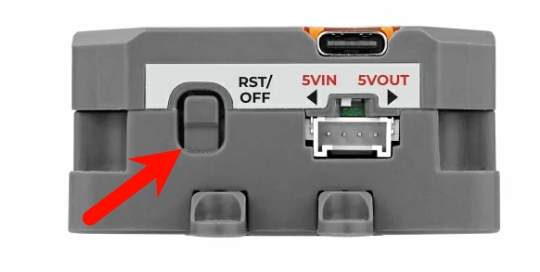
Power Off: When no external USB power is connected (battery power only), use either of the following methods:
(1) Press the RST button;
(2) Set HOLD (GPIO46) to 0 during program execution to cut off battery power.
Download Mode
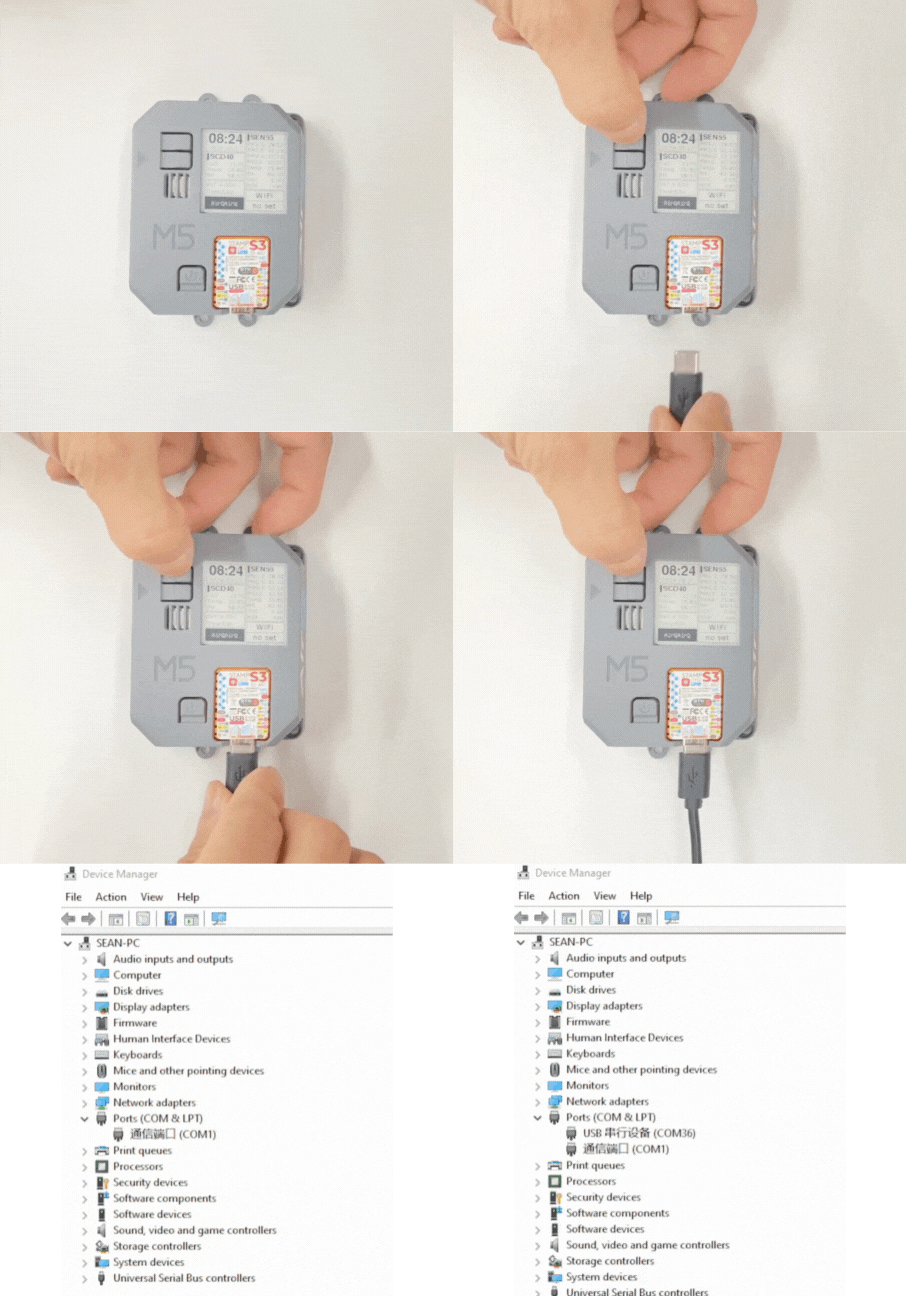
With the device powered off, press and hold the G0 button on the Stamp-S3 or the BOOT button on the Air Quality while connecting the device to a computer via a USB Type-C data cable. Release the button after the device is powered on; the device enters download mode.
If the Air Quality device has previously flashed UiFlow firmware and been bound to a user account, please unbind the device in the UiFlow2 device list before flashing the factory firmware. Otherwise, data may fail to upload to EzData after reflashing.