
Unit Buzzer
SKU:U132
Description
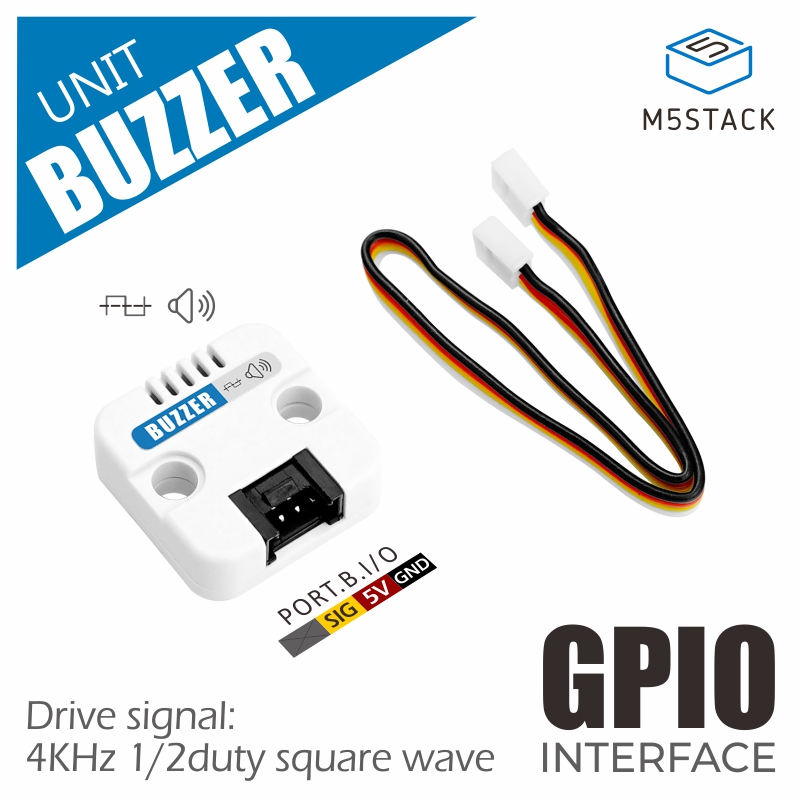
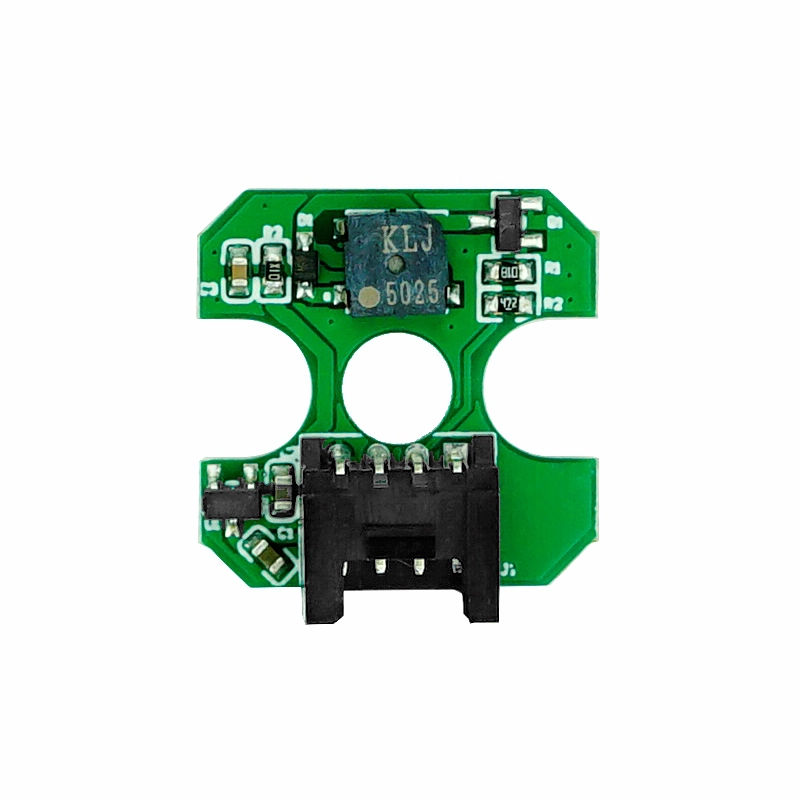
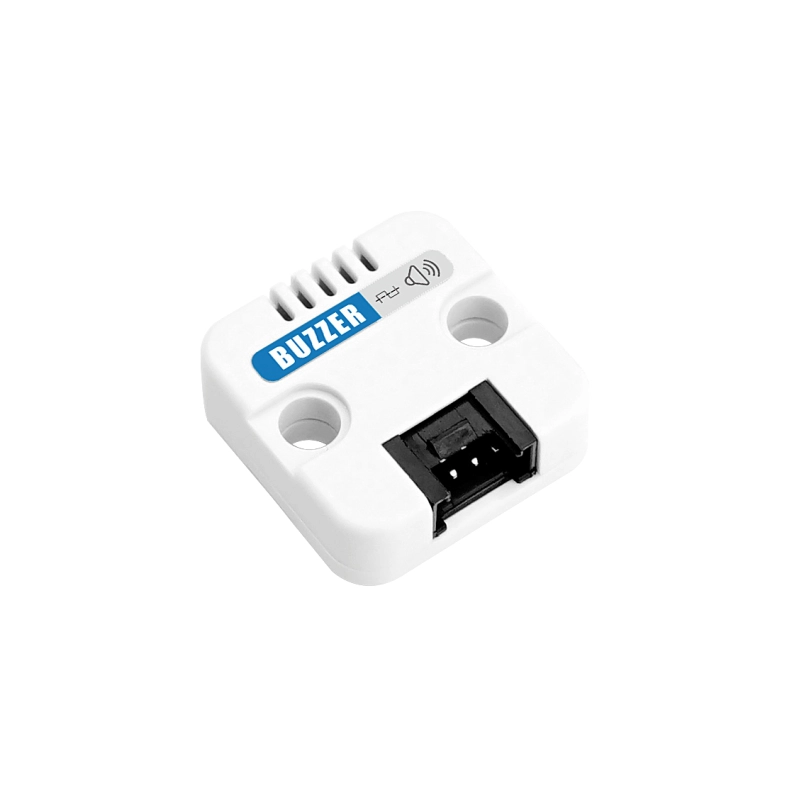
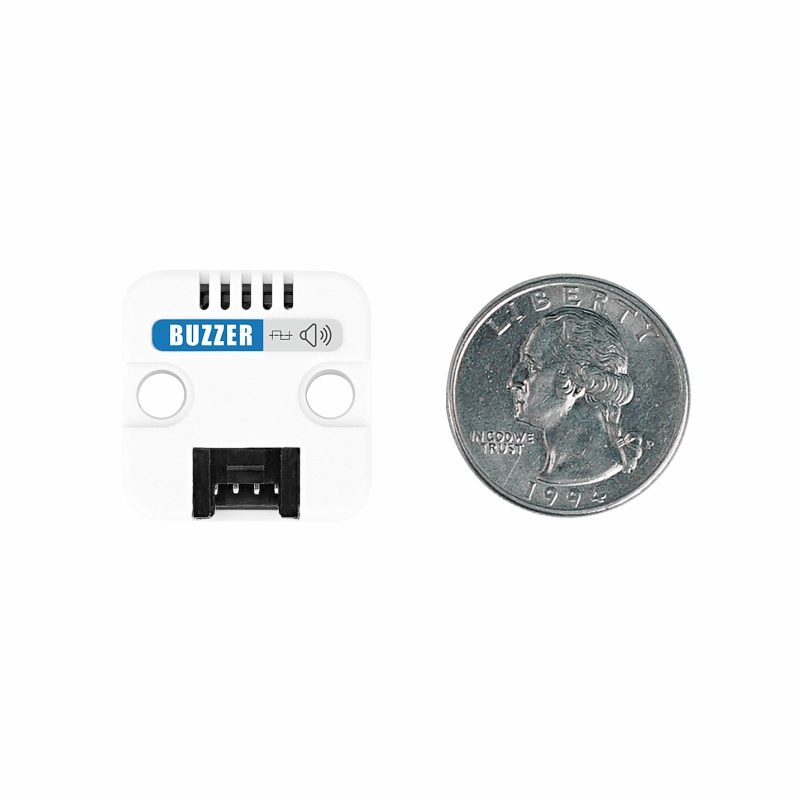
Unit Buzzer is an efficient audio feedback unit based on a passive buzzer. It drives the diaphragm to vibrate and generate sound through an external PWM square-wave signal, enabling buzzer alarms and custom prompt tone playback. The unit communicates via a Grove HY2.0-4P interface and integrates an NPN transistor driver with a protection circuit. It supports a recommended driving frequency of 4KHz and delivers a clear sound pressure level of 72dB. In addition, it adopts a LEGO-compatible mounting hole design, making it easy to integrate with LEGO structures or secure using screws. It is suitable for applications such as alarm systems, user interaction prompts, and intelligent device feedback.
Features
- Buzzer Type: Passive buzzer (requires external PWM drive)
- Sound Pressure Level: 72dB (at 10cm distance, 5V supply)
- Drive Method: PWM square-wave signal (DC high level strictly prohibited)
- Recommended Frequency: 4KHz
- Response Speed: Fast start / stop
- Communication Interface: Grove HY2.0-4P
- 2 x LEGO-compatible mounting holes
- Development Platform
- UiFlow1
- UiFlow2
- Arduino IDE
Includes
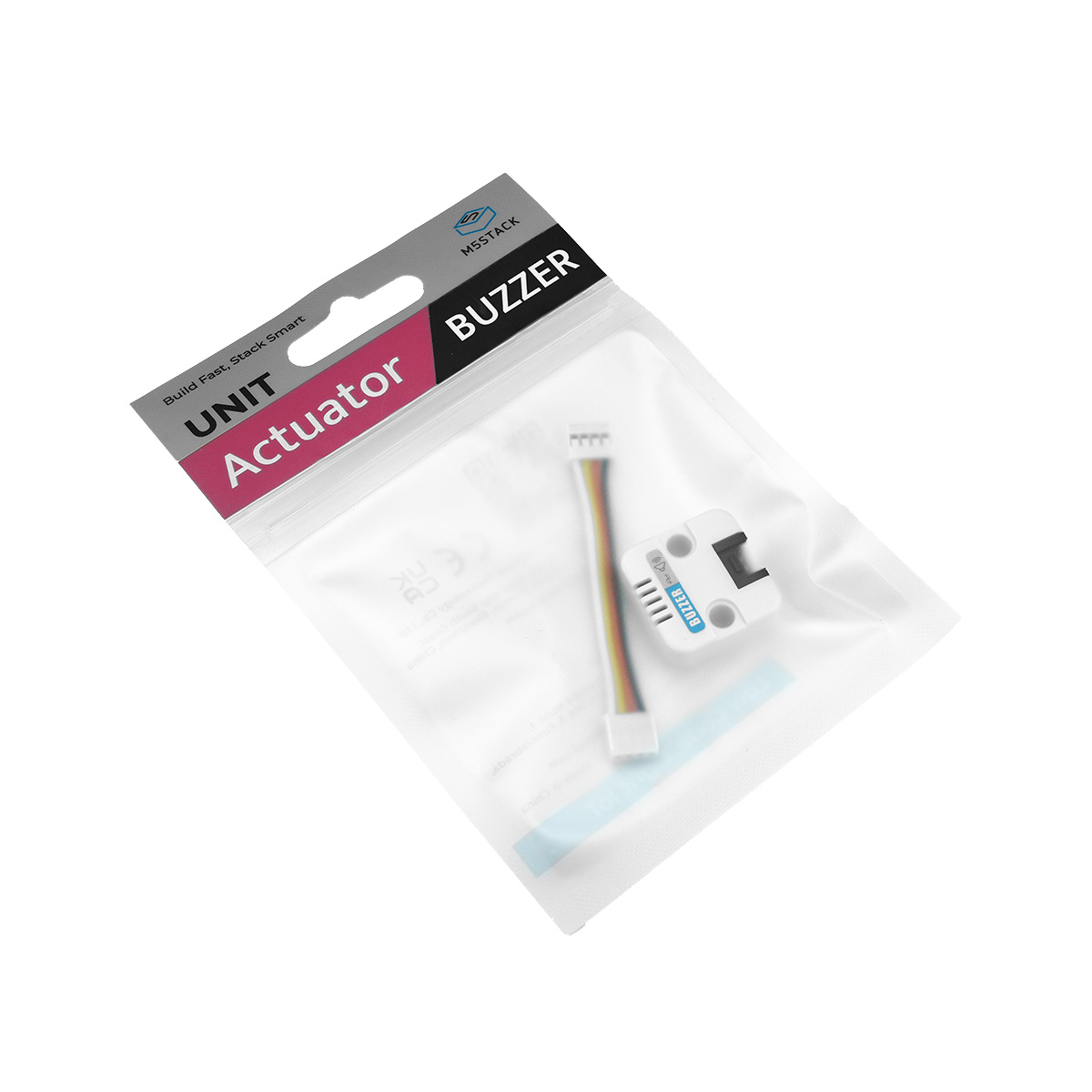
- 1 x Unit Buzzer
- 1 x HY2.0-4P Grove Cable (5cm)
Applications
- Buzzer alarm/notification
Specifications
| Specification | Parameter |
|---|---|
| Drive Frequency | 4KHz 1/2 duty square wave |
| Power Consumption | 5V@86mA |
| Product Size | 24.0 x 24.0 x 8.0mm |
| Product Weight | 3.3g |
| Package Size | 138.0 x 93.0 x 9.0mm |
| Gross Weight | 6.8g |
Schematics
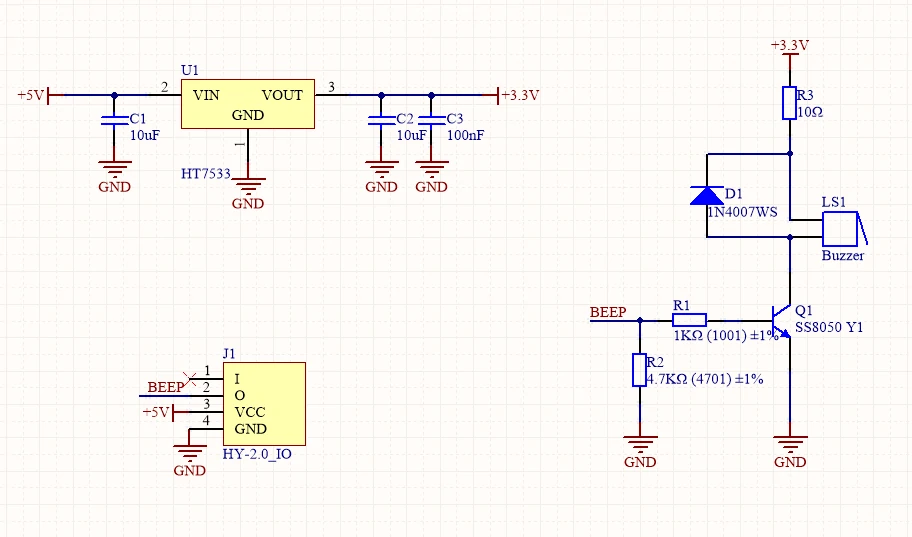
PinMap
Unit Buzzer
| HY2.0-4P | Black | Red | Yellow | White |
|---|---|---|---|---|
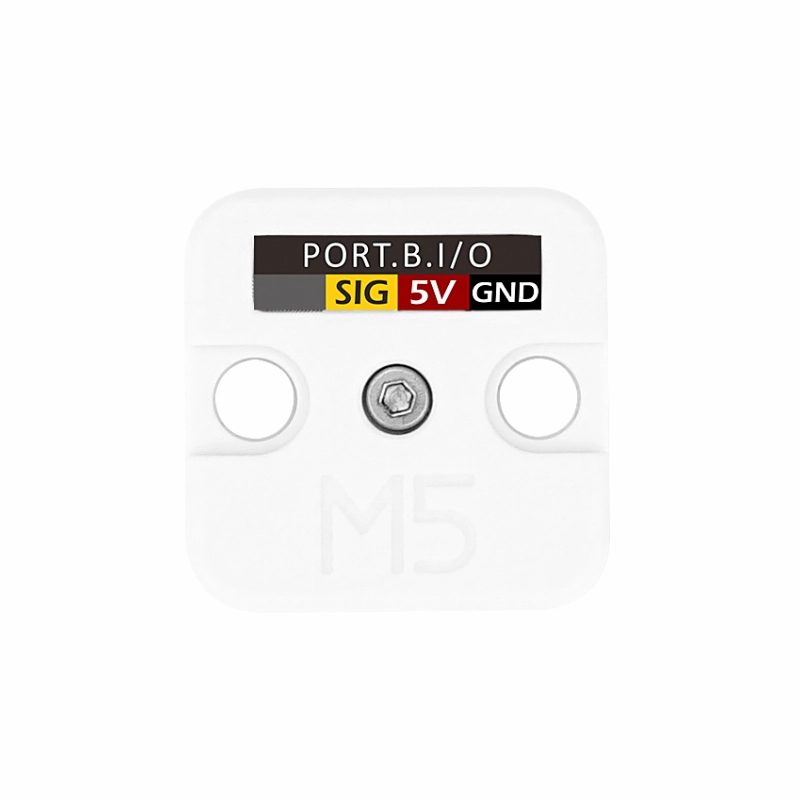
| PORT.B | GND | 5V | Signal | / |
Model Size
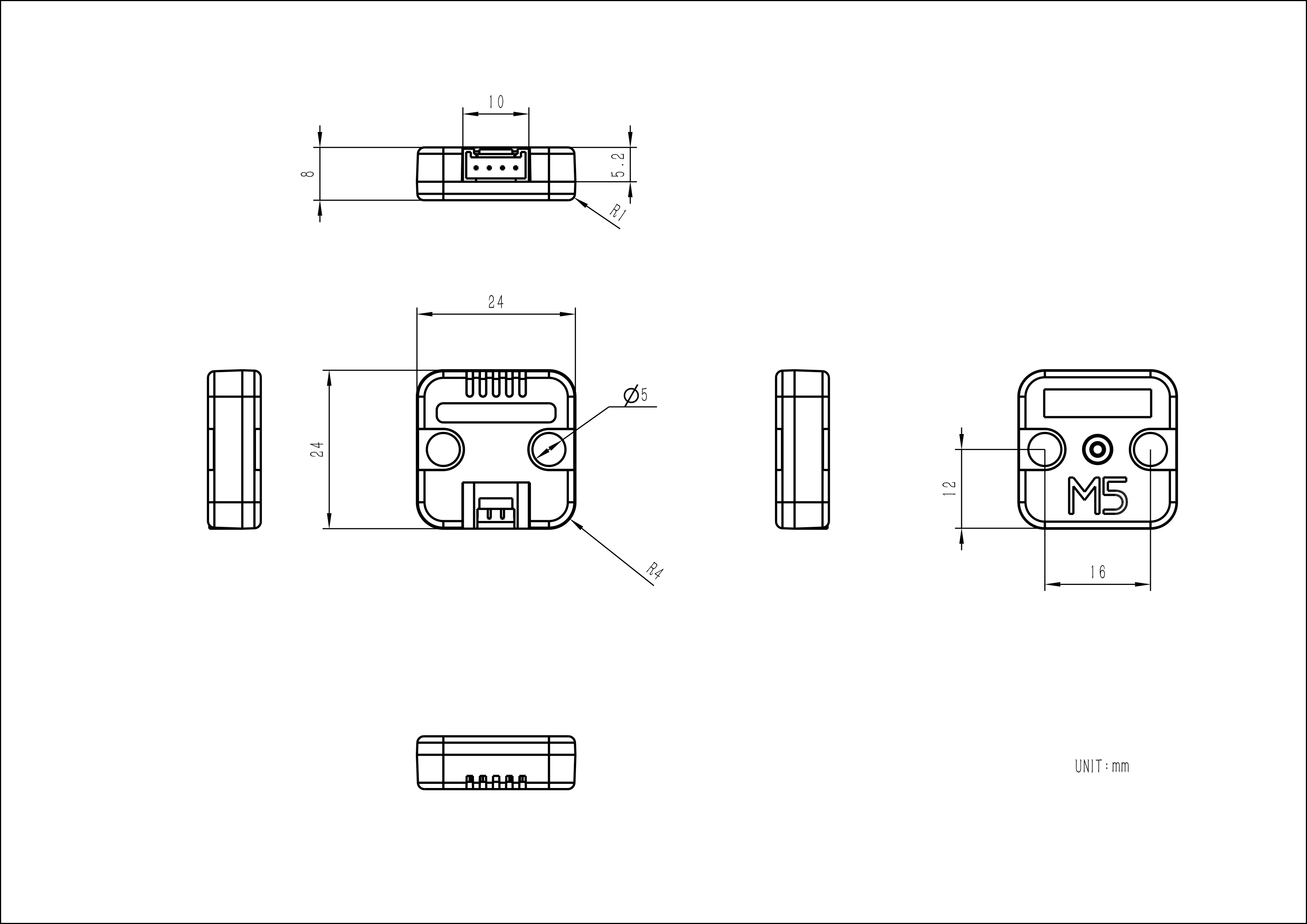
Structure
Softwares
Arduino
#include <Arduino.h>

#define buzzer_pin 26
int freq = 4000;
int ledChannel = 0;
int resolution = 10;

void setup() {
  ledcSetup(ledChannel, freq, resolution);  //Sets the frequency and number of counts corresponding to the channel.
  ledcAttachPin(buzzer_pin, ledChannel); //Binds the specified channel to the specified I/O port for output.
  ledcWrite(ledChannel, 512);  //Output PWM.
}

void loop() {
    ledcWrite(ledChannel, 512);  //Output PWM.
    delay(3000);
    ledcWrite(ledChannel, 0);  //Output PWM.
    delay(3000);
}UiFlow1
UiFlow2
Video
Page Tools