pdf-icon

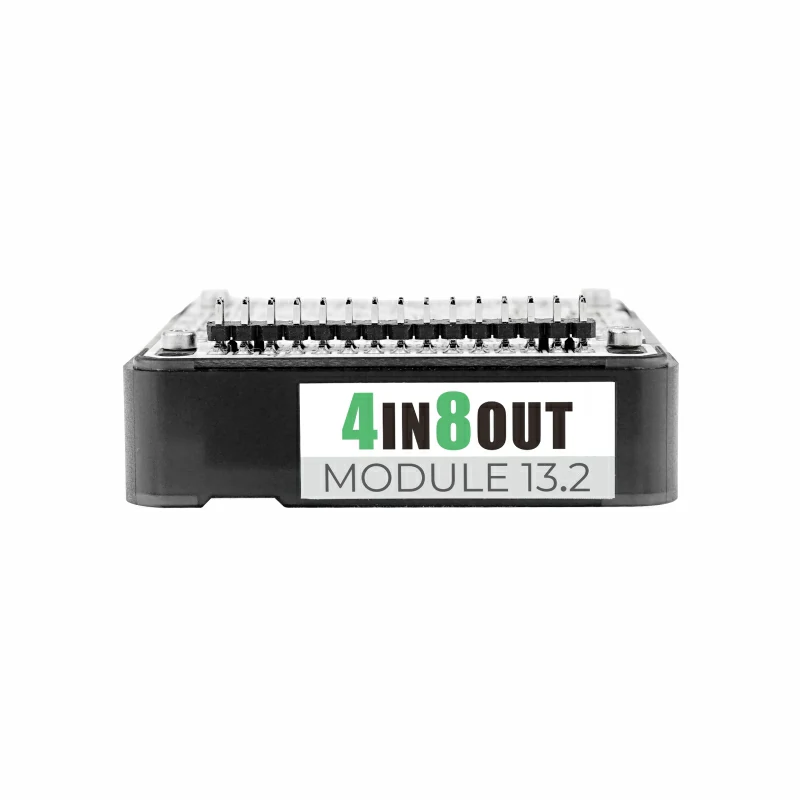
Module13.2 4In8Out

SKU:M122
説明

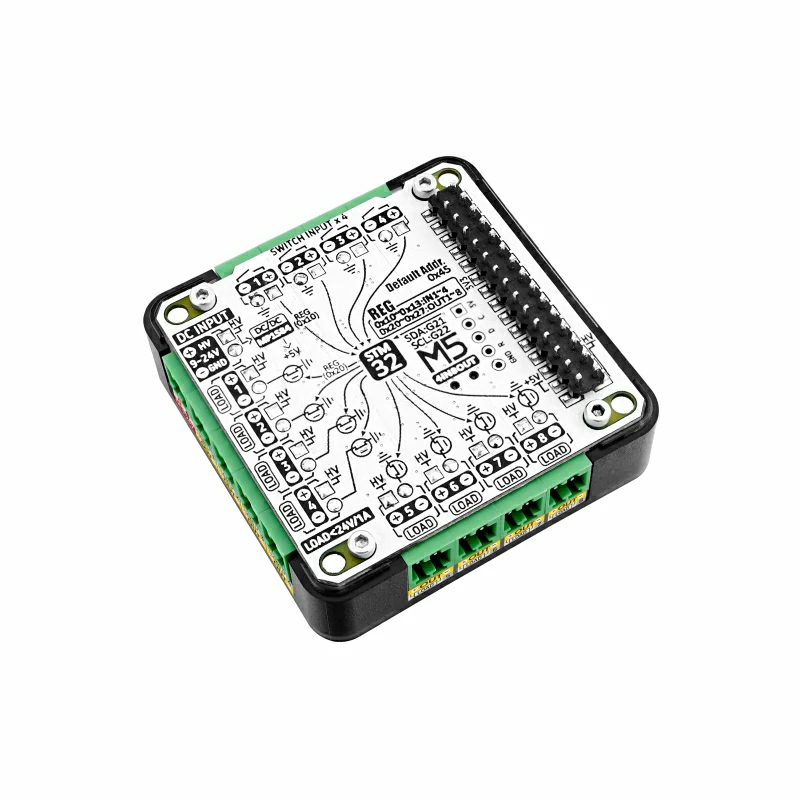
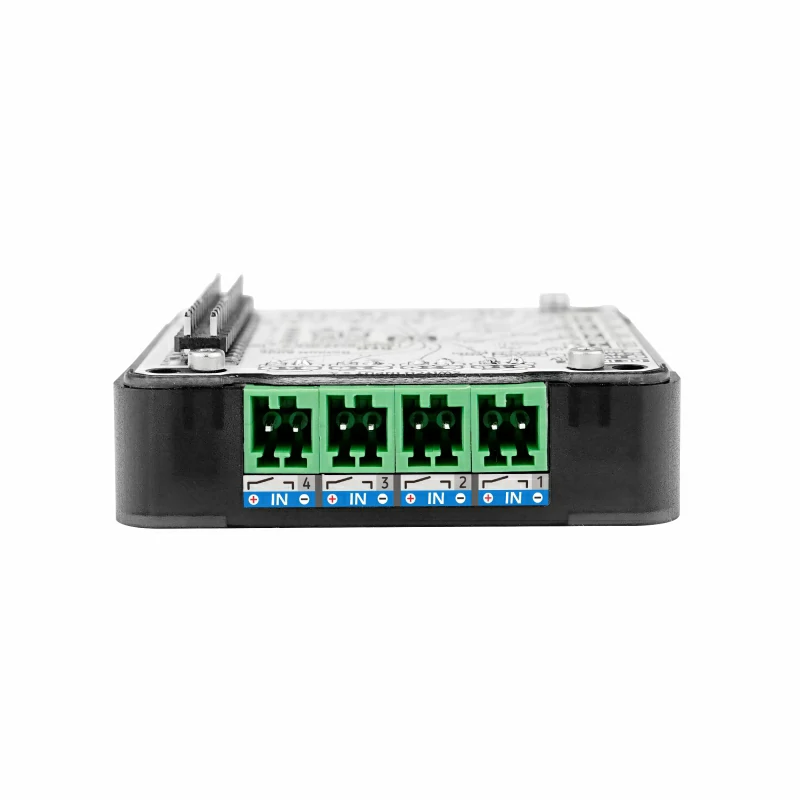
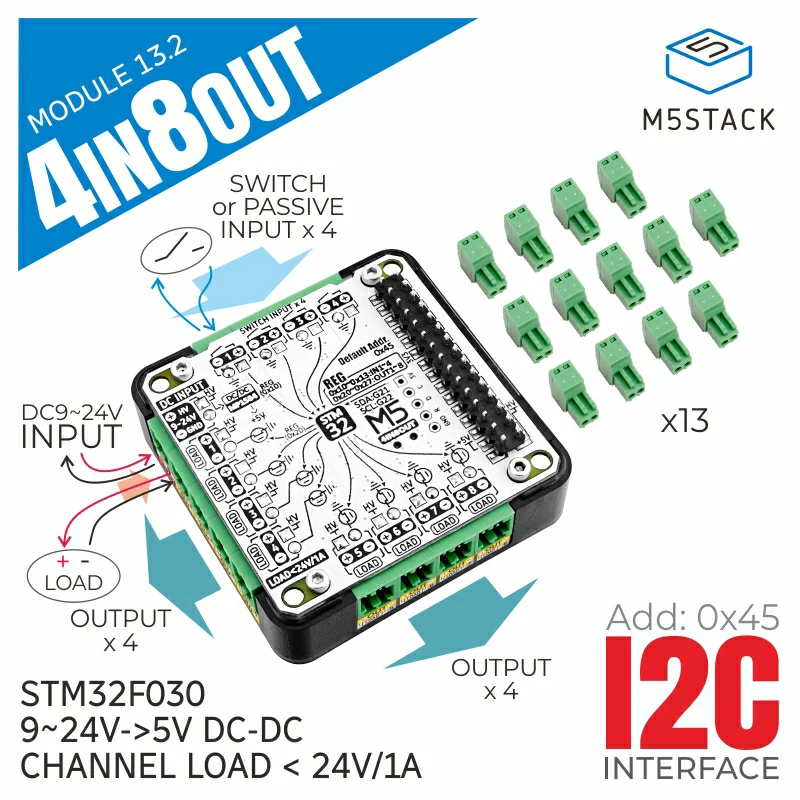
Module13.2 4In8Out は、8 チャンネル MOS 駆動出力 + 4 チャンネル無電源接点入力の IO 拡張モジュールです。STM32F030 を I2C の IO 拡張チップとして採用し、9〜24V の電源入力に対応、内部に 5V DC-DC 変換回路を内蔵しています。

特徴

  • Basic/Fire/Core2/CoreS3 などのホストに対応
  • STM32F030 を IO 拡張チップとして採用し、I2C でホストと通信可能、I2C アドレスはレジスタ書き込みで変更可能
  • 8 チャンネル共通電源正極 MOSFET 駆動回路 (A3400)、負荷を直接駆動可能、各チャンネル最大通断電流 1A
  • 4 チャンネル共通グランドの無電源接点入力、有源信号または 5V を超える信号は接続不可
  • MP1584 9〜24V -> 5V DC-DC 回路を内蔵

含まれるもの

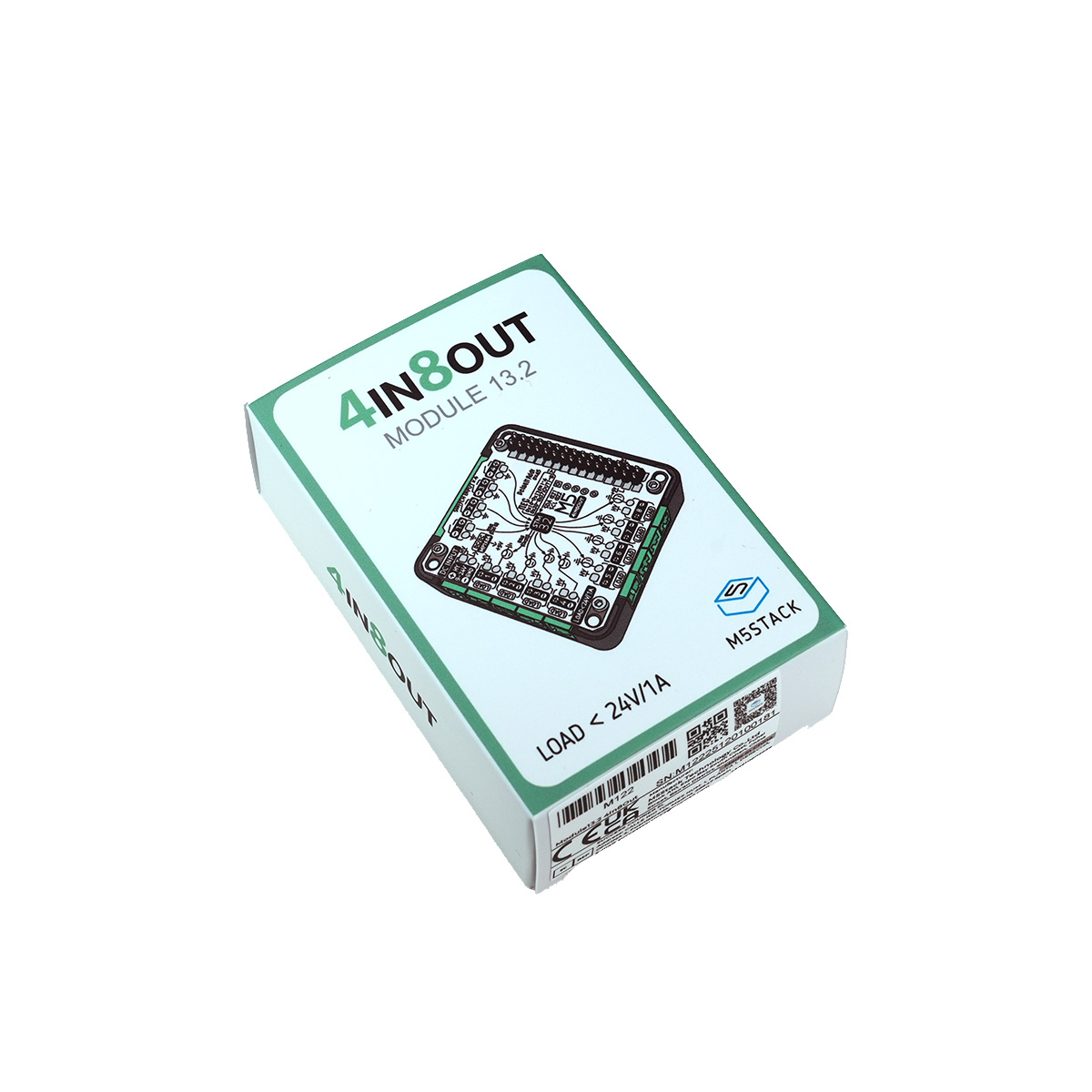
  • 1 x Module13.2 4In8Out
  • 13 x 2P 端子

アプリケーション

  • 多チャンネル負荷駆動(リレー、エアバルブ、単方向モーター、信号インジケーターライトなど)
  • 限位スイッチ、ボタン検出

仕様

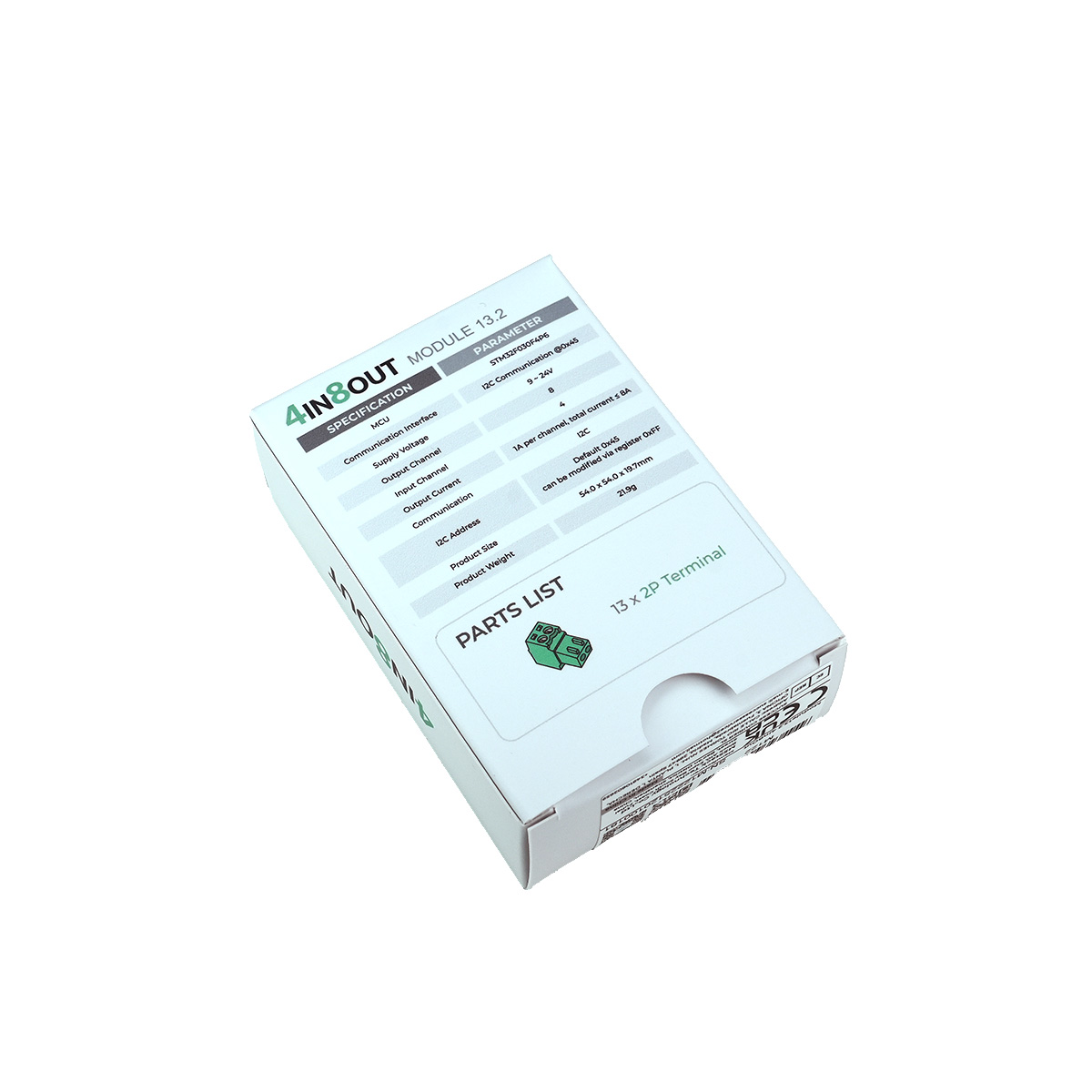
仕様 パラメータ
MCU STM32F030F4P6
通信インターフェース I2C 通信 @ 0x45
電源電圧 9〜24V
出力チャンネル 8
入力チャンネル 4
出力電流 各チャンネル 1A、総電流は 8A 以下
通信インターフェース I2C
I2C アドレス デフォルト 0x45、レジスタ 0xFF 書き込みで変更可能
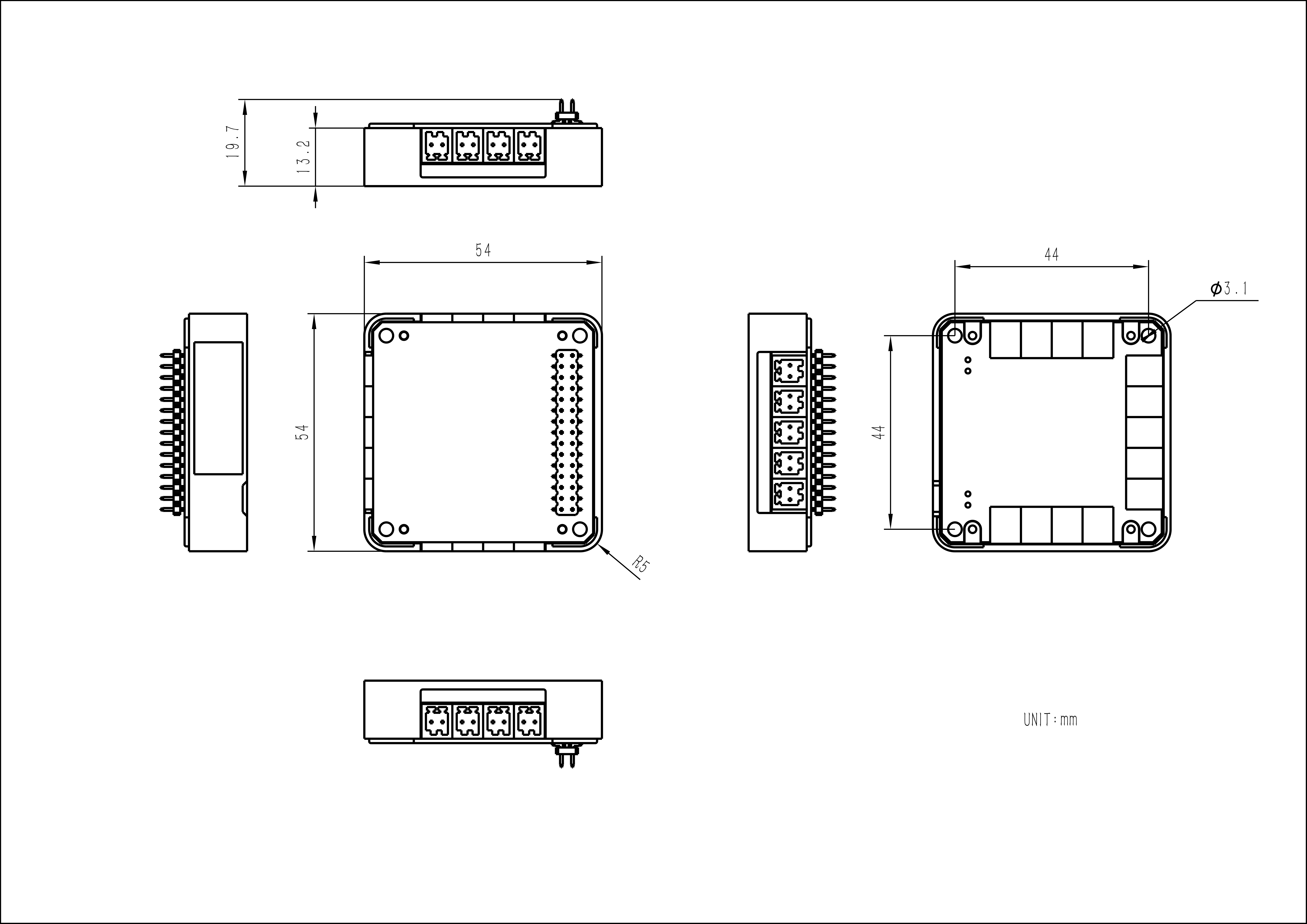
製品サイズ 54.0 x 54.0 x 19.7mm
製品重量 21.9g
梱包サイズ 80.0 x 55.0 x 28.0mm
梱包重量 52.5g

操作説明

板載トグルスイッチの役割
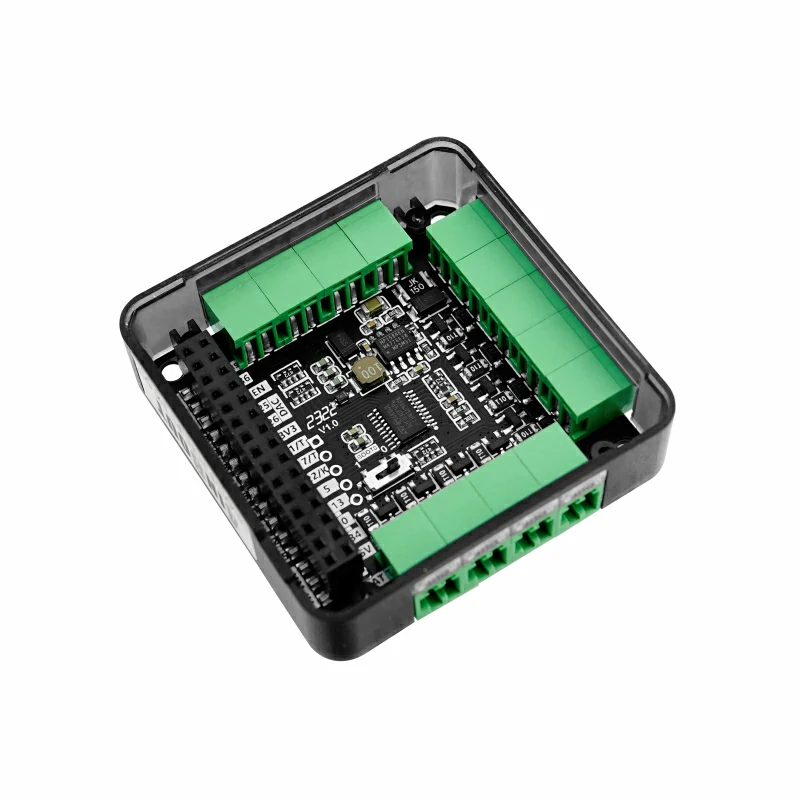
下図赤枠内は boot0 の制御トグルスイッチです。1 側に切り替えるとハイレベルになり、ファームウェア書き込みモードになります。0 側に切り替えるとローになり、フラッシュからユーザープログラムを読み込みます。つまり通常使用モードです。

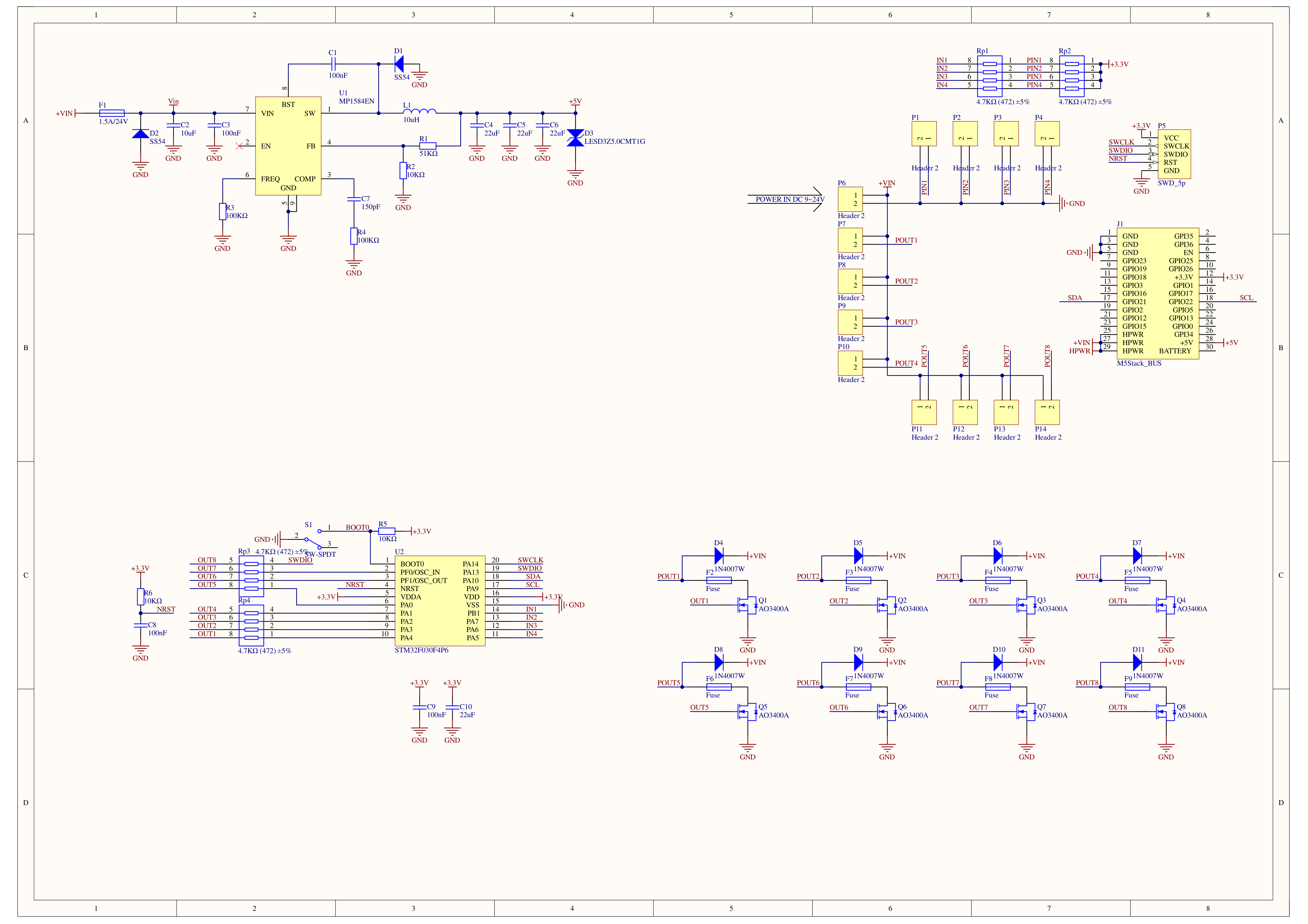
回路図

ピンマップ

M5-Bus

PIN LEFT RIGHT PIN
GND 1 2
GND 3 4
GND 5 6
7 8
9 10
11 12 3V3
13 14
15 16
SDA 17 18 SCL
19 20
21 22
23 24
HPWR 25 26
HPWR 27 28 5V
HPWR 29 30

製品サイズ

ソフトウェア

Arduino

#include <M5Stack.h>
#include "MODULE_4IN8OUT.h"

MODULE_4IN8OUT module;

int _I2C_dev_scan();

void setup() {
    M5.begin(1,1,1,1);  // Init M5Stack.  M5Stackの初期化

    // while (1) {
    //     _I2C_dev_scan();
    //     delay(1000);
    // }


    while (!module.begin(&Wire, 21, 22, MODULE_4IN8OUT_ADDR)) {
        Serial.println("4IN8OUT INIT ERROR");
        M5.Lcd.println("4IN8OUT INIT ERROR");
        _I2C_dev_scan();
        delay(1000);
    };
    Serial.println("4IN8OUT INIT SUCCESS");
}

// void loop() {

// }

long interval = 0;
bool level    = false;

void loop() {
    for (uint8_t i = 0; i < 4; i++) {
        if (module.getInput(i) != 1) {
            // M5.Lcd.fillRect(60 + 60 * i, 0, 25, 25, TFT_BLACK);
            M5.Lcd.fillRect(60 + 60 * i, 0, 25, 25, TFT_GREEN);
        } else {
            // M5.Lcd.fillRect(60 + 60 * i, 0, 25, 25, TFT_BLACK);
            // M5.Lcd.drawRect(60 + 60 * i, 0, 25, 25, TFT_GREEN);
            M5.Lcd.fillRect(60 + 60 * i, 0, 25, 25, TFT_RED);
        }
        M5.Lcd.drawString("IN" + String(i), 40 + 60 * i, 5);
    }
    M5.Lcd.drawString("4IN8OUT MODULE", 60, 80, 4);
    // M5.Lcd.drawString("FW VERSION:" + String(module.getVersion()), 70, 120, 4);
    if (millis() - interval > 1000) {
        interval = millis();
        level    = !level;
        for (uint8_t i = 0; i < 8; i++) {
            module.setOutput(i, level);
            if (level) {
                M5.Lcd.fillRect(20 + 35 * i, 200, 25, 25, TFT_BLACK);
                M5.Lcd.fillRect(20 + 35 * i, 200, 25, 25, TFT_BLUE);
            } else {
                M5.Lcd.fillRect(20 + 35 * i, 200, 25, 25, TFT_BLACK);
                M5.Lcd.drawRect(20 + 35 * i, 200, 25, 25, TFT_BLUE);
            }
            M5.Lcd.drawString("OUT" + String(i), 18 + 35 * i, 180);
            // delay(50);
        }
    }
    // if (M5.BtnB.wasPressed()) {
    //     if (module.setDeviceAddr(0x66)) {
    //         Serial.println("Update Addr: 0x66");
    //     }
    // }
    // M5.update();

    delay(500);
}


int _I2C_dev_scan() {
    uint8_t error, address;
    int nDevices;

    Serial.println("[I2C_SCAN] device scanning...");

    nDevices = 0;
    for (address = 1; address < 127; address++ ) {
        // The i2c_scanner uses the return value of
        // the Write.endTransmisstion to see if
        // a device did acknowledge to the address.
        Wire.beginTransmission(address);
        error = Wire.endTransmission();

        if (error == 0) {
            Serial.print("[I2C_SCAN]: device found at address 0x");
            if (address < 16)
                Serial.print("0");
            Serial.print(address, HEX);
            Serial.println(" !");

            nDevices++;
        }
        else if (error == 4) {
            Serial.print("[I2C_SCAN]: unknow error at address 0x");
            if (address < 16)
                Serial.print("0");
            Serial.println(address, HEX);
        }
    }

    Serial.print("[I2C_SCAN]:");
    Serial.printf(" %d devices was foundrn", nDevices);
    return nDevices;
}

UiFlow1

UiFlow2

通信プロトコル

動画