

StackFlow AI Platform
Model Library
Speech Recognition & Audio
Development Examples
OpenAI-Compatible API
AI Pyramid OpenAI-Compatible API Chat Example
This example explains how to deploy a StackFlow chat model and the OpenAI-compatible API on AI Pyramid, then invoke the local model through cURL, the Python SDK, and Chatbox.
Preparation
- Refer to AI Pyramid Software Package Update to complete the installation of the following model packages and software packages.
apt install lib-llm llm-sys llm-llm llm-openai-apiapt install llm-model-qwen2.5-1.5b-int4-ax650Note
After installing a new model each time, you need to manually execute systemctl restart llm-openai-api to update the model list.
Curl Call
curl http://127.0.0.1:8000/v1/models \
  -H "Content-Type: application/json"
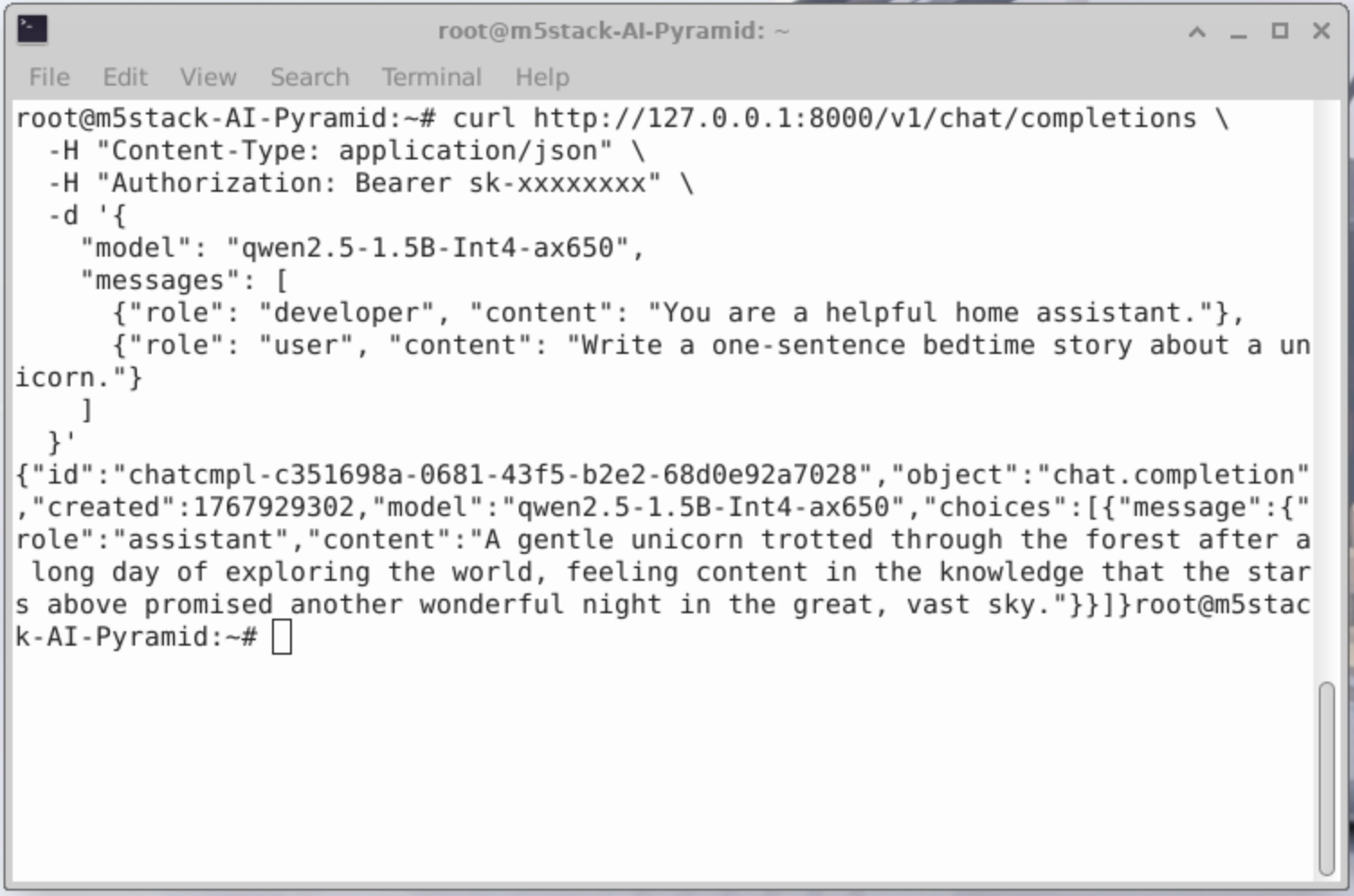
curl http://127.0.0.1:8000/v1/chat/completions \
-H "Content-Type: application/json" \
-H "Authorization: Bearer sk-xxxxxxxx" \
-d '{
"model": "qwen2.5-1.5B-Int4-ax650",
"messages": [
{"role": "developer", "content": "You are a helpful home assistant."},
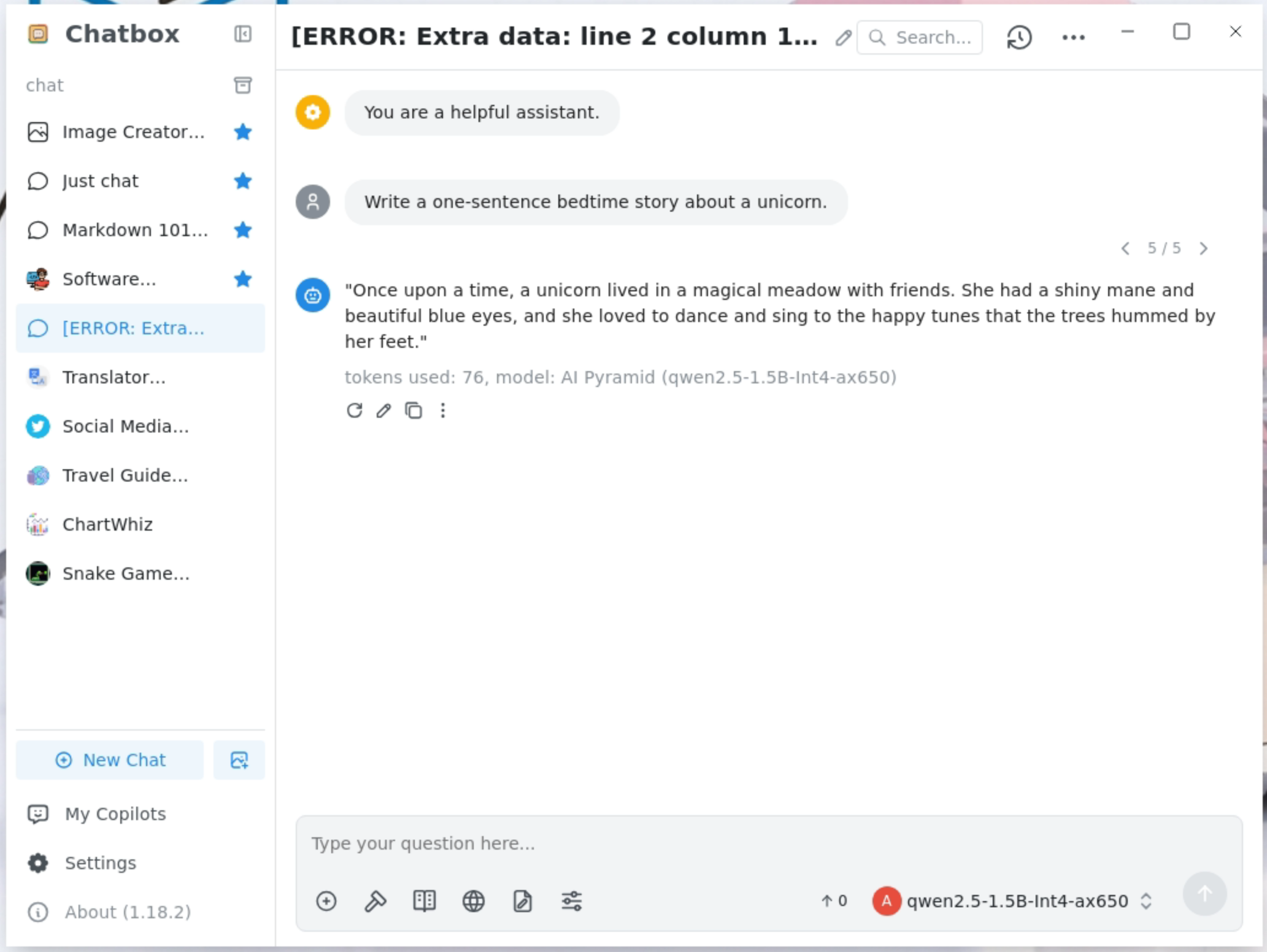
{"role": "user", "content": "Write a one-sentence bedtime story about a unicorn."}
]
}'
Python Call
from openai import OpenAI
client = OpenAI(
    api_key="sk-",
    base_url="http://127.0.0.1:8000/v1"
)

client.models.list()
print(client.models.list())
from openai import OpenAI
client = OpenAI(
api_key="sk-",
base_url="http://127.0.0.1:8000/v1"
)
completion = client.chat.completions.create(
model="qwen2.5-1.5B-Int4-ax650",
messages=[
{"role": "developer", "content": "You are a helpful home assistant."},
{"role": "user", "content": "Turn on the light!"}
]
)
print(completion.choices[0].message)ChatBox Call
Get ChatBox
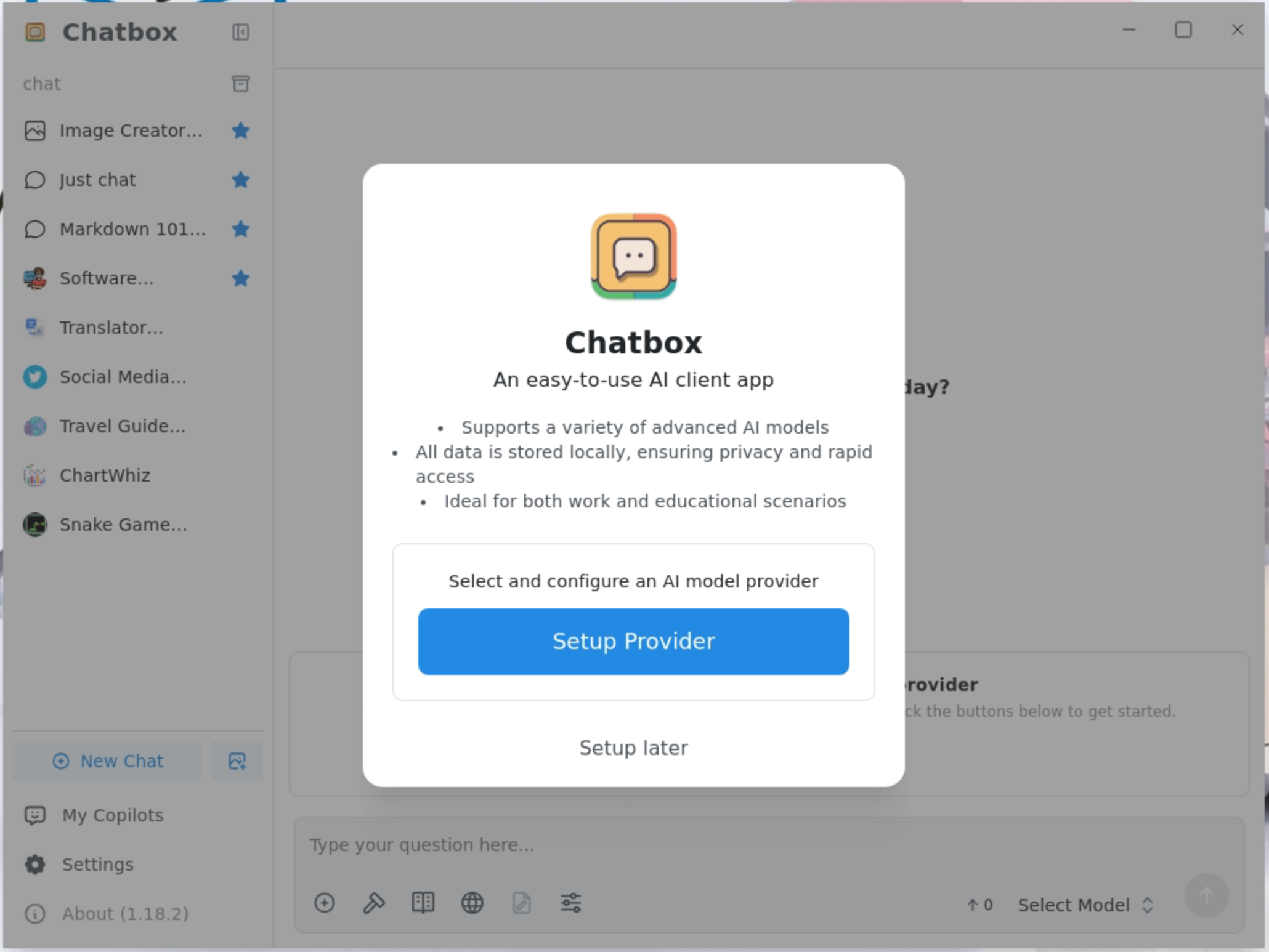
Click Setup Provider to add a model provider.
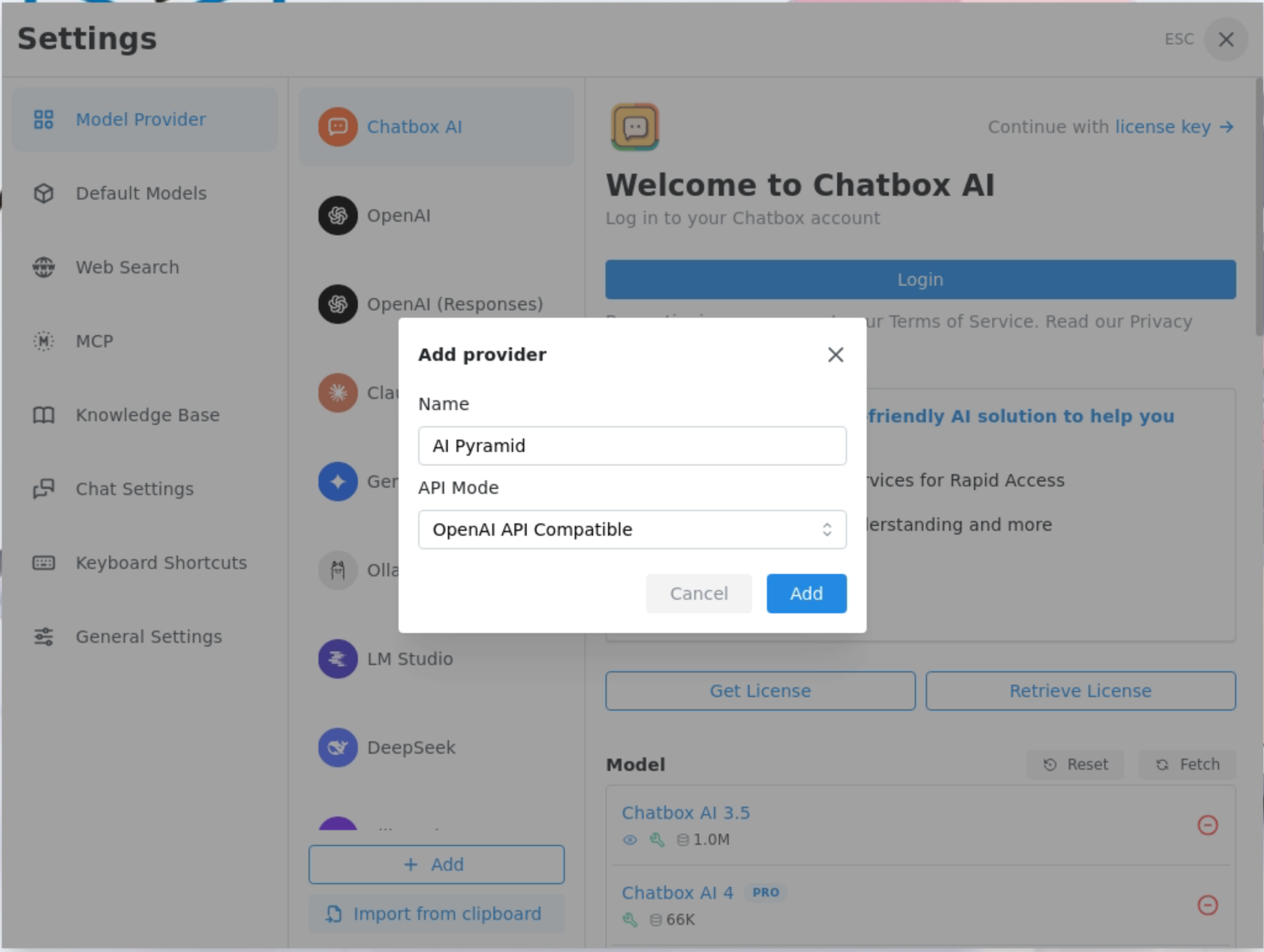
In Add provider, set Name to AI Pyramid, and select OpenAI API Compatible for API Mode.
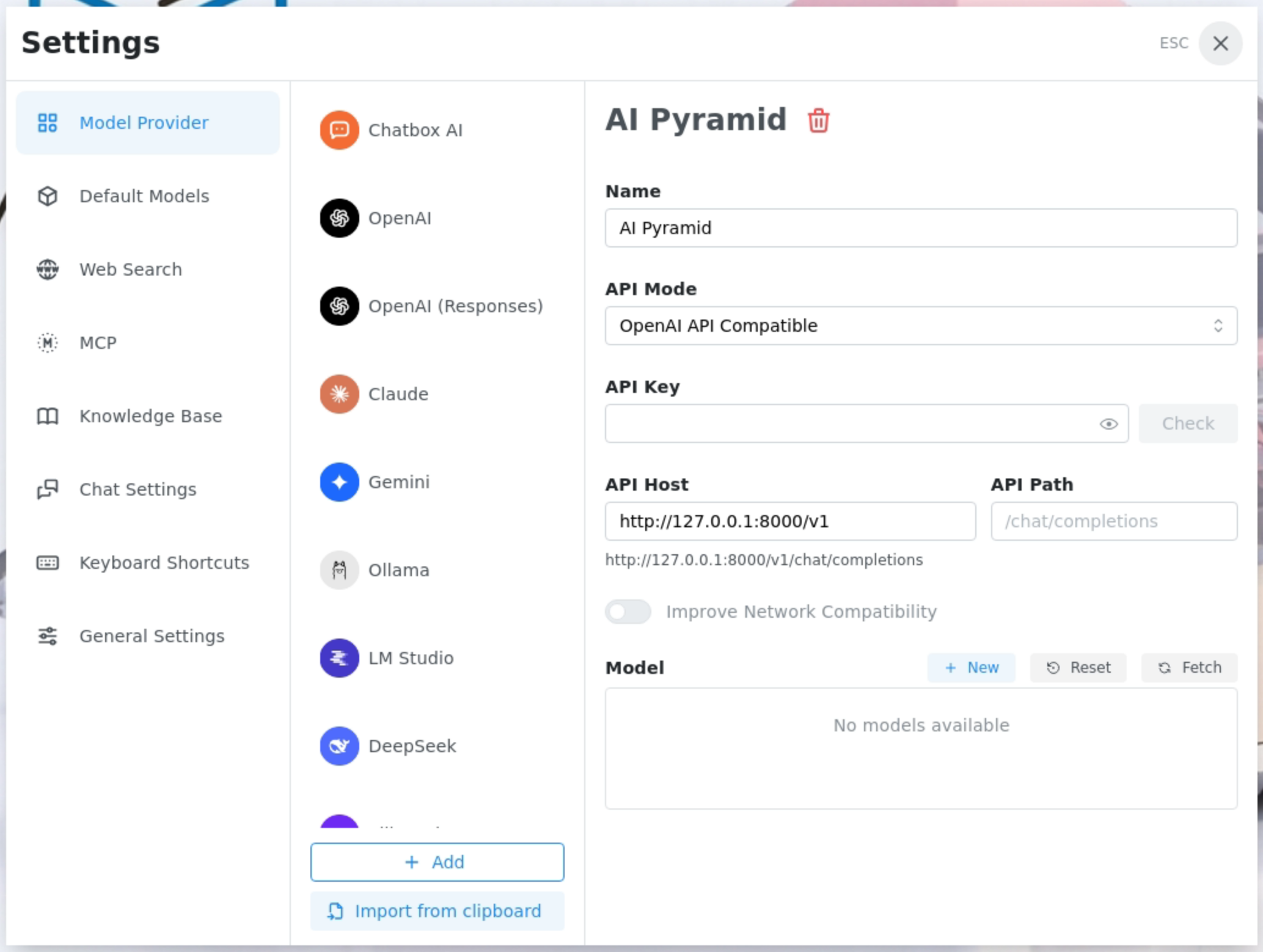
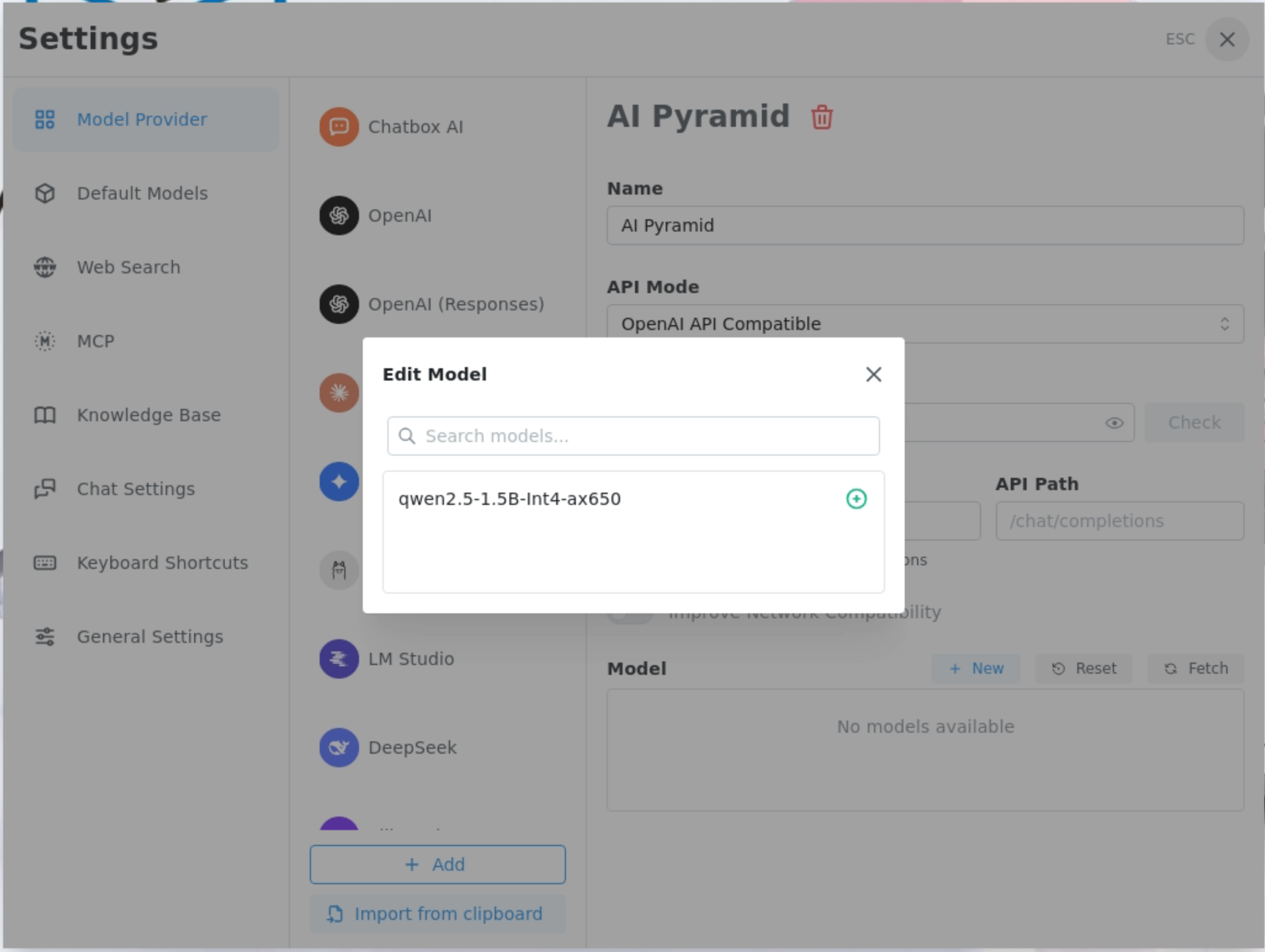
In API Host, enter the IP address and API path of AI Pyramid, then retrieve and add the installed models.
Add the qwen2.5-1.5B-Int4-ax650 model provided by LLM8850.
Set the maximum context message length to 0.
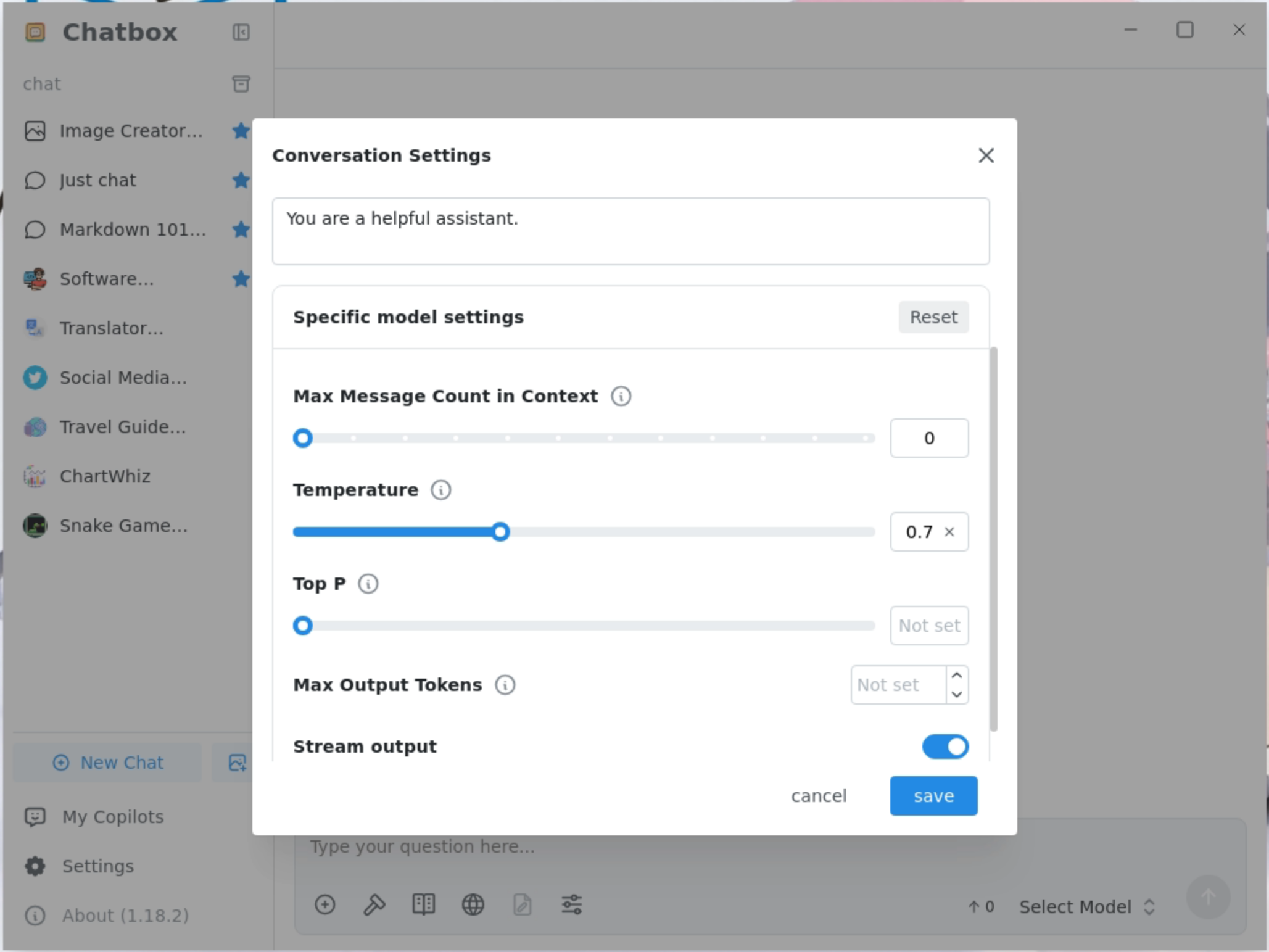
Streaming output is supported.
 ````
````
Page Tools