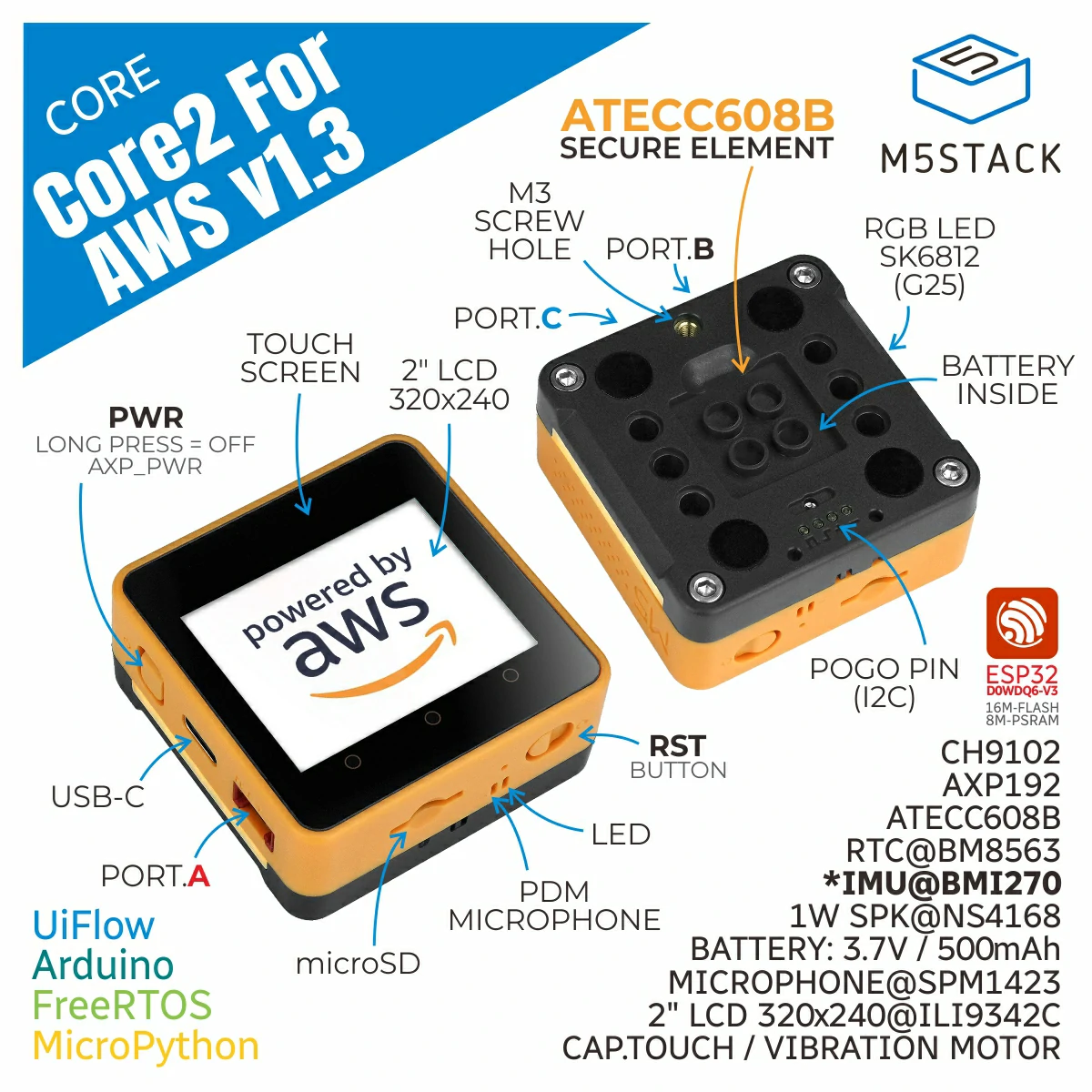
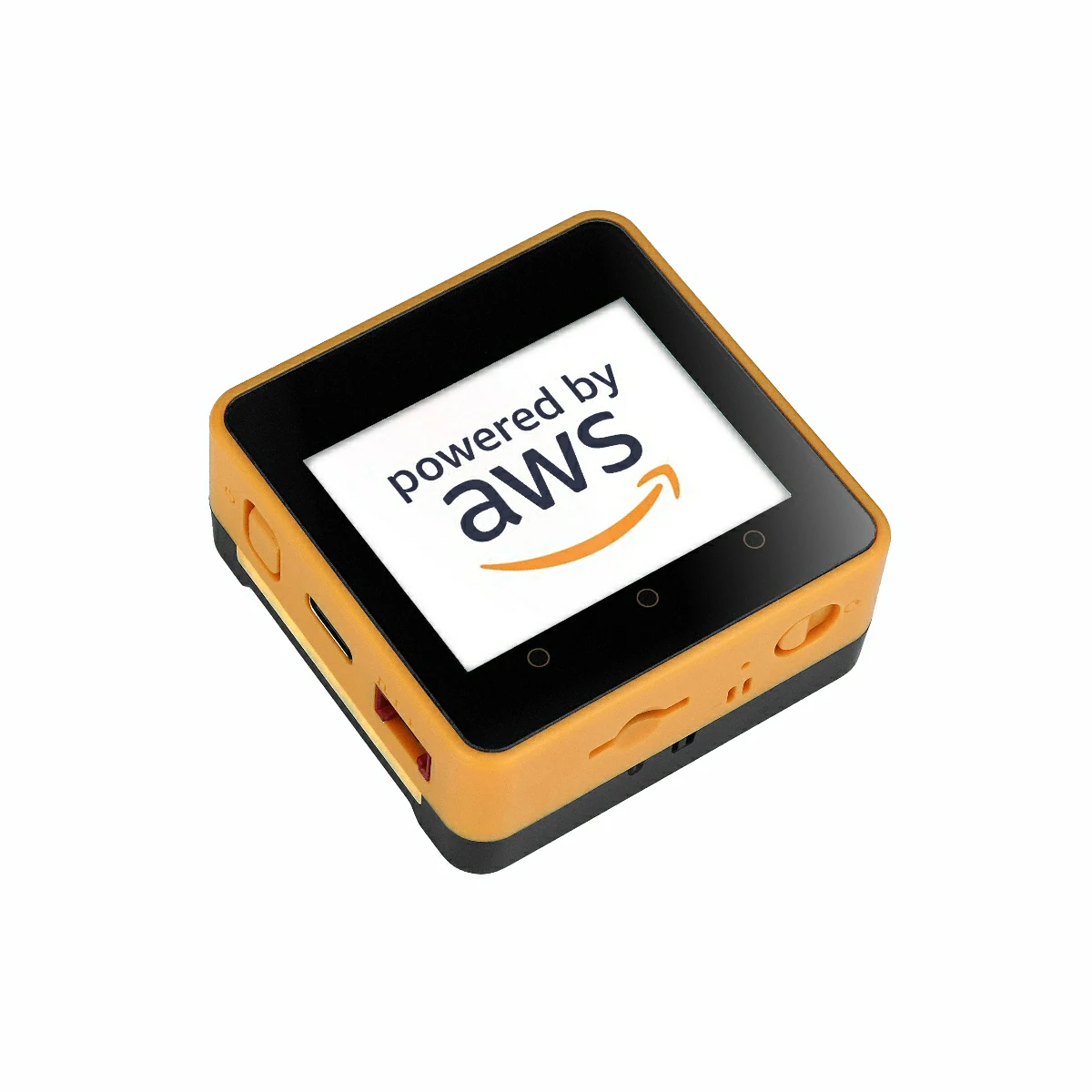
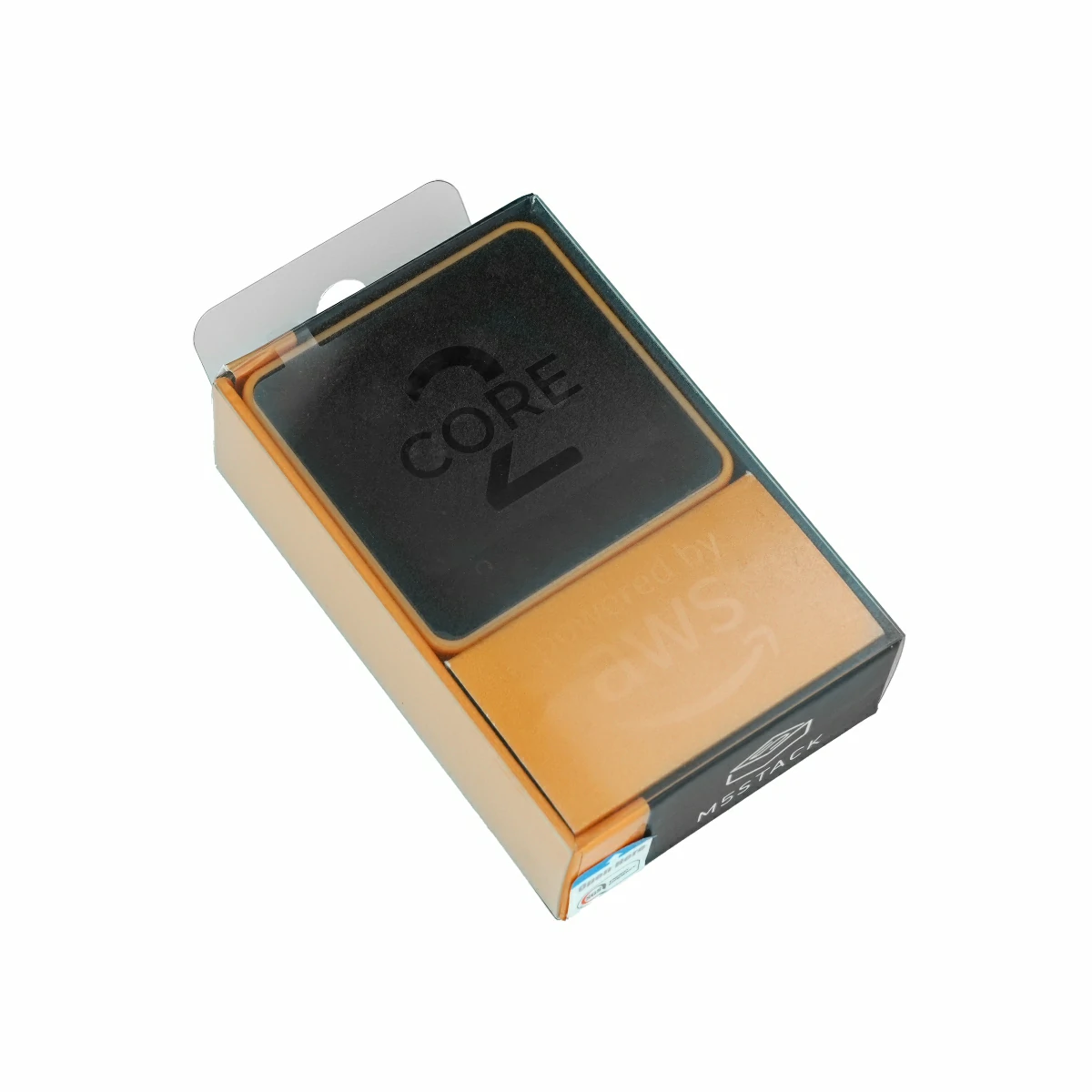
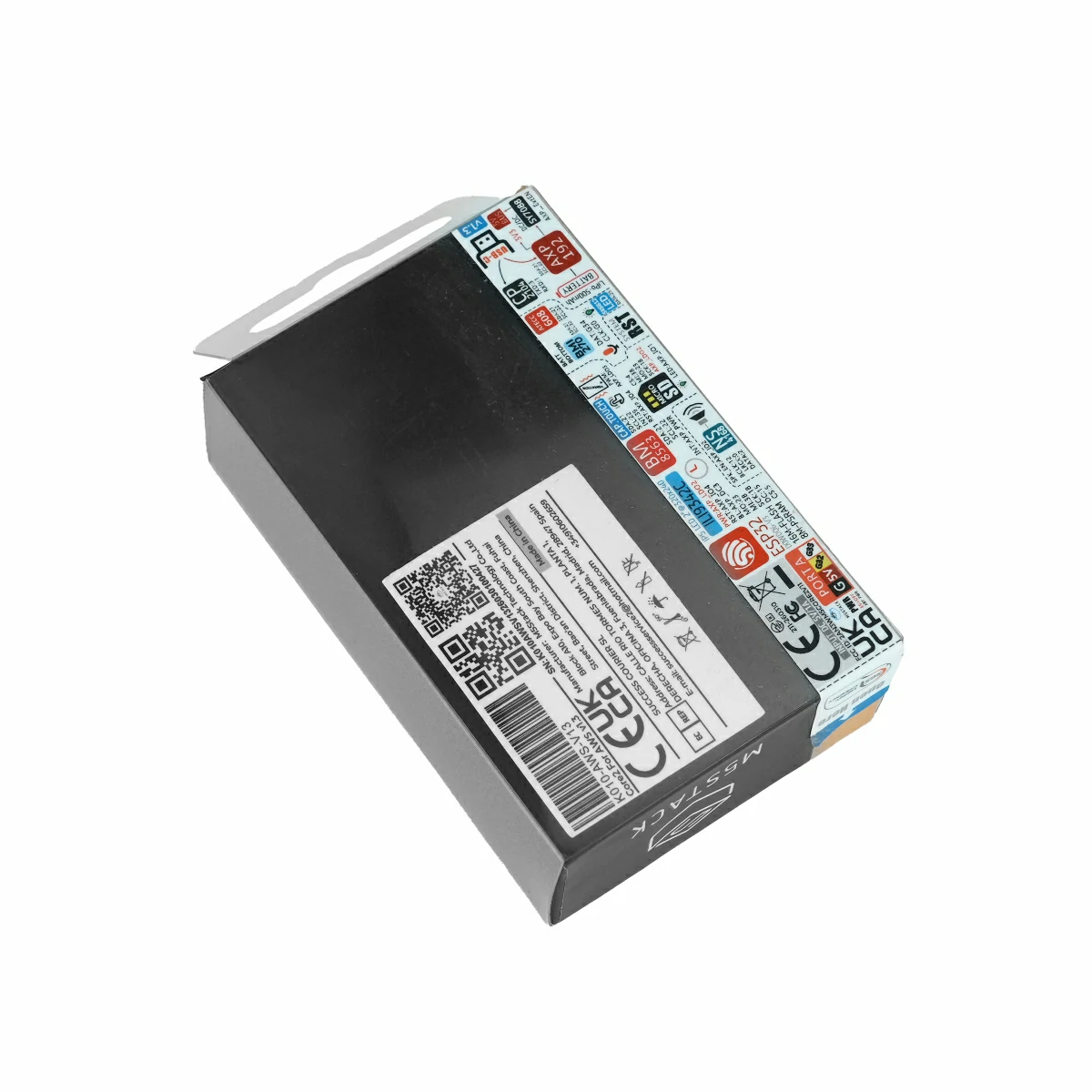
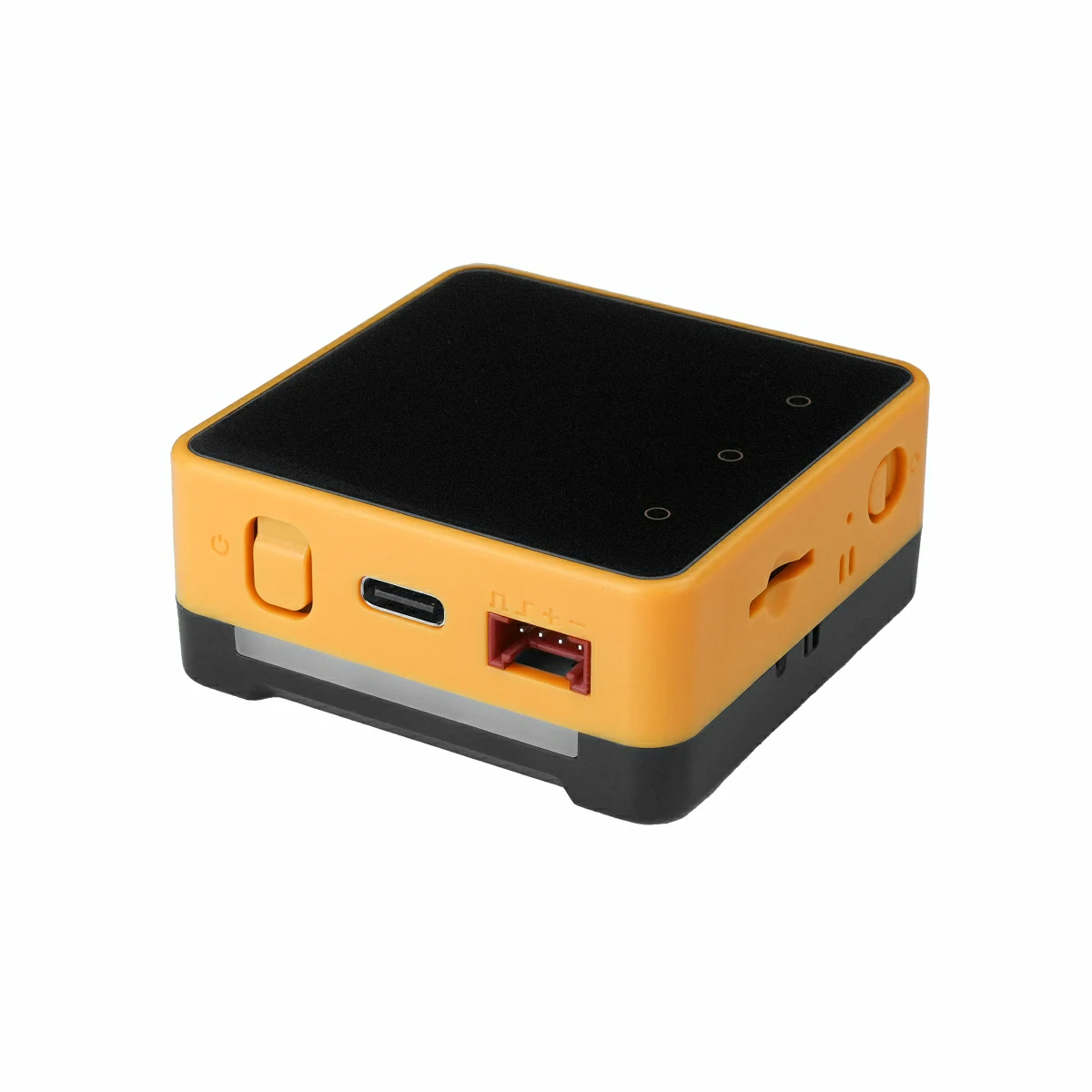
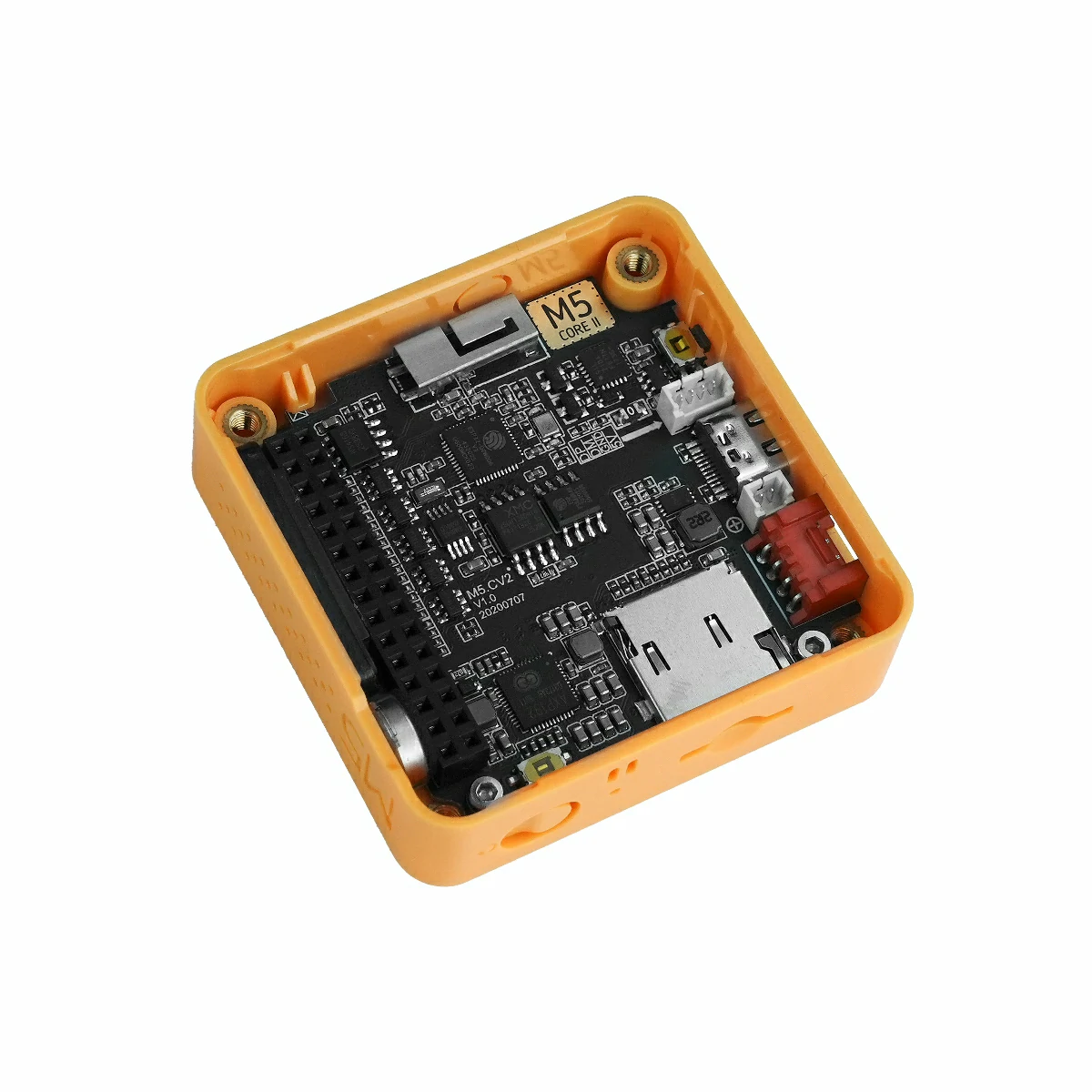
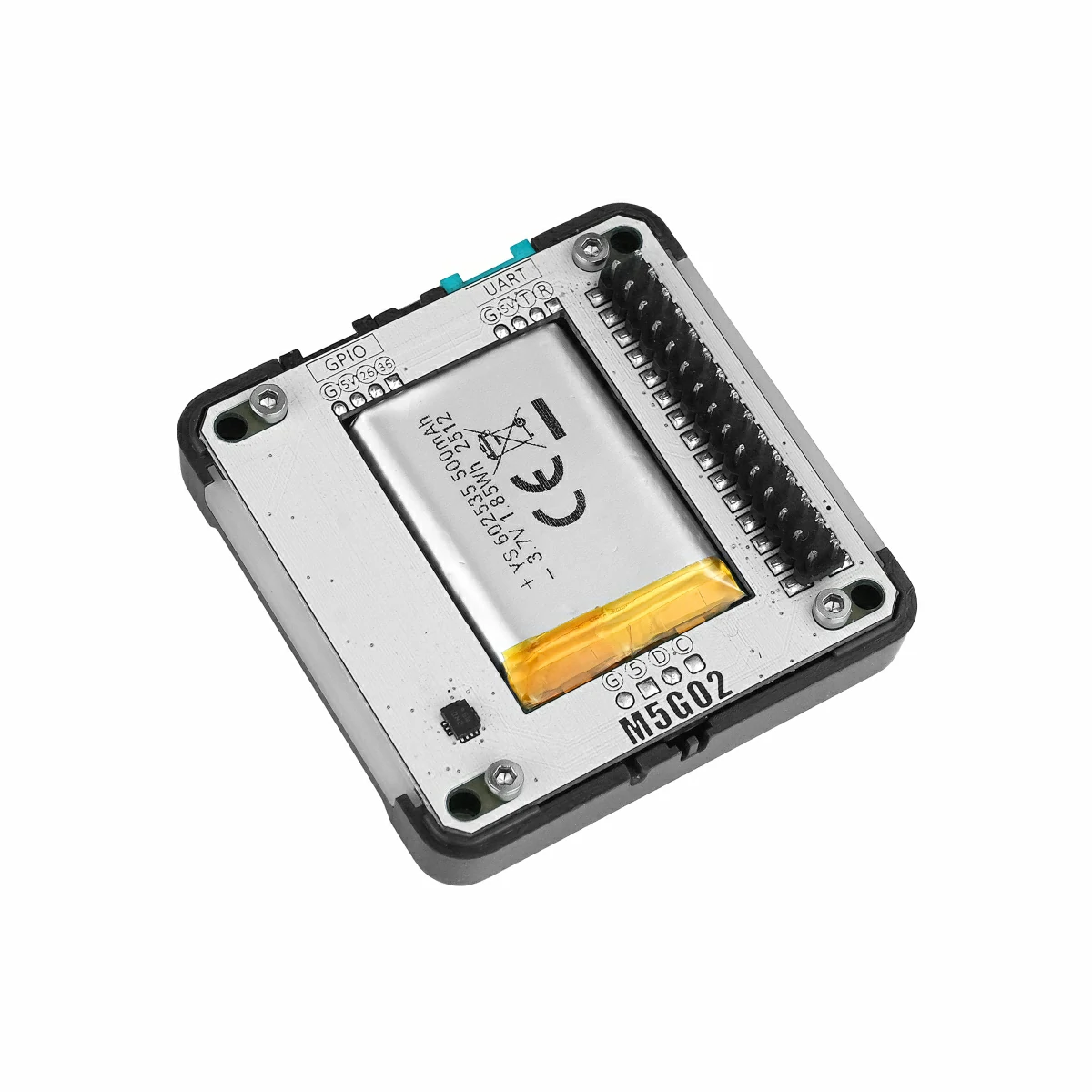
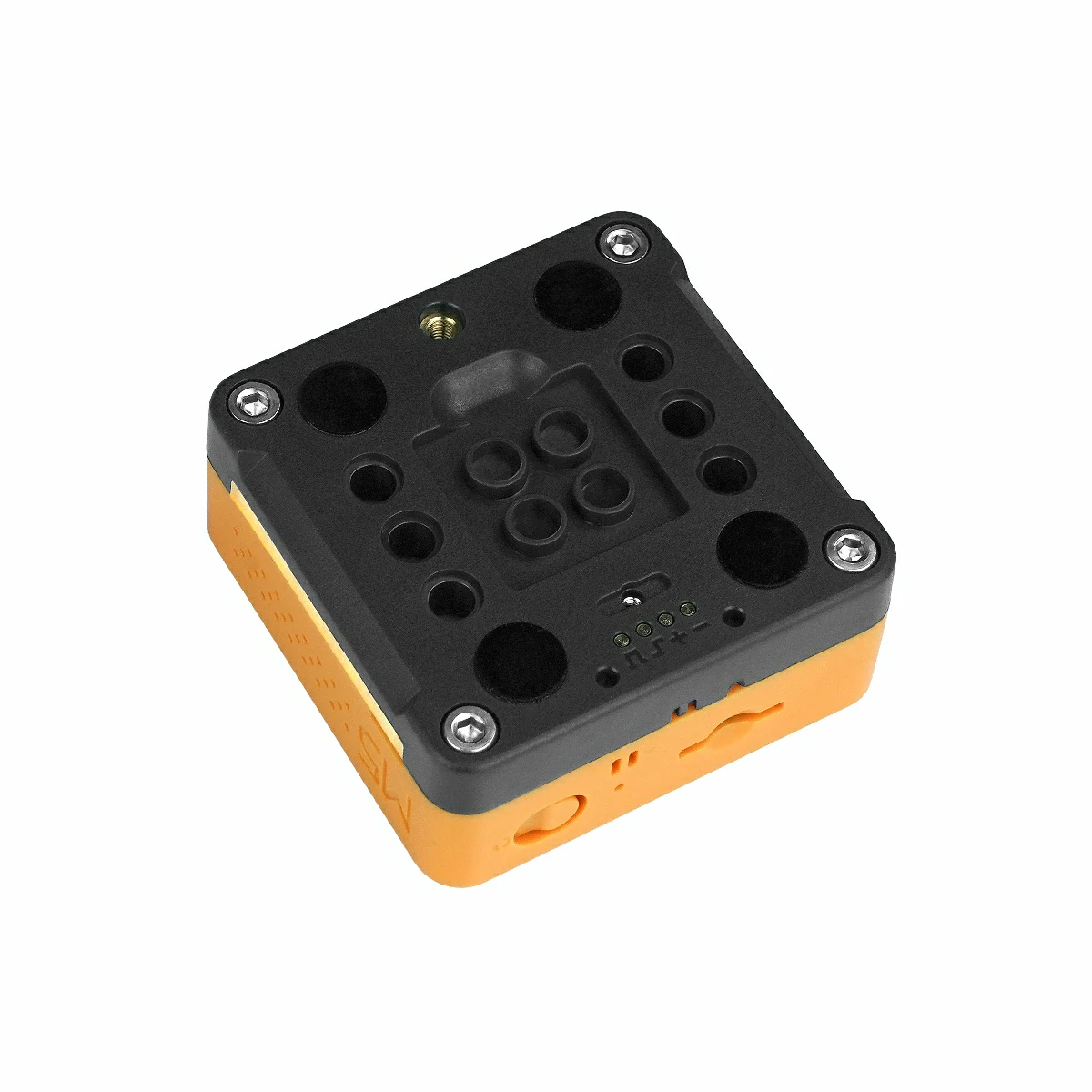
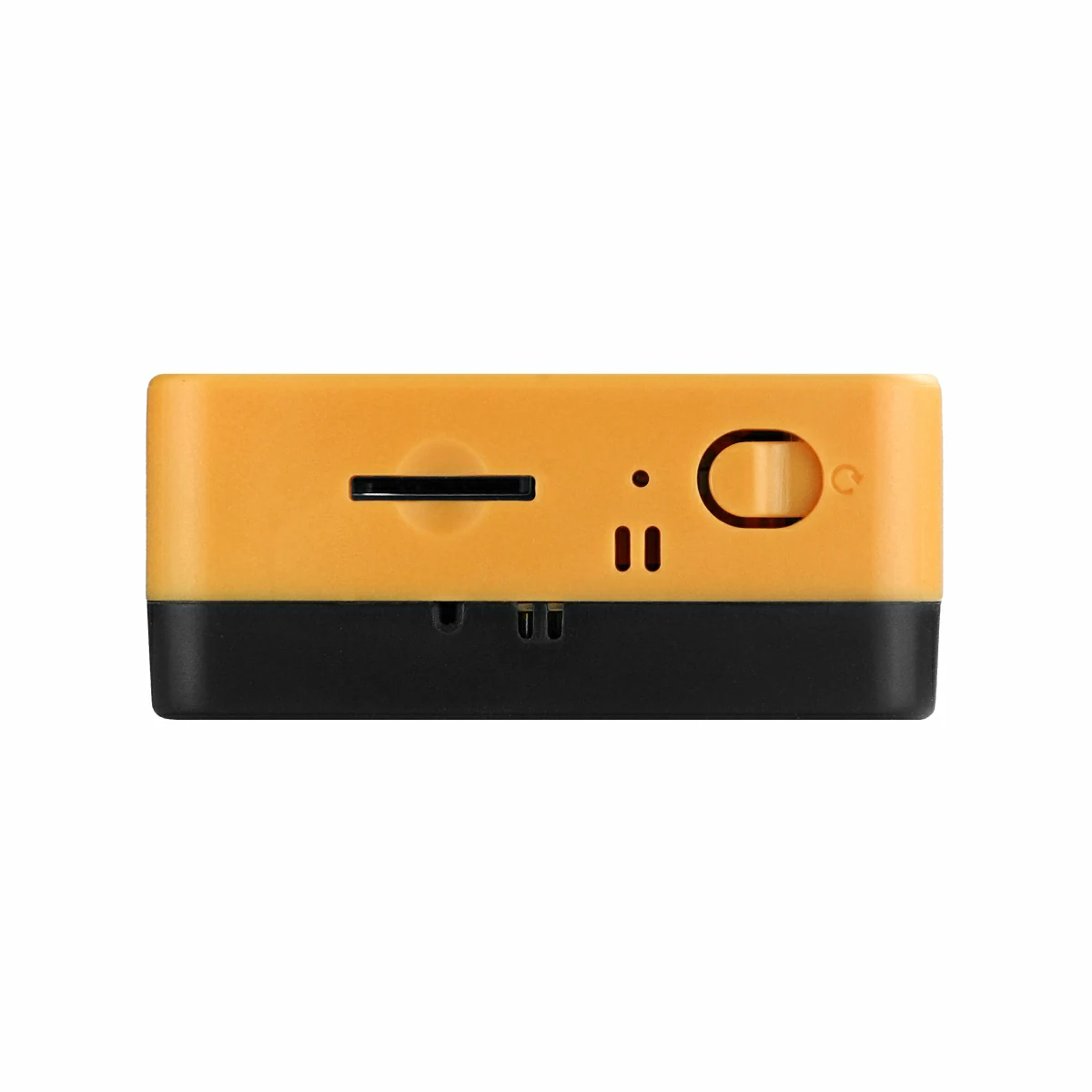
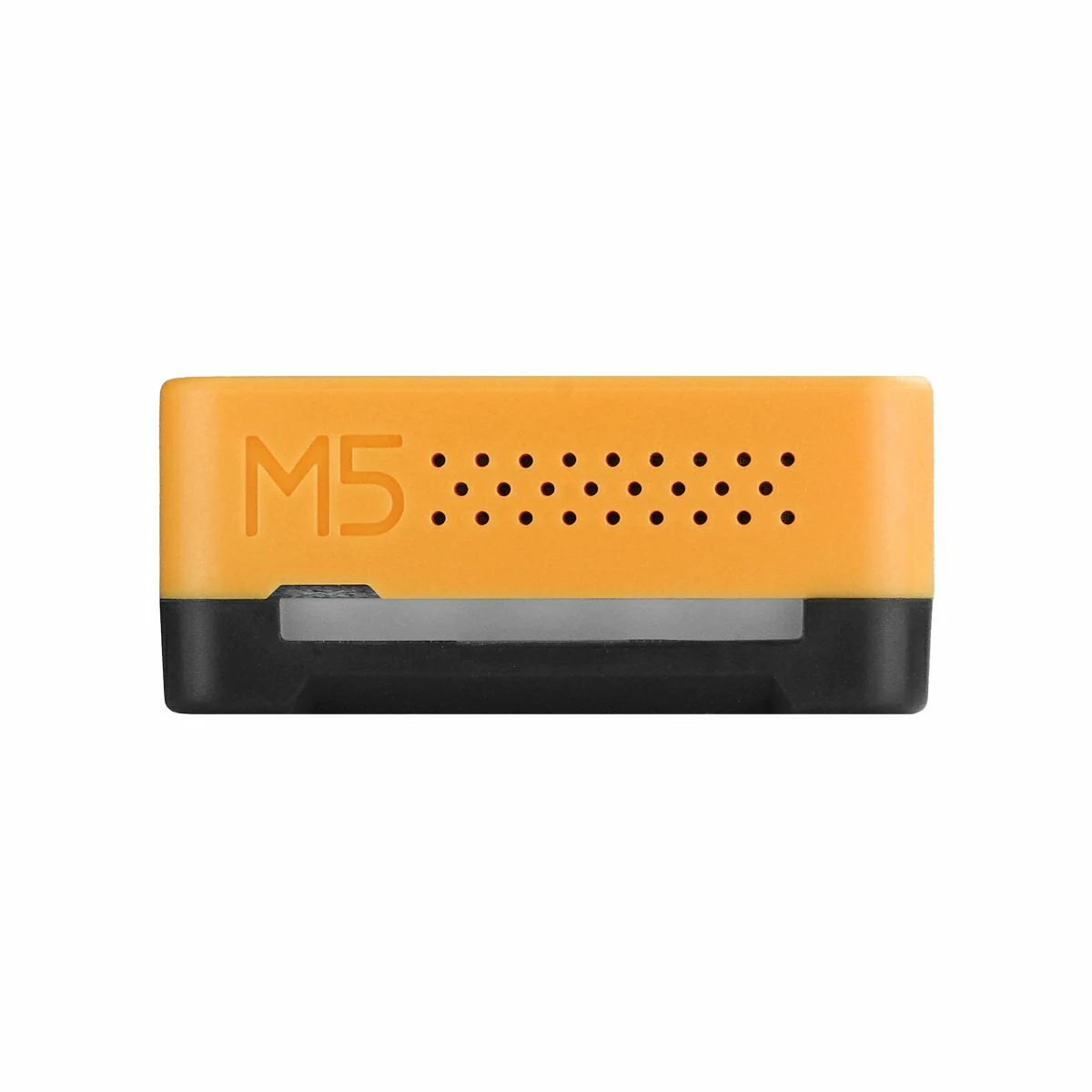
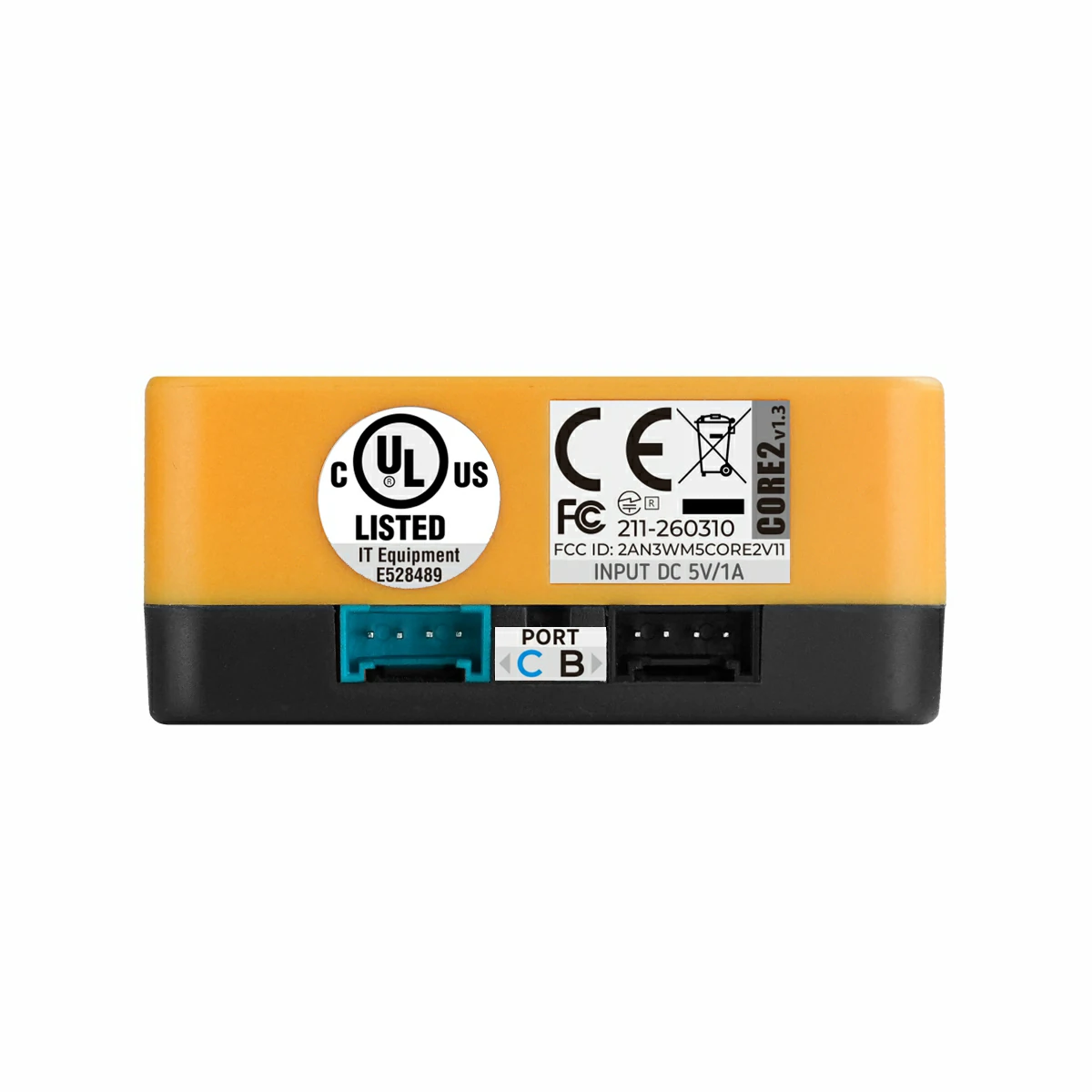
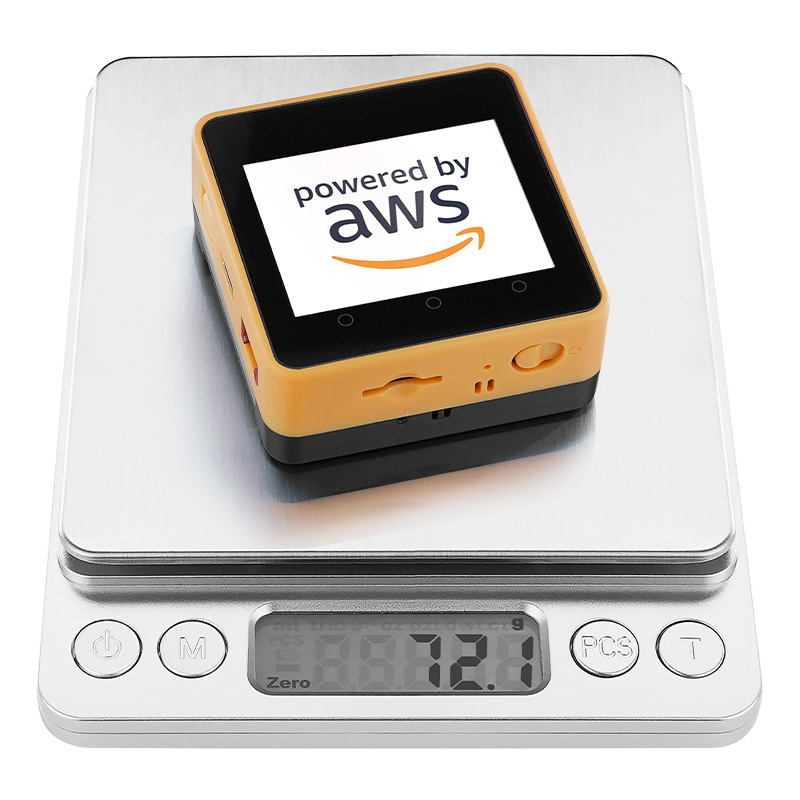
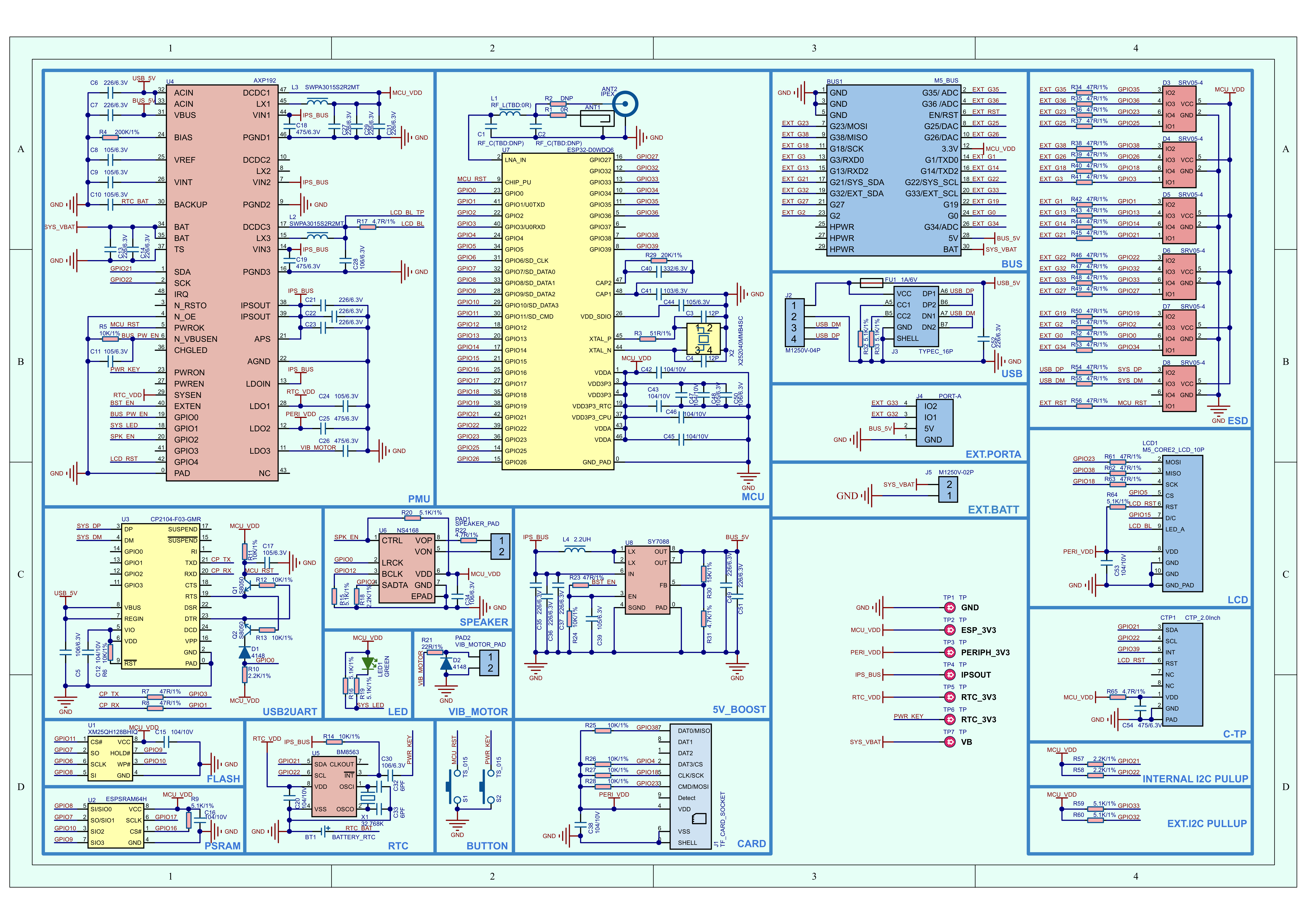
Core2 For AWS v1.3 is a development kit designed for AWS IoT learning and security projects, consisting of the M5Stack Core2 main controller and the Base M5GO Bottom2 v1.3 expansion base with an integrated cryptographic chip.
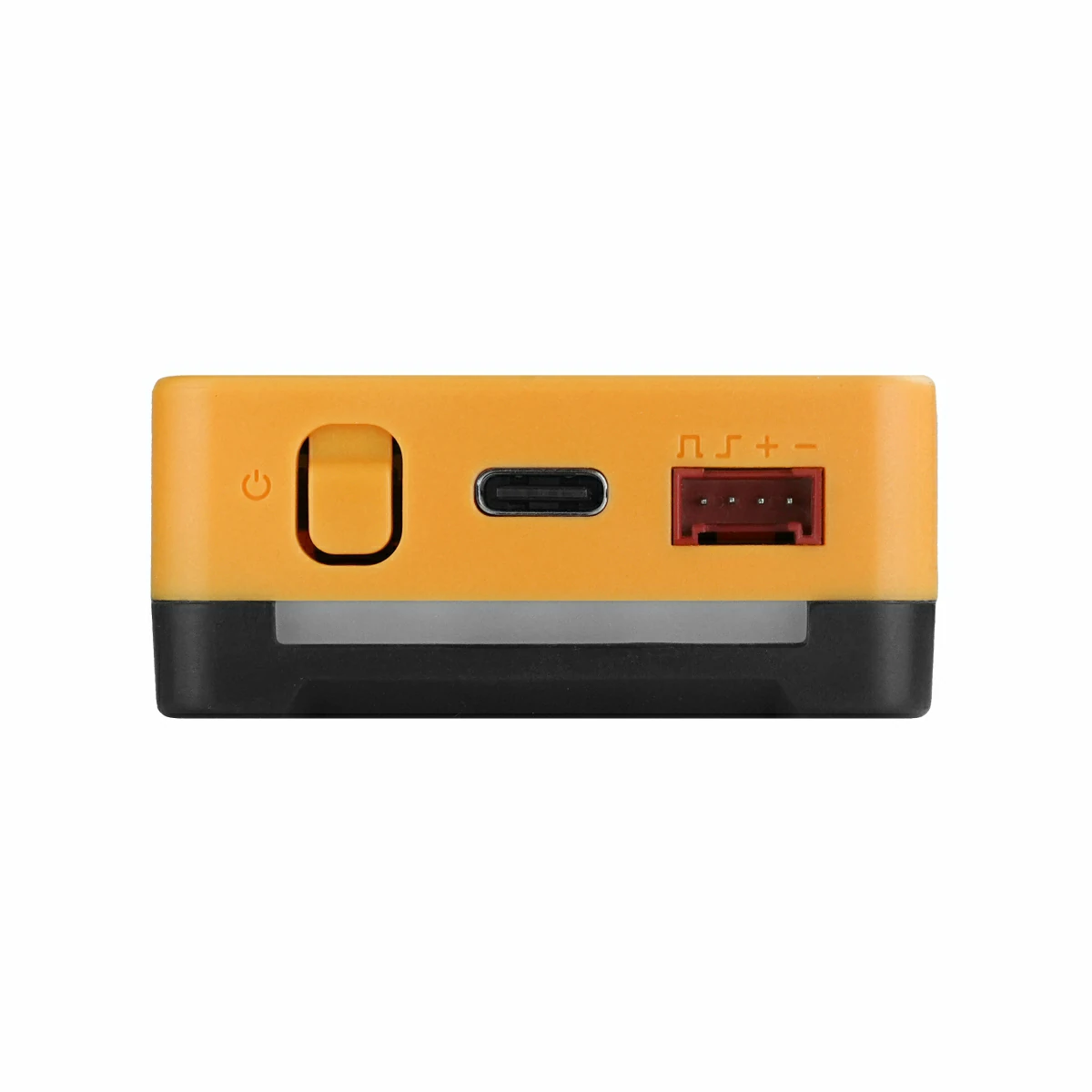
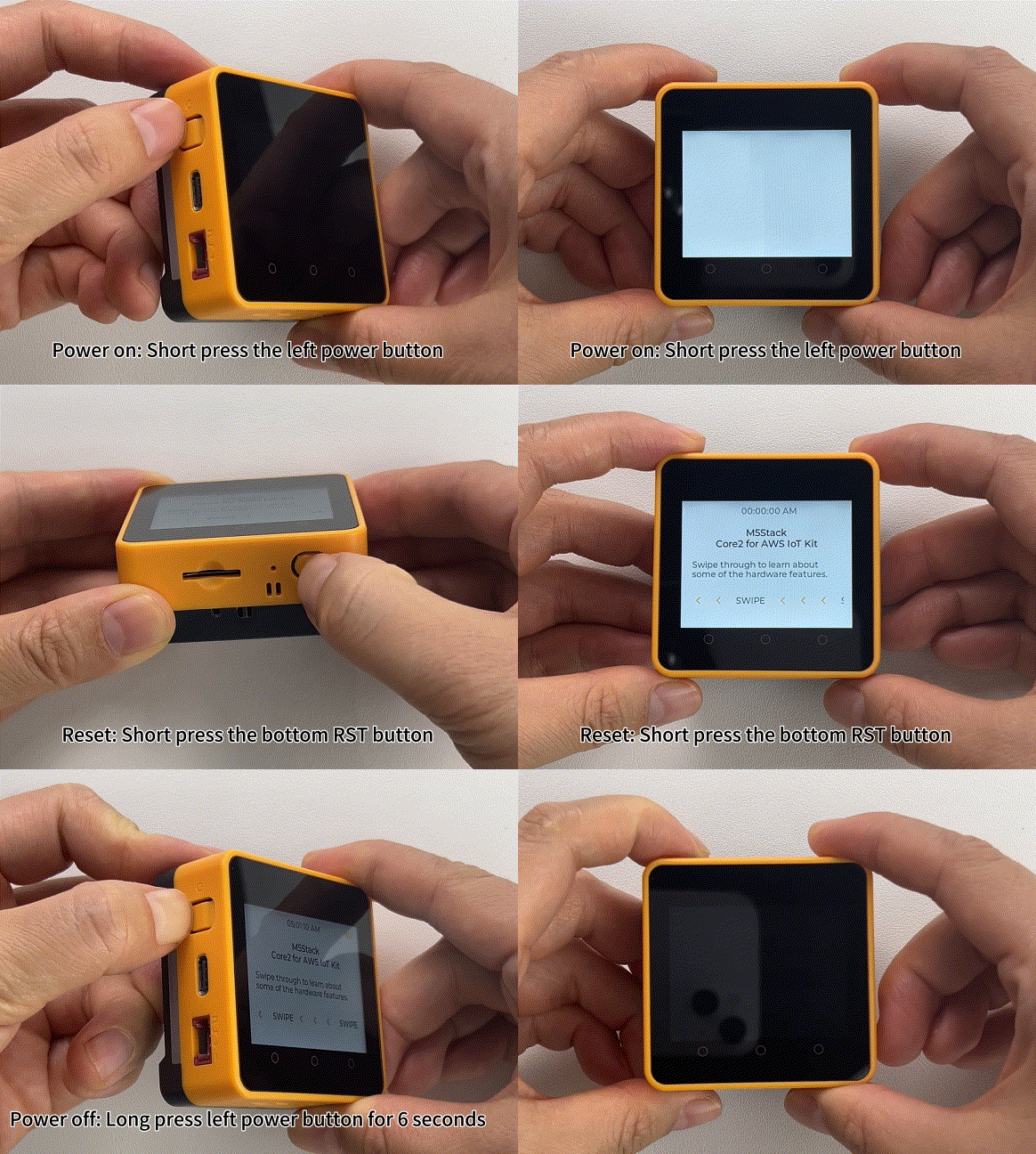
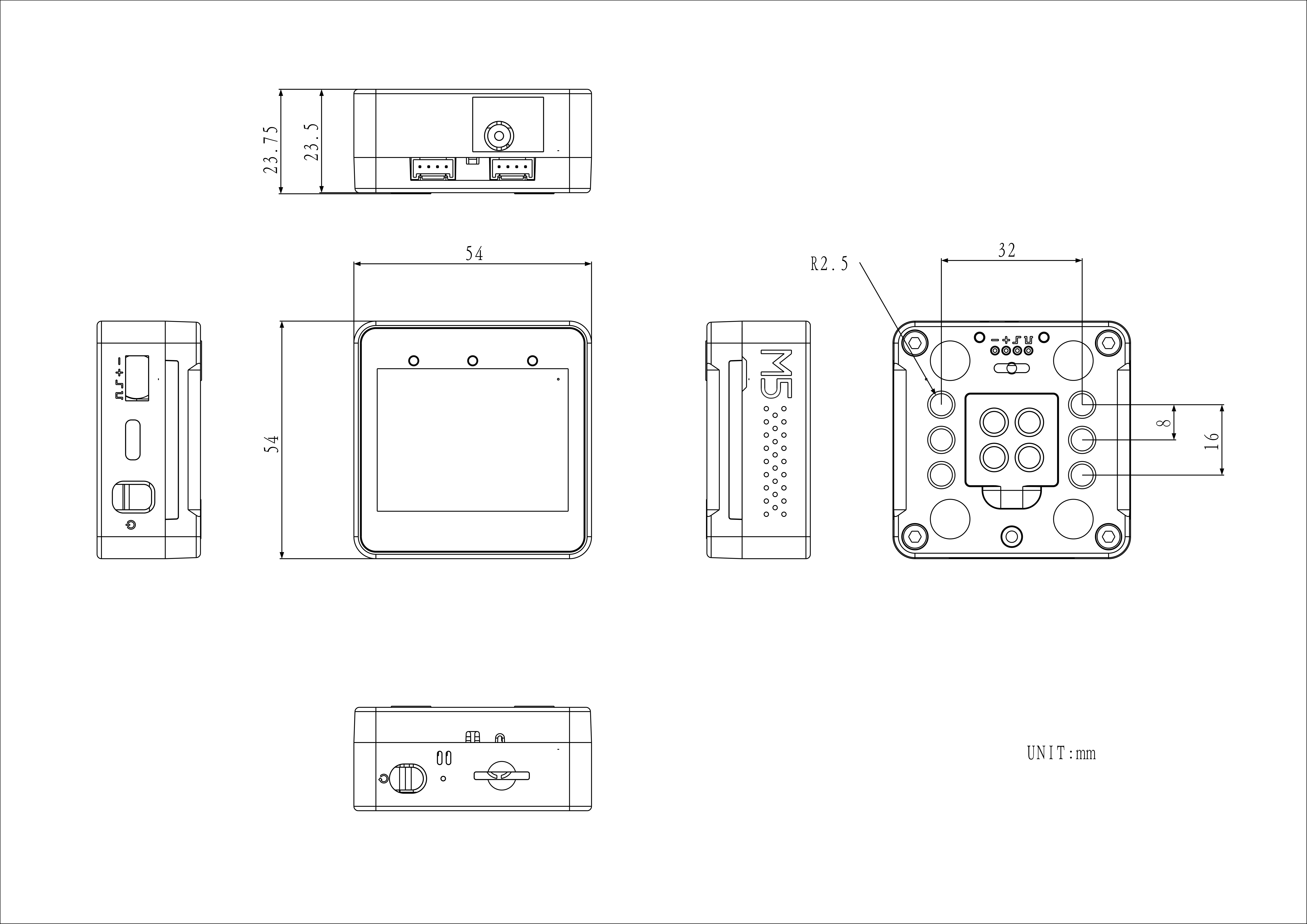
The main controller is built around the dual-core ESP32-D0WDQ6-V3 running at 240 MHz, equipped with 16MB Flash, 8MB PSRAM, and a 2.0-inch capacitive touchscreen with Wi-Fi connectivity. It features a built-in vibration motor, an RTC module, an AXP192 power management unit, and a green power indicator LED. A TF card slot is provided, along with an I2C audio amplifier and speaker. A power button is located on the left side, a reset button on the bottom, and three virtual programmable buttons on the front panel.
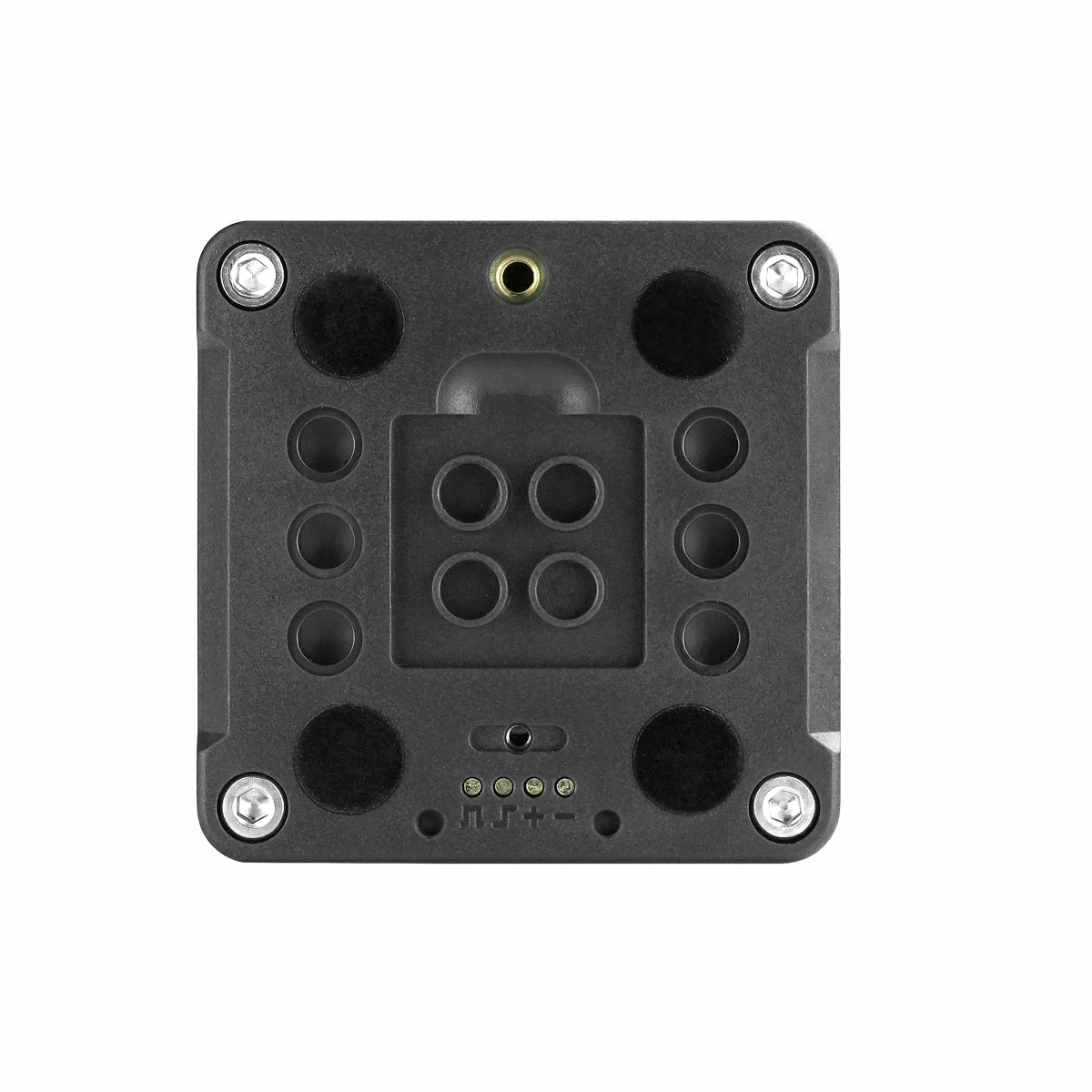
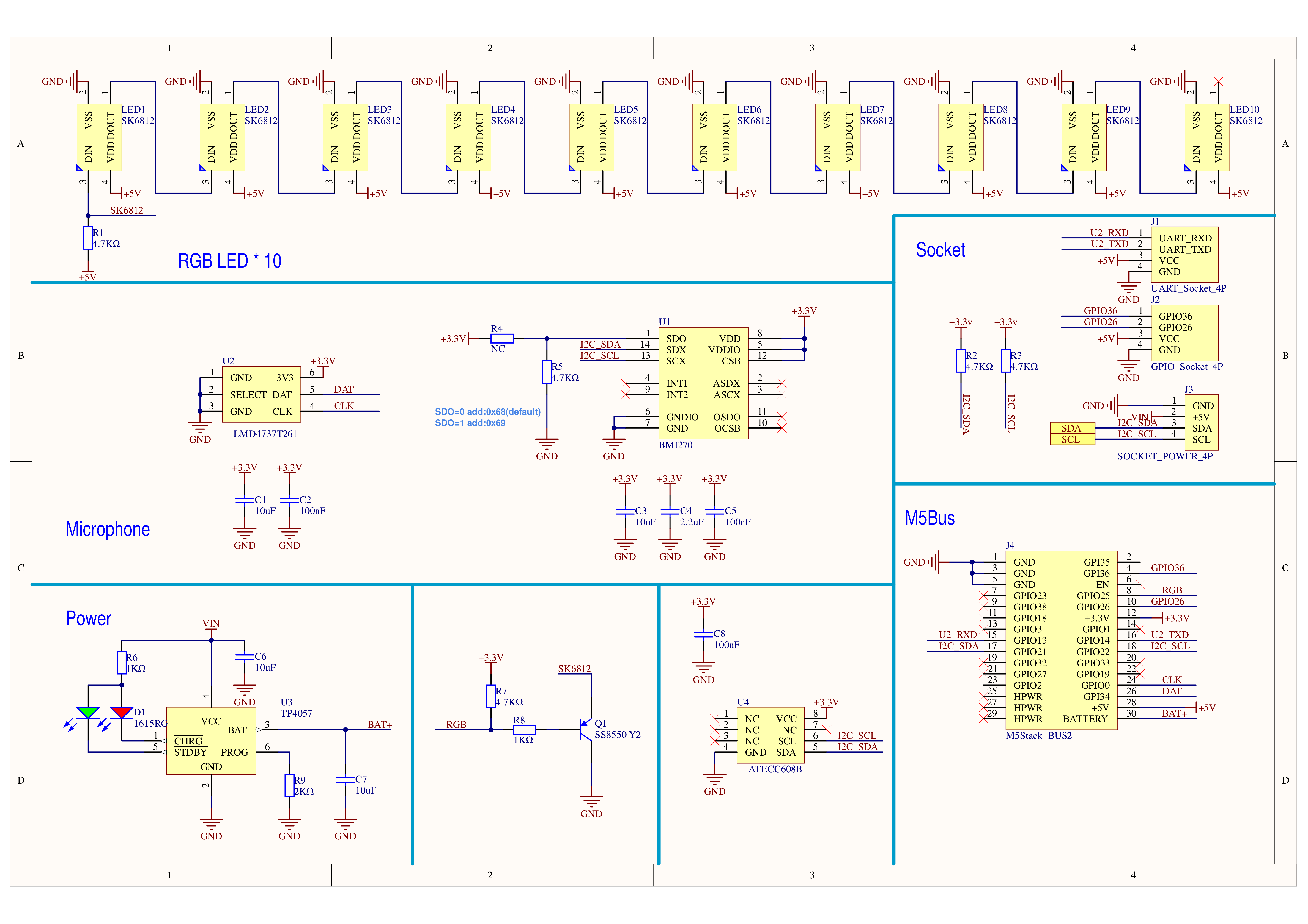
The expansion base integrates an ATECC608 cryptographic chip, a BMI270 6-axis IMU, an SPM1423 digital microphone, and a 500mAh Li-ion battery. Two HY2.0-4P ports supporting ADC, DAC, and UART are provided. Ten SK6812 RGB LEDs with frosted light guides are distributed on both sides. The bottom features a Pogo Pin magnetic charging port with a built-in TP4057 charging IC, which also exposes the I2C bus. The base includes built-in magnets and LEGO-compatible mounting holes, with reserved footprints for a CP2104 and a Li-ion battery connector for future expansion. It is well-suited for smart home security terminal prototyping, trusted data acquisition at the edge, and cloud data upload.
This tutorial describes how to program and control the Core2 For AWS device using Arduino IDE.
Note
The vibration motor built into the M5Core2 physically conflicts with the M5 Base series expansion bases. To prevent device damage, do not stack the M5Core2 with any M5 Base series functional base.
Some units may exhibit non-linear touch response near the screen edges. You can try upgrading the screen firmware using M5Tool to resolve this issue.
Download and install the CH9102 USB serial (VCP) driver for your operating system from the table below. When installing CH9102_VCP_SER_MacOS v1.7, the installer may display an error prompt — this is typically a false positive and the driver is usually installed correctly; the prompt can be safely dismissed. If firmware flashing fails, times out, or returns errors such as Failed to write to target RAM, try reinstalling the driver, or switching to a different USB cable or port.
For a full comparison of controller series products, visit the Product Selector, select the target products, and the comparison results will be displayed automatically. The selector covers key information including core specifications and feature highlights, and supports simultaneous multi-product comparison.