CoreInk
SKU:K048
Description
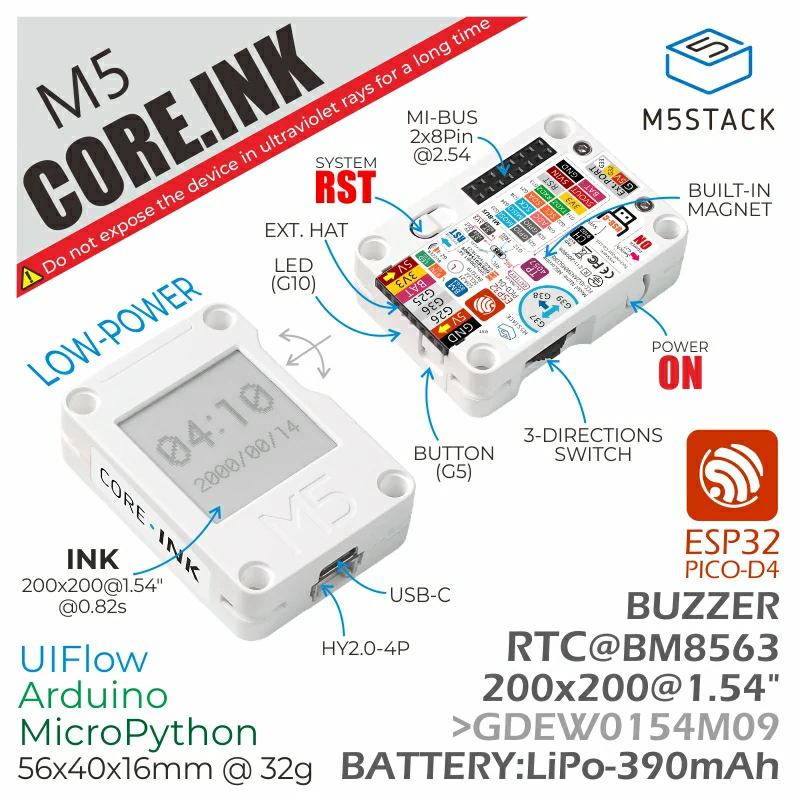
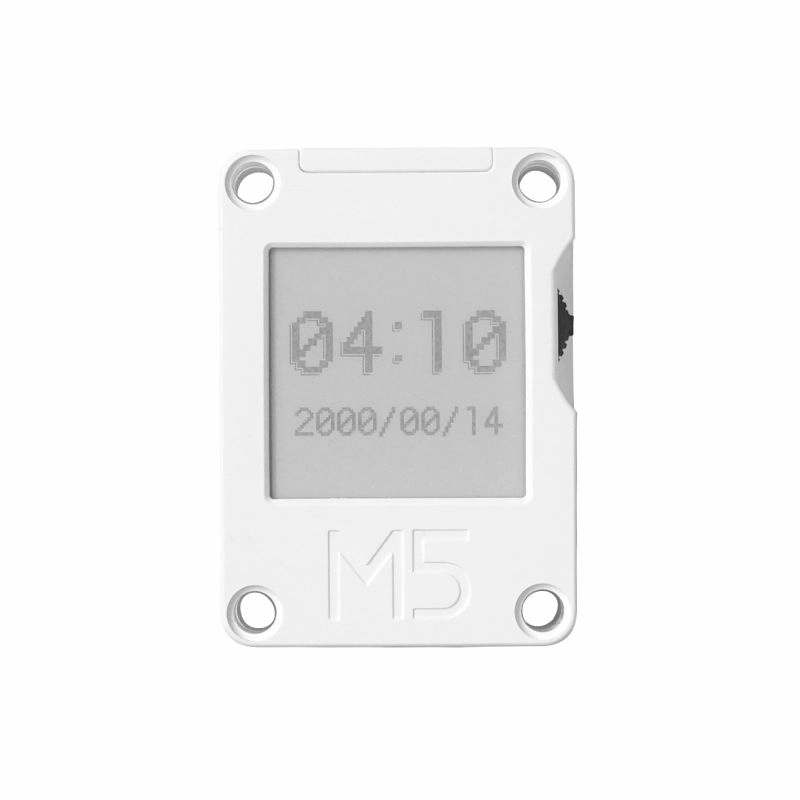
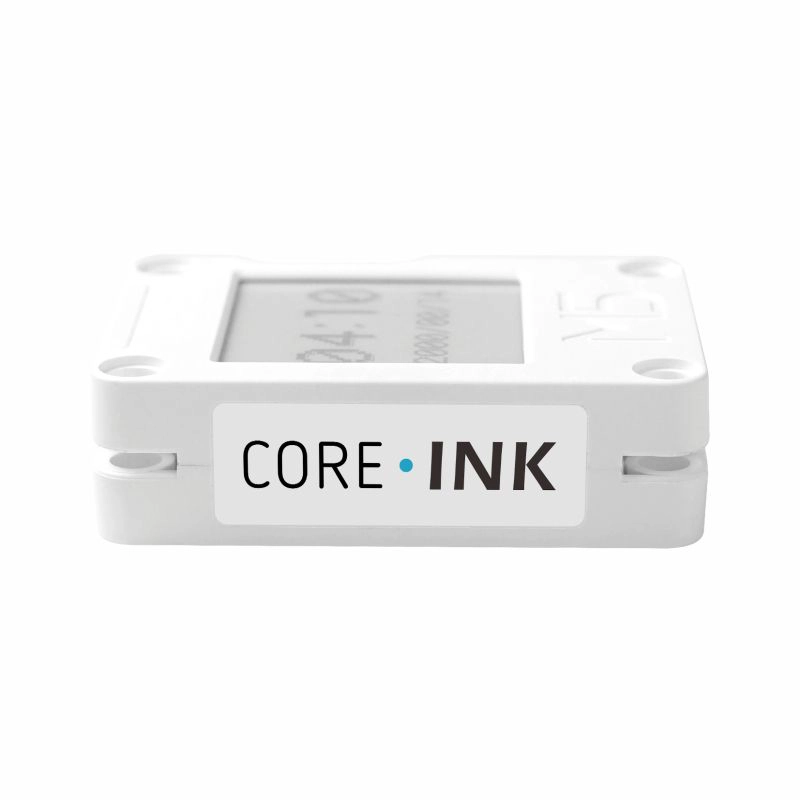
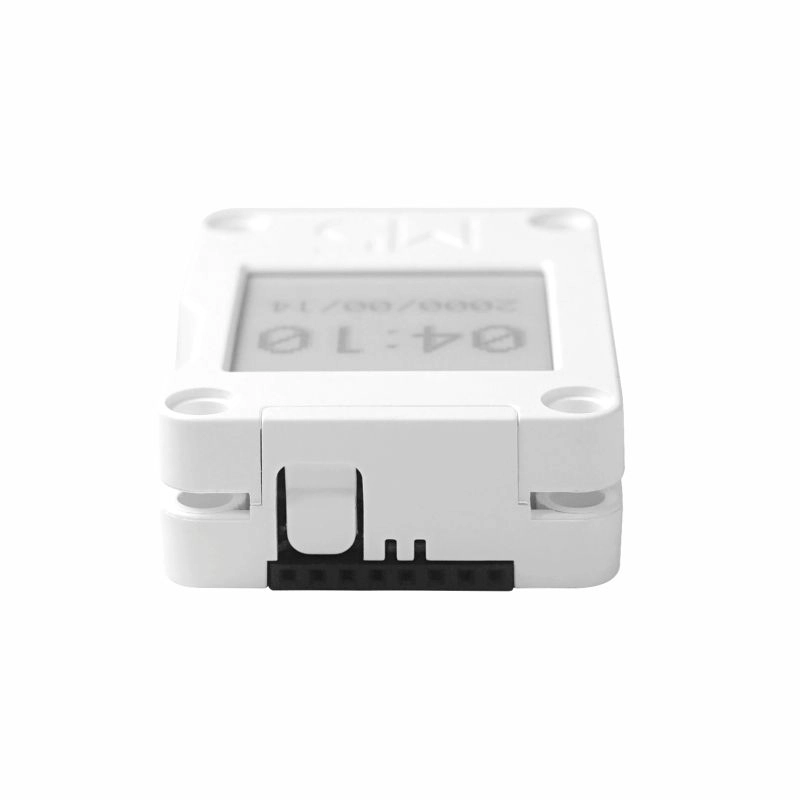
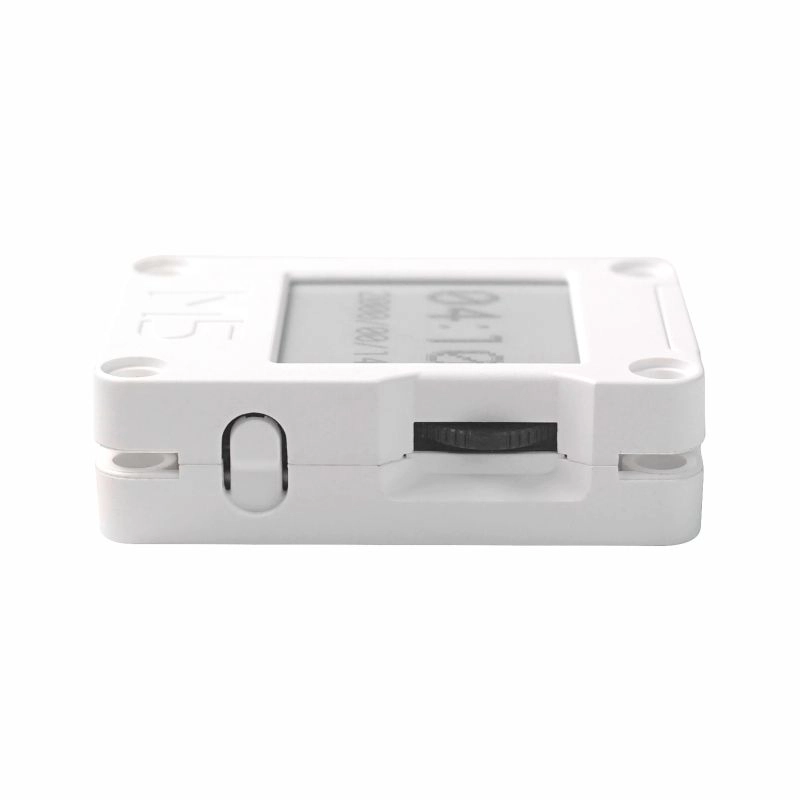
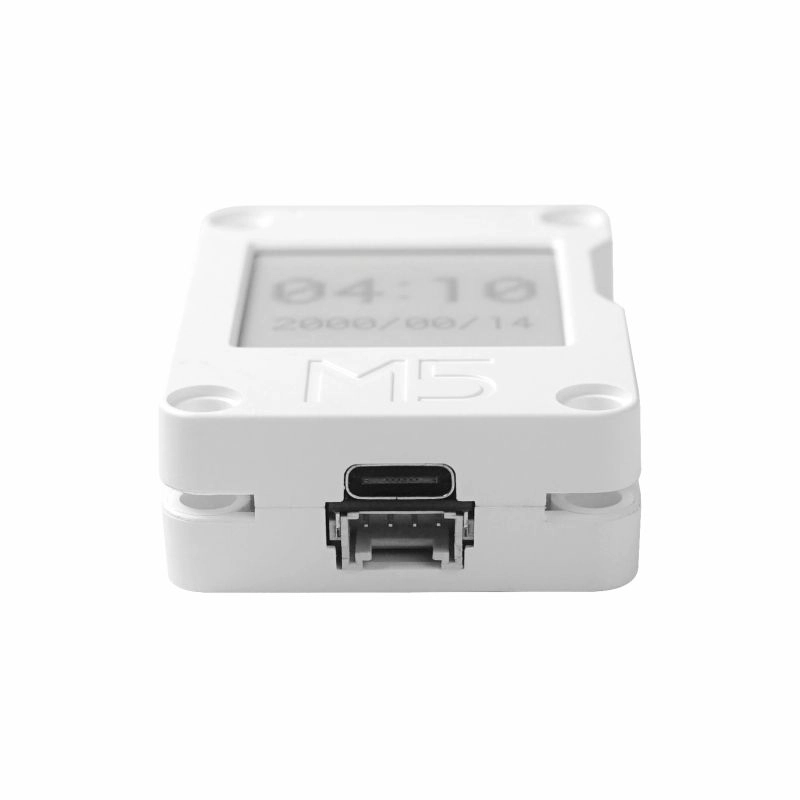
CoreInk is a controller device with an E-Ink display launched by M5Stack, powered by the ESP32-PICO-D4. The front side integrates a 200x200 @ 1.54" E-Ink screen that supports black / white display. Compared with conventional LCD screens, the E-Ink display provides a better text reading experience for users, while also offering low power consumption and image retention after power loss. For human-machine interaction, it provides a dial switch and physical buttons, and integrates an LED indicator and buzzer. It has a built-in 390mAh lithium battery, which, combined with the internal RTC (BM8563), enables scheduled sleep and wake-up functions, providing the device with excellent battery life. Independent power and reset (RST) buttons are located on the left side and bottom of the body for convenient operation and debugging. Rich peripheral interfaces (HY2.0-4P, M5-Bus, HAT module interface) are exposed, allowing expansion with a wide variety of sensor devices and providing unlimited possibilities for subsequent application development.
Tutorial
This tutorial will show you how to control the CoreInk device through the UiFlow graphical programming platform.
This tutorial will show you how to control the CoreInk device through the UiFlow2 graphical programming platform.
This tutorial will show you how to program and control the CoreInk device using Arduino IDE.
Notes
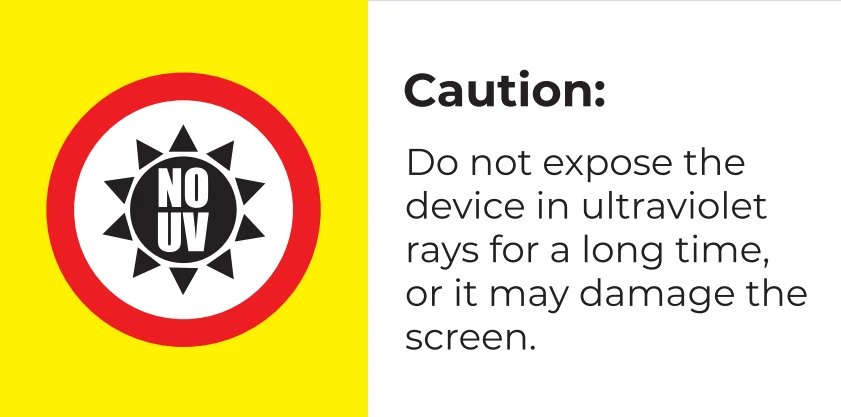
Please avoid long-term high-frequency refresh during use. The recommended refresh interval is (15s / time). Do not expose the device to ultraviolet light for extended periods, otherwise irreversible damage may be caused to the E-Ink screen.
Features
- Developed based on ESP32, supports Wi-Fi
- Built-in 4M Flash
- Low-power display panel
- Nearly 180-degree viewing angle
- Human-machine interaction interface
- Magnetic back design
- Built-in lithium battery
- Rich expansion interfaces
- Development Platform
- UiFlow1
- UiFlow2
- Arduino IDE
- ESP-IDF
- PlatformIO
Includes
Applications
- IoT controller
- E-book reader
- Industrial instrument display panel
- Electronic label
Specifications
| Specification | Parameter |
|---|
| SoC | ESP32-PICO-D4 @ Xtensa® 32-bit LX6 dual-core processor, clock frequency up to 240MHz |
| DMIPS | 600 |
| SRAM | 520KB |
| Flash | 4MB |
| Wi-Fi | 2.4 GHz Wi-Fi |
| Input Voltage | 5V @ 500mA |
| Interface | USB Type-C x 1, HY2.0-4P x 1, M5-Bus female socket, top HAT expansion interface |
| E-Ink Display | GDEW0154M09, SPI interface, 200 x 200@1.54", Dpi:184 , 1-bit black / white display (grayscale: 2) viewing area (mm):27.6x27.6 , dot pitch (mm) 0.138x0.138, refresh time (s) 0.82 , partial refresh time (s) 0.24 |
| Physical Buttons | Programmable button x1, reset button x1, power button x1 |
| LED | Green LED x 1 |
| RTC | BM8563 |
| Buzzer | Passive buzzer * 1 |
| Antenna | 2.4G 3D antenna |
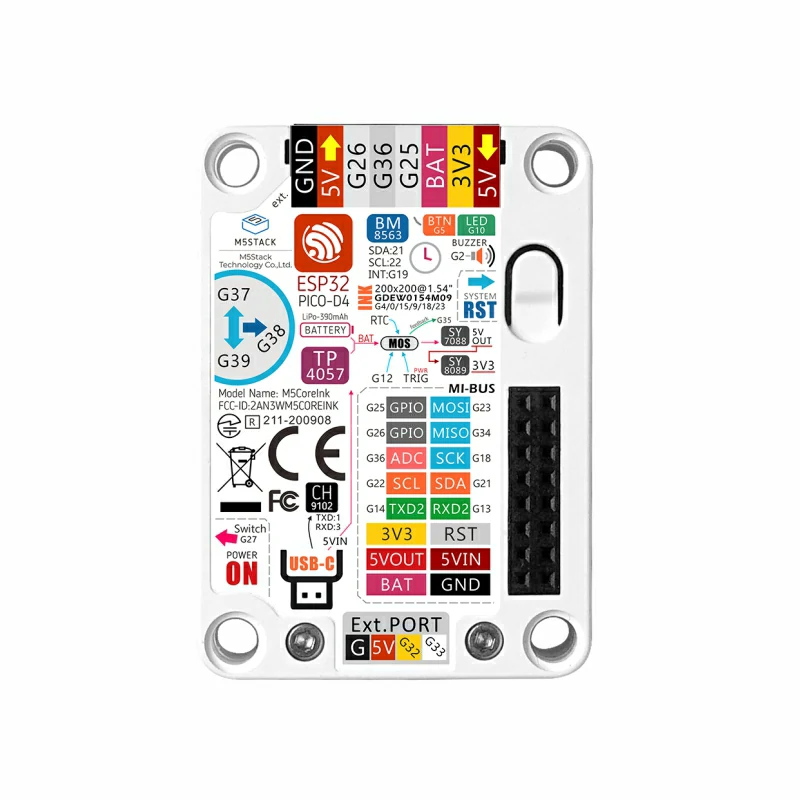
| PIN Breakout | G25,G26,G36,G23,G34,G18,G21,G22,G14,G13 |
| Battery | 390mAh@3.7V |
| Operating Temperature | 0 ~ 60°C |
| Enclosure Material | Plastic ( PC ) |
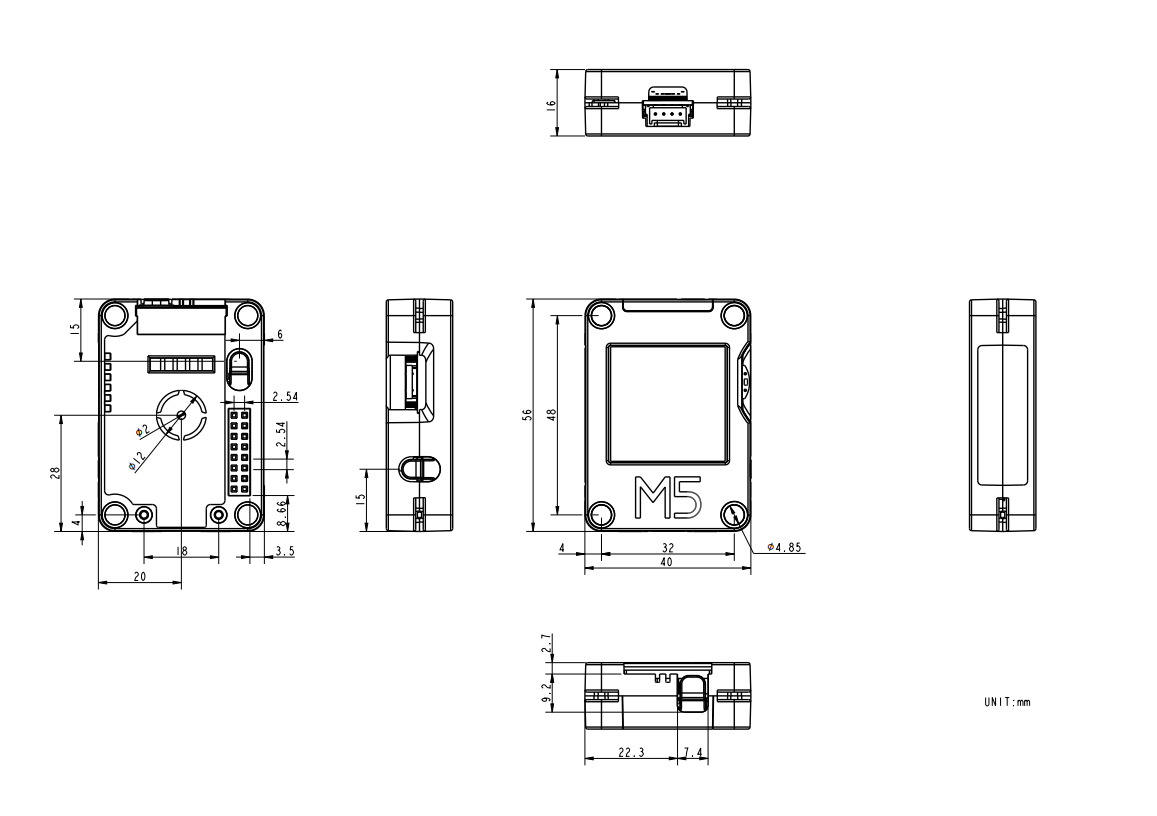
| Product Size | 56.0 x 40.0 x 16.0mm |
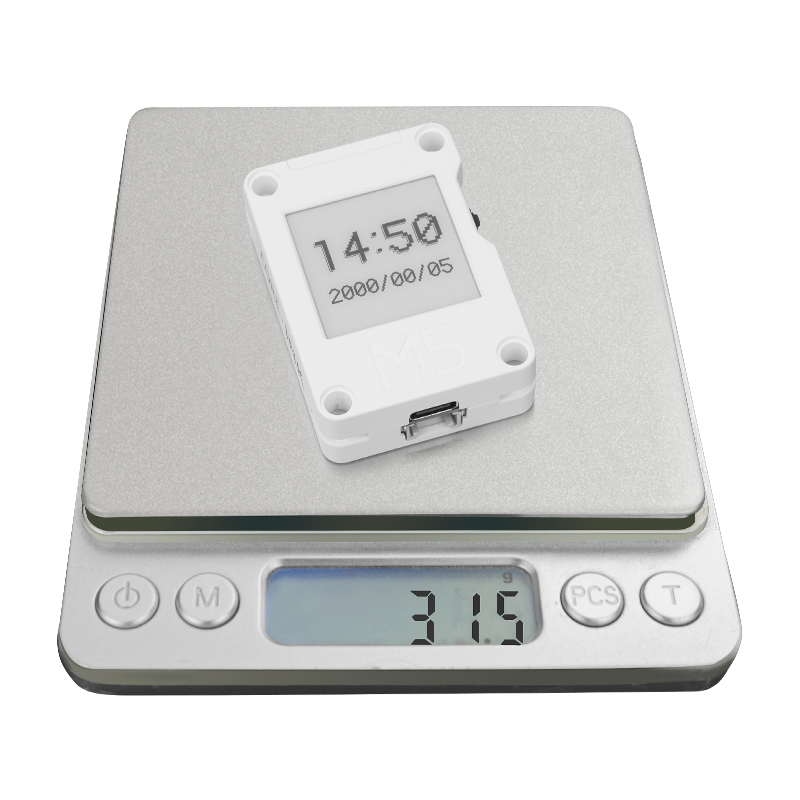
| Product Weight | 31.5g |
| Package Size | 80.0 x 45.0 x 20.0mm |
| Gross Weight | 42.6g |
Learn
Power On/Off
- Press and hold the PWR button for 2 seconds to power on.

- To power off the device, use the software API or press the reset button on the back.

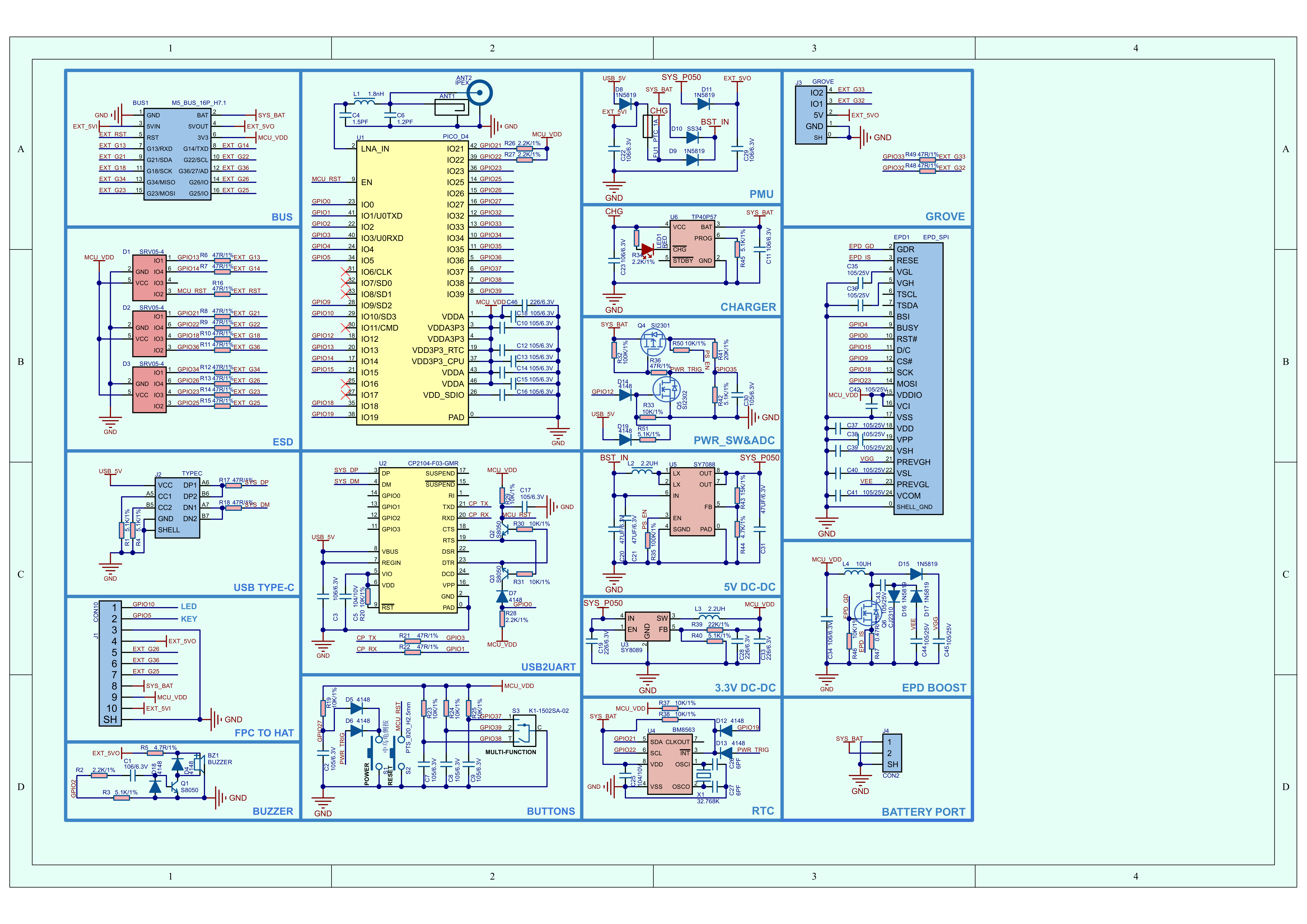
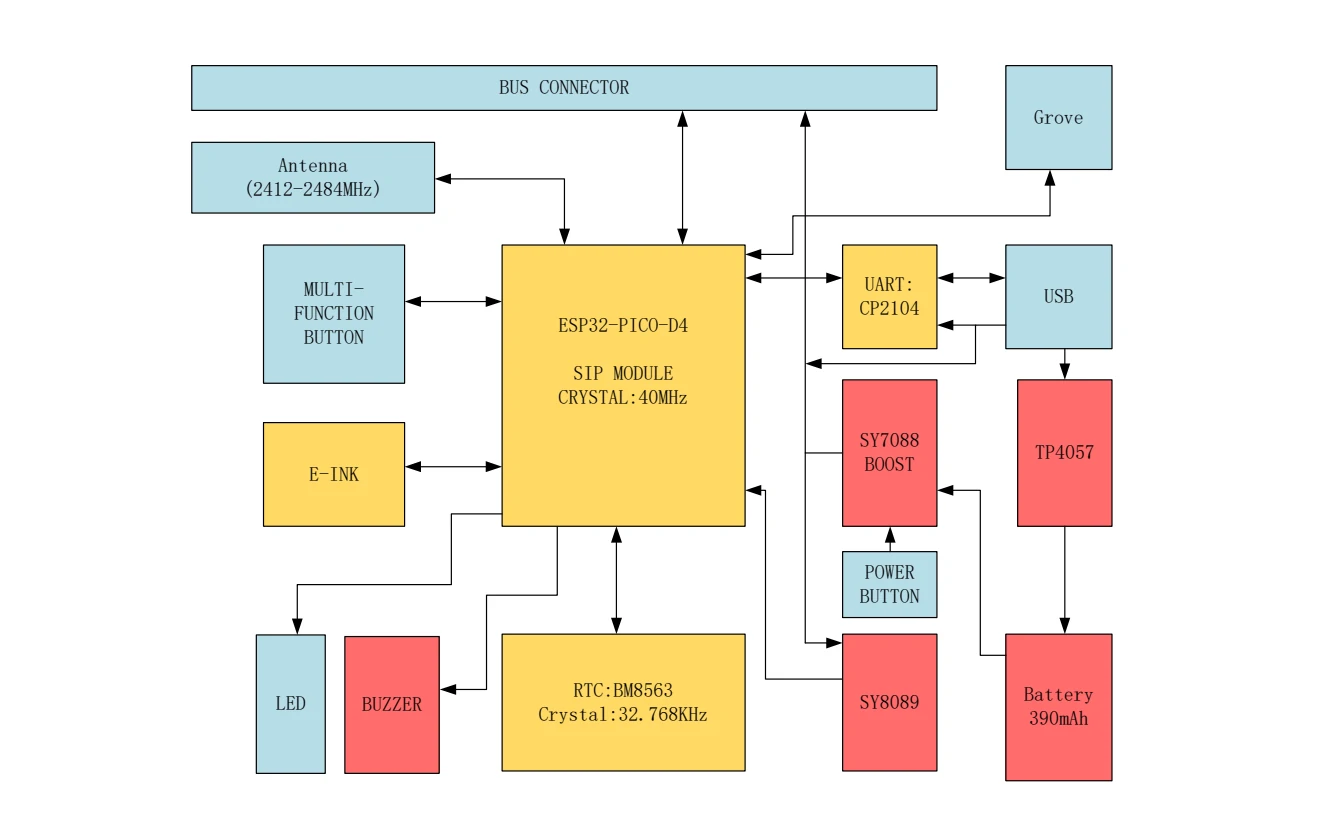
Schematics
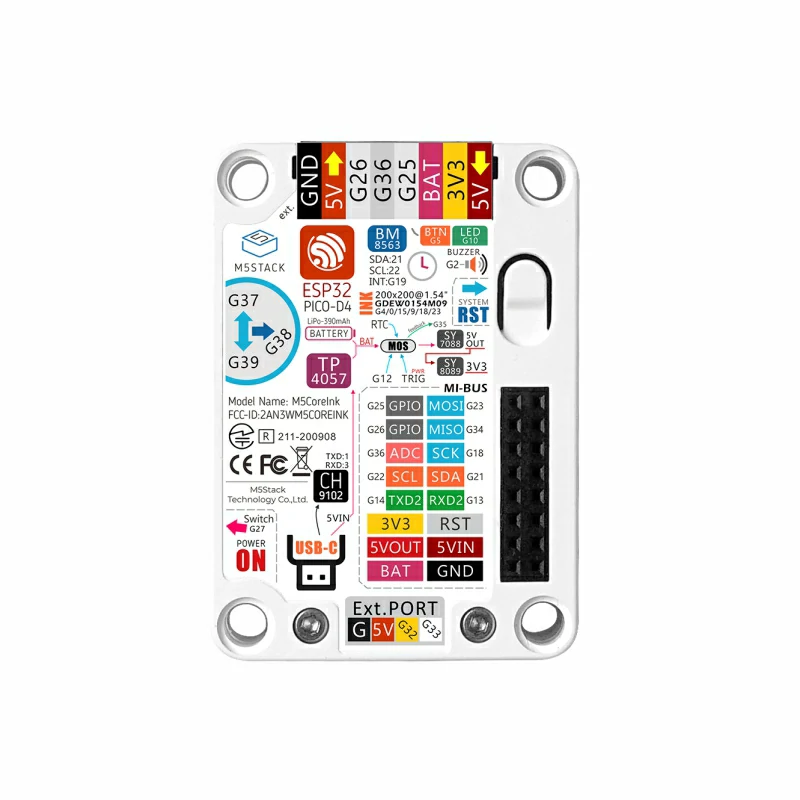
PinMap
E-Ink Display
Screen resolution: 200x200
| ESP32-PICO-D4 | G4 | G0 | G15 | G9 | G18 | G23 |
|---|
| GDEW0154M09 | BUSY | RST | D/C | CS | SCK | MOSI |
| ESP32-PICO-D4 | G37 | G38 | G39 | G5 |
|---|
| Dial Switch & Button | Dial Up | Dial Middle | Dial Down | User Button |
LED & Buzzer
| ESP32-PICO-D4 | G10 | G2 |
|---|
| LED | LED | / |
| Buzzer | / | Buzzer |
Power Control
| ESP32-PICO-D4 | G12 |
|---|
| Power Control | HOLD |
RTC
| ESP32-PICO-D4 | G21 | G22 |
|---|
| BM8563 | SDA | SCL |
USB to TTL
| ESP32-PICO-D4 | G1 | G3 |
|---|
| CP2104 | RXD | TXD |
HY2.0-4P
| HY2.0-4P | Black | Red | Yellow | White |
|---|
| PORT.CUSTOM | GND | 5V | G32 | G33 |
Model Size
Structure
Datasheets
Softwares
Arduino
UiFlow1
UiFlow2
USB Driver
Click the link below to download the driver package that matches your operating system. There are currently two versions of driver chips: CP210X (for the CP2104 version) / CP34X (for the CH9102 version). After extracting the package, select the installer corresponding to your operating system architecture for installation. (If you are not sure which USB chip your device uses, you can install both drivers. CH9102_VCP_SER_MacOS v1.7 may report an error during installation, but the installation has actually completed successfully and can be ignored.)
| Driver Name | Applicable Driver Chip | Download Link |
|---|
| CP210x_VCP_Windows | CP2104 | Download |
| CP210x_VCP_MacOS | CP2104 | Download |
| CP210x_VCP_Linux | CP2104 | Download |
| CH9102_VCP_SER_Windows | CH9102 | Download |
| CH9102_VCP_SER_MacOS v1.7 | CH9102 | Download |
Easyloader
| Easyloader | Download Link | Note |
|---|
| CoreInk Factory Test Easyloader v1.0.1 | download | / |
Video
Product Comparison
If you need to compare information for Paper / CoreInk series products, please visit the Product Selector. Select the target products to obtain the comparison results. The selector covers key information such as core parameters and functional features, and supports synchronous comparison of multiple products.