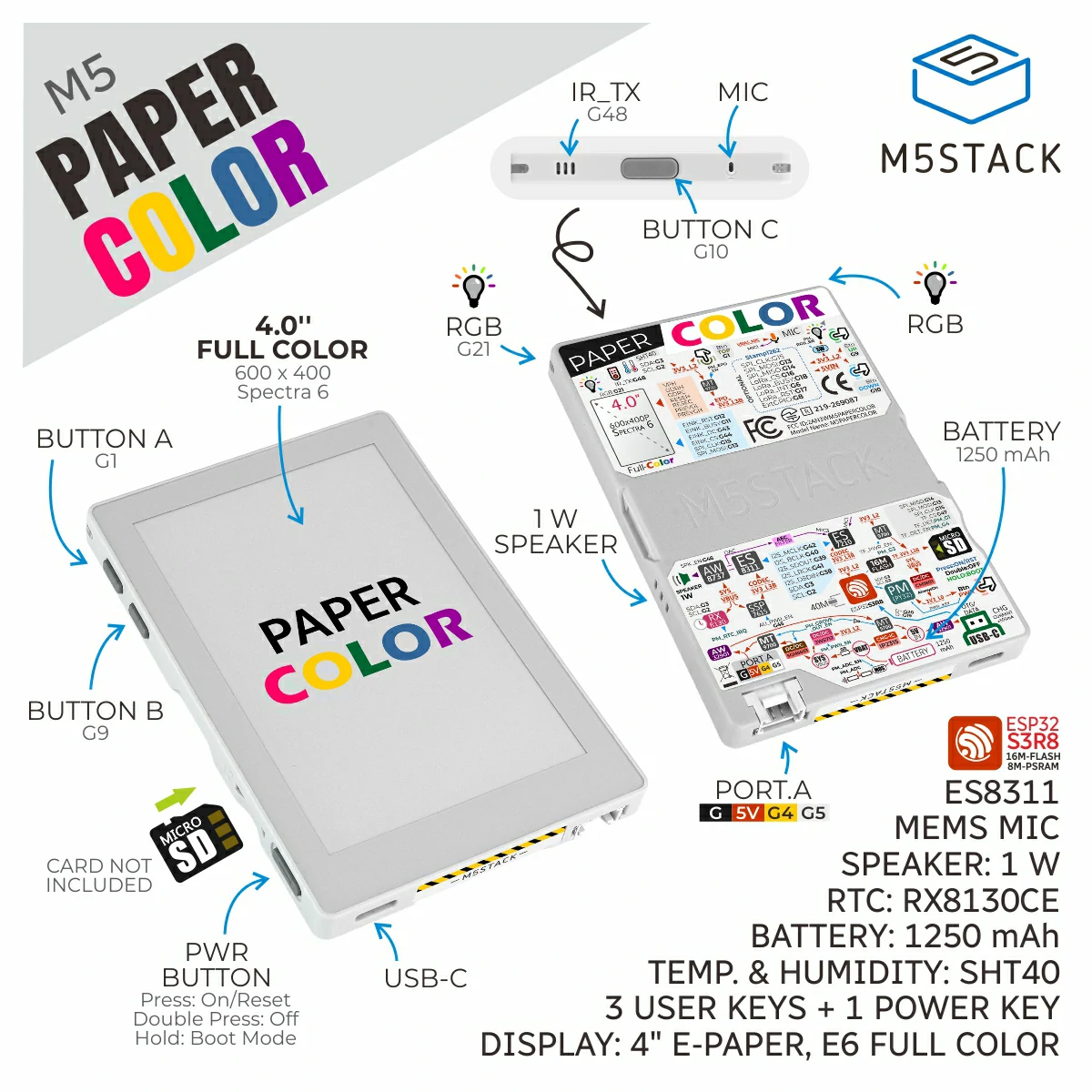
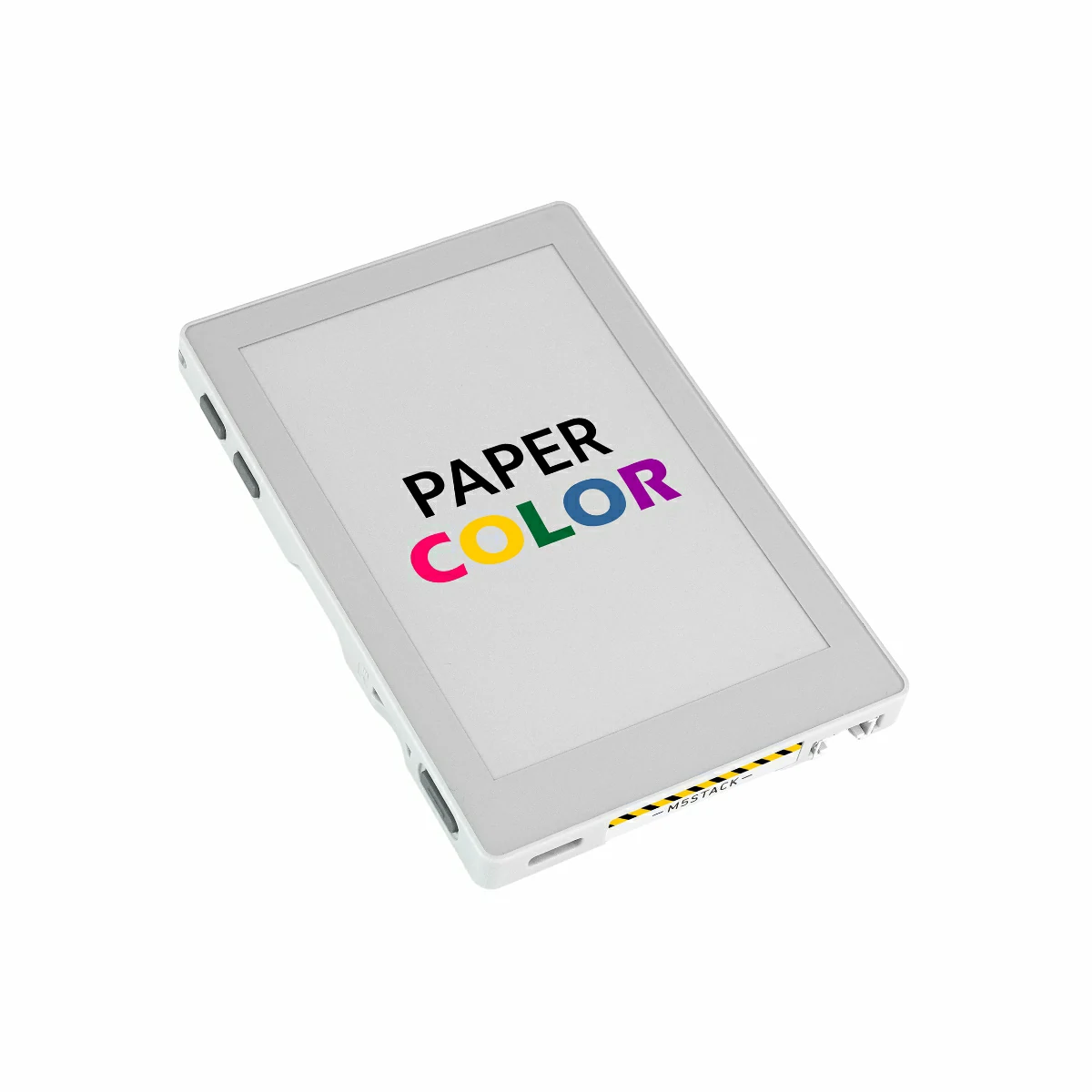
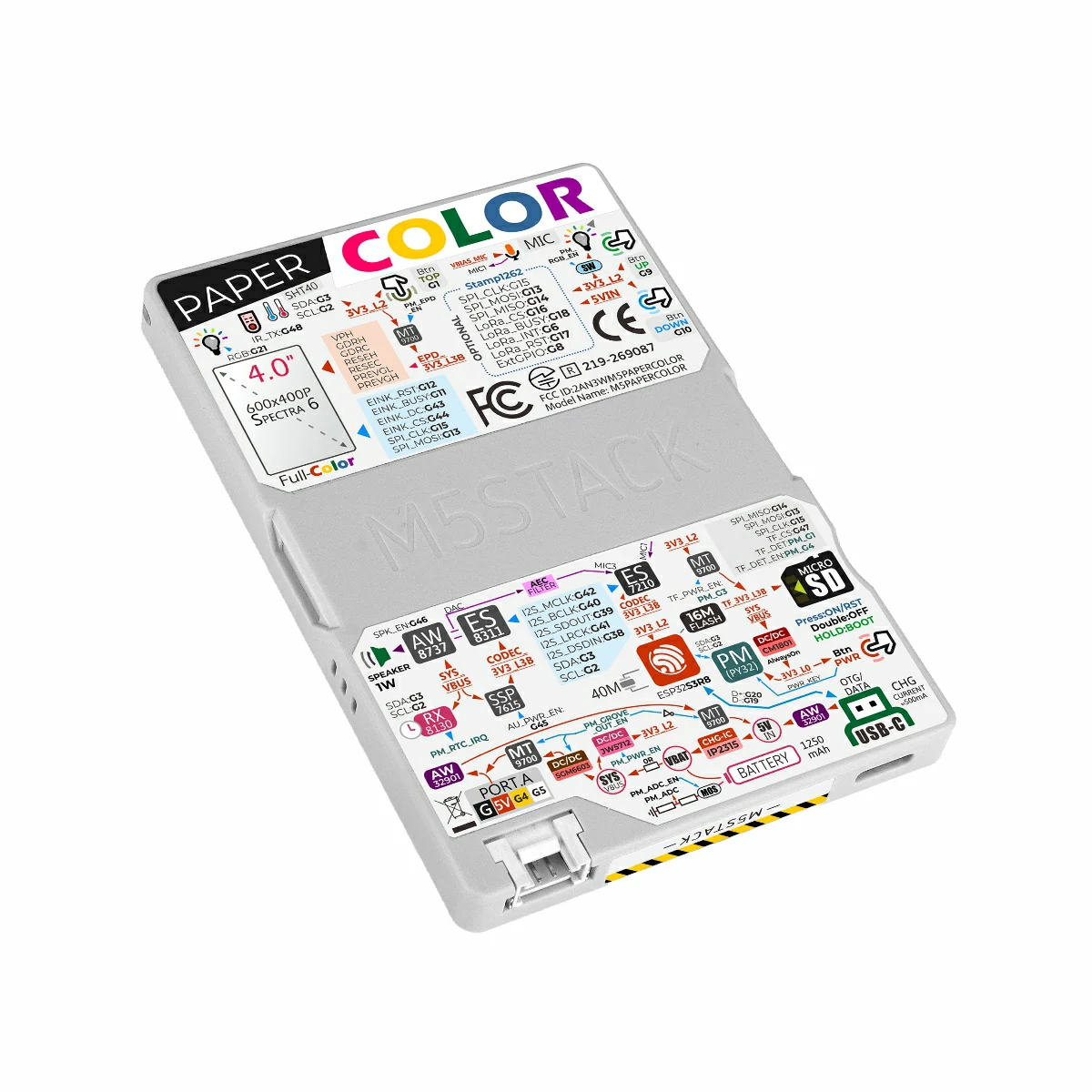
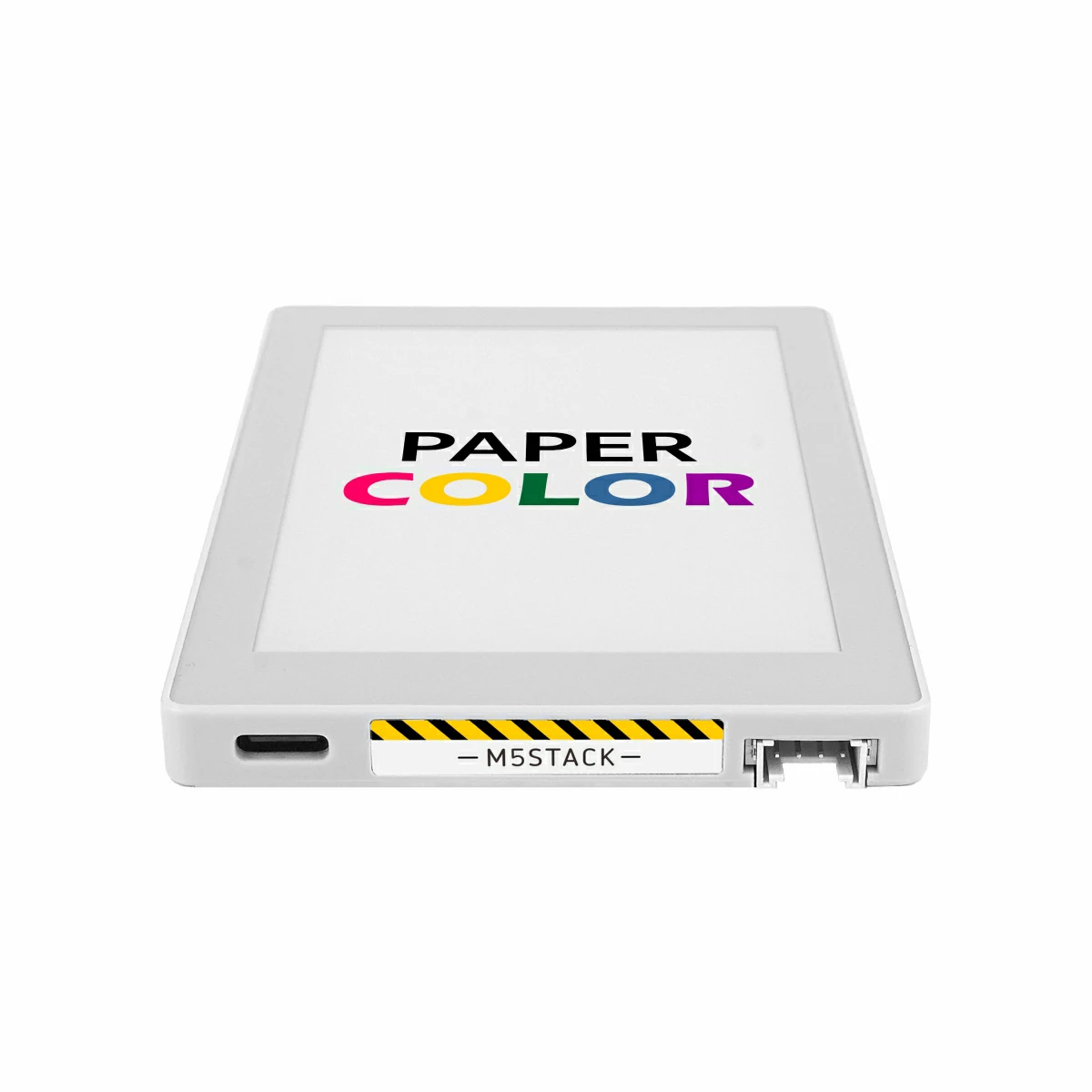
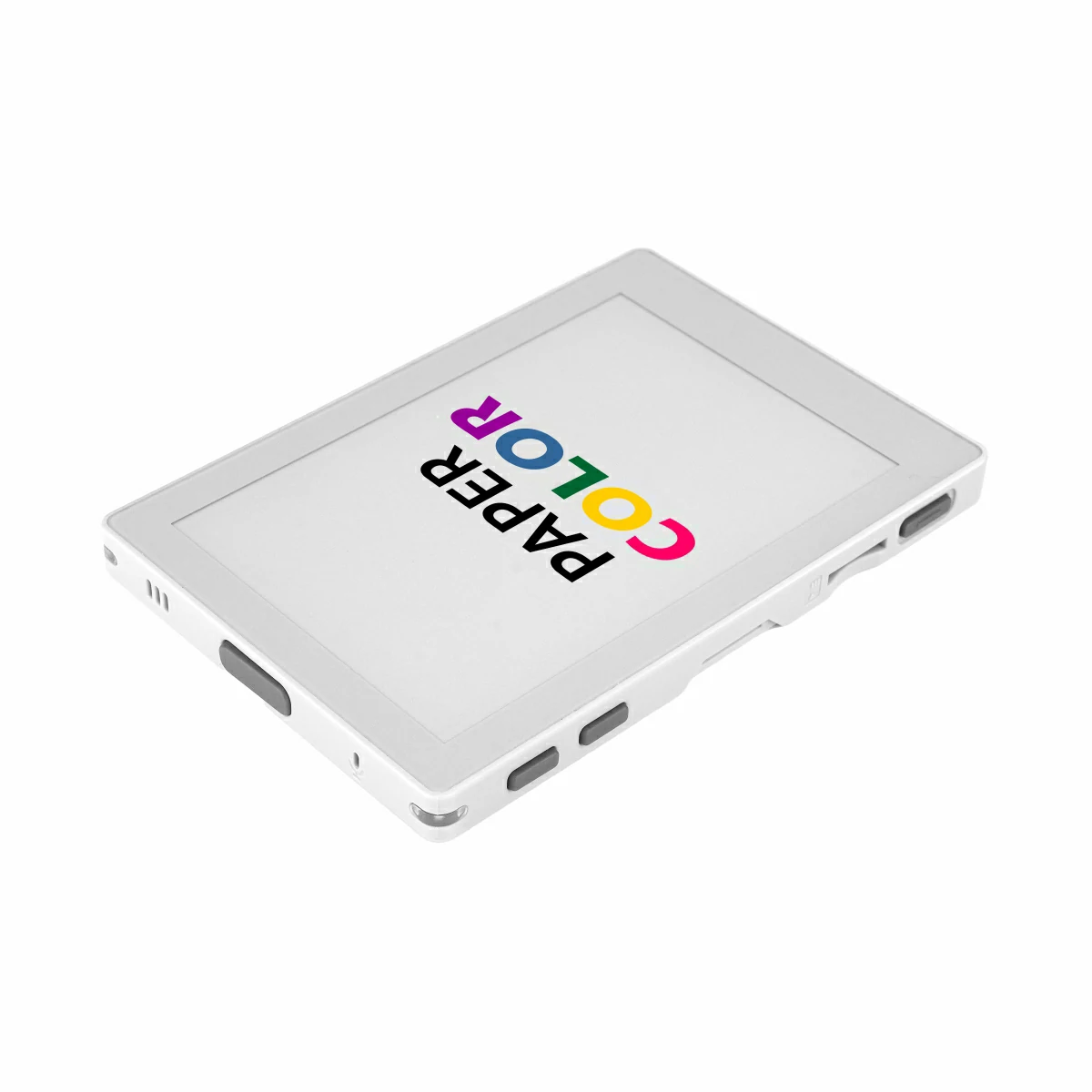
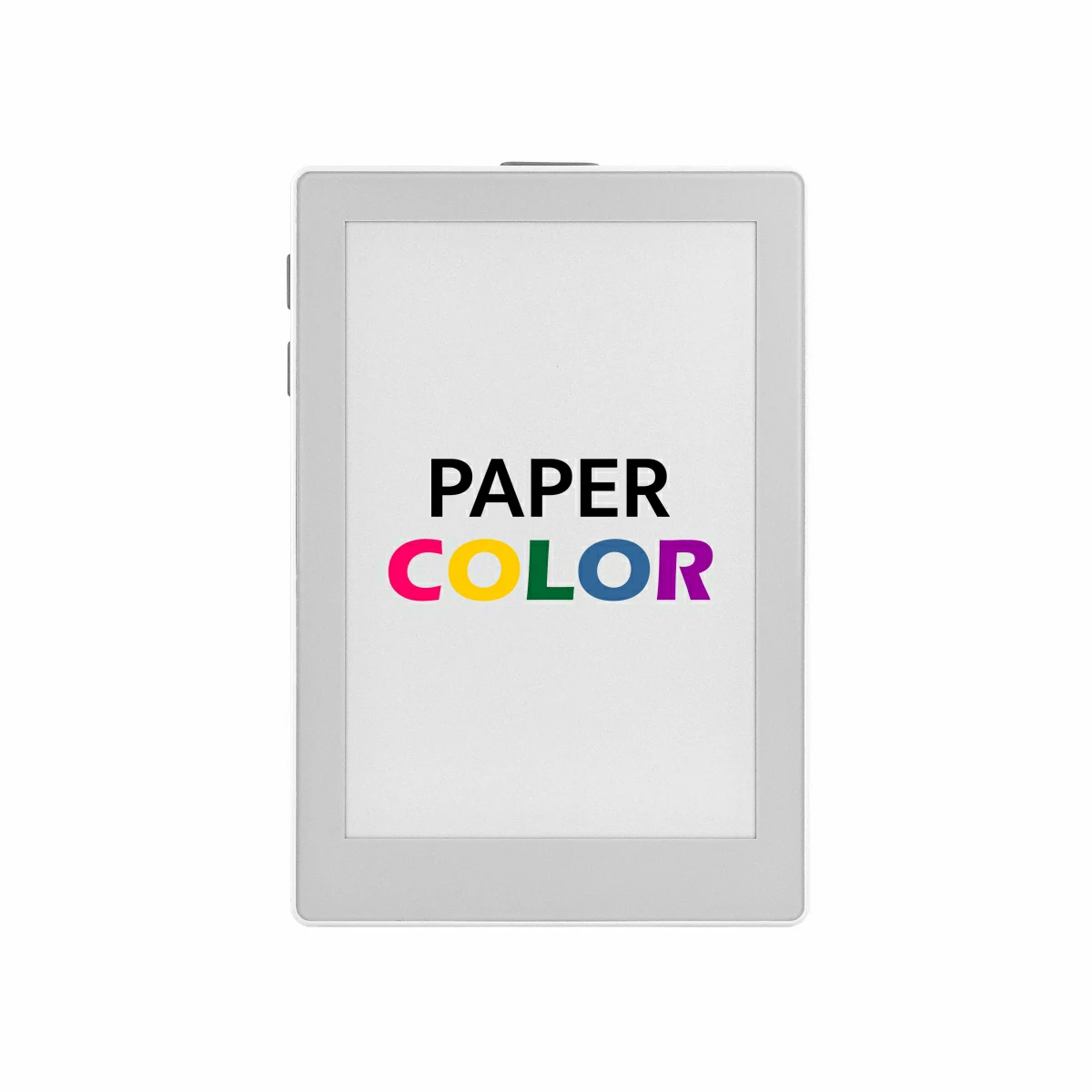
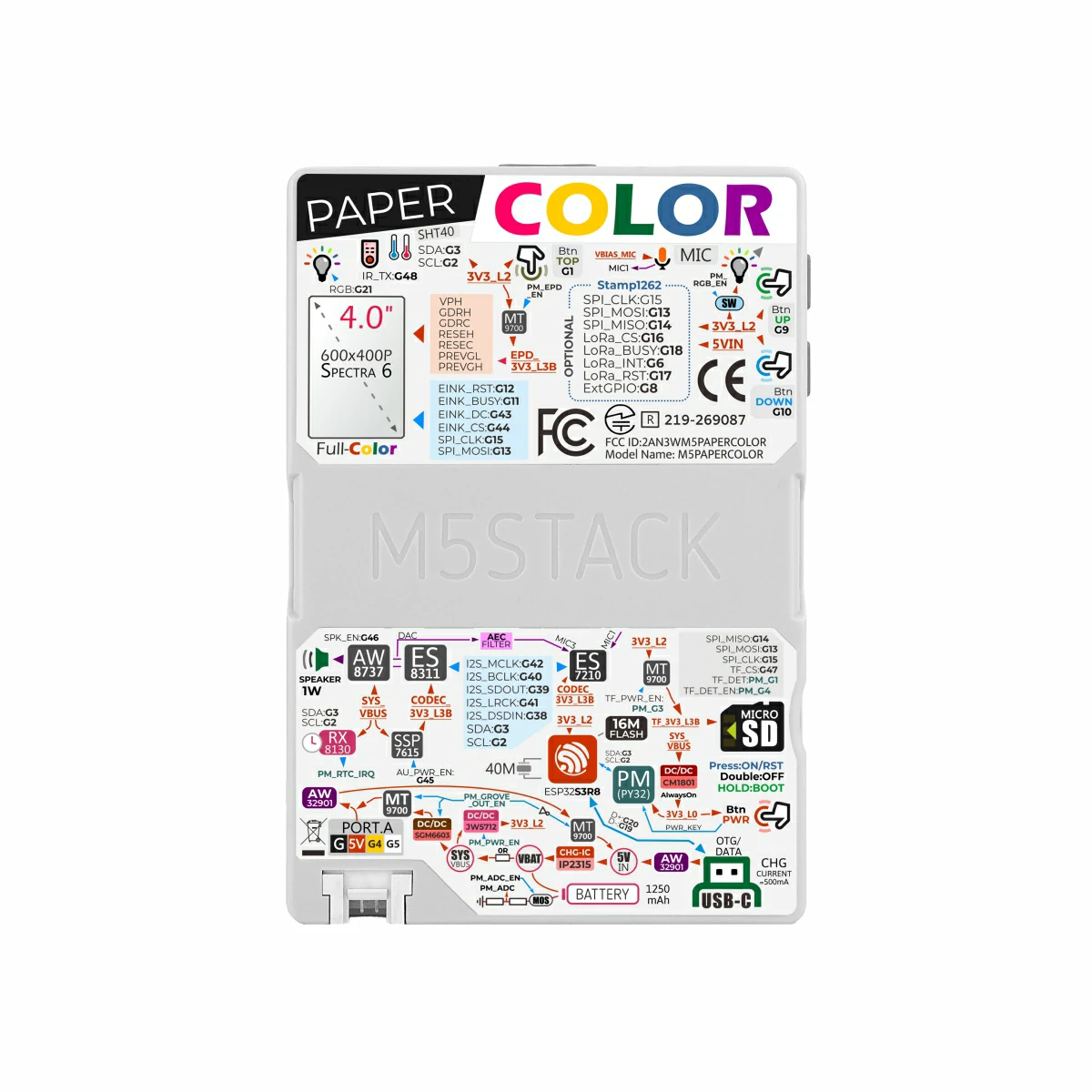
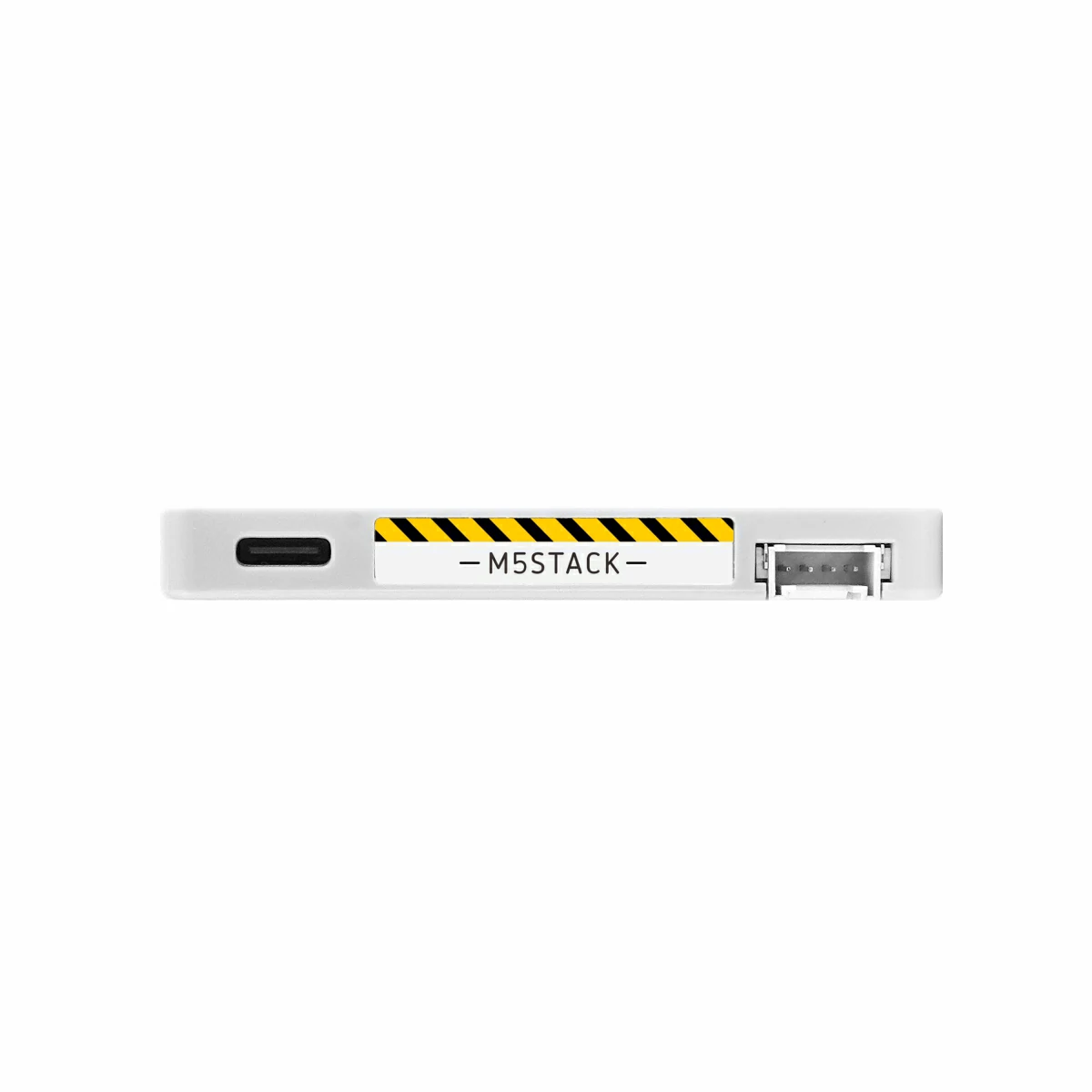
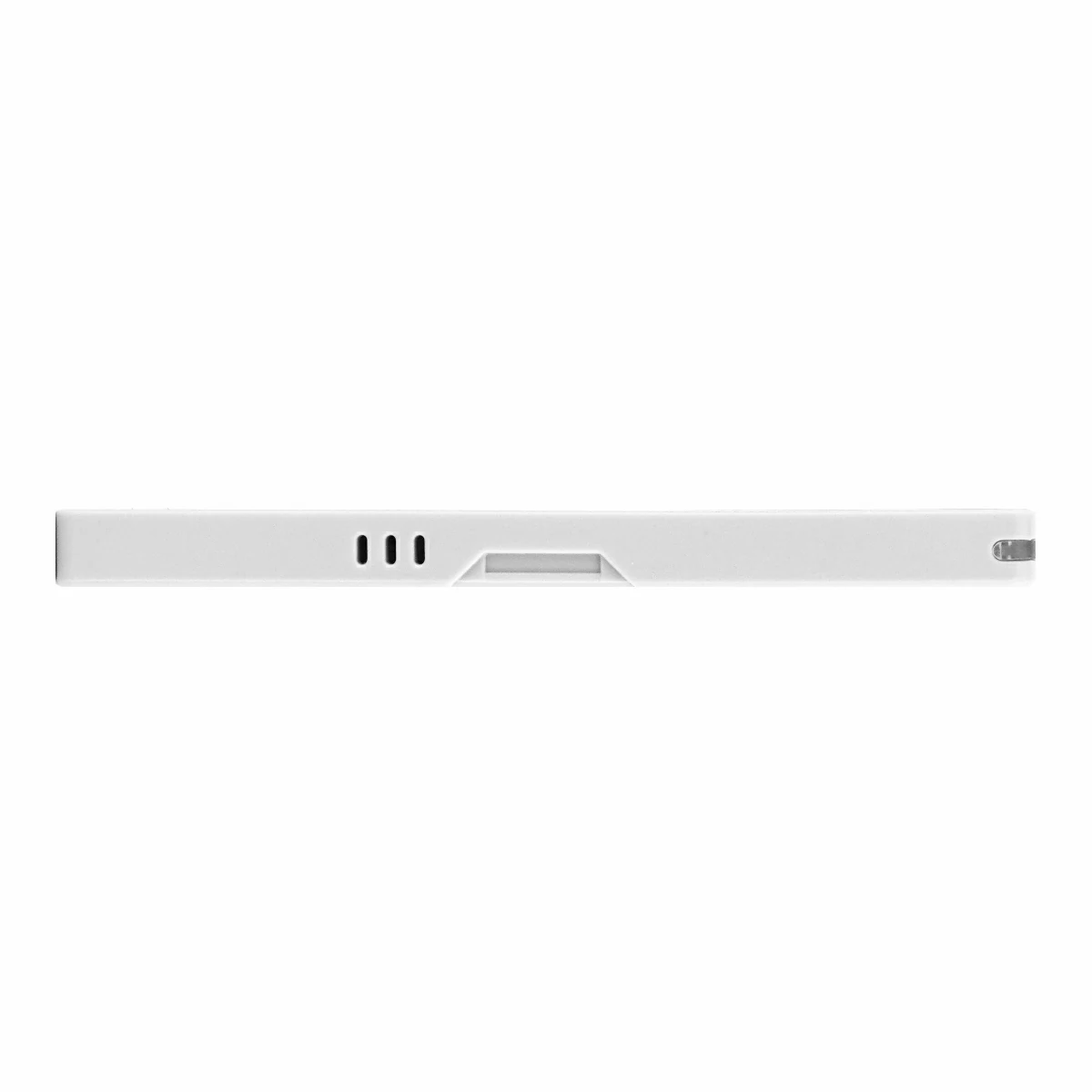
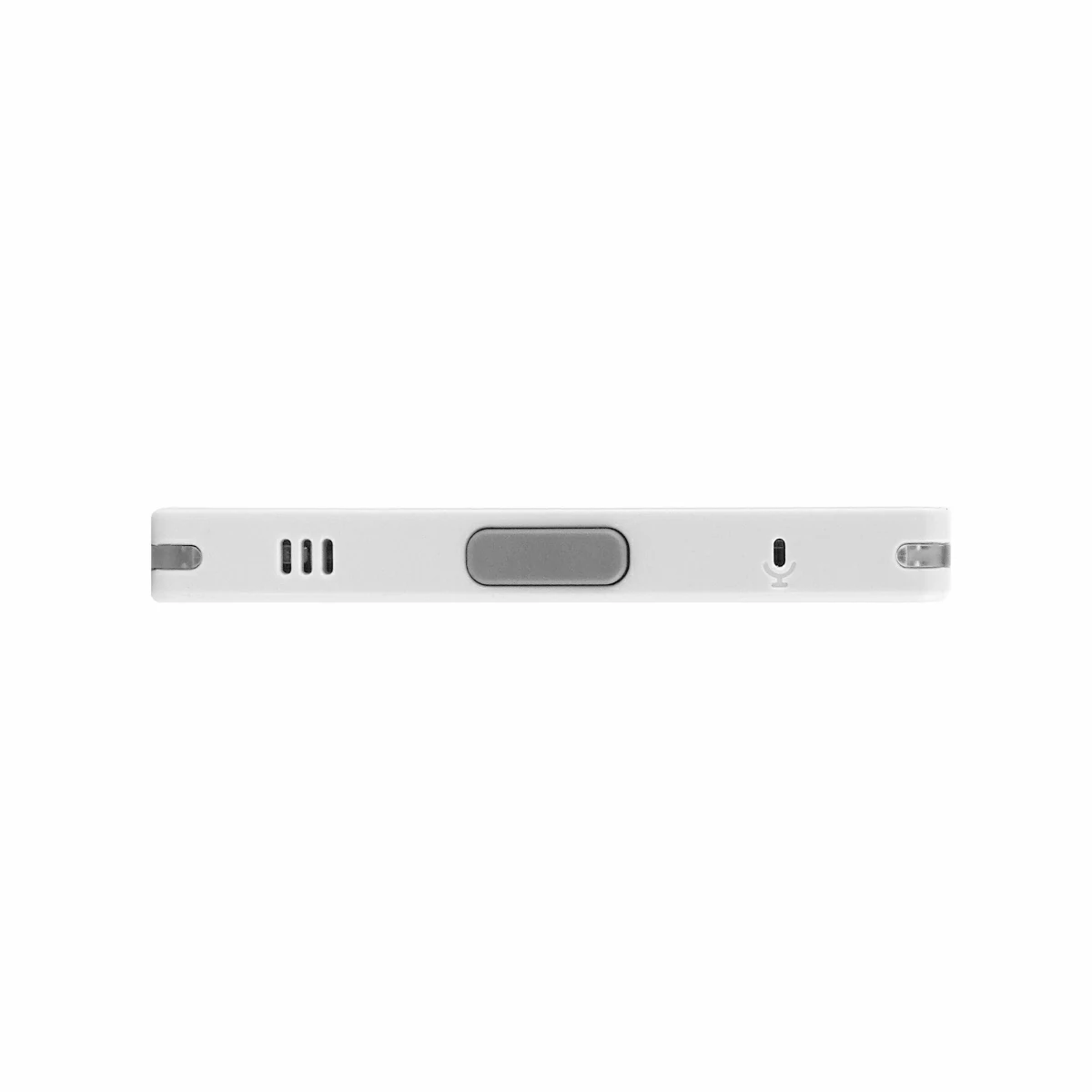
PaperColor is a development board featuring a 4-inch E Ink Spectra 6 full-color e-paper display with a resolution of 400x600, offering both low power consumption and high visibility. It is built around an integrated ESP32-S3R8 core with 16MB Flash and 8MB PSRAM, and supports 2.4 GHz Wi-Fi wireless communication. The board incorporates a complete human-machine interaction system, including three programmable buttons, an audio system based on the ES8311 audio codec, a MEMS microphone with AEC echo cancellation, and a speaker driven by an AW8737A amplifier — enabling high-quality voice capture and audio playback. In terms of expanded functionality, the board integrates an SHT40 temperature and humidity sensor, RX8130CE real-time clock, microSD card slot, infrared emitter, two RGB LEDs, and an HY2.0-4P expansion interface. Combined with the M5PM1 multi-stage power management system and a 1250mAh battery, it enables long-lasting, low-power operation. Suitable for IoT and embedded applications such as electronic signage, voice interaction terminals, environmental monitoring instruments, and art display installations.
This tutorial covers the factory firmware usage guide for PaperColor, including configuration page overview, and setup instructions for both Local Mode and Ezdata Mode.
Note
Refresh Time
The refresh time of the PaperColor screen is approximately 15 ~ 30s, depending on the complexity of the color distribution.
Features
ESP32-S3R8 Core:
16MB Flash + 8MB PSRAM
2.4 GHz Wi-Fi
4-inch E Ink Spectra 6 Full-Color E-Paper Display
Built-in 1250mAh Battery
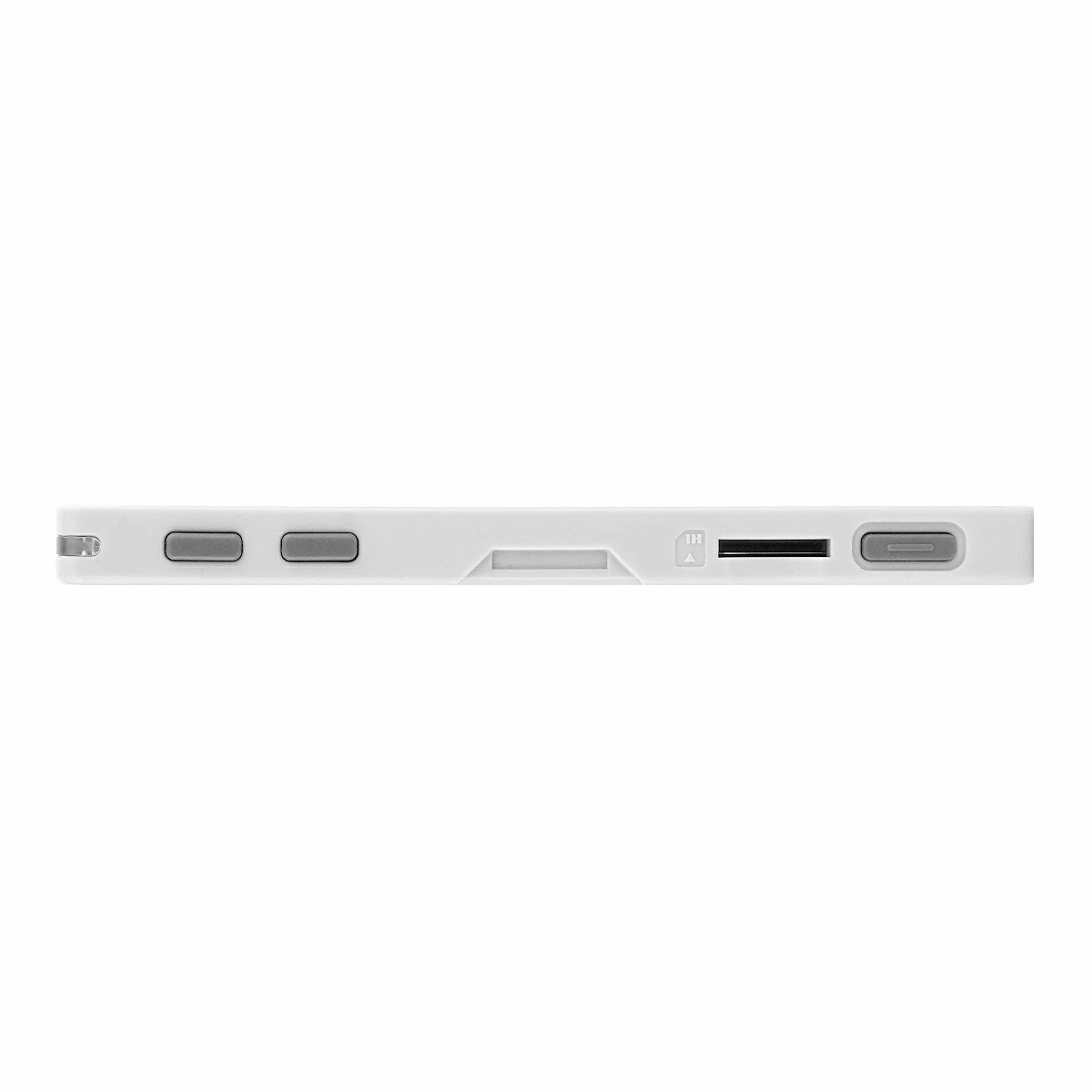
microSD Card Slot
Audio Interaction:
ES8311 Audio Codec
1W Speaker + MEMS Microphone
Human-Machine Interaction:
3x User Buttons + 1x Power Button
Infrared Emitter
2x RGB LED
Onboard SHT40 Temperature & Humidity Sensor
RX8130CE Real-Time Clock
Includes
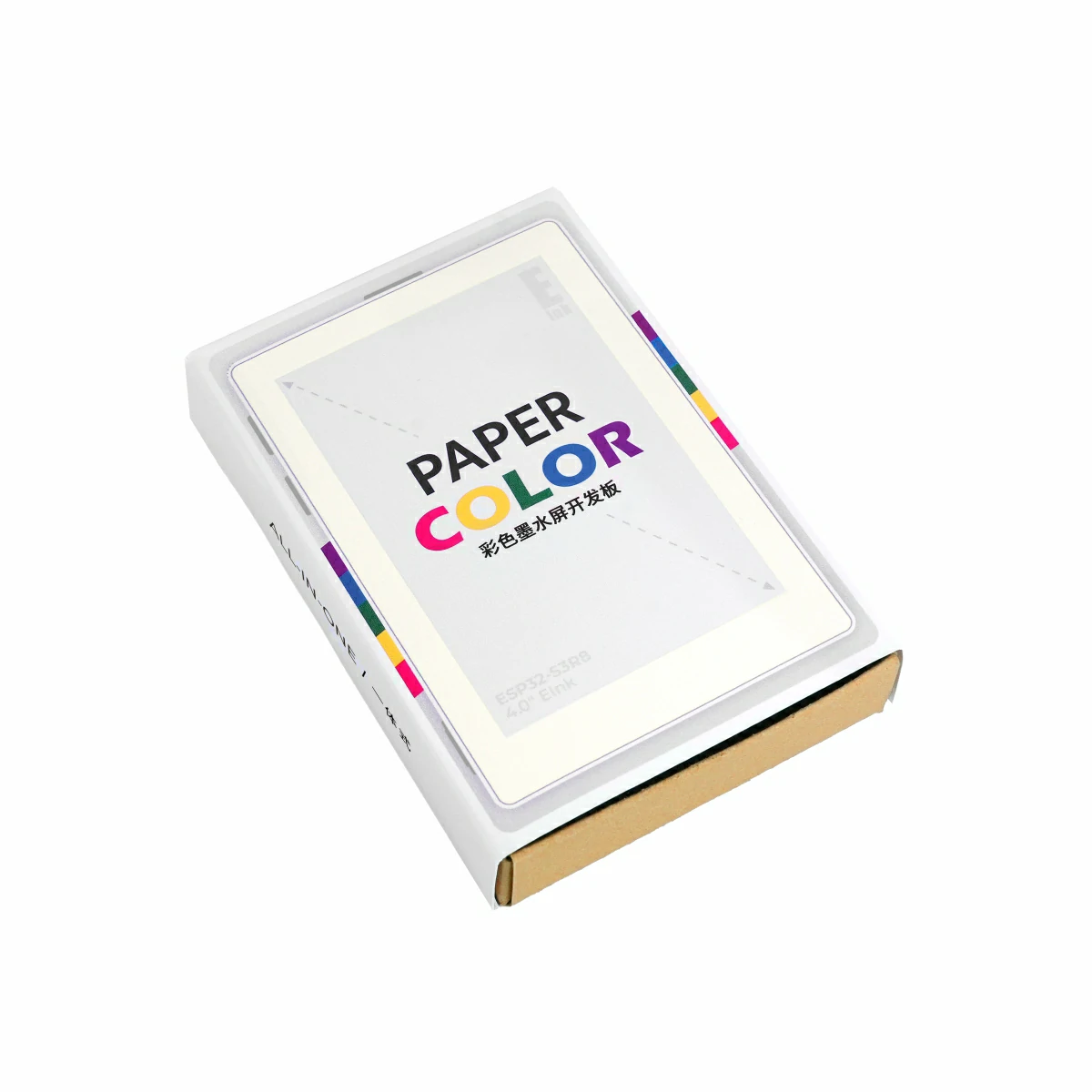
1 x PaperColor
Applications
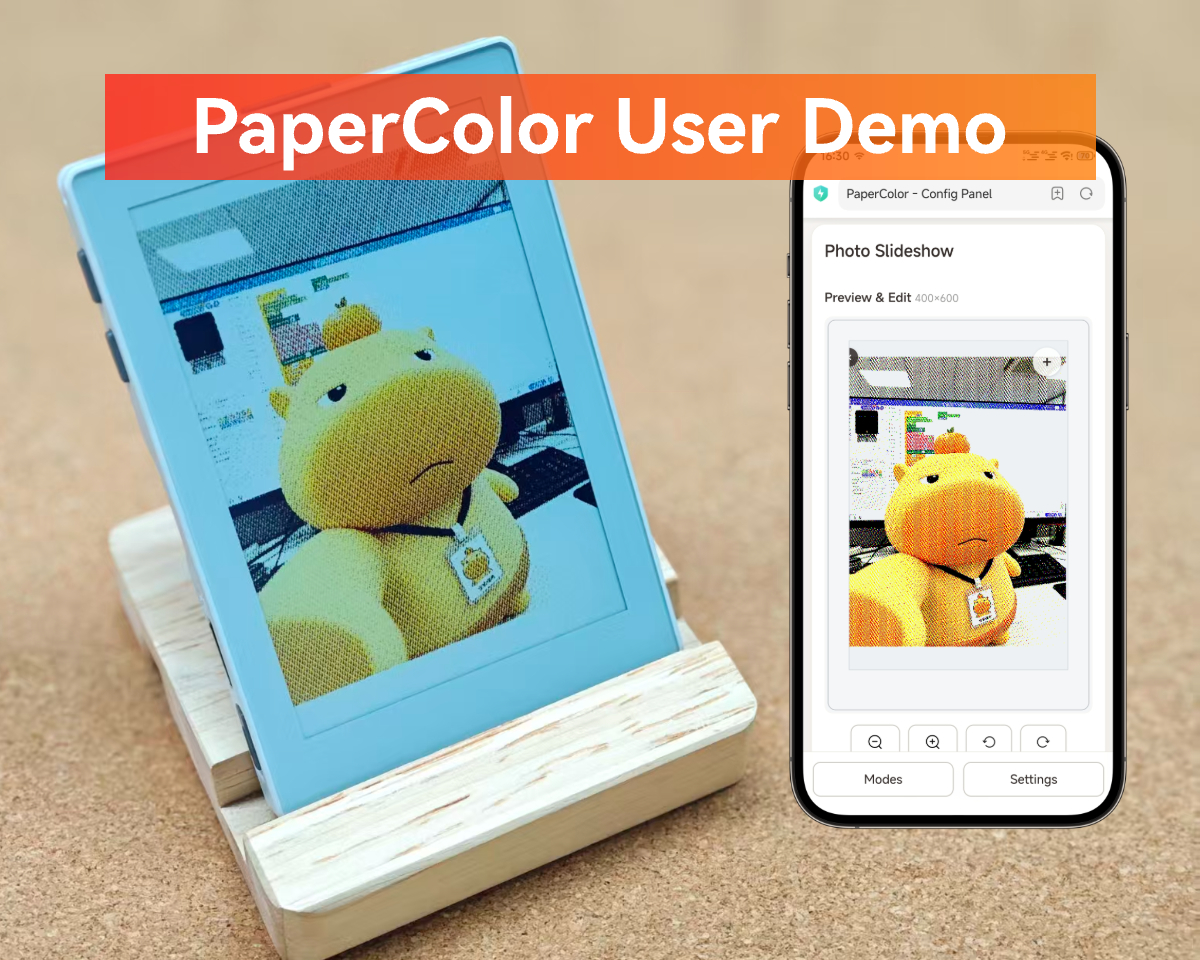
Smart Digital Photo Frame
Data Display Panel
Electronic Signage
Specifications
Specification
Parameter
SoC
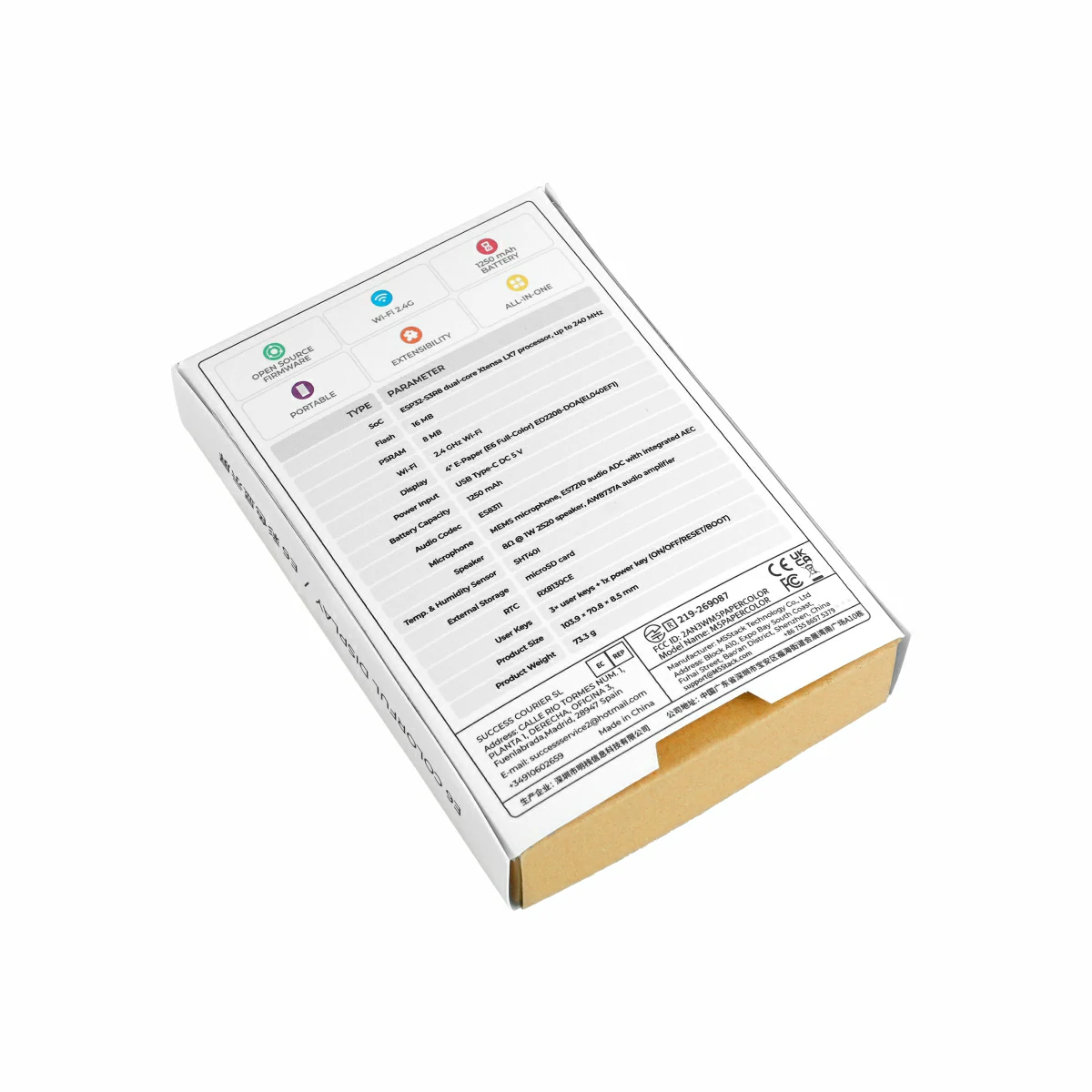
ESP32-S3R8 @ Xtensa® 32-bit LX7 dual-core processor, clock frequency 240MHz
3x User Buttons + 1x Power Button (ON/OFF/RESET/BOOT)
Power Consumption
Standby: 92.53uA Full Load: 211.97mA
Product Size
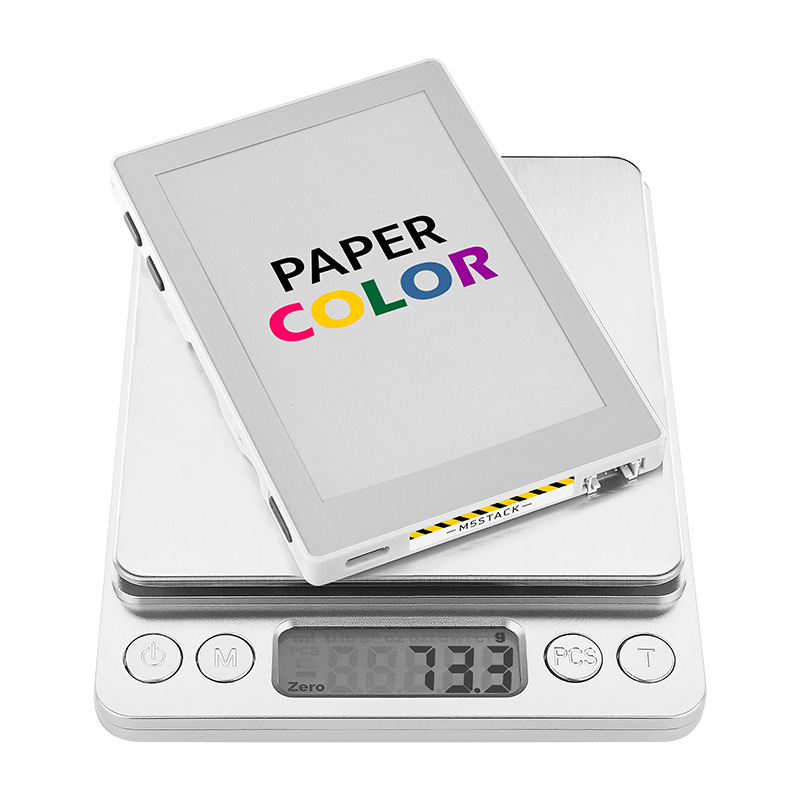

70.8 x 103.9 x 8.5mm
Product Weight
73.3g
Package Size
120.0 x 80.0 x 23.0mm
Gross Weight
93.4g
Learn
Power On/Off
Power On / Restart: Press the power button once
Power Off: Press the power button twice in quick succession
Download Mode
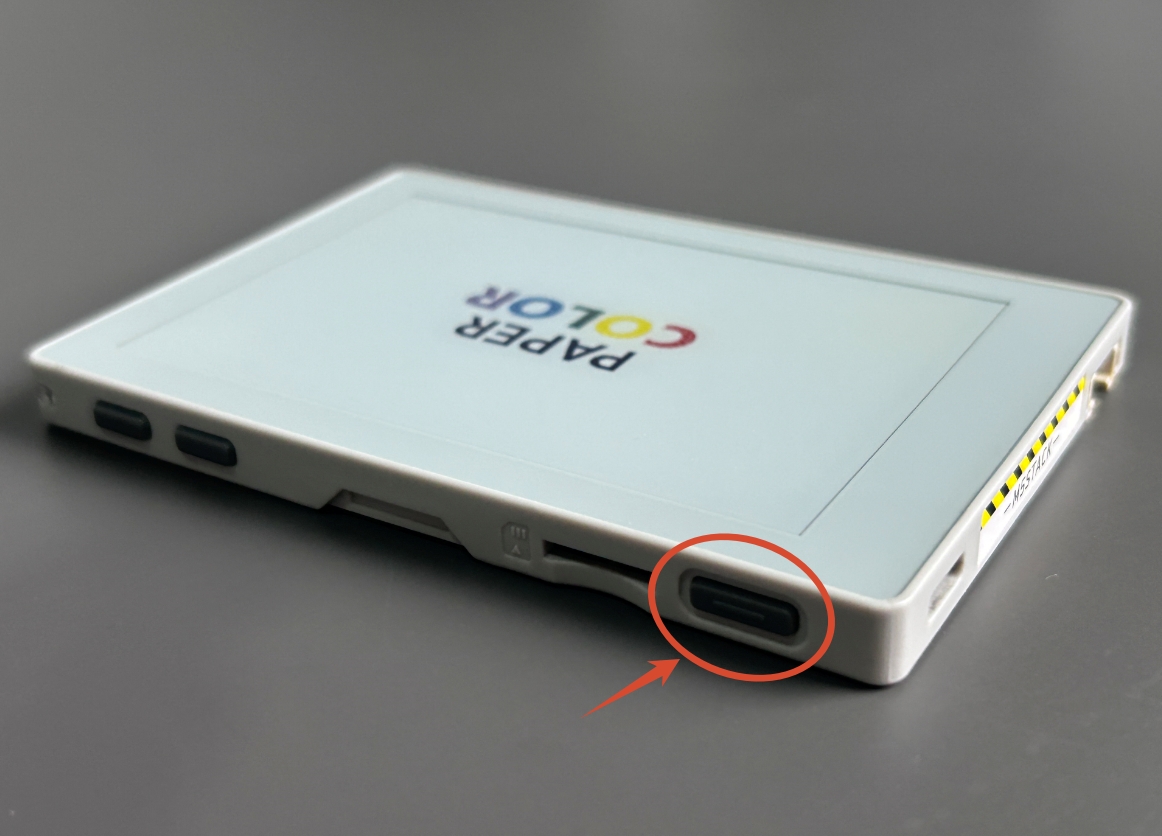
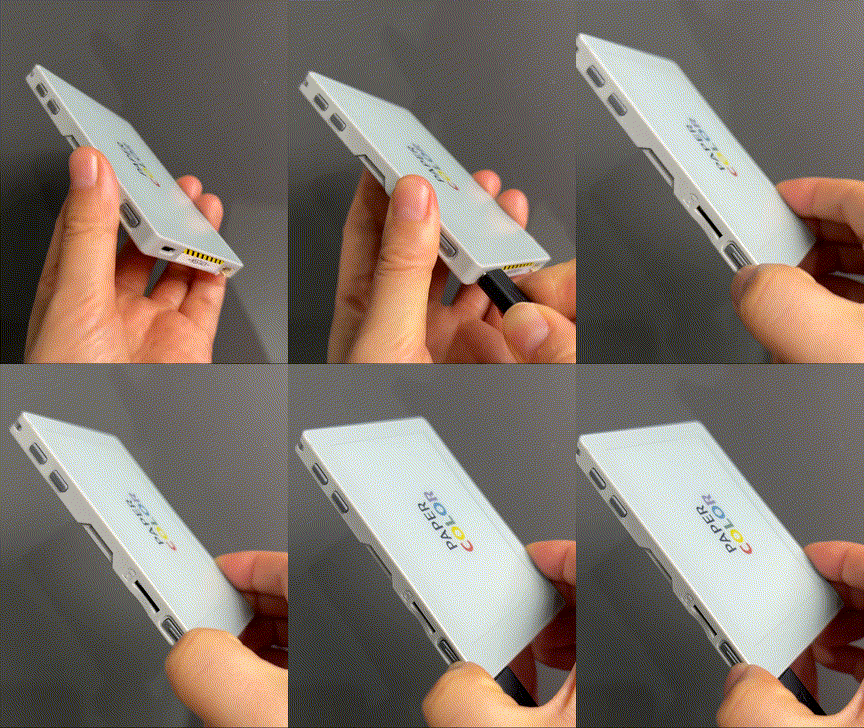
To flash firmware, connect the device to a computer via a USB Type-C cable, then press and hold the side reset button (for approximately 3 seconds) to enter download mode and wait for the flashing process to complete.