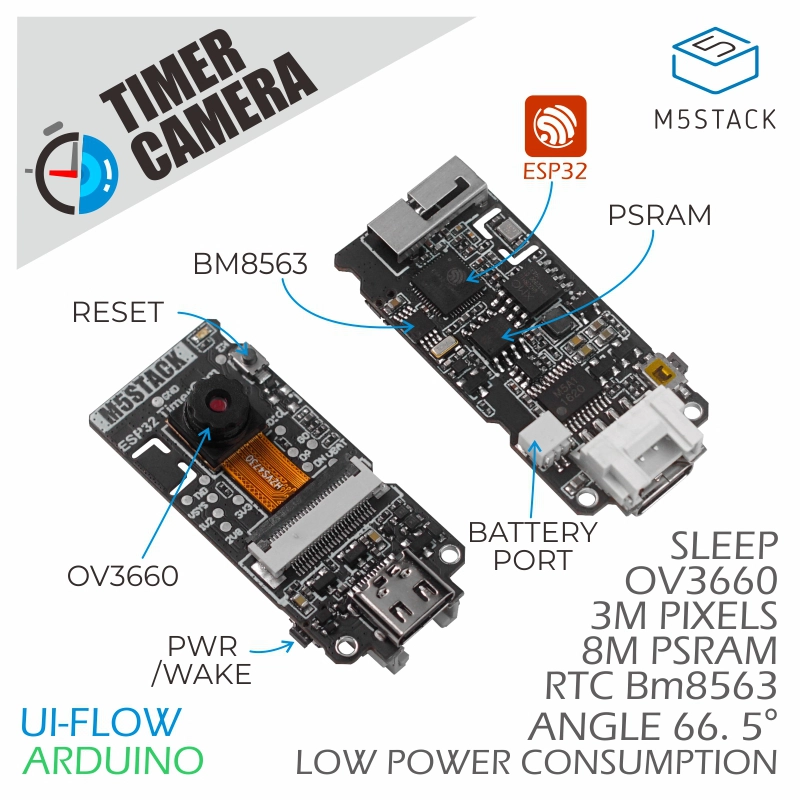
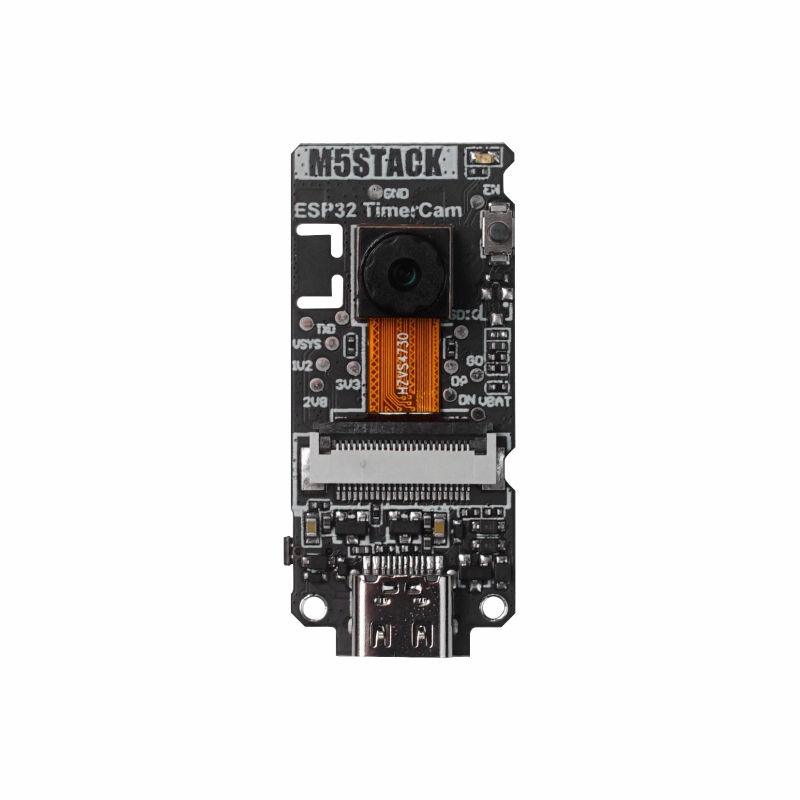
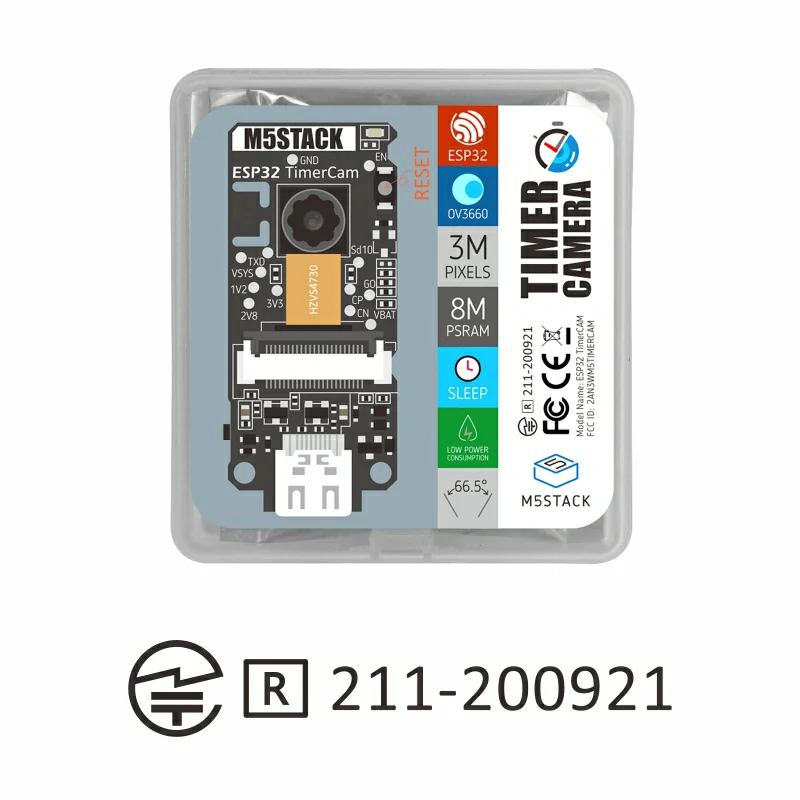
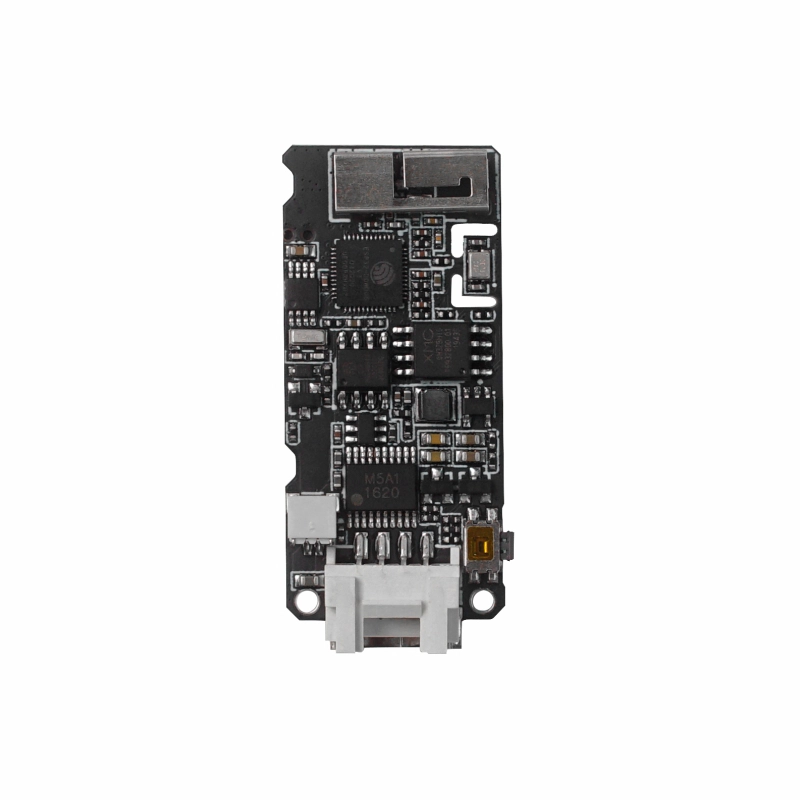
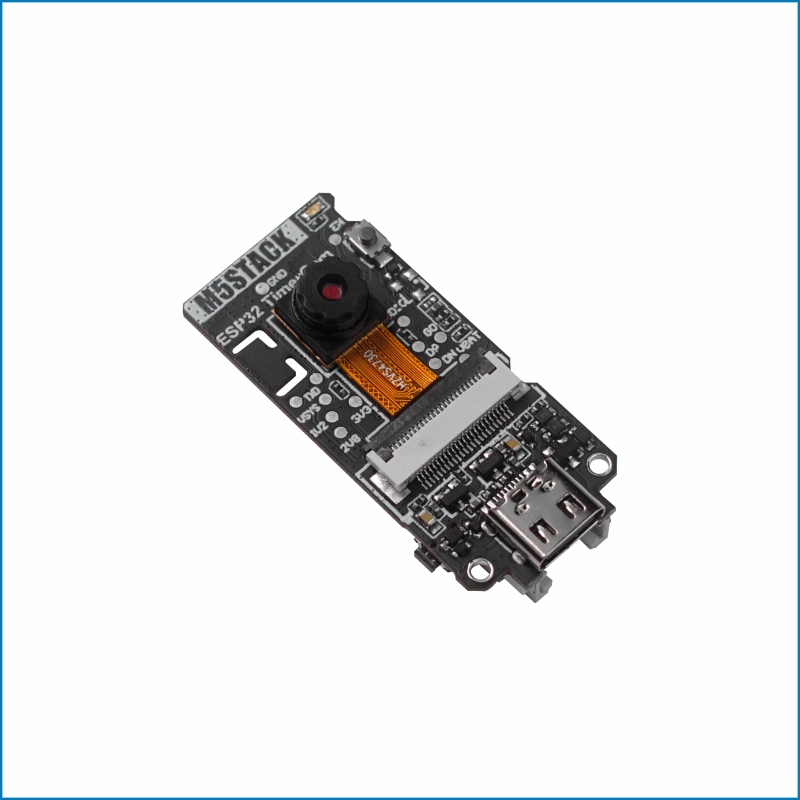
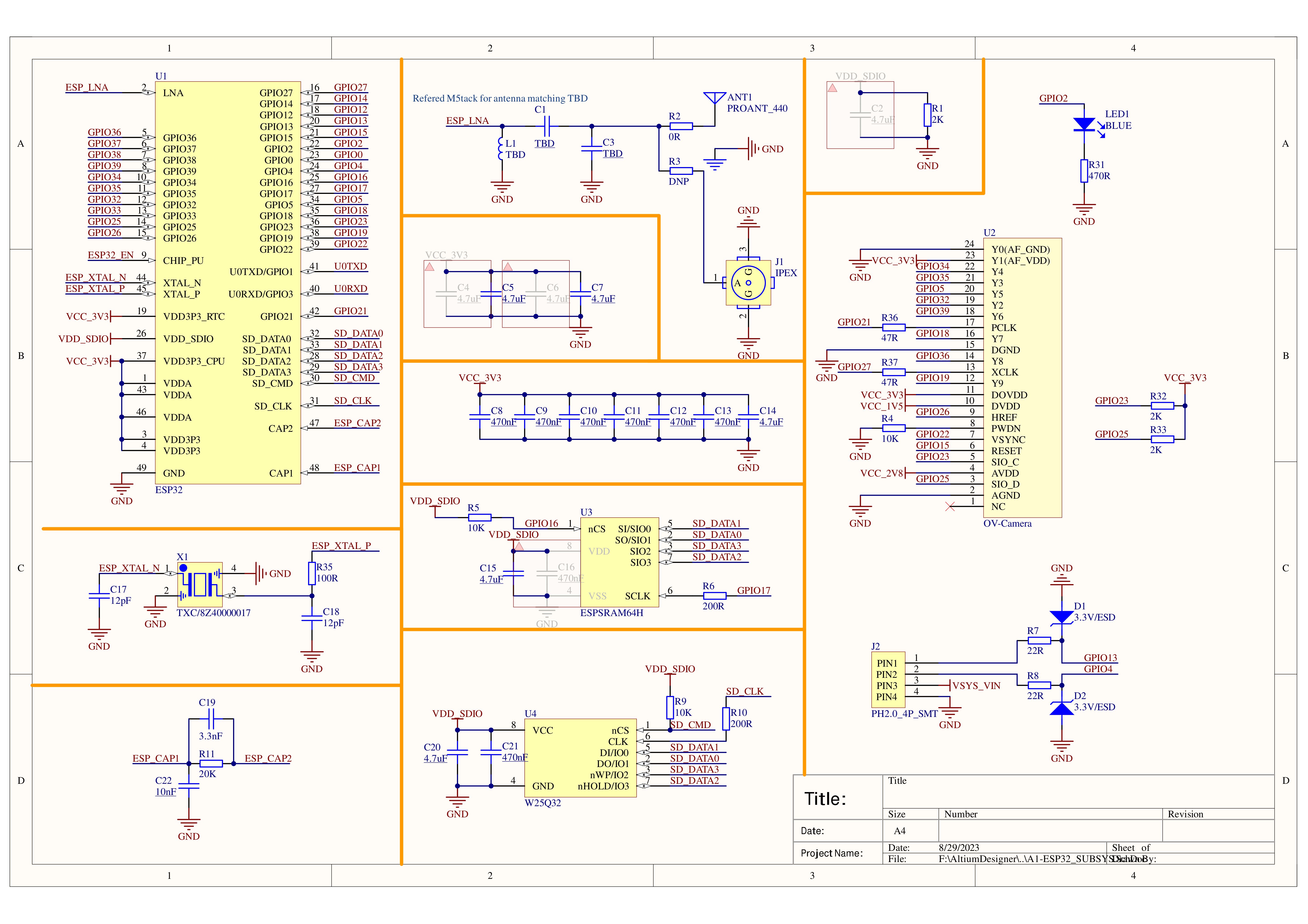
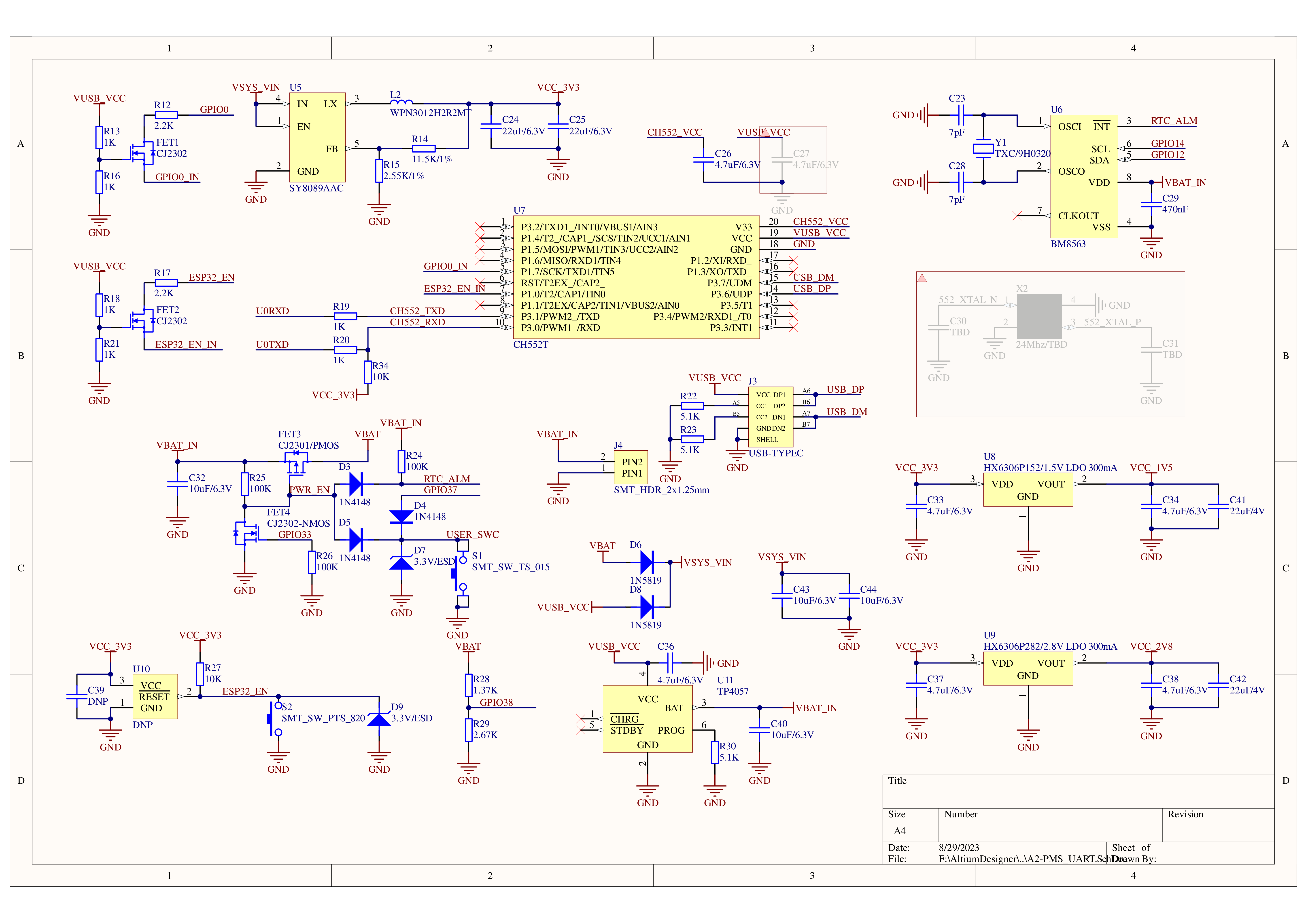
TimerCamera is a camera module based on the ESP32-D0WDQ6-V3, equipped with an onboard 8MB PSRAM and a 3MP camera (OV3660) with a DFOV of 60°, capable of capturing photos at resolutions up to 2048x1536. It features a status indicator and a RESET button, focusing on ultra-low power consumption design. Through the RTC (BM8563), it supports timed sleep and wake functions, with sleep current as low as 2μA. The board has a reserved battery connector for user-supplied battery power. The module supports Wi-Fi image transmission and USB port debugging, with a bottom HY2.0-4P port output for connecting other peripherals. Using M5Burner to flash the firmware, the TimerCamera can be configured directly via Camera-Tool, or the data can be processed in UiFlow.
Features
Designed based on ESP32
Wi-Fi image transmission
Timed sleep and wake
Status indicator
Ultra-low power consumption design
Development Platform: ESP-IDF / Arduino / UiFlow
Includes
1 x TimerCamera
Applications
Timed photography
Remote monitoring
Specifications
Specification
Parameter
PSRAM
8MB Quad
Flash
4M
Image Sensor
OV3660
Max Resolution
3MP
Output Format
8-/10-Bit RAW, RGB and YCbCr output, compression
DFOV
60°
Battery Port
SH1.0-2P
Product Size
45 x 20 x 12mm
Product Weight
6g
Package Size
60 x 60 x 15mm
Gross Weight
17g
Learn
The low-power power management solution used by the Timer Camera series is different from that of CORE and StickC devices. The PWR button is used as the power-on button (long press for 2 seconds). To power off the device, you need to use a software API or press the reset button on the PCB. When using external power, the device will remain powered on.
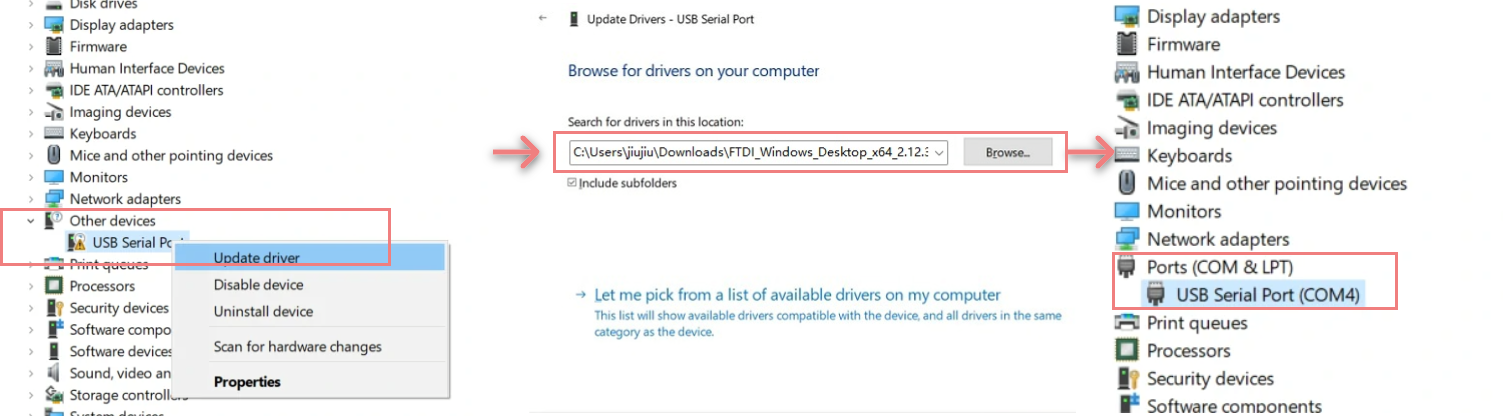
TimerCAM may not work without a driver on some systems. You can resolve this issue by manually installing the FTDI VCP driver. Follow these steps:
Select and download the driver file matching your operating system from the list below, then extract it. You can also visit the FTDI Chip official website to get additional FTDI driver versions.
Connect the device to your PC, open Device Manager, and install the FTDI driver (the screenshot below uses Windows 10 as an example). (Note: On some systems, you may need to install the driver twice for it to take effect. The unrecognized device is usually named M5Stack or USB Serial.)
Connect to the Unit TimerCAM hotspot, password 12345678. Open the browser at 192.168.4.1 to view the image. To use the timed photo function, please refer to the Quick Start guide.
Focal length adjustment
Product Comparison
To compare information on the TimerCamera series products, you can visit the Product Selection Table, check the target products, and get the comparison results. The selection table covers key information such as core parameters and functional features, and supports comparison of multiple products simultaneously.