
Stamp-S3Bat
SKU:S015
Description
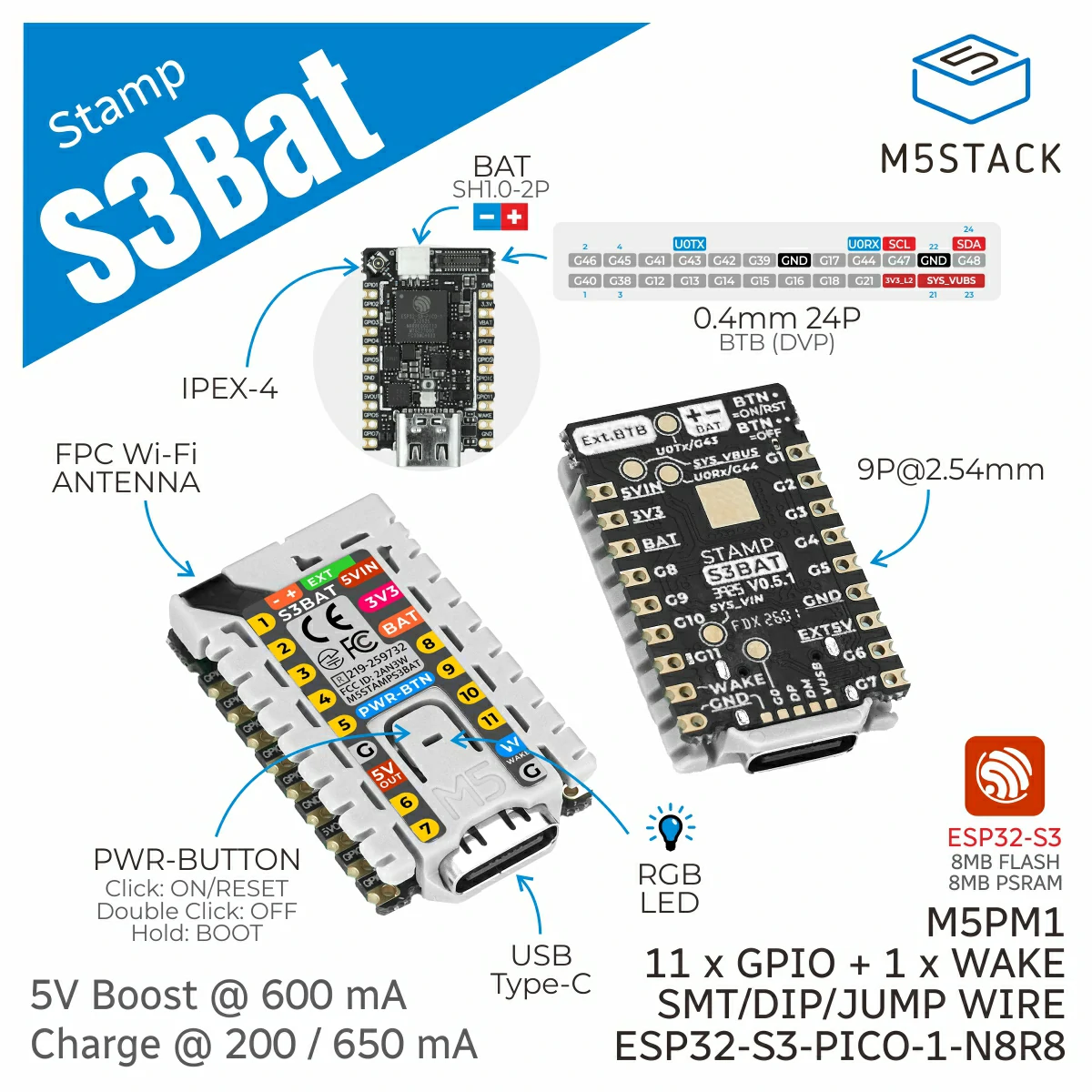
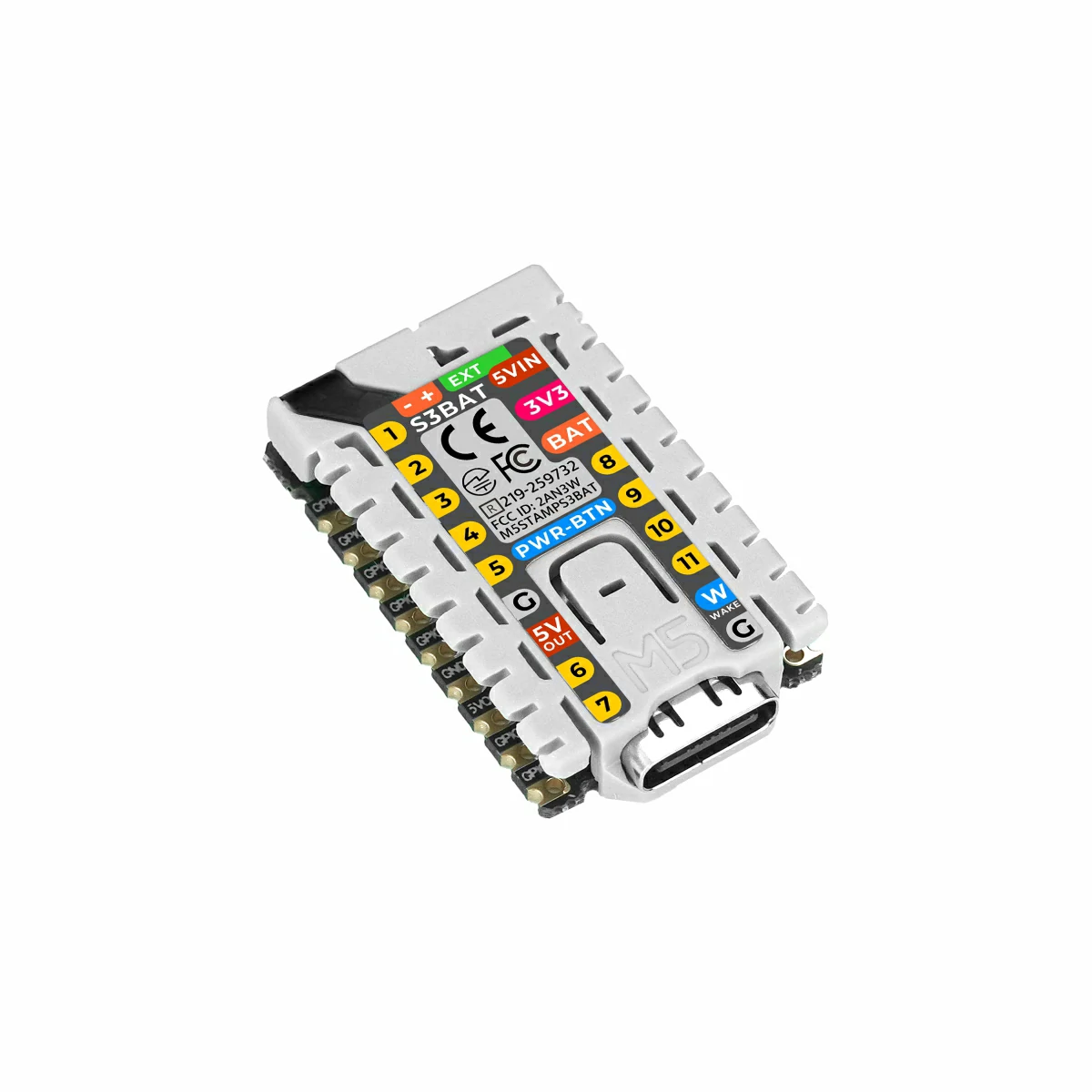
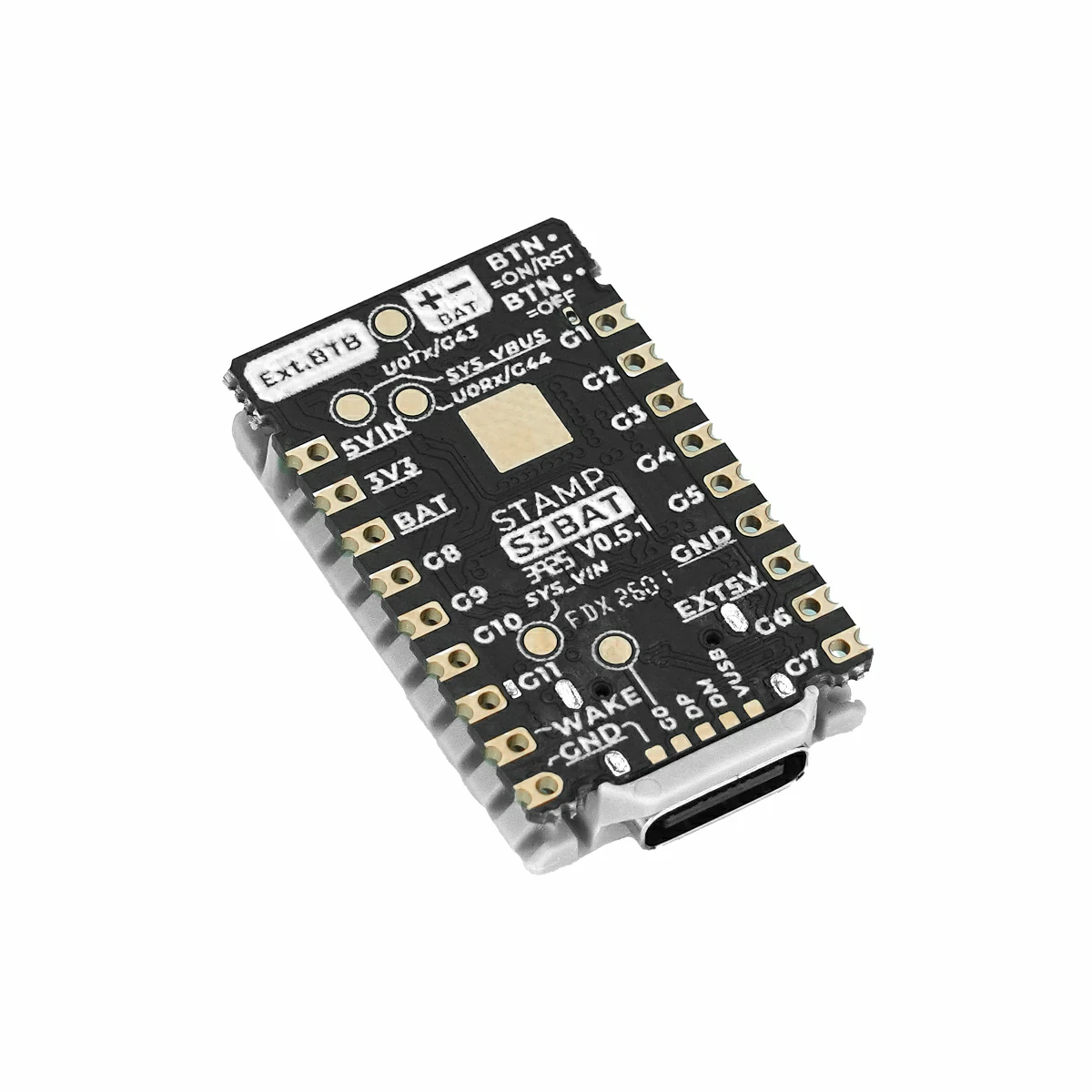
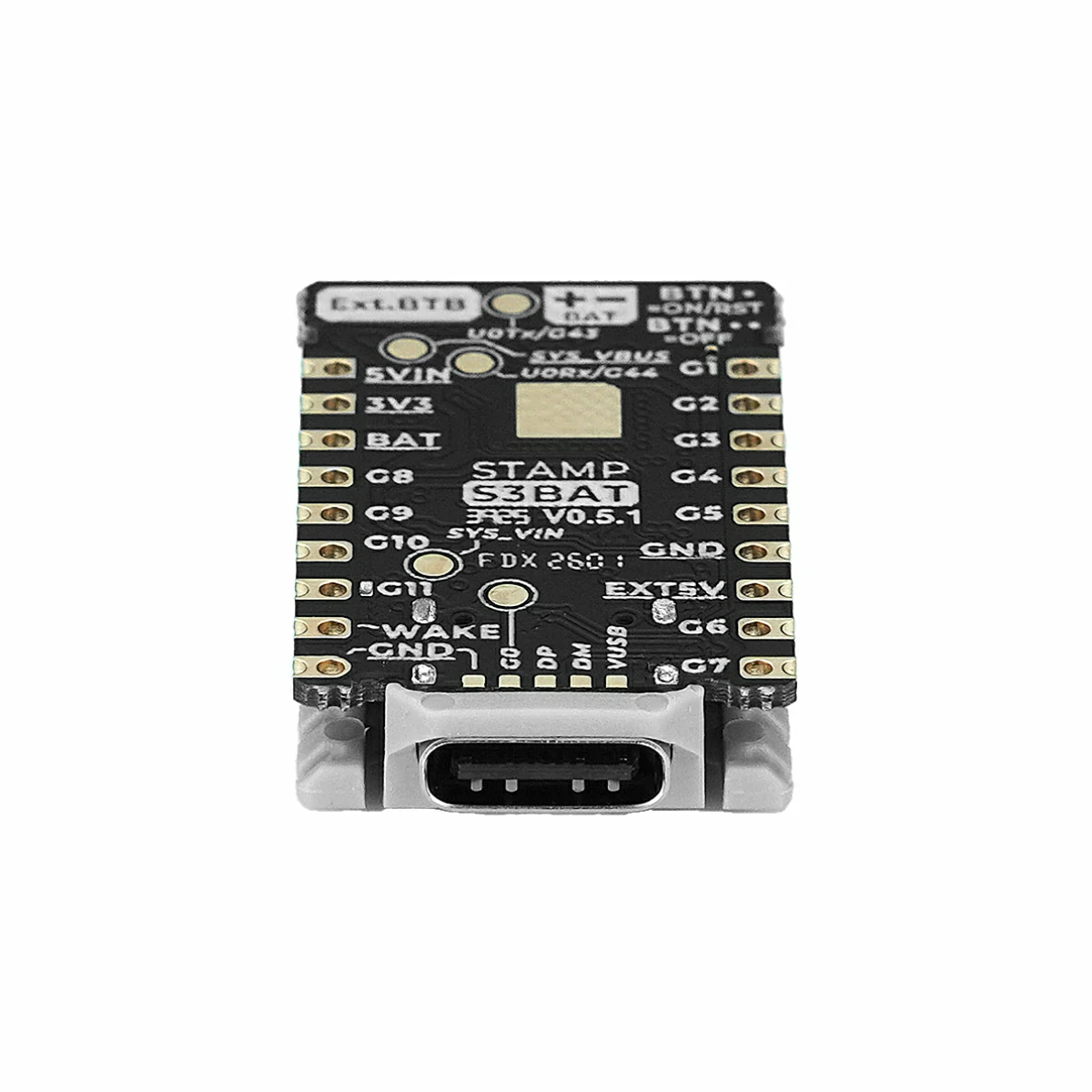
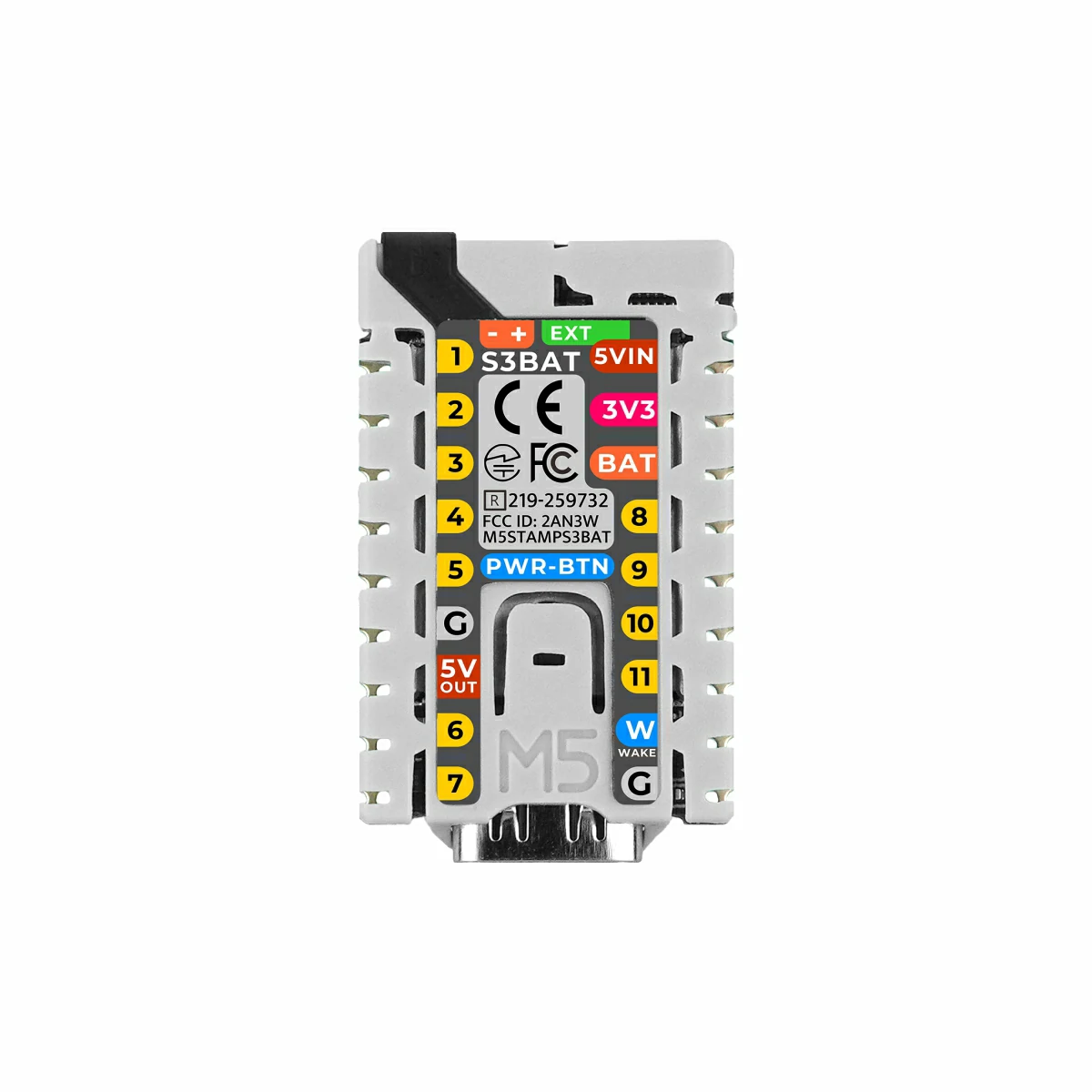
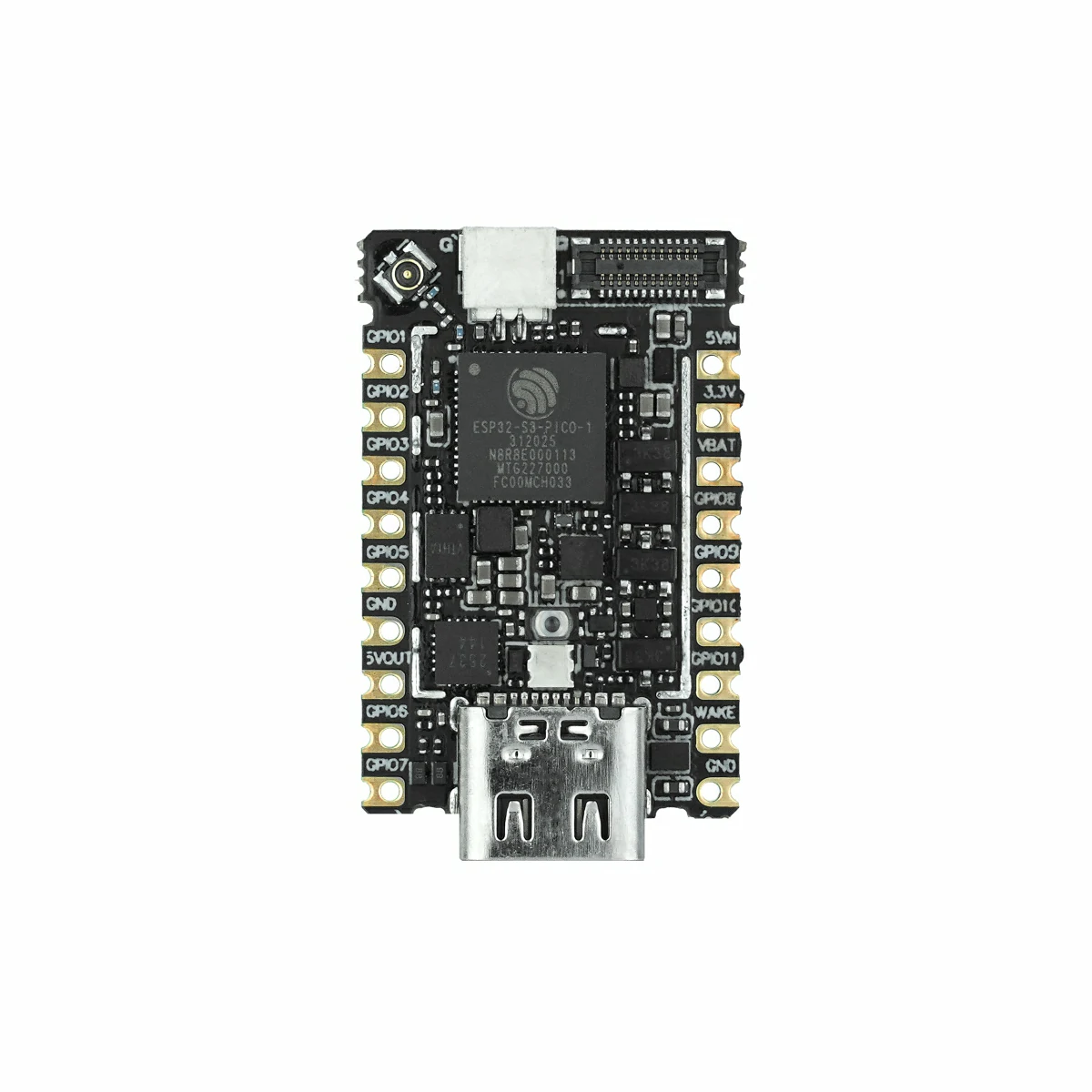
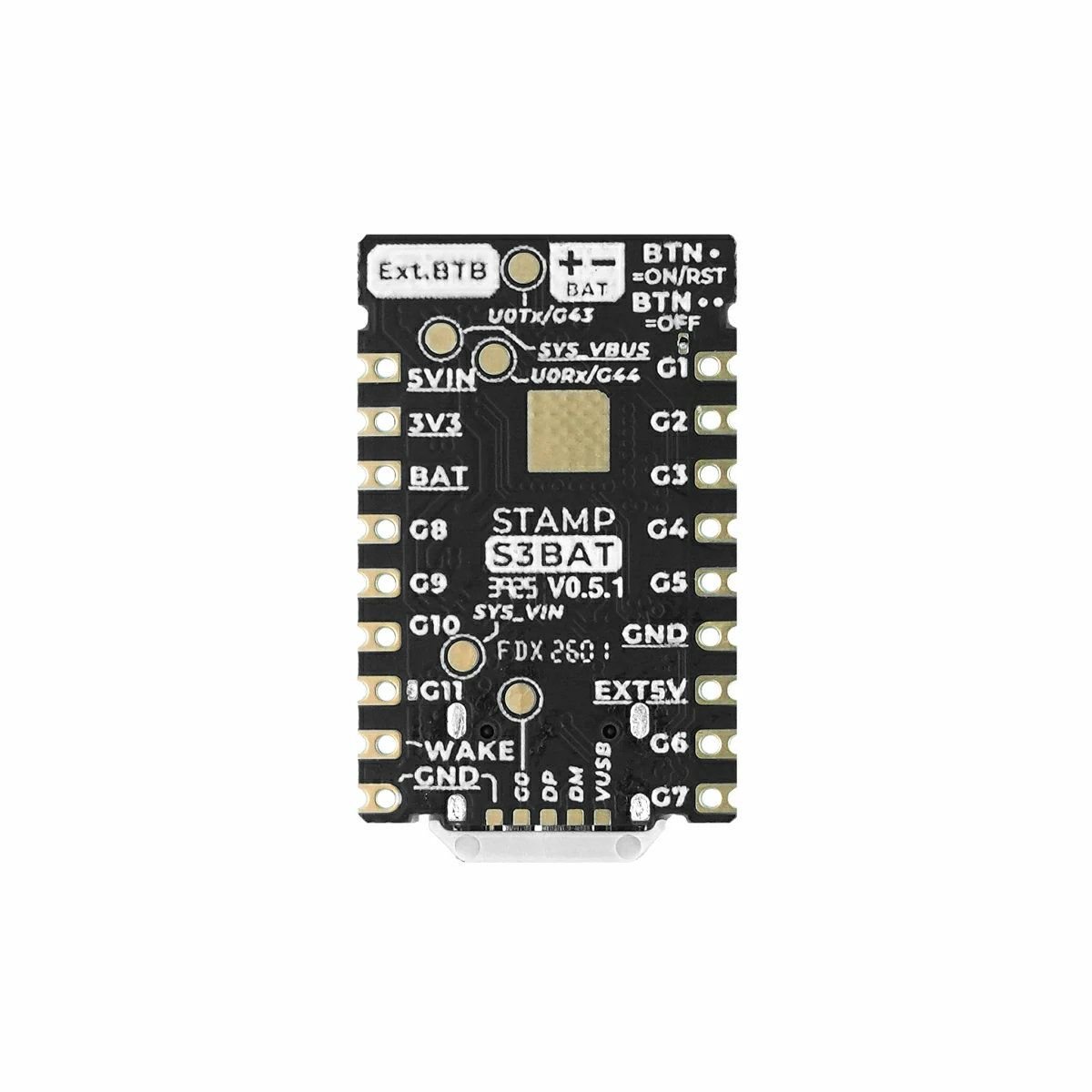
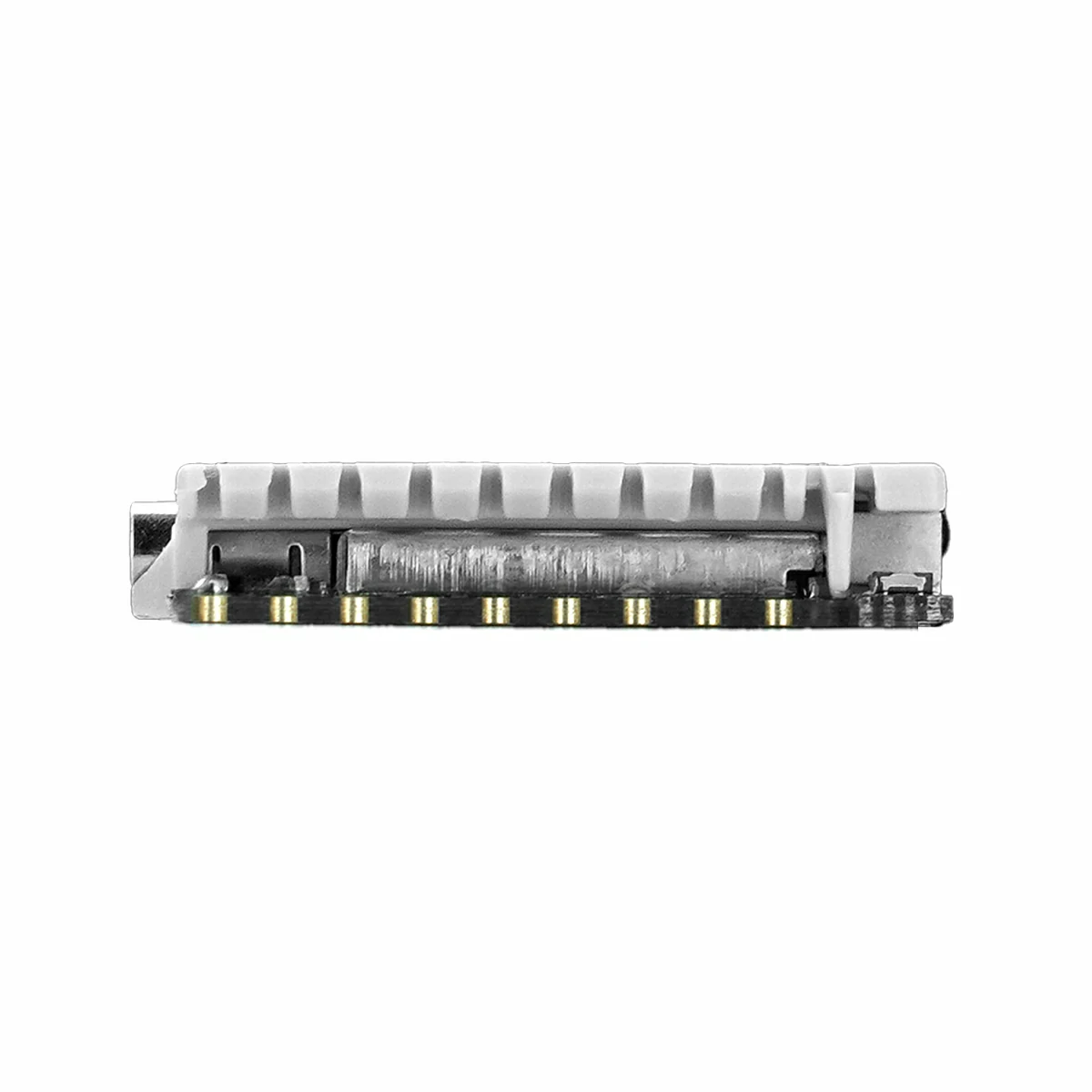
Stamp-S3Bat is an embedded core module with integrated power management. It uses the ESP32-S3-PICO-1-N8R8 as the main control core, supporting 2.4GHz Wi-Fi, with built-in 8MB Flash and 8MB PSRAM. The module leads out a total of 11 GPIOs and 1 wake-up IO, and is equipped with a 24P BTB connector (supporting DVP interface). The onboard battery power interface is used for external 3.7V lithium battery power supply. It features the built-in M5MP1 multi-level power control design, supporting power input/output control, lithium battery charging management, and status detection such as input voltage and battery voltage. It also supports external low-power wake-up functions; after the main controller enters a low-power sleep state, the power can be restarted via the external wake-up IO. The module features an onboard programmable RGB LED and adopts a 2.54mm standard pitch half-hole pad design, supporting various integration methods such as SMT and DIP, making it convenient for developers to quickly build IoT applications.
Tutorial

Features
- Integrated ESP32-S3-PICO-1-N8R8 controller
- 8MB Flash and 8MB PSRAM
- 24P BTB connector (supports DVP interface)
- M5PM1 low-power power management
- 11 x GPIO leads + 1 x wake-up IO
- 1 x RGB LED
- Power Supply:
- 3.7V battery power supply
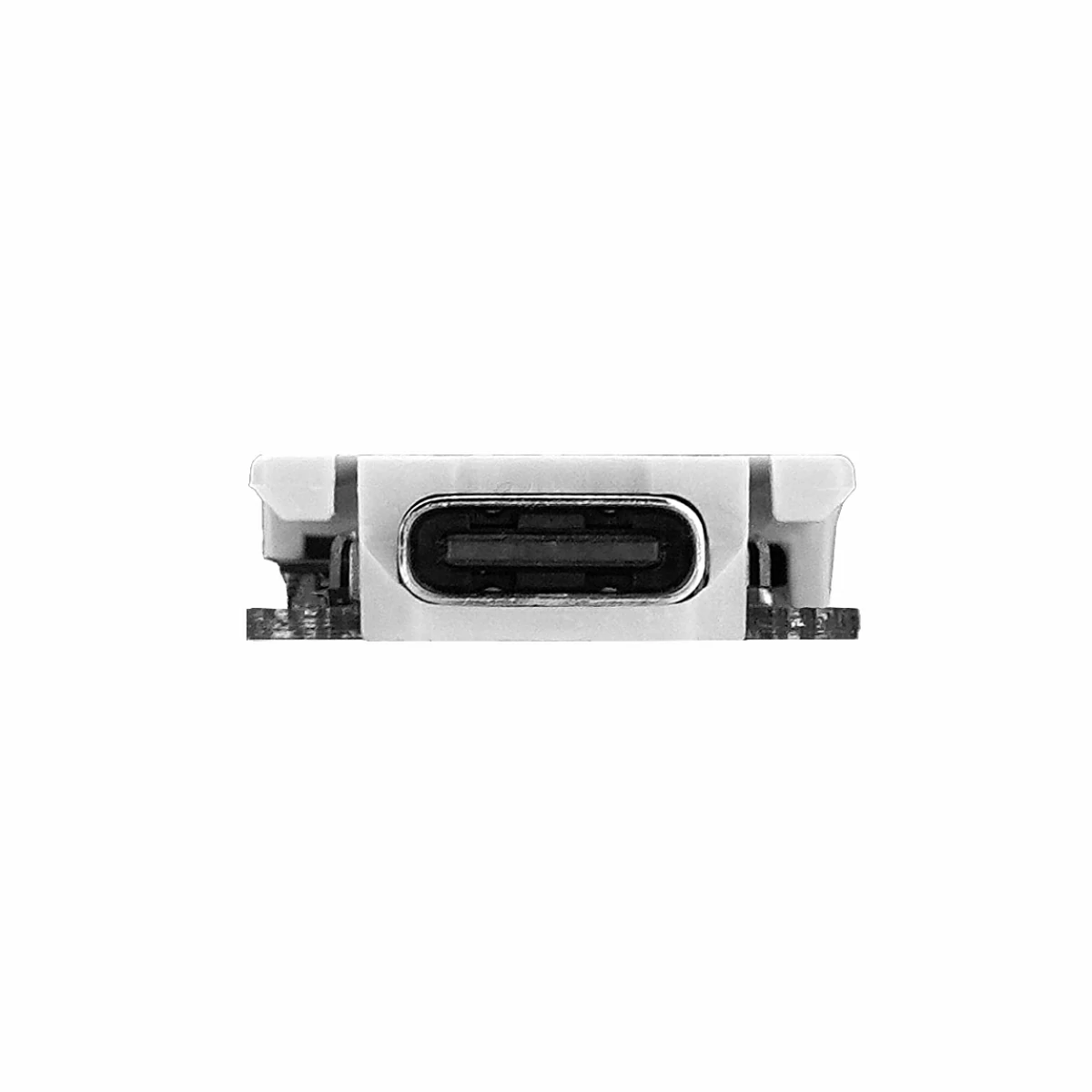
- USB Type-C / DC 5V
- 2.54mm standard pitch
Includes
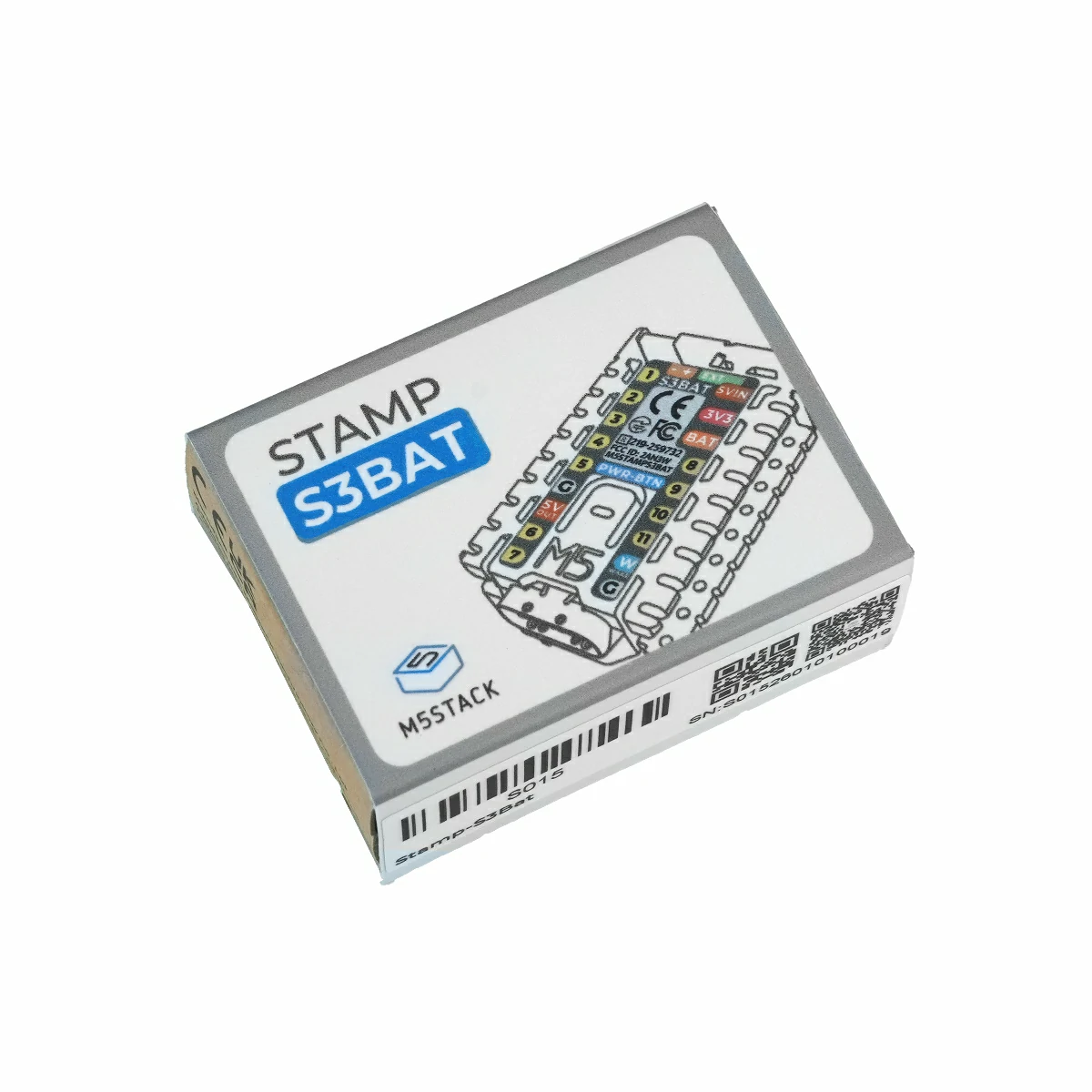
- 1 x Stamp-S3Bat
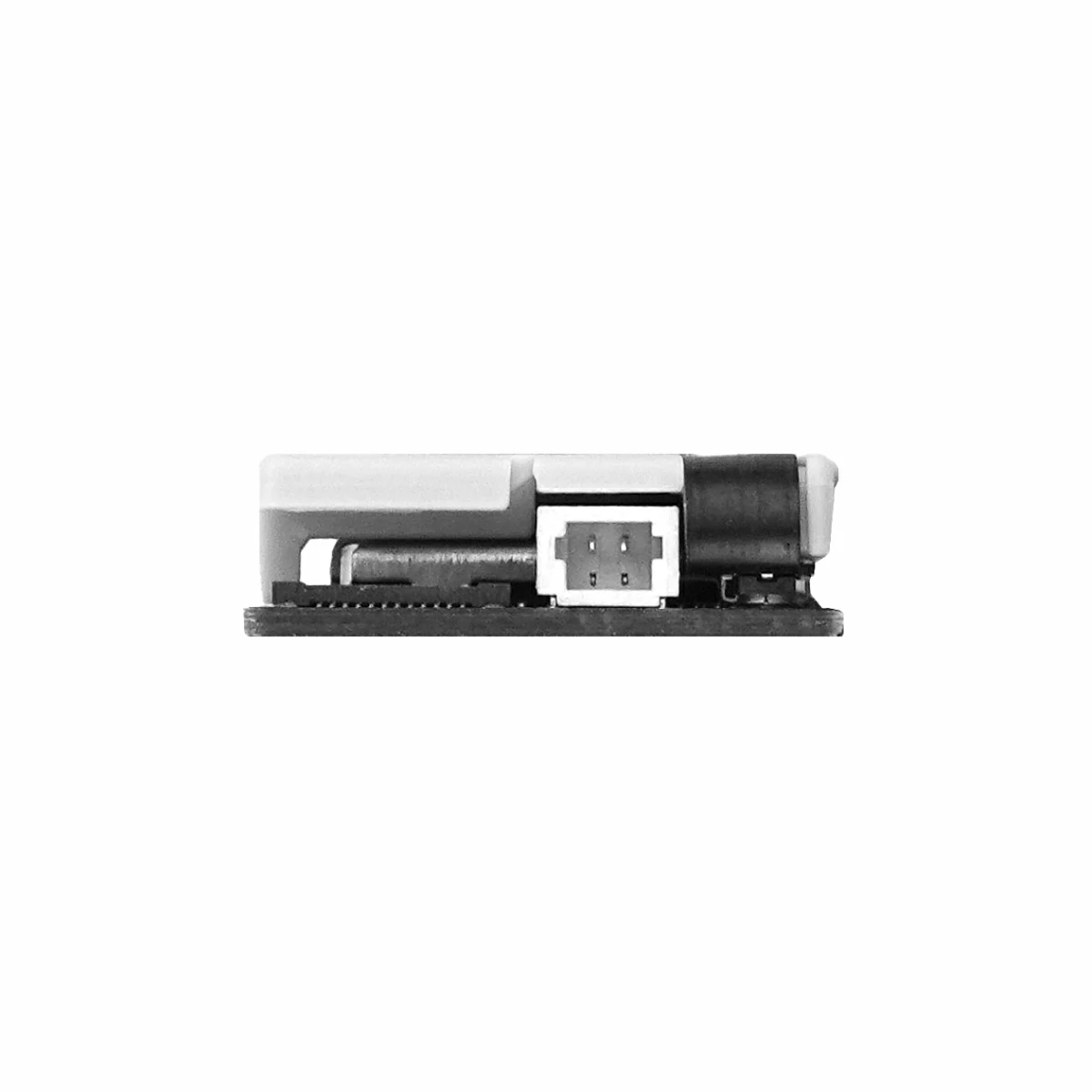
- 1 x SH1.0 battery connection cable
Applications
- IoT project development
Specifications
| Specification | Parameter |
|---|---|
| SoC | ESP32-S3-PICO-1-N8R8 @ Xtensa® 32-bit LX7 dual-core processor, clock frequency 240MHz |
| Flash | 8MB |
| PSRAM | 8MB Octal |
| Wi-Fi | 2.4 GHz Wi-Fi |
| Input Power | 3.7V battery power supply / USB Type-C / DC 5V |
| RGB LED | 1 x WS2812 |
| Battery Interface | SH1.0 |
| Pad GPIO Leads | 11 x GPIO (G1/G2/G3/G4/G5/G6/G7/G8/G9/G10/G11) + 1 x Wake-up IO (PY_G4_WAKE) |
| BTB Interface GPIO Leads | 19 x GPIO (G40/G38/G12/G13/G14/G15/G16/G18/G21/G46/G45/G41/G43/G42/G39/G17/G44/G47/G48) |
| BTB Connector | BTB0.408-24PLBDR-M41, 12*2P-FPC direct plug - Black, pitch 0.4mm |
| Antenna Connector | IPEX-4 |
| Battery Connector | SH1.0-2P |
| Antenna Type | FPC Antenna |
| Operating Temperature | 0 ~ 40°C |
| Power Consumption | Sleep mode: 4.2V@13.43uA Standby mode: 4.2V@955.36uA Light load mode: 4.2V@26.83mA Full load mode: 4.2V@27.49mA |
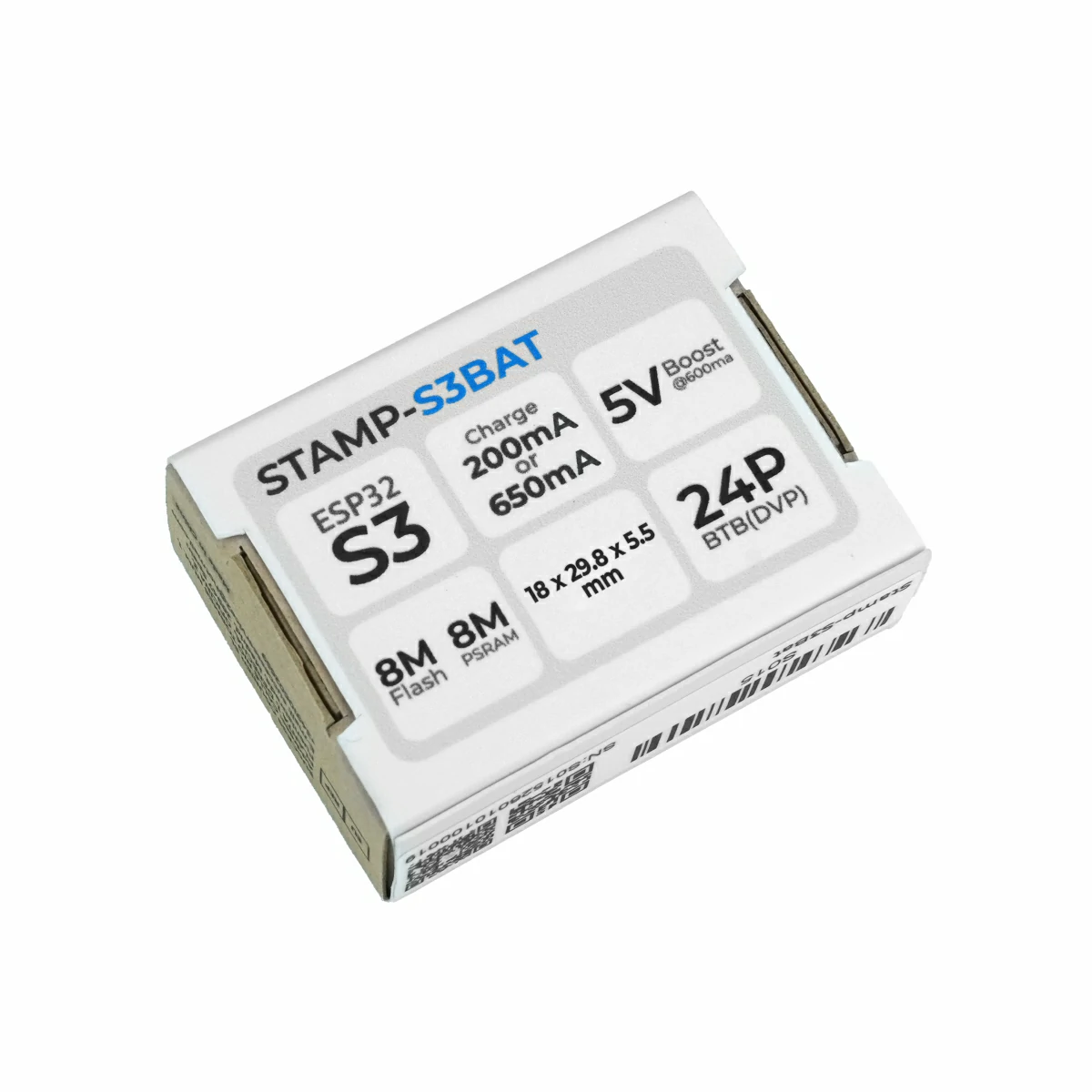
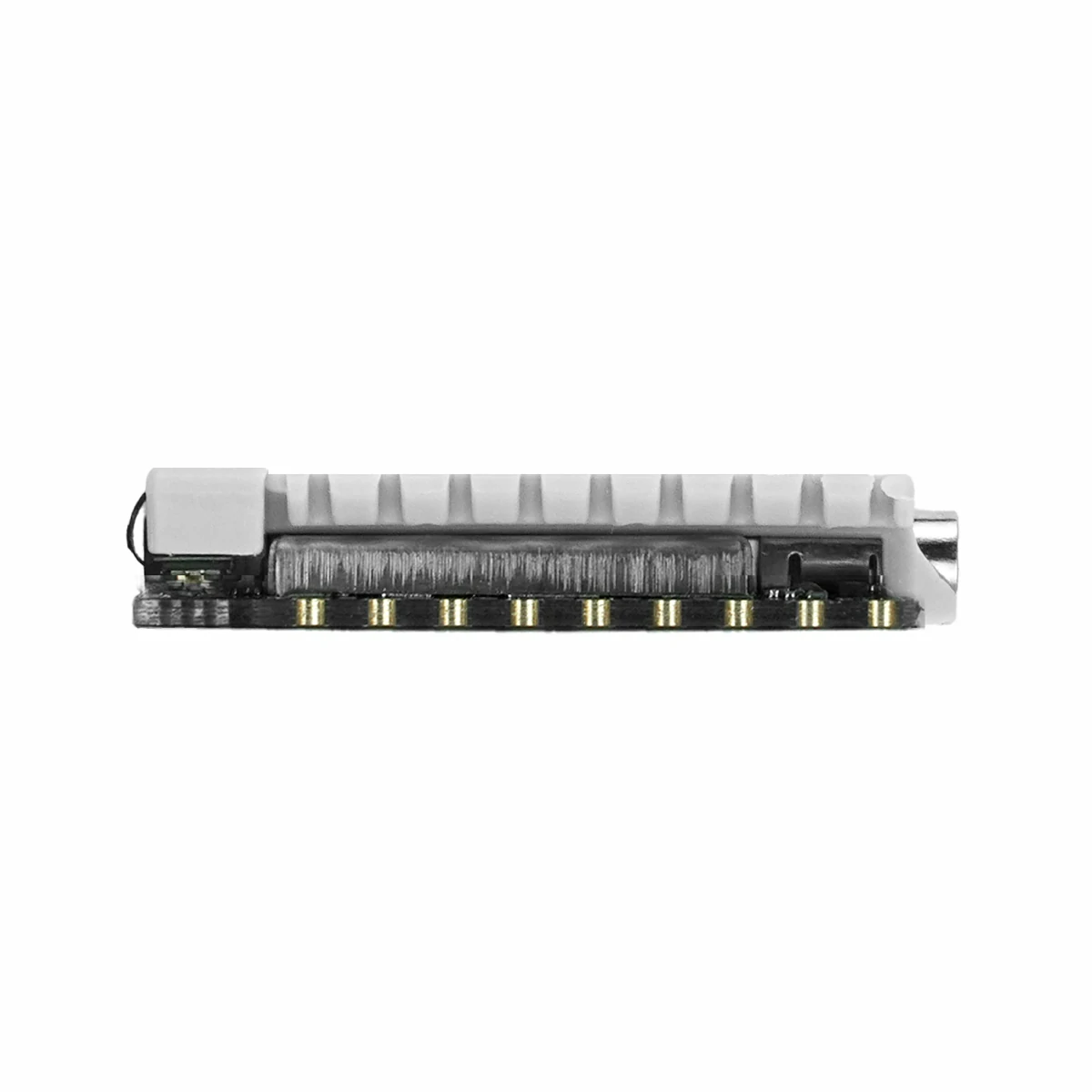
| Product Size | 29.8 x 18.0 x 5.5mm |
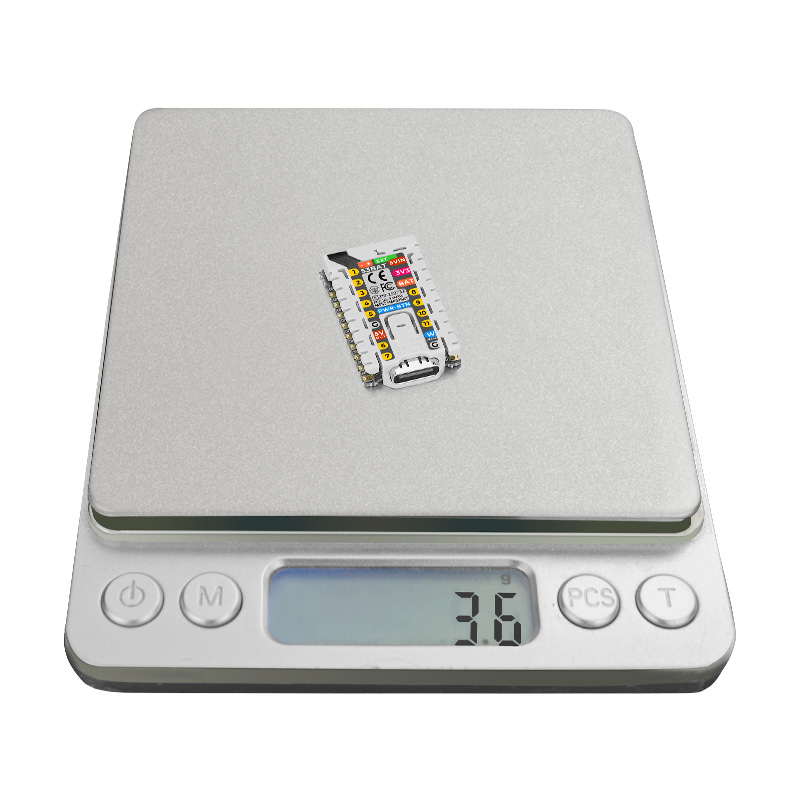
| Product Weight | 3.6g |
| Package Size | 44.0 x 32.5 x 17.0mm |
| Gross Weight | 8.3g |
Learn
Download Mode
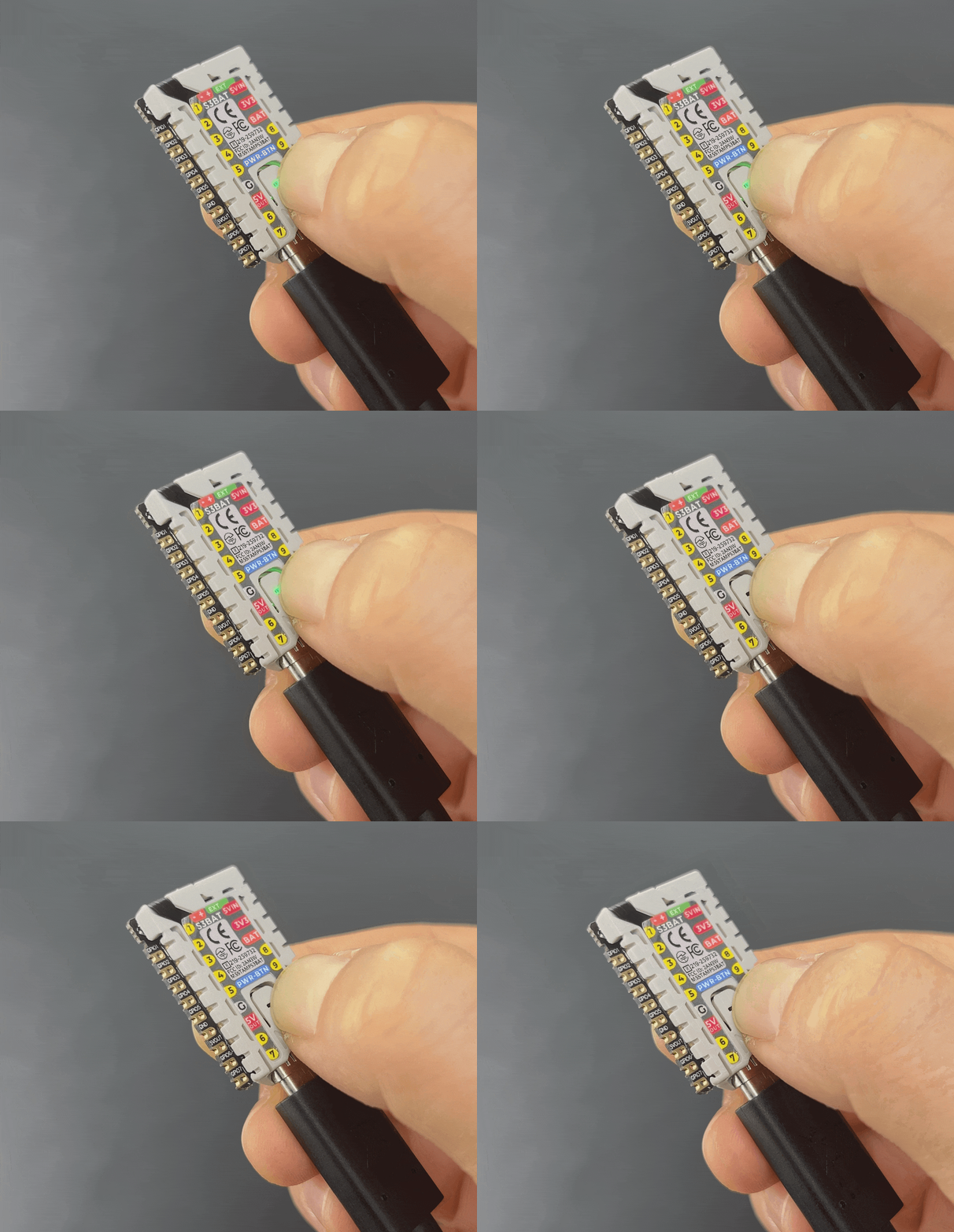
Connect the device to the computer via a USB cable, long press the PWR button for about 3s to enter download mode, and wait for burning.
Power On/Off
- Single click the
PWRbutton to power on / reset:
- Double click the
PWRbutton to power off:
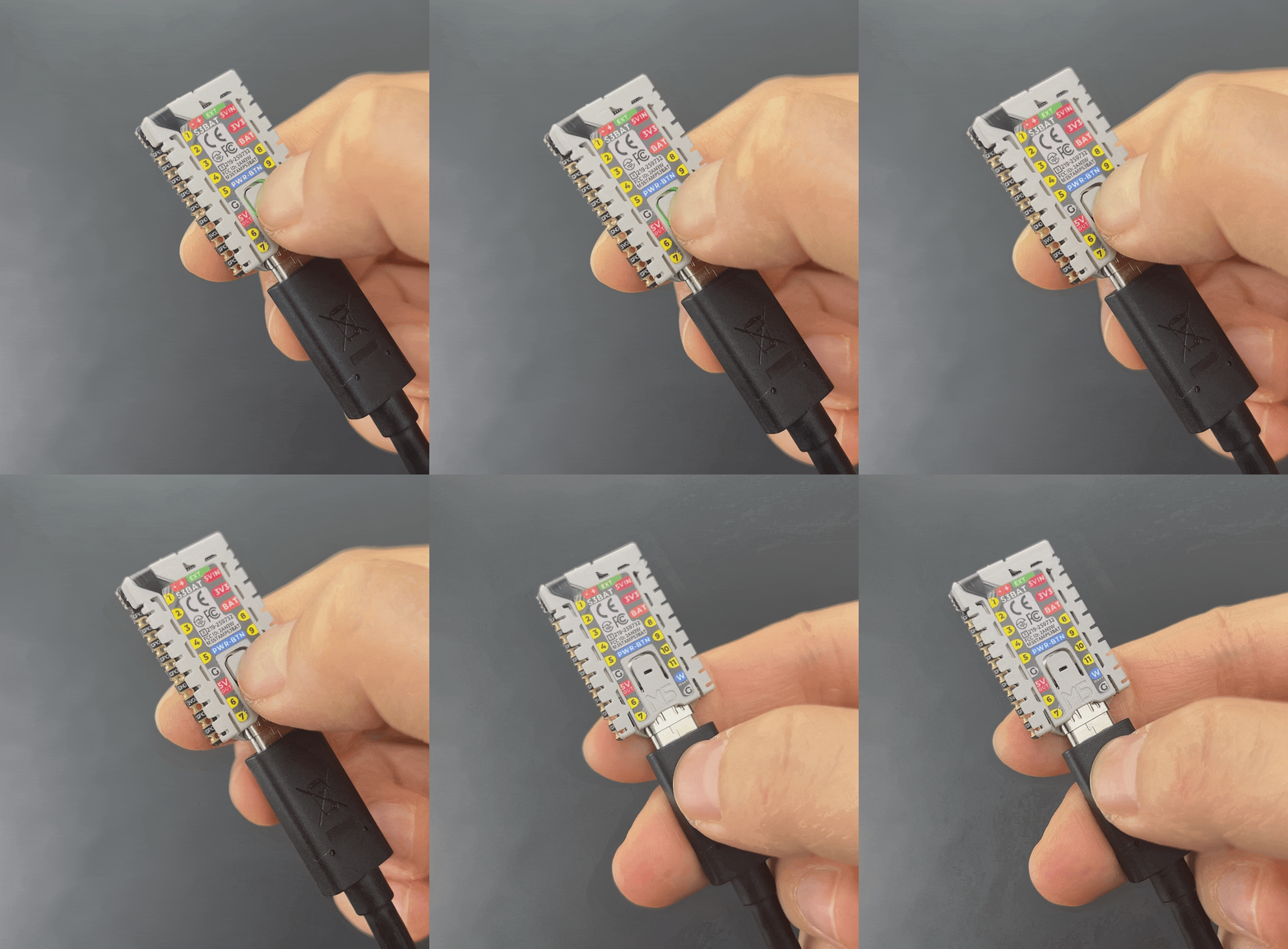
Housing Disassembly
Power Supply
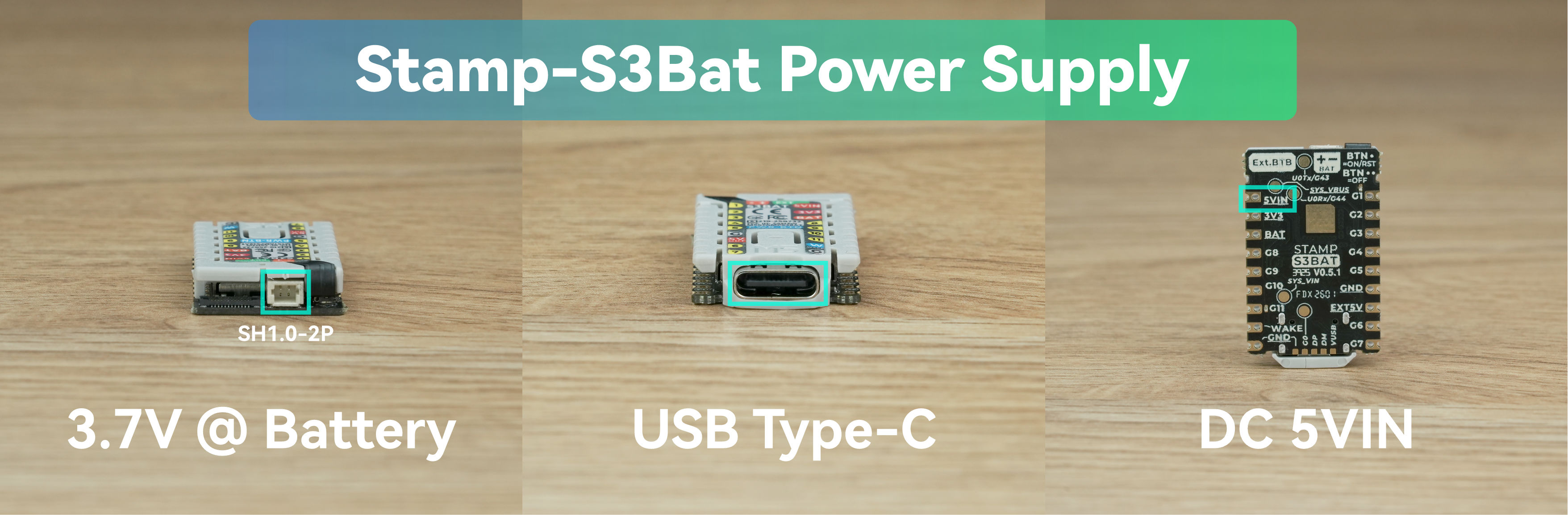
The module supports the following three power supply methods. Note that if powered through the 3V3 interface, the module's EXT_5V will not be able to output normally.
- 3.7V lithium battery power supply
- USB Type-C power supply
- DC 5V power supply
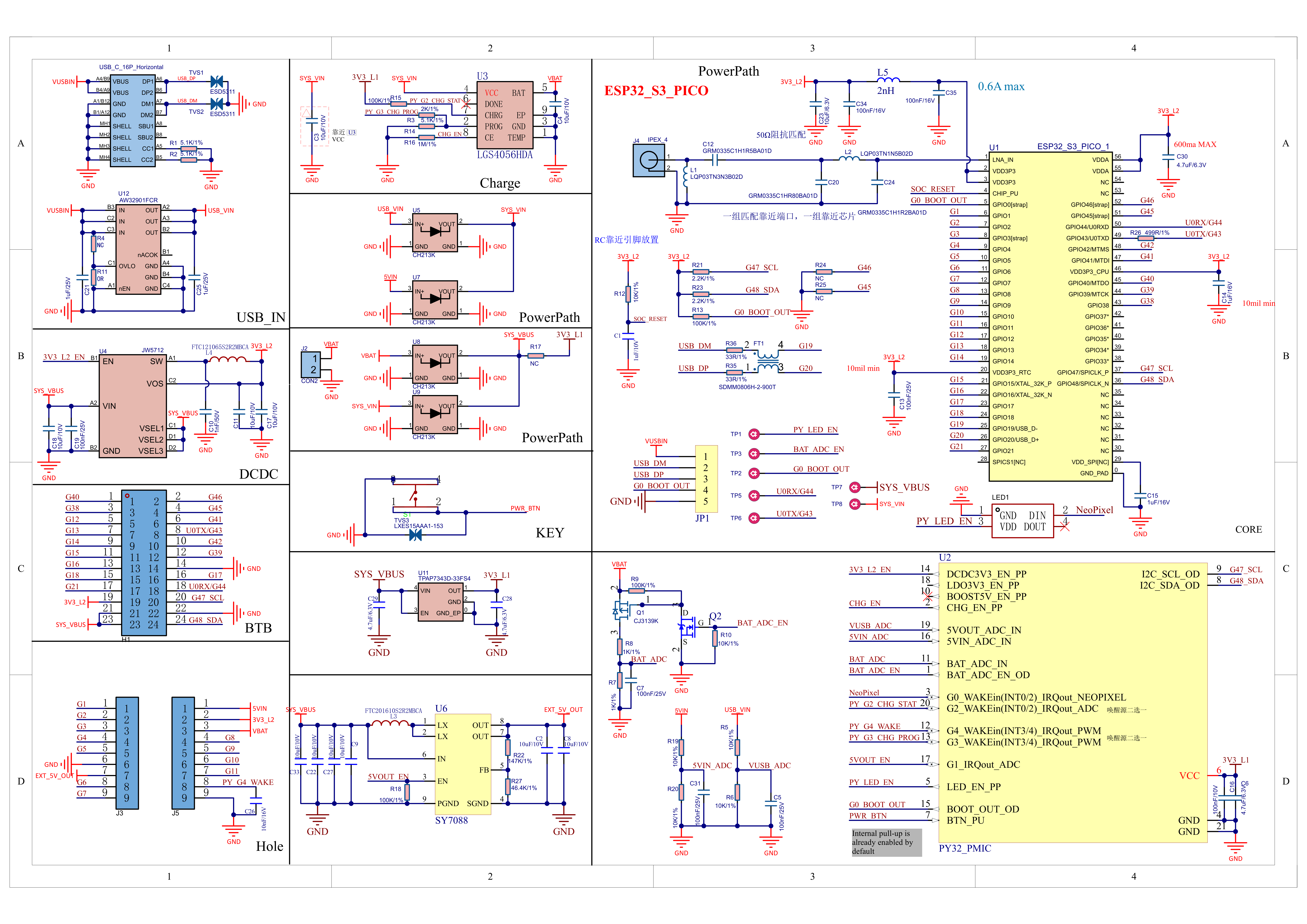
Schematics
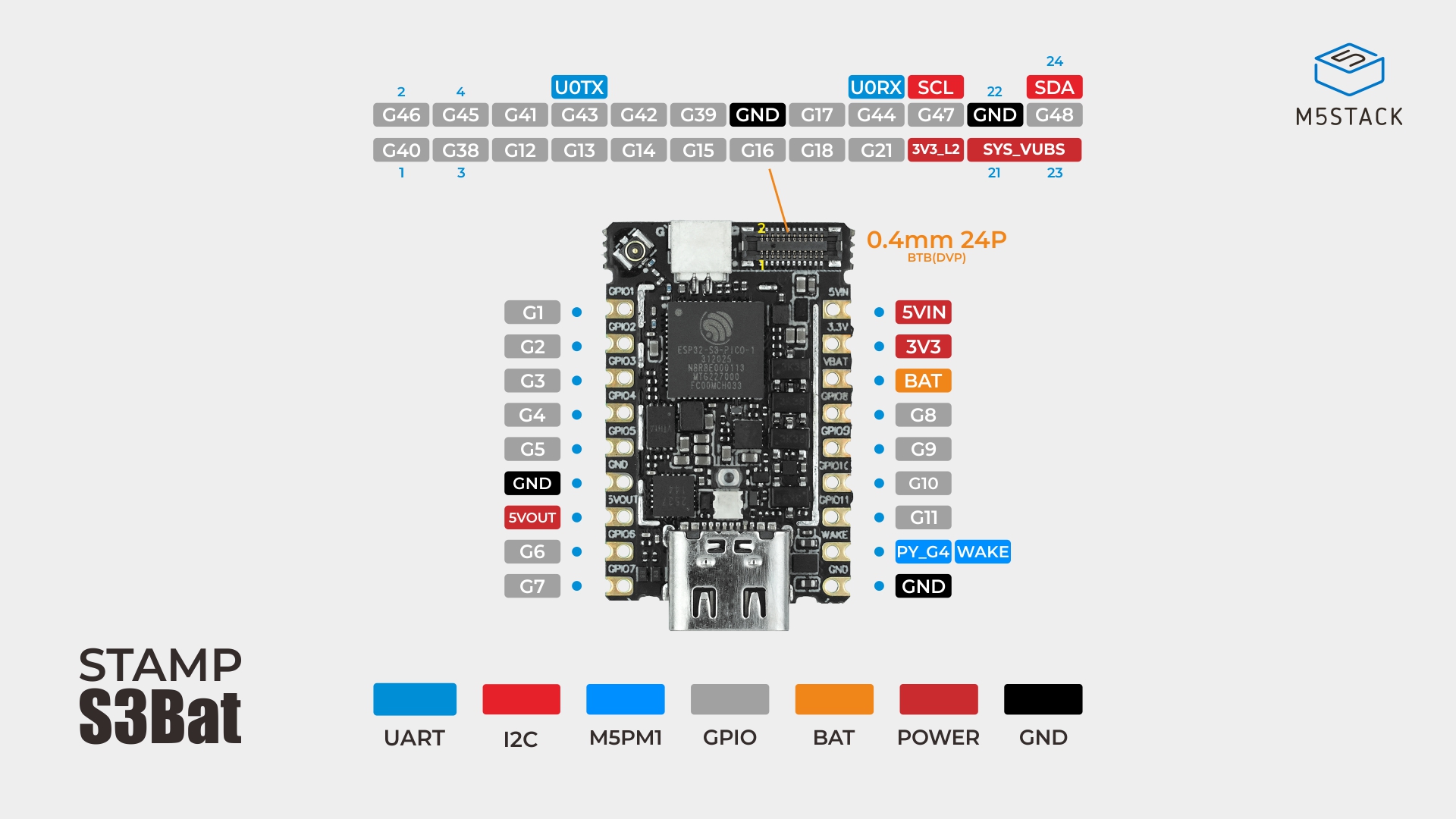
PinMap
| ESP32-S3 | G47 | G48 |
|---|---|---|
| M5PM1(0x6E) | SCL | SDA |
M5PM1
| M5PM1 | G0 | G1 | G2 | G3 | G4 | PY_LED_PP | CHG_EN_PP |
|---|---|---|---|---|---|---|---|
| RGB LED | NeoPixel | PY_LED_EN | |||||
| Charge | PY_G2_CHG_STAT | PY_G3_CHG_PROG | CHG_EN | ||||
| 5VOUT | 5VOUT_EN | ||||||
| Ext Wakeup | PY_G4_WAKE |
- Switch charging IC charging current via
PY_G3_CHG_PROG(Low: 650mA / Floating: 200mA)
BTB
| PIN | LEFT | RIGHT | PIN |
|---|---|---|---|
| G40 | 1 | 2 | G46 |
| G38 | 3 | 4 | G45 |
| G12 | 5 | 6 | G41 |
| G13 | 7 | 8 | U0TX / G43 |
| G14 | 9 | 10 | G42 |
| G15 | 11 | 12 | G39 |
| G16 | 13 | 14 | GND |
| G18 | 15 | 16 | G17 |
| G21 | 17 | 18 | U0RX / G44 |
| 3V3_L2 | 19 | 20 | SCL |
| SYS_VBUS | 21 | 22 | GND |
| SYS_VBUS | 23 | 24 | SDA |
Model Size
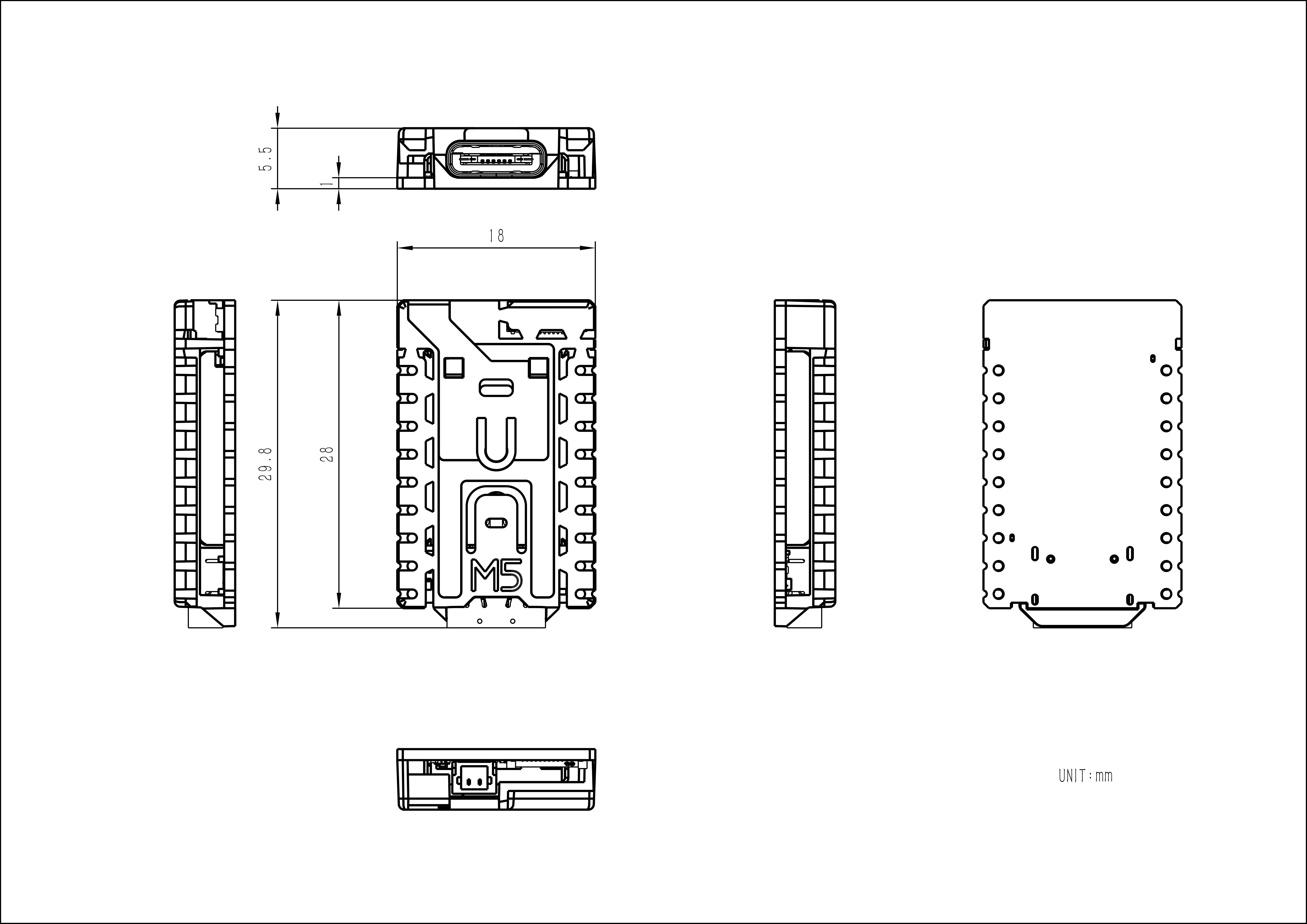
PCB
Structure
Datasheets
Softwares
Arduino
Protocol
Product Comparison
| Product Compare | Stamp-S3Bat DIP 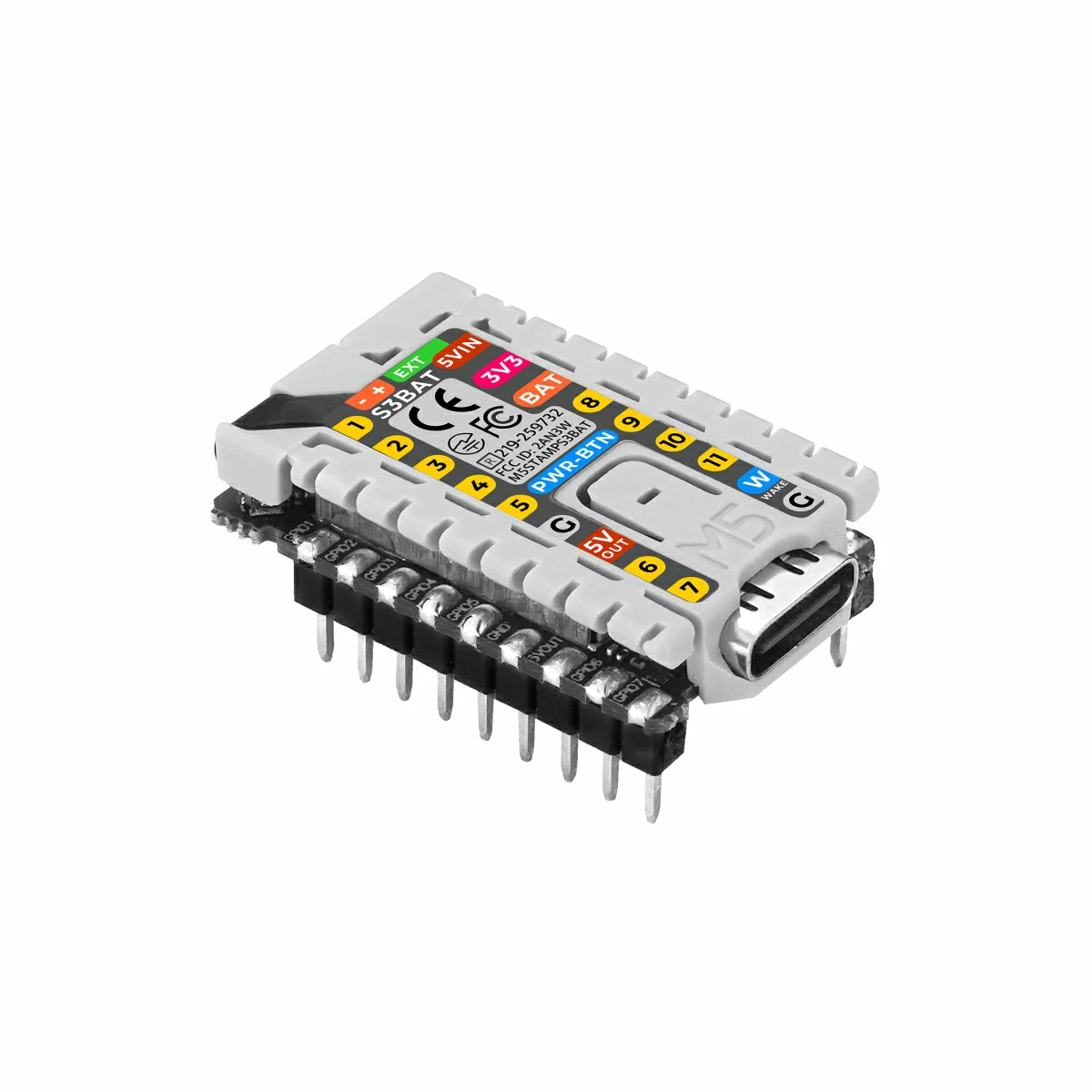 | Stamp-S3Bat |
|---|---|---|
| Whether the pin header is soldered | Yes | No |
If you need to compare the product information of the Stamp series, you can visit the Product Selection Table, and check the target products to get the comparison results. The selection table covers key information such as core parameters and functional features, and supports synchronous comparison of multiple products.