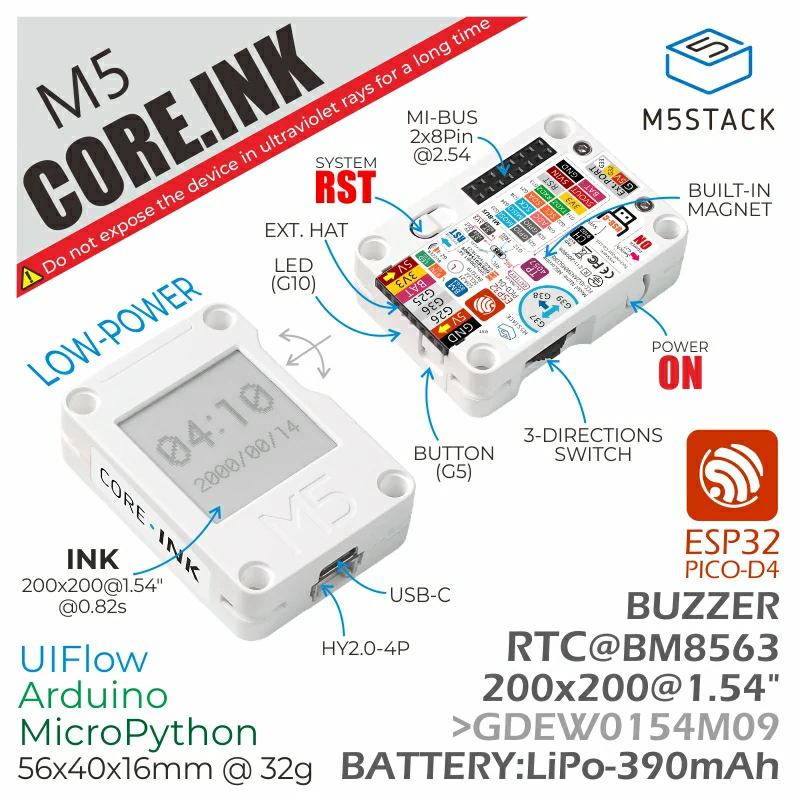
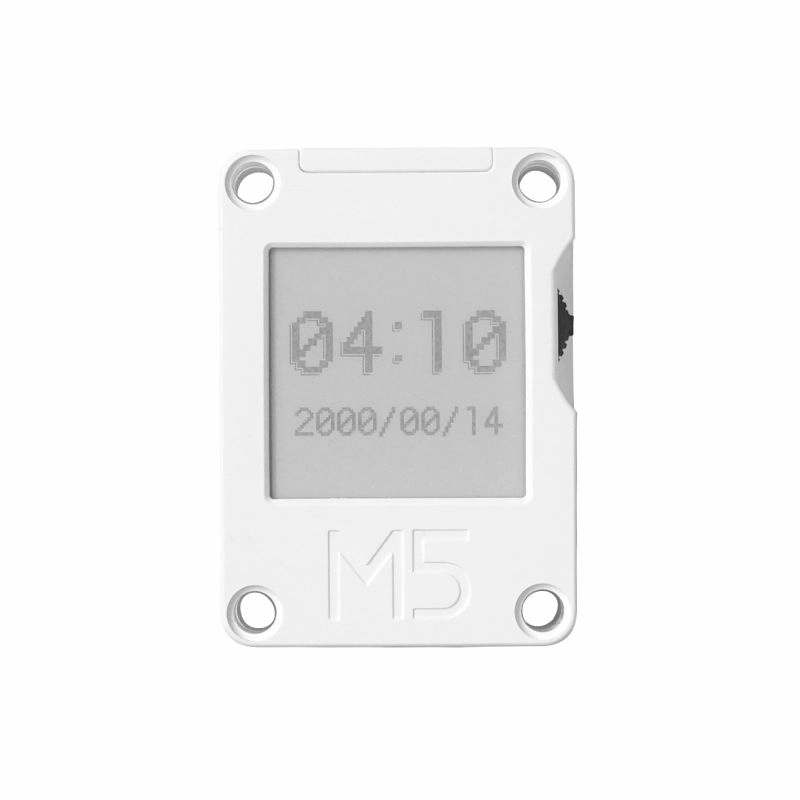
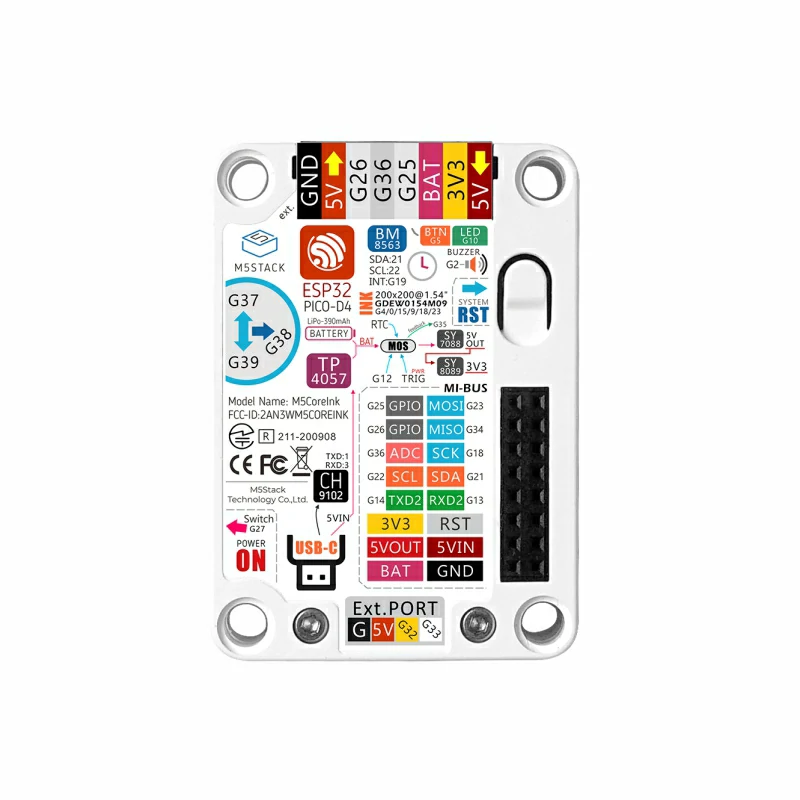
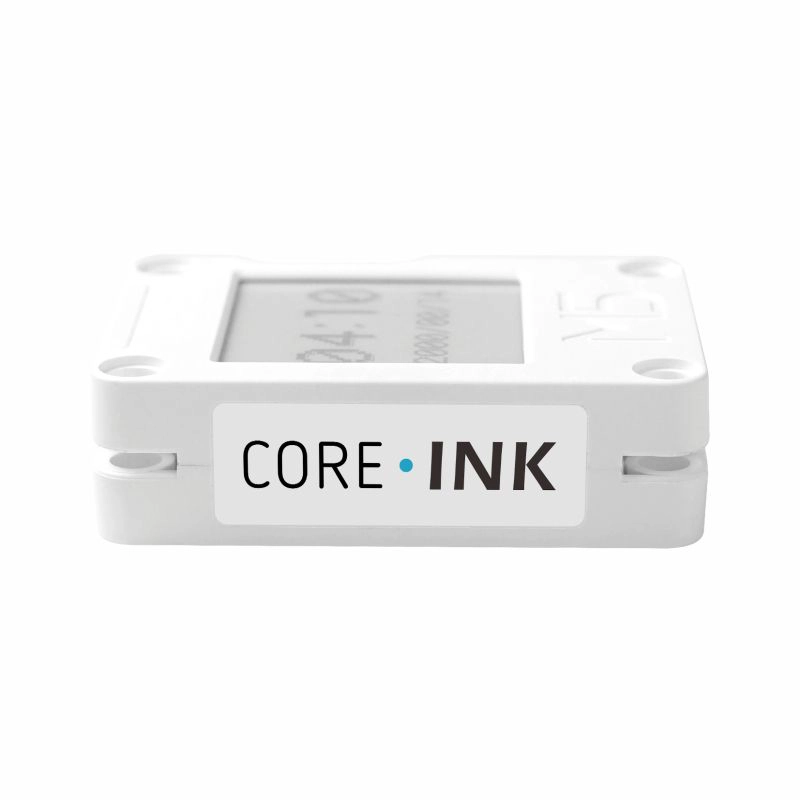
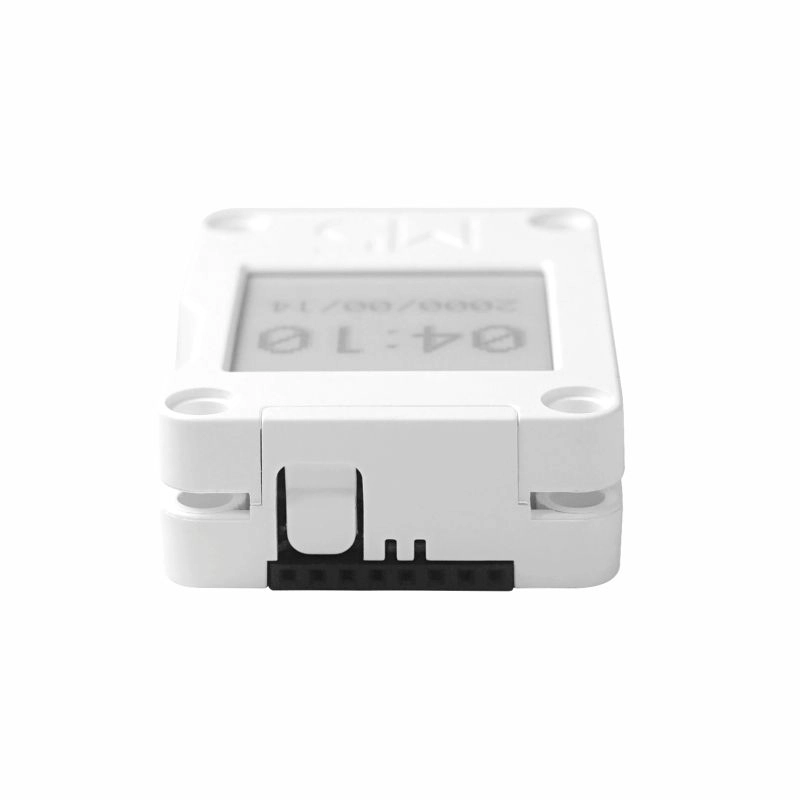
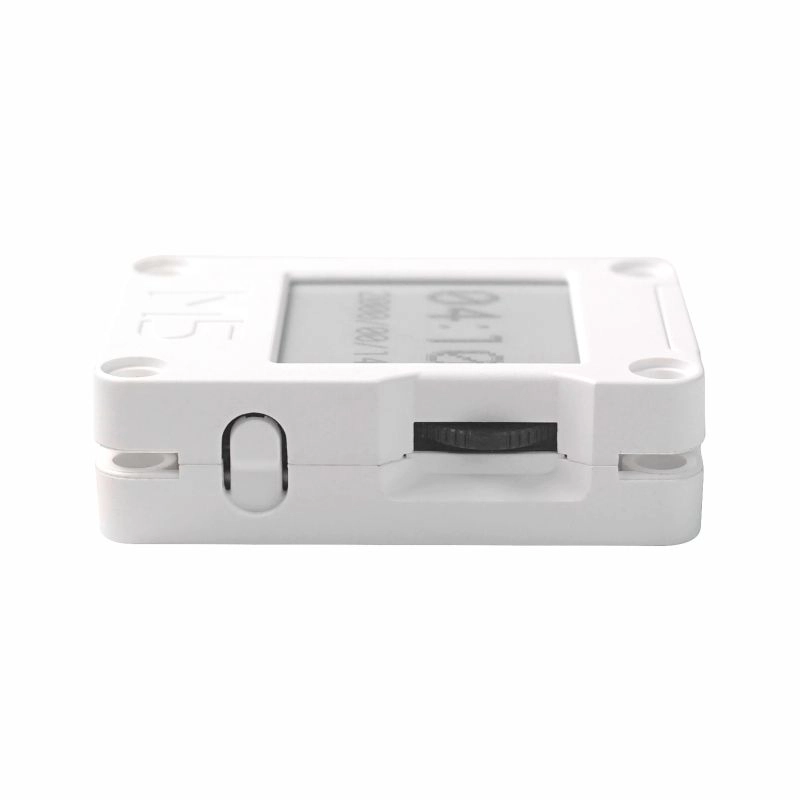
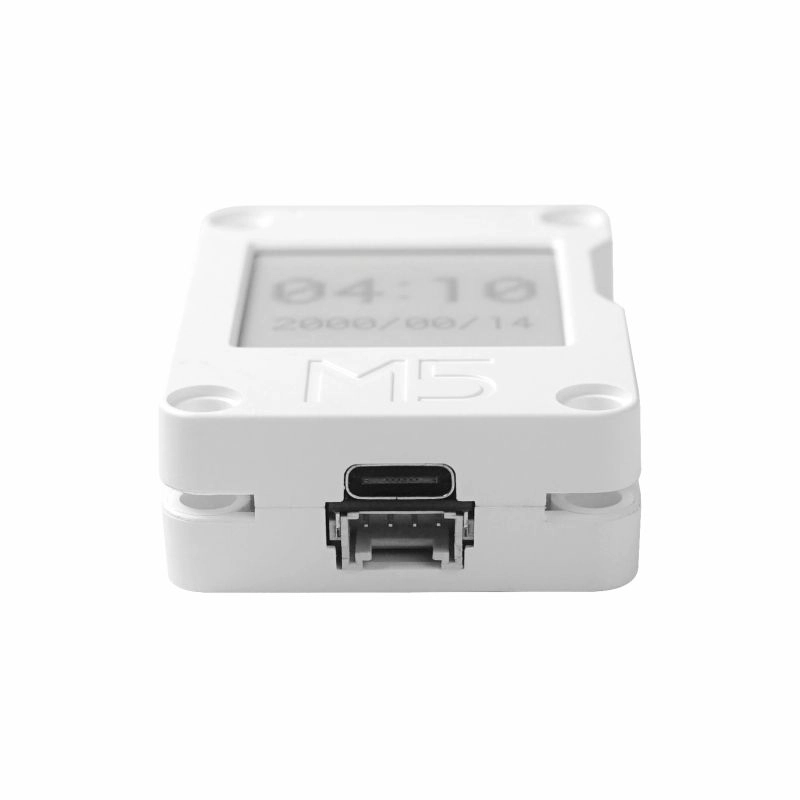
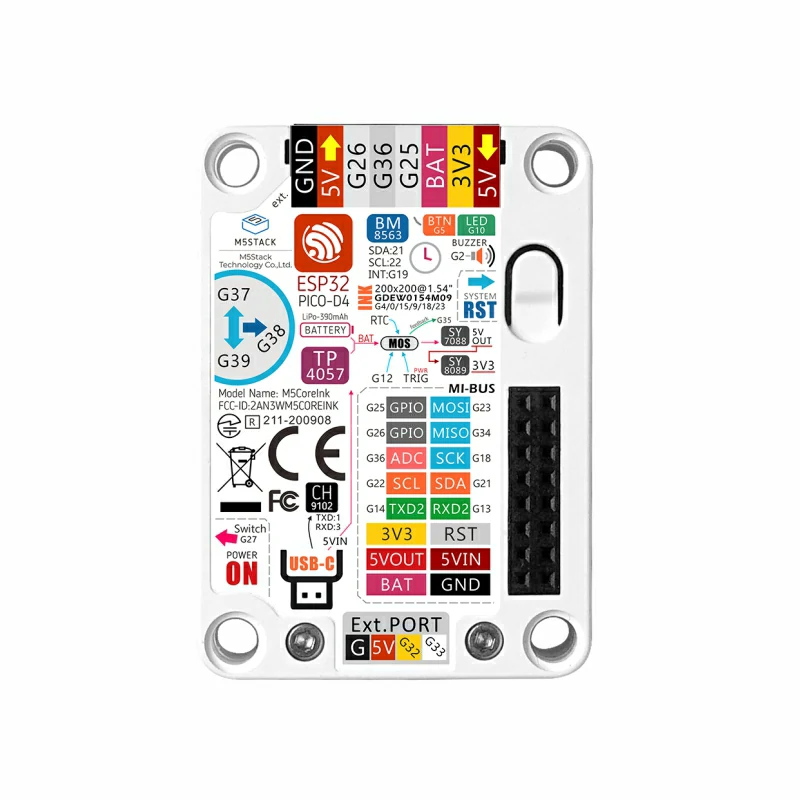
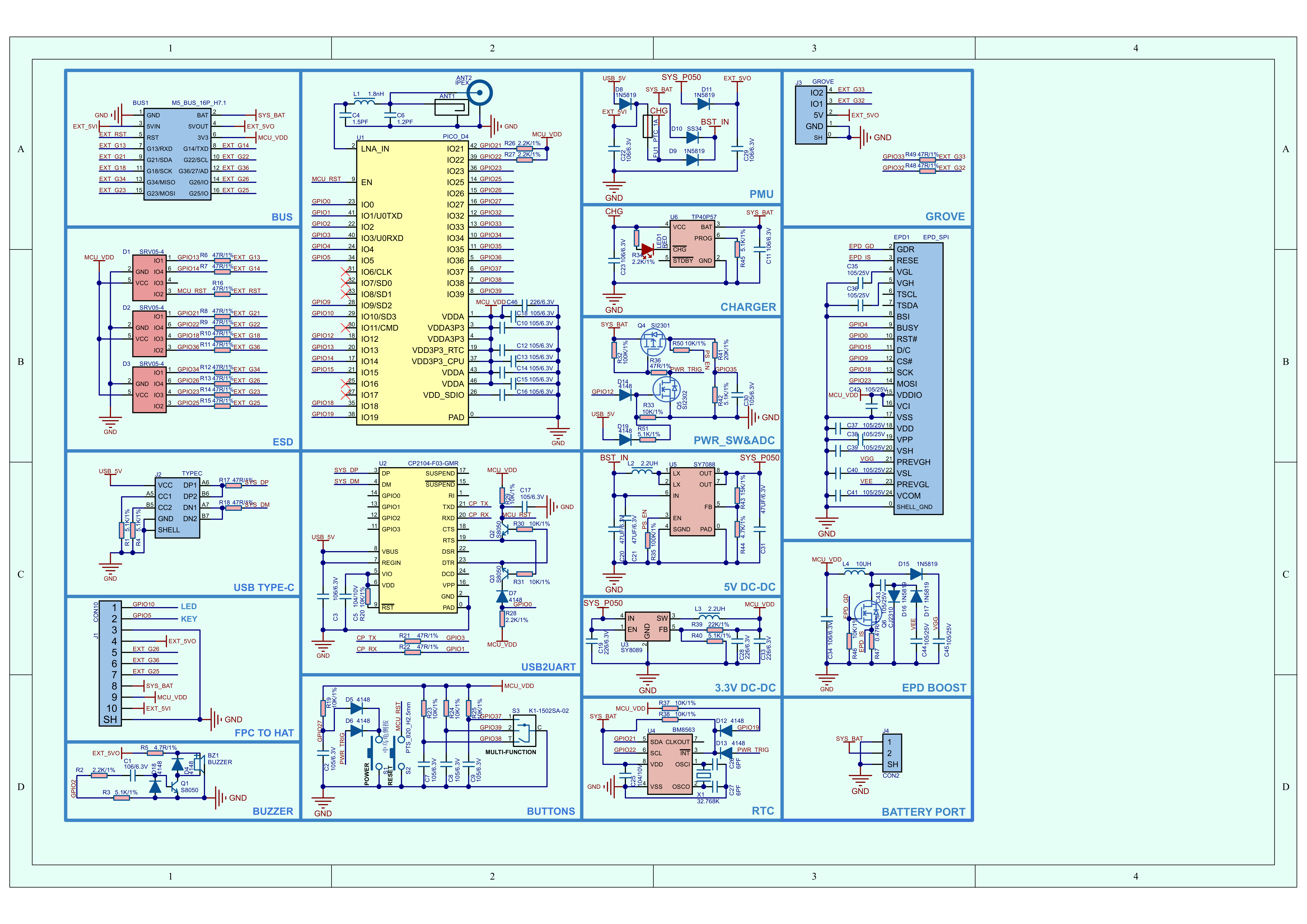
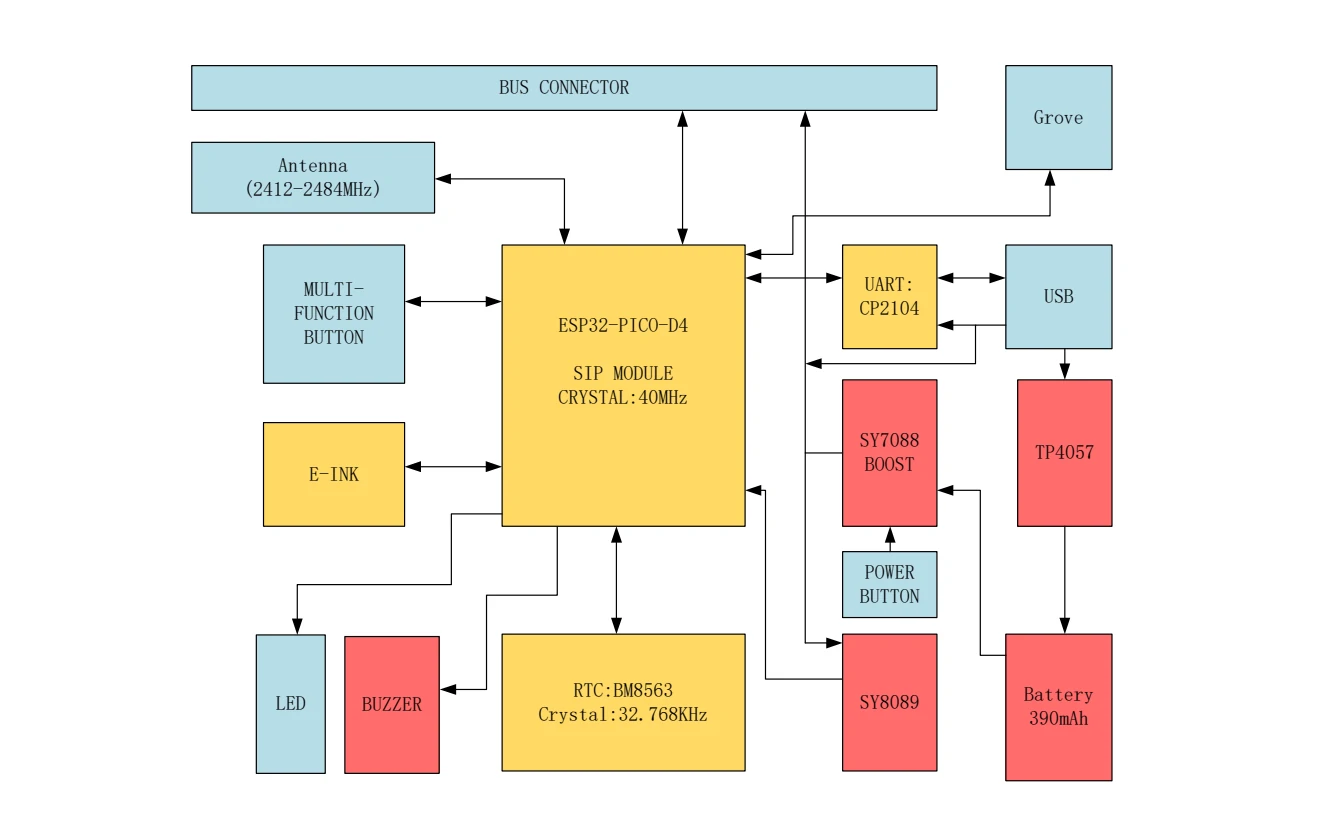
CoreInk is a controller device with an E-Ink display launched by M5Stack, powered by the ESP32-PICO-D4. The front side integrates a 200x200 @ 1.54" E-Ink screen that supports black / white display. Compared with conventional LCD screens, the E-Ink display provides a better text reading experience for users, while also offering low power consumption and image retention after power loss. For human-machine interaction, it provides a dial switch and physical buttons, and integrates an LED indicator and buzzer. It has a built-in 390mAh lithium battery, which, combined with the internal RTC (BM8563), enables scheduled sleep and wake-up functions, providing the device with excellent battery life. Independent power and reset (RST) buttons are located on the left side and bottom of the body for convenient operation and debugging. Rich peripheral interfaces (HY2.0-4P, M5-Bus, HAT module interface) are exposed, allowing expansion with a wide variety of sensor devices and providing unlimited possibilities for subsequent application development.
This tutorial will show you how to program and control the CoreInk device using Arduino IDE.
Notes
Please avoid long-term high-frequency refresh during use. The recommended refresh interval is (15s / time). Do not expose the device to ultraviolet light for extended periods, otherwise irreversible damage may be caused to the E-Ink screen.
Features
Developed based on ESP32, supports Wi-Fi
Built-in 4M Flash
Low-power display panel
Nearly 180-degree viewing angle
Human-machine interaction interface
Magnetic back design
Built-in lithium battery
Rich expansion interfaces
Development Platform
UiFlow1
UiFlow2
Arduino IDE
ESP-IDF
PlatformIO
Includes
1 x CoreInk
Applications
IoT controller
E-book reader
Industrial instrument display panel
Electronic label
Specifications
Specification
Parameter
SoC
ESP32-PICO-D4@dual-core processor, main frequency 240MHz
DMIPS
600
SRAM
520KB
Flash
4MB
Wi-Fi
2.4 GHz Wi-Fi
Input Voltage
5V @ 500mA
Interface
USB Type-C x 1, HY2.0-4P x 1, M5-Bus female socket, top HAT expansion interface
E-Ink Display
GDEW0154M09, SPI interface, 200 x 200@1.54", Dpi:184 , 1-bit black / white display (grayscale: 2) viewing area (mm):27.6x27.6 , dot pitch (mm) 0.138x0.138, refresh time (s) 0.82 , partial refresh time (s) 0.24
Physical Buttons
Programmable button x1, reset button x1, power button x1
LED
Green LED x 1
RTC
BM8563
Buzzer
Passive buzzer * 1
Antenna
2.4G 3D antenna
PIN Breakout
G25,G26,G36,G23,G34,G18,G21,G22,G14,G13
Battery
390mAh@3.7V
Operating Temperature
0 ~ 60°C
Enclosure Material
Plastic ( PC )
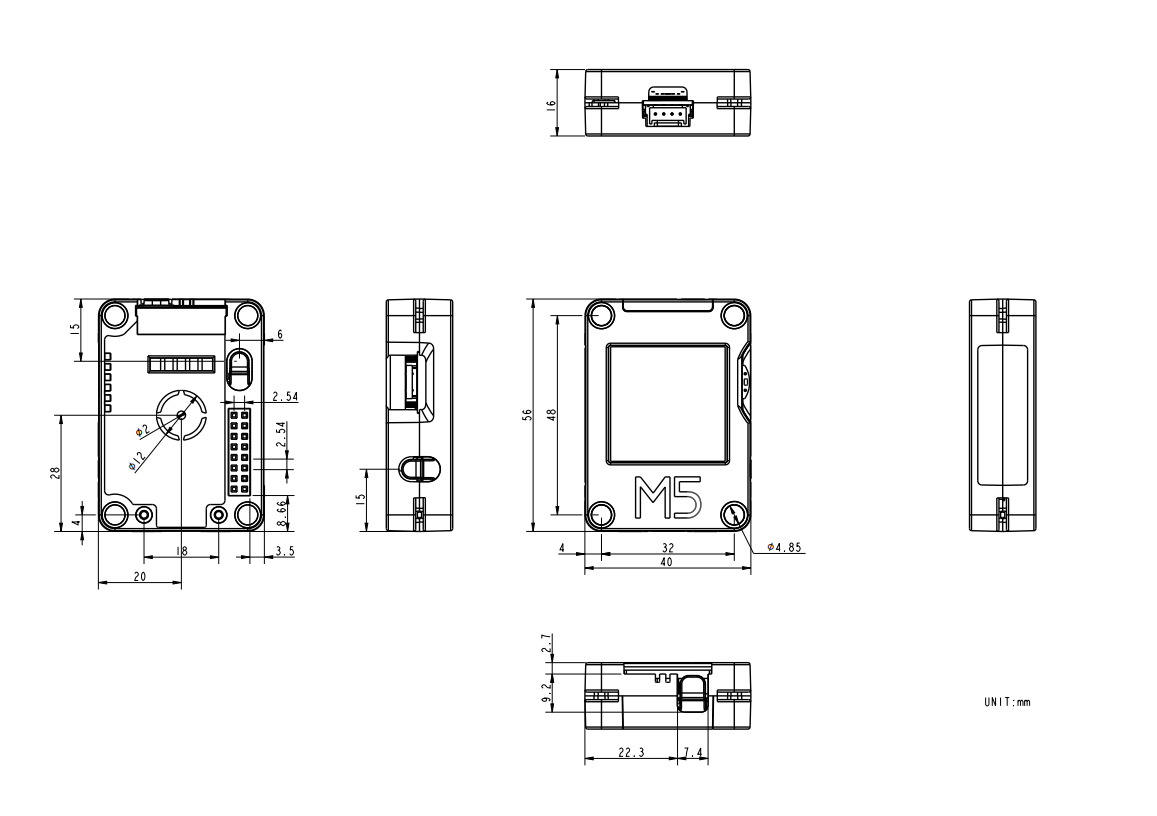
Product Size
56.0 x 40.0 x 16.0mm
Product Weight
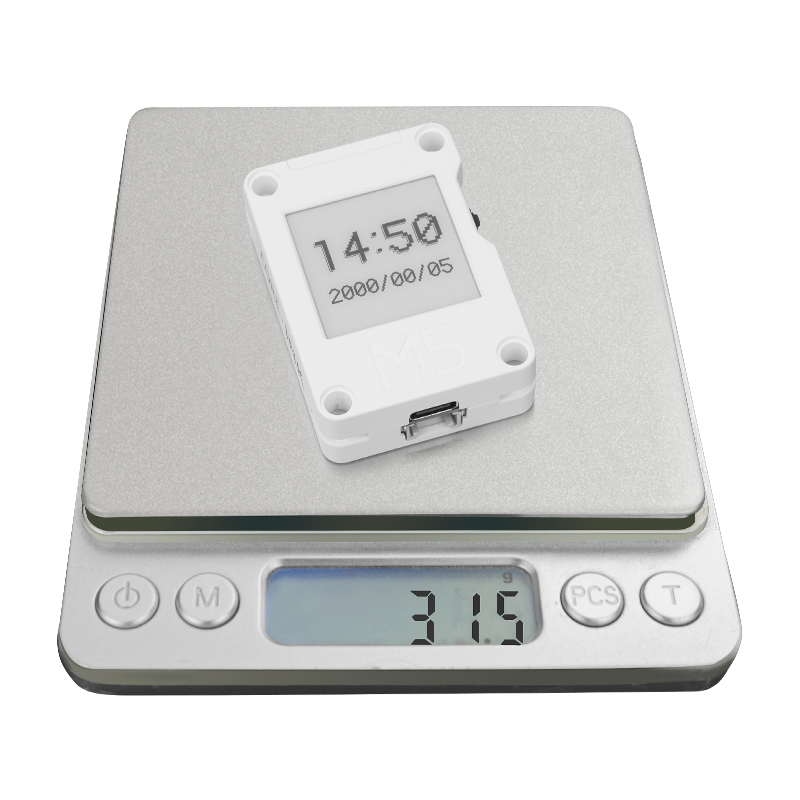
31.5g
Package Size
80.0 x 45.0 x 20.0mm
Gross Weight
42.6g
Learn
Power On/Off
Press and hold the PWR button for 2 seconds to power on.
To power off the device, use the software API or press the reset button on the back.
Click the link below to download the driver package that matches your operating system. There are currently two versions of driver chips: CP210X (for the CP2104 version) / CP34X (for the CH9102 version). After extracting the package, select the installer corresponding to your operating system architecture for installation. (If you are not sure which USB chip your device uses, you can install both drivers. CH9102_VCP_SER_MacOS v1.7 may report an error during installation, but the installation has actually completed successfully and can be ignored.)
If you need to compare information for Paper / CoreInk series products, please visit the Product Selector. Select the target products to obtain the comparison results. The selector covers key information such as core parameters and functional features, and supports synchronous comparison of multiple products.