
Unit CardKB2
SKU:U215
Description
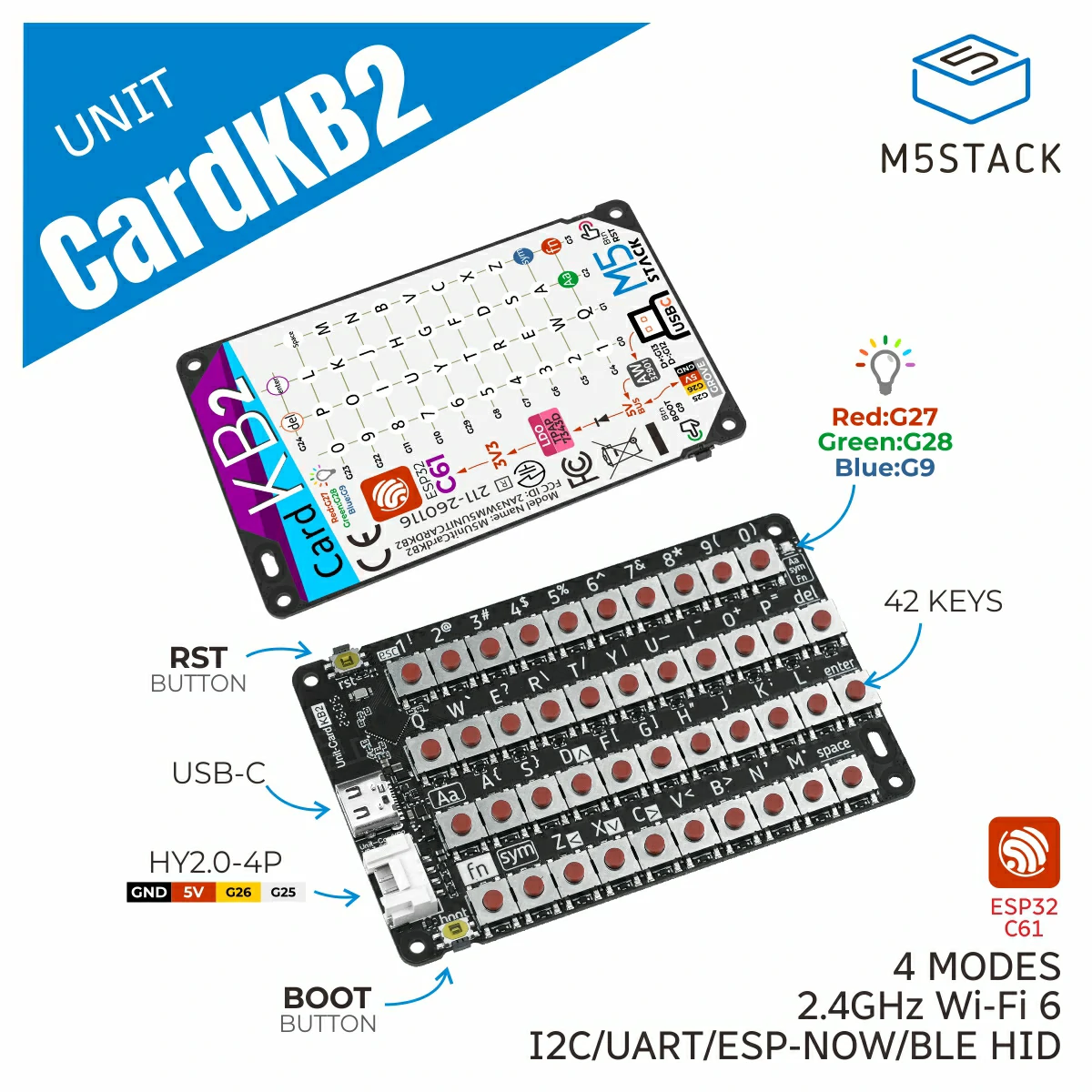
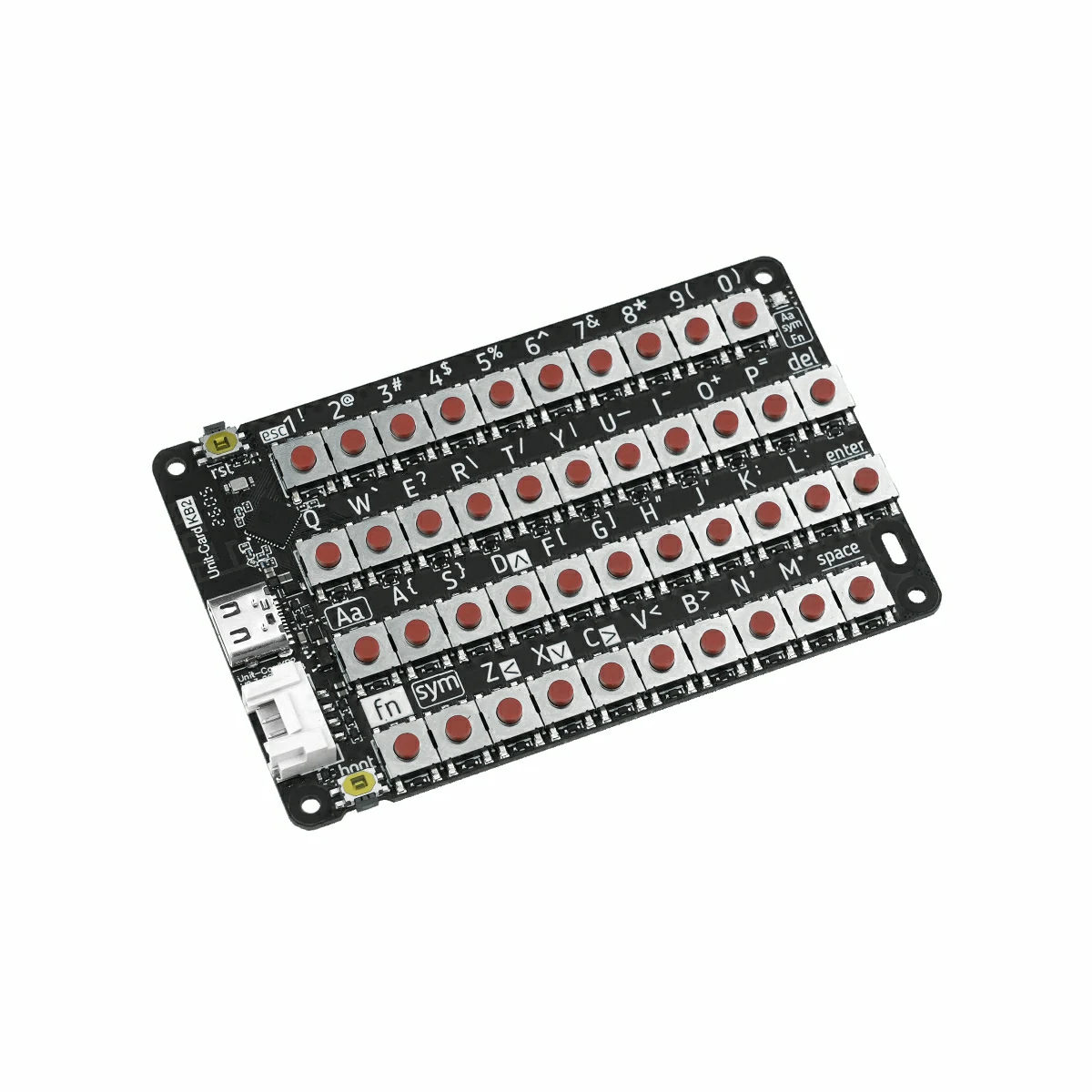
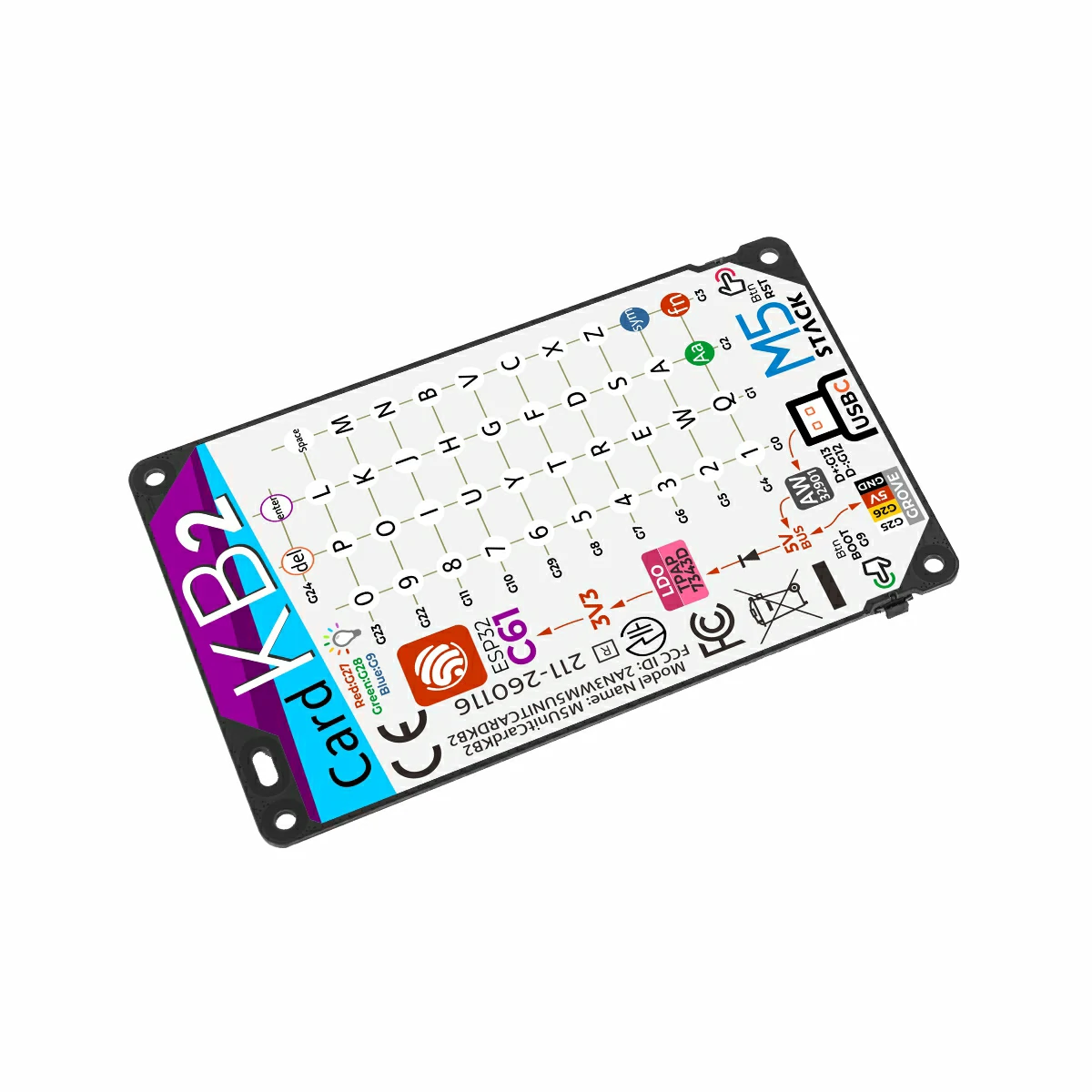
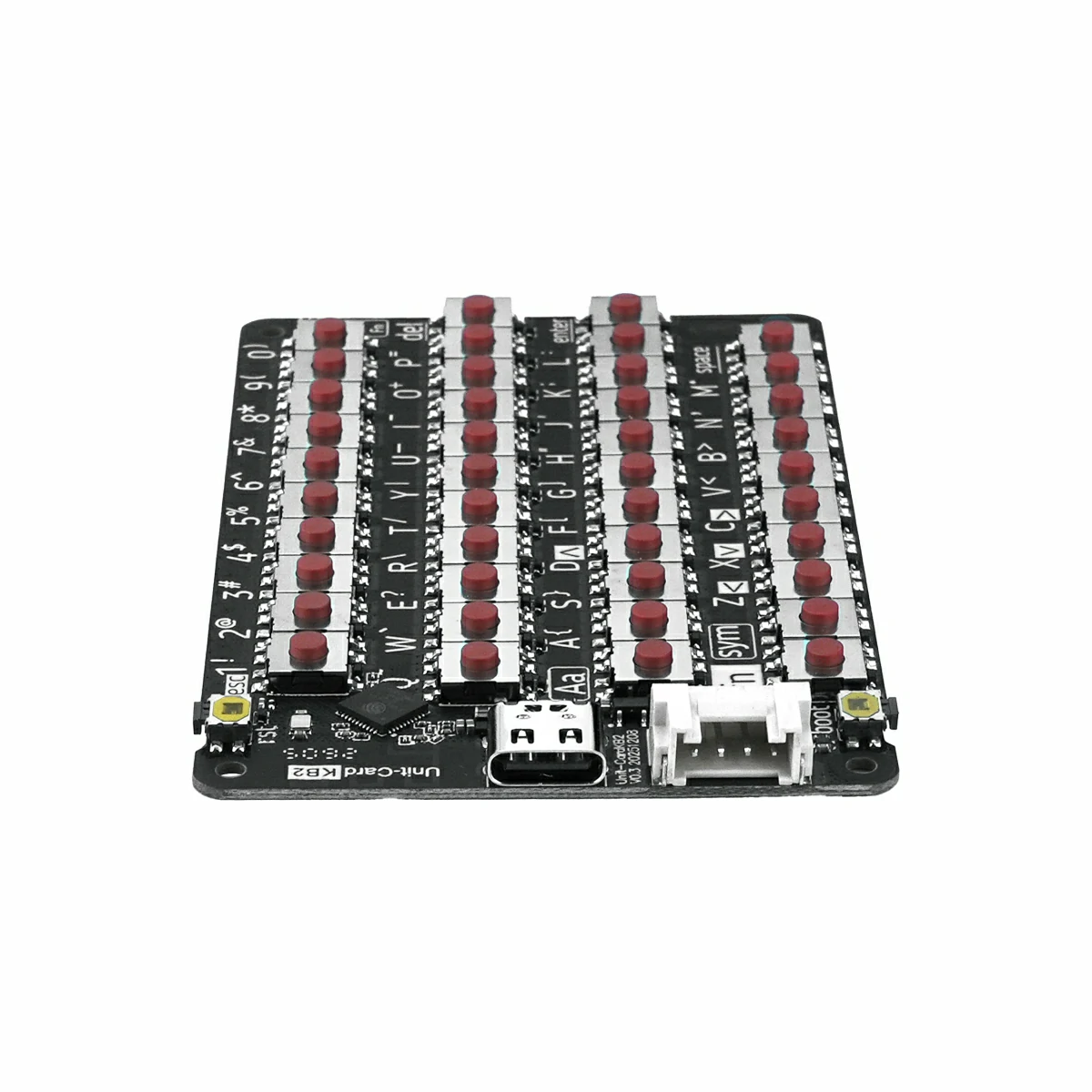
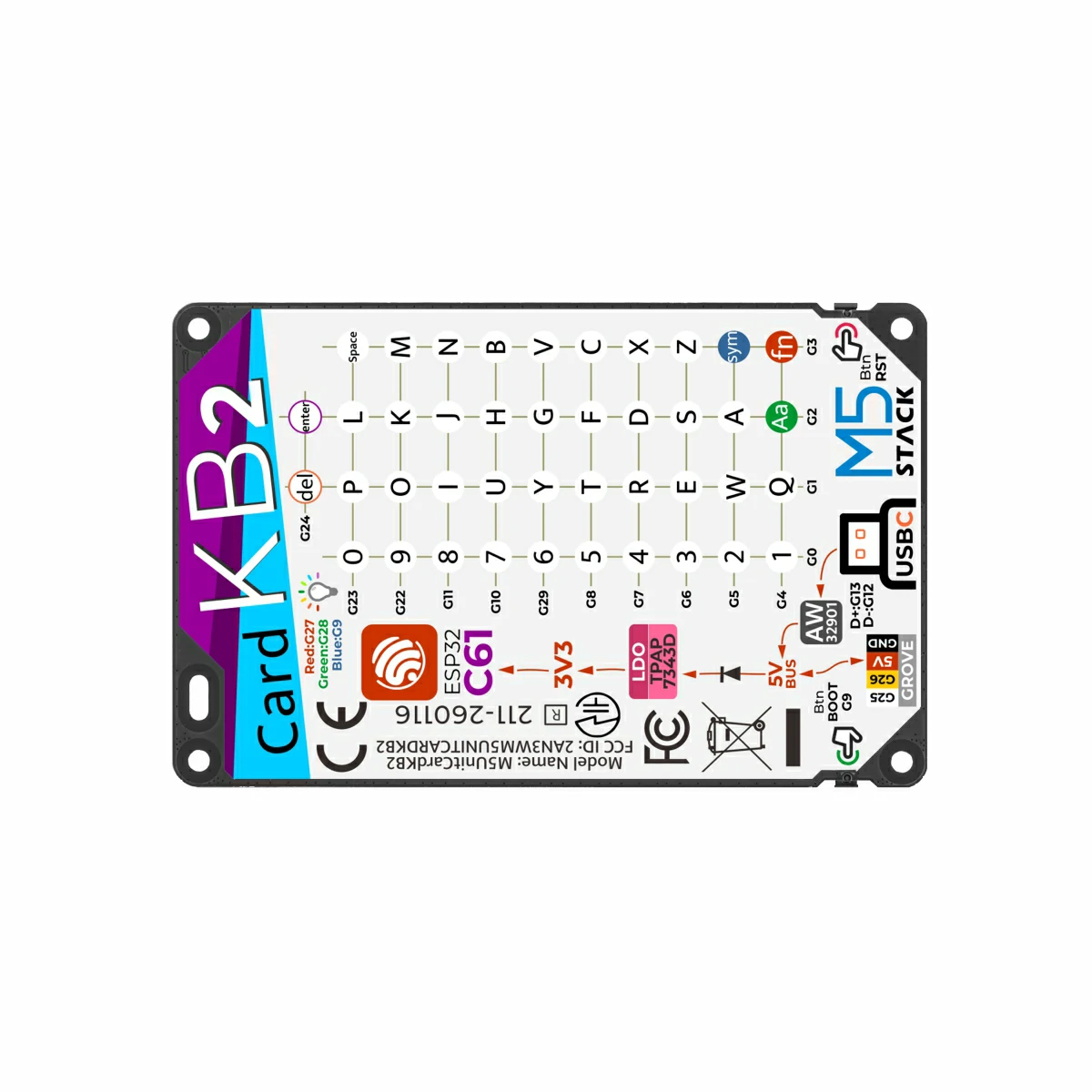
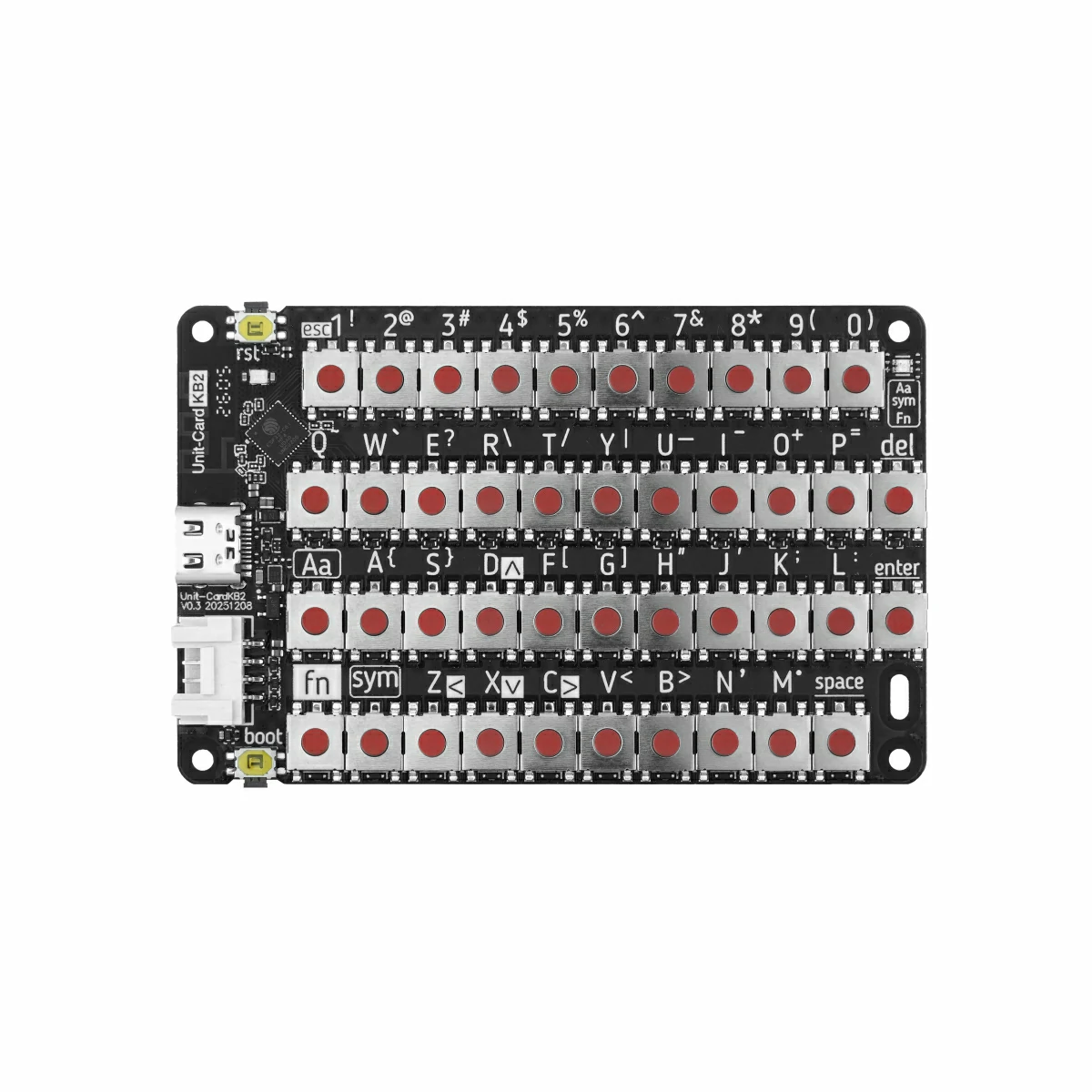
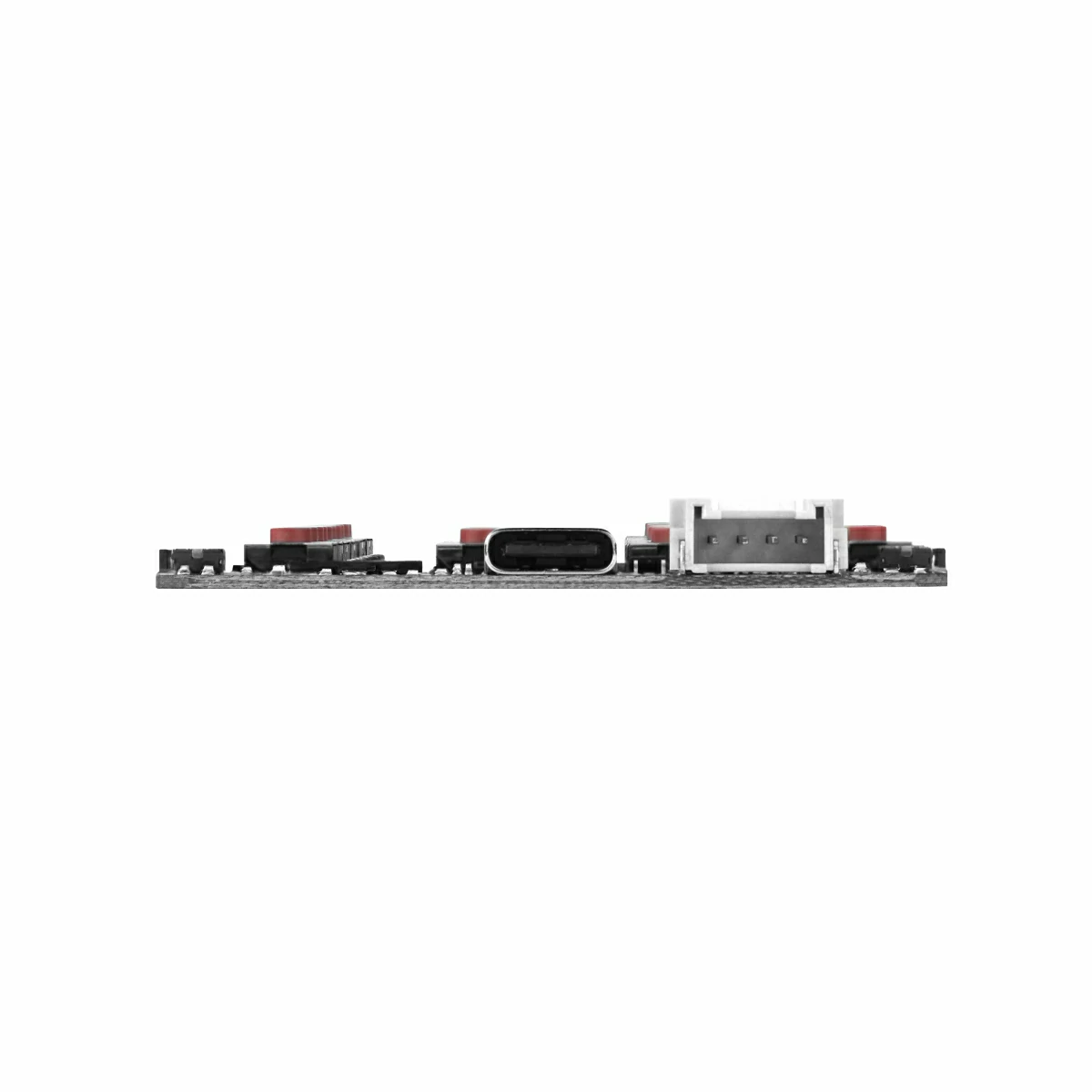
Unit CardKB2 is a card-sized 42-key portable keyboard input unit. Compact and lightweight, it is designed for everyday carry and embedded integration. Powered by the ESP32-C61HF4, it supports 2.4 GHz Wi-Fi 6. The preloaded firmware supports four communication modes — I2C, UART, BLE HID, and ESP-NOW — for flexible connectivity with host devices. An onboard HY2.0-4P connector enables communication in I2C/UART mode, while a USB Type-C port provides power supply and firmware flashing. Additional features include an RGB LED status indicator, a Reset button, a Boot button, and built-in input overvoltage protection, making it well-suited for wireless input, interactive control, and a wide range of portable applications.
Features
- Equipped with ESP32-C61HF4, supporting Wi-Fi 6 / BLE wireless communication
- Full keyboard input with support for multiple key combinations (single press, Sym, Fn)
- Onboard RGB LED (XL-1615RGBC-RF) for keyboard status indication
- Reserved M2 mounting holes for easy application integration
- Power Supply:
- USB Type-C
- DC 5V
Includes
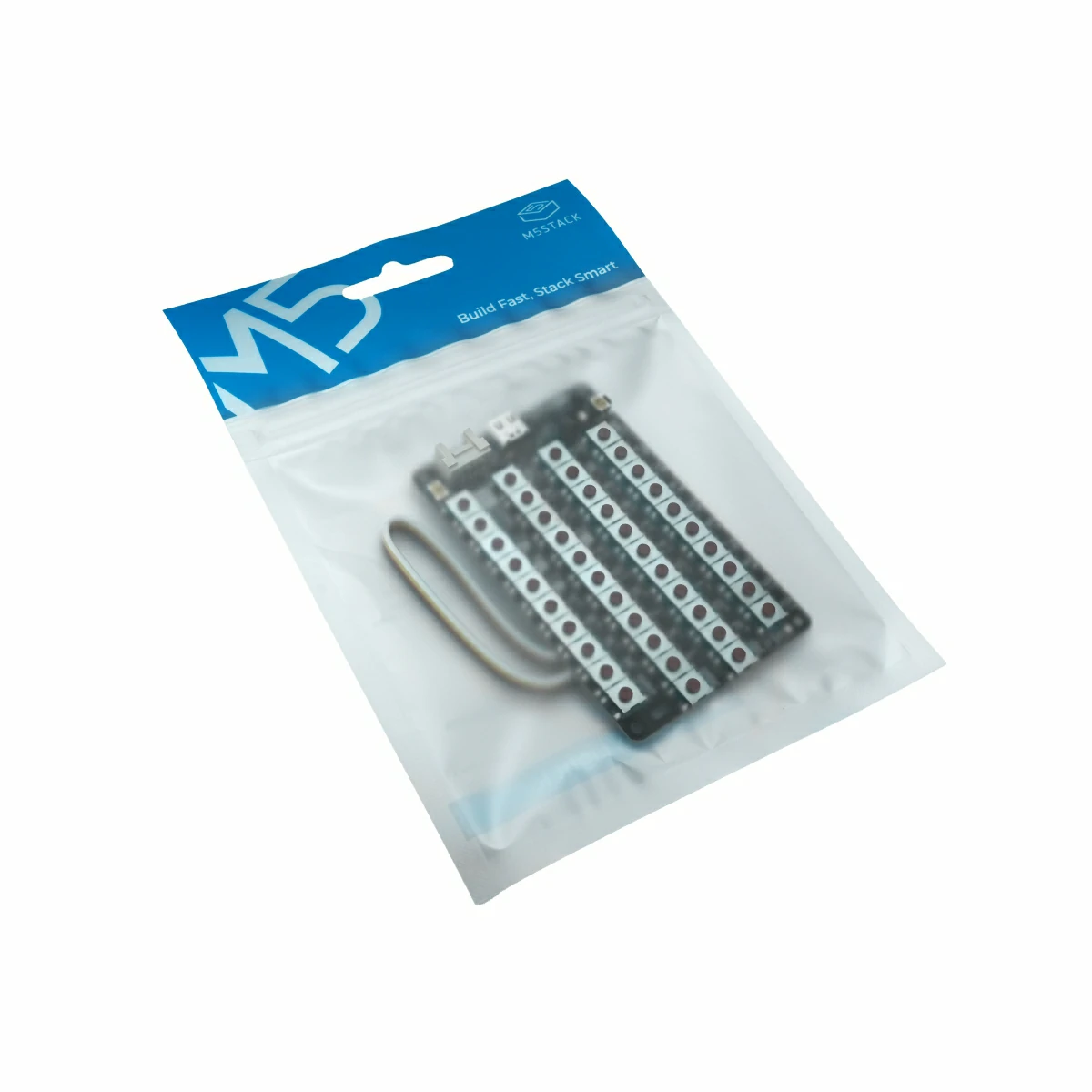
- 1 x Unit CardKB2
- 1 x HY2.0-4P Grove Cable (20cm)
Applications
- Text input for portable devices
- Human-machine interaction in embedded systems
- Wireless control terminal for IoT devices
- Educational programming and maker projects
Specifications
| Specification | Parameter |
|---|---|
| SoC | ESP32-C61HF4 @ RISC-V 32-bit single-core, 120 MHz |
| Flash | 4MB |
| Wi-Fi | 2.4 GHz Wi-Fi 6 |
| Keys | 42-key keyboard, 1x Reset button, 1x Boot button |
| USB Type-C | Power supply / Firmware flashing, default firmware log output: 115200bps @ 8N1 |
| RGB LED | 1x RGB LED |
| Expansion Interface | 1x HY2.0-4P |
| Standby Power | 5V@19.31mA (powered via Grove interface) |
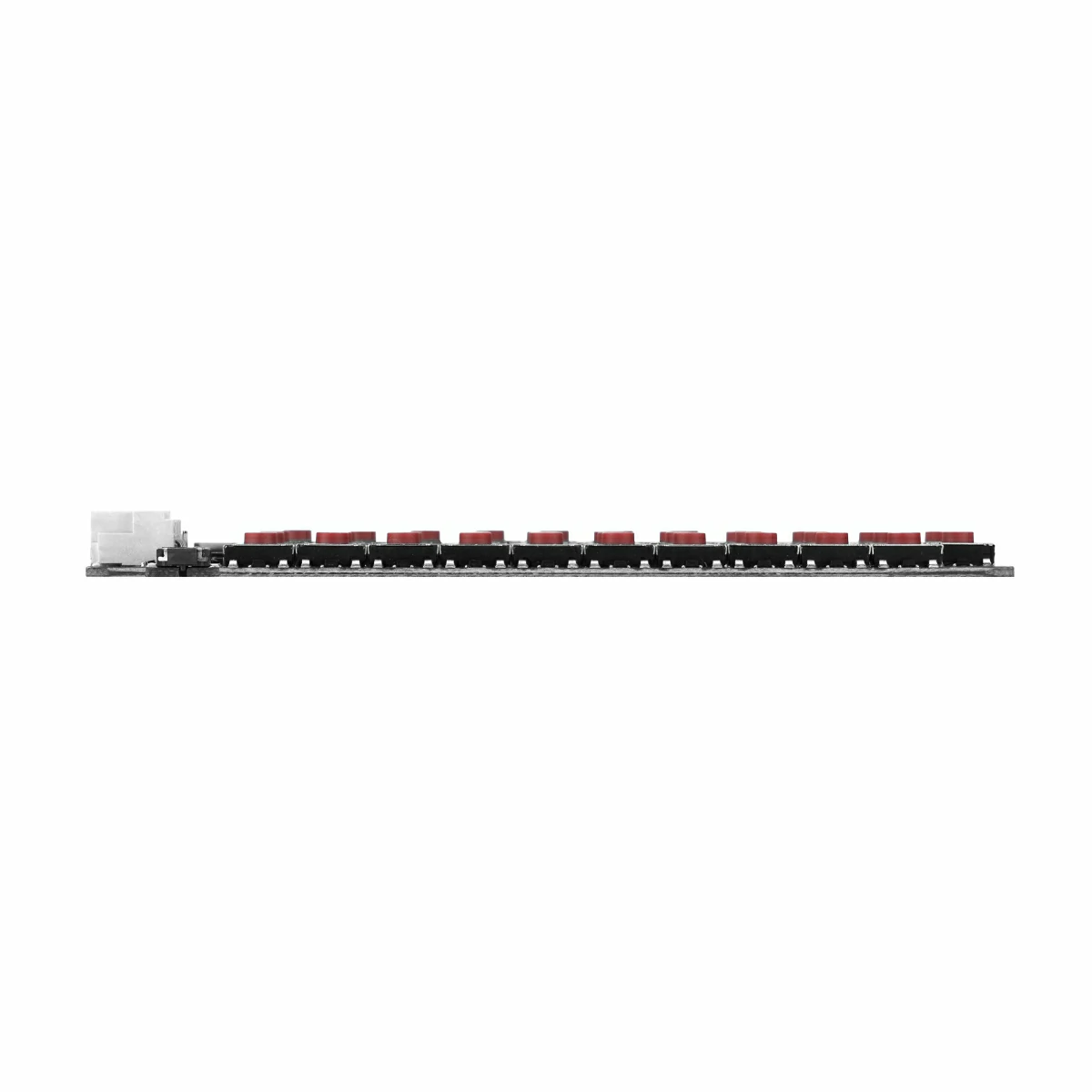

| Product Size | 84.7 x 54.3 x 1.0mm |
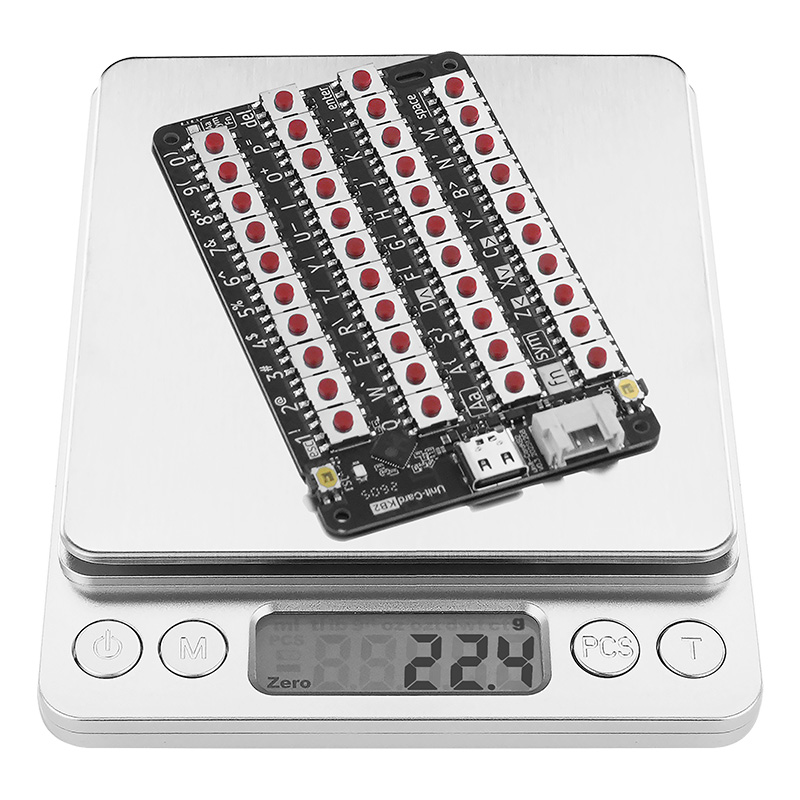
| Product Weight | 22.4g |
| Package Size | 170.0 x 120.0 x 8.0mm |
| Gross Weight | 28.9g |
Learn
Key Description
Aa Key (Caps Toggle):
- Single tap: Enables one-shot caps lock — types one uppercase character, then reverts to lowercase automatically.
- Double tap: Enables caps lock — tap or double-tap again to disengage and return to lowercase.
- Hold: Maintains uppercase output while held; reverts to lowercase upon release.
- The green LED lights up when caps is active and turns off when disabled.
Sym Key (Symbol Key): Single-click to activate character input; click again to deactivate.
Fn Key (Function Key): Used for mode switching and combined functions. When Fn is pressed, the red indicator light turns on.
The following only works in BLE HID mode:
Fn + 1: Outputs Esc
Fn + D: Cursor up (↑)
Fn + X: Cursor down (↓)
Fn + Z: Cursor left (←)
Fn + C: Cursor right (→)
Mode Switching (Fn + Sym + Number Key): The selected mode is saved automatically and persists after power cycling.
- Fn + Sym + 1: Switch to I2C mode (factory default) — white LED blinks 1 time
- Fn + Sym + 2: Switch to UART mode — white LED blinks 2 times
- Fn + Sym + 3: Switch to ESP-NOW broadcast mode — white LED blinks 3 times
- Fn + Sym + 4: Switch to BLE HID mode — white LED blinks 4 times
BLE HID Mode
Unit CardKB2 can function as a wireless keyboard and connect to any BLE HID-compatible device. Follow the steps below:
- Press Fn + Sym + 4 to switch to BLE HID mode.
- On your phone / tablet / computer, scan for nearby Bluetooth devices. The device will appear as
CardKB2-xxxx(wherexxxxrepresents the last four digits of the MAC address). - Pair and connect — the unit is now ready to use as a wireless keyboard.
For usage instructions for other modes (UART / I2C / ESP-NOW), please refer to the Unit CardKB2 User Manual & Registers.
PinMap
Unit CardKB2
| HY2.0-4P | Black | Red | Yellow | White |
|---|---|---|---|---|
| PORT.CUSTOM | GND | 5V | SDA / UART_RX / G26 | SCL / UART_TX / G25 |
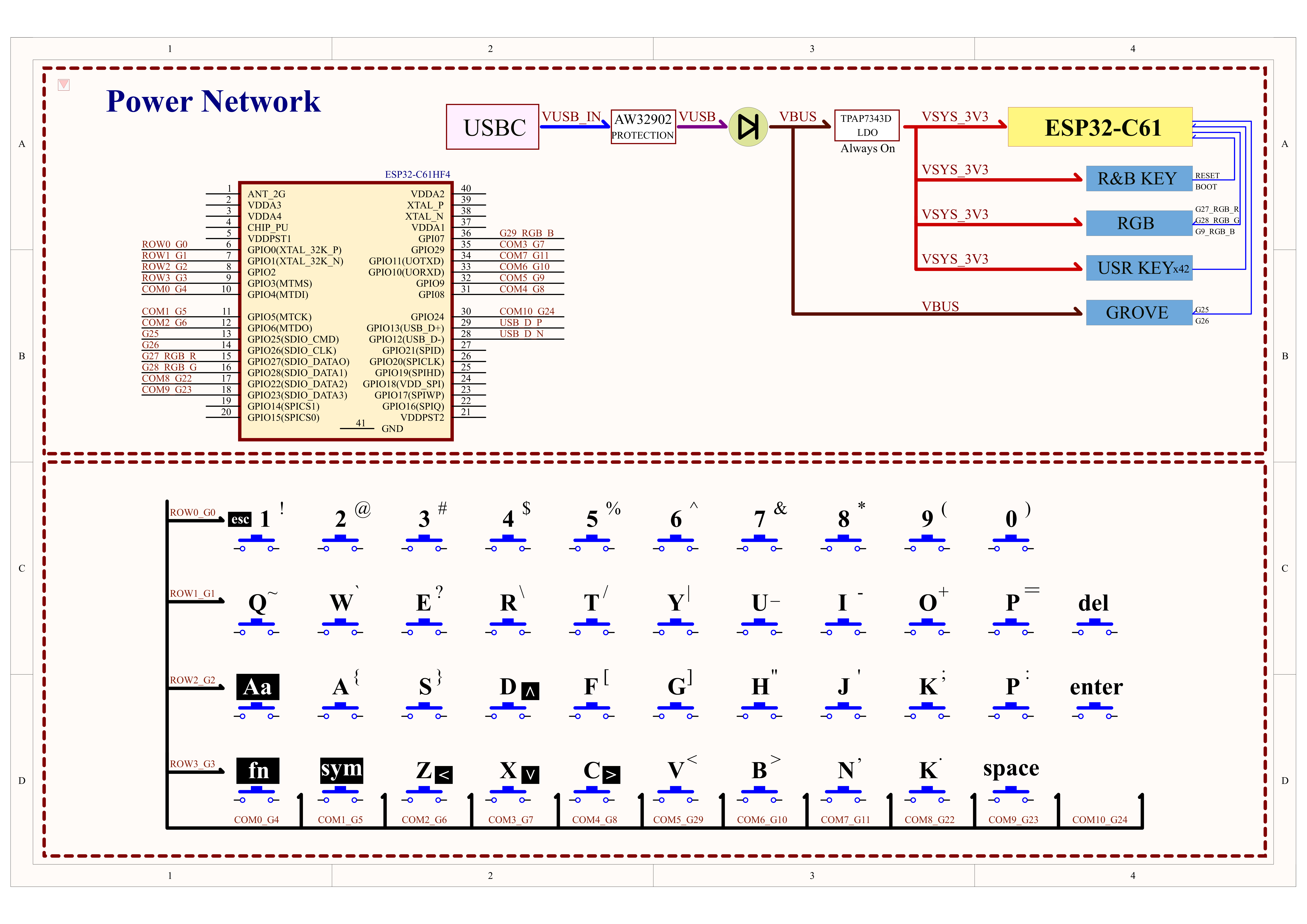
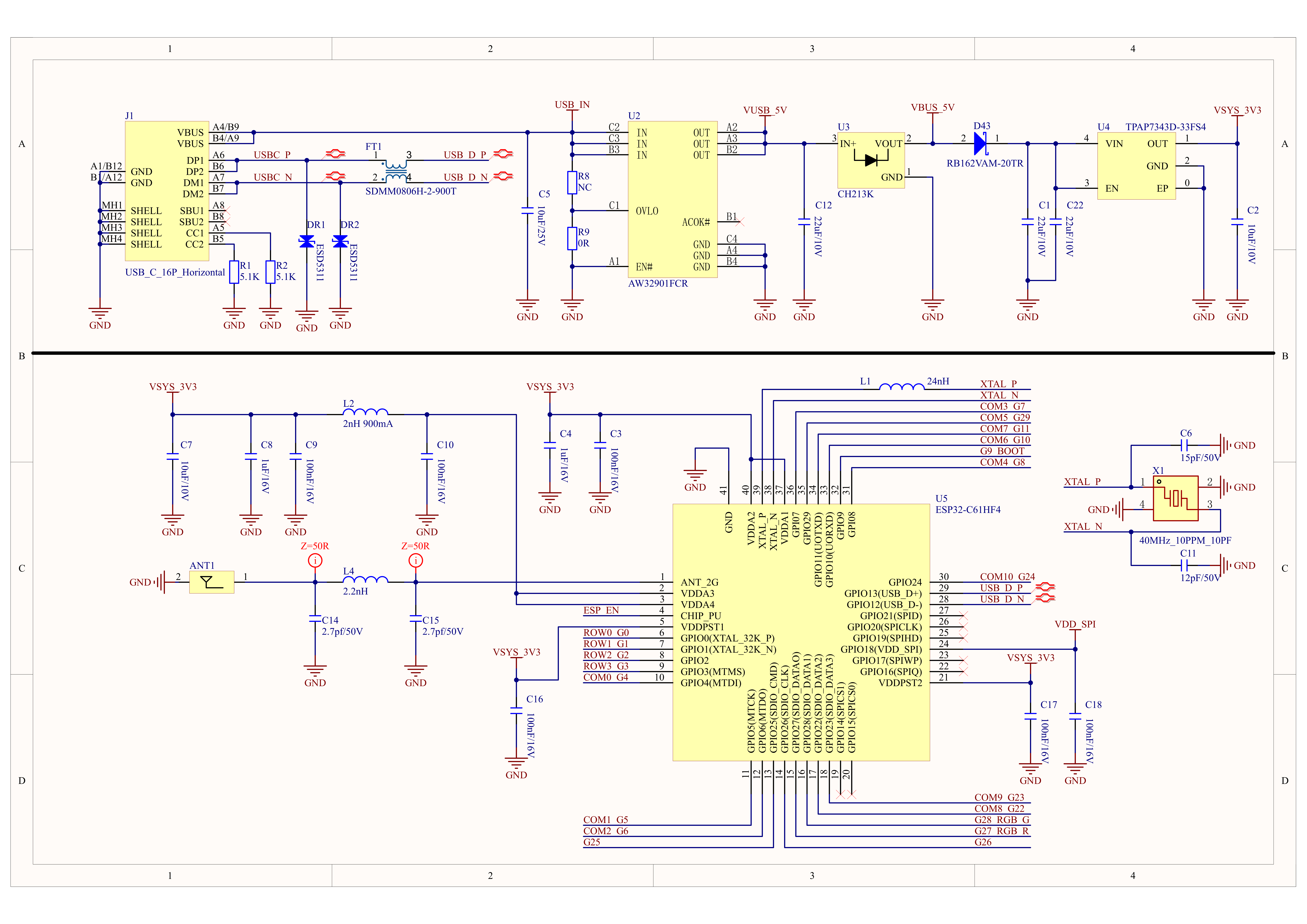
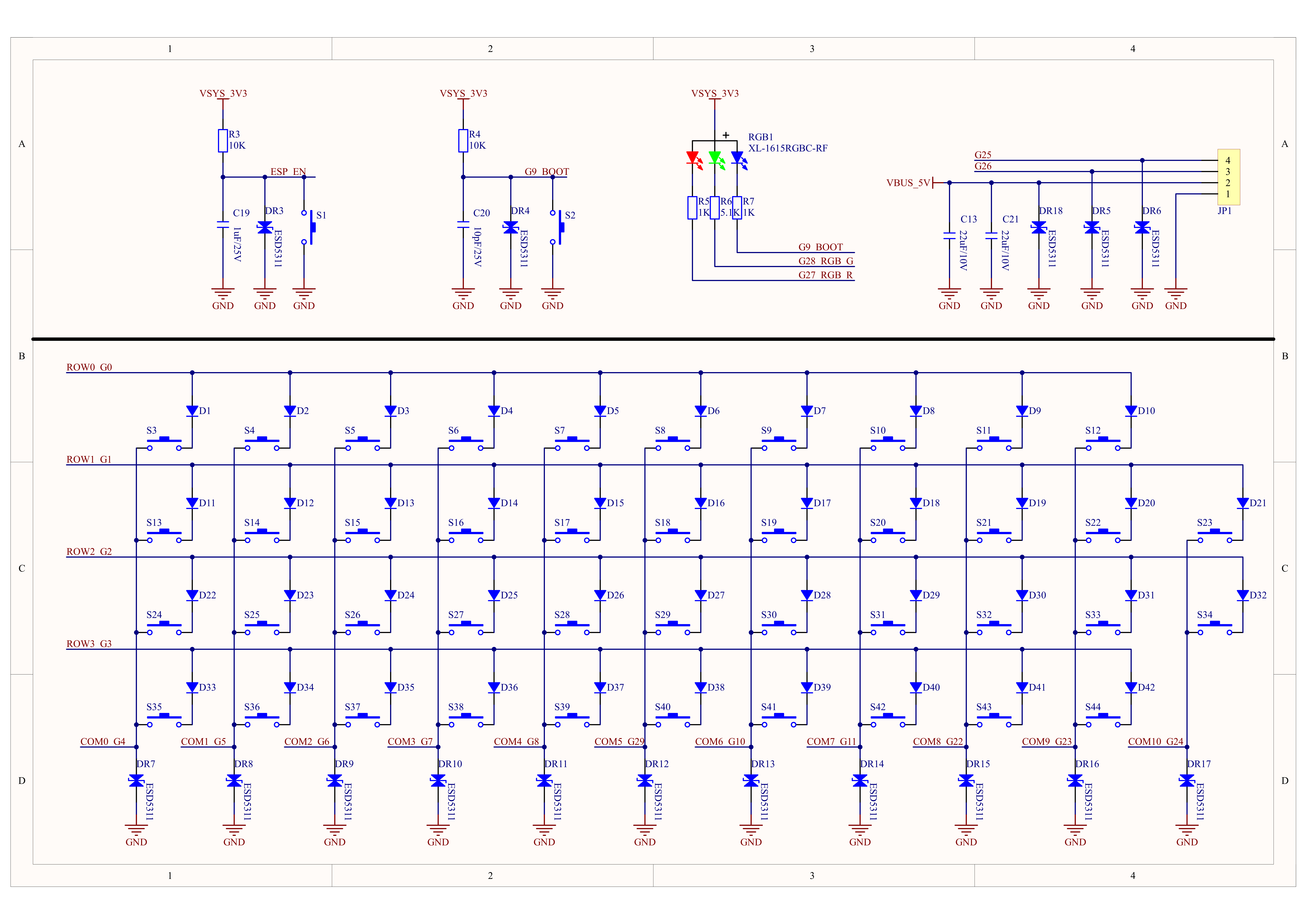
Schematics
Model Size
Datasheets
Softwares
Arduino
UiFlow2
coming soon...
Internal Firmware
Protocol
Video
- Unit CardKB2 Product Introduction and Feature Demonstration