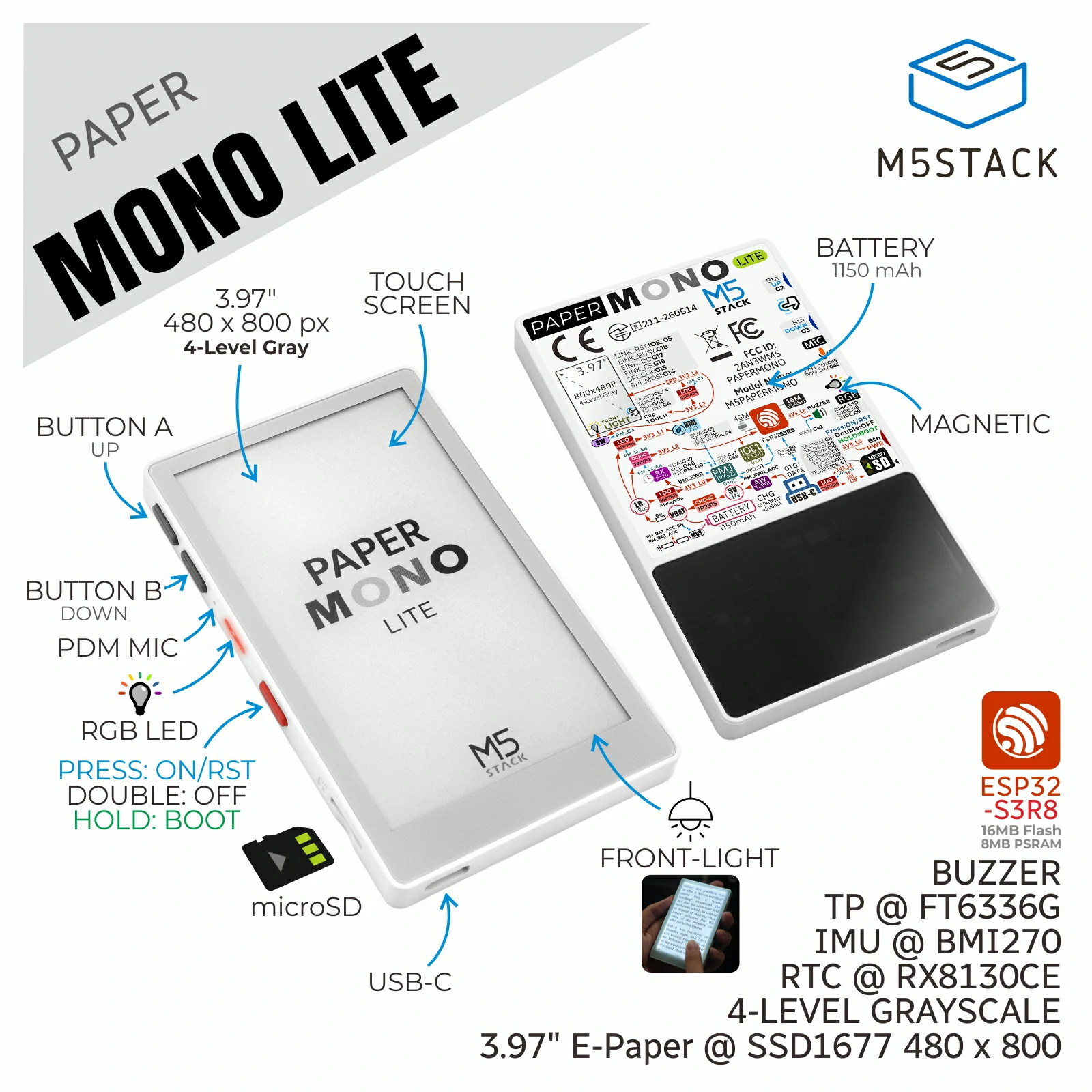
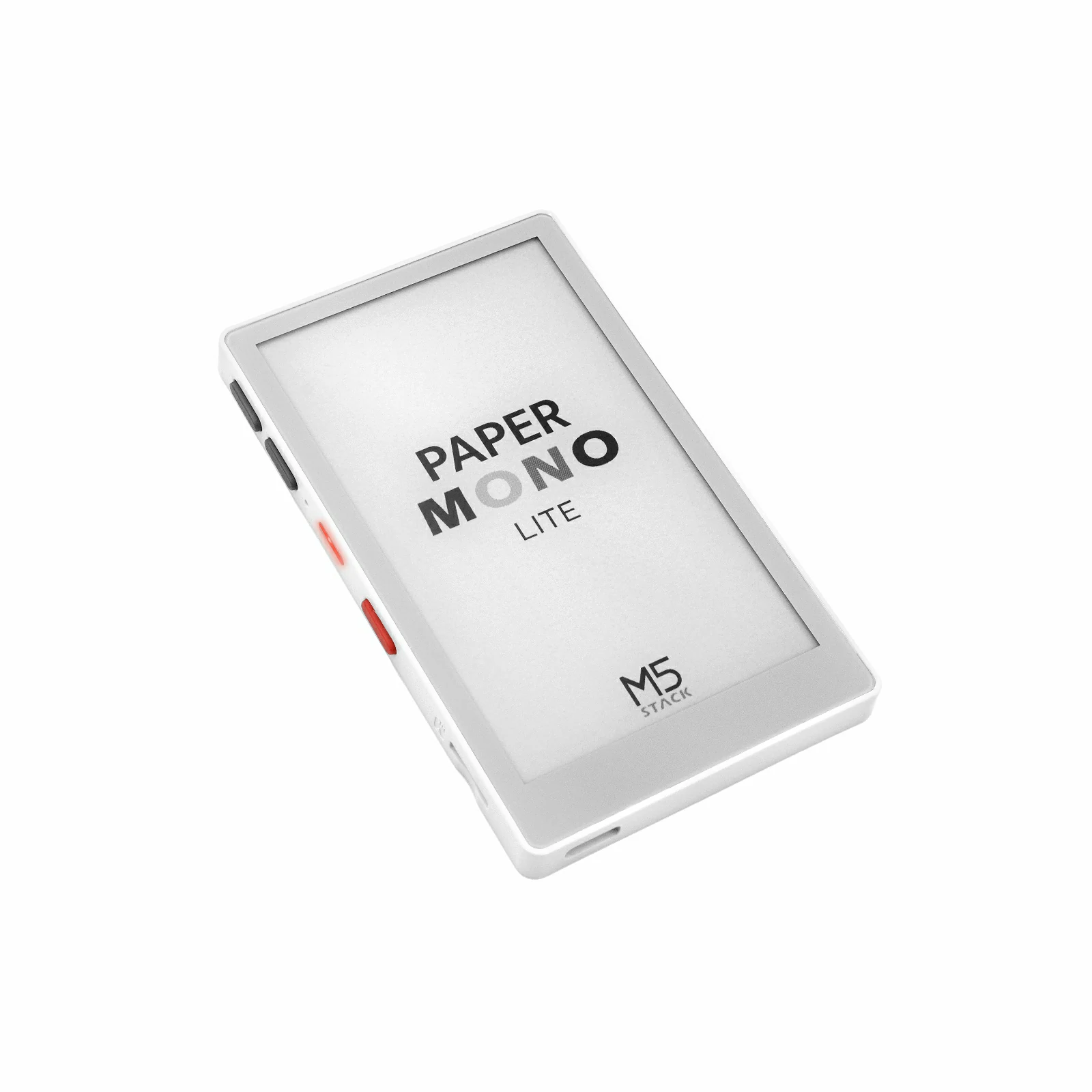
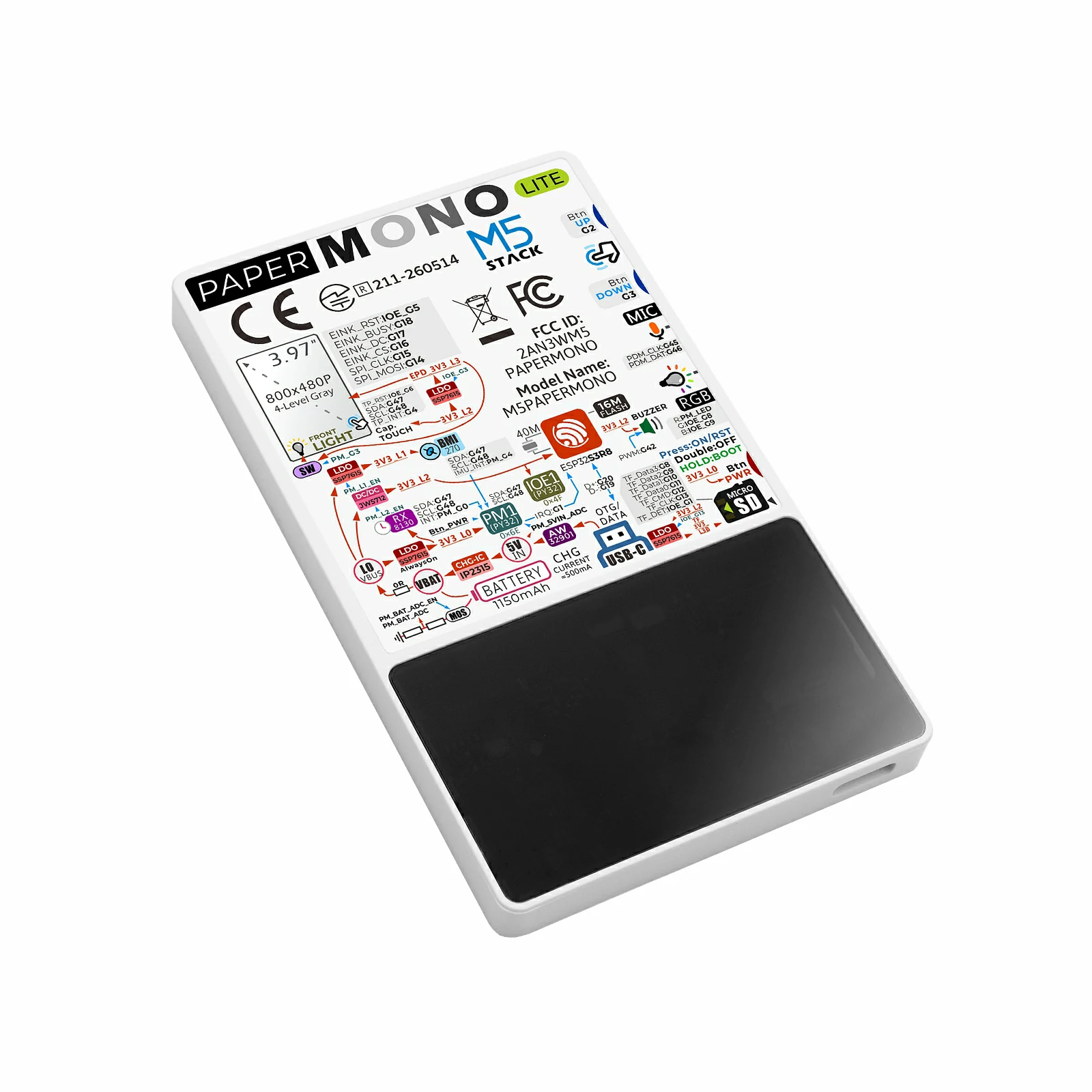
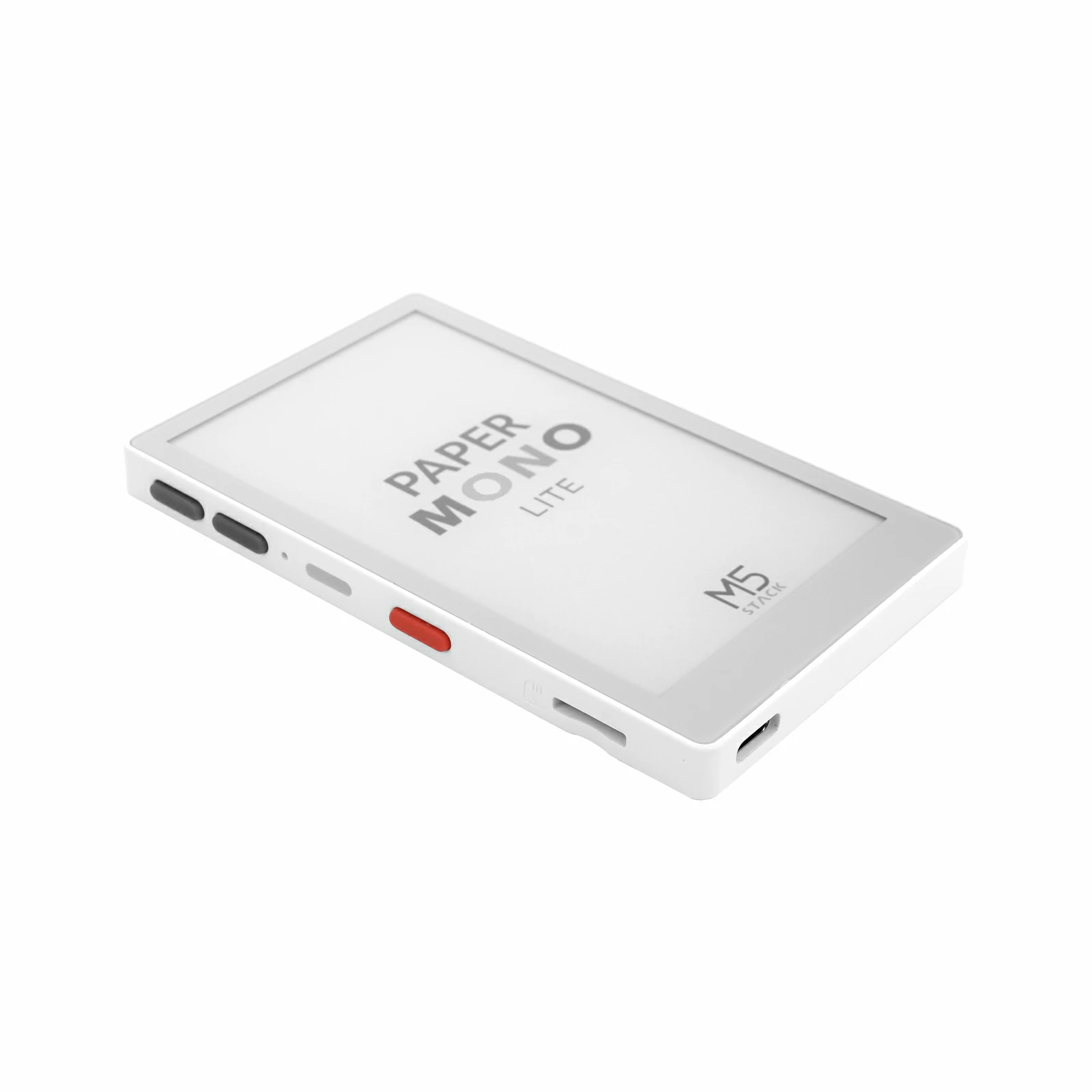
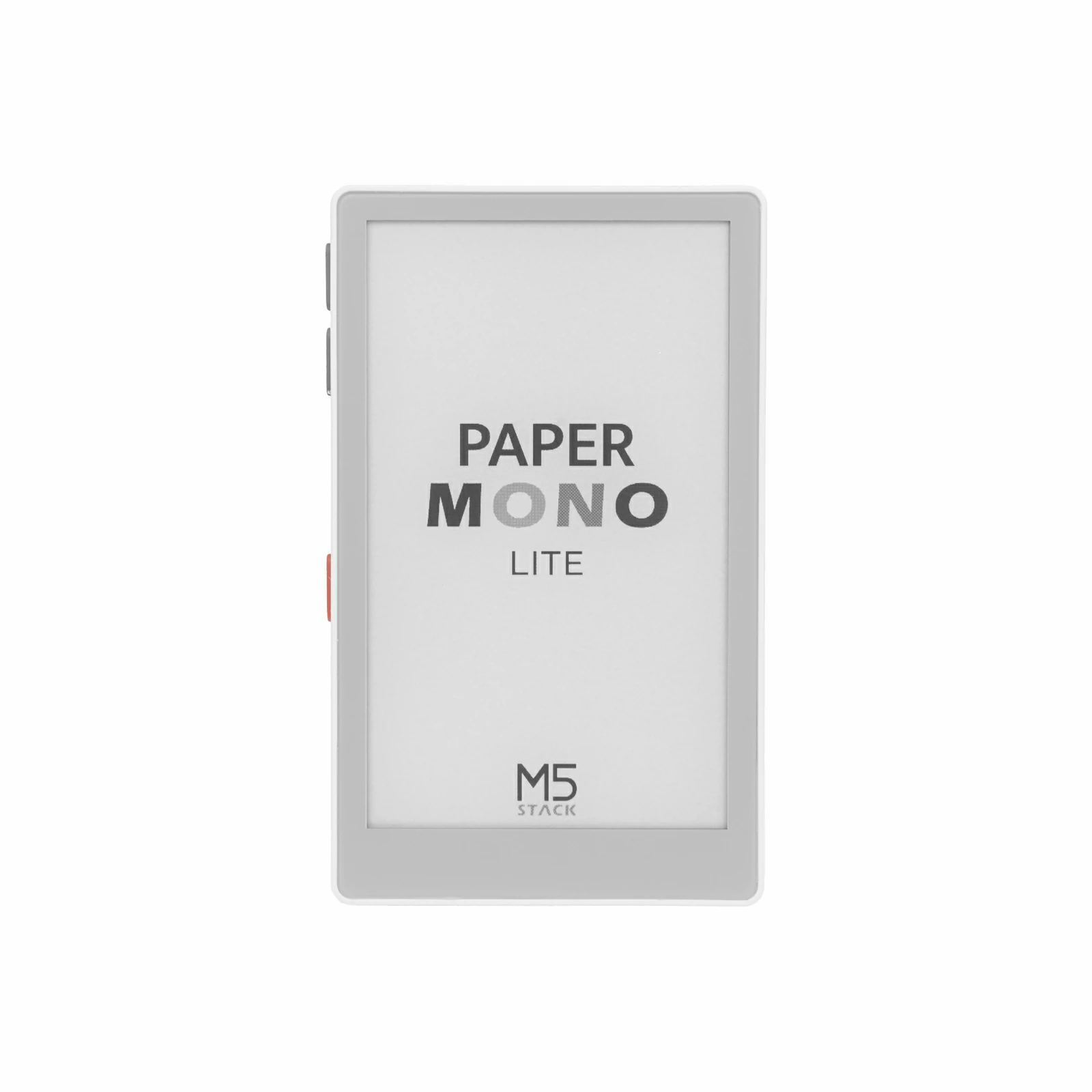
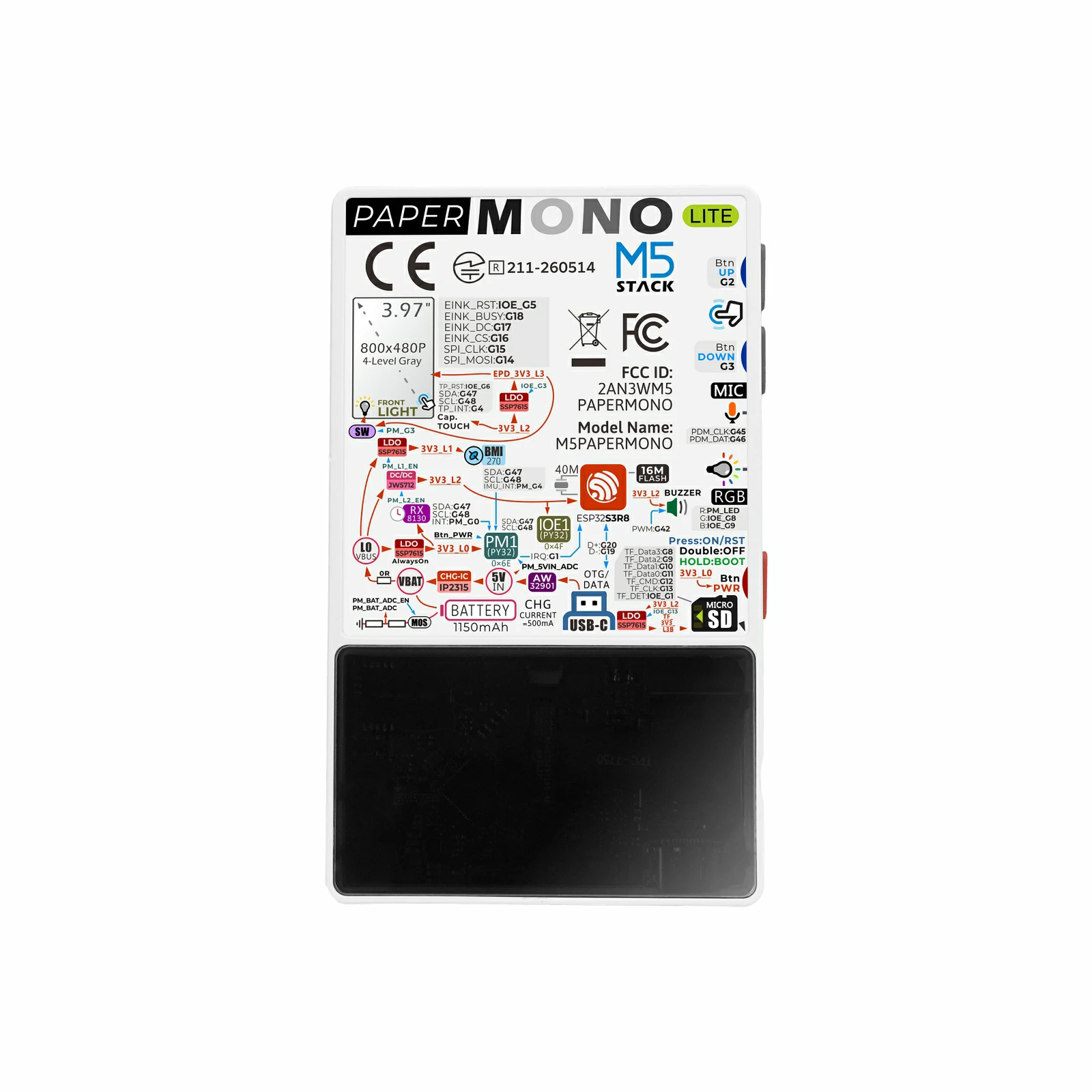
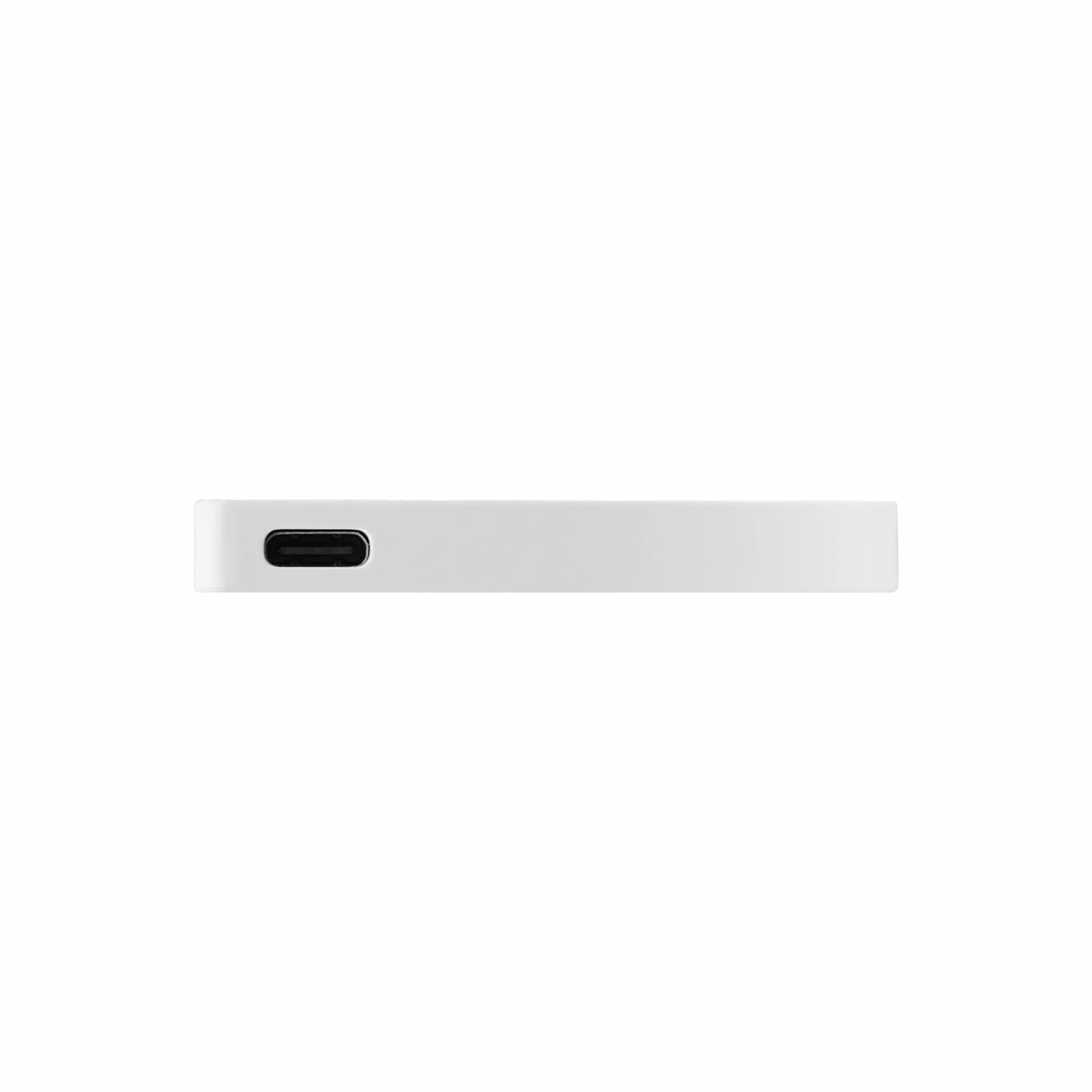
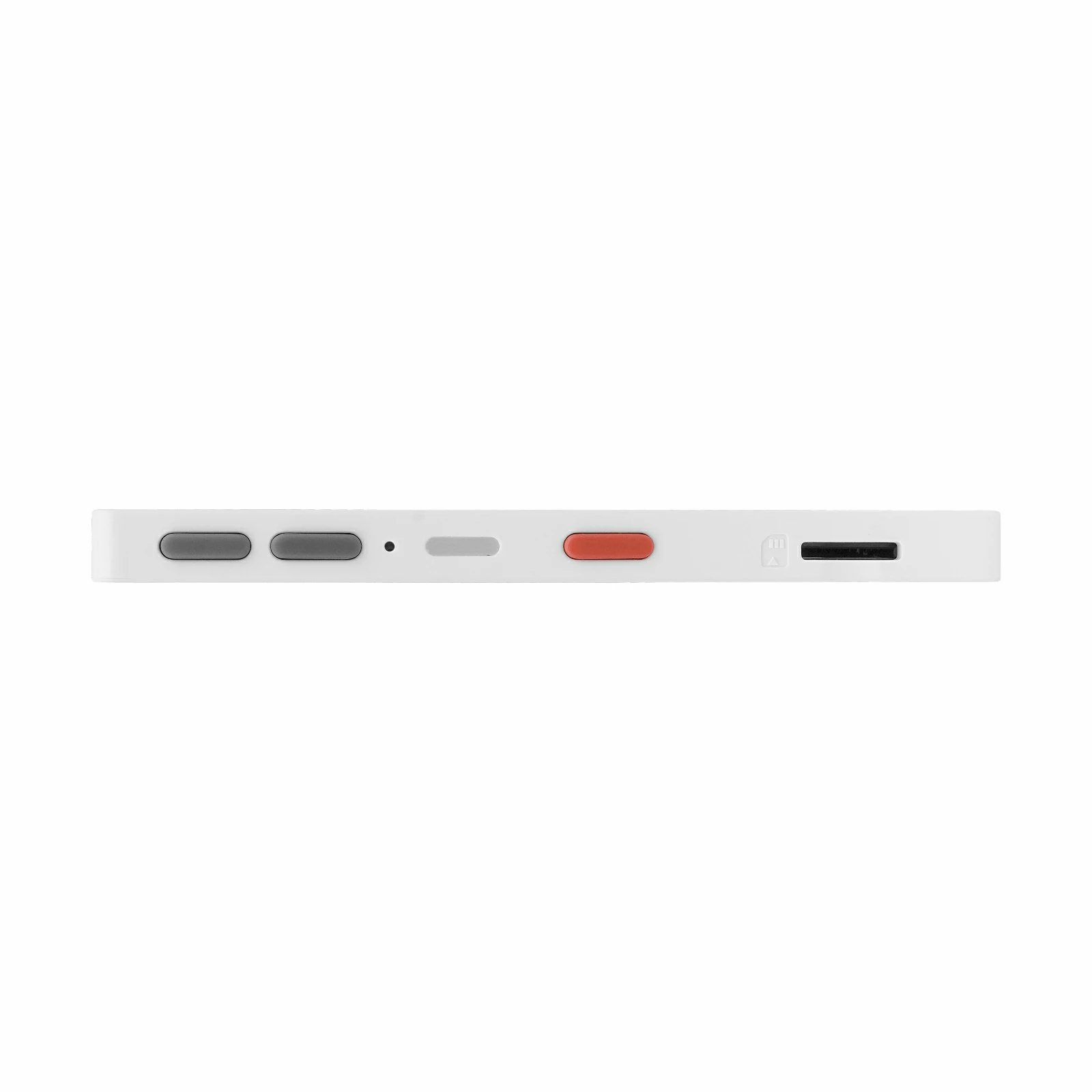
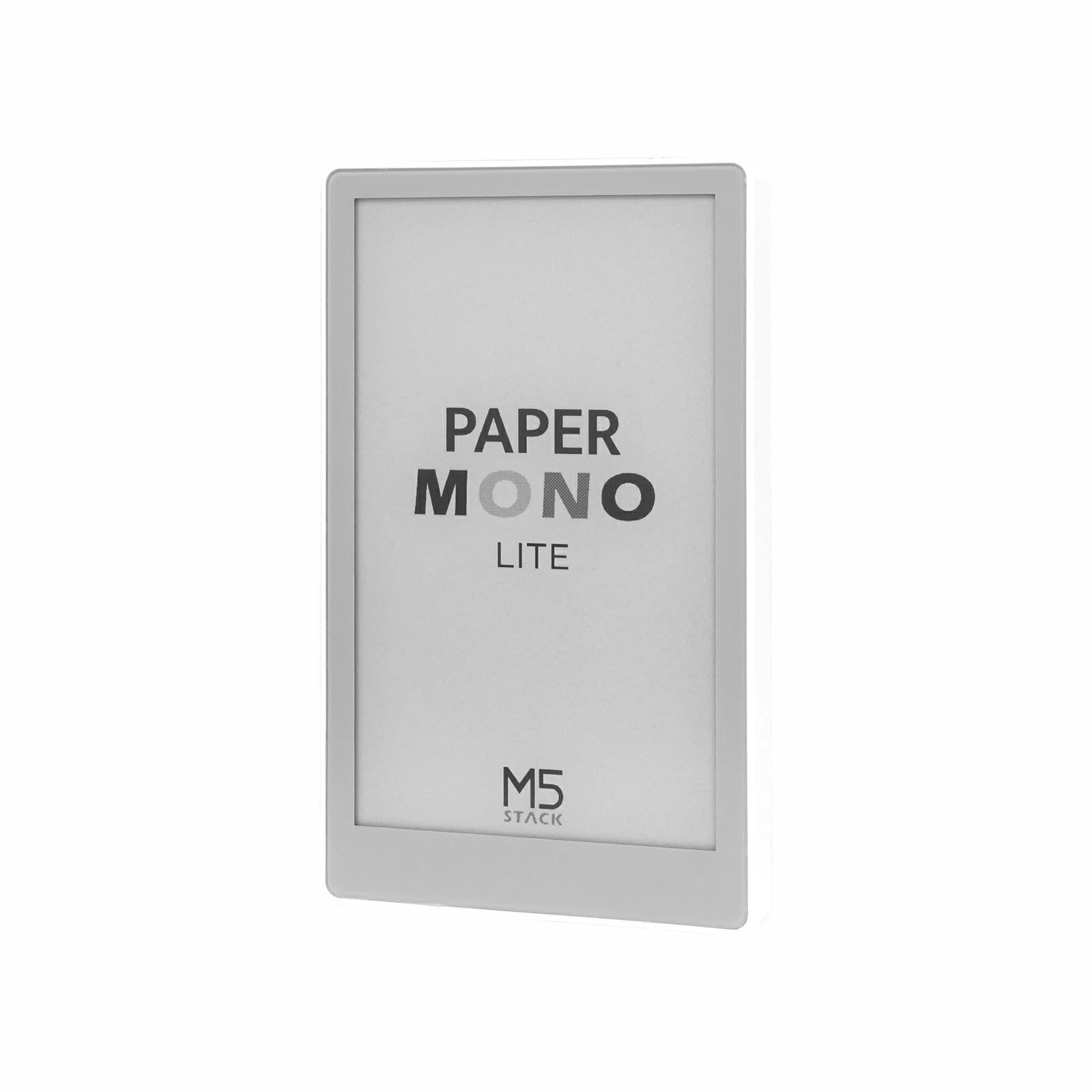
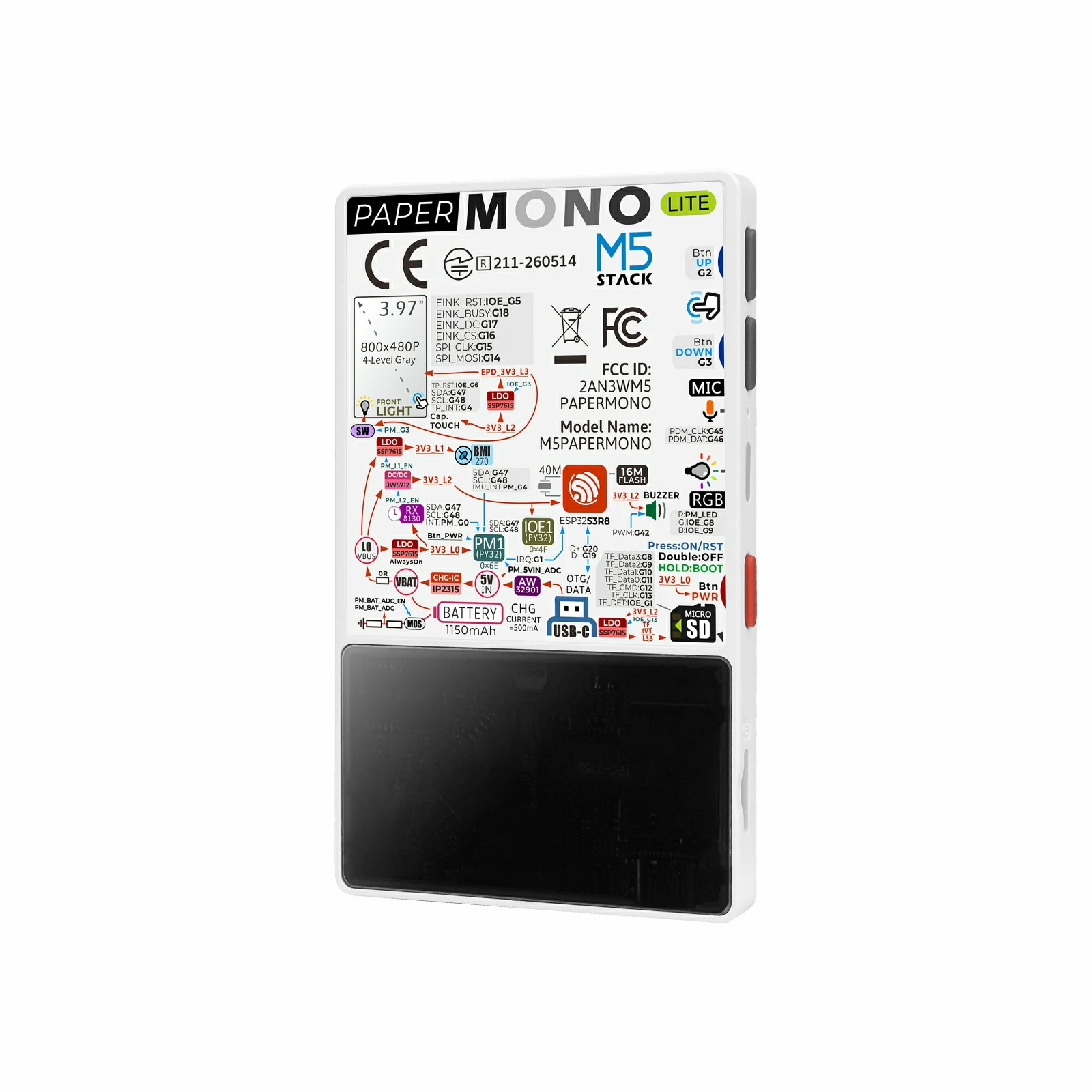
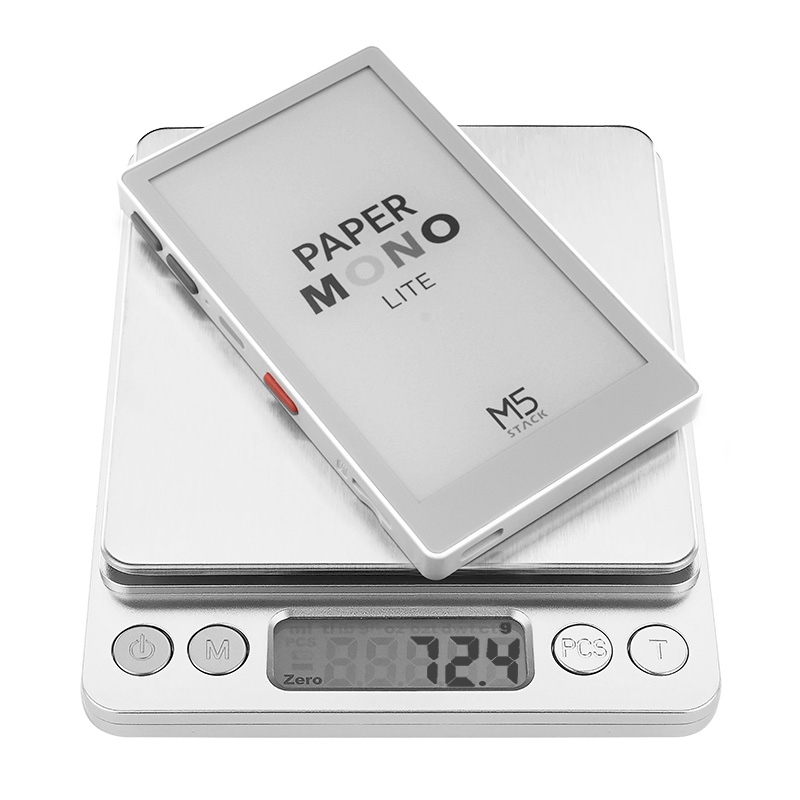
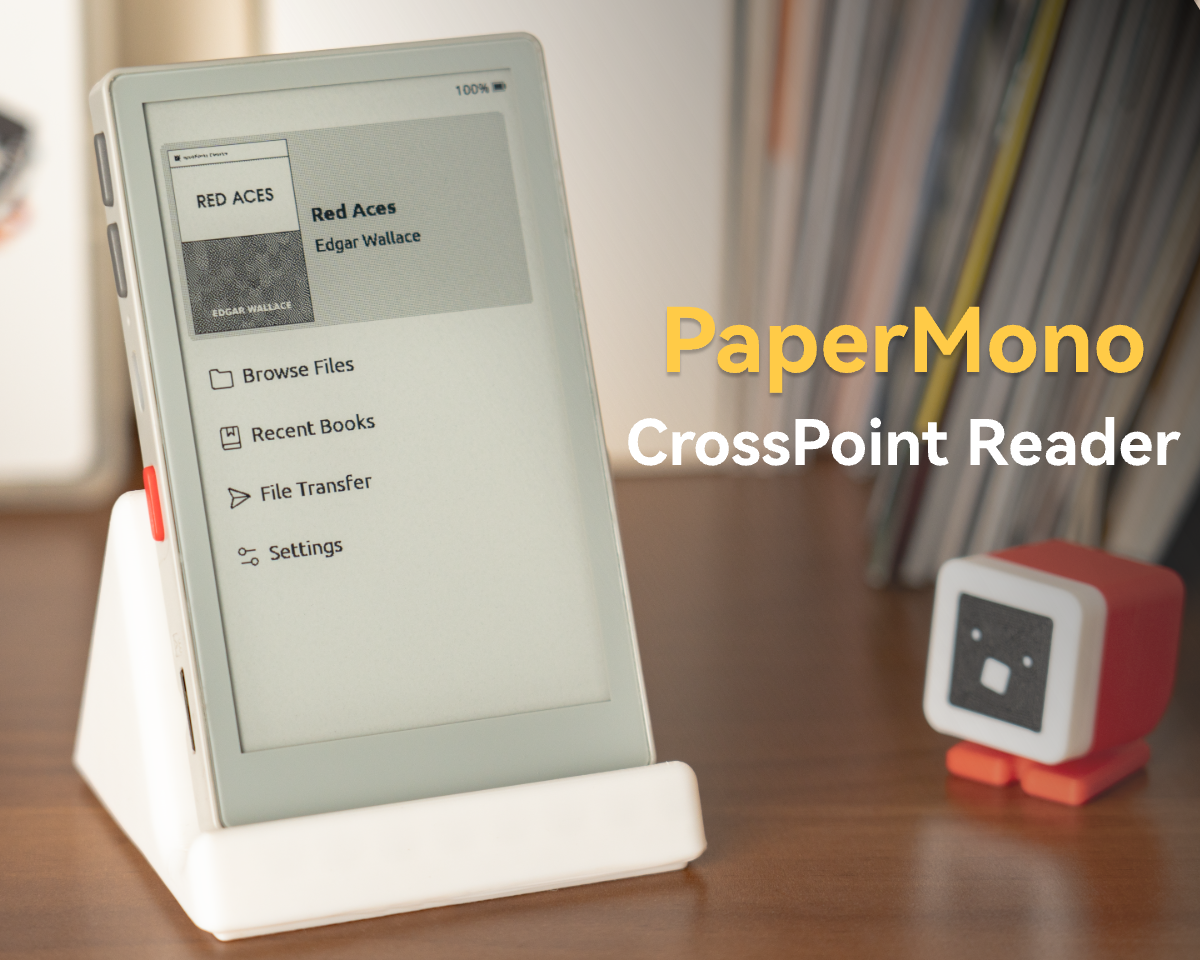
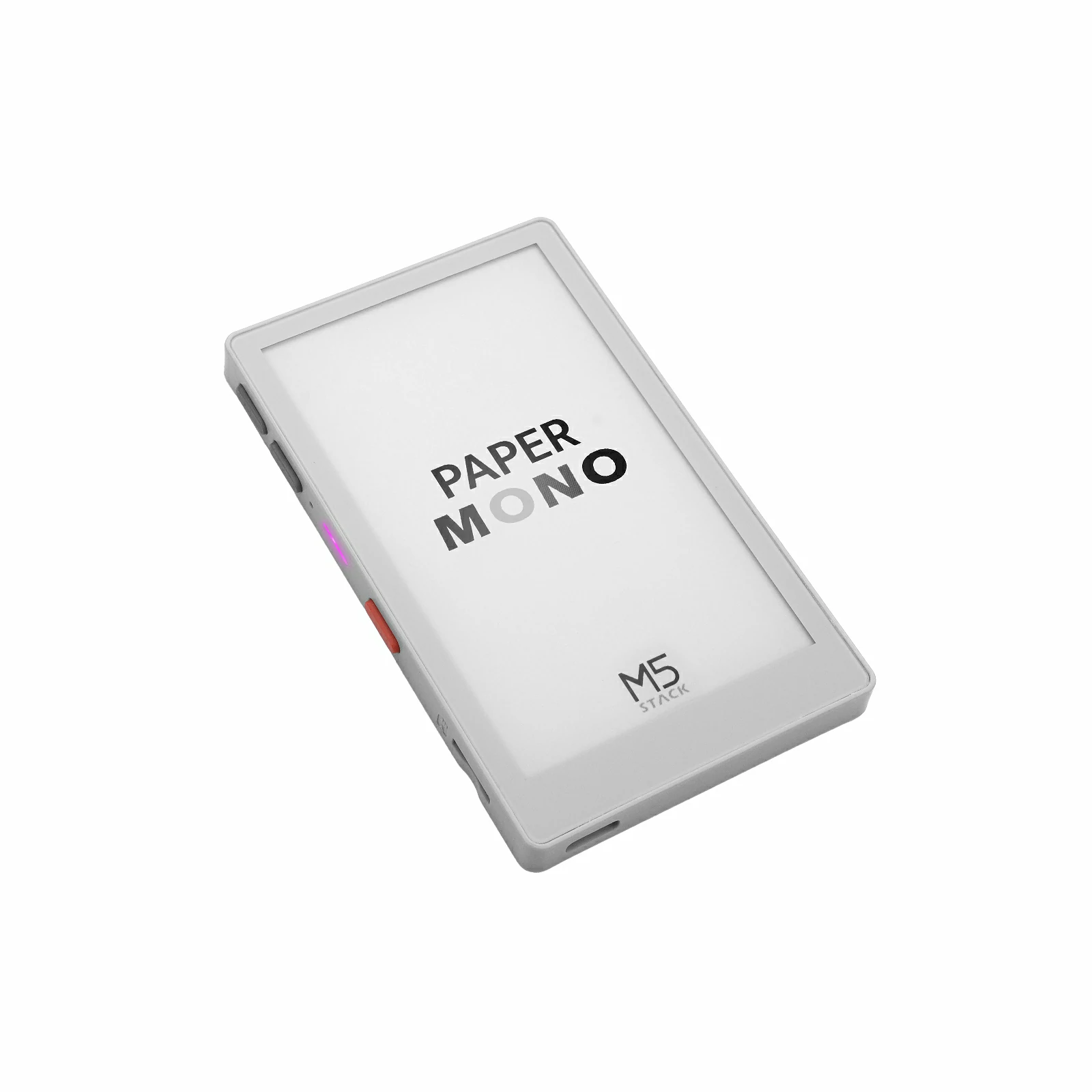
PaperMono-Lite is a streamlined version of PaperMono, designed for low-power display and portable interactive applications. It features a 3.97-inch 4-level grayscale black-and-white E-Ink display with touch support, driven by SSD1677 at 480x800 resolution, and integrates the FT6336G touch controller and a front-light system for clear and stable reading and interaction in low-light environments. The core is powered by the ESP32-S3R8, equipped with 16MB Flash, 8MB PSRAM, and 2.4 GHz Wi-Fi, while also featuring an onboard buzzer, PDM microphone (LMD4737T261-AC02), RGB LED, BMI270 6-axis IMU, M5IOE1 IO expander, microSD card slot, and RX8130CE real-time clock. Compared to PaperMono, the Lite version does not include NFC and LoRa modules, retaining E-Paper interaction and basic wireless connectivity capabilities. With the M5PM1 multi-level power management system and a 1150mAh battery, it is suitable for e-readers, electronic shelf labels, information display terminals, and low-power embedded applications.
Click here to download the PaperMono-Lite CrossPoint E-Reader firmware.
Note
E-Paper Usage Precautions
Avoid direct sunlight or prolonged exposure to high temperatures, as heat or strong UV rays may damage the panel.
After approximately 10 partial fast refreshes in software, it is recommended to perform a full-screen refresh to clear any accumulated severe ghosting.
The screen has built-in OTP waveforms that can be called directly. When using external custom waveforms, pay attention to DC balance; otherwise, irreversible damage to the panel may occur.
Avoid continuous partial fast refreshes without interruption to prevent irreversible damage to the panel due to long-term DC imbalance.
Touch Active Area
PaperMono-Lite Touch Active Area
The touch IC firmware internally shrinks the touch boundary. The effective touch coordinate range is limited to: X-axis: 5 ~ 475 (total width 480px), Y-axis: 5 ~ 795 (total height 800px).
Features
ESP32-S3R8 main controller
16MB Flash
8MB PSRAM
2.4 GHz Wi-Fi
3.97-inch 4-level grayscale black-and-white E-Ink display with touch support
SSD1677
480x800 resolution
4-level grayscale display
FT6336G touch
Integrated front-light system
Audio interaction
PDM microphone (LMD4737T261-AC02)
Built-in buzzer
Onboard peripherals
BMI270 6-axis IMU
M5IOE1 IO expander
microSD card slot
RX8130CE RTC
RGB LED
M5PM1 multi-level power management
Compared to PaperMono, does not include NFC and LoRa modules
Built-in 1150mAh battery
Includes
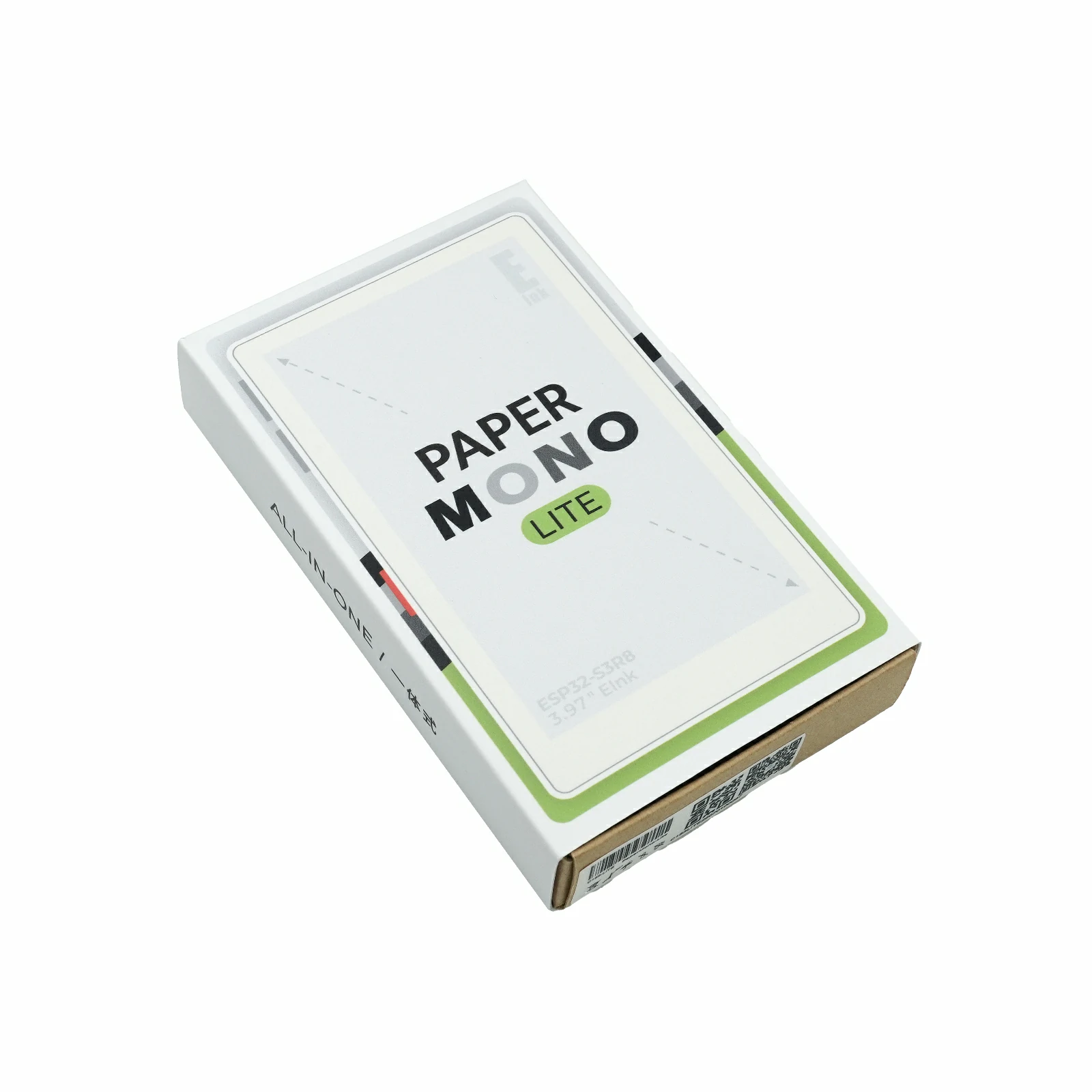
1 x PaperMono-Lite
Applications
E-reader
Electronic shelf label
Information display terminal
Portable control panel
Low-power IoT node
Specifications
Specification
Parameter
SoC
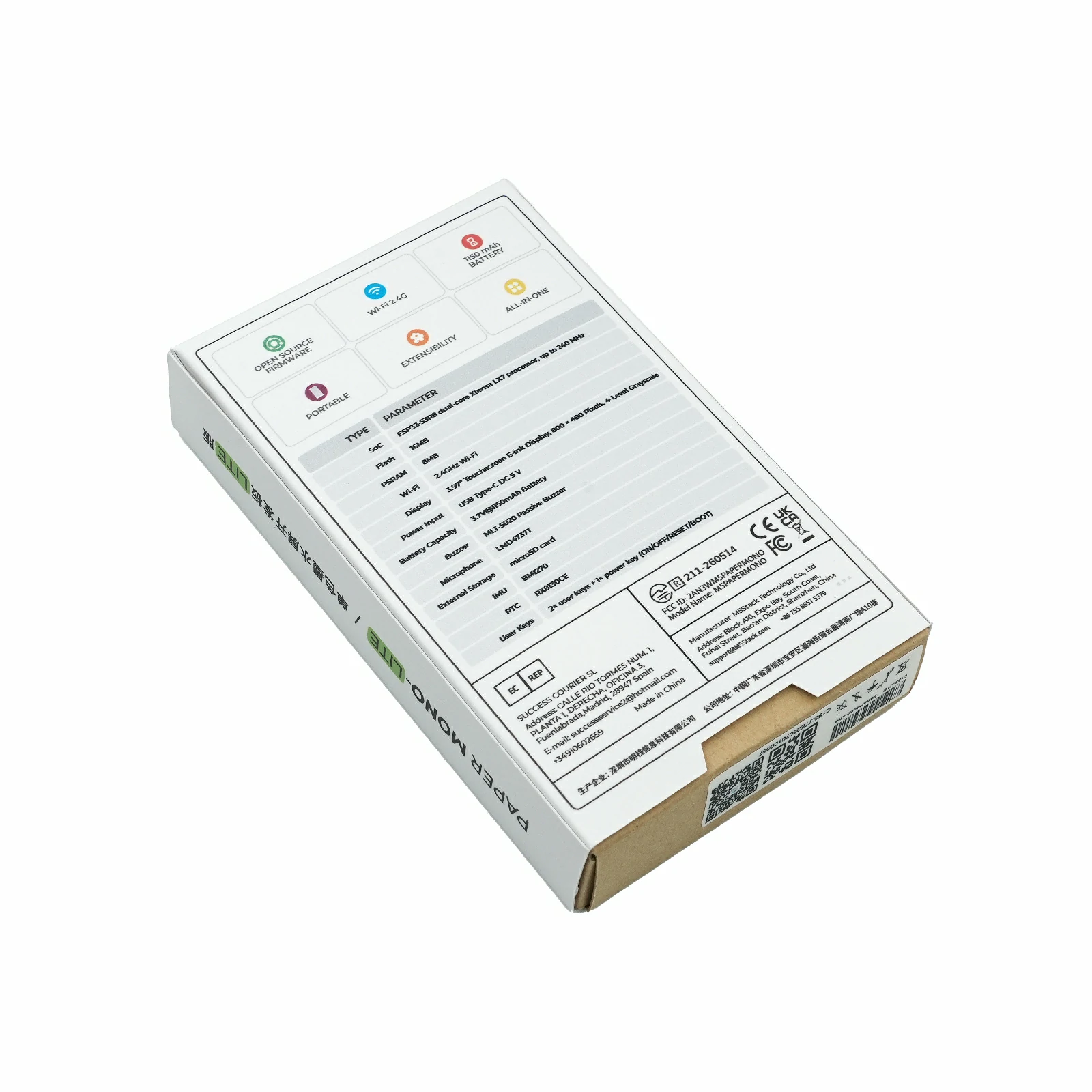
ESP32-S3R8 @ Xtensa® 32-bit LX7 dual-core processor, up to 240MHz
Flash
16MB
PSRAM
8MB Octal
Wi-Fi
2.4 GHz Wi-Fi
Display
3.97" E-Paper (Mono) SSD1677 @ 480x800, with FT6336G touch
Display Grayscale
4-level grayscale display
Front Light
Integrated E-Paper front-light
Input Power
USB Type-C DC 5V
Battery Capacity
1150mAh
Microphone
PDM microphone LMD4737T261-AC02
Buzzer
Built-in buzzer
IMU
BMI270
Power Management
M5PM1
IO Expander
M5IOE1
Expansion Storage
microSD
RTC
RX8130CE
RGB LED
Built-in RGB LED
User Buttons
2x user buttons + 1x power button (ON / OFF / RESET / BOOT)
Product Size
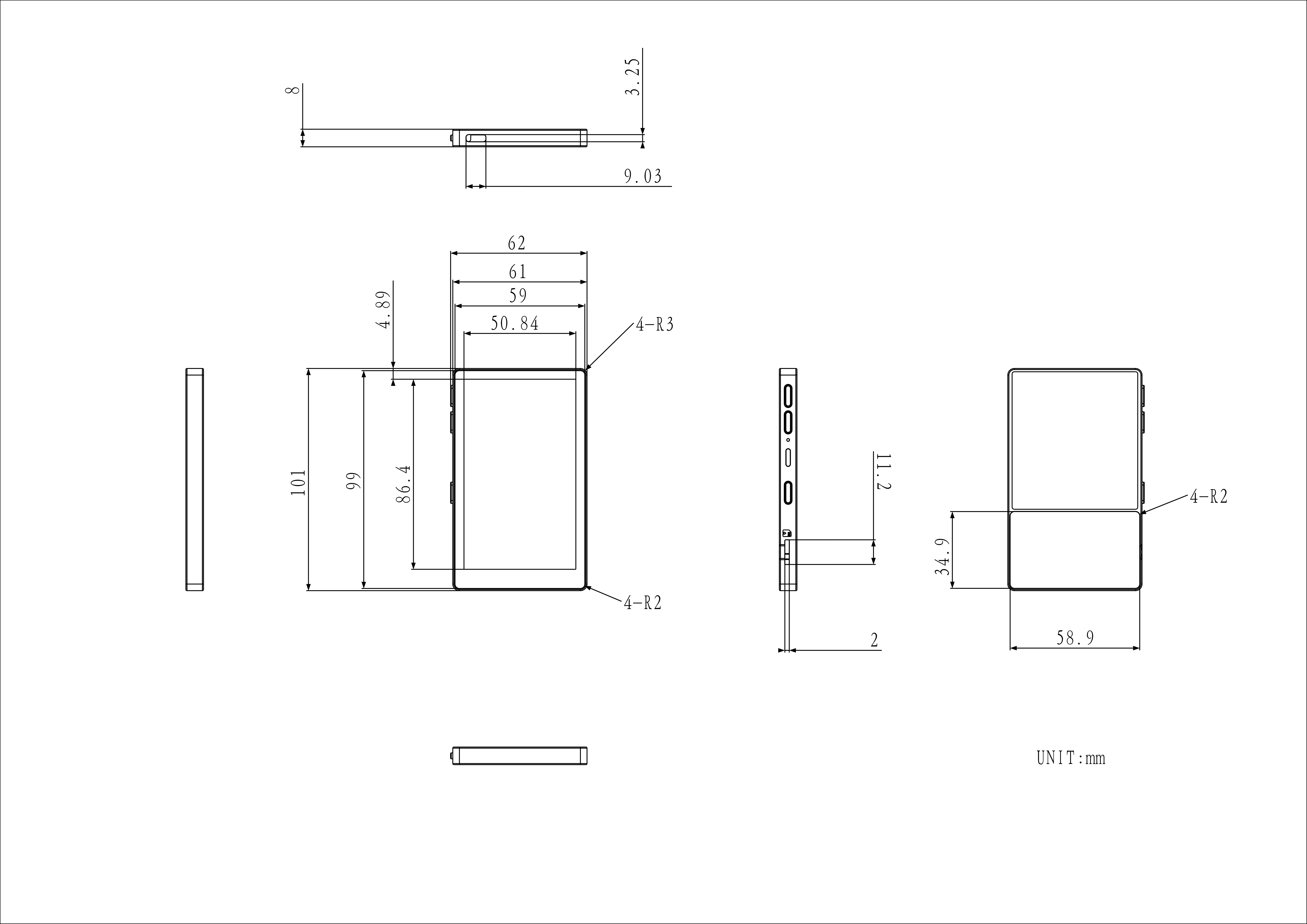
62.0 x 101.0 x 8.0mm
Product Weight
72.4g
Package Size
113.2 x 69.6 x 21.0mm
Gross Weight
88.9g
Learn
Power On/Off
Power On / Reset: Briefly press the power button once
Power Off: Press the power button twice in succession
Download Mode
Press and hold the power button (for approximately 2 seconds) until the red LED flashes, then release it. The device will enter download mode and be ready for firmware flashing.
M5GFX LUT Refresh Speed
The following data are laboratory test results for PaperMono under different M5GFX refresh modes. Actual refresh time may vary depending on display content and operating environment; these values are for reference only.
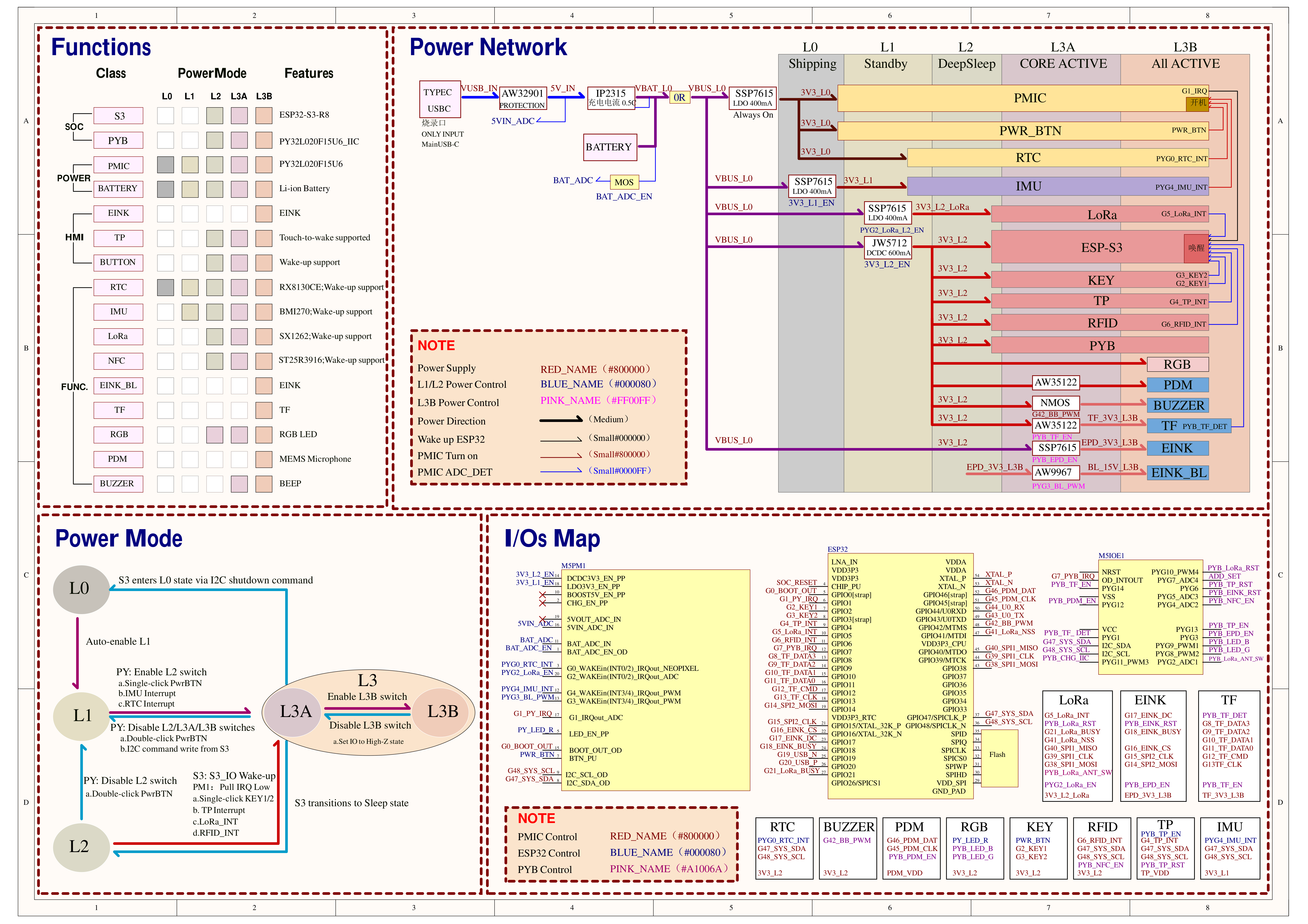
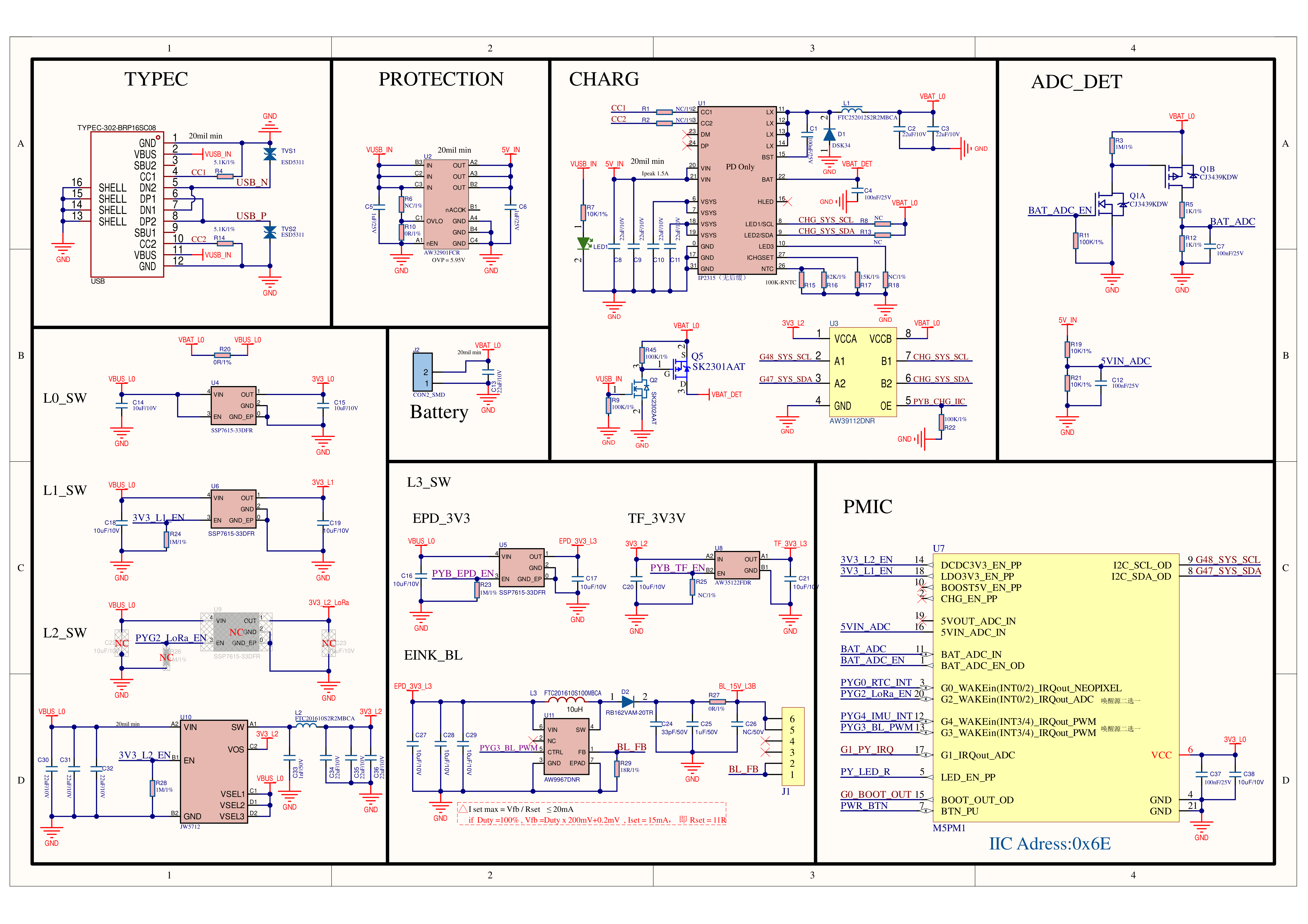
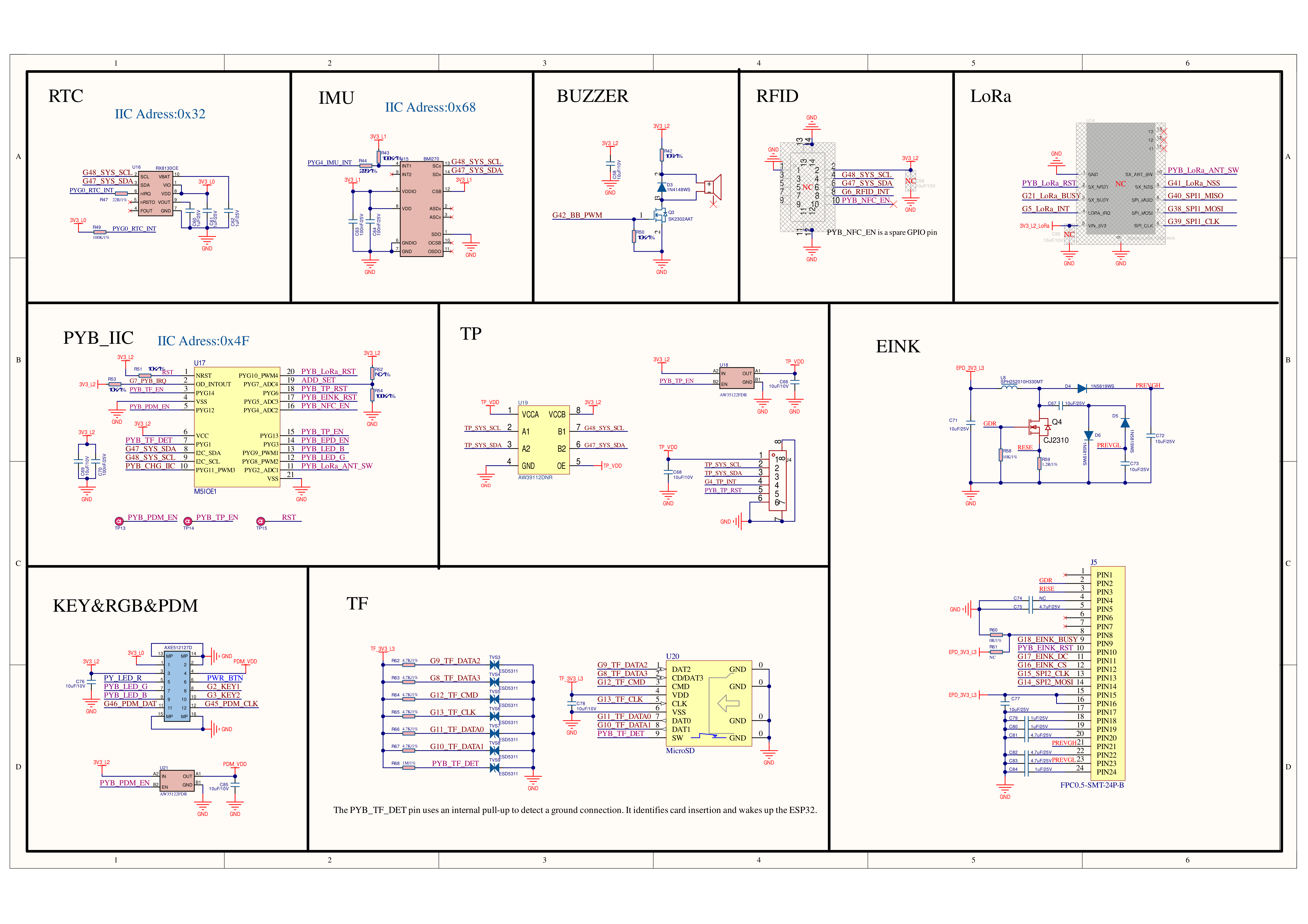
The E-Paper reset is controlled via PYG5_ADC3 of M5IOE1, and the E-Paper 3.3V power supply is controlled via PYG3. The front-light brightness is controlled via G3_WAKEin of M5PM1.
Touch
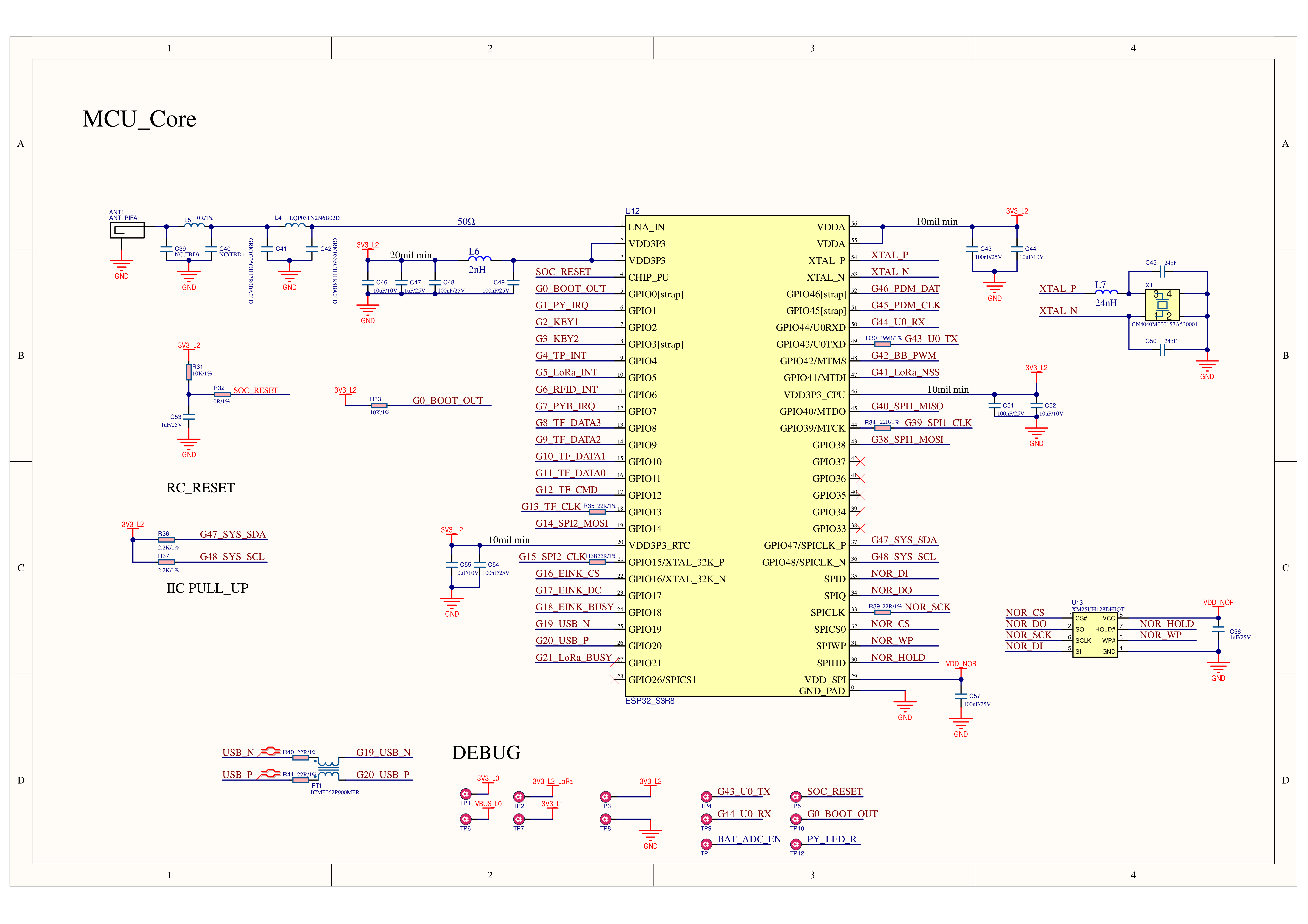
ESP32-S3R8
G47_SYS_SDA
G48_SYS_SCL
G4_TP_INT
FT6336G(0x38)
SDA
SCL
INT
M5IOE1
PYG6
PYG13
FT6336G
TP_RST
TP_VDD_EN
microSD
ESP32-S3R8
G12
G13
G11
G10
G9
G8
microSD
CMD
CLK
DAT0
DAT1
DAT2
DAT3
M5IOE1
PYG14
PYG1
microSD
EN
DET
DET is pulled up by the microSD power domain. When the card slot switch is closed, the detection pin is pulled low to identify microSD card insertion.
HMI
ESP32-S3R8
G47_SYS_SDA
G48_SYS_SCL
G2_KEY1
G3_KEY2
RTC - RX8130CE(0x32)
SDA
SCL
IMU - BMI270(0x68)
SDA
SCL
KEY
KEY1
KEY2
M5PM1
G0_WAKEin
G4_WAKEin
LED_EN_PP
HMI
RTC_INT
IMU_INT
LED_R
PYG0_RTC_INT and PYG4_IMU_INT are connected to M5PM1 and can serve as low-power wake-up sources.
M5IOE1
PYG8_PWM2
PYG9_PWM1
HMI
LED_G
LED_B
The RGB LED indicator on the side of the PaperMono body consists of three color LEDs. The red LED is connected to LED_EN_PP of M5PM1 and will light up according to the default behavior of M5PM1 when the device is powered on. Since LED_EN_PP does not support PWM output mode, the adjustable color range of this indicator will be limited.
KEY
ESP32-S3R8
G2
G3
KEY
USER_KEY1 (Button A)
USER_KEY2 (Button B)
Audio
ESP32-S3R8
G46_PDM_DAT
G45_PDM_CLK
G42_BB_PWM
PDM MIC
DAT
CLK
BUZZER
BB_PWM
M5IOE1
PYG12
PDM
PDM_VDD_EN
M5PM1
ESP32-S3R8
G47_SYS_SDA
G48_SYS_SCL
G1_PY_IRQ
G0_BOOT_OUT
M5PM1(0x6E)
SDA
SCL
IRQ
BOOT_OUT
M5IOE1
ESP32-S3R8
G47_SYS_SDA
G48_SYS_SCL
G7
M5IOE1(0x4F)
SDA
SCL
PYB_IRQ
M5IOE1
PYG11_PWM3
Charger - IP2315(0x75)
PYB_CHG_IIC
Note
The I2C operation of the charging chip IP2315 relies on the I2C pins being pulled up to VBAT voltage. When the device is connected to USB, mode detection is triggered. If VBAT voltage is low, the IP2315 may not initialize to I2C mode properly, which can interfere with other devices on the same I2C bus. M5IOE1 controls the connection of IP2315 to the system I2C bus via PYG11_PWM3. During device operation, it is prohibited to keep the IP2315 permanently connected to the I2C bus; it must be disconnected promptly after communication to avoid reducing bus communication stability. If I2C bus communication anomalies occur, the device can be reset by briefly pressing the power button to restore normal bus operation.
1. The e-paper driver waveforms for PaperMono in the M5GFX library are currently unstable. It is recommended to prioritize the e-paper manufacturer's OTP example below for refresh configuration to achieve better panel life and refresh stability. 2. Software recommendation: After approximately 10 partial fast refreshes, perform one full-screen refresh to clear the screen and prevent ghosting from accumulating. 3. After prolonged repeated refreshing, black deposited pixels may appear on the panel due to the physical characteristics of the ink particles. Leave the panel idle for a while, then perform one full-screen refresh to restore it.