

StackFlow AI Platform
Model Library
Speech Recognition & Audio
Development Examples
OpenAI-Compatible API
Connect Chatbox
This guide explains how to configure Chatbox as an OpenAI-compatible client and access the local model service provided by StackFlow through the device IP address.
Install Chatbox
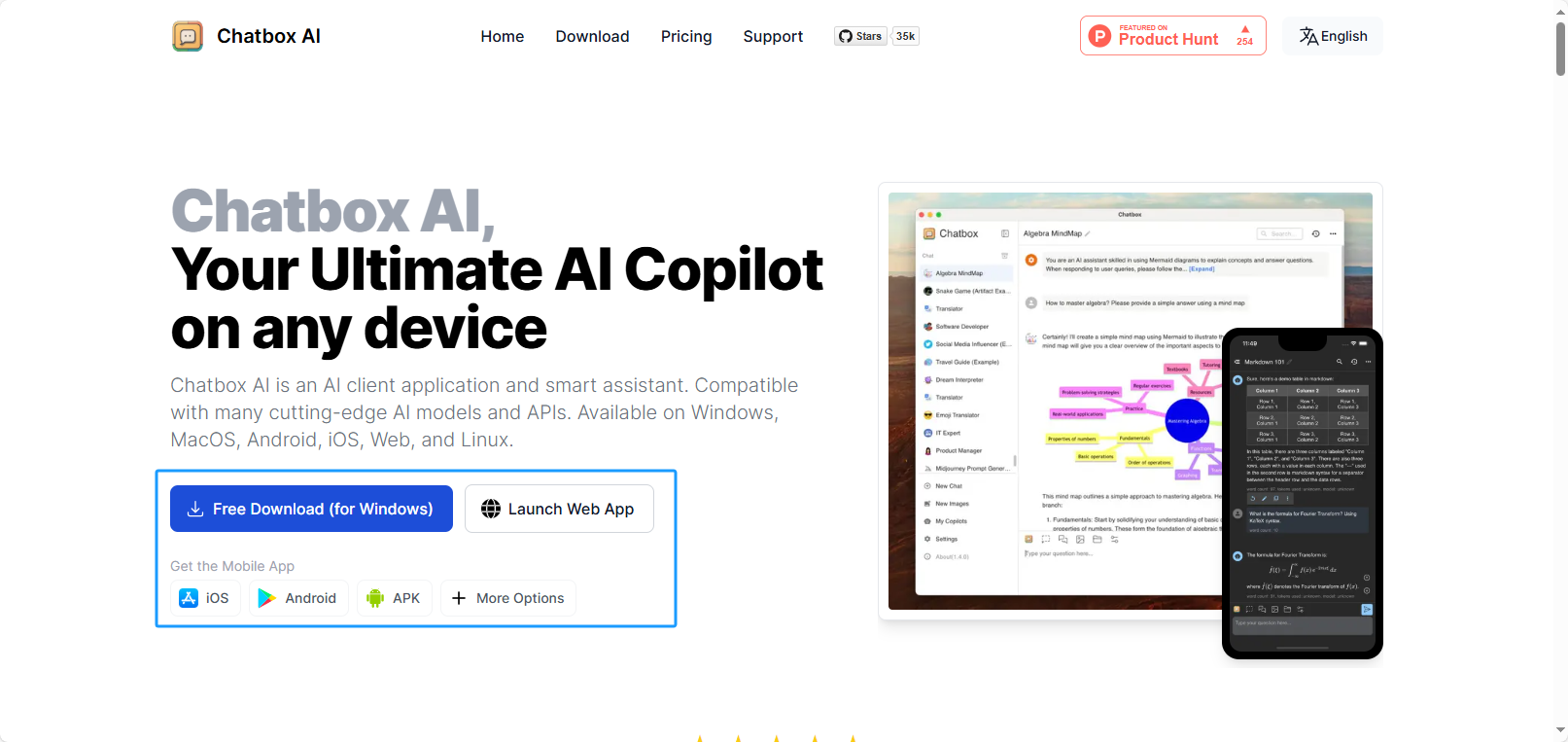
Visit the Chatbox Official Website to download the installer for your operating system and complete the installation.
Configure Chatbox
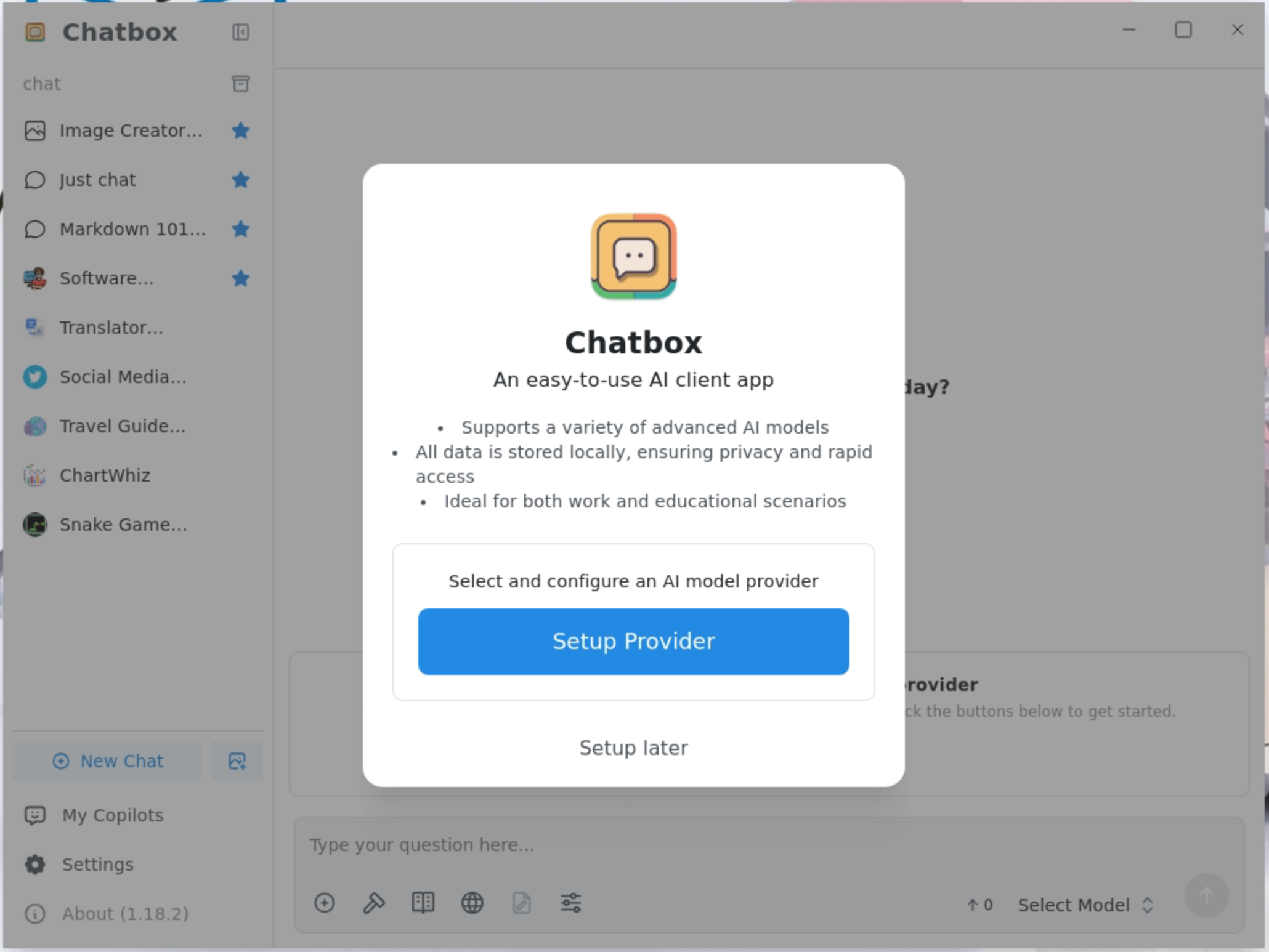
- Click Setup Provider to add a model provider.
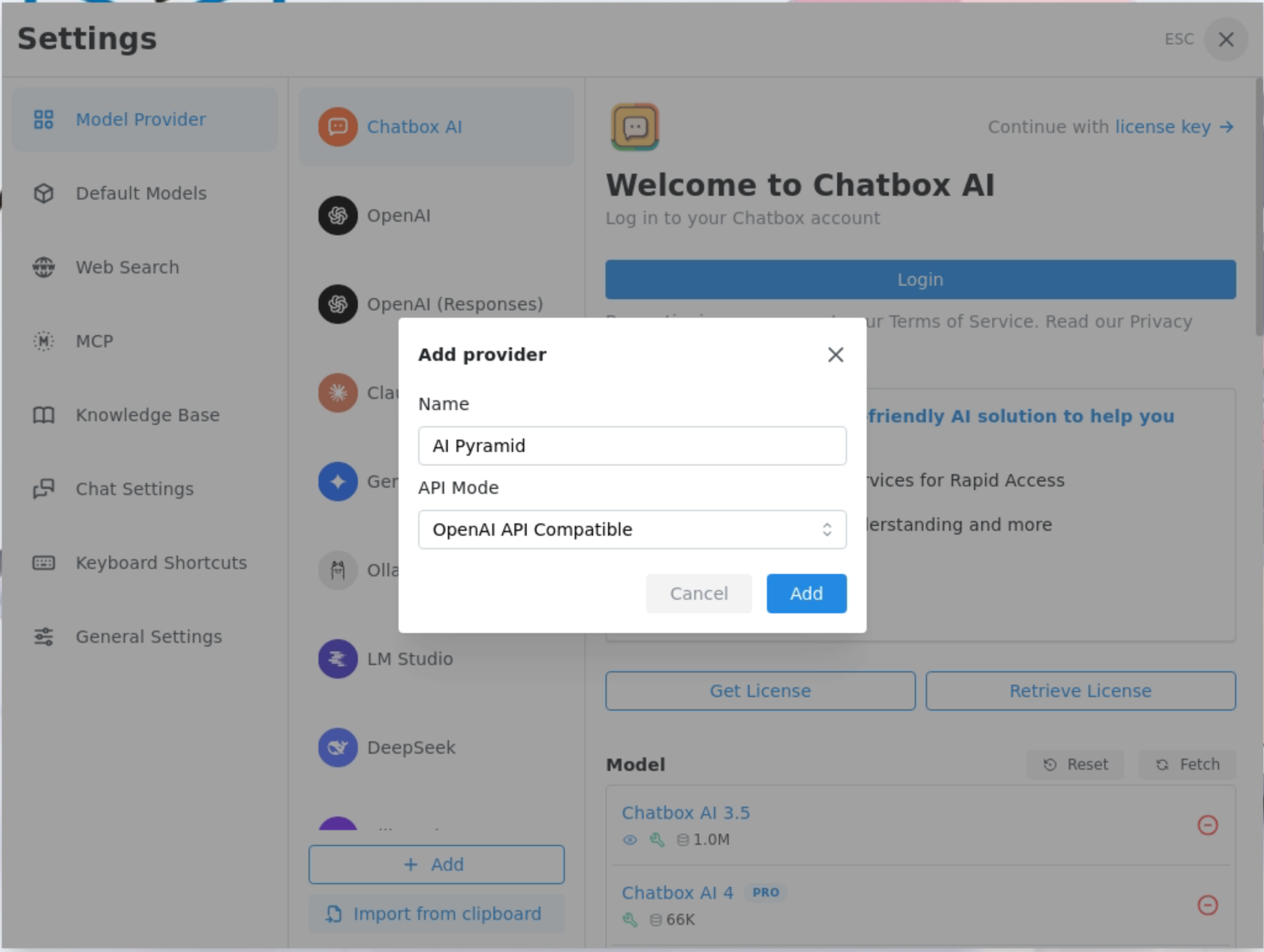
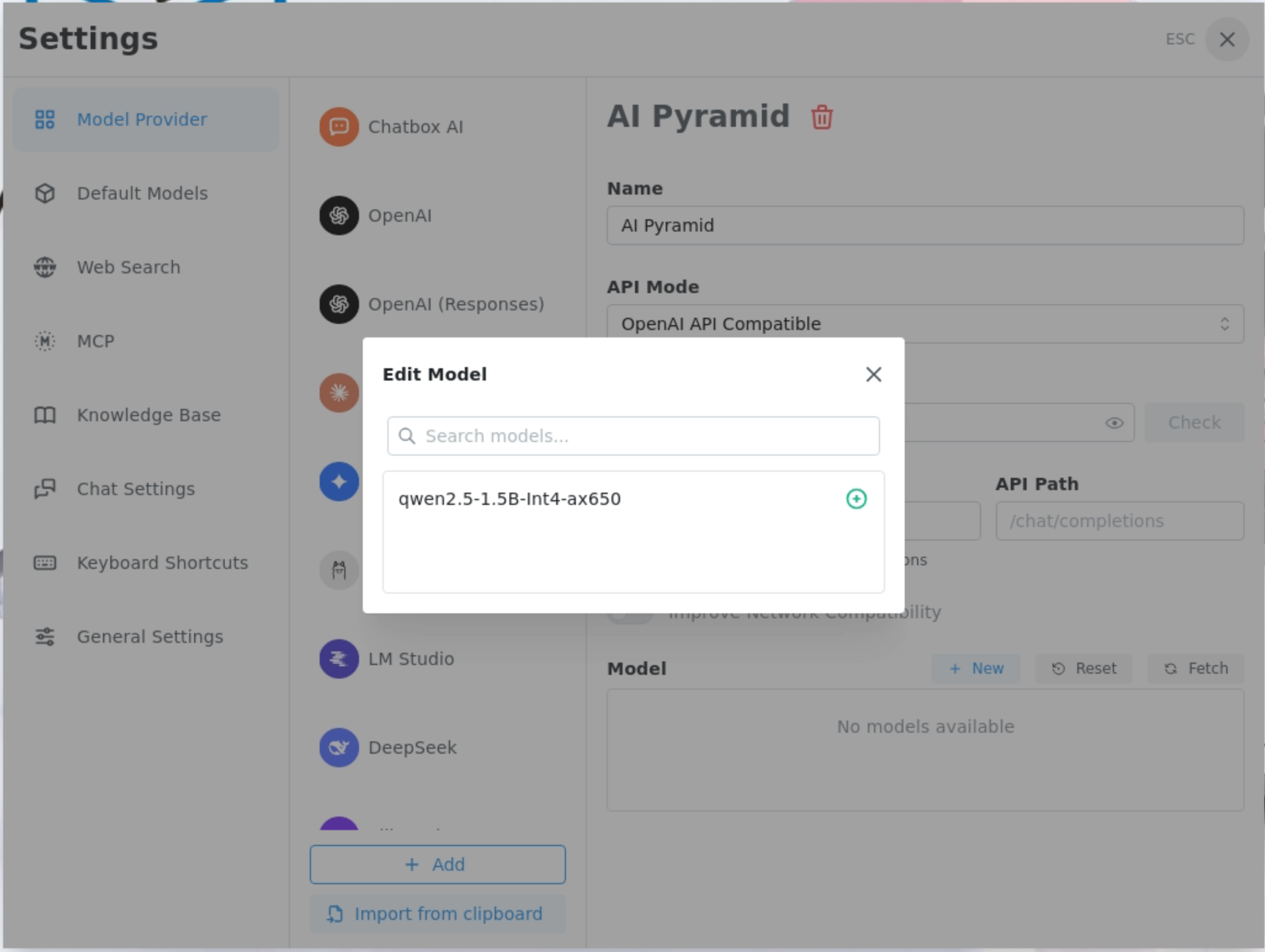
- In Add provider, set Name to ModuleLLM or AI Pyramid, and select OpenAI API Compatible for API Mode.
- In API Host, enter the IP address and API path of ModuleLLM or AI Pyramid, then fetch and add the installed models.
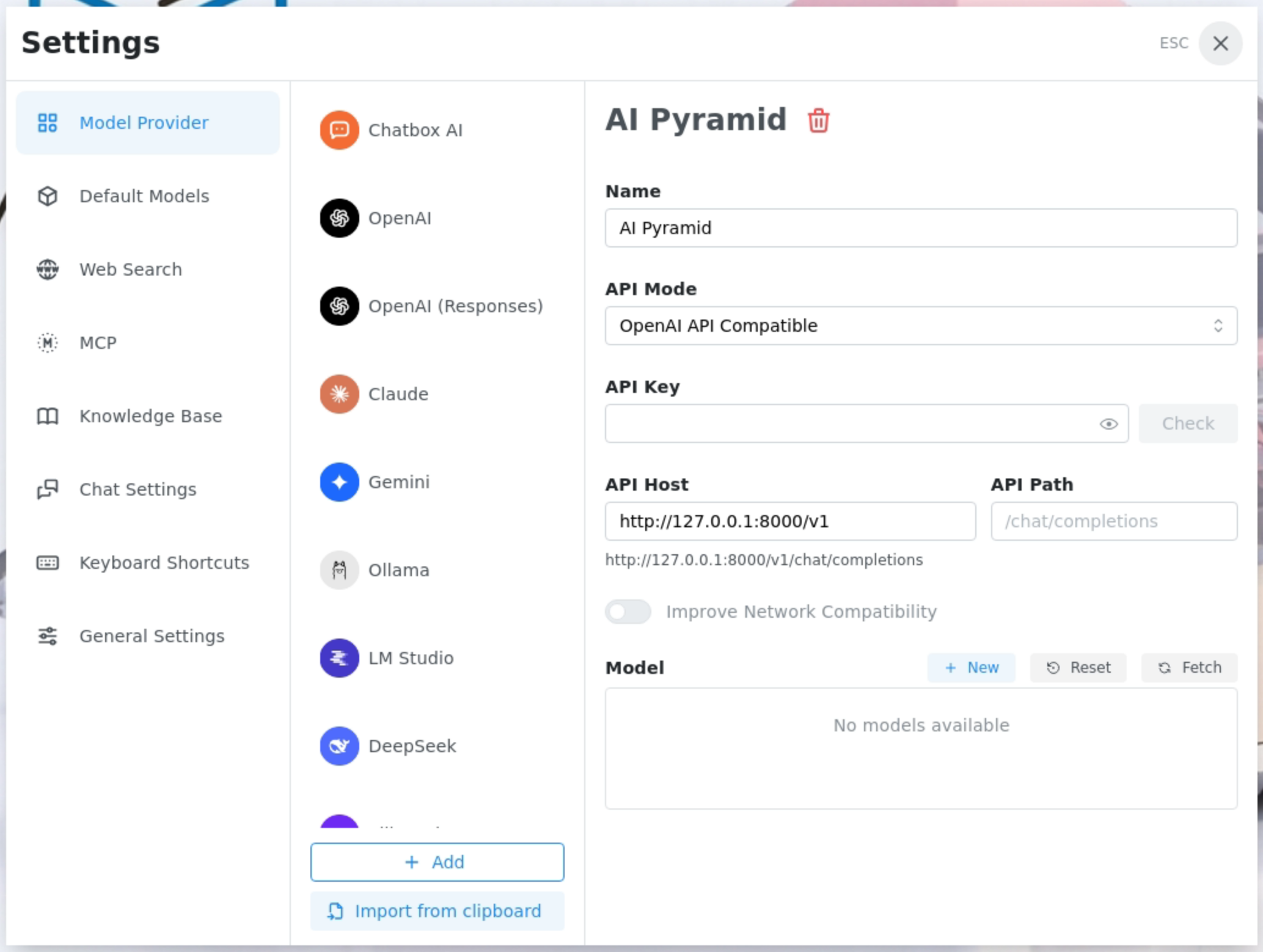
- Add the qwen2.5-1.5B-Int4-ax650 model provided by StackFlow. Select the appropriate model according to the platform.
- ModuleLLM / LLM630 Compute Kit platform model suffix: -ax630c
- AI Pyramid platform model suffix: -ax650
- LLM8850 platform model suffix: -axcl For details, refer to the Model Introduction section.
Tip
Models such as Qwen3-VL and InternVL support image input. Simply enable visual capability in the model capabilities.
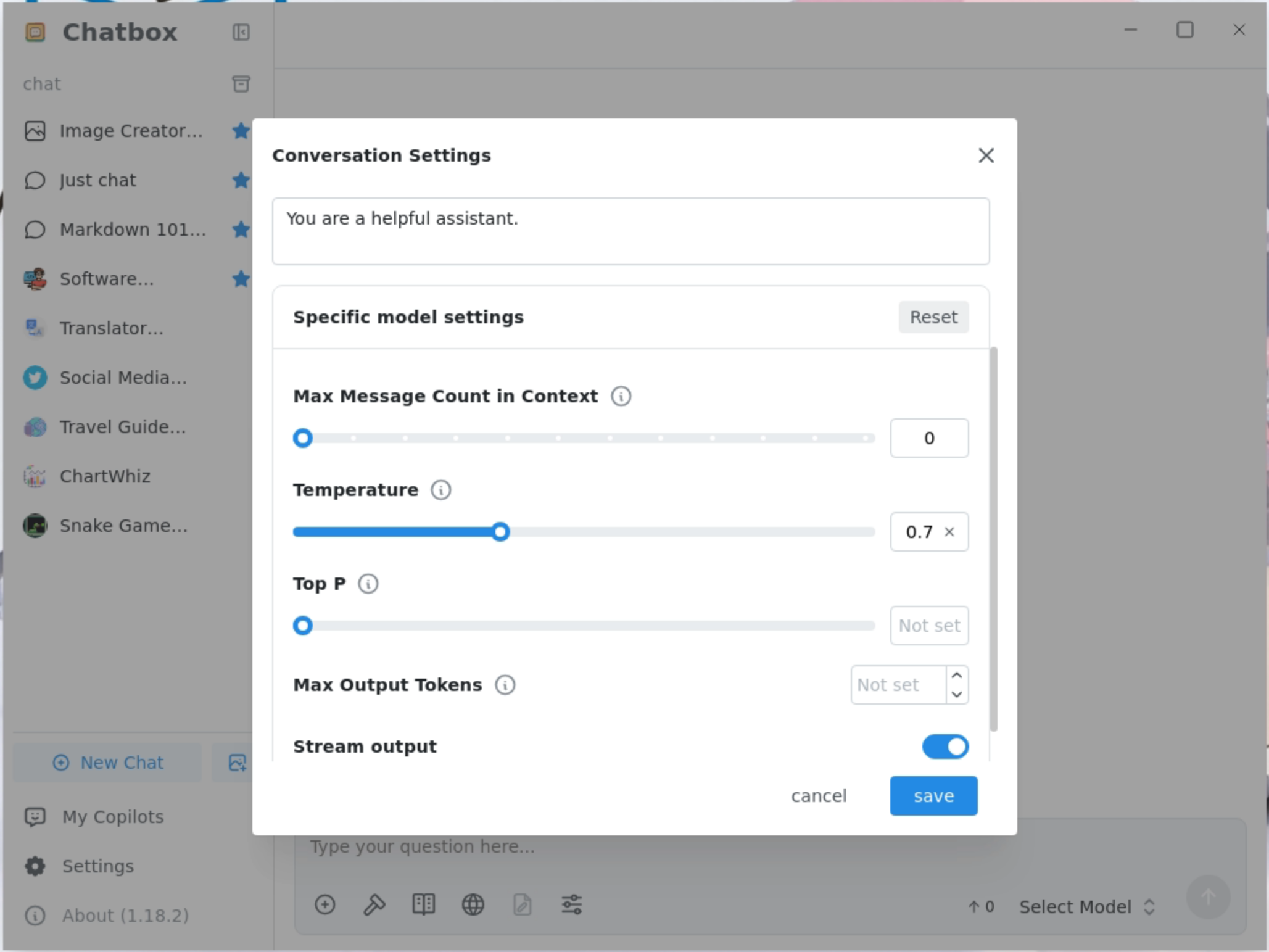
- Set the maximum context message length to 0. Also note that you need to disable the automatic title generation feature in the settings.
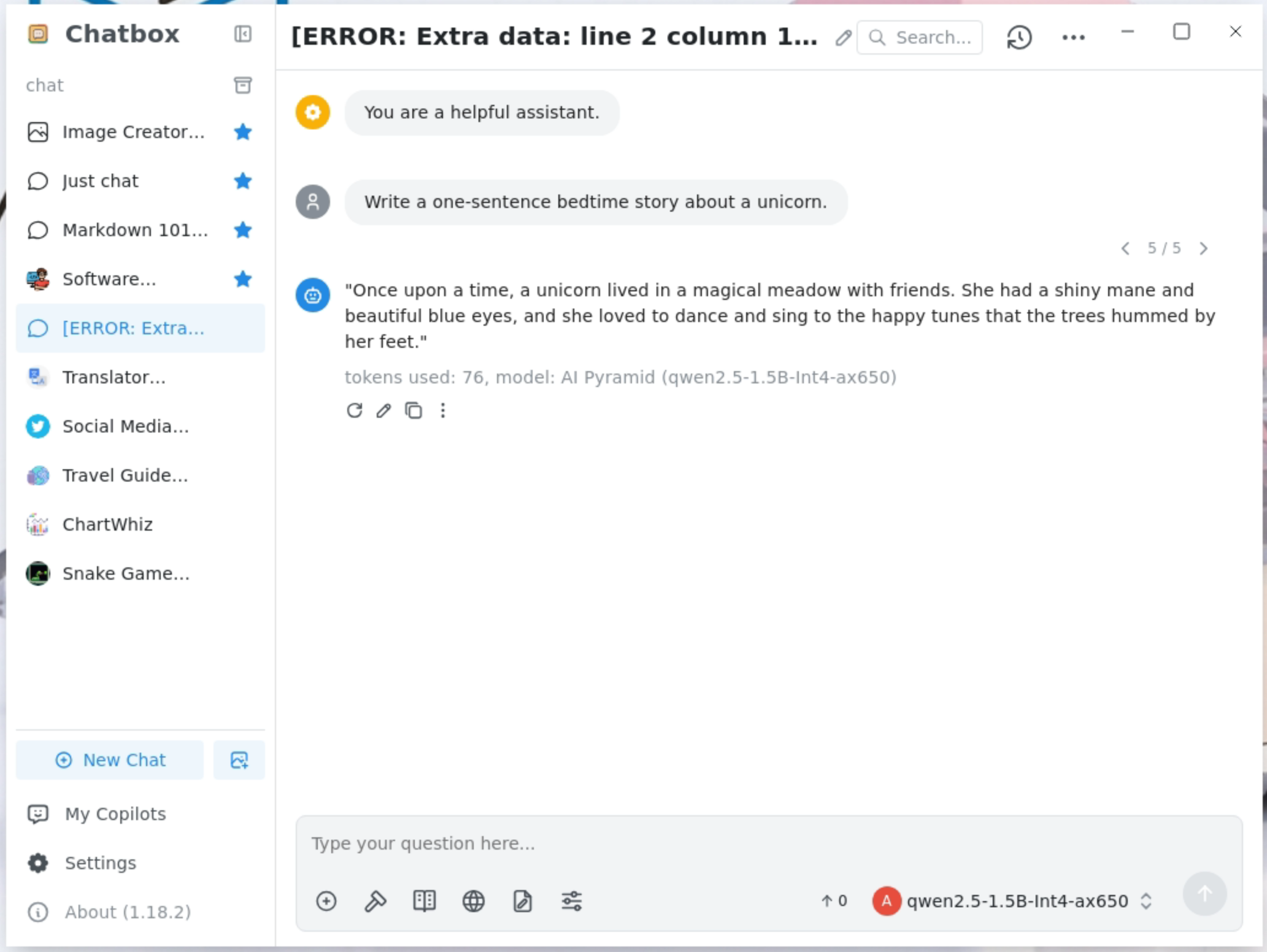
- The models support streaming output, and some models support continuous conversations. Sending
"reset"will clear the context. For multi-modal models such as Internvl3, multiple images can be uploaded at the same time. However, before uploading new images, you must first send"reset"to clear the context.
Page Tools