

Home Assistant
Home Assistant
主控与整机
摄像头
扩展模块
灯光控制
Unit Scroll ESPHome 组件
Unit Scroll 组件通过 I2C 提供滚轮数值读取和 RGB 灯光控制功能。
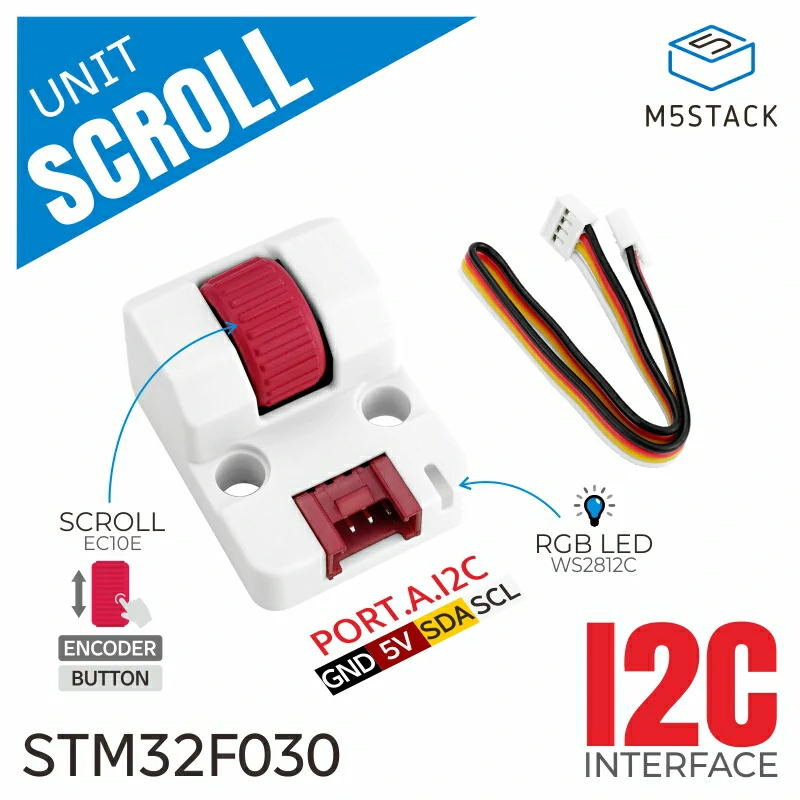
1. 组件简介
| 项目 | 信息 |
|---|---|
| 产品名称 | Unit Scroll |
| SKU | U186 |
| 主要功能 | 旋转滚轮数值读取和 RGB 灯光控制 |
| 通信接口 | I2C |
| 默认 I2C 地址 | 0x40 |
| ESPHome 组件 | unit_scroll(外部组件) |
| ESPHome 版本要求 | / |
2. 组件说明
外部组件引入
添加 External 组件,加载 Unit Scroll 自定义组件:
external_components:
  - source: github://m5stack/esphome-yaml/components
    components: [unit_scroll]
    refresh: 0s

unit_scroll:
  id: my_scroll
  i2c_id: grove_i2c
  address: 0x40
  direction: true
  rgb_red: 0
  rgb_green: 255
rgb_blue: 0direction 控制数值增加方向,默认为 false;rgb_red、rgb_green、rgb_blue 设置上电后的 RGB 初始颜色,取值范围为 0 至 255。
Sensor 滚轮数值
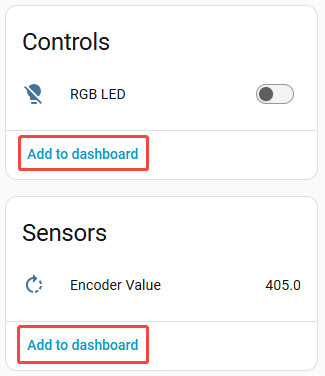
添加 Sensor 组件,将编码器数值发布到 Home Assistant。
sensor:
  - platform: unit_scroll
    unit_scroll_id: my_scroll
    name: "Encoder Value"
update_interval: 100ms默认轮询间隔为 60s。交互控制场景可根据需要缩短 update_interval,但过短的间隔会增加 I2C 通信频率。
Output RGB 输出
添加 Output 组件,将 Unit Scroll 的 RGB 三个通道暴露为输出。
output:
  - platform: unit_scroll
    id: scroll_rgb_red_output
    unit_scroll_id: my_scroll
    channel: rgb_red

  - platform: unit_scroll
    id: scroll_rgb_green_output
    unit_scroll_id: my_scroll
    channel: rgb_green

  - platform: unit_scroll
    id: scroll_rgb_blue_output
    unit_scroll_id: my_scroll
channel: rgb_blueLight RGB 灯光
添加 Light 组件,将三个 RGB 输出组合为一个 RGB 灯实体。
light:
  - platform: rgb
    id: scroll_rgb_led
    name: "RGB LED"
    red: scroll_rgb_red_output
    green: scroll_rgb_green_output
    blue: scroll_rgb_blue_output
    restore_mode: ALWAYS_OFF
default_transition_length: 0s3. 参考案例
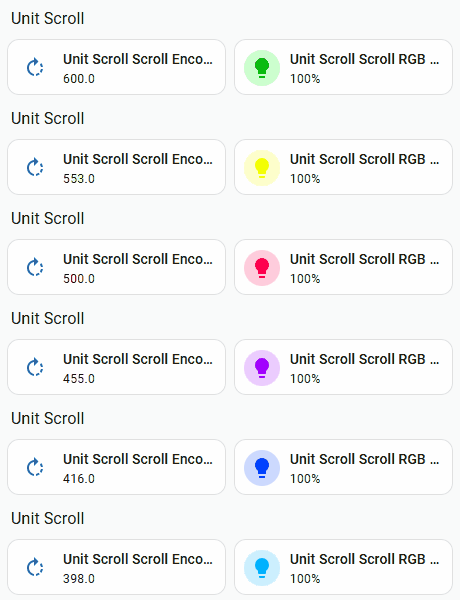
完整示例包含按键状态轮询和滚轮数值映射 RGB 色轮的自动化逻辑,可按应用需求选用。基础组件配置只需要使用上方的 unit_scroll Sensor 与 Output Platform。
4. 相关链接
Page Tools