

Home Assistant
Home Assistant
Controller & Devices
Cameras
Components
Lighting
Interfaces and Expansion
Applications
Media Playback
Dashboard
Unit Key ESPHome Component
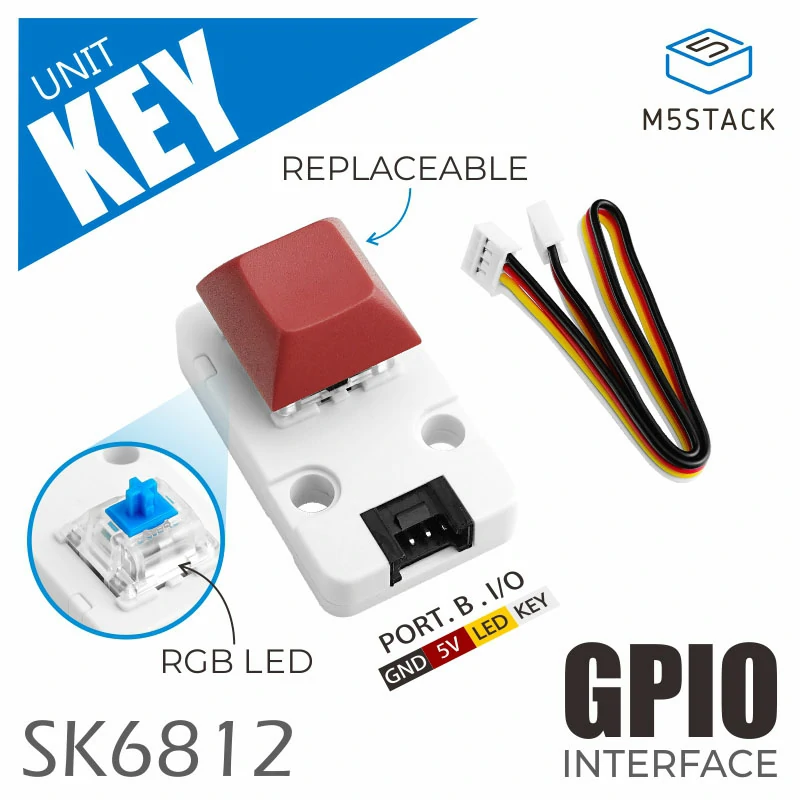
The Unit Key provides button-state input and RGB indicator control through GPIO.
1. Component Overview
| Item | Information |
|---|---|
| Product name | Unit Key |
| SKU | U144 |
| Main functions | Button-state input and RGB indicator control |
| Communication interface | GPIO |
| ESPHome components | gpio, |
| eopixelbus | |
| ESPHome version requirement | / |
2. Component Details
Include Official Components
Adjust the GPIO settings for the actual wiring of your controller. The following examples read the button state and control the indicator LED.
Binary Sensor: Button State
Add a Binary Sensor to read the button state.
binary_sensor:
  - platform: gpio
    name: "Button"
    id: unit_key_button
    pin:
      number: GPIO8 # CoreS3 PORT.B, adjust according to the actual connected GPIO pin
      mode:
        input: true
        pullup: true
      inverted: true
    filters:
      - delayed_on: 10ms
- delayed_off: 10msLight: RGB Indicator
Add a Light to control the backlight RGB LED.
light:
  - platform: neopixelbus
    name: "LED"
    id: unit_key_led
    type: GRB
    variant: SK6812
    pin: GPIO9 # CoreS3 PORT.B, adjust according to the actual connected GPIO pin
    num_leds: 1
    method:
      type: esp32_rmt
      channel: 0
    default_transition_length: 200ms
restore_mode: RESTORE_DEFAULT_OFF3. Reference Example
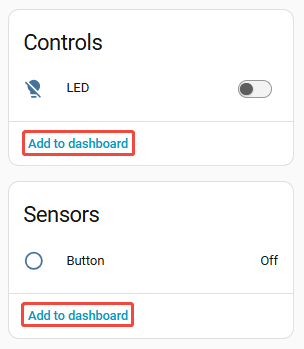
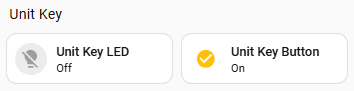
After the device is connected to Home Assistant, the button Binary Sensor and RGB Light entities are available:
4. Related Links
Page Tools