

Home Assistant
Home Assistant
Controller & Devices
Components
Lighting
Interfaces and Expansion
Applications
Media Playback
Dashboard
Air Quality v1.1 ESPHome Integration
The Air Quality v1.1 ESPHome integration includes air quality sensors, buttons, an e-paper display, and an RTC component.
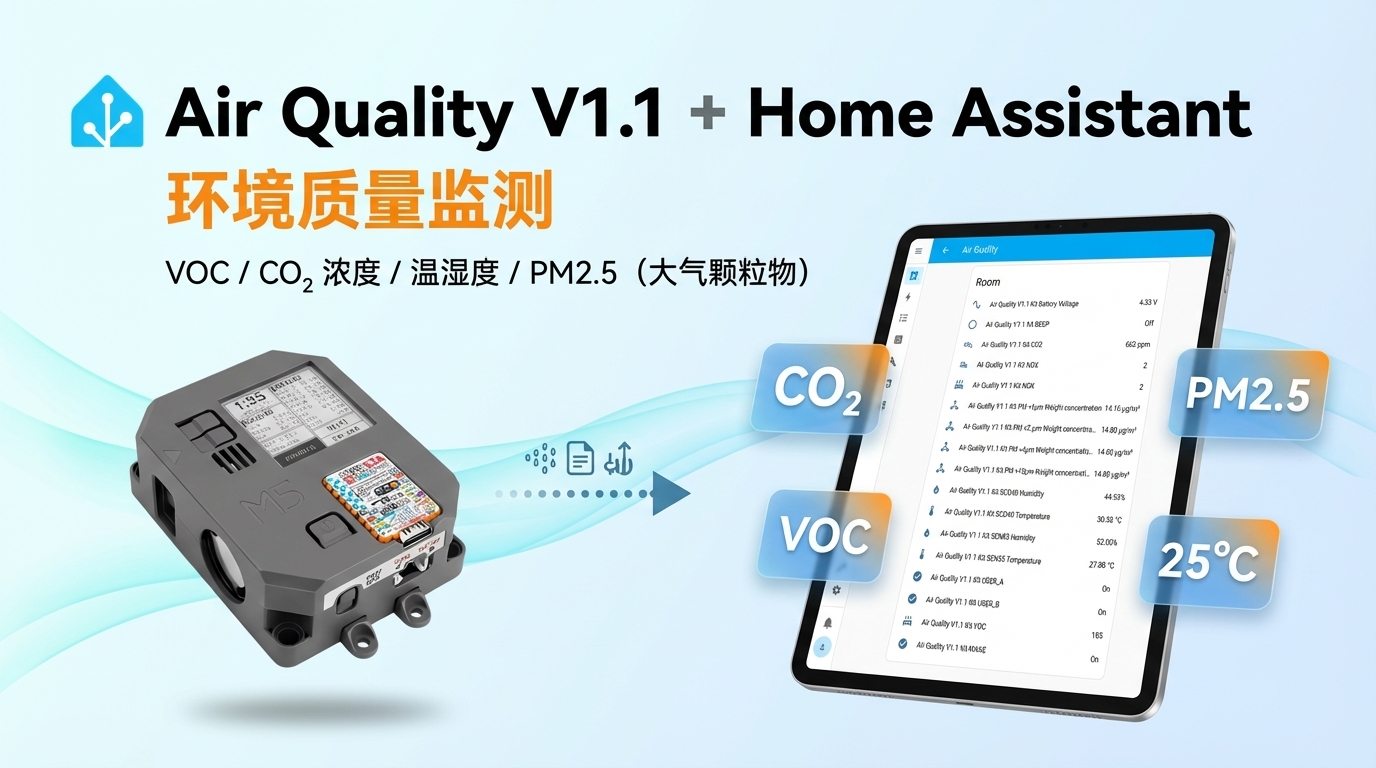
1. Device Overview
| Item | Information |
|---|---|
| Product Name | Air Quality v1.1 |
| SKU | K131-V11 |
| Main Functions | CO2, particulate matter, temperature and humidity, VOC/NOx, and e-paper display |
| Communication | I2C, SPI, GPIO |
| ESPHome Components | scd4x, sen5x, adc, gpio, ledc, output, waveshare_epaper, bm8563 |
| ESPHome Version | 2025.5.0 or later |
2. Component Description
SCD40 CO2 Sensor
SCD40 uses the official SCD4x platform to provide CO2, temperature, and humidity entities:
i2c:
  sda: GPIO11
  scl: GPIO12

sensor:
  - platform: scd4x
    co2:
      id: scd40_co2
      name: "CO2"
    temperature:
      id: scd40_temp
      name: "SCD40 Temperature"
    humidity:
      id: scd40_humi
name: "SCD40 Humidity"SEN55 Air Quality Sensor
SEN55 uses the official SEN5x platform to provide PM1.0, PM2.5, PM4.0, PM10, temperature, humidity, VOC, and NOx entities:
sensor:
  - platform: sen5x
    id: sen55
    pm_1_0:
      id: sen55_pm_1_0
      name: "PM <1µm Weight concentration"
    pm_2_5:
      id: sen55_pm_2_0
      name: "PM <2.5µm Weight concentration"
    pm_4_0:
      id: sen55_pm_4_0
      name: "PM <4µm Weight concentration"
    pm_10_0:
      id: sen55_pm_10_0
      name: "PM <10µm Weight concentration"
    temperature:
      id: sen55_temp
      name: "SEN55 Temperature"
    humidity:
      id: sen55_humi
      name: "SEN55 Humidity"
    voc:
      id: sen55_voc
      name: "VOC"
    nox:
      id: sen55_nox
name: "NOX"Battery Voltage Measurement
Battery voltage is read from GPIO14 through the official ADC Sensor platform. The voltage divider reduces the ADC input to half the actual battery voltage, so use multiply: 2 to restore the voltage:
sensor:
  - platform: adc
    id: battery
    pin: GPIO14
    name: "Battery Voltage"
    attenuation: 12db
    accuracy_decimals: 2
    filters:
- multiply: 2Button Input
USER_A, USER_B, and WAKE use the official GPIO Binary Sensor platform to expose the three onboard buttons as Binary Sensor entities.
| Button | GPIO | Input Configuration |
|---|---|---|
| USER_A | GPIO0 | Active low |
| USER_B | GPIO8 | Active low, pull-up |
| WAKE | GPIO42 | Active low |
binary_sensor:
  - platform: gpio
    pin:
      number: GPIO0
      ignore_strapping_warning: true
      inverted: true
    name: "USER_A"
    on_press:
      - logger.log: "USER_A pressed"

  - platform: gpio
    pin:
      number: GPIO8
      inverted: true
      mode:
        input: true
        pullup: true
    name: "USER_B"

  - platform: gpio
    pin:
      number: GPIO42
      inverted: true
name: "WAKE"Buzzer Control
The buzzer is driven by GPIO9. The basic configuration uses LEDC Output to generate the output and exposes it as a BEEP switch entity through Output Switch:
output:
  - platform: ledc
    id: buzzer
    pin: GPIO9

switch:
  - platform: output
    name: "BEEP"
    id: beep_switch
output: buzzerE-Paper Display
The e-paper display uses the official Waveshare E-Paper platform with the model set to 1.54inv2. The following minimal configuration displays fixed text to verify that the display driver is working correctly:
spi:
  clk_pin: GPIO5
  mosi_pin: GPIO6

font:
  - file: "gfonts://Montserrat@500"
    id: display_font
    size: 18

display:
  - platform: waveshare_epaper
    cs_pin: GPIO4
    dc_pin:
      number: GPIO3
      ignore_strapping_warning: true
    busy_pin: GPIO1
    reset_pin: GPIO2
    data_rate: 40000000
    model: 1.54inv2
    full_update_every: 360
    update_interval: 60s
    lambda: |-
it.print(0, 0, id(display_font), "Air Quality v1.1");RTC
The device uses the official BM8563 platform. The RTC is read at startup. After Home Assistant synchronizes the time, the synchronized time is written back to the RTC:
time:
  - platform: bm8563
    id: rtc_time
    address: 0x51
    update_interval: never
  - platform: homeassistant
    on_time_sync:
      then:
- bm8563.write_time:Power Control and Shutdown Notes
The basic configuration declares two GPIO outputs: sens_power on GPIO10 controls power to the sensors, while hold on GPIO46 keeps the system powered on.
output:
  - platform: gpio
    pin: GPIO10
    id: sens_power

  - platform: gpio
    pin:
      number: GPIO46
      ignore_strapping_warning: true
      inverted: true
id: holdsens_power and hold; it does not call output.turn_on or output.turn_off. Therefore, it does not implement a sensor power-on sequence. If sensor power control is required for further development, explicitly set the state of GPIO10 in a startup automation and allow sufficient stabilization time before sampling begins.hold is configured with inverted: true, calling output.turn_on: hold drives the physical pin low and may trigger shutdown directly. Take special care with this inverted logic when modifying the power control.3. Reference Example
Import the complete device configuration through packages:
packages:
  air_quality_base_config:
    url: https://github.com/m5stack/esphome-yaml
    files: common/air-quality-v1-rev1-base.yaml
    ref: main
refresh: 1dSource code:
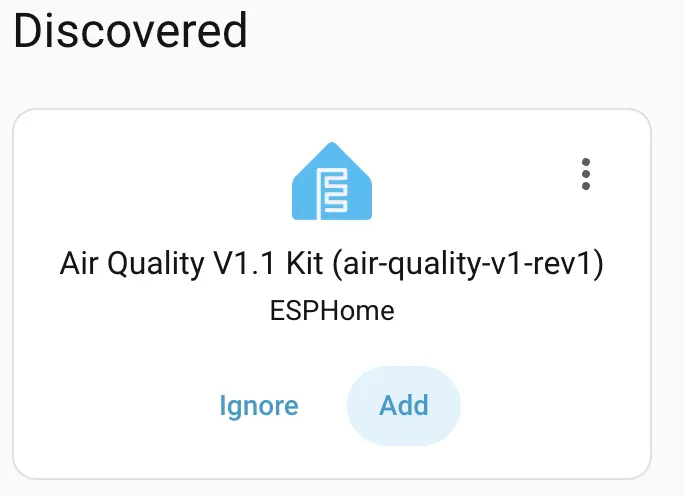
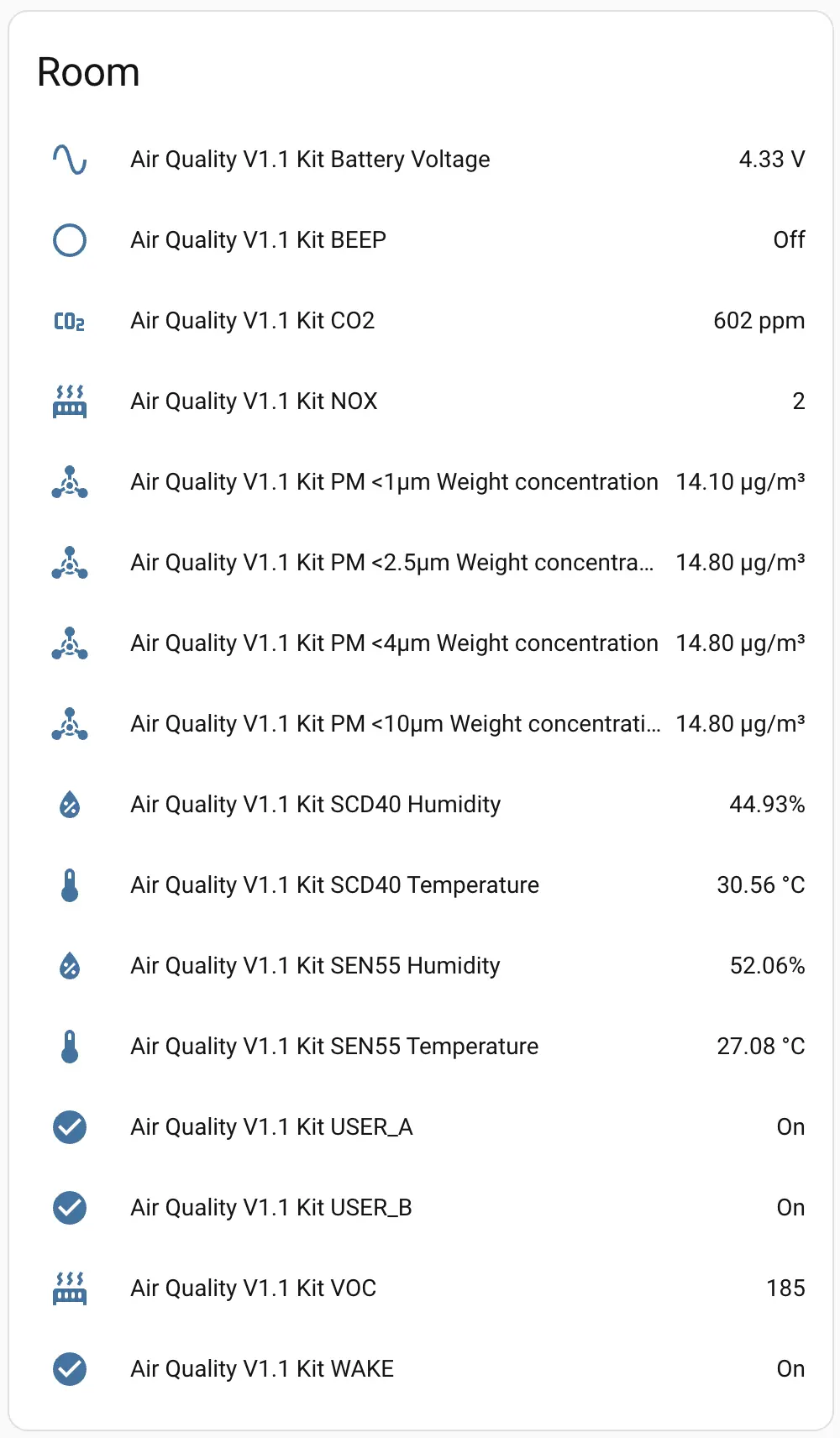
After connecting the device to Home Assistant, you can view entities such as air quality and battery voltage:
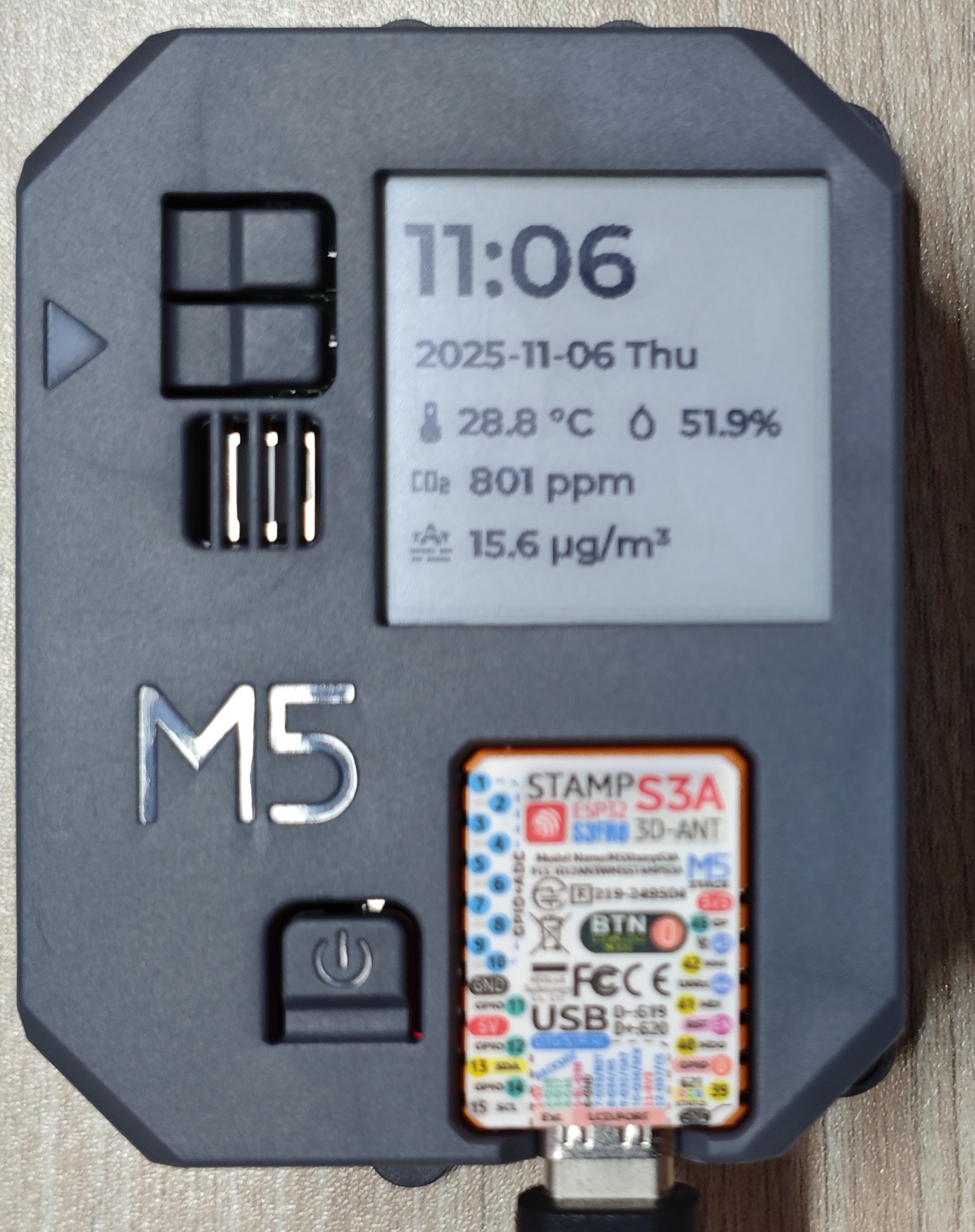
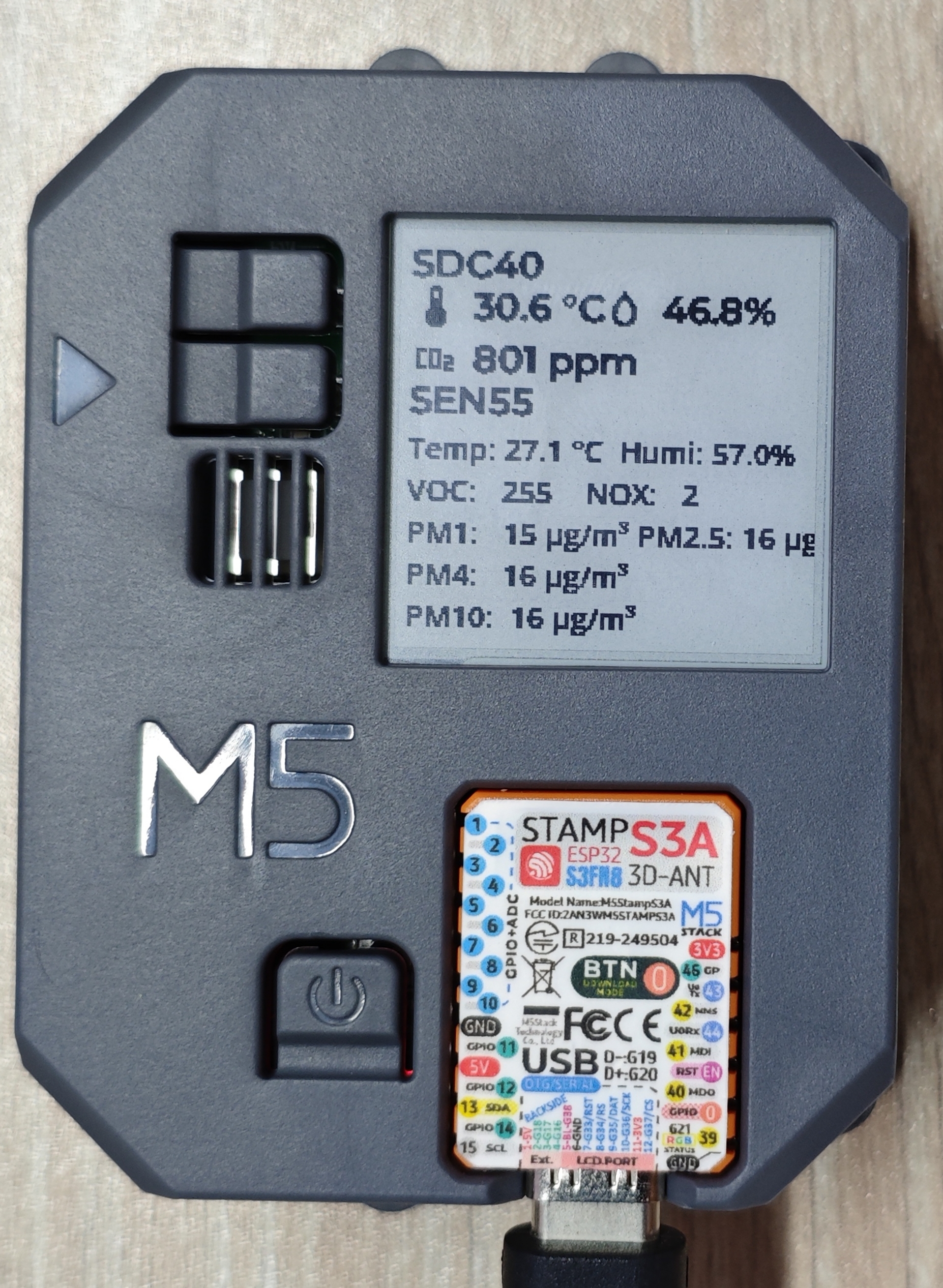
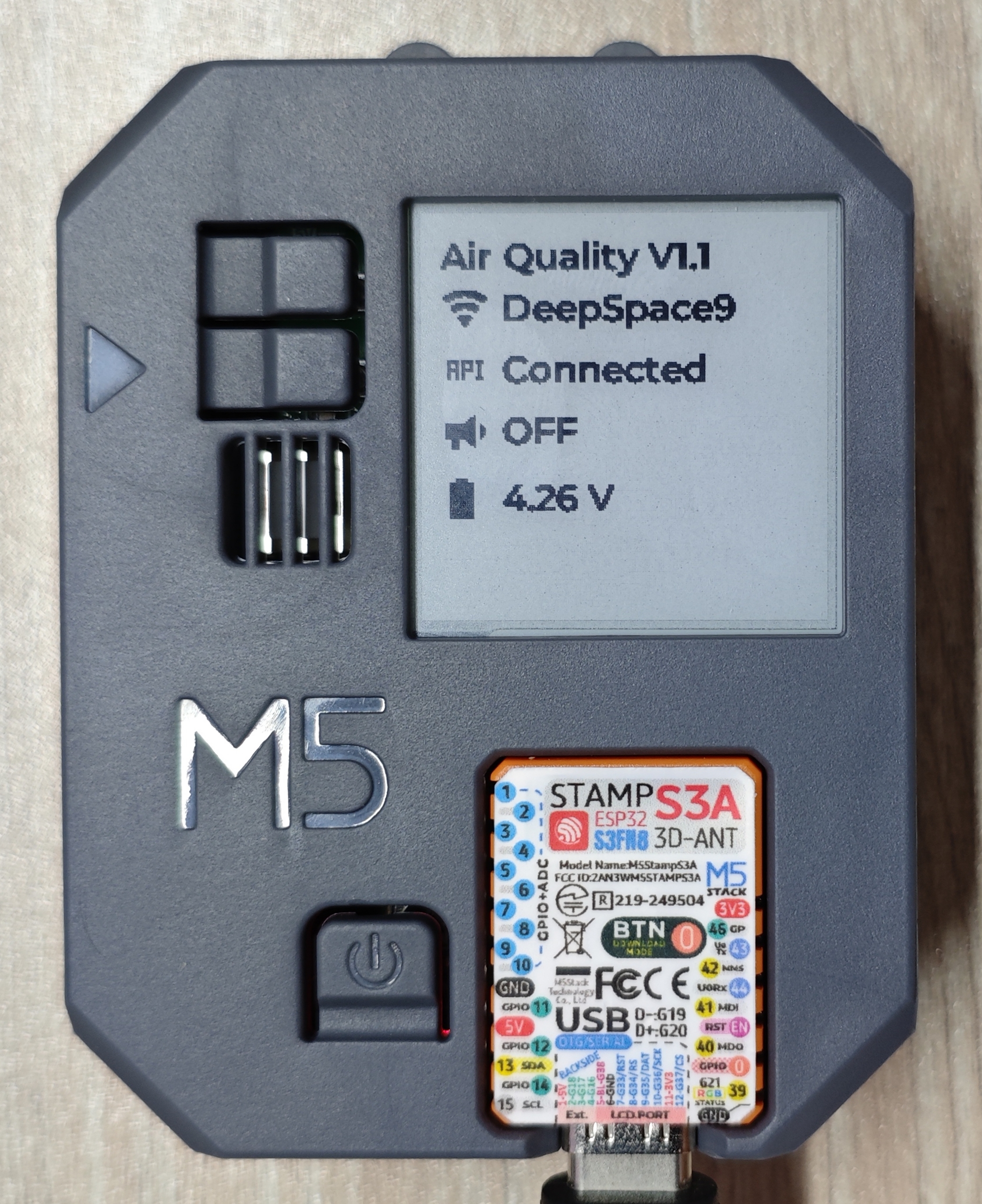
Press USER_A/USER_B to switch between e-paper pages:
Usage note: The sensors output stable data only after sampling is complete. Keeping Wi-Fi enabled increases power consumption, so connecting the device to a power supply is recommended.