

Home Assistant
Home Assistant
Controller & Devices
Cameras
Components
Lighting
Interfaces and Expansion
Applications
Media Playback
Dashboard
AtomS3R-CAM ESPHome Integration
The AtomS3R-CAM ESPHome integration includes early startup initialization, PSRAM, and the GC0308 camera component.

1. Device Overview
| Item | Information |
|---|---|
| Product | AtomS3R-CAM |
| SKU | C126-CAM |
| Main Functions | Image capture and early startup initialization |
| Interfaces | I2C, camera parallel interface, GPIO |
| ESPHome Components | early_init (external), psram, esp32_camera |
| ESPHome Version | / |
2. Component Details
Early Init External Component
AtomS3R-CAM uses the M5Stack early_init external component to pull GPIO18 low and wait 500 ms before camera initialization. This satisfies the board's power-up timing requirement:
external_components:
  - source: github://m5stack/esphome-yaml/components
    components: [early_init]

early_init:
  id: power_up_barrier
  pins:
    - pin:
        number: GPIO18
      level: false
delay: 500msPSRAM
The camera frame buffer uses the official ESPHome PSRAM component:
psram:
  mode: octal
speed: 80MHzGC0308 Camera
The GC0308 uses the official ESPHome ESP32 Camera component. Its control bus uses GPIO12 and GPIO9:
i2c:
  - id: cam_bus
    sda: GPIO12
    scl: GPIO9

esp32_camera:
  name: "Camera"
  external_clock:
    pin: GPIO21
    frequency: 20MHz
  i2c_id: cam_bus
  data_pins: [GPIO3, GPIO42, GPIO46, GPIO48, GPIO4, GPIO17, GPIO11, GPIO13]
  vsync_pin: GPIO10
  href_pin: GPIO14
  pixel_clock_pin: GPIO40
  max_framerate: 15.0 fps
  resolution: 320x240
  frame_buffer_count: 1
  jpeg_quality: 6
  agc_mode: manual
  vertical_flip: true
horizontal_mirror: false3. Example
See atoms3r-cam-example.yaml for the complete basic configuration. It includes the network, API, Early Init, PSRAM, and camera settings.
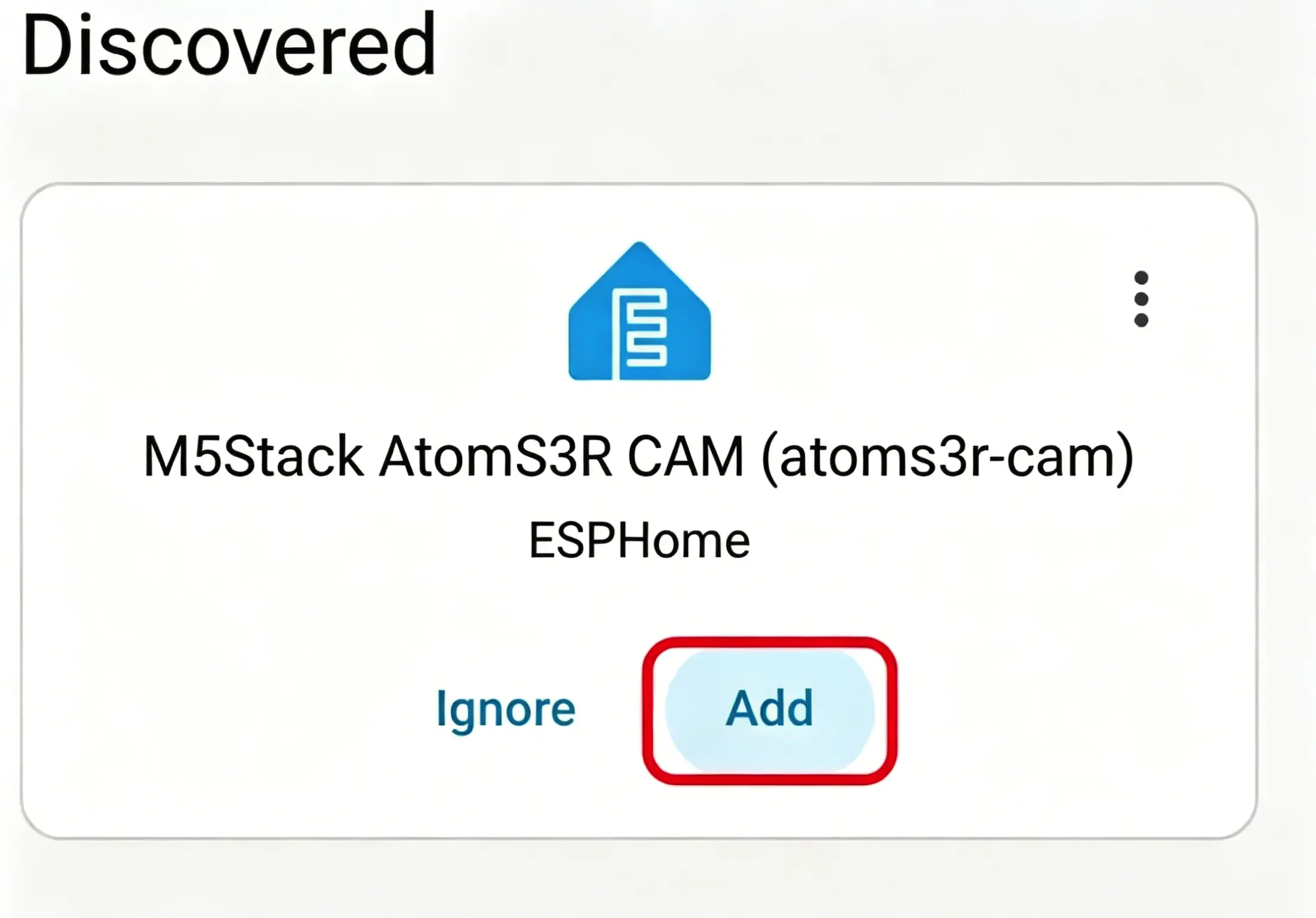
Home Assistant during device setup:
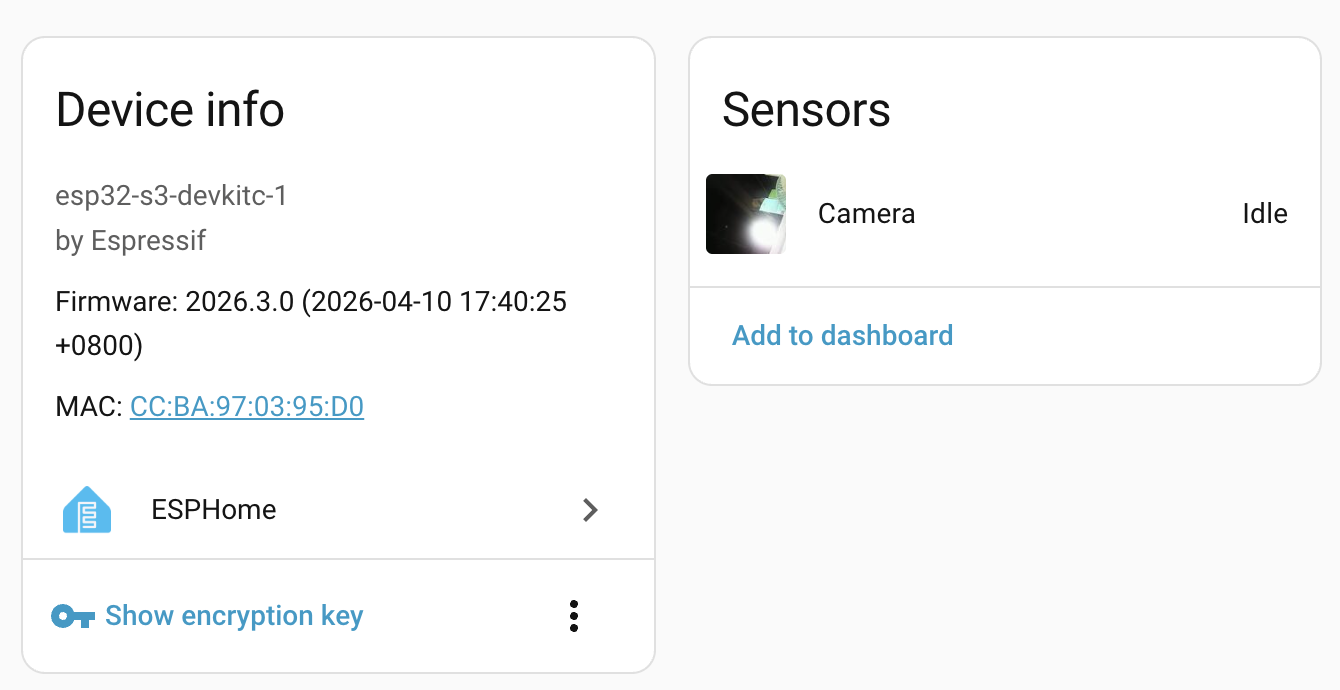
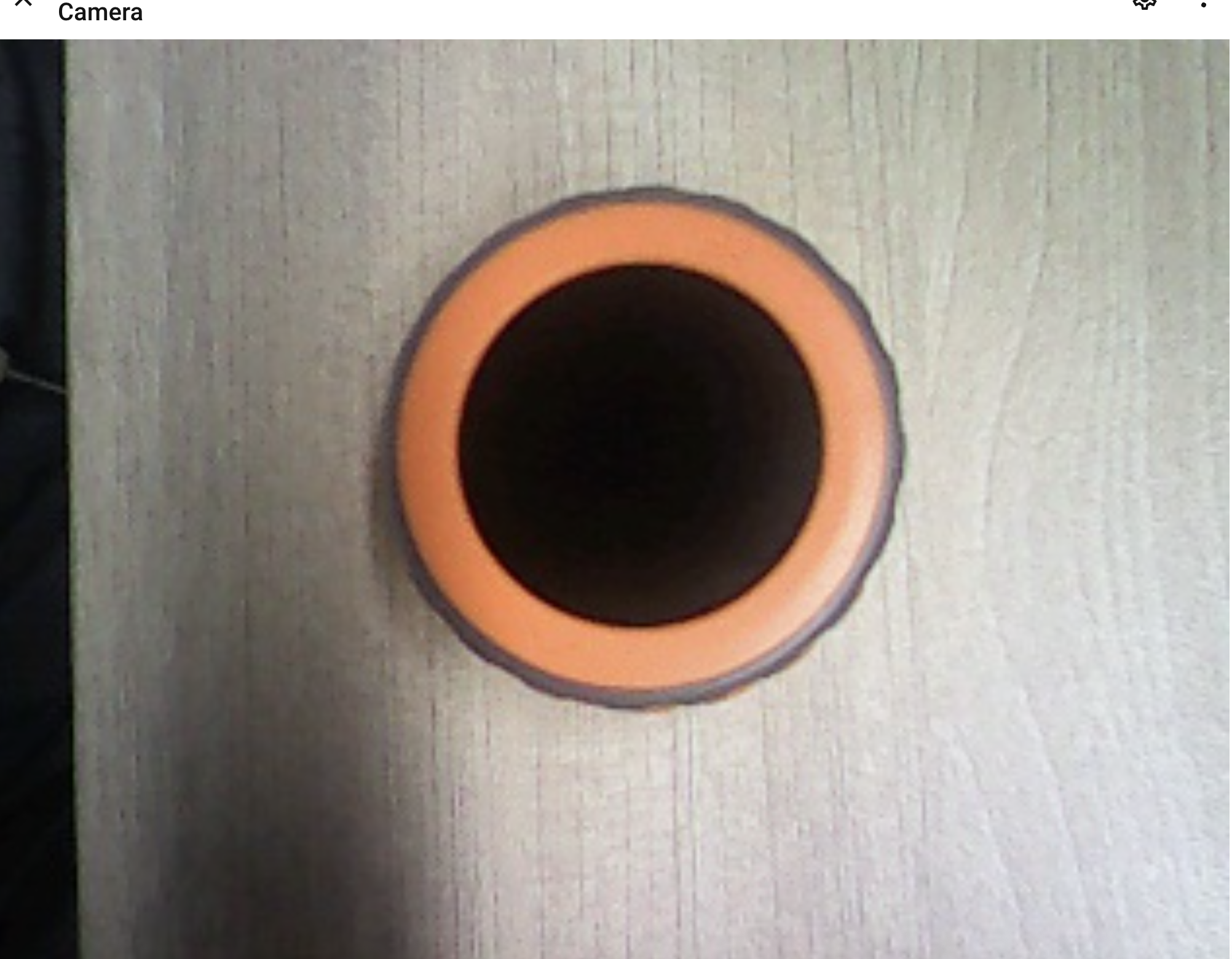
After the device is added, the camera entity is available on the device page and in the Dashboard:
4. Related Links
Page Tools