

Home Assistant
Home Assistant
Controller & Devices
Cameras
Components
Lighting
Interfaces and Expansion
Applications
Media Playback
Dashboard
AtomS3R + Voice Pyramid Voice Assistant
This example shows the fixed AtomS3R and Voice Pyramid combination connected to Home Assistant Assist. It provides voice input, voice announcements, touch control, and status display.
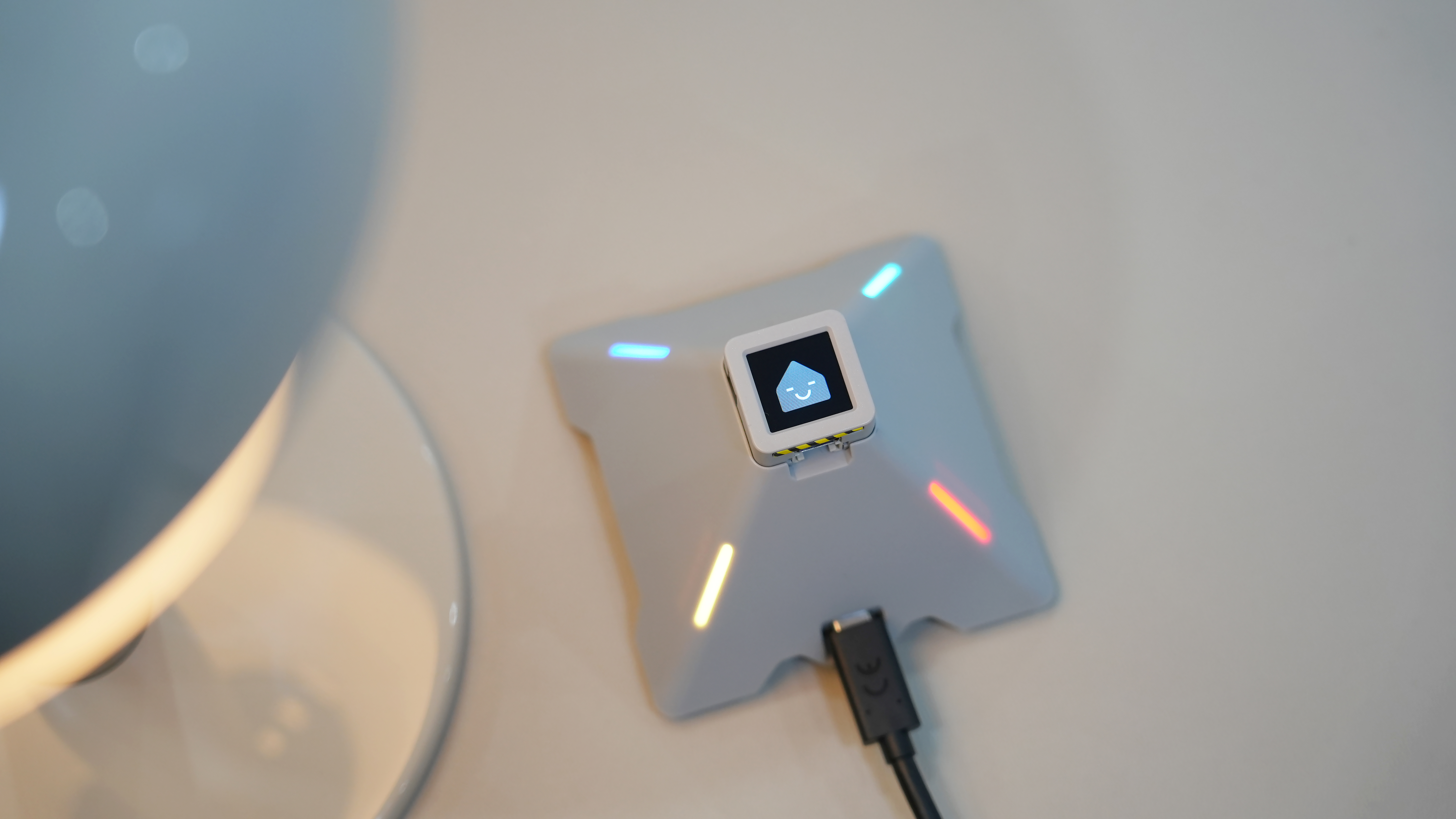
1. Application
| Item | Information |
|---|---|
| Hardware | AtomS3R, Voice Pyramid |
| Application features | Home Assistant Assist wake word, voice input, voice announcements, touch and RGB control |
| ESPHome version | 2025.11.3 or later |
2. Complete Configuration
The Voice Pyramid example includes the audio, touch, RGB lighting, display, and voice assistant logic. Import the complete configuration with packages:
packages:
  remote_package_files:
    url: https://github.com/m5stack/esphome-yaml
    files: [examples/voice_assistant/echo_pyramid_example.yaml]
    ref: main
refresh: 1d3. Usage
- Configure the device with the complete YAML and enter the Wi-Fi credentials. For configuration, validation, and deployment, see ESPHome Quick Start.
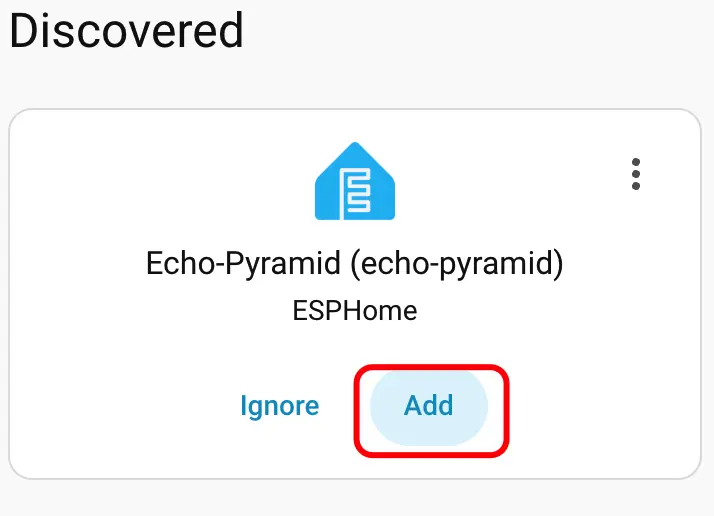
- After the device connects to the network, click
Addin the Home Assistant discovery prompt and assign the ESPHome device to an area.
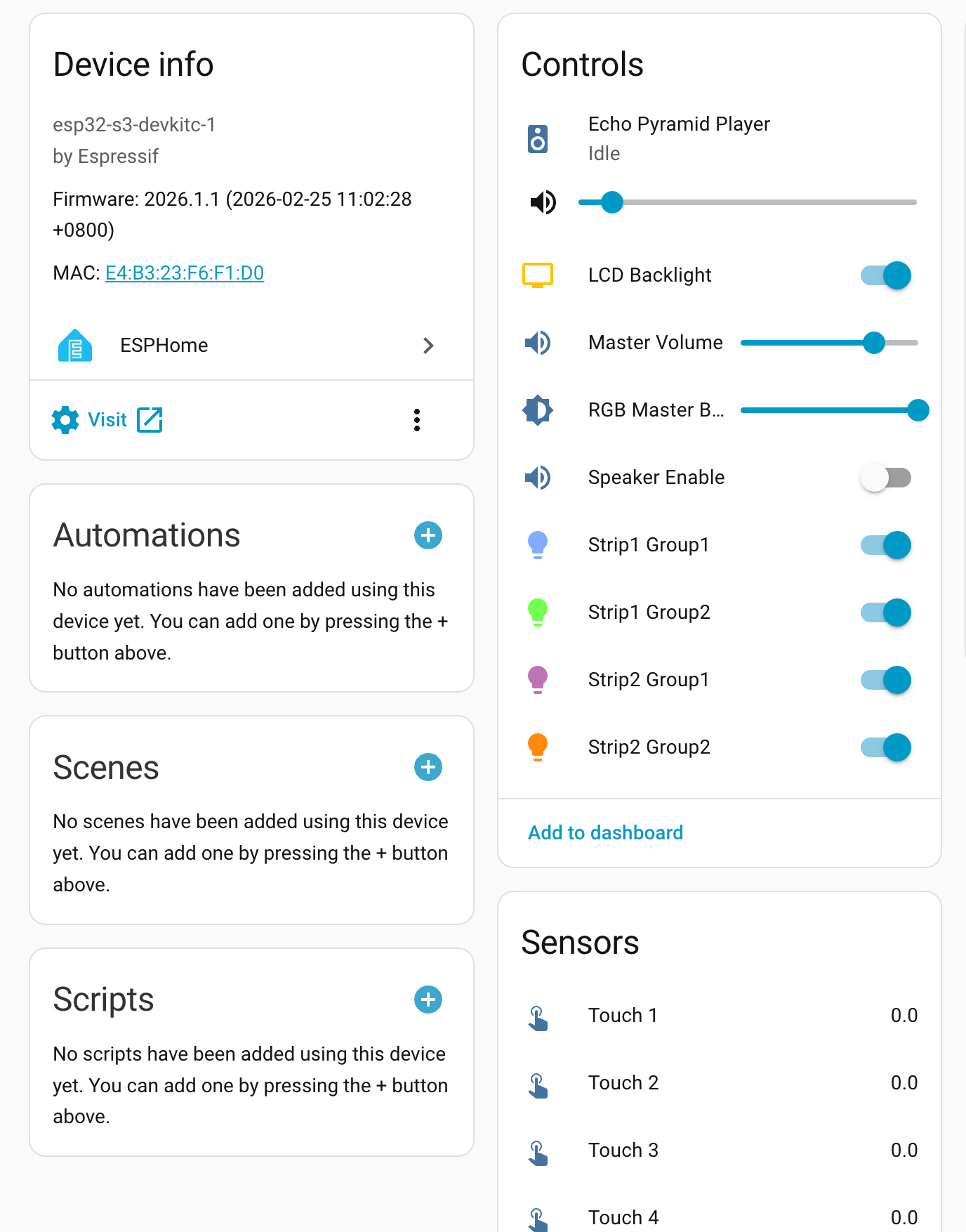
- After adding the device, verify that its entities and status are displayed correctly.
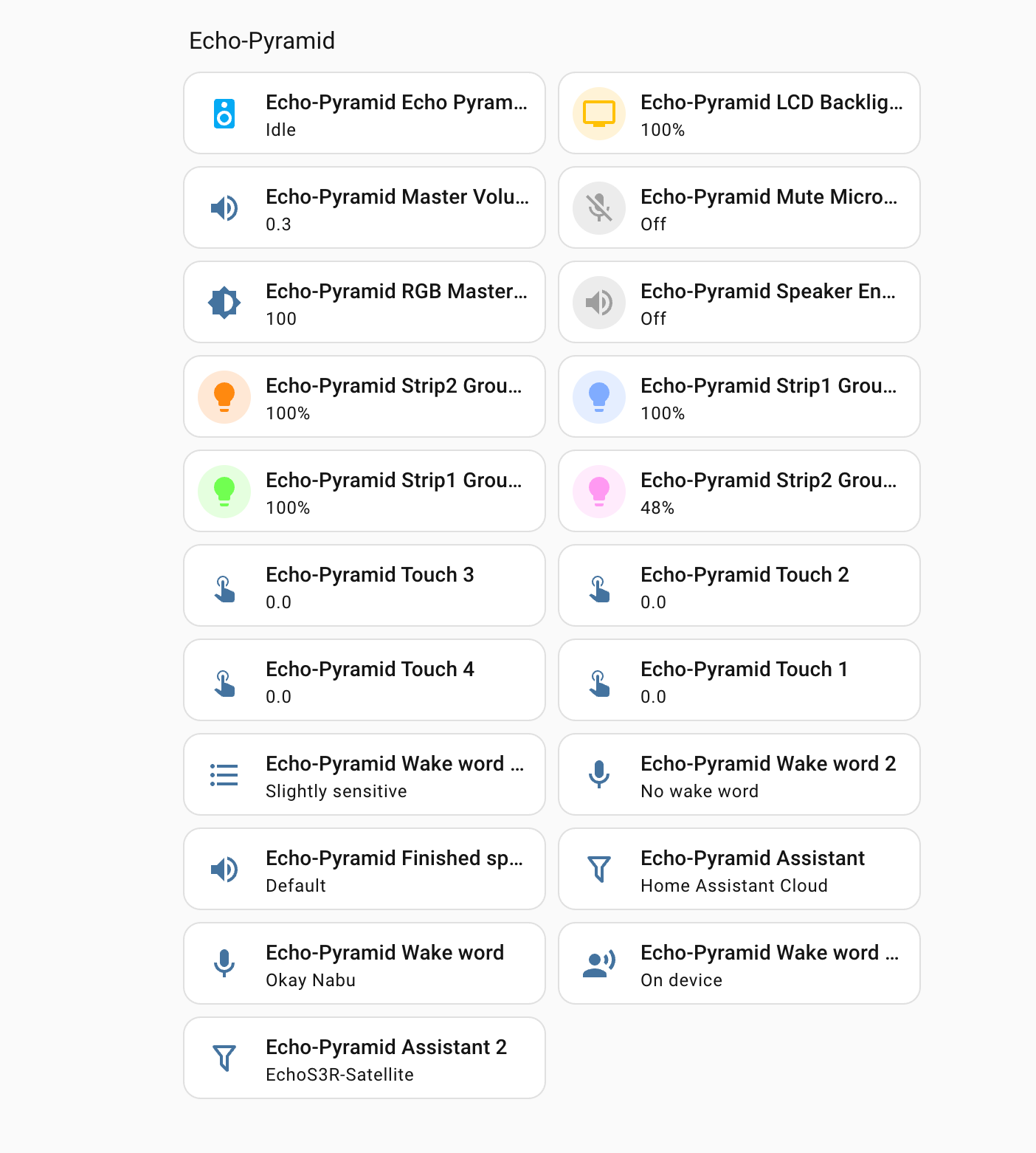
- Configure Home Assistant Cloud or a local Assist Pipeline in Home Assistant, then use the Voice Pyramid wake word to start a voice interaction.
4. Related Links
5. Related Video
Page Tools