

Home Assistant
Home Assistant
Controller & Devices
Cameras
Components
Lighting
Interfaces and Expansion
Applications
Media Playback
Dashboard
PM2.5 Air Quality Kit-SHT30 ESPHome Integration
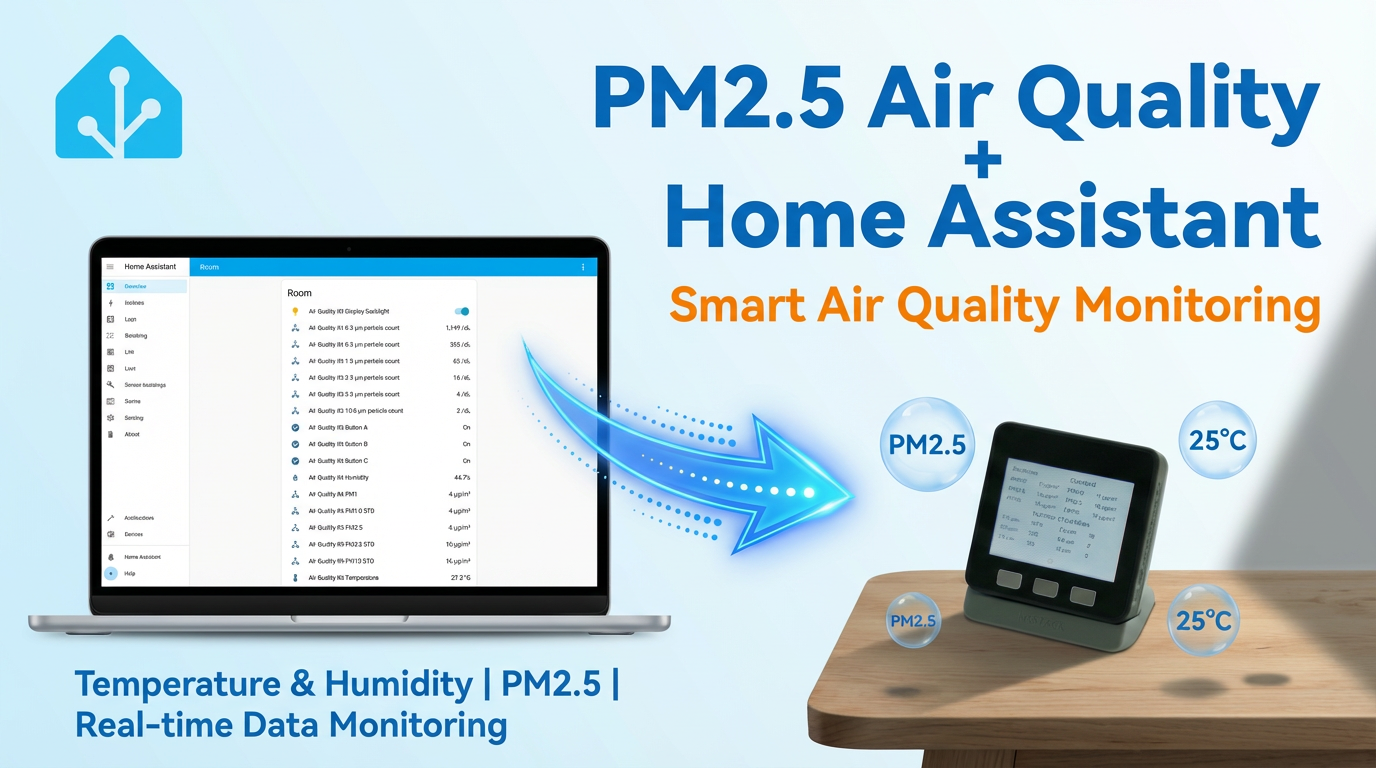
The PM2.5 Air Quality Kit-SHT30 ESPHome integration includes temperature and humidity, particulate matter, buttons, and LCD components.
1. Device Overview
| Item | Information |
|---|---|
| Product Name | PM2.5 Air Quality Kit-SHT30 |
| SKU | K023-B |
| Main Functions | Temperature and humidity, PM1.0/PM2.5/PM10 detection, and LCD display |
| Communication | I2C, UART, SPI |
| ESPHome Components | sht3xd, pmsx003, gpio, mipi_spi, ledc, monochromatic |
| ESPHome Version | / |
2. Component Description
SHT30 Temperature and Humidity Sensor
SHT30 uses the official SHT3X-D platform to provide temperature and humidity entities:
i2c:
  sda: GPIO21
  scl: GPIO22

sensor:
  - platform: sht3xd
    heater_enabled: false
    temperature:
      name: "Temperature"
    humidity:
      name: "Humidity"
    address: 0x44
update_interval: 60sPMSA003 Particulate Matter Sensor
PMSA003 uses the official PMSX003 platform to provide PM1.0, PM2.5, and PM10 entities:
uart:
  tx_pin: GPIO17
  rx_pin: GPIO16
  baud_rate: 9600

sensor:
  - platform: pmsx003
    type: PMSX003
    pm_1_0:
      name: "PM1"
    pm_2_5:
      name: "PM2.5"
    pm_10_0:
name: "PM10"Buttons and Display
Buttons A, B, and C use the official GPIO Binary Sensor platform to read the button states on GPIO39, GPIO38, and GPIO37:
binary_sensor:
  - platform: gpio
    pin:
      number: GPIO39
      inverted: true
    name: "Button A"
  - platform: gpio
    pin:
      number: GPIO38
      inverted: true
    name: "Button B"
  - platform: gpio
    pin:
      number: GPIO37
      inverted: true
name: "Button C"The LCD uses the MIPI SPI Display platform. Its backlight is controlled by the LEDC Output and Monochromatic Light platforms:
spi:
  clk_pin: GPIO18
  mosi_pin: GPIO23

display:
  - platform: mipi_spi
    model: M5CORE
    invert_colors: true
    data_rate: 40MHz

output:
  - platform: ledc
    pin: GPIO32
    id: backlight_output

light:
  - platform: monochromatic
    output: backlight_output
    name: "Display Backlight"
restore_mode: ALWAYS_ON3. Reference Example
Import the complete device configuration through packages:
packages:
m5stack.pm2_5-air-quality-kit: github://m5stack/esphome-yaml/common/pm2_5-air-quality-kit-base.yaml@mainSource code:
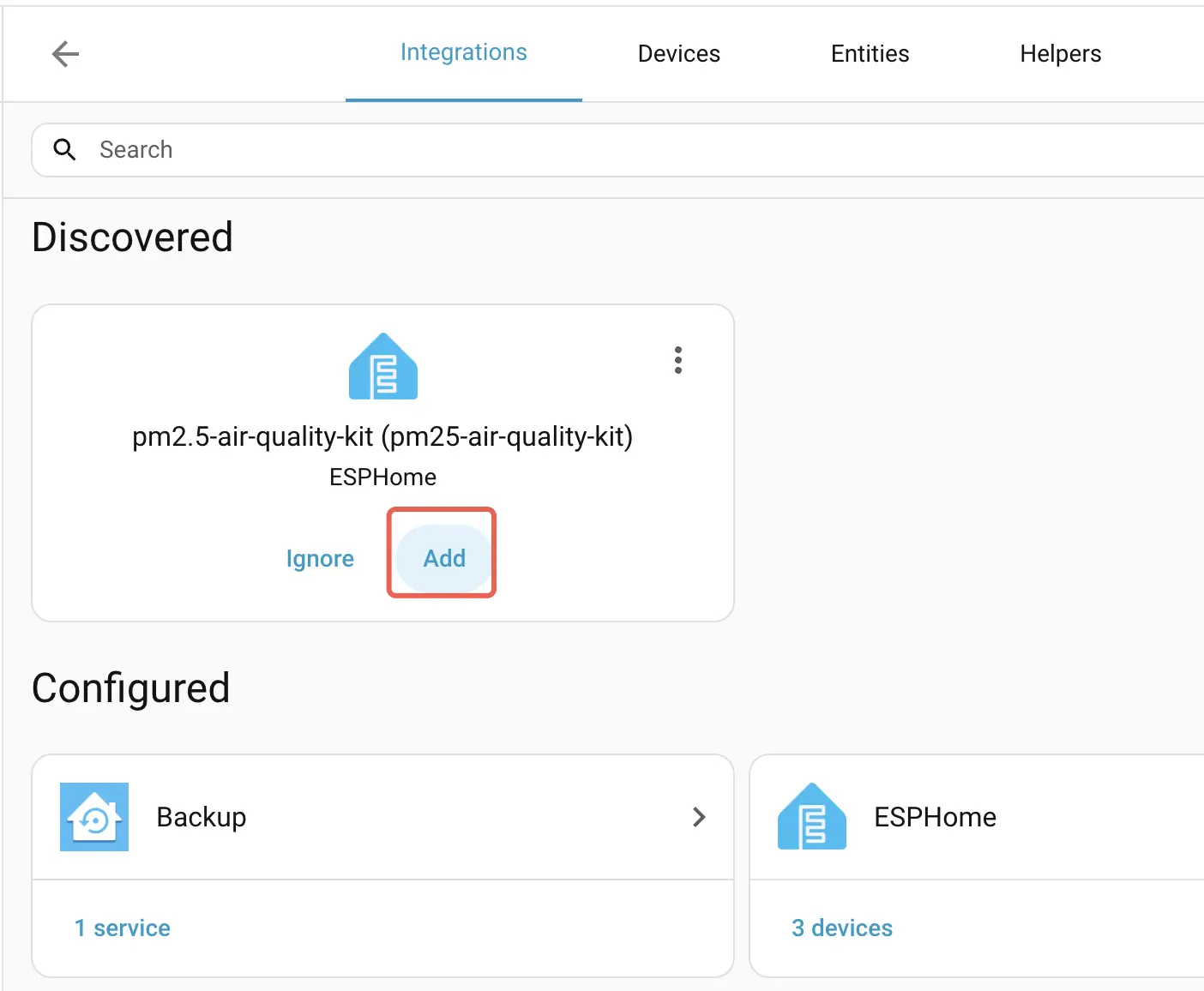
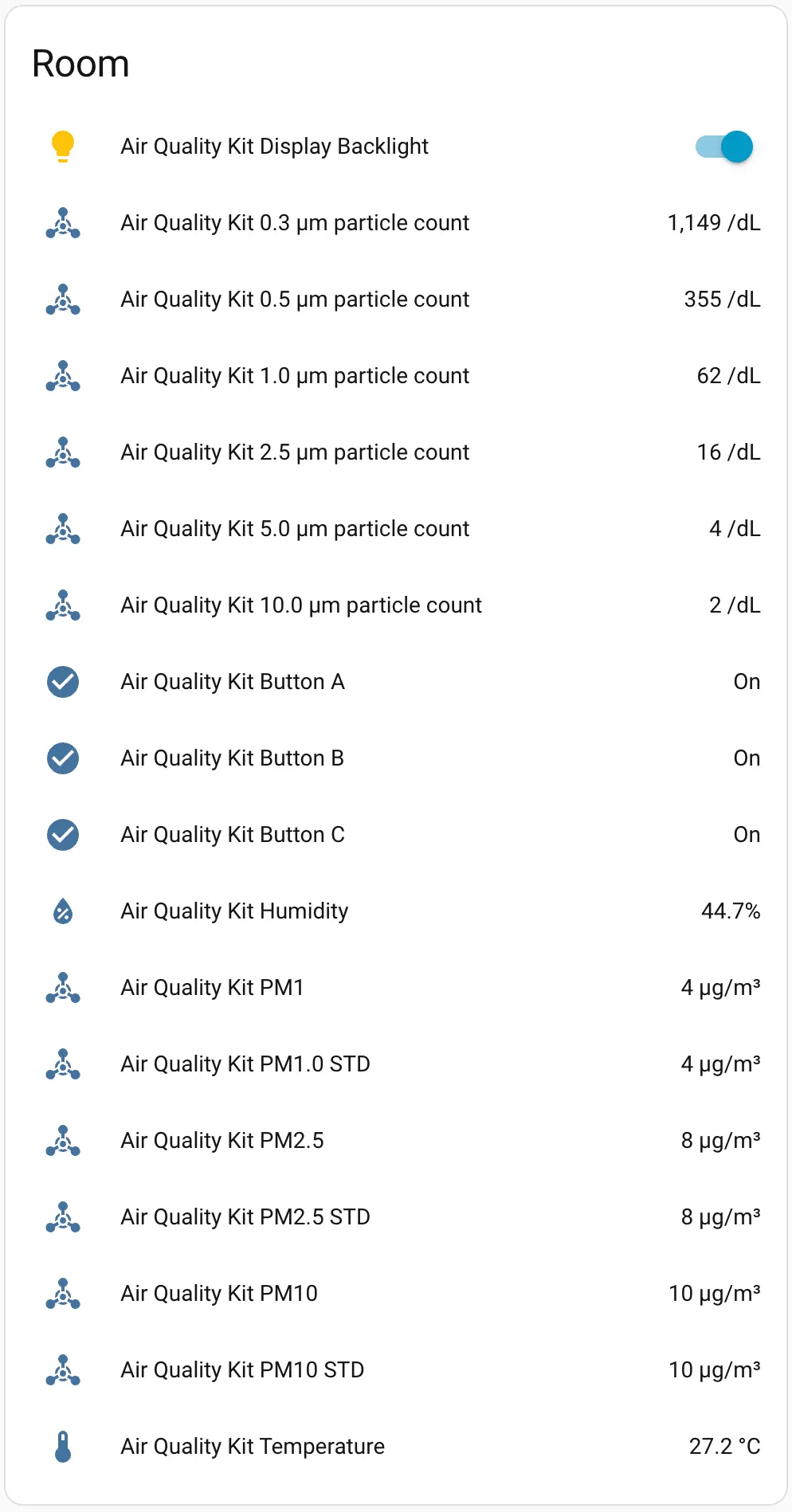
After connecting the device to Home Assistant, you can view the sensor entities and add them to the Dashboard:
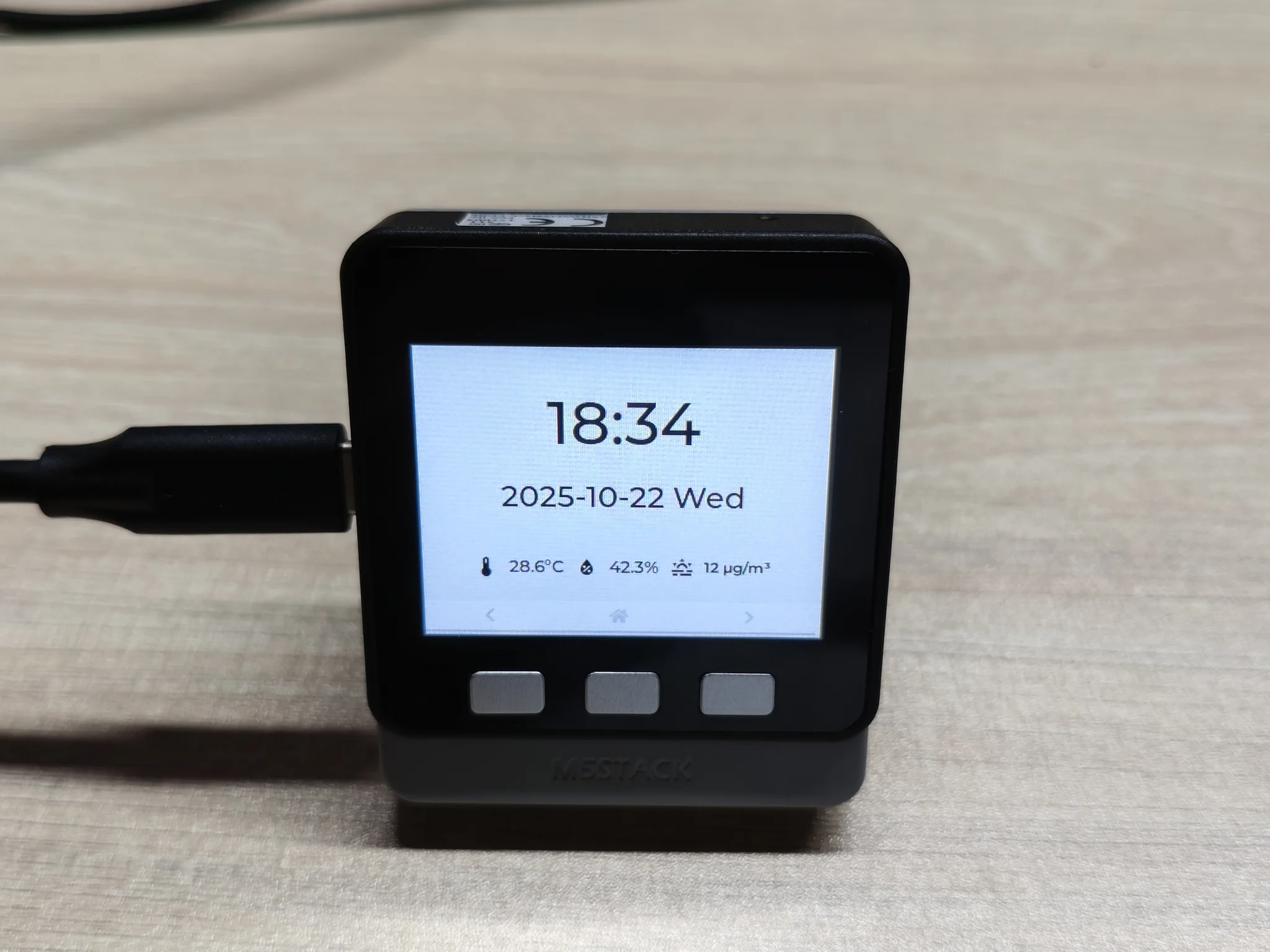
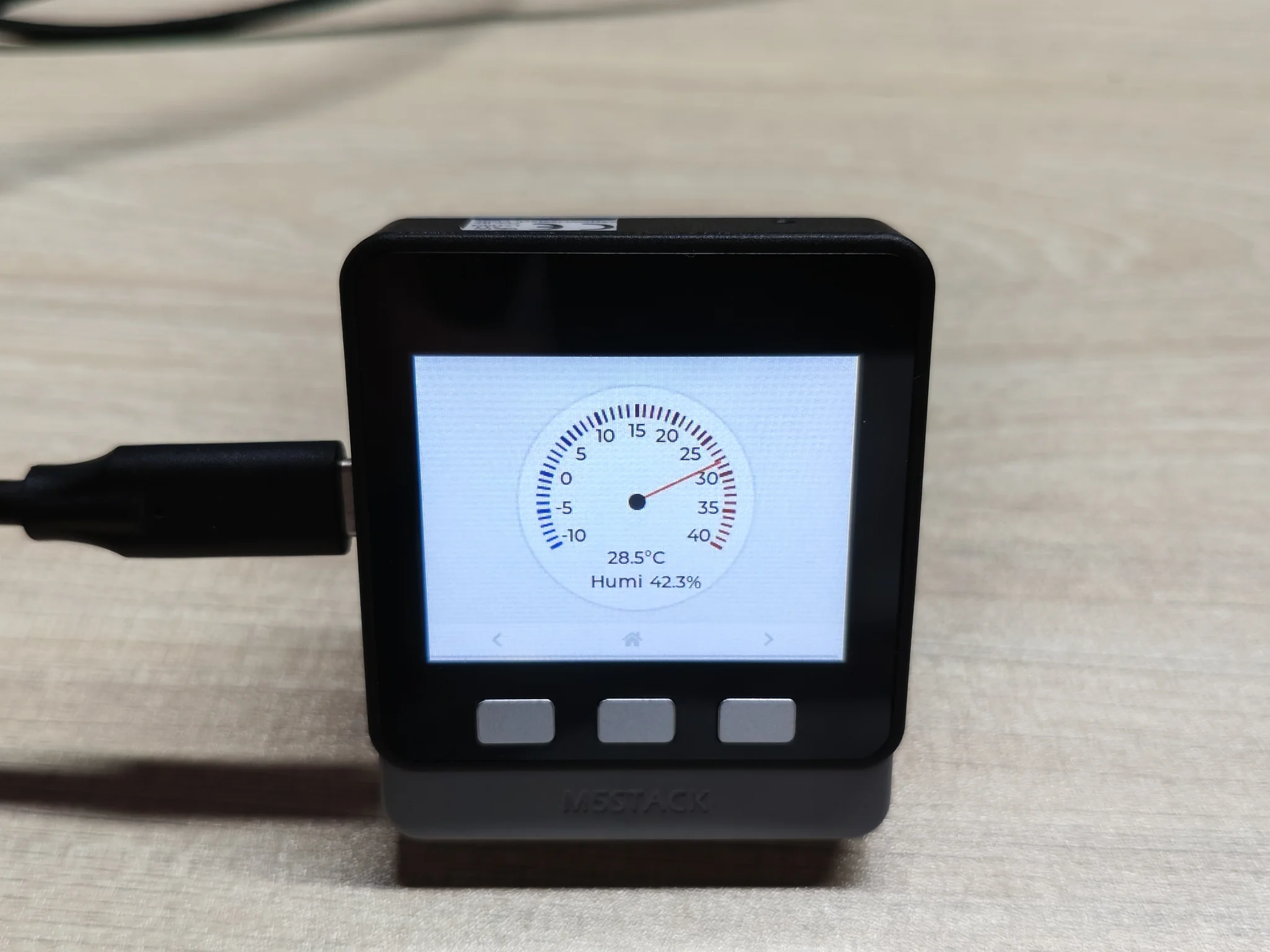
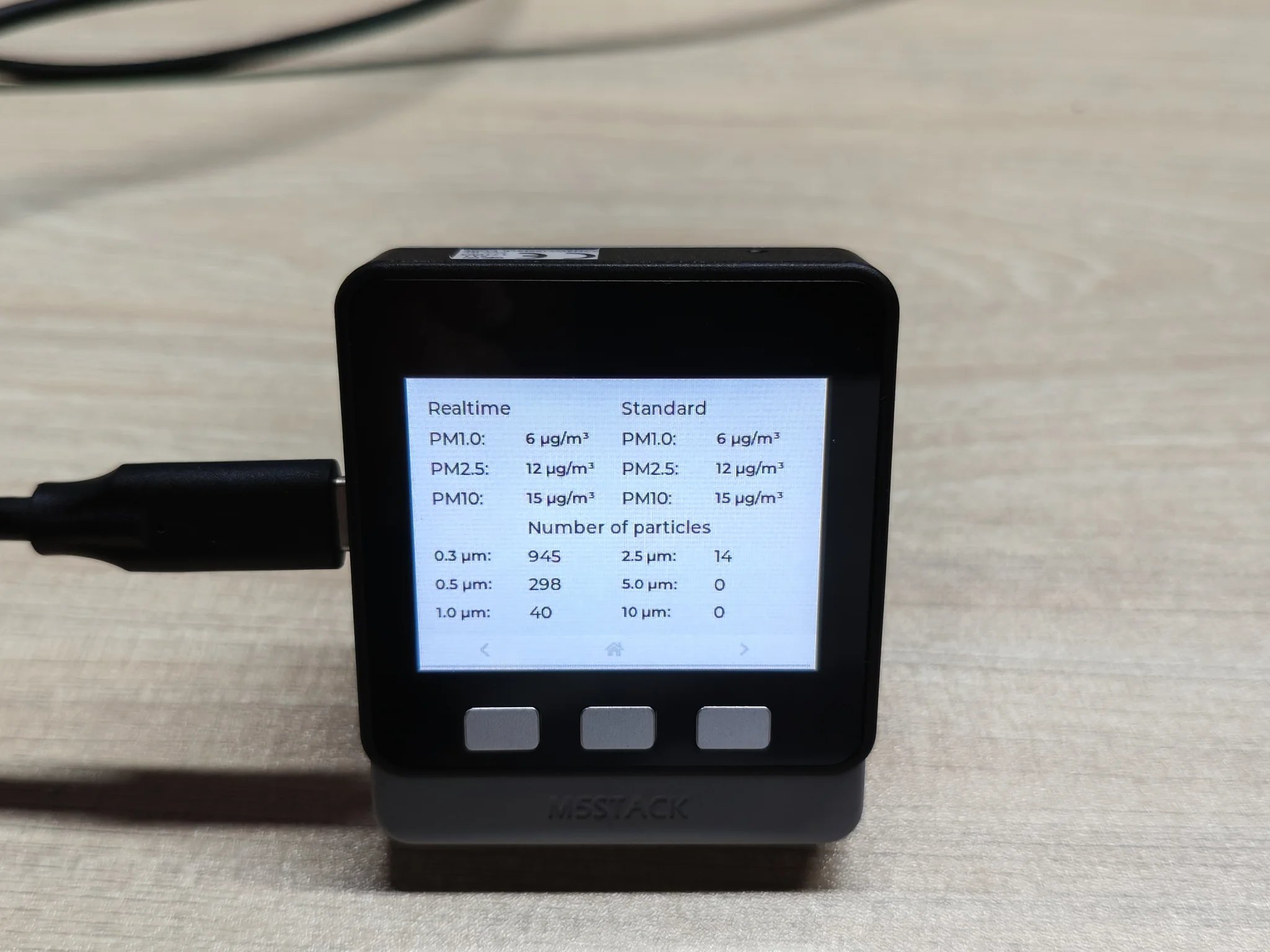
The buttons on the Basic host can be used to switch between LCD pages:
4. Related Links
- PM2.5 Air Quality Kit-SHT30 Product Page
- Complete PM2.5 Air Quality Kit-SHT30 Configuration
- SHT30 Datasheet
- PMSA003 Datasheet