

Home Assistant
Home Assistant
Controller & Devices
Components
Lighting
Interfaces and Expansion
Applications
Media Playback
Dashboard
Unit PoE CAM-W v1.1 ESPHome Integration
The Unit PoE CAM-W v1.1 ESPHome integration includes W5500 networking, the OV3660 camera, a button, and a status LED.
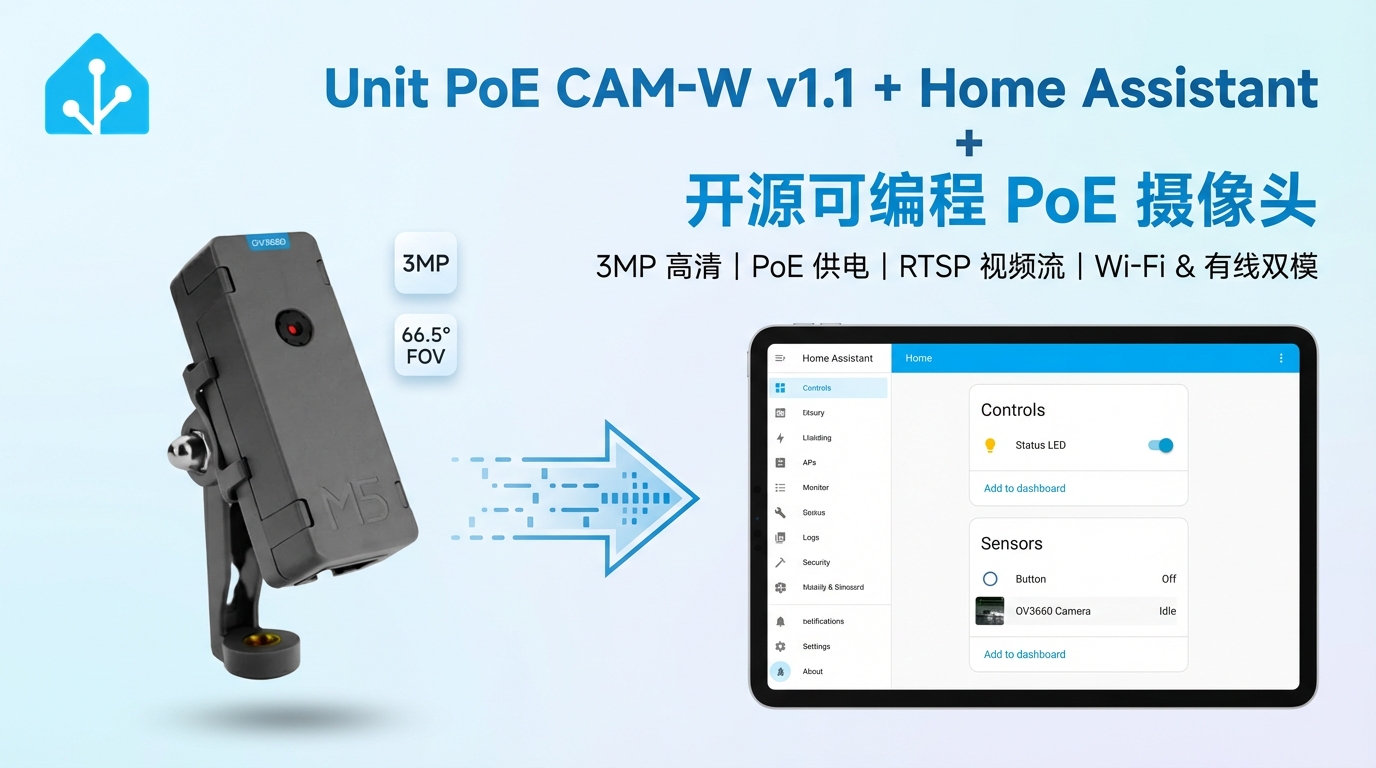
1. Device Overview
| Item | Information |
|---|---|
| Product | Unit PoE CAM-W v1.1 |
| SKU | U121-B-V11 |
| Main Functions | Ethernet/Wi-Fi connectivity, live images, button, and status LED |
| Interfaces | Ethernet, Wi-Fi, camera parallel interface, GPIO |
| Camera | OV3660 |
| ESPHome Components | psram, ethernet, esp32_camera, gpio, ledc, monochromatic |
| ESPHome Version | / |
2. Component Details
PSRAM
The camera frame buffer uses the official ESPHome PSRAM component:
psram:
  mode: quad
speed: 80MHzEthernet and Wi-Fi
Wired networking uses the official ESPHome Ethernet component with a W5500 controller. Ethernet is enabled by default in the example. Wi-Fi remains available as an optional configuration, but only one network interface can be enabled at a time.
ethernet:
  type: W5500
  clk_pin: GPIO23
  mosi_pin: GPIO13
  miso_pin: GPIO38
  cs_pin: GPIO4
clock_speed: 20MHzOV3660 Camera
The camera uses the official ESPHome ESP32 Camera component. The I2C control bus uses GPIO14/GPIO12, the external clock is output on GPIO27, and the camera data and synchronization pins are fixed by the board wiring.
i2c:
  - id: cam_i2c
    sda: GPIO14
    scl:
      number: GPIO12
      ignore_strapping_warning: true

esp32_camera:
  name: "OV3660 Camera"
  i2c_id: cam_i2c
  external_clock:
    pin: GPIO27
    frequency: 20MHz
  data_pins: [GPIO32, GPIO35, GPIO34, GPIO5, GPIO39, GPIO18, GPIO36, GPIO19]
  vsync_pin: GPIO22
  href_pin: GPIO26
  pixel_clock_pin: GPIO21
  reset_pin:
    number: GPIO15
ignore_strapping_warning: trueButton and Status LED
The button uses the official ESPHome GPIO Binary Sensor platform and is read through GPIO37. The status LED is driven by LEDC Output and exposed as a dimmable entity through Monochromatic Light:
binary_sensor:
  - platform: gpio
    name: "Button"
    pin:
      number: GPIO37
      inverted: true

output:
  - platform: ledc
    pin:
      number: GPIO0
      inverted: true
      ignore_strapping_warning: true
    id: status_led

light:
  - platform: monochromatic
    output: status_led
    name: "Status LED"
restore_mode: RESTORE_DEFAULT_ON3. Example
Import the complete device configuration with packages:
packages:
  unit_poe_cam:
    url: https://github.com/m5stack/esphome-yaml
    files: common/unit-poe-cam-w-v1-rev1-base.yaml
ref: mainSource files:
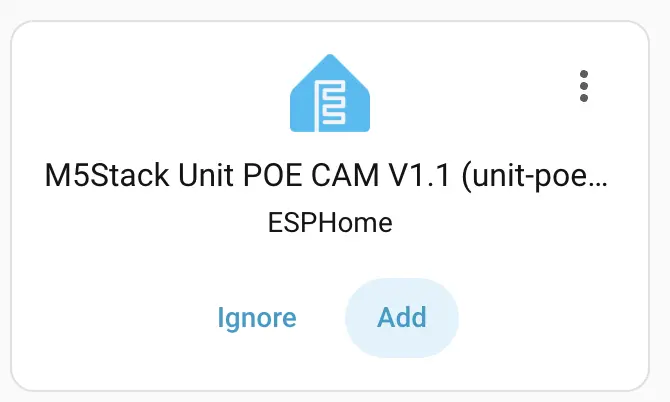
Home Assistant during device setup:
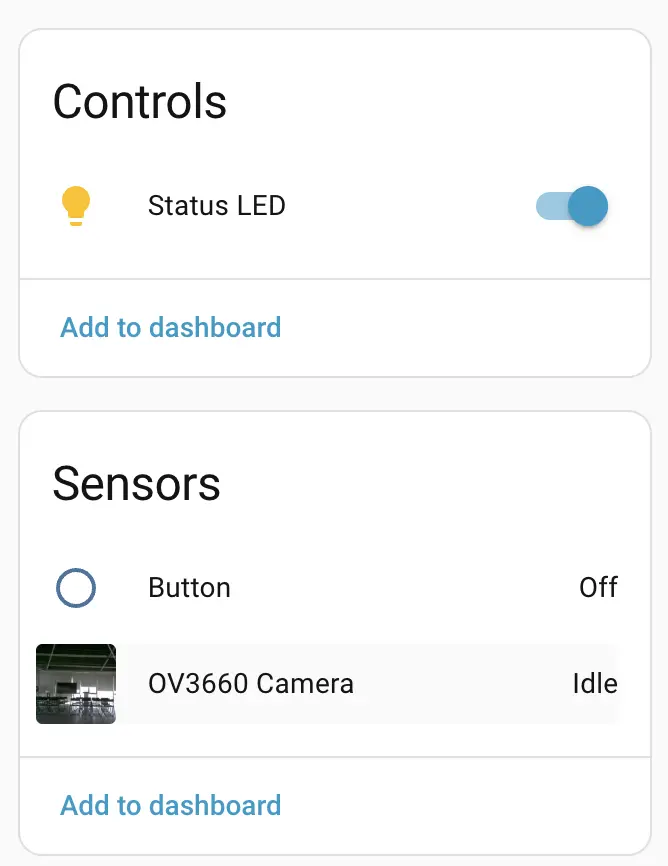
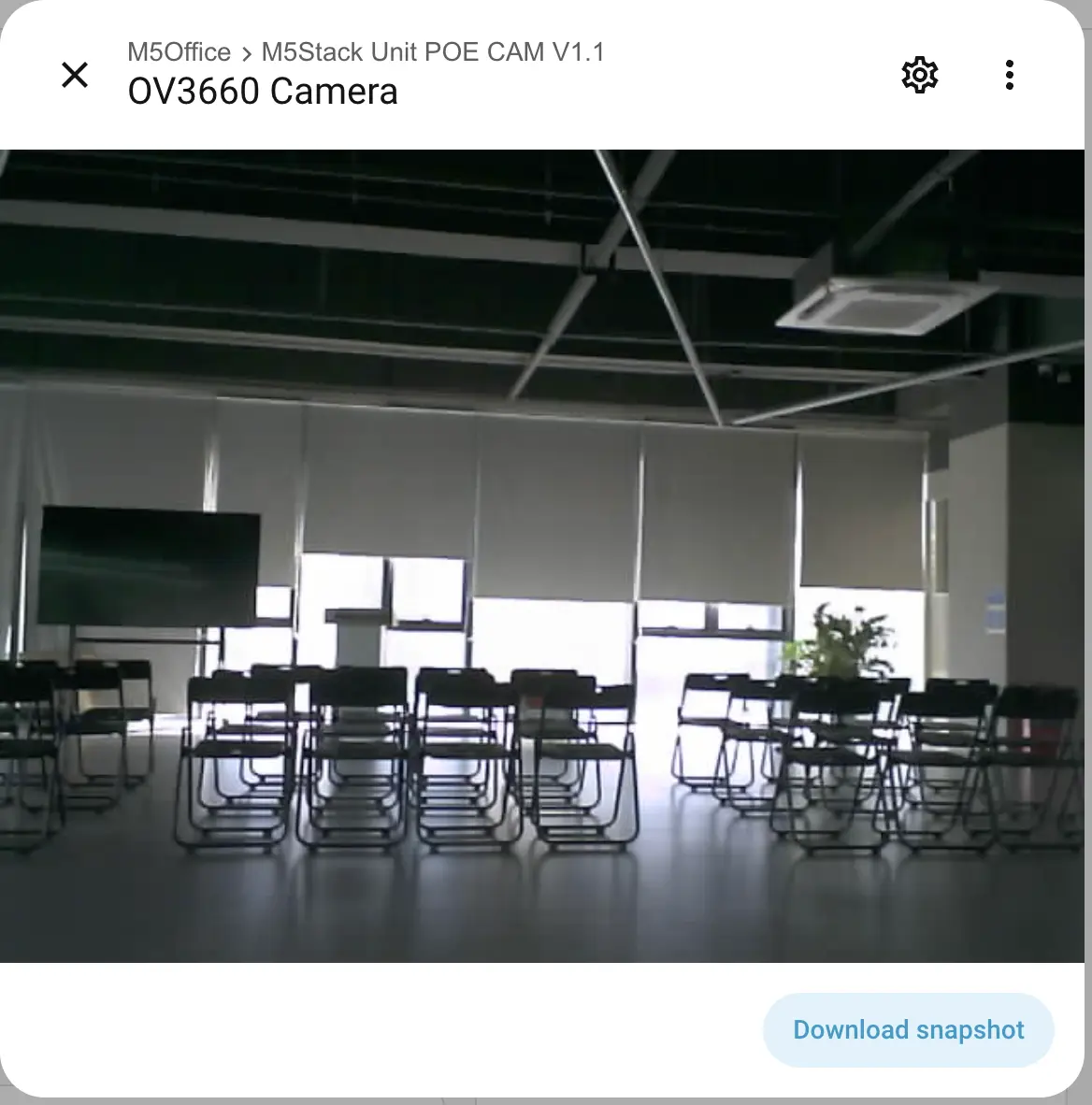
After the device is added, view the camera entity and live image in the Dashboard:
4. Related Links
- W5500 Datasheet
- OV3660 Datasheet
- Unit PoE CAM-W v1.1 Product Page
- Complete Unit PoE CAM-W v1.1 Configuration