

Home Assistant
Home Assistant
主控与整机
摄像头
扩展模块
灯光控制
StamPLC ESPHome 集成
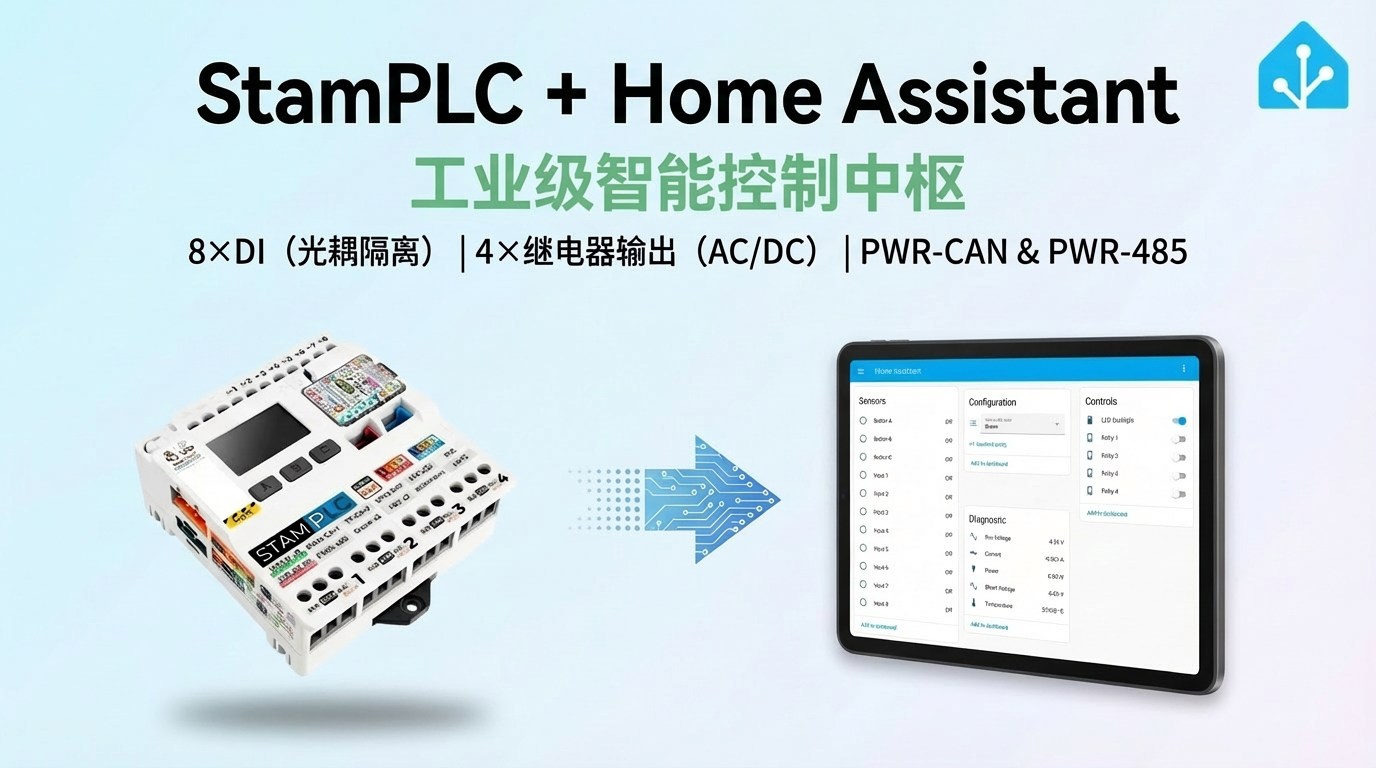
StamPLC 的 ESPHome 集成包含主机及 AC、PoE 扩展的输入、继电器、测量、显示和以太网组件。
致谢
感谢 ESPHome 社区贡献者 @Beormund 提供配置文件。更多内容请访问 esphome-m5stamplc。
1. 设备简介
| 项目 | 信息 |
|---|---|
| 产品名称 | StamPLC |
| SKU | K141 |
| 主要功能 | 数字输入输出、继电器、模拟量采集、显示、RTC 和以太网扩展 |
| 通信接口 | I2C、SPI、GPIO、Ethernet |
| ESPHome 组件 | aw9523(外部组件)、pi4ioe5v6408、ina226、lm75b、rx8130、mipi_spi、rtttl、ethernet |
| ESPHome 版本要求 | 2025.8.0 及以上 |
2. 组件说明
AW9523 外部组件
StamPLC 使用社区仓库中的 aw9523 外部组件驱动数字输入和继电器:
external_components:
  - source: github://Beormund/esphome-m5stamplc
components: [aw9523]IO 扩展器初始化
GPIO3 必须在两颗 IO 扩展器初始化前保持高电平。power_supply、PI4IOE5V6408 和 aw9523 的声明顺序不可调整:
power_supply:
  id: pin3_output_high
  pin:
    number: GPIO3
    ignore_strapping_warning: true
  enable_on_boot: true

pi4ioe5v6408:
  - id: pi4ioe5v6408_1
    address: 0x43

aw9523:
  - id: aw9523_1
address: 0x59初始化顺序
GPIO3 未提前拉高时,AW9523 和 PI4IOE5V6408 可能无法正常初始化。
数字输入与继电器
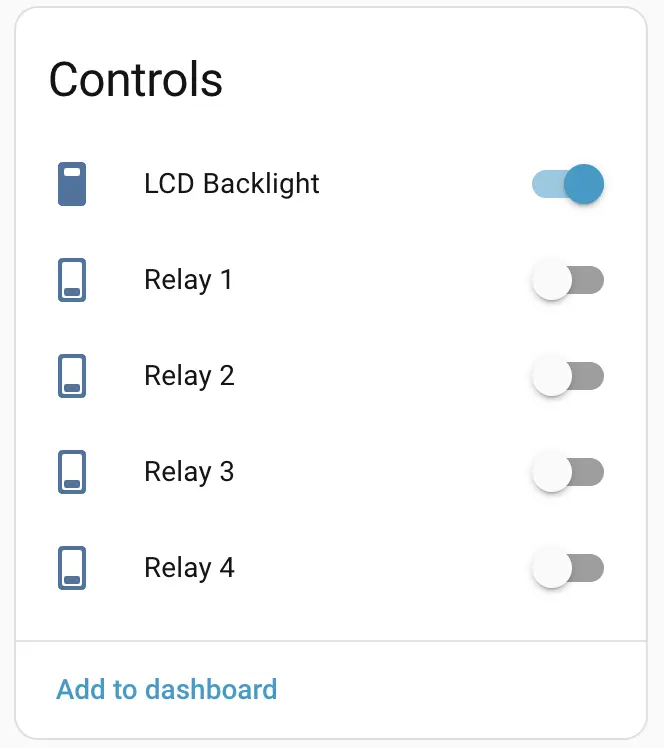
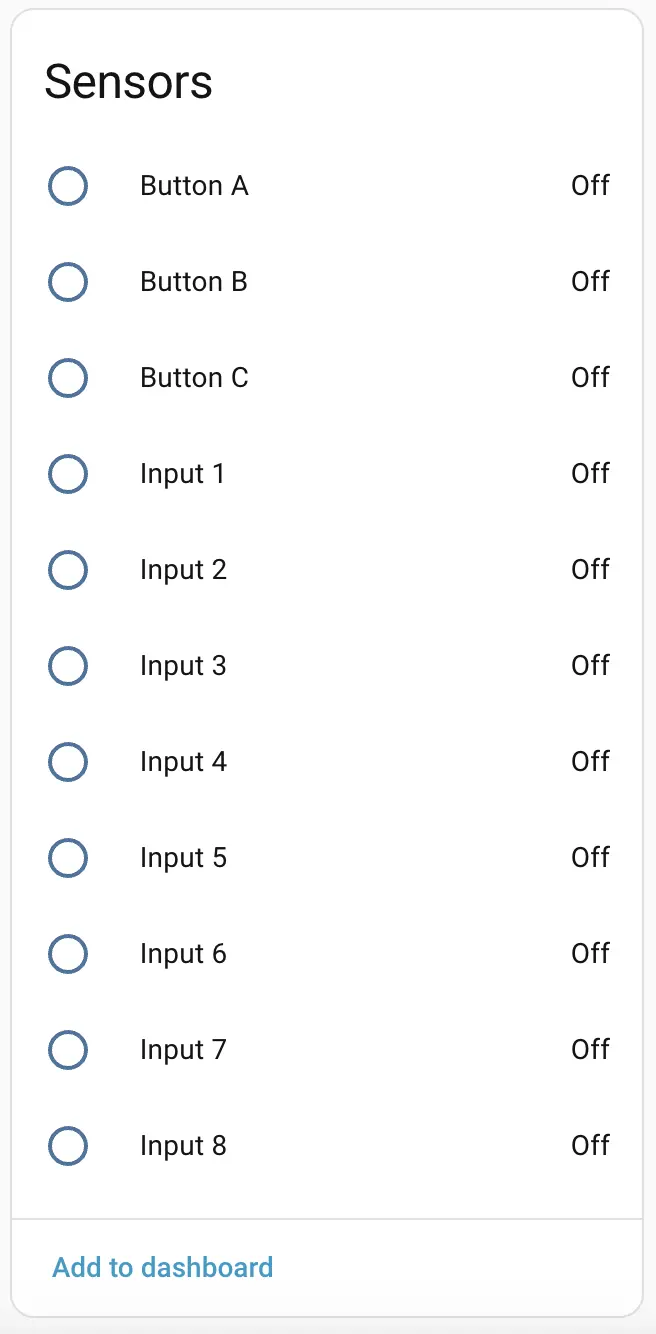
AW9523 提供 8 路数字输入和 4 路继电器输出。下面各展示一路最小配置,其余通道只需修改扩展器引脚编号:
binary_sensor:
  - platform: gpio
    name: "Input 1"
    pin:
      aw9523: aw9523_1
      number: 4
      mode:
        input: true

switch:
  - platform: gpio
    name: "Relay 1"
    restore_mode: RESTORE_DEFAULT_OFF
    pin:
      aw9523: aw9523_1
      number: 0
      mode:
output: true电气与温度测量
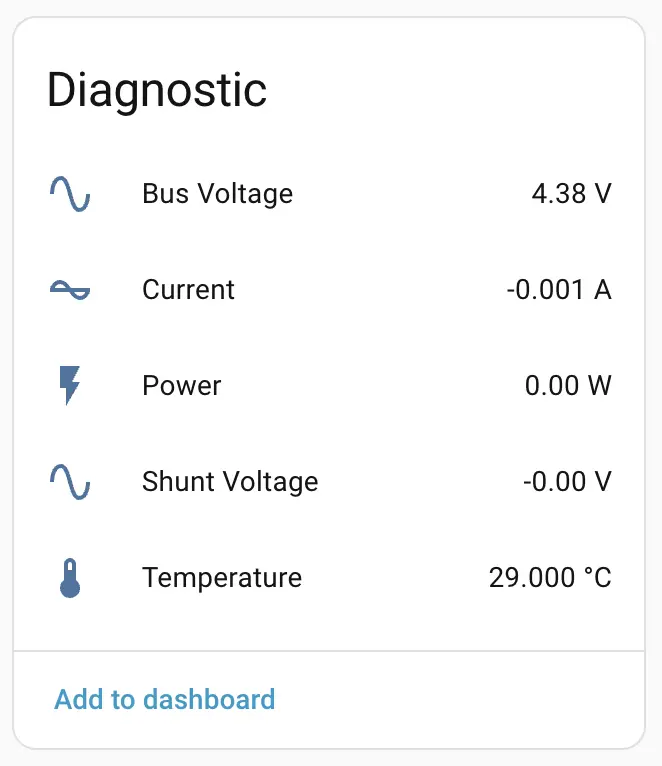
输入电压、电流和功率使用官方 INA226 Platform,板载温度使用 LM75B Platform:
sensor:
  - platform: ina226
    shunt_resistance: 0.01
    max_current: 8.192
    current:
      name: "Current"
    power:
      name: "Power"
    bus_voltage:
      name: "Bus Voltage"

  - platform: lm75b
    name: "Temperature"
update_interval: 60sLCD 与蜂鸣器
LCD 使用官方 MIPI SPI Display Platform;最小配置使用测试画面验证显示驱动。蜂鸣器使用 LEDC Output 与 RTTTL:
display:
  platform: mipi_spi
  model: ST7789V
  dimensions:
    width: 240
    height: 240
    offset_width: 42
    offset_height: 55
  dc_pin: GPIO6
  cs_pin: GPIO12
  invert_colors: true
  show_test_card: true

output:
  - platform: ledc
    pin: GPIO44
    id: buzzer

rtttl:
output: buzzerStamPLC AC 扩展
StamPLC AC 通过第二颗 PI4IOE5V6408 扩展器控制交流继电器和三色指示灯。下面保留一路继电器与三路 LED 的基础 GPIO 配置:
pi4ioe5v6408:
  - id: pi4ioe5v6408_1
    address: 0x43
  - id: pi4ioe5v6408_2
    address: 0x44

switch:
  - platform: gpio
    name: "StamPLC AC Relay"
    restore_mode: RESTORE_DEFAULT_OFF
    pin:
      pi4ioe5v6408: pi4ioe5v6408_2
      number: 2
      mode:
        output: true

  - platform: gpio
    name: "StamPLC AC LED Red"
    restore_mode: ALWAYS_OFF
    pin:
      pi4ioe5v6408: pi4ioe5v6408_2
      number: 5
      inverted: true
      mode:
        output: true

  - platform: gpio
    name: "StamPLC AC LED Green"
    restore_mode: ALWAYS_OFF
    pin:
      pi4ioe5v6408: pi4ioe5v6408_2
      number: 6
      inverted: true
      mode:
        output: true

  - platform: gpio
    name: "StamPLC AC LED Blue"
    restore_mode: ALWAYS_OFF
    pin:
      pi4ioe5v6408: pi4ioe5v6408_2
      number: 7
      inverted: true
      mode:
output: true高压安全
StamPLC AC 可控制最高 AC 240V 的负载。接线和调试前必须切断交流输入,并确认负载电压、电流及绝缘条件符合产品规格。
StamPLC PoE 扩展
StamPLC PoE 使用 ESPHome 官方 Ethernet 组件驱动 W5500:
ethernet:
  id: ethernet_1
  type: W5500
  clk_pin: GPIO7
  mosi_pin: GPIO8
  miso_pin: GPIO9
  cs_pin: GPIO11
clock_speed: 20MHz资源冲突
StamPLC PoE 与板载 LCD 共用 SPI 硬件资源,PoE 和 LCD 不能同时启用。使用 Ethernet 时还需要停用
wifi,两种网络组件不能同时配置。RTC
板载 RTC 使用 RX8130 Platform。启动时先读取 RTC,SNTP 完成同步后再写回 RTC:
time:
  - platform: rx8130
    id: rx8130_time
    update_interval: 30min
  - platform: sntp
    id: sntp_time
    timezone: Europe/London
    on_time_sync:
      then:
        - rx8130.write_time:
id: rx8130_time3. 参考案例
完整配置与扩展参考:
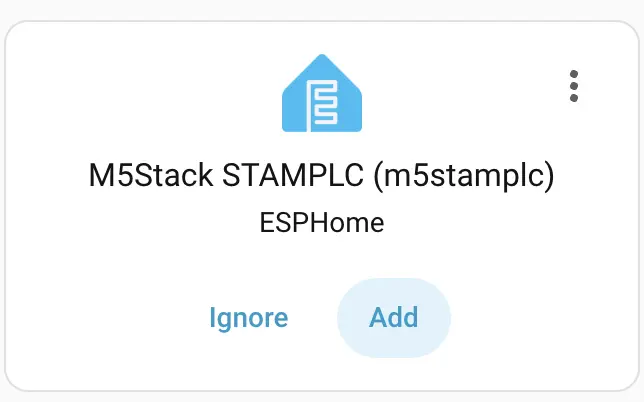
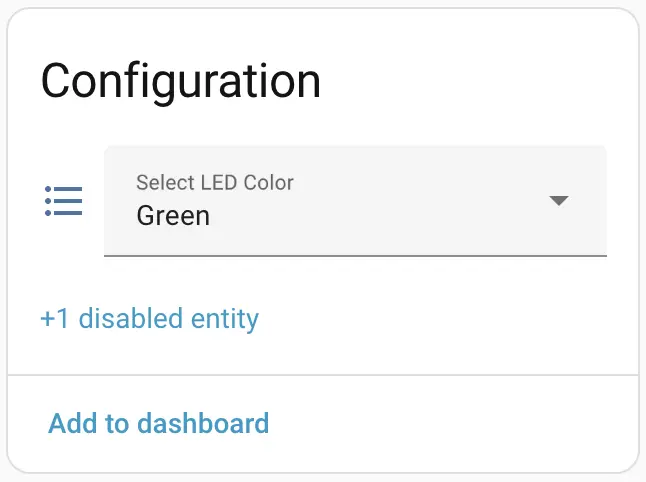
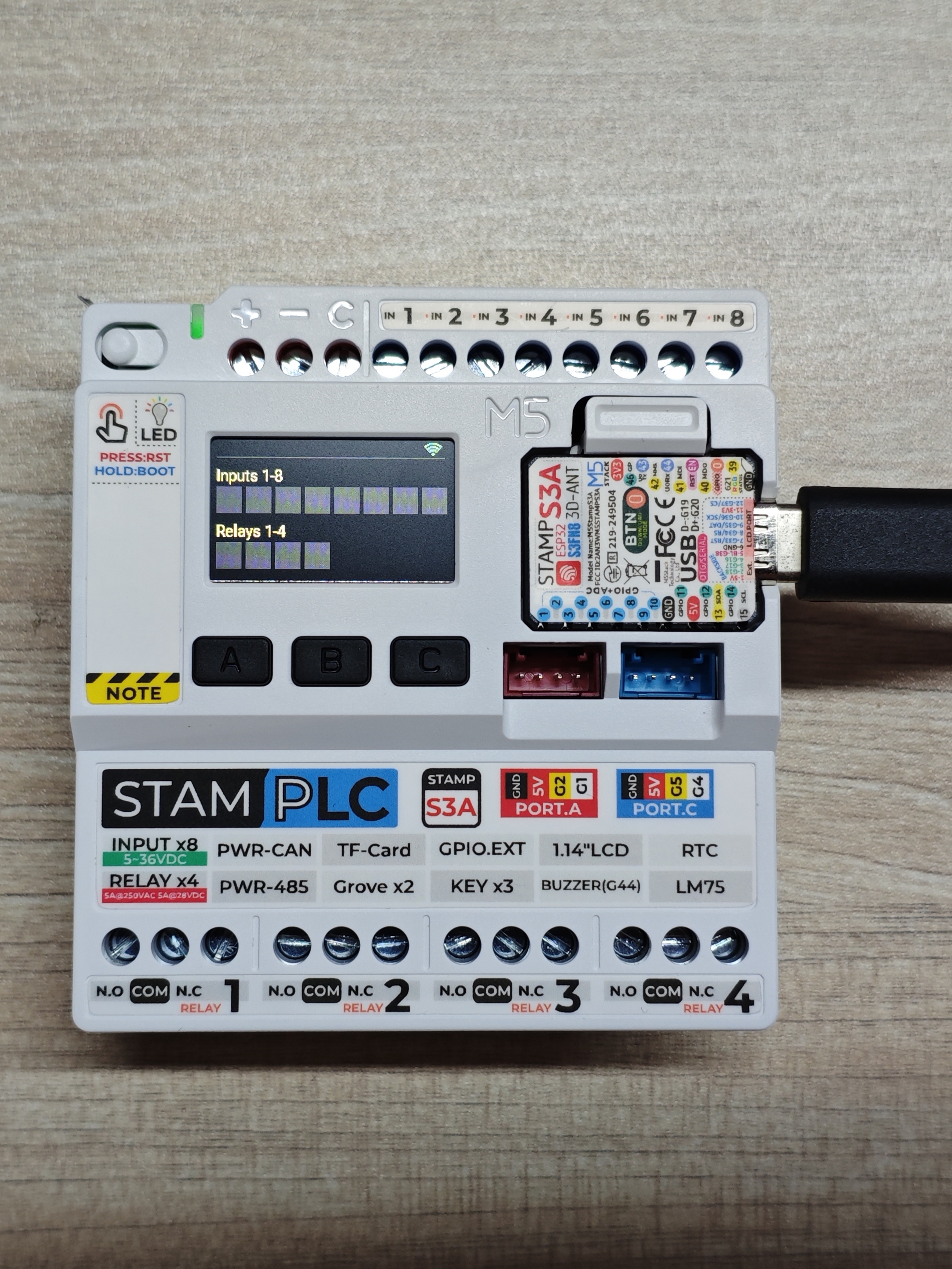
设备接入 Home Assistant 后,可查看输入、继电器、测量及控制实体:
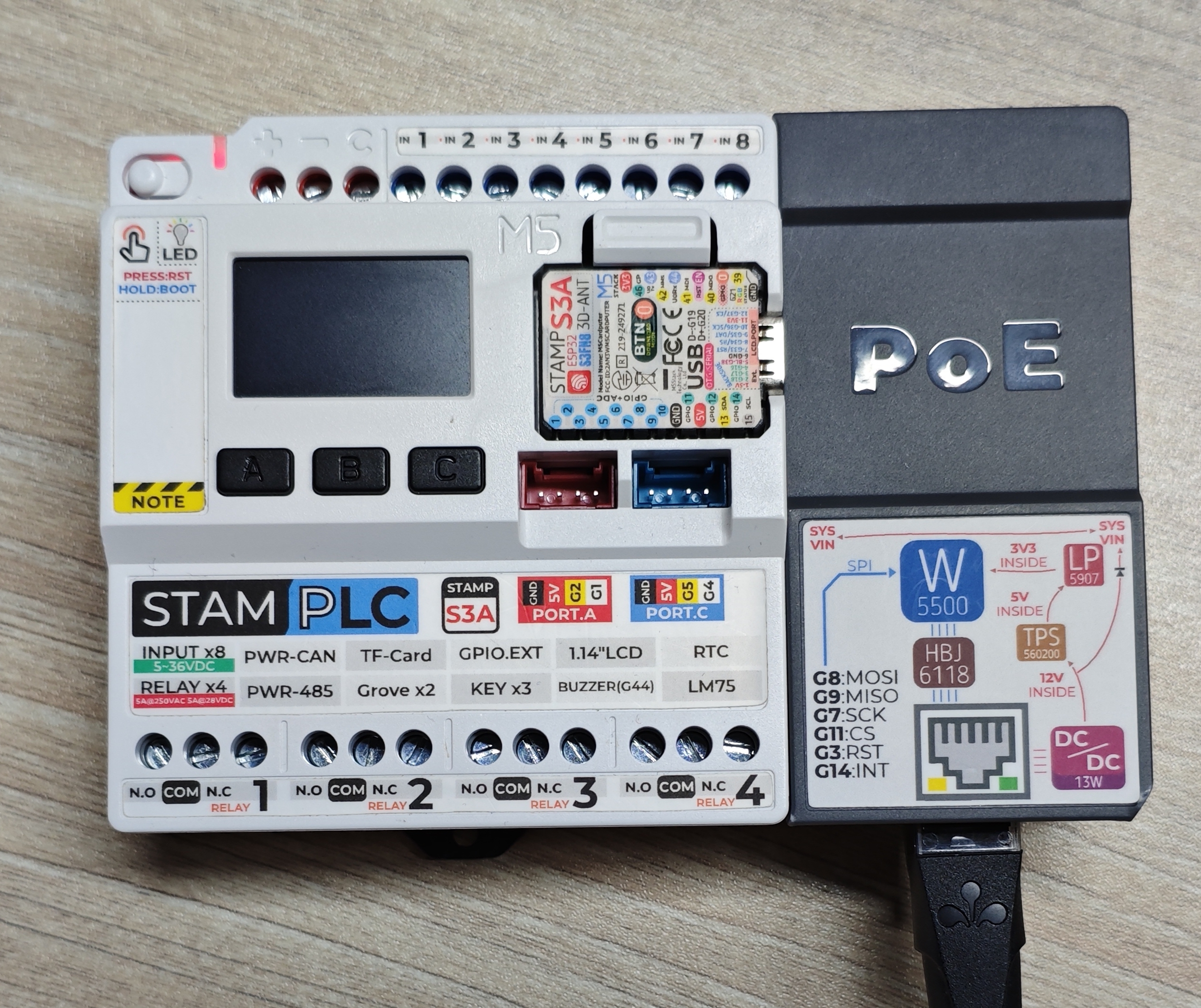
StamPLC AC 和 StamPLC PoE 的运行效果:

4. 相关链接
5. 相关视频
Page Tools