

Home Assistant
传感器
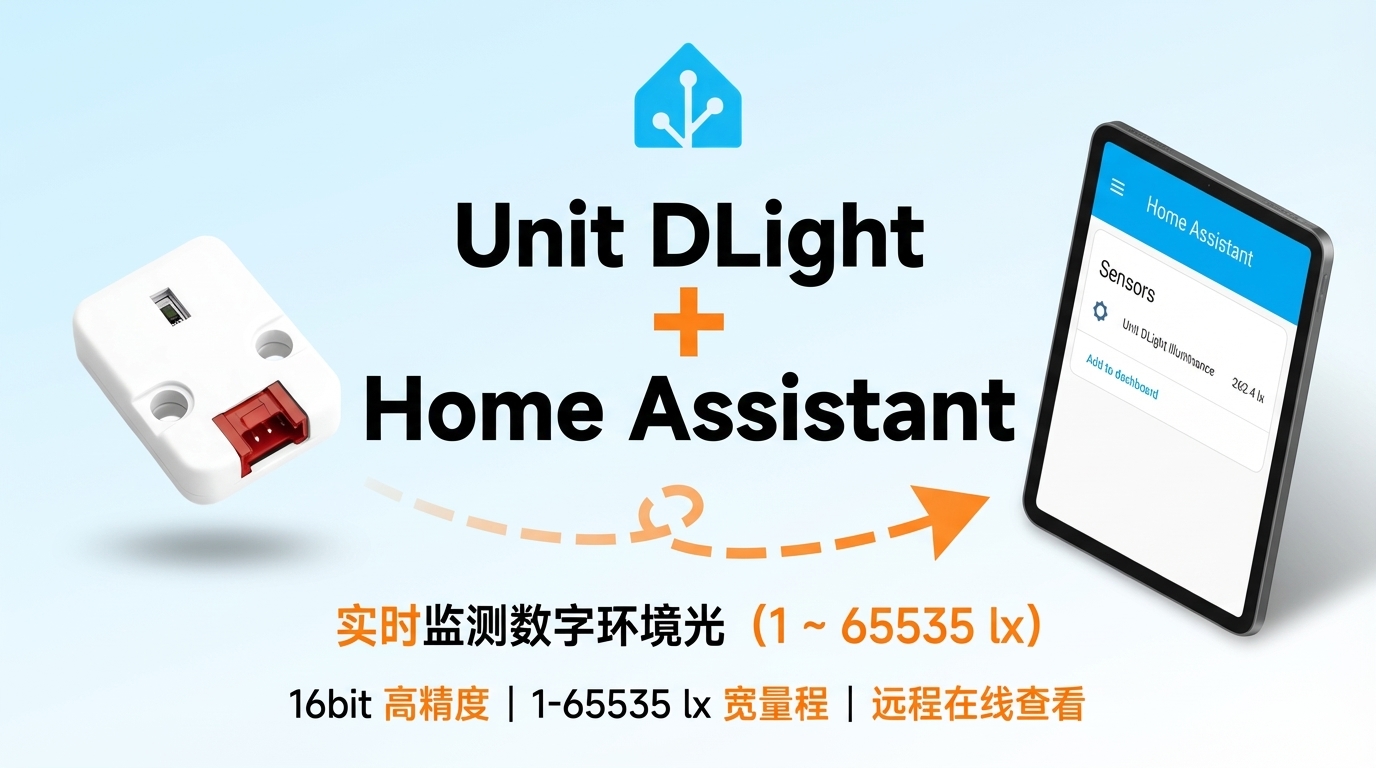
Unit DLight 传感器 Home Assistant 集成
本章节介绍将 Unit DLight 数字环境光检测传感器集成至 Home Assistant 的配置方法与实操步骤。
1. 准备工作
环境准备
- 参考 Home Assistant 官方文档安装 Home Assistant。
- 参考 ESPHome 官方文档完成 ESPHome Device Builder 插件安装。
- 查阅 BH1750FVI 传感器数据手册:BH1750FVI 数据手册。
- 参考 ESPHome 官方最新配置说明:ESPHome BH1750 配置。
- 确认主控设备的 I2C 引脚定义(不同主控引脚不同)。
硬件产品
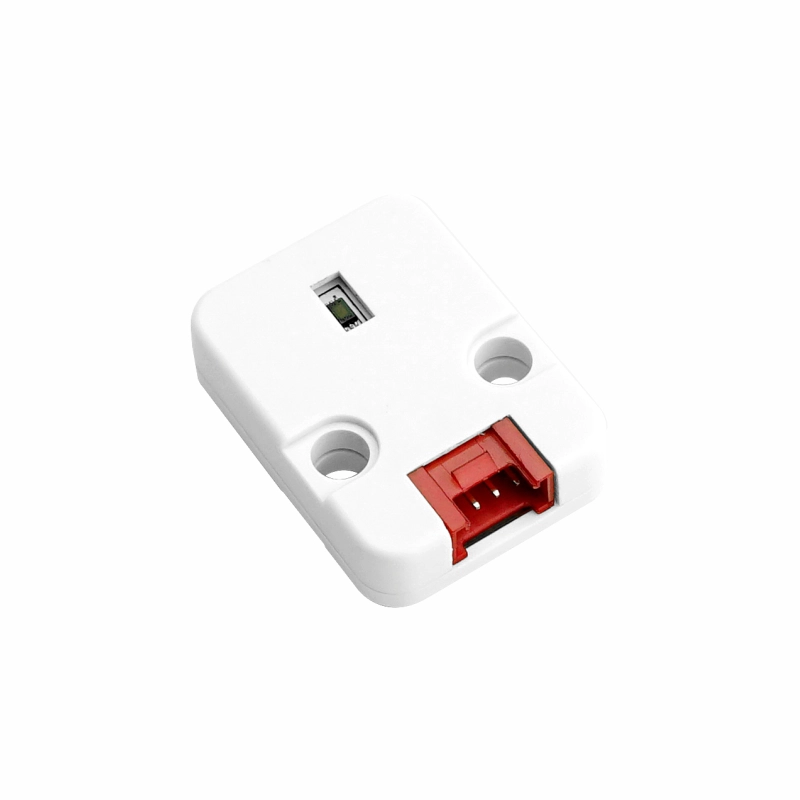
- Unit DLight
- 兼容主控设备(如 Atom 系列、Stamp 系列、Stick 系列、Core/Basic 系列等)
注意
Unit DLight 是传感器平台,需要搭配具有 I2C 接口的兼容主控设备(如 Atom 系列、Stamp 系列、Stick 系列、Core/Basic 系列等)使用。主控型号和引脚请按实际项目选择。
2. 修改配置
- 需要在 ESPHome 配置中启用 I²C 组件:
# Example configuration entry for ESP32
i2c:
  sda: GPIOXX
  scl: GPIOXX
scan: true这里的 GPIO 引脚会因为使用的主控设备不一而不同。比如使用 Atom Lite 作为主控:
# I2C Bus on Grove Port (HY2.0-4P)
i2c:
  sda: GPIO26
scl: GPIO32以下是sensor配置范例:
yaml
1 2 3 4 5
sensor:
  - platform: bh1750
    name: "Unit DLight Illuminance"
    address: 0x23
update_interval: 60s3. 开始使用
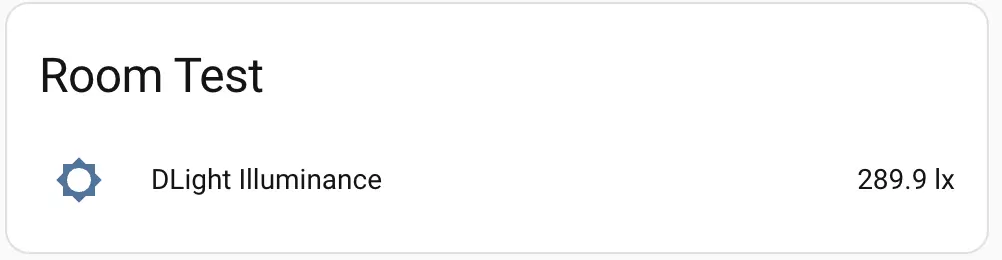
完成添加至 Home Assistant 后:
4. 相关视频
Page Tools