Home Assistant
Media Player
Expansion
Sensor
Unit Watering Home Assistant Integration
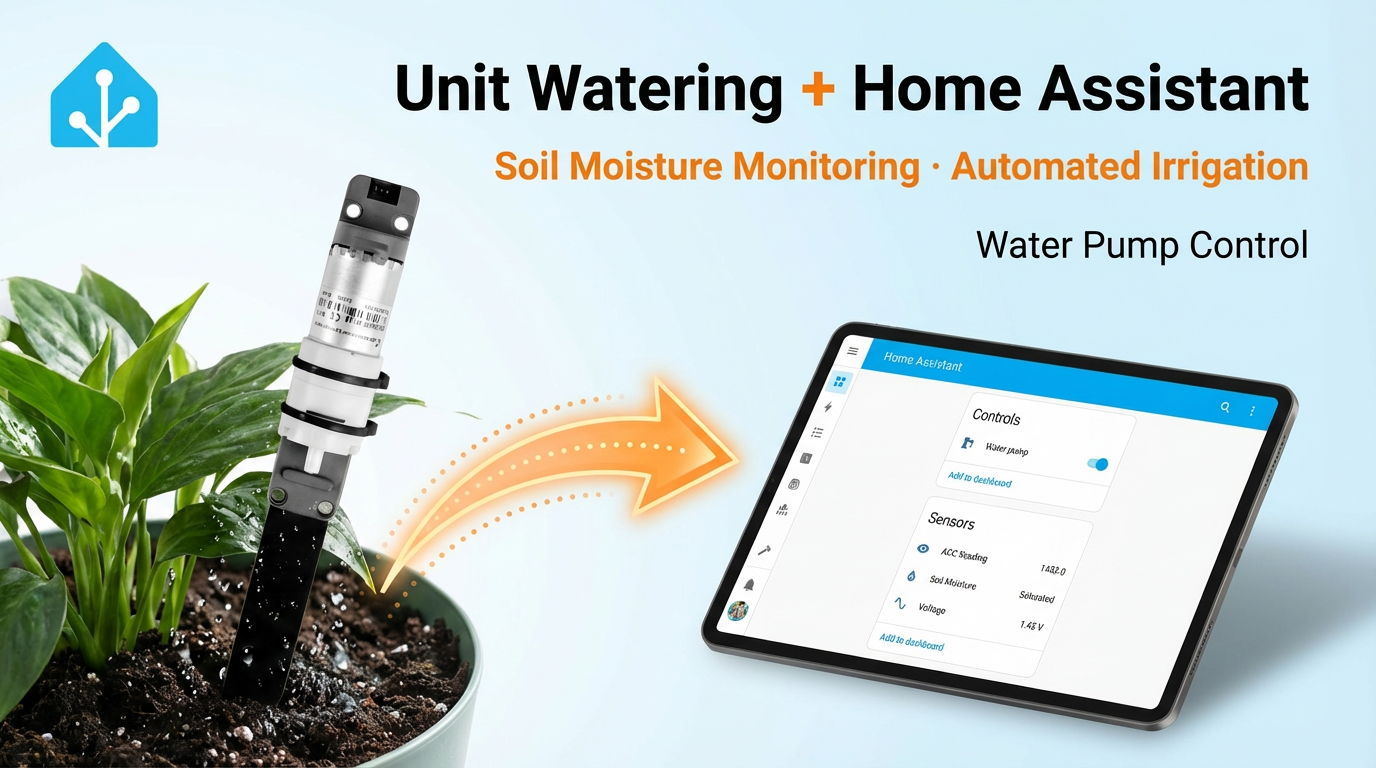
This tutorial will introduce how to use the Unit Watering capacitive soil moisture detection and adjustment unit to integrate into Home Assistant, achieving smart soil monitoring and automatic irrigation control.
1. Preparation
Environment Setup
- Install Home Assistant by following the official Home Assistant documentation.
- Install the ESPHome Device Builder add-on by following the official ESPHome documentation.
Hardware Products
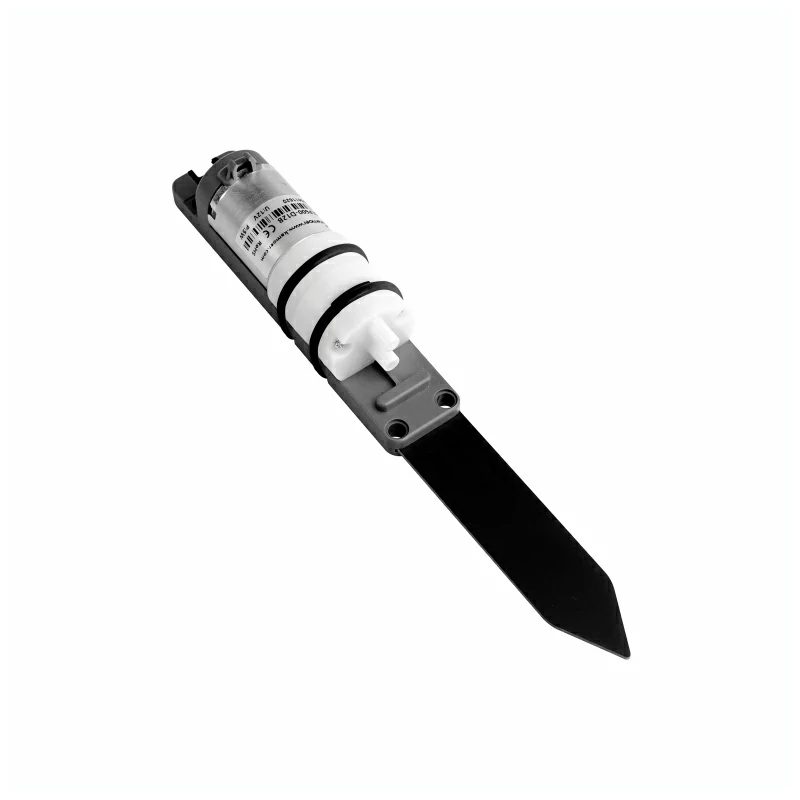
- Unit Watering
- A compatible controller (such as an Atom, Stamp, Stick, Core, or Basic series device)
2. Modify Configuration
The capacitive soil moisture sensor reports Voltage / ADC readings, so the ADC component needs to be enabled and configured according to the selected main controller:
# Example configuration entry
sensor:
  - platform: adc
    pin: GPIOXX
    name: "xxxx"
update_interval: 60sFor example, using Atom Lite:
# Example configuration entry
sensor:
  - platform: adc
    pin: GPIO32
    name: "xxxx"
update_interval: 60sConfigure the water pump switch:
switch:
  - platform: gpio
    pin: GPIO26
name: "Water pump"In this way, you can control the motor on / off for pumping water in the Home Assistant frontend.
Full configuration example:
sensor:
  - platform: adc
    pin: GPIO32
    id: voltage
    name: "Voltage"
    attenuation: auto
    update_interval: 10s

  - platform: template
    id: adc_reading
    name: "ADC Reading"
    lambda: |-
      return roundf( id(voltage).state * 1000.0f );
    update_interval: 10s

text_sensor:
  - platform: template
    name: "Soil Moisture"
    icon: "mdi:water-percent"
    lambda: |-
      const int ADC_DRY       = 1550;  // Dry threshold
      const int ADC_WET       = 1450;  // Wet threshold

      if ( id(adc_reading).state >= ADC_DRY) {
        return {"Dry"};
      } else if ( id(adc_reading).state >= ADC_WET) {
        return {"Wet"};
      } else {
        return {"Saturated"};
      }
    update_interval: 10s

switch:
  - platform: gpio
    pin: GPIO26
    id: water_pump
    name: "Water pump"
    icon: "mdi:water-pump"
restore_mode: RESTORE_DEFAULT_OFFAmong them, the template sensor can be modified based on the actual measured data to report the soil moisture level according to the numerical interval.
const int ADC_DRY  = 1550;  // Dry threshold
const int ADC_WET = 1450; // Wet thresholdGenerally speaking, the drier the soil, the larger the value; the wetter the soil, the smaller the value. You can also create automated actions based on sensor readings to control the water pump switch, achieving scheduled or moisture-based watering.
If implementing scheduled switch activation in ESPHome, you can refer to the time component.
For example, setting the water pump to turn on at 7:30 AM every weekday, water for one minute, and then turn off:
# Example configuration entry
time:
  - platform: homeassistant
    id: homeassistant_time
    on_time:
      # Every morning on weekdays
      - seconds: 0
        minutes: 30
        hours: 7
        days_of_week: MON-FRI
        then:
          - switch.turn_on: water_pump
          - delay: 60s
- switch.turn_off: water_pump3. Getting Started
After completing the configuration, you can view the sensor data in Home Assistant: