

Home Assistant
Media Player
Expansion
Sensor
Atom Socket Home Assistant Integration
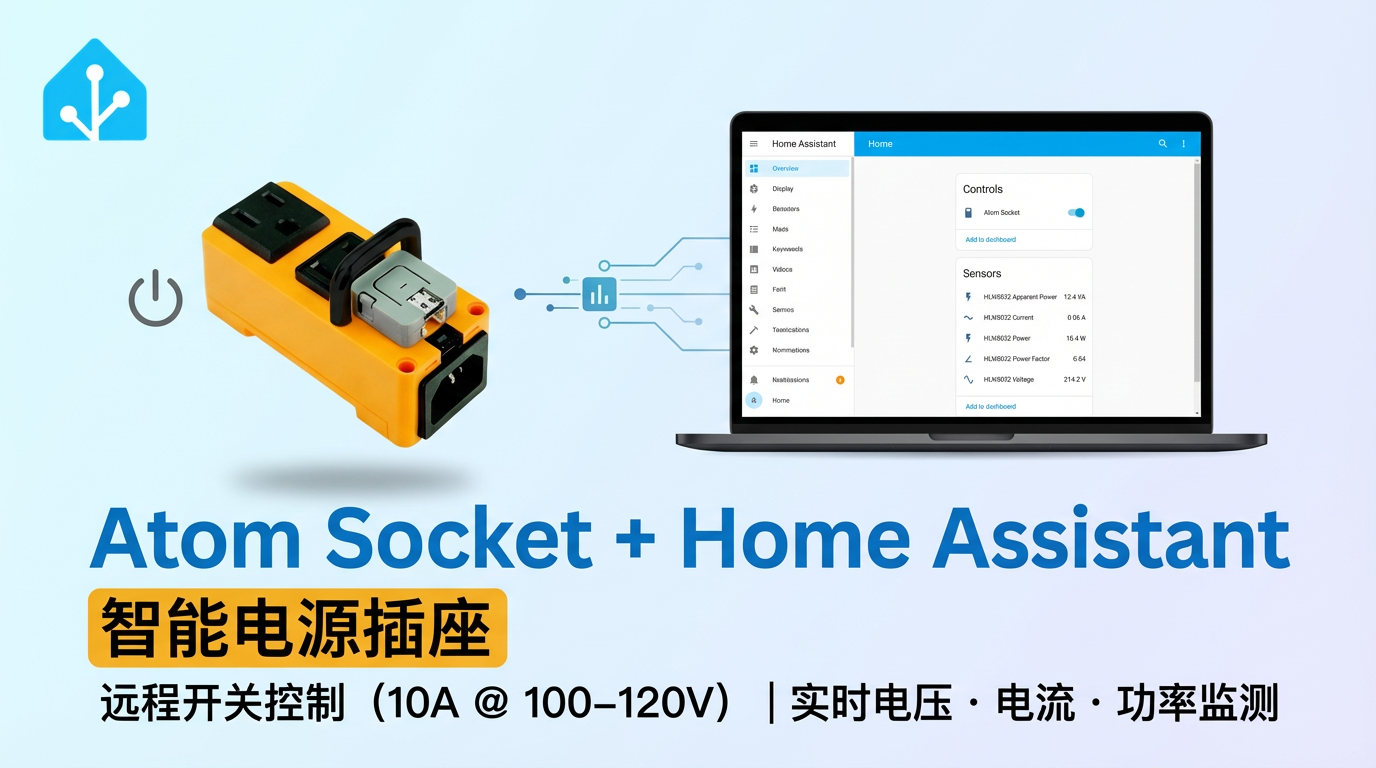
This tutorial will introduce how to use the Atom Socket smart outlet integrated into Home Assistant to achieve switch control and energy monitoring.
1. Preparation
Environment Setup
- Refer to the official Home Assistant documentation to install Home Assistant.
- Refer to the official ESPHome documentation to install the ESPHome Device Builder add-on. (Note: This tutorial is based on
ESPHome 2025.12.5. If compilation errors occur, switch to this version for verification.)
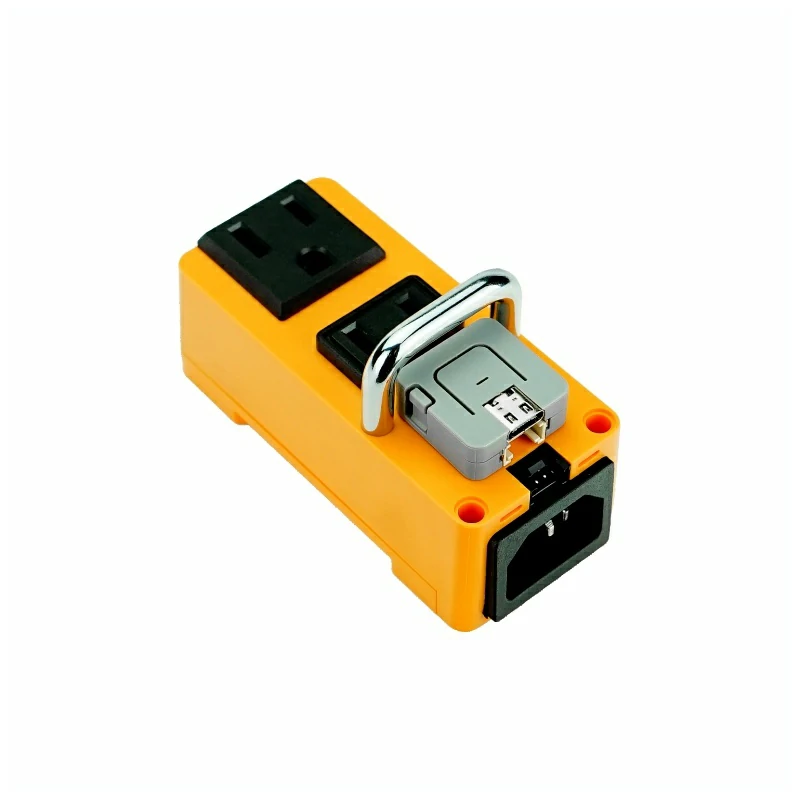
Hardware Products
2. Online Flashing
Click the Online Flashing button below and follow the prompts to flash the firmware and configure Wi-Fi, allowing you to quickly connect Atom Socket to Home Assistant.
For detailed flashing and configuration instructions, refer to Online ESPHome Firmware Flashing and Configuration.
After using online flashing, you do not need to perform the "Firmware Compilation & Flashing" steps. Proceed directly to 4. Getting Started.
3. Firmware Compilation & Flashing
This section explains how to recompile the project from the yaml configuration file for secondary development, feature modifications, or new functionality.
Create Device
Create a new device. Click the green button in the lower-right corner to create the device.
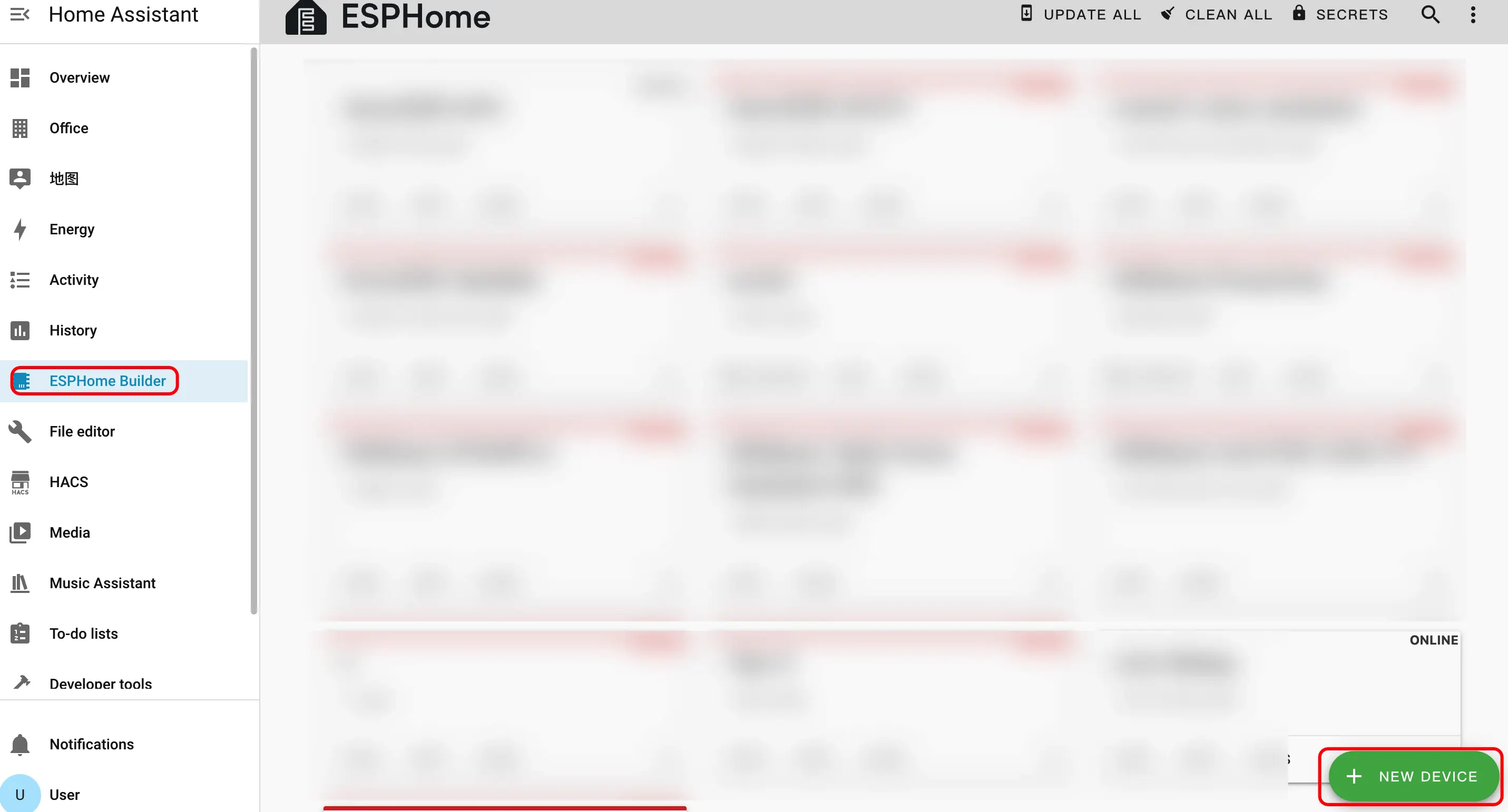
Create device name.
2.1 Click
CONTINUE.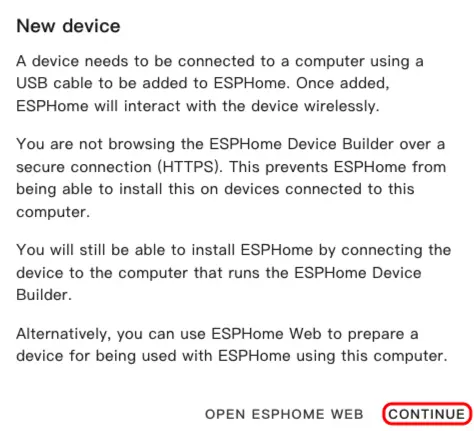
2.2 Click
New Device Setup.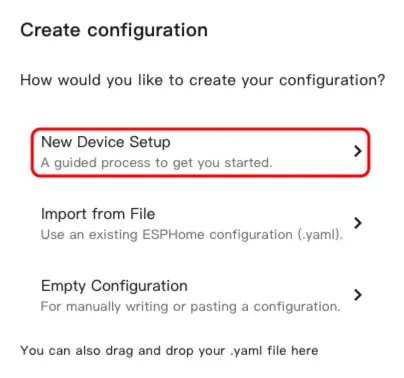
2.3 Enter the device name, then click
NEXT.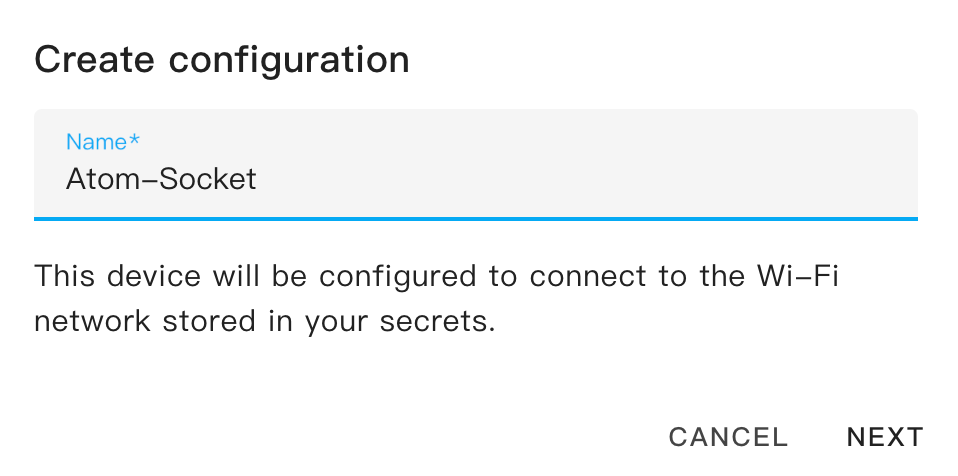
Select device type.
3.1 Click
ESP32.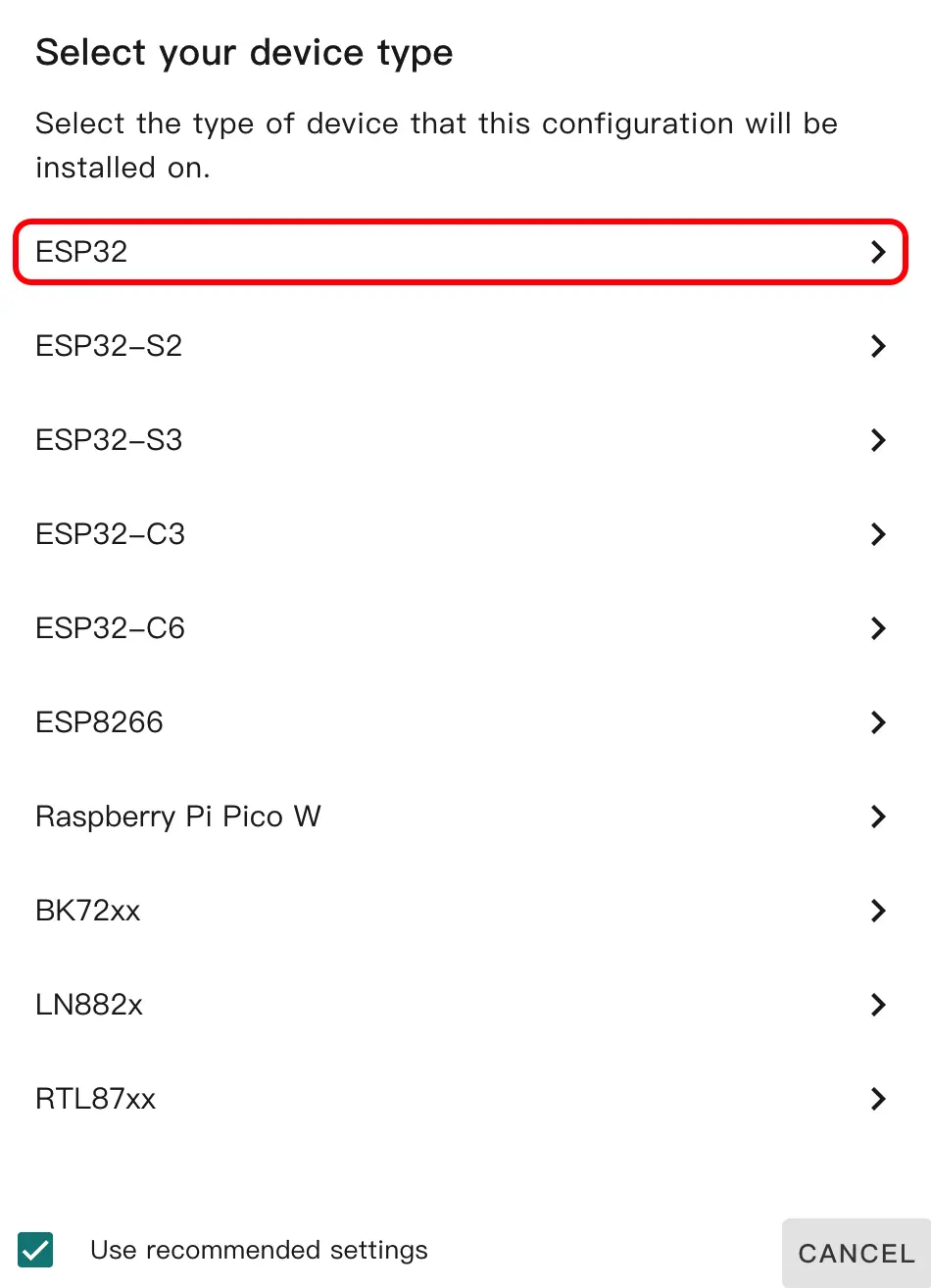
3.2 Click
SKIP.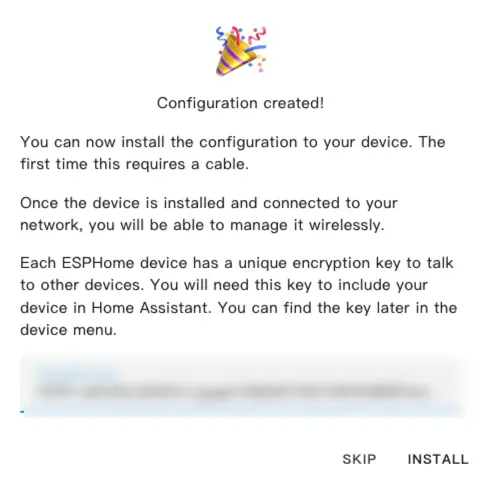
Start editing the YAML file. Click
EDIT. We can customize device functions through the YAML file.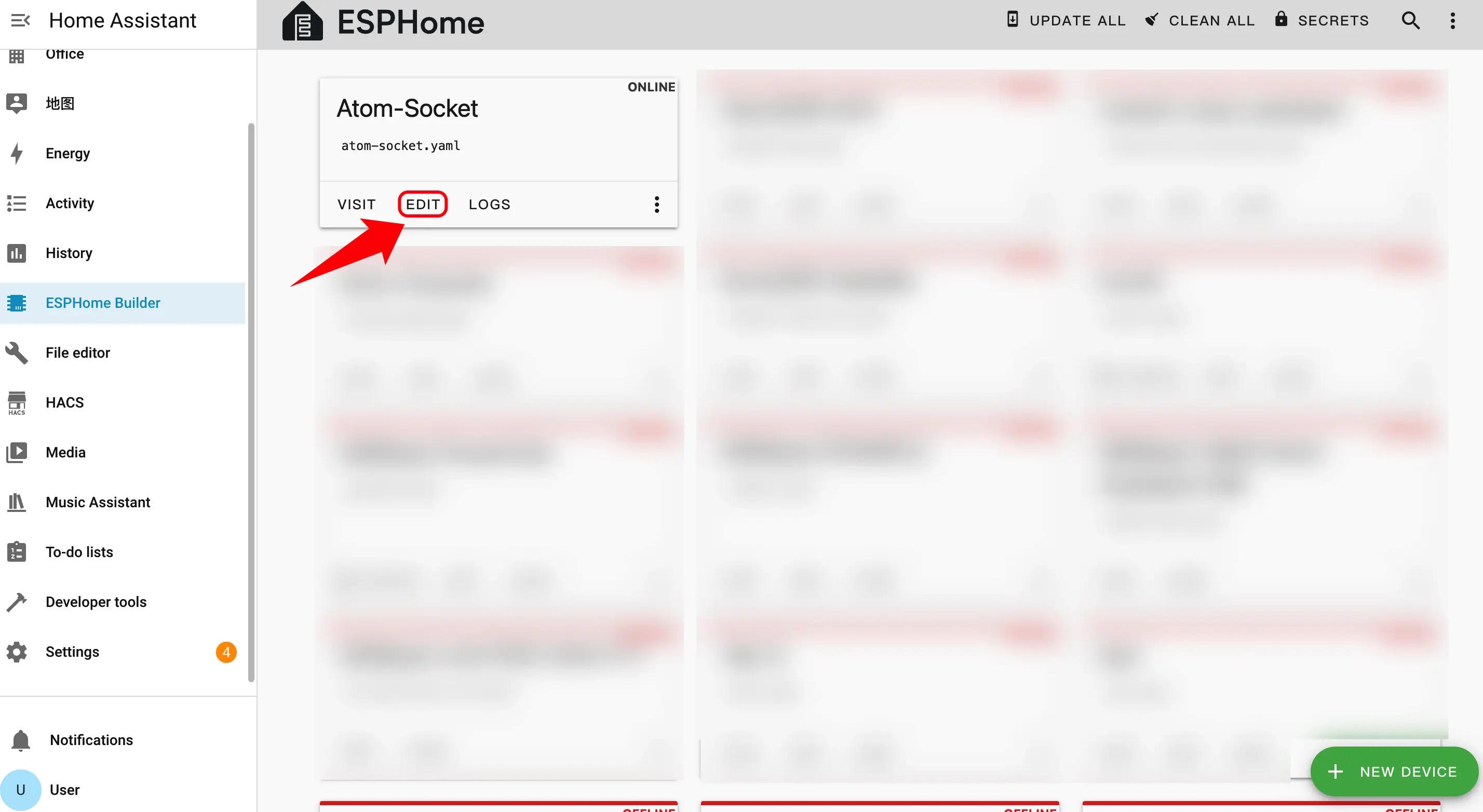
Modify Configuration
The following is the core part of the code, along with relevant references and instructions.
UART Configuration
Add uart component:
uart:
  rx_pin: GPIO22
  baud_rate: 4800
parity: EVENSensor Configuration
Add Sensor component:
The main chip module is the HLW8032 energy metering chip, which is responsible for collecting and reading sensor data such as voltage, current, and power.
sensor:
  - platform: hlw8032
    voltage:
      name: HLW8032 Voltage
      id: hlw8032_voltage
    current:
      name: HLW8032 Current
      id: hlw8032_current
    power:
      name: HLW8032 Power
      id: hlw8032_power
    apparent_power:
      name: HLW8032 Apparent Power
      id: hlw8032_apparent_power
    power_factor:
      name: HLW8032 Power Factor
id: hlw8032_power_factorSwitch Configuration
Add Switch component:
switch:
  - platform: gpio
    name: "Atom Socket"
    pin:
      number: GPIO23
      inverted: False
restore_mode: ALWAYS_ONDownload and Flash Firmware
After making changes, click
SAVEandINSTALLin the upper-right corner, then selectManual downloadin the pop-up window.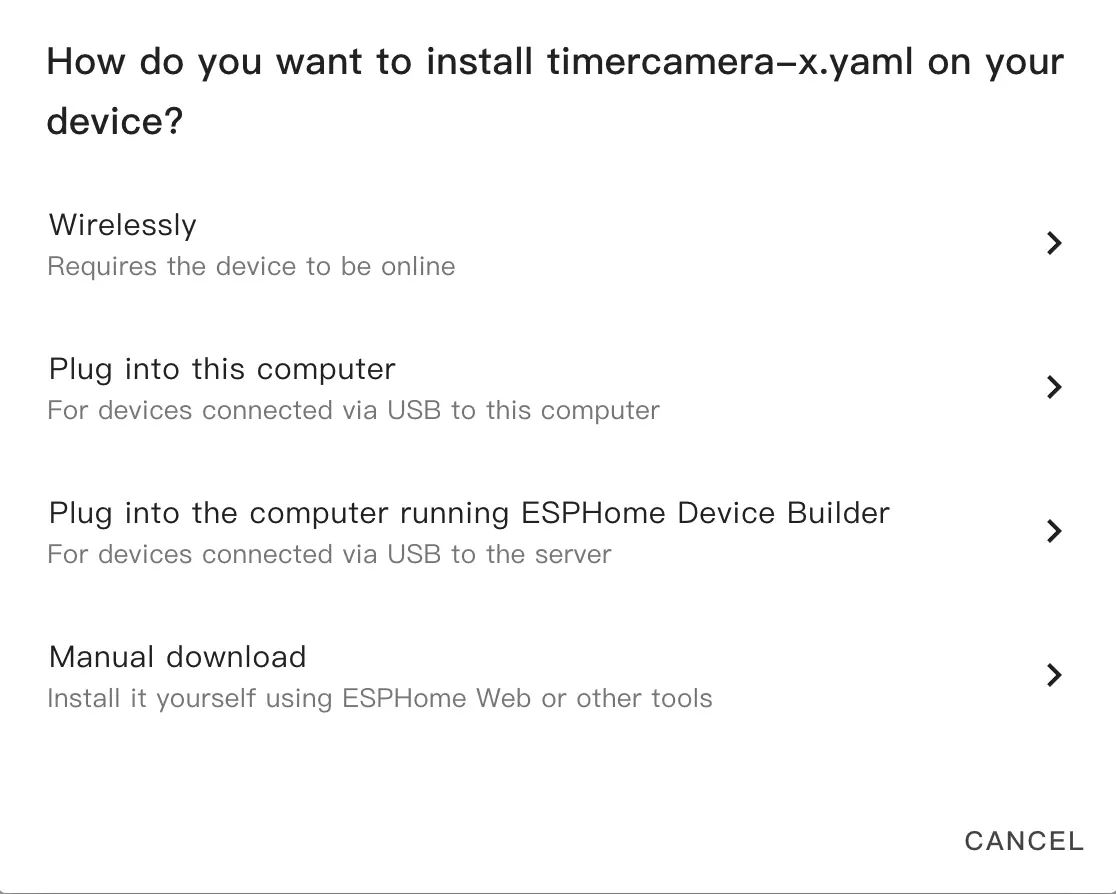
Once the firmware compilation is complete, click Download and select
Factory format (Previously Modern).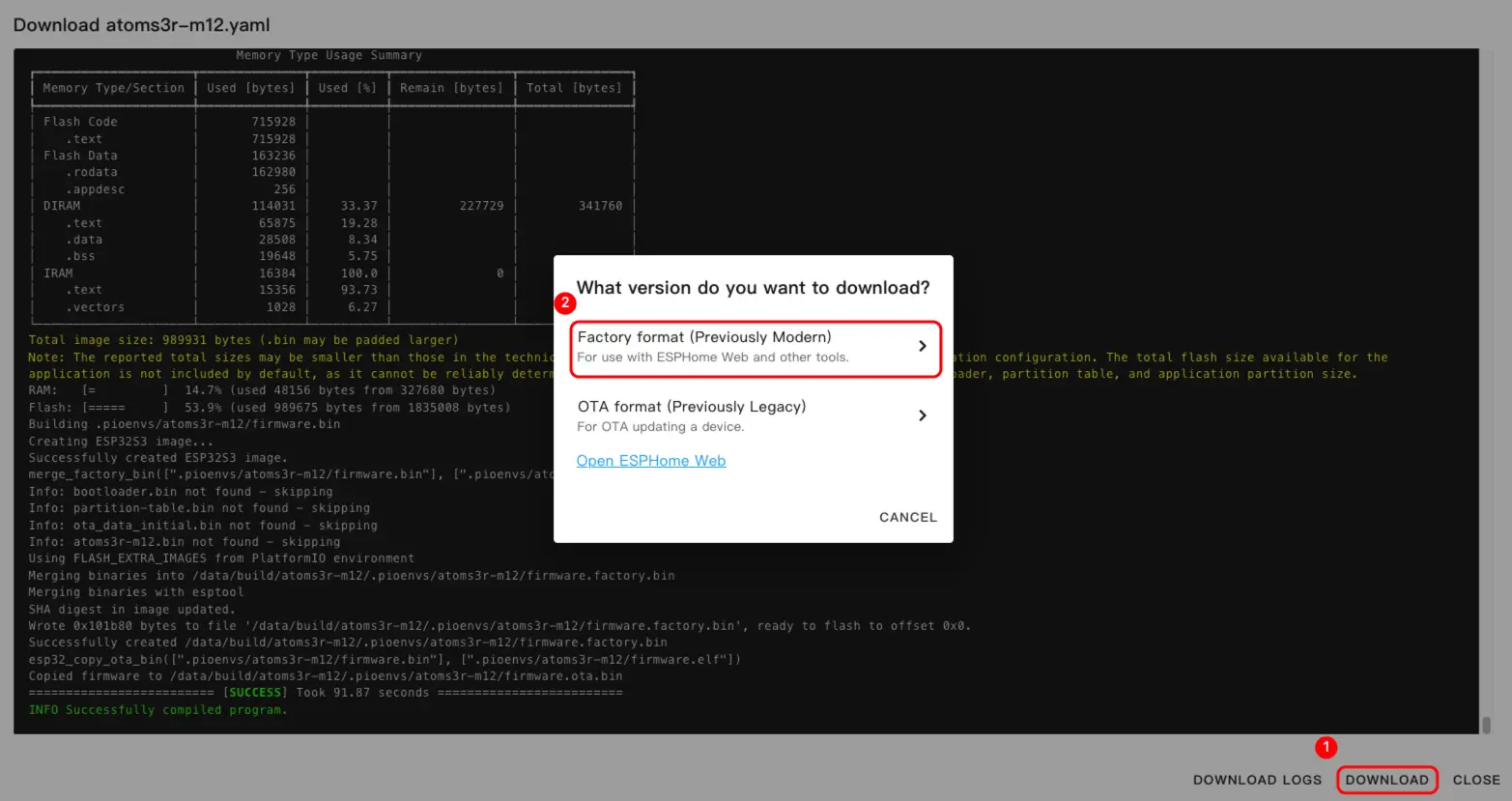 NoteClick Atom Socket to view the complete example configuration.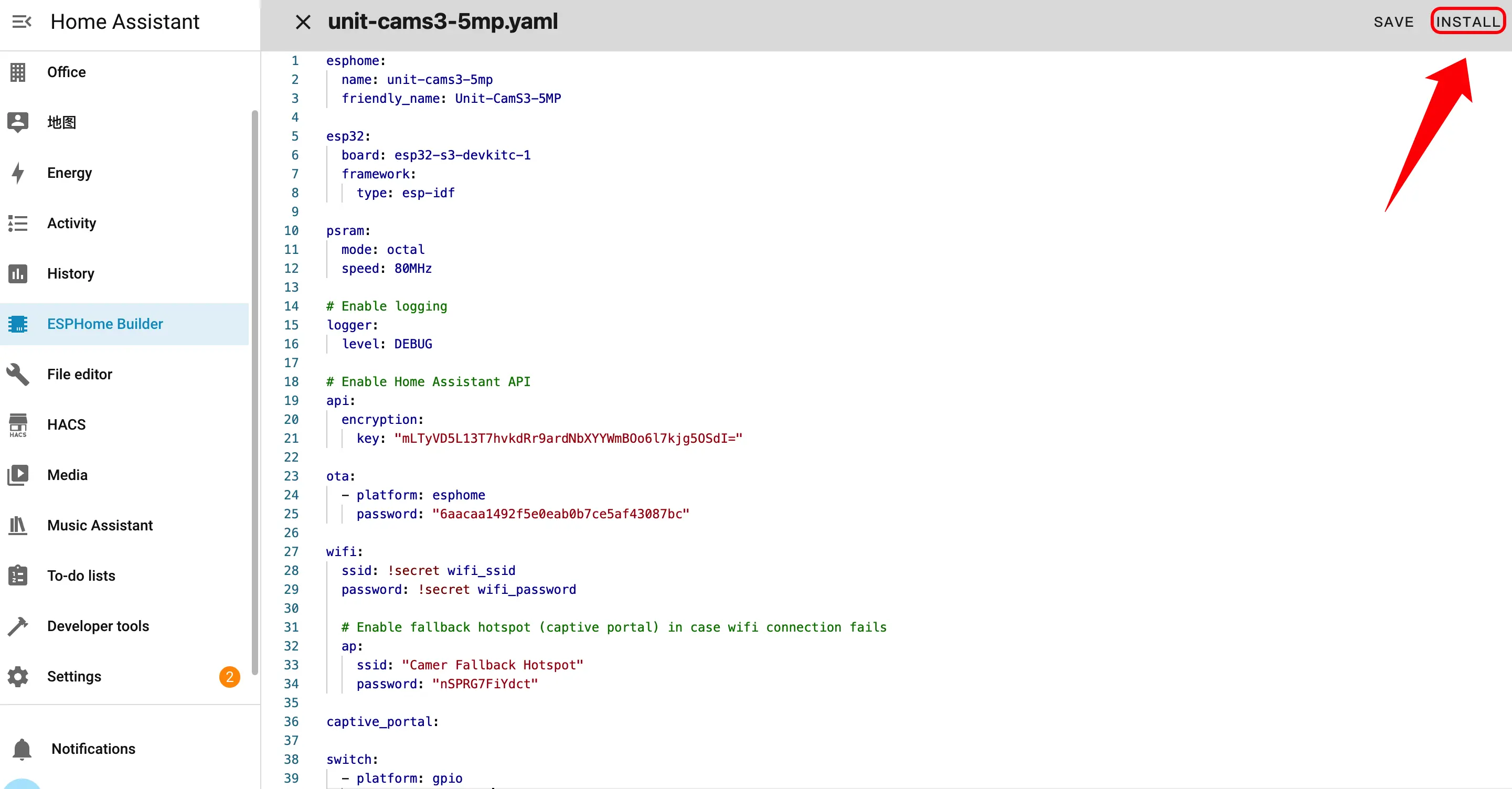
Connect the device to your host via a USB Type-C data cable. Open ESPHome Web and click
CONNECTto connect to the device.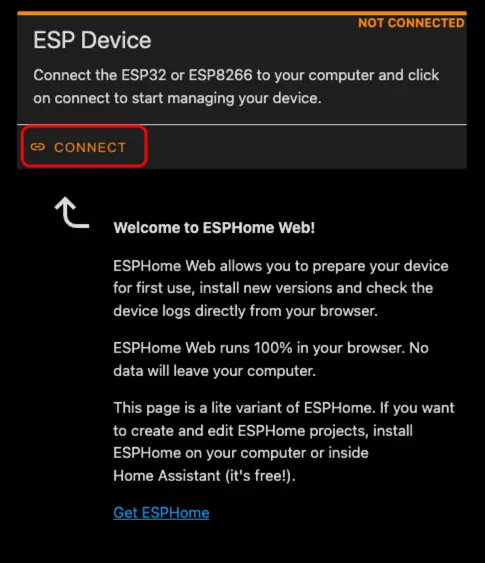
Find the corresponding serial port number.
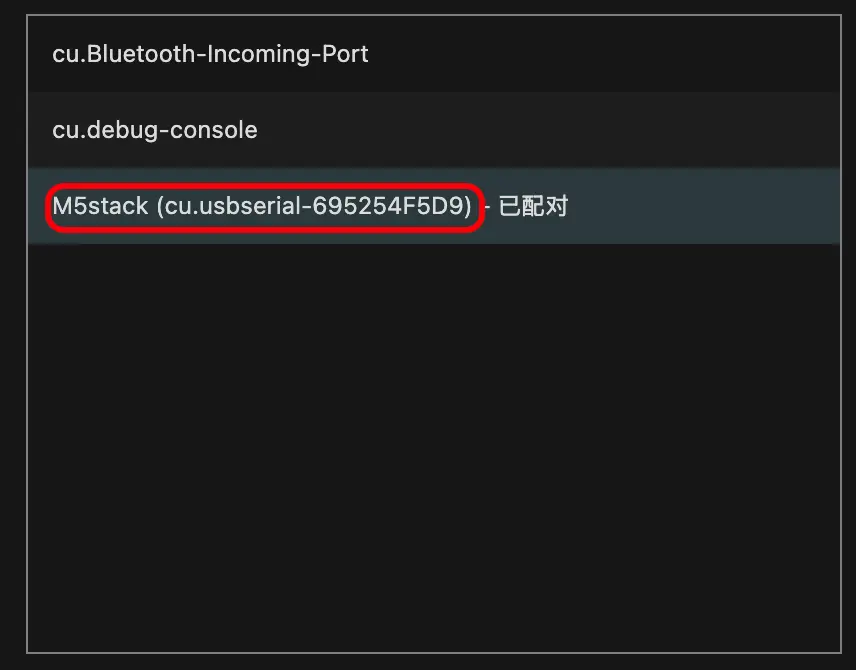
Click
INSTALL.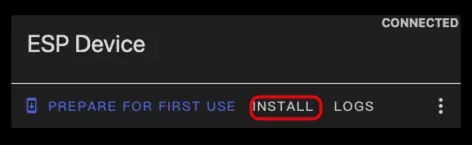
Select the previously compiled firmware to upload.
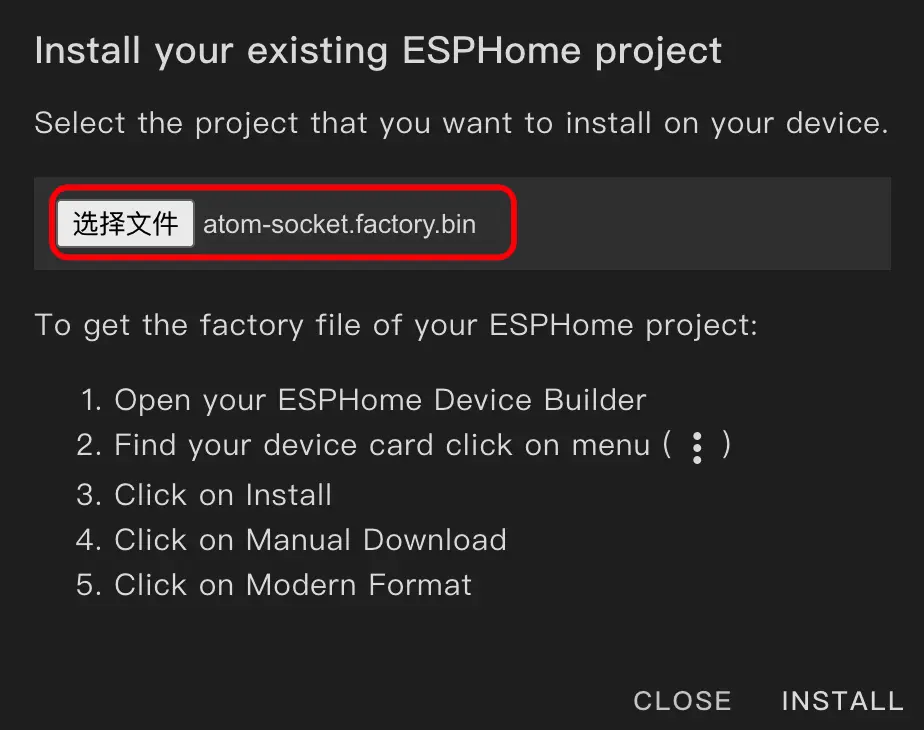
After the flashing is complete, restart the device.
4. Getting Started
In Home Assistant, click
Settings>Devices & Servicesto enter the integration management page.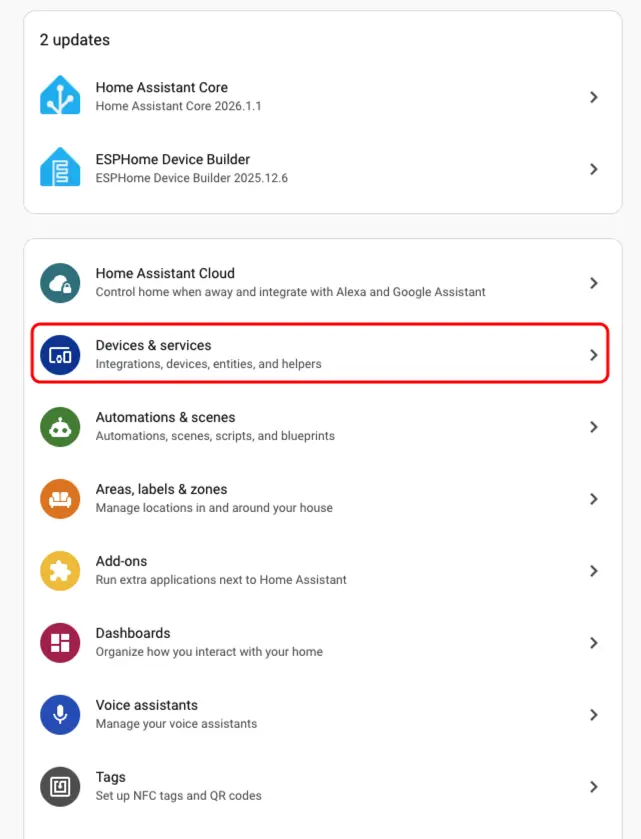
Click
Addto integrate the device into Home Assistant.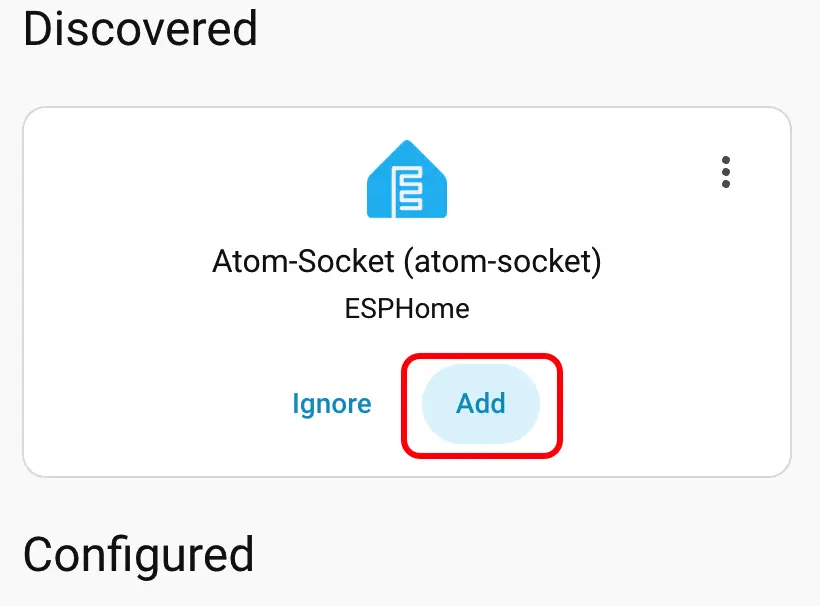
After adding the device, the data will be displayed correctly.
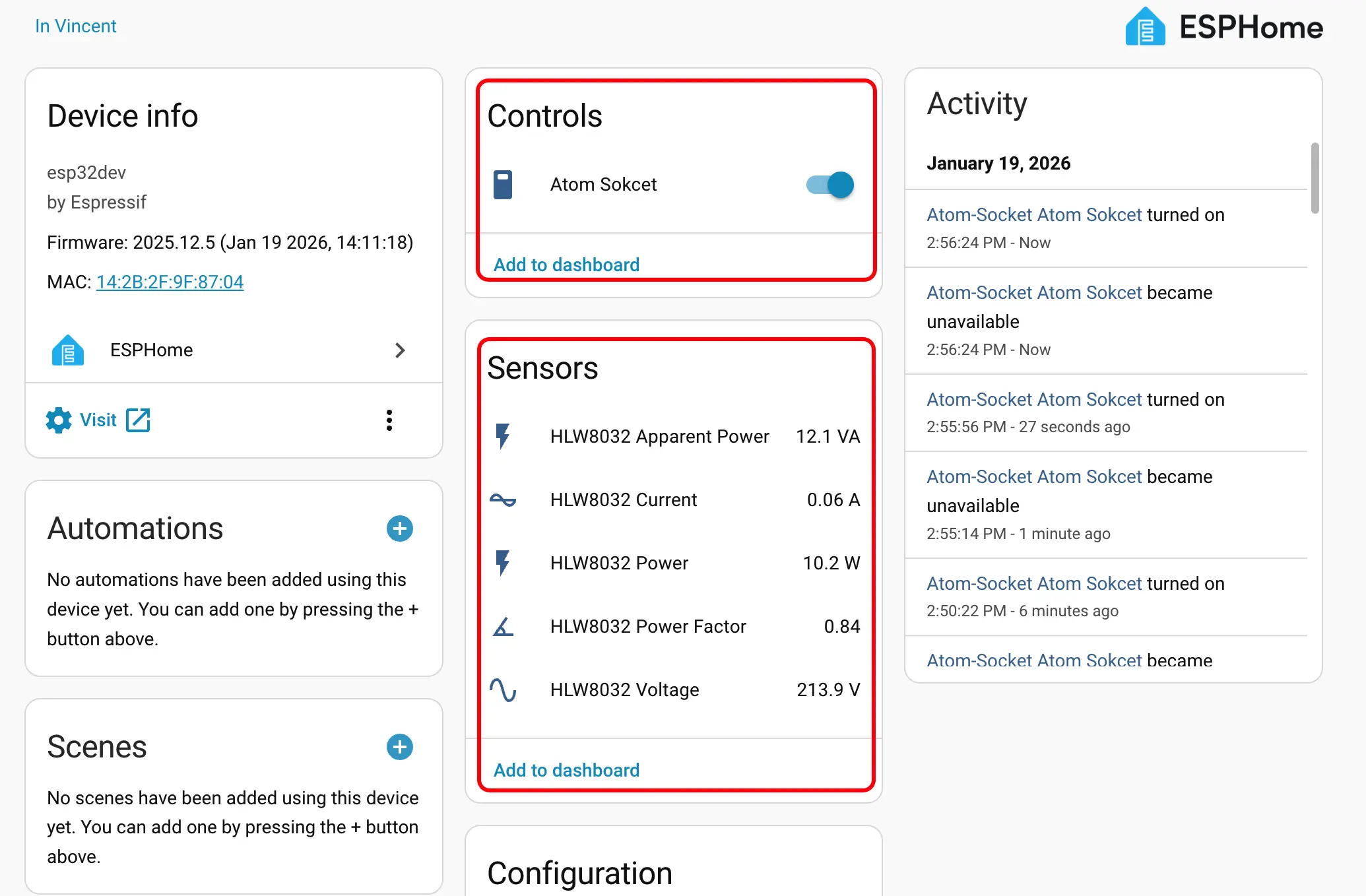
Finally, we add these entities to the dashboard; the following shows their display results.
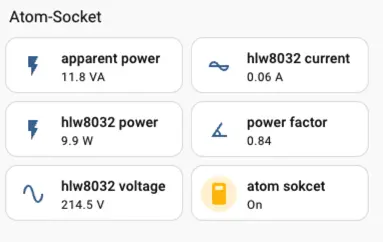
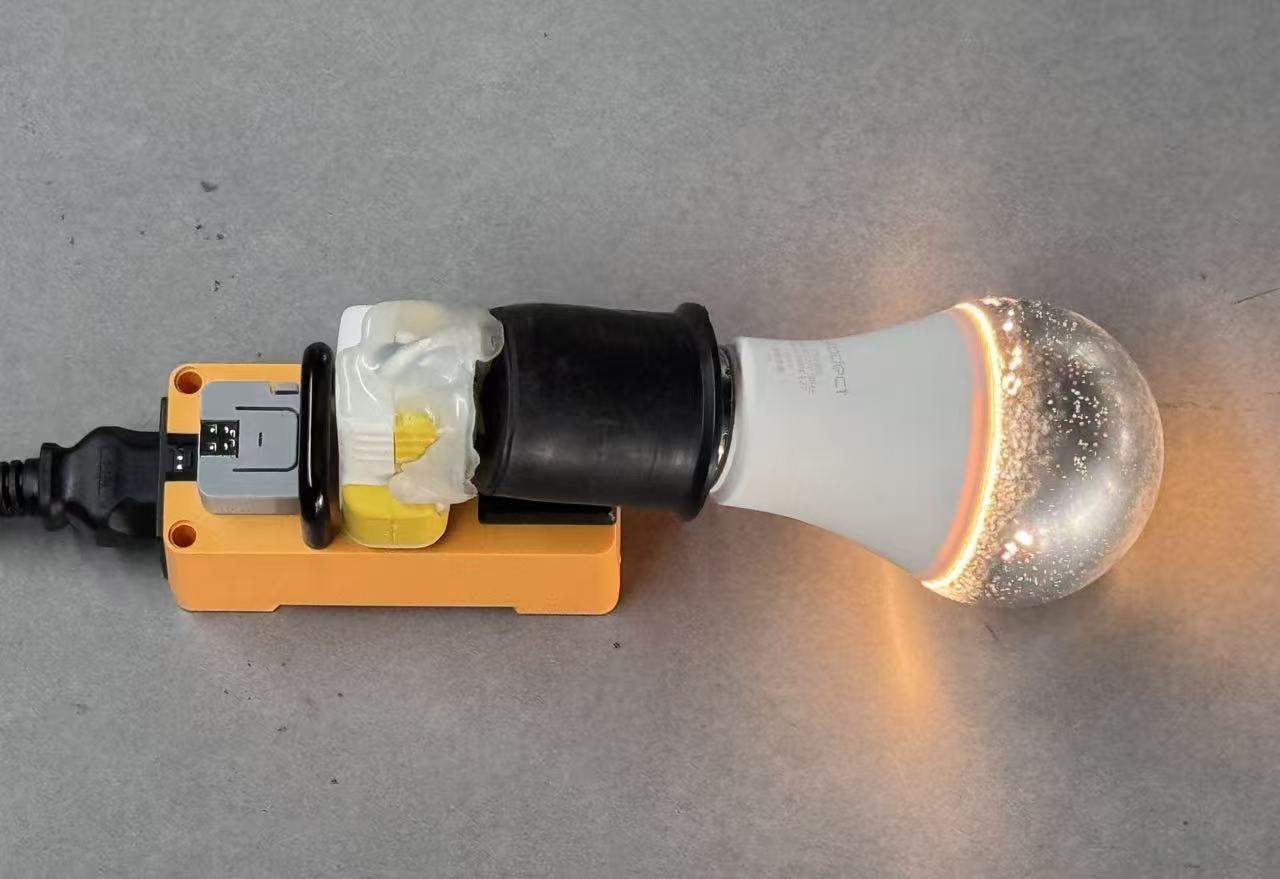 NoteHLW8032 Apparent Power and HLW8032 Power will only display data when the relay switch is turned on.