

Home Assistant
Media Player
Expansion
Sensor
Unit ToF Home Assistant Integration
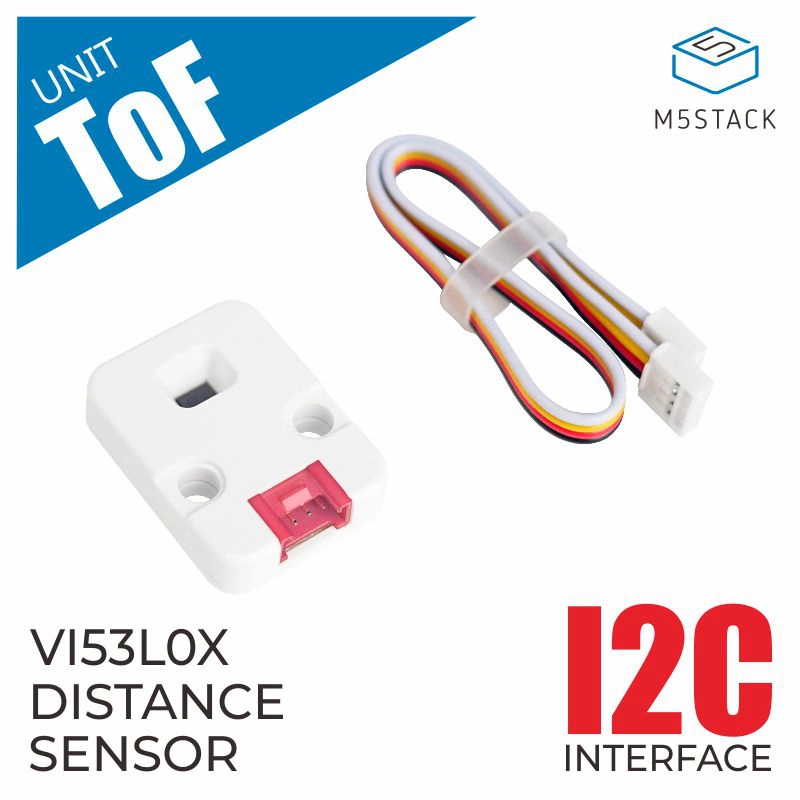
This tutorial will introduce how to integrate the Unit ToF high-precision laser ranging sensor into Home Assistant to achieve non-contact distance monitoring.
1. Preparation
Environment Setup
- Install Home Assistant by following the official Home Assistant documentation.
- Install the ESPHome Device Builder add-on by following the official ESPHome documentation.
- Refer to the following resources:
Hardware Products
- Unit ToF
- A compatible controller (such as an Atom, Stamp, Stick, Core, or Basic series device)
Note
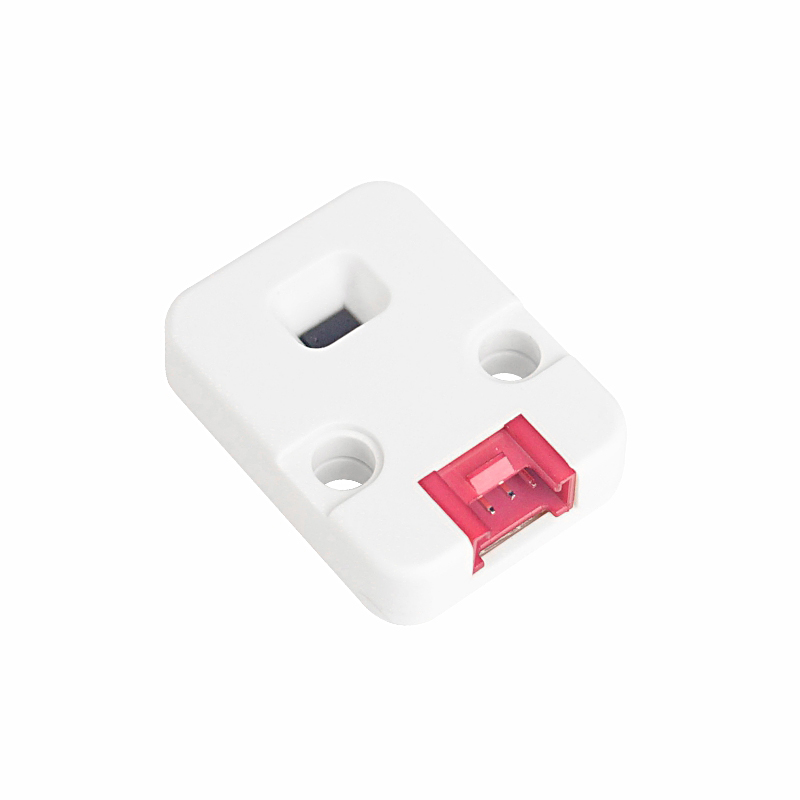
Unit ToF requires a compatible controller to integrate with Home Assistant. Select the controller model and interface pins according to your project.
2. Modify Configuration
The I²C component needs to be enabled in the ESPHome configuration:
# Example configuration entry for ESP32
i2c:
  sda: GPIOXX
  scl: GPIOXX
scan: trueThe GPIO pins here will vary depending on the main controller used. For example, using Atom Lite as the main controller:
# I2C Bus on Grove Port (HY2.0-4P)
i2c:
  sda: GPIO26
scl: GPIO32Unit ToF configuration example:
yaml
1 2 3 4 5 6
sensor:
  - platform: vl53l0x
    name: "VL53L0x Distance"
    address: 0x29
    update_interval: 60s
long_range: trueAfter saving the configuration file, compiling, and uploading the firmware, the device can be added to the Home Assistant integration.
Page Tools