

Home Assistant
Media Player
Expansion
Sensor
Unit Tube Pressure Home Assistant Integration
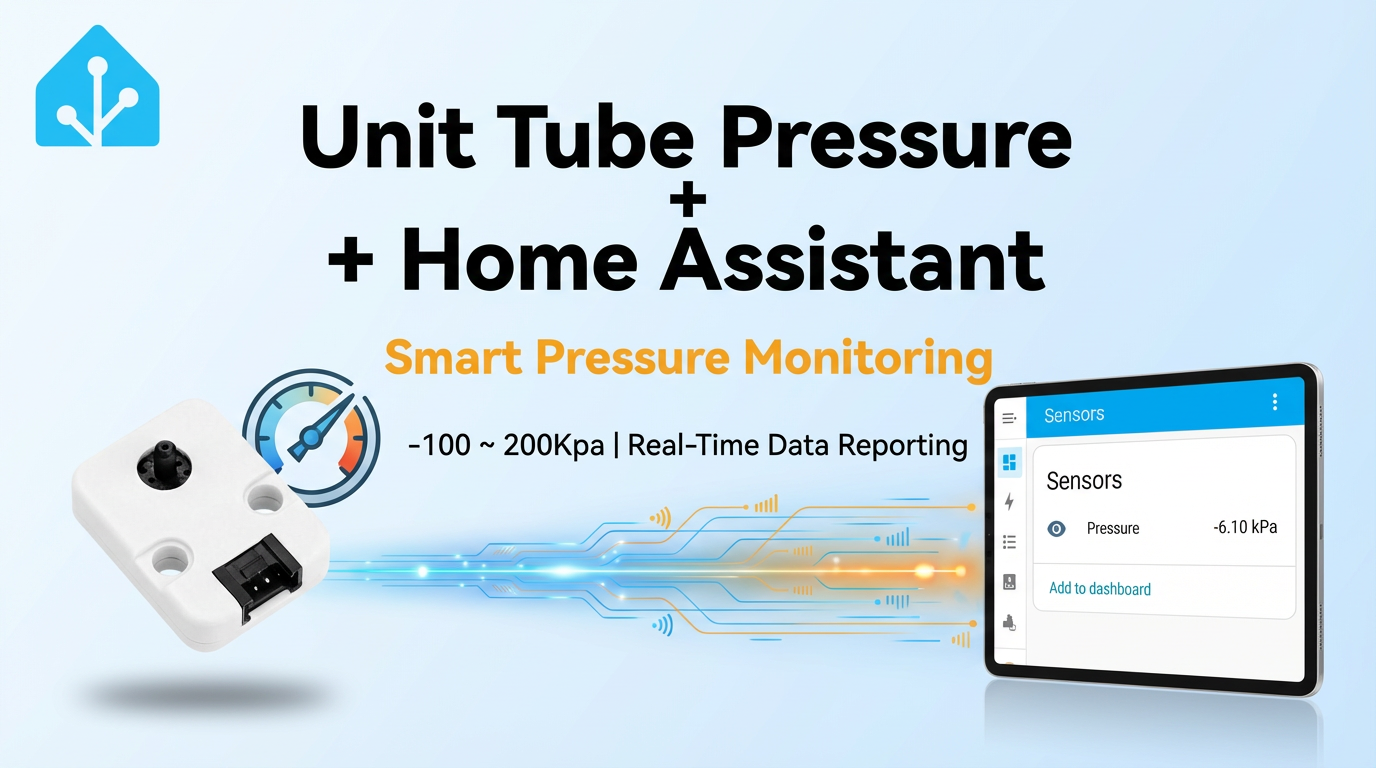
This tutorial will introduce how to integrate the Unit Tube Pressure positive and negative pressure gauge into Home Assistant to achieve real-time gas pressure monitoring.
1. Preparation
Environment Setup
- Install Home Assistant by following the official Home Assistant documentation.
- Install the ESPHome Device Builder add-on by following the official ESPHome documentation. This tutorial uses ESPHome 2025.12.5.
Hardware Products
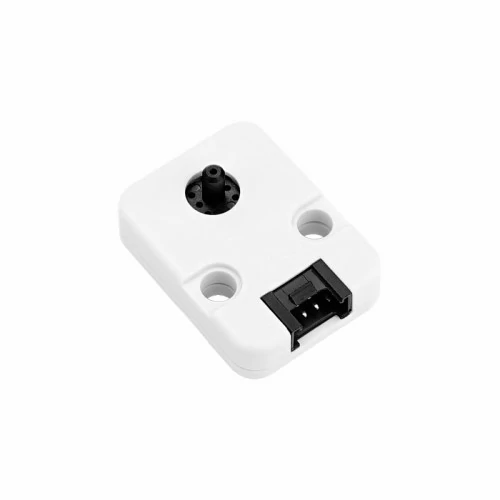
- Unit Tube Pressure
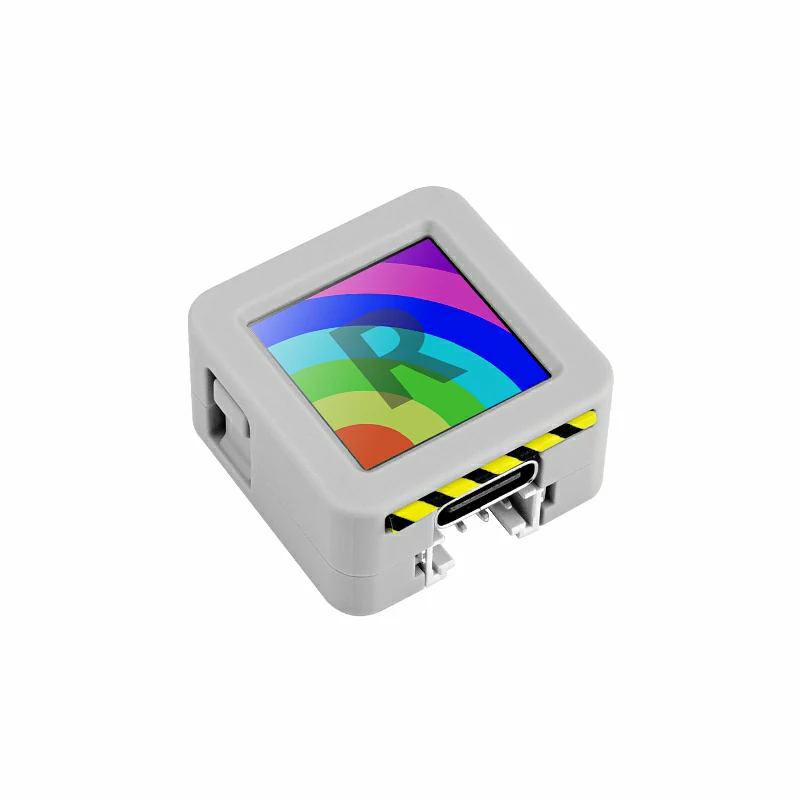
- AtomS3R
- 1 x Home Assistant host
2. Firmware Build & Flash
Build Time
The first build may take some time, depending on the performance of the Home Assistant host and network quality.
Create Device
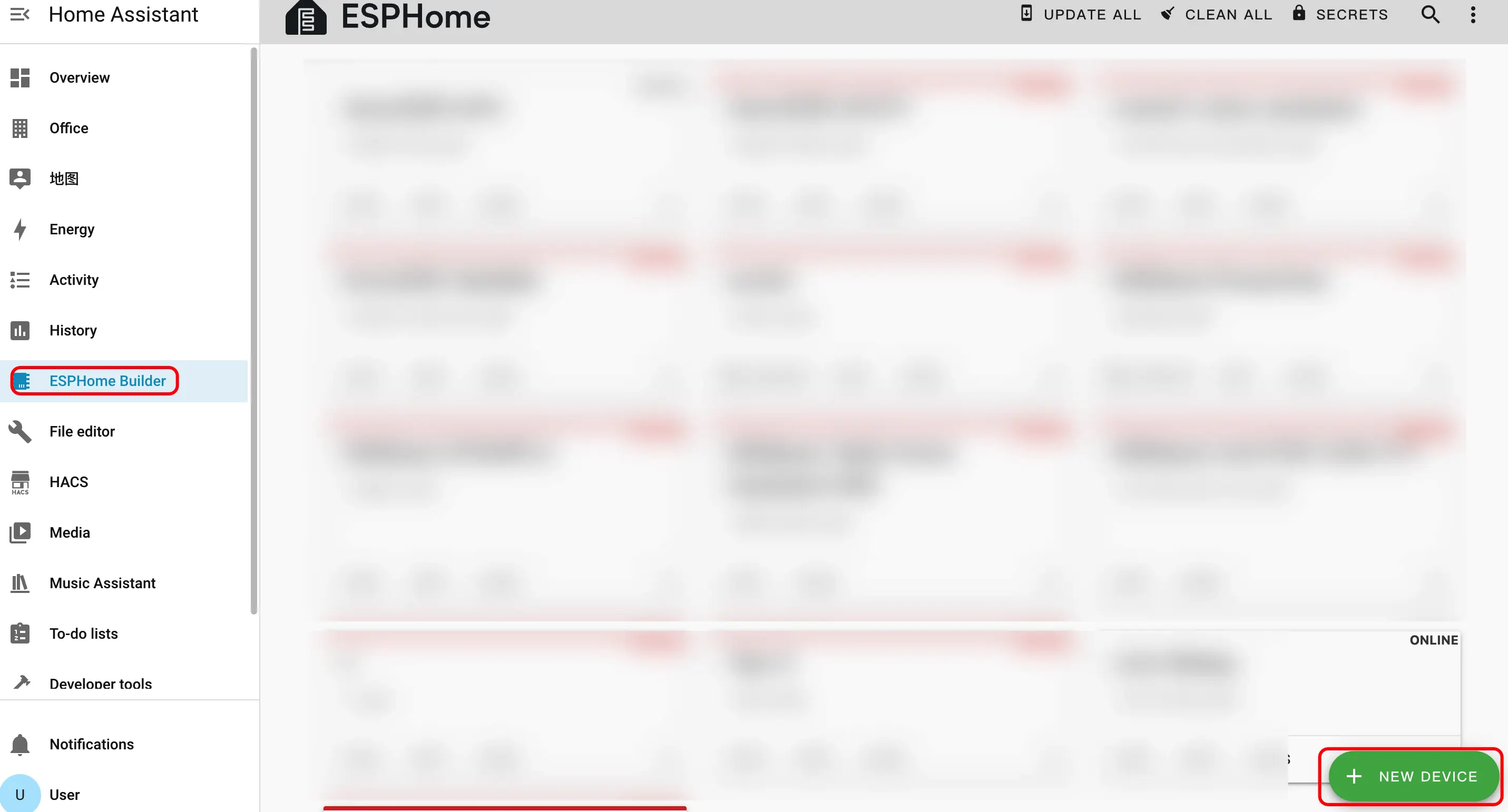
- Create a new device. Click the green button in the bottom right corner to create a device.
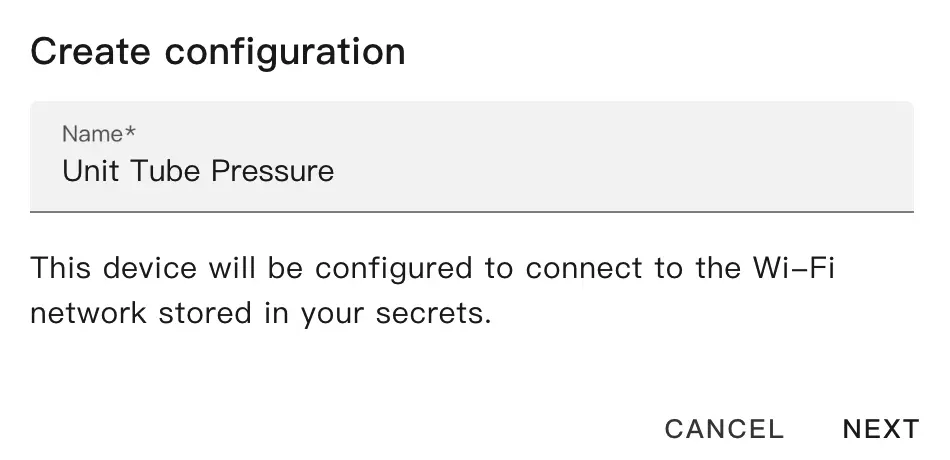
- Create device name.
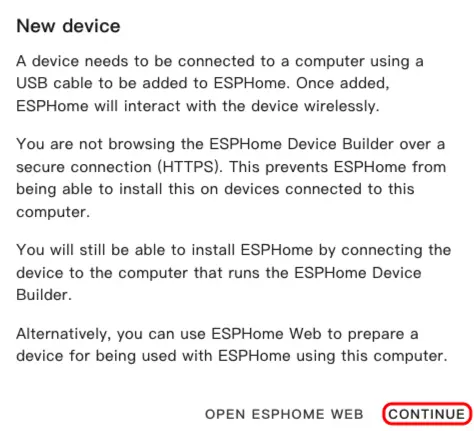
- Click
CONTINUE.
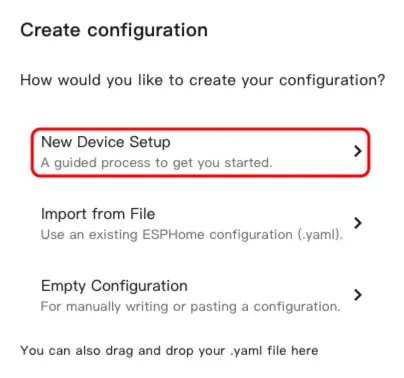
- Click
New Device Setup.
- Enter the device name and click
NEXT.
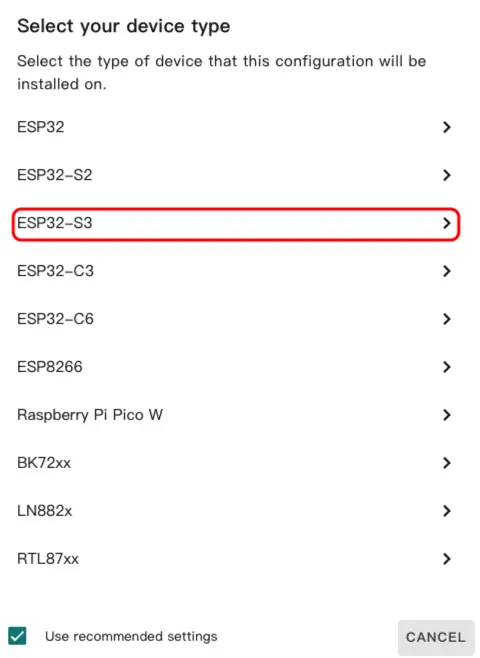
- Select device type.
- Click
ESP32-S3.
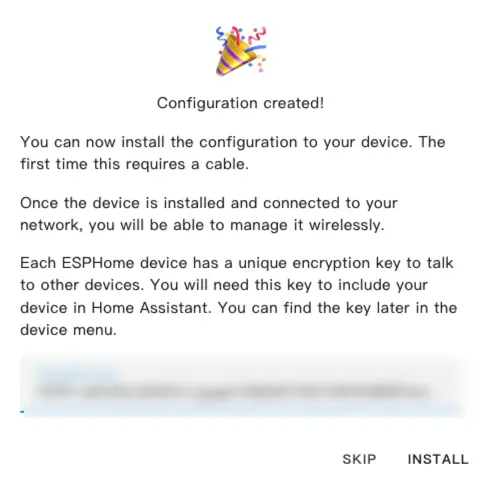
- Click
SKIP.
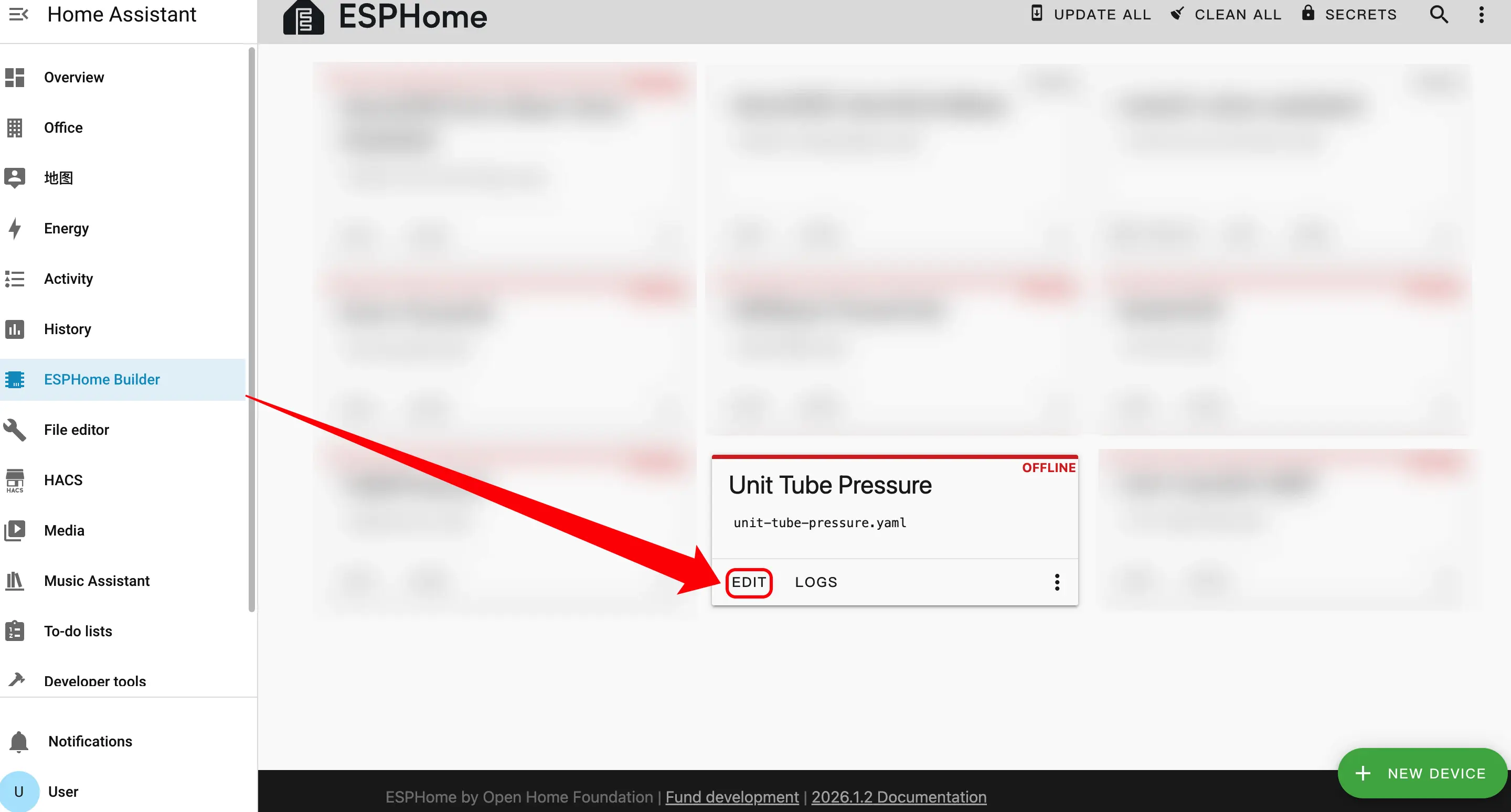
- Start editing the YAML file. Click
EDIT. We can customize device functions through the YAML file.
Modify Configuration
Sensor Configuration
The GPIO pin assignment here may vary depending on the main controller used. For example, when using AtomS3R as the main controller:
- Add Sensor component.
sensor:
  - platform: adc
    pin: GPIO1
    id: adc_voltage
    attenuation: 11db
    update_interval: 100ms
    unit_of_measurement: "V"
    accuracy_decimals: 3

  - platform: template
    name: "Pressure"
    unit_of_measurement: "kPa"
    accuracy_decimals: 2
    update_interval: 100ms
    lambda: |-
      float K = 100.0;
      float B = 110.0;
      float voltage = id(adc_voltage).state;
      float P = voltage * K - B;
return P;Flash Firmware
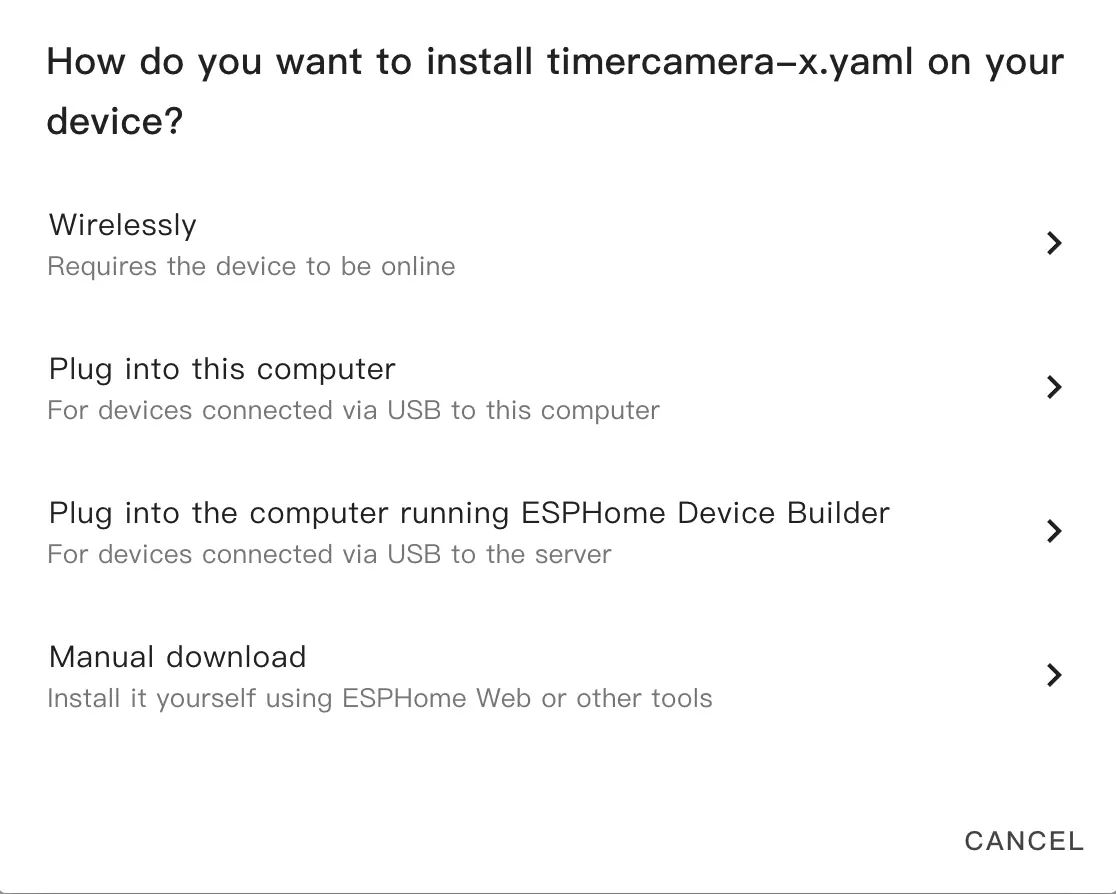
- After modification, click
SAVEandINSTALLin the top right corner, and selectManual Downloadin the pop-up window for compilation.
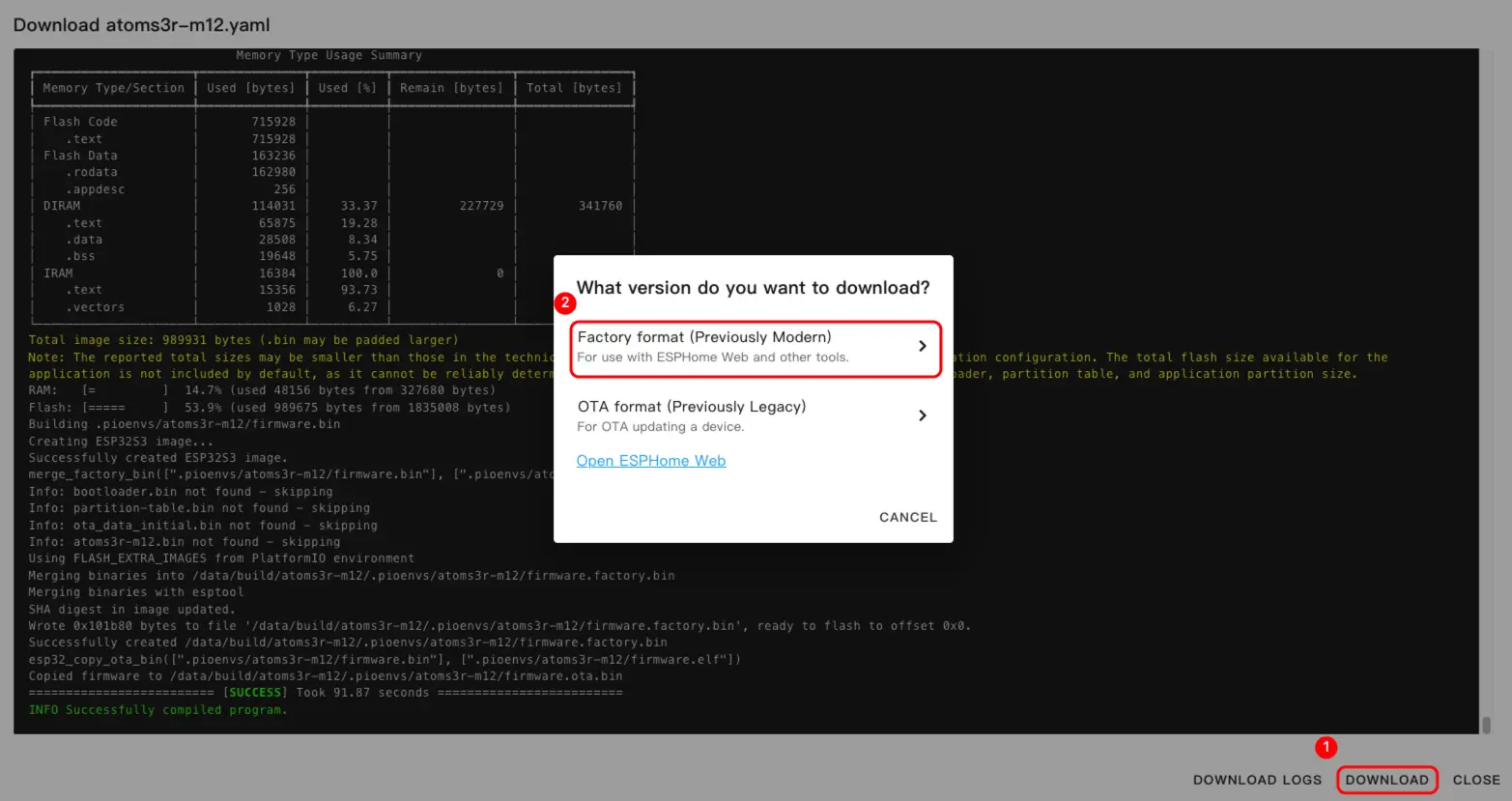
- Once firmware compilation is complete, click Download and select
Factory format(Previously Modern).
Note
Click Unit Tube Pressure to view the complete example configuration. The first build may take some time, depending on the performance and network quality of the Home Assistant host.
- Connect the device to the host via a USB Type-C cable. Open ESPHome Web and click
CONNECTto connect to the device.
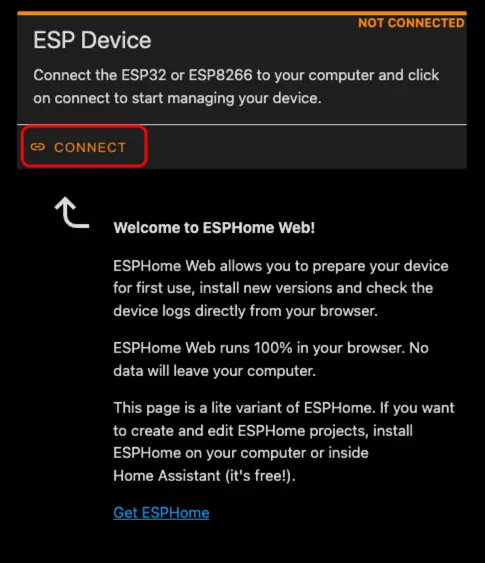
- Find the corresponding serial port number.
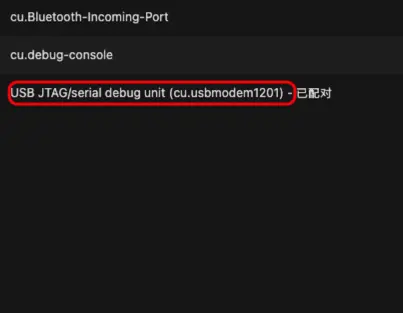
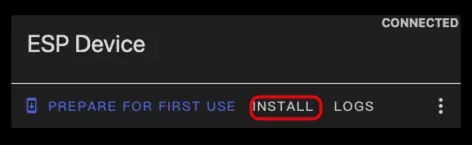
- Click
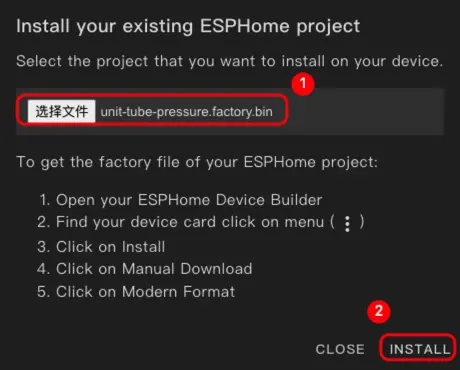
INSTALL.
- Select the compiled firmware for uploading.
- After flashing is complete, restart the device.
3. Getting Started
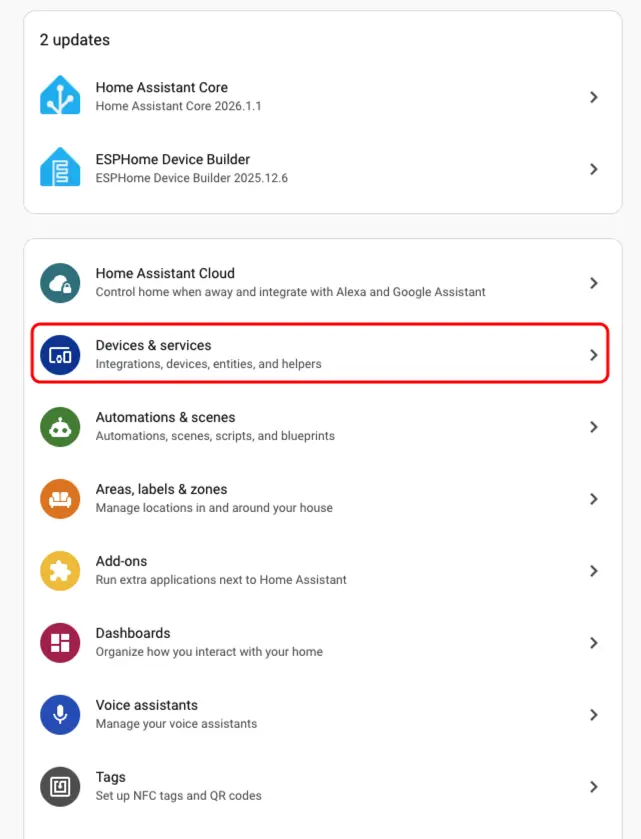
- Click
Settings>Devices & Servicesto check the device.
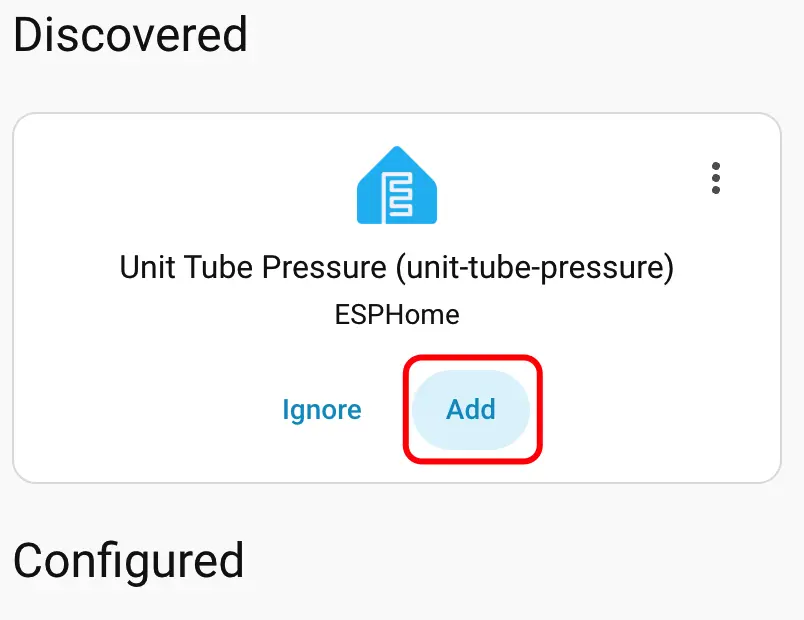
- Find the corresponding device in the
Discoveredsection, clickCONFIGURE, and follow the prompts to add it.
- After adding the device, the data will be displayed correctly.

- Finally, we add these entities to the dashboard; the following shows their display effect.

4. Related Video
Page Tools