Home Assistant
Media Player
Expansion
Sensor
Unit VMeter Home Assistant Integration
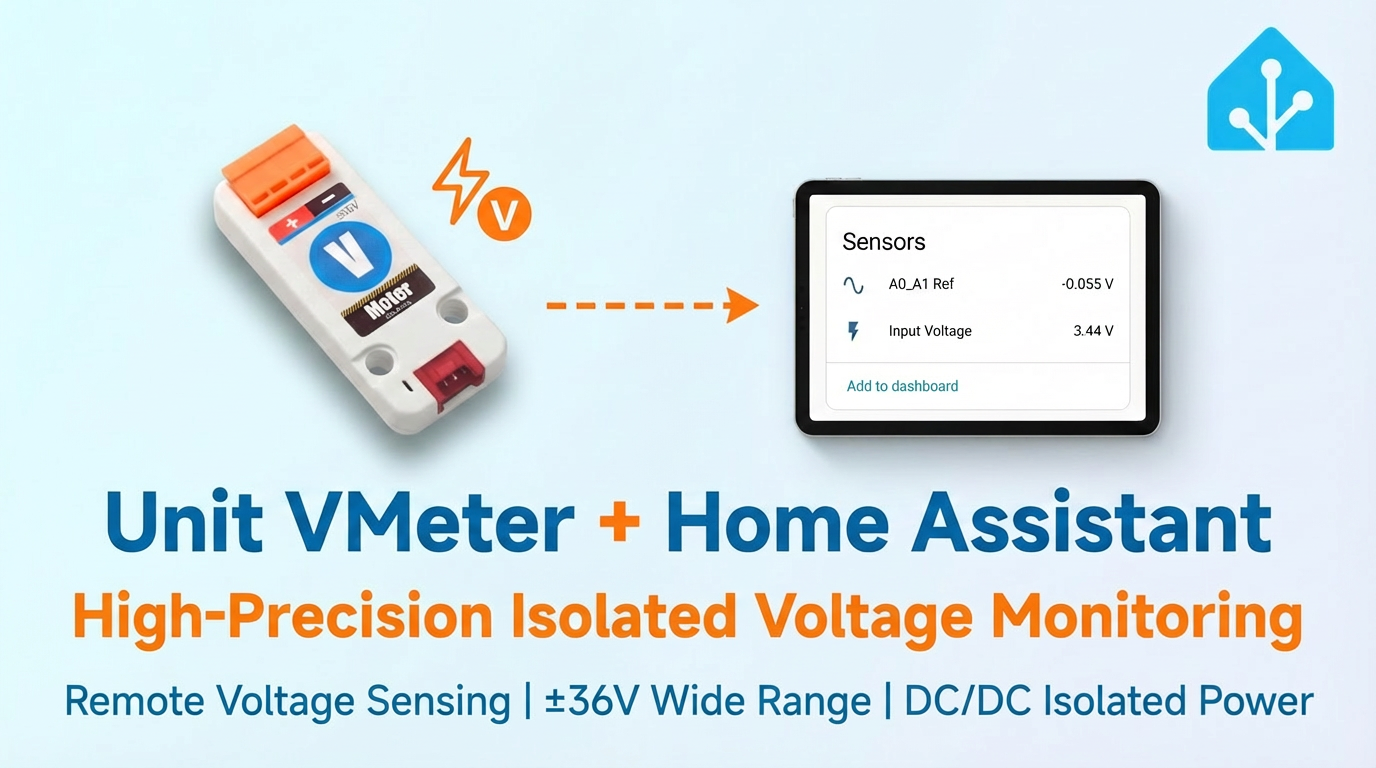
This section describes the configuration methods and practical steps for integrating the Unit VMeter voltage sensor into Home Assistant.
1. Preparation
Environment Setup
- Install Home Assistant by following the official Home Assistant documentation.
- Install the ESPHome Device Builder add-on by following the official ESPHome documentation.
- Refer to the following resources:
Hardware Products
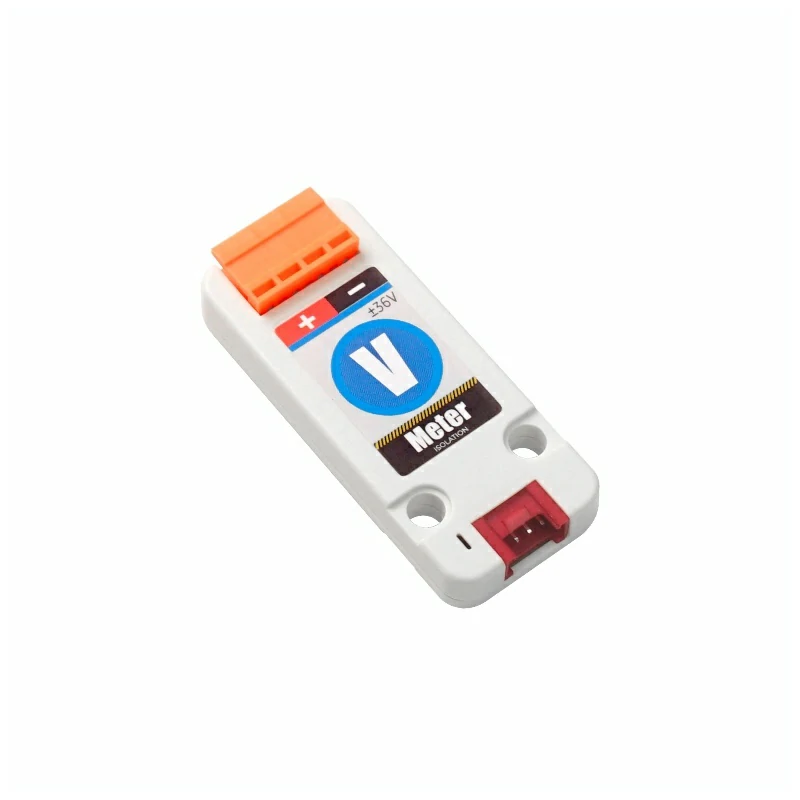
- Unit VMeter
- A compatible controller (such as an Atom, Stamp, Stick, Core, or Basic series device)
2. Modify Configuration
The I²C component must be enabled in the ESPHome configuration:
# Example configuration entry for ESP32
i2c:
  sda: GPIOXX
  scl: GPIOXX
  scan: true
The GPIO pins will vary depending on the controller device used. For example, using Atom Lite as the controller:
# I2C Bus on Grove Port (HY2.0-4P)
i2c:
  sda: GPIO26
scl: GPIO32Unit VMeter Configuration Example:
First, configure the basic component ADS1115:
yaml1 2 3 4 5 6 7 8 9 10 11ads1115: - address: 0x49 sensor: - platform: ads1115 multiplexer: "A0_A1" gain: 1.024 sample_rate: 128 name: "Unit VMeter A0_A1 Ref" id: diff update_interval: 10s
AIN0 and AIN1, so a maximum of 3 multiplexer options can be used: "A0_A1", "A0_GND", "A1_GND"; for voltage measurement here, only A0_A1 is used for voltage calculation.Configure EEPROM to read calibration parameters and combine with a
TemplateSensor to create custom data:yaml1 2 3 4 5 6 7 8 9 10 11 12 13 14 15 16 17 18 19 20 21 22 23 24 25 26 27 28 29 30 31 32 33 34 35 36 37 38 39 40 41 42 43 44 45 46 47 48 49 50 51 52 53 54 55i2c_device: id: eeprom address: 0x53 sensor: # Previous ads1115 declarations ... - platform: template name: "Input Voltage" id: input_volt unit_of_measurement: "V" icon: "mdi:flash" accuracy_decimals: 2 update_interval: 10s lambda: |- float d = id(diff).state; if (isnan(d)) return NAN; const float PRESSURE_COEFF = 0.015918958f; // Remember to change the 'EEPROM_REG' if you changed the 'gain' const uint8_t EEPROM_REG = 0xE8; uint8_t calib[8]; uint16_t hope, actual; // Read EEPROM if ( id(eeprom).read_register(EEPROM_REG, calib, 8) != i2c::ERROR_OK ) { ESP_LOGD("vmeter.sensor", "Failed to read from EEPROM.."); return NAN; } uint8_t xor_result = 0x00; for (uint8_t i = 0; i < 5; i++) { xor_result ^= calib[i]; } if (xor_result != calib[5]) { return NAN; } hope = (calib[1] << 8) | calib[2]; actual = (calib[3] << 8) | calib[4]; float calibration_ratio = (float)hope / actual; ESP_LOGD("vmeter.sensor", "Factory calibration factor: %f", calibration_ratio); float vin = - d / PRESSURE_COEFF; vin = vin * calibration_ratio; return vin;When reading the EEPROM, the
EEPROM_REGread address in the lambda expression must be modified based on thegainvalue set for the ADS1115:c++1 2 3 4// In lambda expression // remember to change the 'EEPROM_REG' if you changed the 'gain' // for an example, when 'gain' is 1.024 const uint8_t EEPROM_REG = 0xE8;
| ADS1115 Gain | EEPROM Data Register | Max Input Voltage (theory) |
|---|---|---|
| 6.144 | 0xD0 | - |
| 4.096 | 0xD8 | - |
| 2.048 | 0xE0 | - |
| 1.024 | 0xE8 | 64 V |
| 0.512 | 0xF0 | 32 V |
| 0.256 | 0xF8 | 16 V |
The recommended gain values are 0.256, 0.512, and 1.024; among them, the resolution is 1mV for measuring voltages below 16V, and 7.9mV for voltages above 16V. Please select the most appropriate gain value and read the corresponding calibration parameters in the EEPROM according to the target voltage. For data accuracy, only one channel (AIN0 or AIN1) can be measured at a time. Do not connect voltage inputs to both channels simultaneously.
3. Getting Started
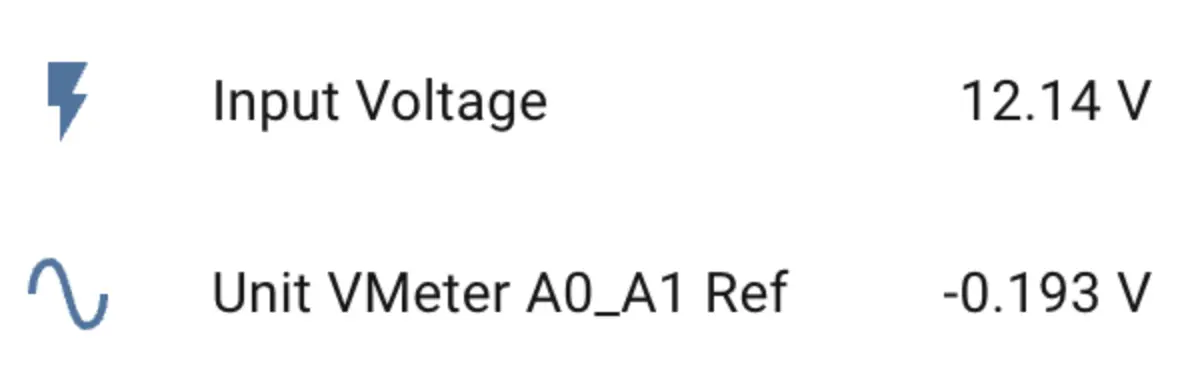
Once added to the Dashboard, you can view the sensor data in Home Assistant.