

Home Assistant
Media Player
Expansion
Sensor
Unit DLight Sensor Home Assistant Integration
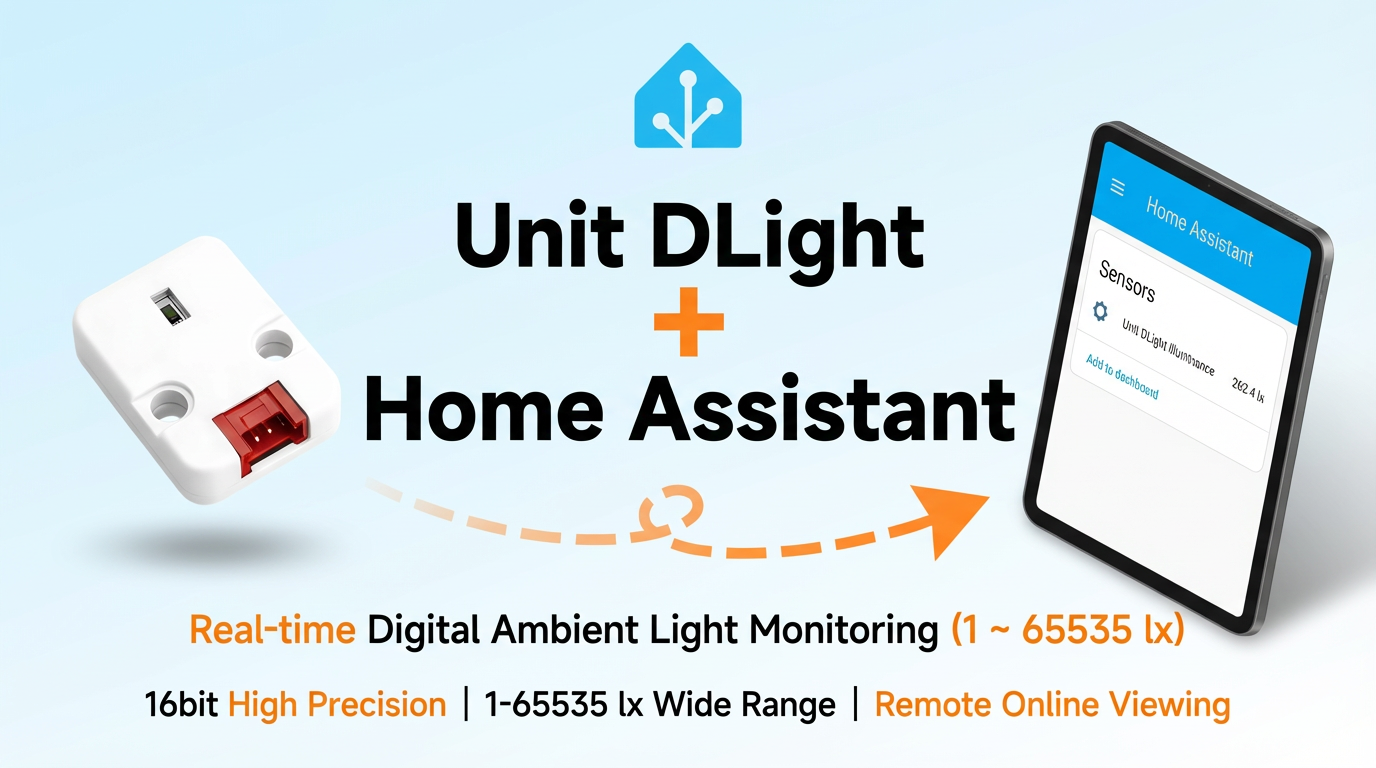
This section describes the configuration method and practical steps for integrating the Unit DLight digital ambient light sensor into Home Assistant.
1. Preparation
Environment Setup
- Install Home Assistant by following the official Home Assistant documentation.
- Install the ESPHome Device Builder add-on by following the official ESPHome documentation.
- Refer to the BH1750FVI Datasheet.
- Refer to the ESPHome BH1750 Configuration.
- Confirm the I2C pin definitions of the controller device (pins vary by controller).
Hardware Products
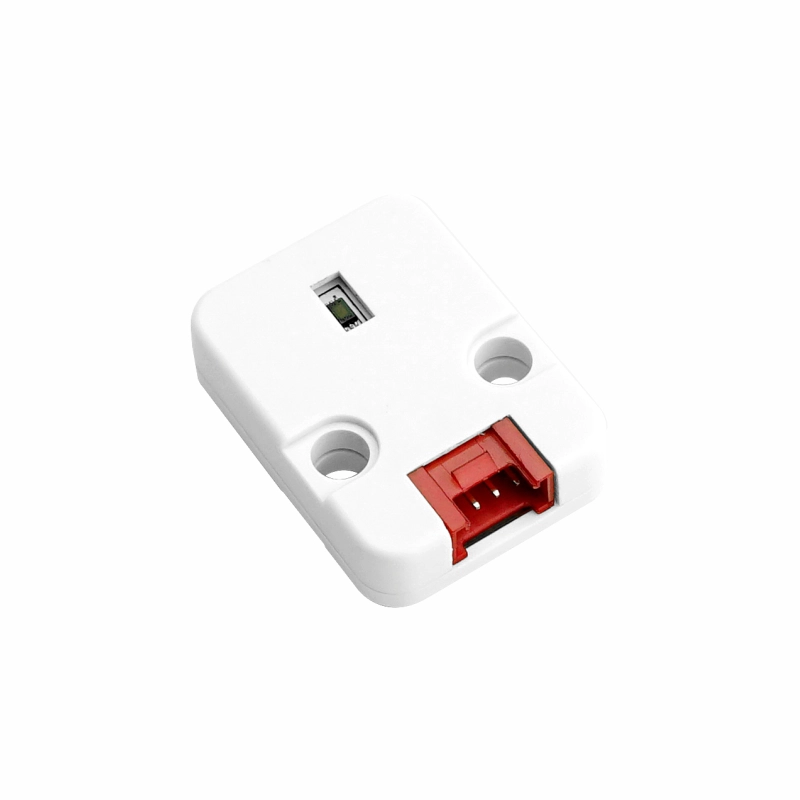
- Unit DLight
- A compatible controller (such as an Atom, Stamp, Stick, Core, or Basic series device)
Note
Unit DLight requires a compatible controller to integrate with Home Assistant. Select the controller model and interface pins according to your project.
2. Modify Configuration
- Enable the I²C component in the ESPHome configuration:
# Example configuration entry for ESP32
i2c:
  sda: GPIOXX
  scl: GPIOXX
scan: trueThe GPIO pins will vary depending on the controller device used. For example, using Atom Lite as the controller:
# I2C Bus on Grove Port (HY2.0-4P)
i2c:
  sda: GPIO26
scl: GPIO32Below is an example of the sensor configuration:
yaml
1 2 3 4 5
sensor:
  - platform: bh1750
    name: "Unit DLight Illuminance"
    address: 0x23
update_interval: 60s3. Getting Started
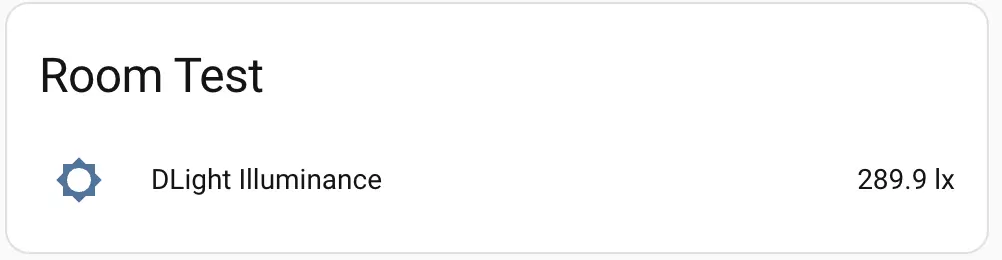
Once successfully added to Home Assistant:
4. Related Video
Page Tools