

Home Assistant
Media Player
Expansion
Sensor
Unit ENV-Pro Sensor Home Assistant Integration
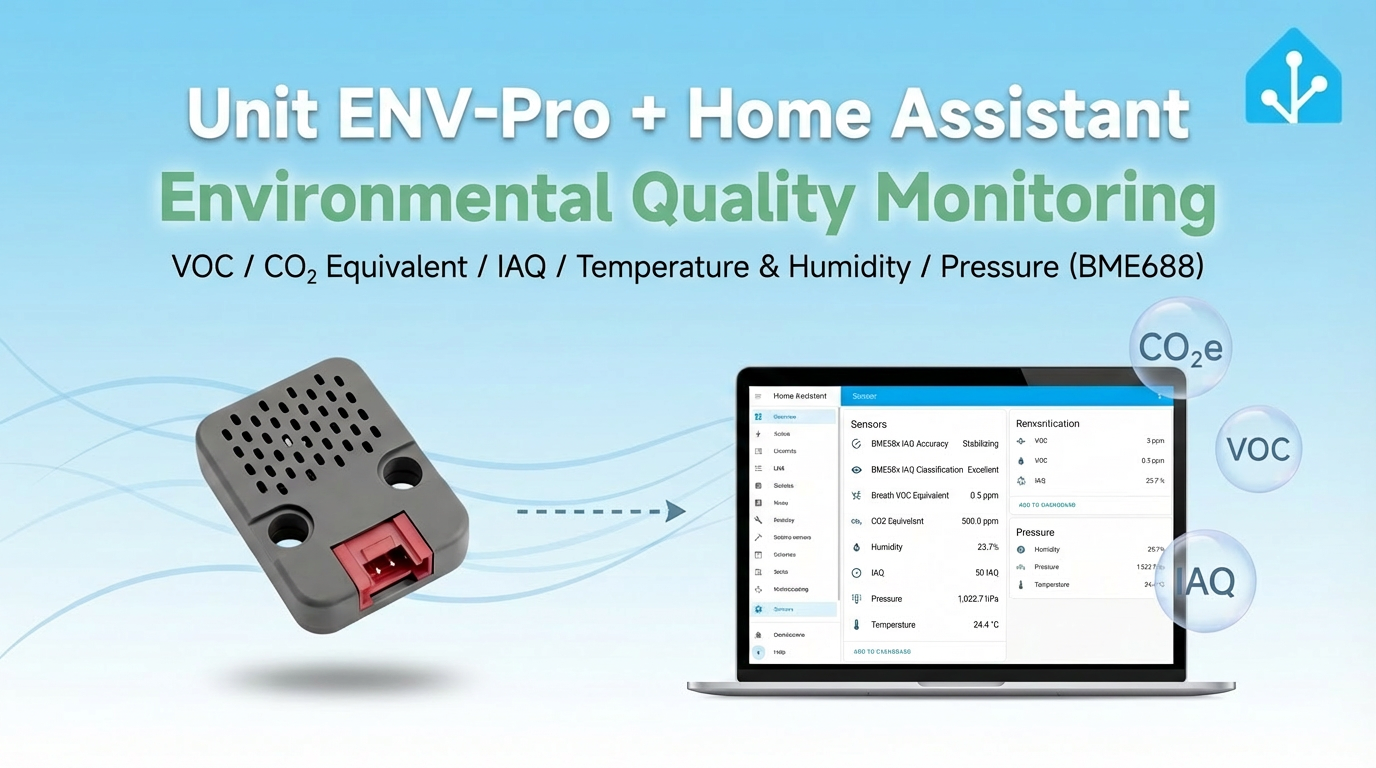
This section introduces the configuration methods and practical steps for integrating the Unit ENV-Pro environmental sensor into Home Assistant.
1. Preparation
Environment Setup
- Install Home Assistant by following the official Home Assistant documentation.
- Install the ESPHome Device Builder add-on by following the official ESPHome documentation.
- Refer to the bme68x_bsec2.
- Confirm the I2C pin definitions of the controller device (pins vary by controller).
Hardware Products
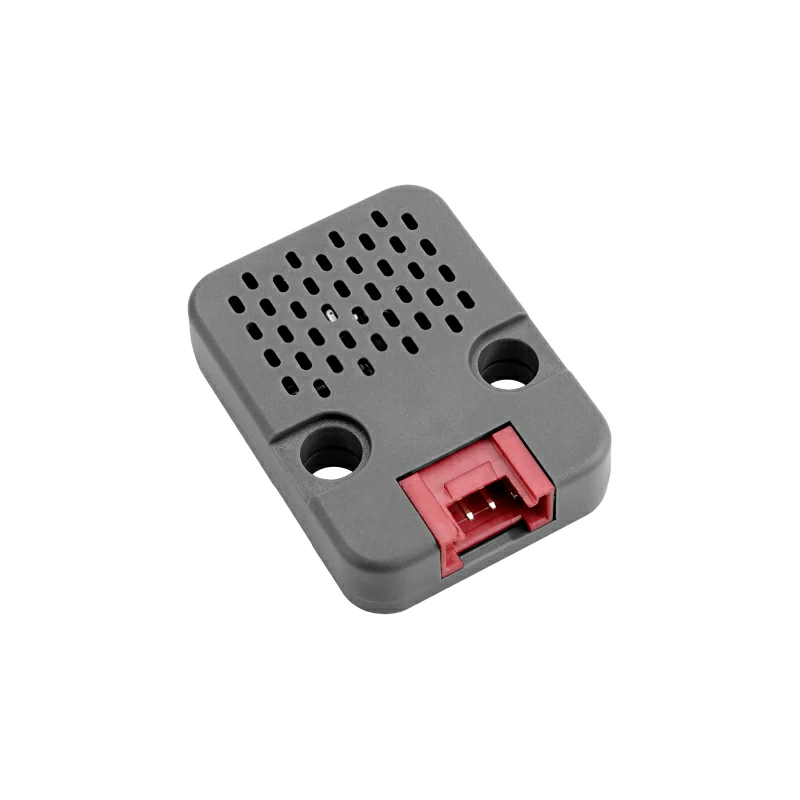
- Unit ENV-Pro
- A compatible controller (such as an Atom, Stamp, Stick, Core, or Basic series device)
Note
Unit ENV-Pro is a standalone sensor platform and requires an additional controller to integrate with Home Assistant. The component above uses the proprietary
BSEC2 software. The BSEC2 library may only be used after accepting its Software License Agreement. Enabling this component in your configuration means that you expressly agree to the terms of the BSEC license. Note that the license prohibits distribution of any compiled firmware binary containing this component.2. Modify Configuration
Enable the I²C component in the ESPHome configuration:
# Example configuration entry for ESP32
i2c:
  sda: GPIOXX
  scl: GPIOXX
scan: trueThe GPIO pins here will vary depending on the controller used. For example, using Atom Lite as the controller:
# I2C Bus on Grove Port (HY2.0-4P)
i2c:
  sda: GPIO26
scl: GPIO32Unit ENV-Pro Configuration Example
- Component Declaration
yaml
1 2 3
bme68x_bsec2_i2c:
  address: 0x77
model: bme688- Sensors
yaml
1 2 3 4 5 6 7 8 9 10 11 12 13 14 15 16 17 18 19 20 21 22 23 24 25 26 27 28 29 30 31 32 33 34 35 36 37 38 39 40 41 42 43 44 45 46 47
text_sensor:
  - platform: bme68x_bsec2
    iaq_accuracy:
      name: "BME68x IAQ Accuracy"
  - platform: template
    name: "BME68x IAQ Classification"
    lambda: |-
      if ( int(id(iaq).state) <= 50) {
        return {"Excellent"};
      }
      else if (int(id(iaq).state) >= 51 && int(id(iaq).state) <= 100) {
        return {"Good"};
      }
      else if (int(id(iaq).state) >= 101 && int(id(iaq).state) <= 150) {
        return {"Lightly polluted"};
      }
      else if (int(id(iaq).state) >= 151 && int(id(iaq).state) <= 200) {
        return {"Moderately polluted"};
      }
      else if (int(id(iaq).state) >= 201 && int(id(iaq).state) <= 250) {
        return {"Heavily polluted"};
      }
      else if (int(id(iaq).state) >= 251 && int(id(iaq).state) <= 350) {
        return {"Severely polluted"};
      }
      else if (int(id(iaq).state) >= 351) {
        return {"Extremely polluted"};
      }
      else {
        return {"error"};
      }

sensor:
  - platform: bme68x_bsec2
    temperature:
      name: "Temperature"
    pressure:
      name: "Pressure"
    humidity:
      name: "Humidity"
    iaq:
      id: iaq
      name: "IAQ"
    co2_equivalent:
      name: "CO2 Equivalent"
    breath_voc_equivalent:
name: "Breath VOC Equivalent"Note
Due to the use of the
BSEC2 library, the sensor's update_interval configuration option will be unavailable (the polling interval cannot be configured). Data is processed and published by the proprietary library.3. Getting Started
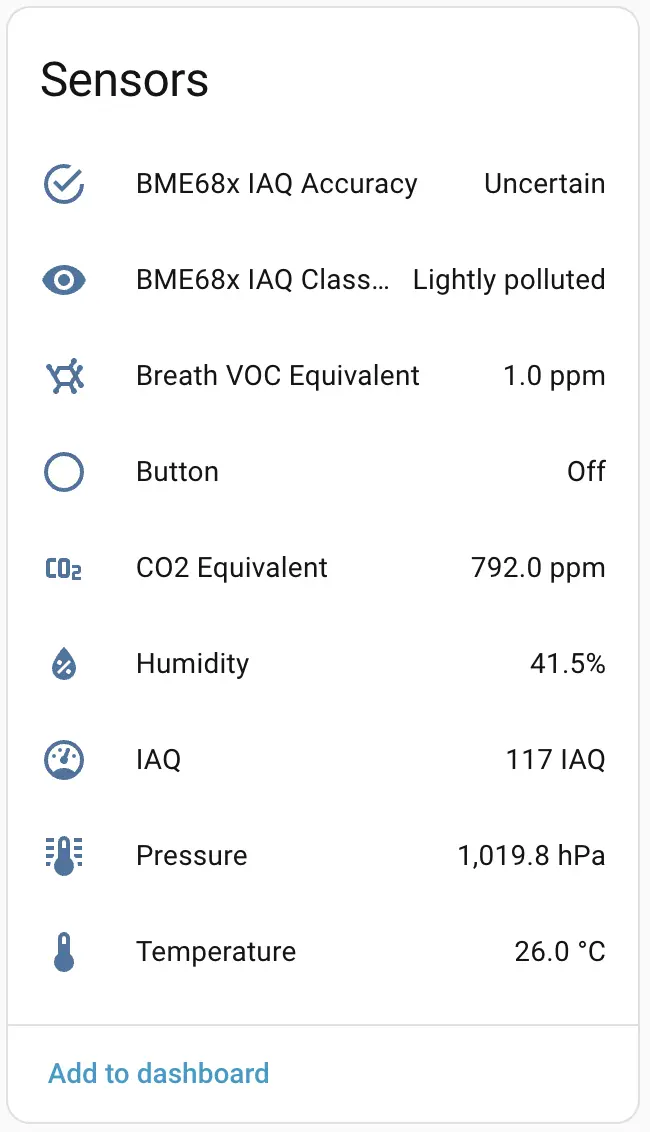
- After completing the configuration and uploading, add the sensor to Home Assistant.
4. Related Video
Page Tools