

Home Assistant
传感器
Unit Watering Home Assistant 集成
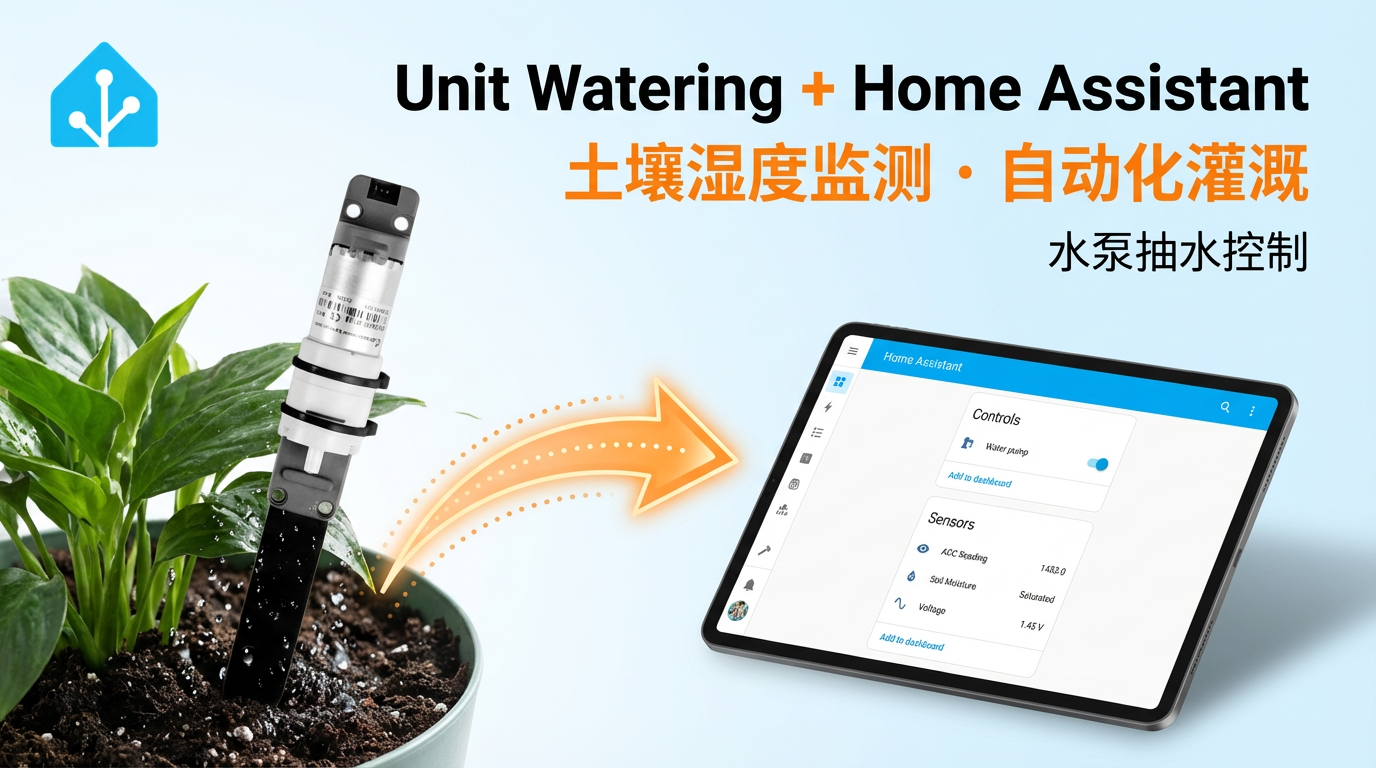
本教程将介绍如何使用 Unit Watering 电容式土壤湿度检测调节单元集成至 Home Assistant,实现智能土壤监测与自动灌溉控制。
1. 准备工作
环境准备
- 参考 Home Assistant 官方文档安装 Home Assistant。
- 参考 ESPHome 官方文档完成 ESPHome Device Builder 插件安装。
硬件产品
- Unit Watering
- 兼容主控设备(如 Atom 系列、Stamp 系列、Stick 系列、Core/Basic 系列等)
注意
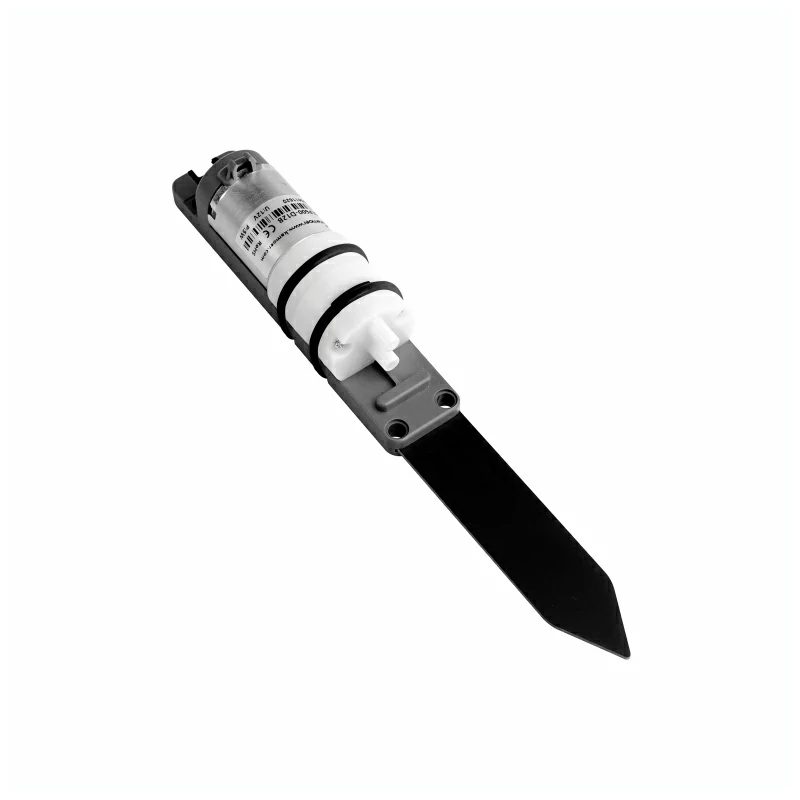
Unit Watering 只是单独的传感器平台,需要额外的主控设备(如 Atom 系列、Stamp 系列, Stick 系列,Core/Basic 系列等)才能集成至 Home Assistant。
2. 修改配置
电容式土壤湿润程度传感器会汇报 电压 / ADC 读数,所以需要根据选择的主控启用并配置 ADC 组件:
# Example configuration entry
sensor:
  - platform: adc
    pin: GPIOXX
    name: "xxxx"
update_interval: 60s比如使用 Atom Lite:
# Example configuration entry
sensor:
  - platform: adc
    pin: GPIO32
    name: "xxxx"
update_interval: 60s配置水泵开关:
switch:
  - platform: gpio
    pin: GPIO26
name: "Water pump"如此就可以在 Home Assistant 前端控制电机的开 / 关用于抽水
完整配置范例:
sensor:
  - platform: adc
    pin: GPIO32
    id: voltage
    name: "Voltage"
    attenuation: auto
    update_interval: 10s

  - platform: template
    id: adc_reading
    name: "ADC Reading"
    lambda: |-
      return roundf( id(voltage).state * 1000.0f );
    update_interval: 10s

text_sensor:
  - platform: template
    name: "Soil Moisture"
    icon: "mdi:water-percent"
    lambda: |-
      const int ADC_DRY       = 1550;  // Dry threshold
      const int ADC_WET       = 1450;  // Wet threshold

      if ( id(adc_reading).state >= ADC_DRY) {
        return {"Dry"};
      } else if ( id(adc_reading).state >= ADC_WET) {
        return {"Wet"};
      } else {
        return {"Saturated"};
      }
    update_interval: 10s

switch:
  - platform: gpio
    pin: GPIO26
    id: water_pump
    name: "Water pump"
    icon: "mdi:water-pump"
restore_mode: RESTORE_DEFAULT_OFF其中,template 传感器可以根据实际测量到的数据进行修改,根据区间数值,汇报土壤湿润程度。
const int ADC_DRY  = 1550;  // Dry threshold
const int ADC_WET = 1450; // Wet threshold一般而言,土壤越干燥,该值越大;土壤越湿润,数值越小。亦可根据传感器读数创建自动化动作,控制水泵的开关,以实现定时或者根据土壤湿润程度浇水。
如果在 ESPHome 中实现定时开启开关,可以参考 time 组件
比如设置工作日的每天早上 7 点 30 分打开水泵,持续浇水一分钟,之后关闭水泵开关:
# Example configuration entry
time:
  - platform: homeassistant
    id: homeassistant_time
    on_time:
      # Every morning on weekdays
      - seconds: 0
        minutes: 30
        hours: 7
        days_of_week: MON-FRI
        then:
          - switch.turn_on: water_pump
          - delay: 60s
- switch.turn_off: water_pump3. 开始使用
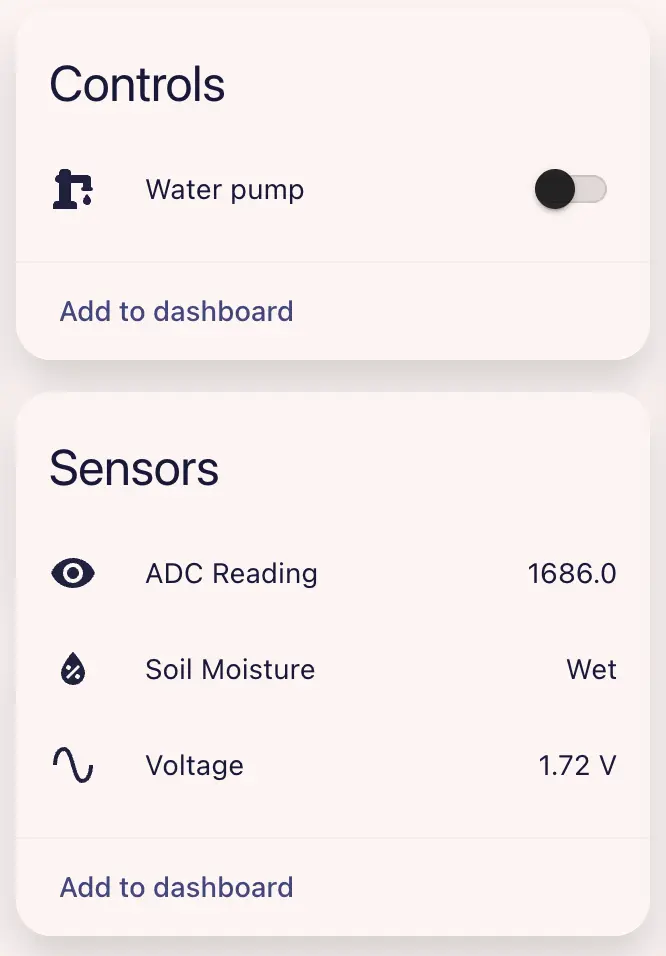
完成配置后,您可以在 Home Assistant 中查看传感器数据:
4. 相关视频
Page Tools