Home Assistant
Home Assistant
Controller & Devices
Cameras
Components
Lighting
Interfaces and Expansion
Applications
Media Playback
Dashboard
Chain Mono ESPHome Component
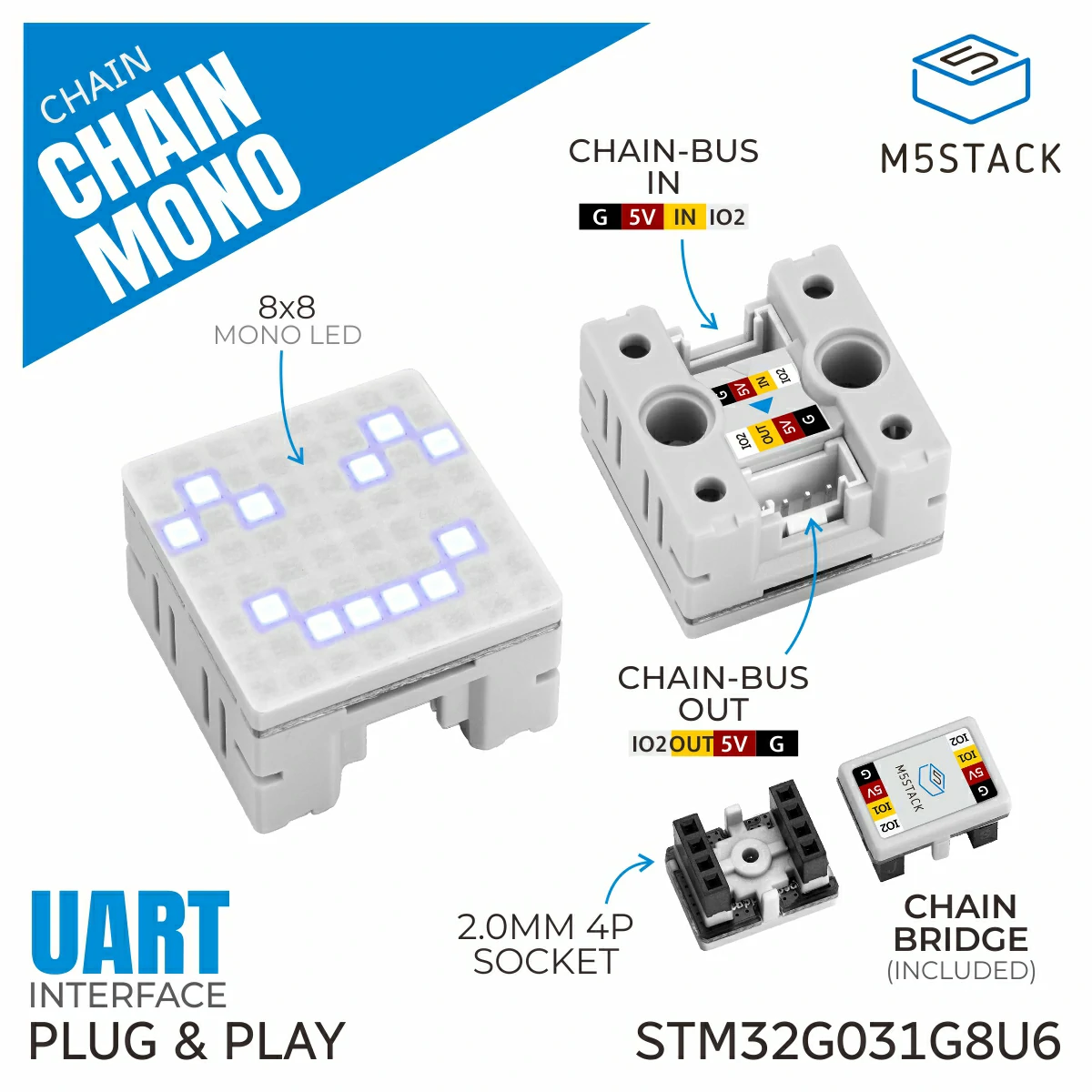
Chain Mono is an LED display node in the M5Stack Chain series, equipped with an 8×8 monochrome LED dot matrix unit. The device supports independent control of individual pixels, batch pixel writes, and fast full-screen buffer refresh. It also provides built-in ASCII character font rendering, string scrolling, brightness adjustment, and multi-angle screen rotation, enabling a variety of dynamic lighting and pixel animation effects. It is suitable for pixel lighting creation, desktop ambient lighting, creative lighting signs, and smart device lighting prompts.
1. Component Overview
| Item | Information |
|---|---|
| Expansion module | Chain Mono (U217) |
| Main functions | Provides matrix lighting display |
| Communication interface | Chain Bus / UART |
| ESPHome components | m5_chain_base, m5_chain_mono (external components) |
| ESPHome version requirement | 2026.9.0 or later |
2. Component Details
Include External Components
Configuration Example
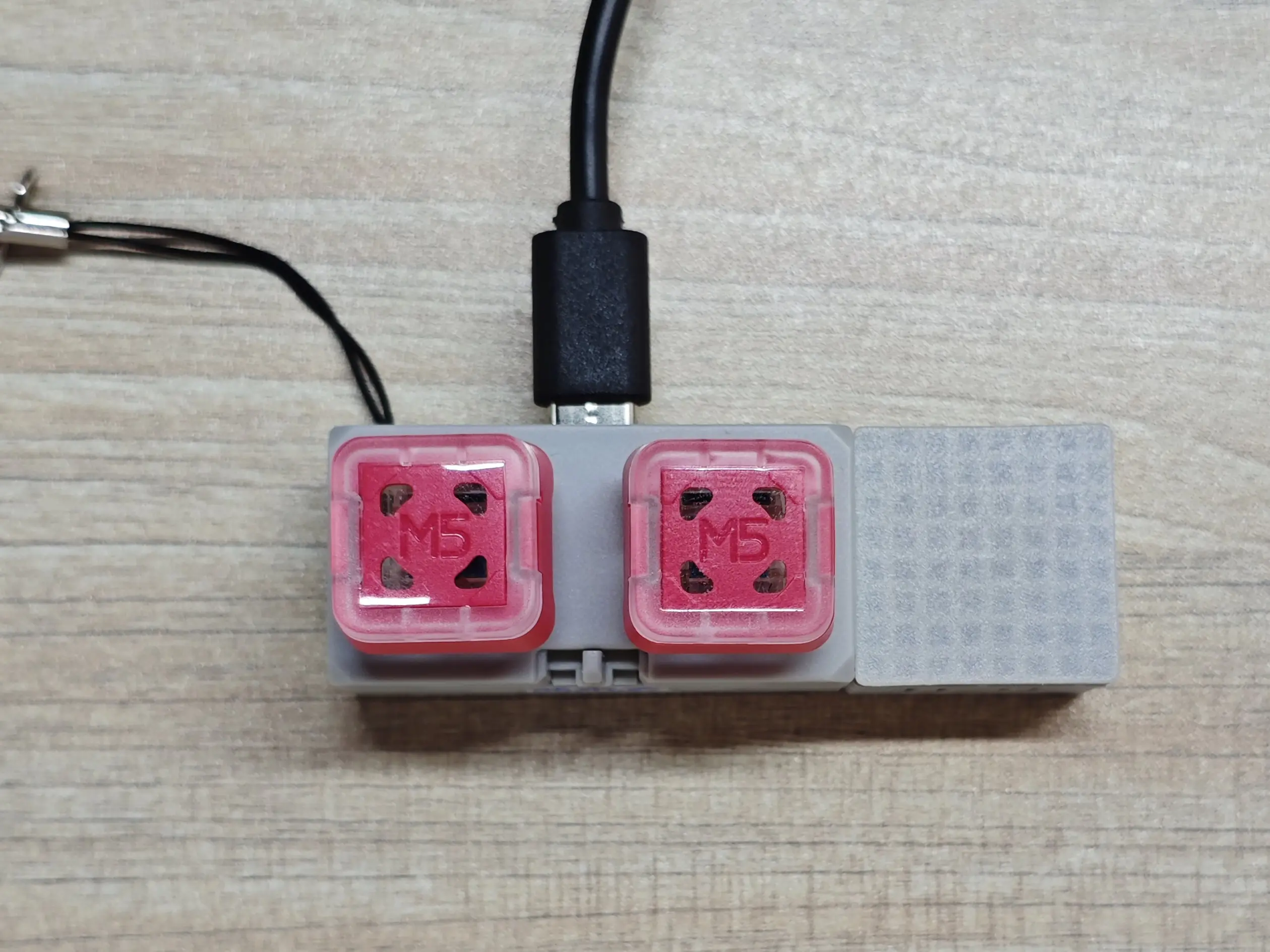
- Configure the host UART pins (using the Chain DualKey as an example)
uart:
  - id: chain_uart_right
    tx_pin: GPIO6
    rx_pin: GPIO5
    baud_rate: 115200

  - id: chain_uart_left
    tx_pin: GPIO47
    rx_pin: GPIO48
baud_rate: 115200- Include the external components
external_components:
  - source: github://m5stack/esphome@feat-m5-chain
    components: [m5_chain_base, m5_chain_mono]
refresh: 0s- Add the Chain Mono node
m5_chain_mono:
  id: chain_mono
  uart_id: chain_uart_right
chain_index: 1- Add the Chain Mono light node
light:
  - platform: m5_chain_mono
    id: chain_mono_light
    name: "Chain Mono Matrix"
    m5_chain_mono_id: chain_mono
    restore_mode: RESTORE_DEFAULT_ON
    effects:
      - pulse:
          name: "Slow Pulse"
          transition_length: 500ms
update_interval: 2sYou can use effects to add various light effects to the light. The example above adds a breathing light effect.
- You can also add a display component to let Chain Mono show content
font:
  - file: "./assets/fonts/unscii-8.ttf"
    id: chain_mono_font
    size: 8
    bpp: 1
    glyphs: "A"

display:
  - platform: addressable_light
    id: chain_mono_display
    addressable_light_id: chain_mono_light
    width: 8
    height: 8
    update_interval: 1s
    lambda: |-
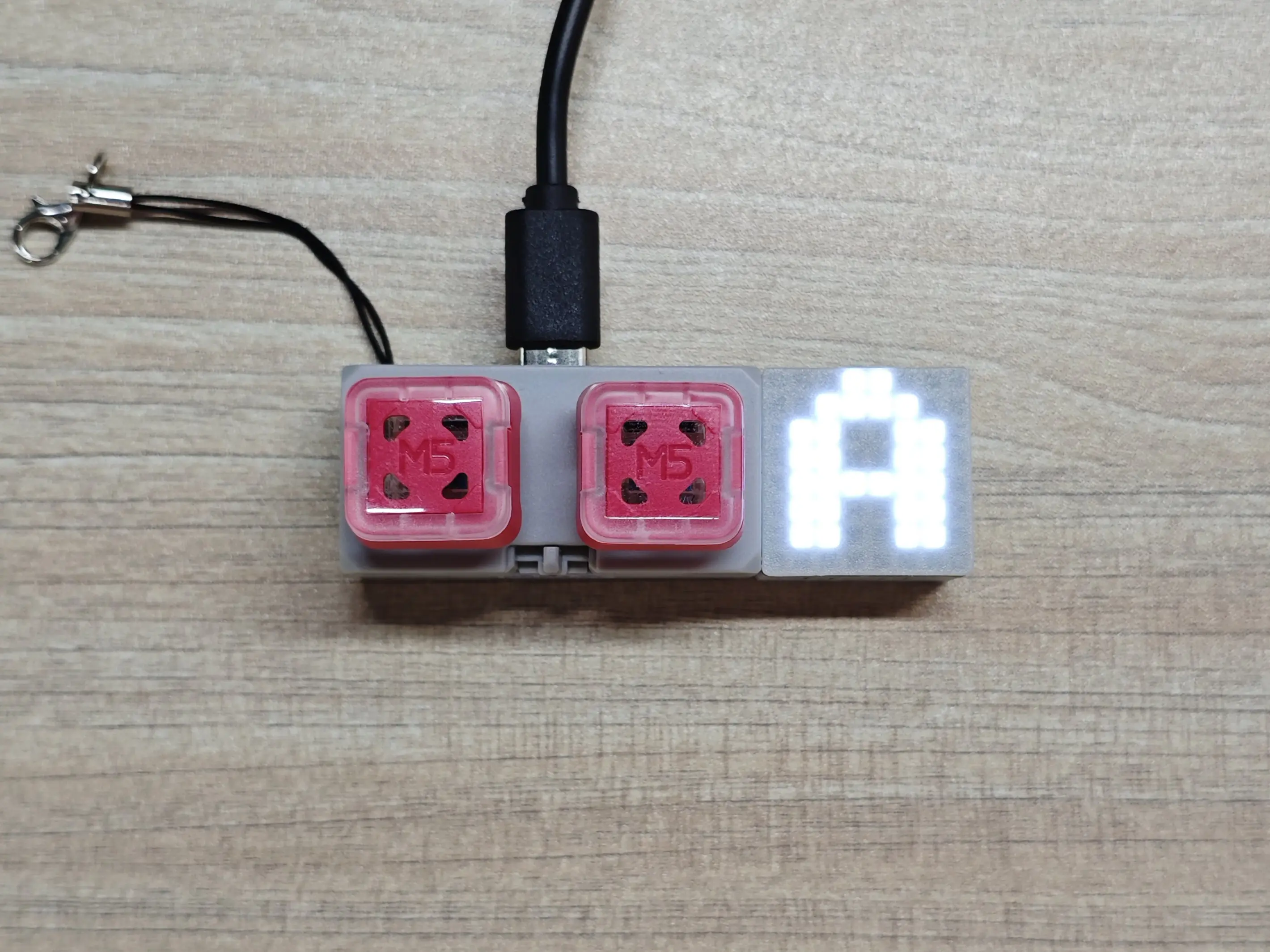
it.print(0, 0, id(chain_mono_font), Color::WHITE, "A");The configuration above uses a local font to draw the character 'A' on the Chain Mono.
3. Reference Example
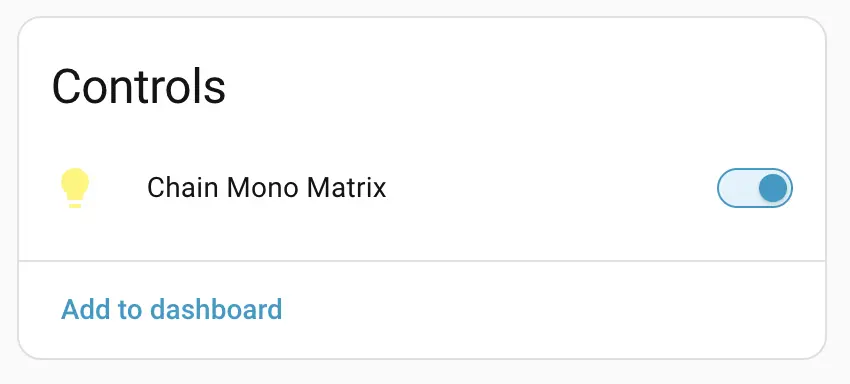
After the Chain Mono expansion module is connected, you can view the corresponding Light entity on the device page: