Home Assistant
Home Assistant
Controller & Devices
Cameras
Components
Lighting
Interfaces and Expansion
Applications
Media Playback
Dashboard
Chain RGB ESPHome Component
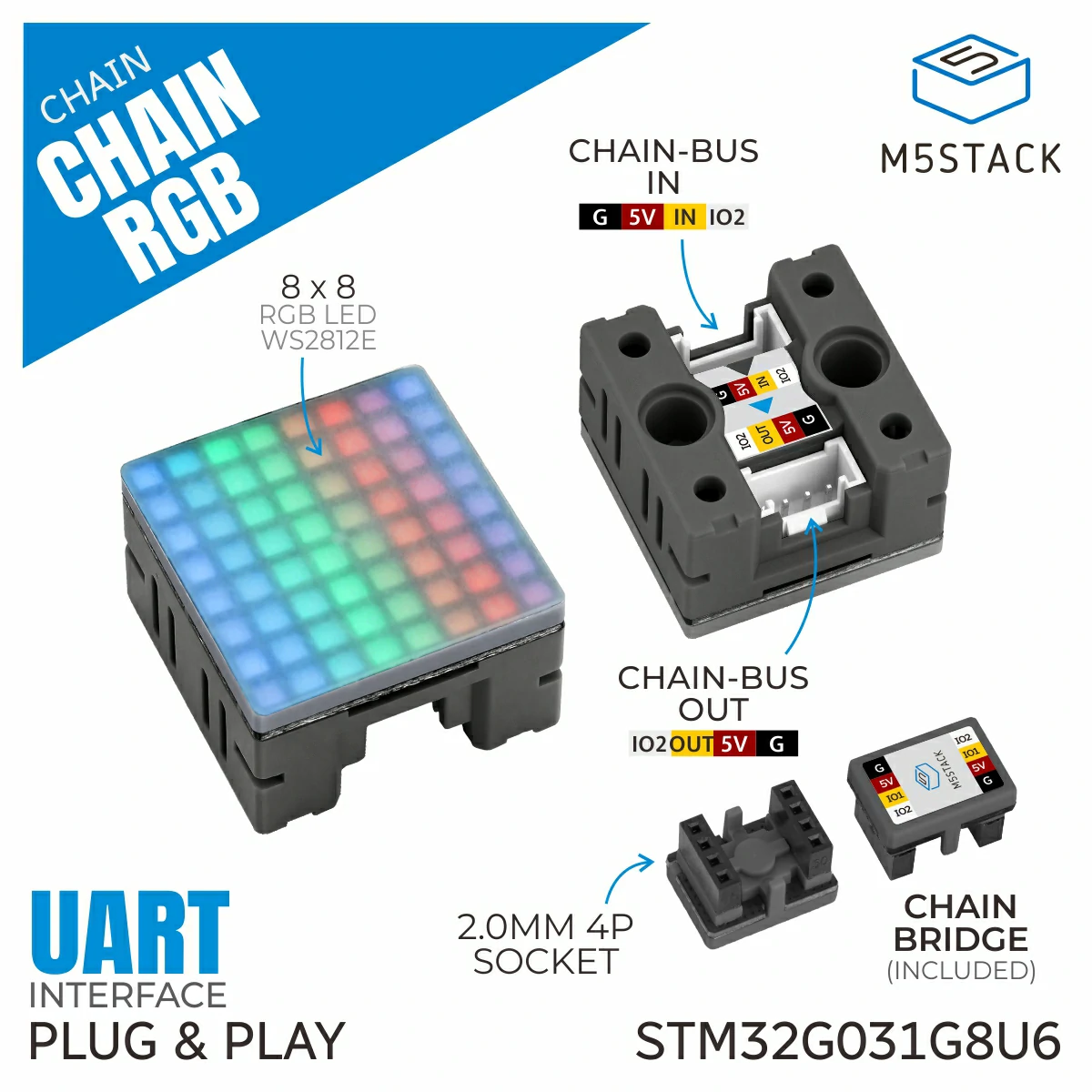
Chain RGB is an LED display node in the M5Stack Chain series, equipped with an 8×8 RGB LED dot matrix unit. The device supports independent control of individual pixels, batch pixel writes, and fast full-screen buffer refresh. It also provides built-in ASCII character font rendering, string scrolling, brightness adjustment, and multi-angle screen rotation, enabling a variety of dynamic lighting and pixel animation effects. It is suitable for pixel lighting creation, desktop ambient lighting, creative lighting signs, and smart device lighting prompts.
1. Component Overview
| Item | Information |
|---|---|
| Expansion module | Chain RGB (U218) |
| Main functions | Provides RGB matrix lighting display |
| Communication interface | Chain Bus / UART |
| ESPHome components | m5_chain_base, m5_chain_rgb (external components) |
| ESPHome version requirement | 2026.9.0 or later |
2. Component Details
Include External Components
Configuration Example
- Configure the host UART pins (using the Chain DualKey as an example)
uart:
  - id: chain_uart_right
    tx_pin: GPIO6
    rx_pin: GPIO5
    baud_rate: 115200

  - id: chain_uart_left
    tx_pin: GPIO47
    rx_pin: GPIO48
baud_rate: 115200- Include the external components
external_components:
  - source: github://m5stack/esphome@feat-m5-chain
    components: [m5_chain_base, m5_chain_rgb]
refresh: 0s- Add the Chain RGB node
m5_chain_rgb:
  id: chain_rgb
  uart_id: chain_uart_right
chain_index: 1- Add the Chain RGB light node
light:
  - platform: m5_chain_rgb
    id: chain_rgb_light
    name: "Chain RGB Matrix"
    m5_chain_rgb_id: chain_rgb
    restore_mode: RESTORE_DEFAULT_ON
    effects:
      # width 8 spans one full hue cycle per row of the 8x8 panel.
      - addressable_rainbow:
          name: "Rainbow"
          speed: 10
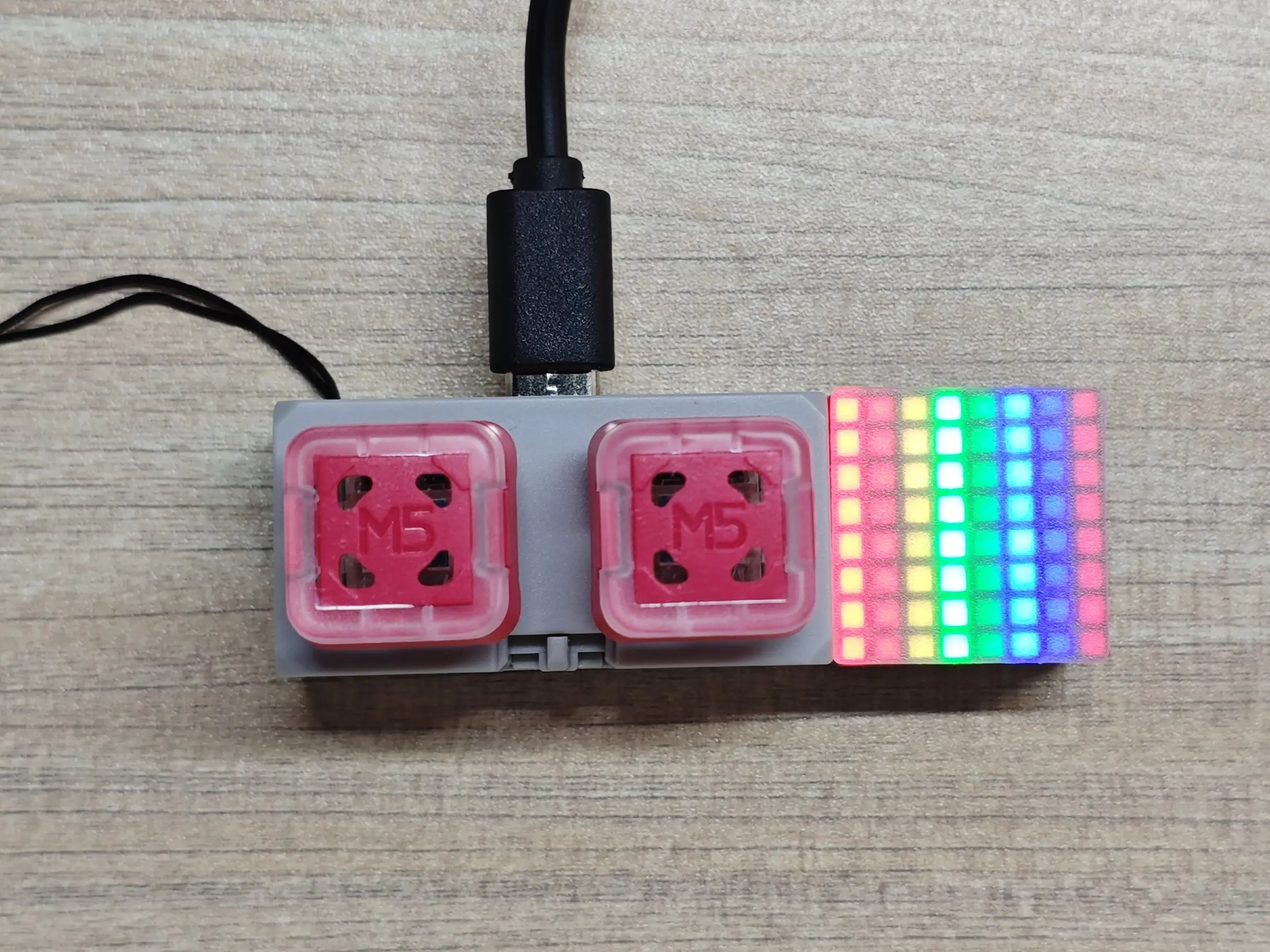
width: 8You can use effects to add various light effects to the light. The example above adds a flowing rainbow effect.
- You can also add a display component to let Chain RGB show content
font:
  - file: "./assets/fonts/unscii-8.ttf"
    id: chain_rgb_font
    size: 8
    bpp: 1
    glyphs: "A"

display:
  - platform: addressable_light
    id: chain_rgb_display
    addressable_light_id: chain_rgb_light
    width: 8
    height: 8
    update_interval: 1s
    lambda: |-
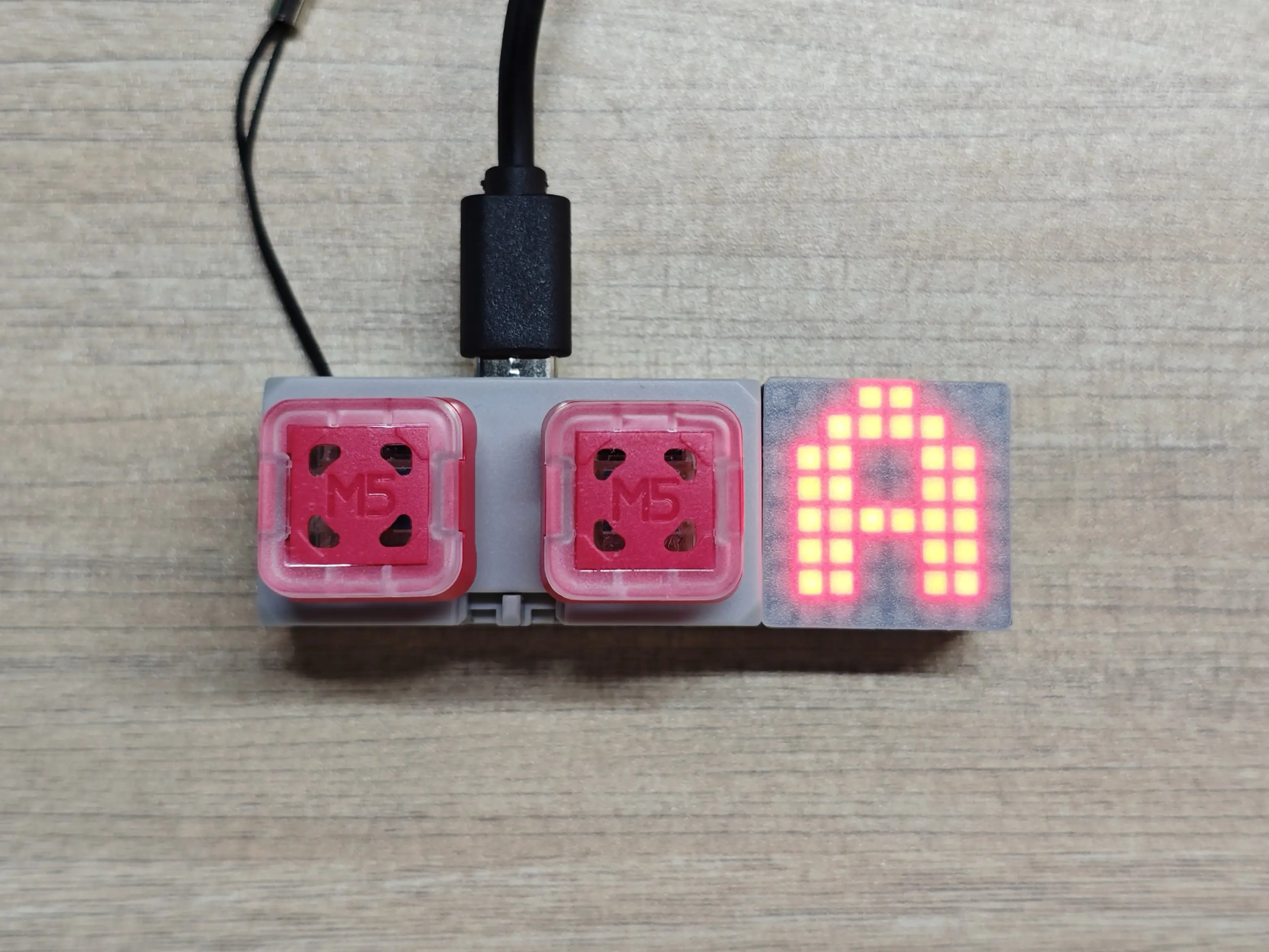
it.print(0, 0, id(chain_rgb_font), Color(255, 0, 0), "A");The configuration above uses a local font to draw a red character 'A' on the Chain RGB.
3. Reference Example
After the Chain RGB expansion module is connected, you can view the corresponding Light entity on the device page: