

Home Assistant
Home Assistant
Controller & Devices
Cameras
Components
Lighting
Interfaces and Expansion
Applications
Media Playback
Dashboard
Chain Encoder ESPHome Component
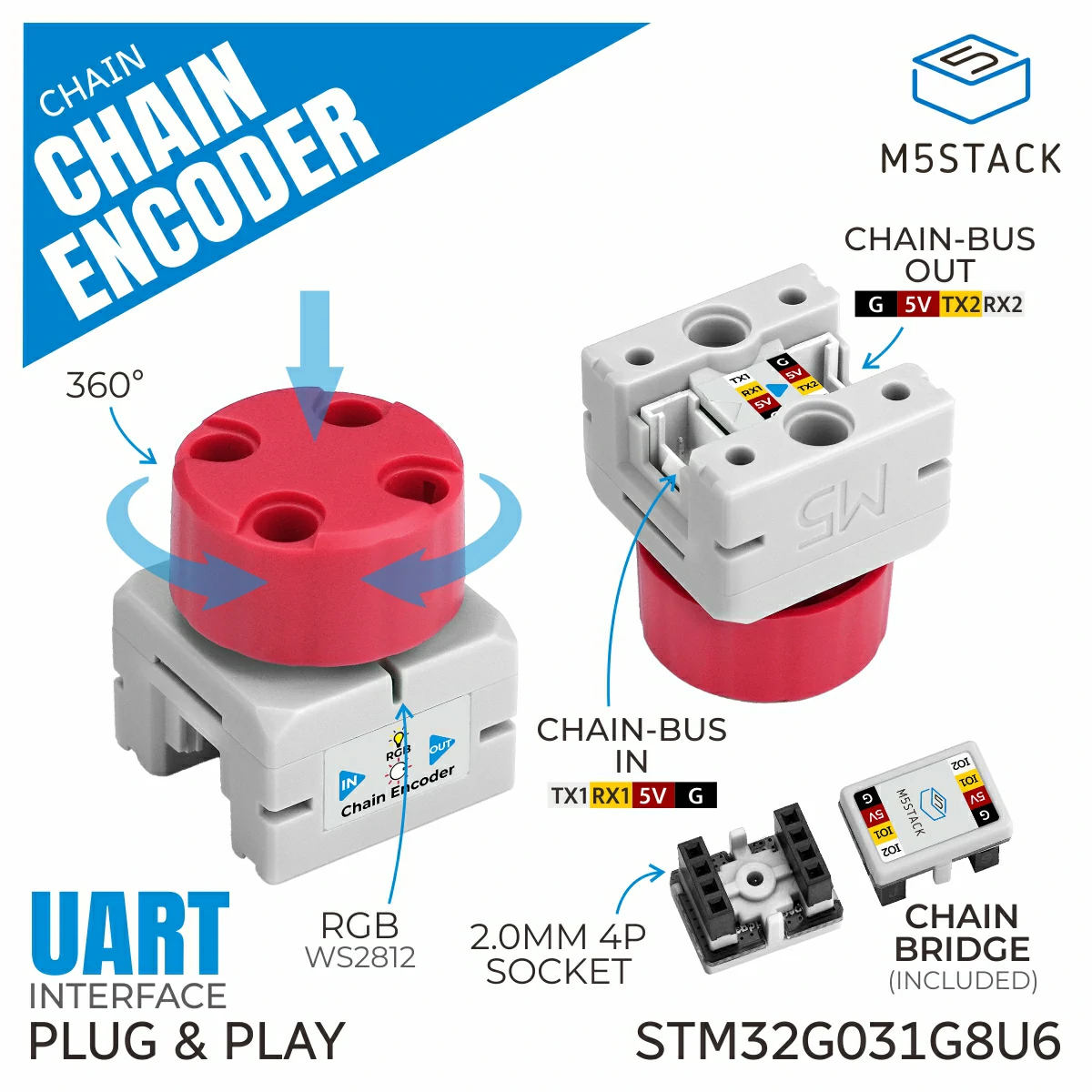
Chain Encoder is a rotary encoder input node in the M5Stack Chain series. It integrates an AB rotary encoder that detects the rotation direction and pulse count, and the center of the knob supports button input. It also integrates a programmable RGB LED for status indication and interactive display. The encoder cap features a LEGO-compatible hole structure for more creative structural connections, making it suitable for human-machine interaction, smart home control, and other applications.
Note
To use Chain series nodes, a compatible host is required for UART communication and control, such as the Chain DualKey host, or an Atom series device paired with the Atomic ToChain Base.
1. Component Overview
| Item | Information |
|---|---|
| Expansion module | Chain Encoder (U207) |
| Main functions | Provides rotary encoder input and button detection |
| Communication interface | Chain Bus / UART |
| ESPHome components | m5_chain_base, m5_chain_encoder (external components) |
| ESPHome version requirement | 2026.9.0 or later |
2. Component Details
Include External Components
Configuration Example
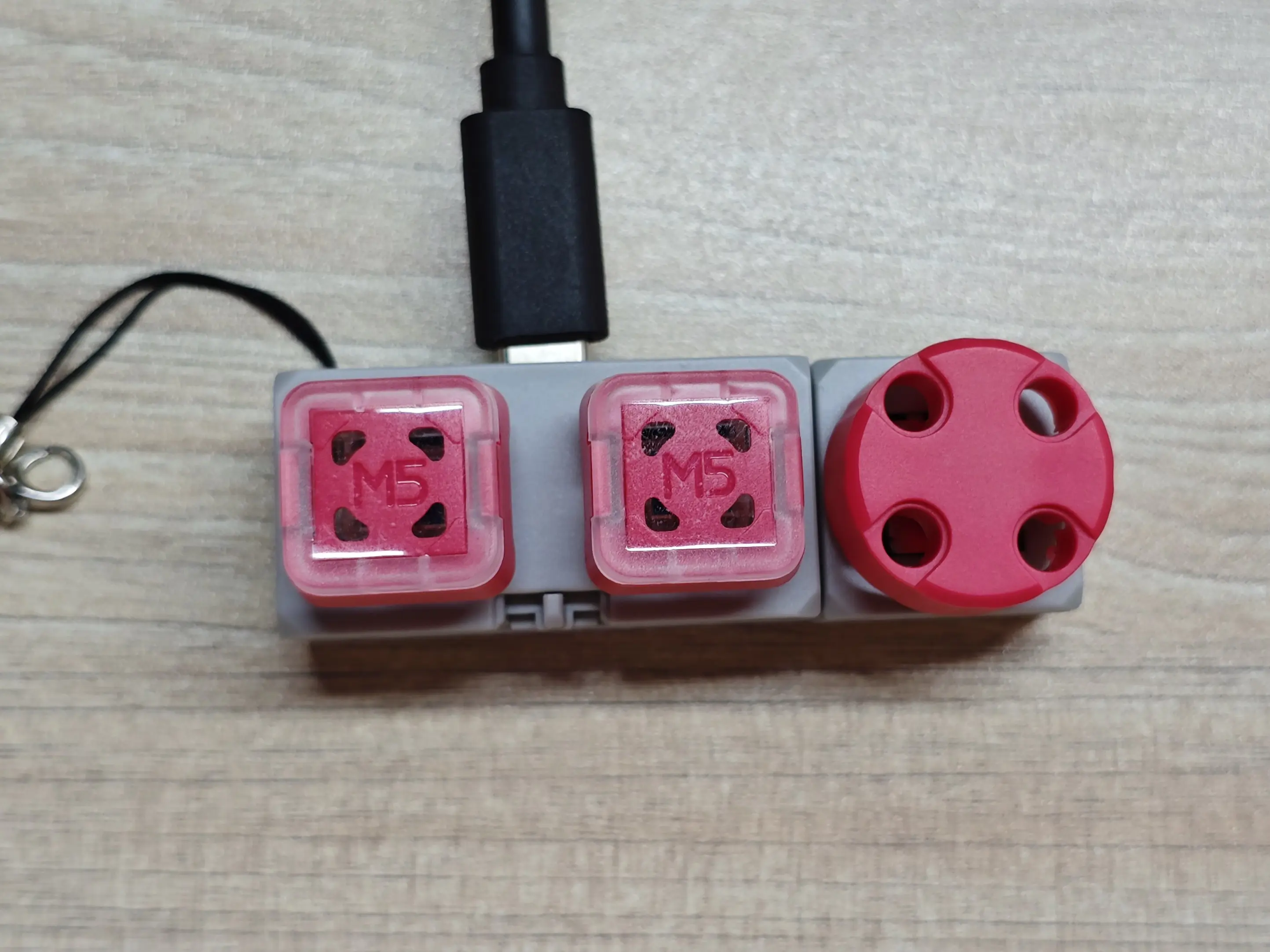
- Configure the host UART pins (using the Chain DualKey as an example)
uart:
  - id: chain_uart_right
    tx_pin: GPIO6
    rx_pin: GPIO5
    baud_rate: 115200

  - id: chain_uart_left
    tx_pin: GPIO47
    rx_pin: GPIO48
baud_rate: 115200- Include the external components
external_components:
  - source: github://m5stack/esphome@feat-m5-chain
    components: [m5_chain_base, m5_chain_encoder]
refresh: 0s- Add the Chain Encoder
m5_chain_encoder:
  id: chain_encoder
  uart_id: chain_uart_right
  chain_index: 1
update_interval: 50msSet the correct index according to the actual position of the Chain.
- Add Chain Encoder value and increment sensors
sensor:
  - platform: m5_chain_encoder
    m5_chain_encoder_id: chain_encoder
    name: "Chain Encoder Value"
    type: value
  - platform: m5_chain_encoder
    m5_chain_encoder_id: chain_encoder
    name: "Chain Encoder Increment"
type: increment- Add the Chain Encoder binary sensor
binary_sensor:
  - platform: m5_chain_encoder
    m5_chain_encoder_id: chain_encoder
name: "Chain Encoder Button"- Add the Chain Encoder RGB LED
output:
  - platform: m5_chain_encoder
    id: chain_encoder_red
    m5_chain_encoder_id: chain_encoder
    channel: rgb_red
  - platform: m5_chain_encoder
    id: chain_encoder_green
    m5_chain_encoder_id: chain_encoder
    channel: rgb_green
  - platform: m5_chain_encoder
    id: chain_encoder_blue
    m5_chain_encoder_id: chain_encoder
    channel: rgb_blue

light:
  - platform: rgb
    name: Chain Encoder RGB
    red: chain_encoder_red
    green: chain_encoder_green
blue: chain_encoder_blue3. Reference Example
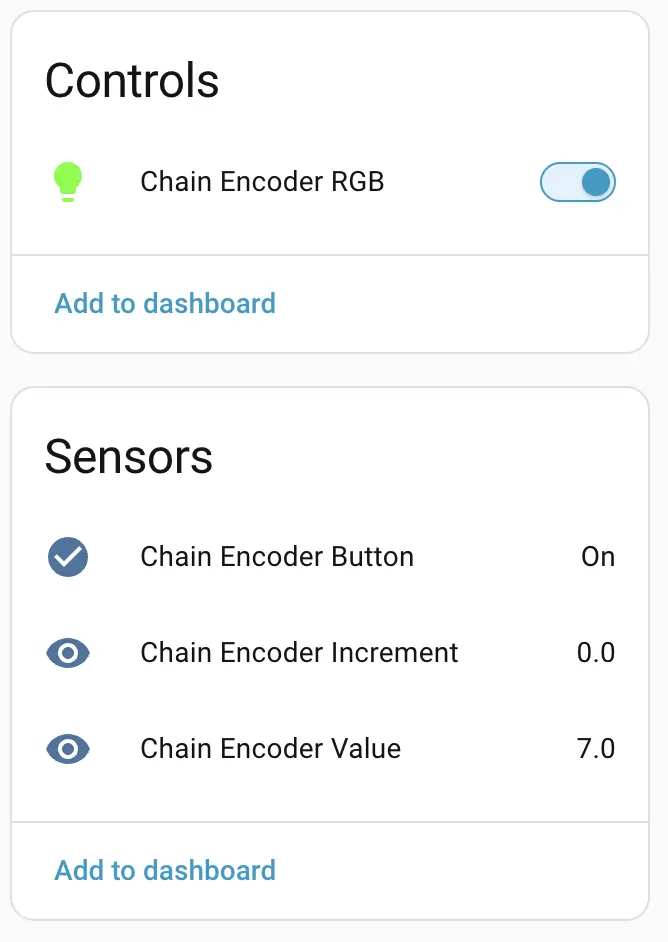
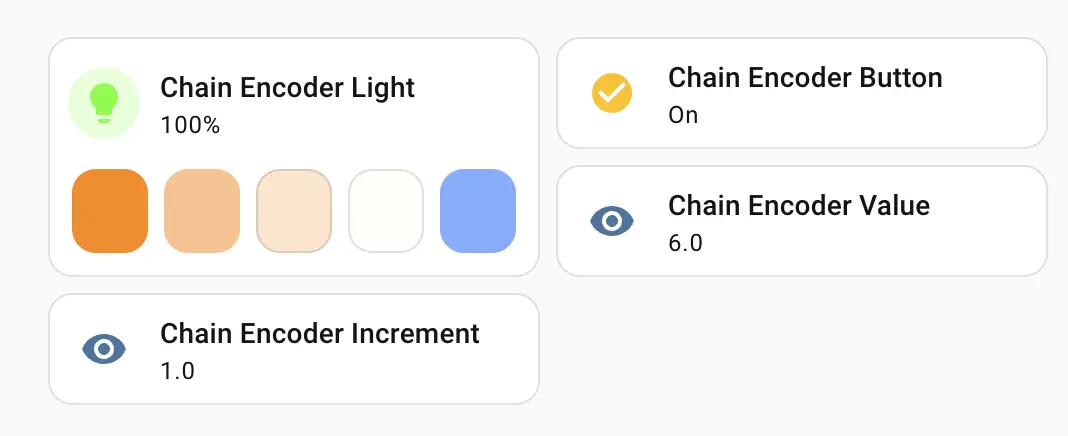
After the Chain Encoder expansion module is connected, you can view the corresponding Sensor and Light entities on the device page:
Dashboard card example
Page Tools