Home Assistant
Home Assistant
Controller & Devices
Cameras
Components
Lighting
Interfaces and Expansion
Applications
Media Playback
Dashboard
Chain Buzzer ESPHome Component
Chain Buzzer is a buzzer output node in the M5Stack Chain series. It integrates a built-in buzzer and a programmable RGB LED, making it suitable for sound prompts, status reminders, smart home alarms, and other applications.

1. Component Overview
| Item | Information |
|---|---|
| Expansion module | Chain Buzzer (U224) |
| Main functions | Turn the buzzer on and off |
| Communication interface | Chain Bus / UART |
| ESPHome components | m5_chain_base, m5_chain_buzzer (external components) |
| ESPHome version requirement | 2026.9.0 or later |
2. Component Details
Include External Components
Configuration Example
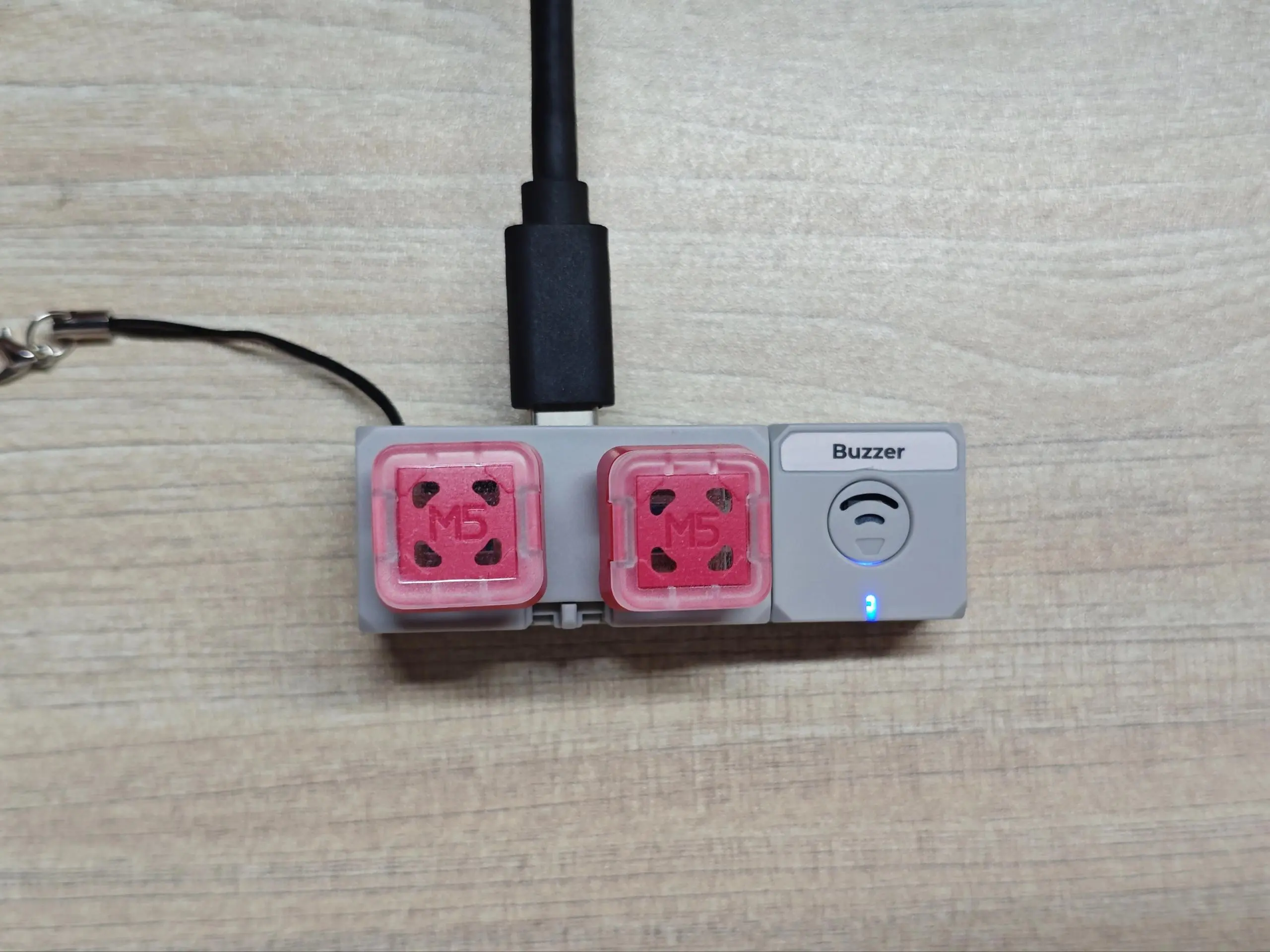
- Configure the host UART pins (using the Chain DualKey as an example)
uart:
  - id: chain_uart_right
    tx_pin: GPIO6
    rx_pin: GPIO5
    baud_rate: 115200

  - id: chain_uart_left
    tx_pin: GPIO47
    rx_pin: GPIO48
baud_rate: 115200- Include the external components
external_components:
  - source: github://m5stack/esphome@feat-m5-chain
    components: [m5_chain_base, m5_chain_buzzer]
refresh: 0s- Add the Chain Buzzer
m5_chain_buzzer:
  id: chain_buzzer
  uart_id: chain_uart_right
chain_index: 1Set the correct index according to the actual position of the Chain.
- Add Chain Buzzer outputs
output:
  - platform: m5_chain_buzzer
    id: chain_buzzer_output
    m5_chain_buzzer_id: chain_buzzer
  - platform: m5_chain_buzzer
    id: chain_buzzer_red
    m5_chain_buzzer_id: chain_buzzer
    channel: rgb_red
  - platform: m5_chain_buzzer
    id: chain_buzzer_green
    m5_chain_buzzer_id: chain_buzzer
    channel: rgb_green
  - platform: m5_chain_buzzer
    id: chain_buzzer_blue
    m5_chain_buzzer_id: chain_buzzer
channel: rgb_blue- Add the RTTTL (ringtone text transfer language) component
rtttl:
  output: chain_buzzer_output
id: chain_buzzer_rtttl- Add the Chain Buzzer RGB LED
light:
  - platform: rgb
    name: Chain Buzzer RGB
    red: chain_buzzer_red
    green: chain_buzzer_green
blue: chain_buzzer_blueNote that after adding the entities above, Home Assistant cannot control the buzzer directly. You need to add the corresponding preset scripts and template buttons:
script:
  - id: chain_buzzer_beep_twice
    then:
      - m5_chain_buzzer.play:
          id: chain_buzzer
          frequency: 2730
          duty: 50
          time: 100ms
      - delay: 150ms
      - m5_chain_buzzer.play:
          id: chain_buzzer
          frequency: 2730
          duty: 50
          time: 100ms

button:
  # Beep once
  - platform: template
    name: "Buzzer Beep"
    icon: "mdi:bullhorn"
    on_press:
      - m5_chain_buzzer.play:
          id: chain_buzzer
          frequency: 2730
          duty: 50
          time: 120ms
  # Beep twice
  - platform: template
    name: "Buzzer Beep Twice"
    icon: "mdi:bullhorn-outline"
    on_press:
      - script.execute: chain_buzzer_beep_twice
  # Long beep
  - platform: template
    name: "Buzzer Beep Long"
    icon: "mdi:volume-high"
    on_press:
      - m5_chain_buzzer.play:
          id: chain_buzzer
          frequency: 2730
          duty: 50
          time: 1s

  # Silence a running melody or a long auto-play beep.
  - platform: template
    name: "Buzzer Stop"
    icon: "mdi:stop"
    on_press:
      - rtttl.stop:
          id: chain_buzzer_rtttl
      - m5_chain_buzzer.play:
          id: chain_buzzer
          frequency: 1000
          duty: 0
time: 1msTo play content in RTTTL format, use the rtttl.play action, for example:
button:
  - platform: template
    name: "Ring Tone"
    icon: "mdi:cellphone-sound"
    on_press:
      - rtttl.stop:
          id: chain_buzzer_rtttl
      - rtttl.play:
          id: chain_buzzer_rtttl
rtttl: "RingTone:d=4,o=5,b=225:8e6,8d6,4f#,4g#,8c#6,8b,4d,4e,8b,8a,4c#,4e,2a"By creating template buttons and combining them with preset ringtones, you can control the buzzer from the Home Assistant frontend.
3. Reference Example
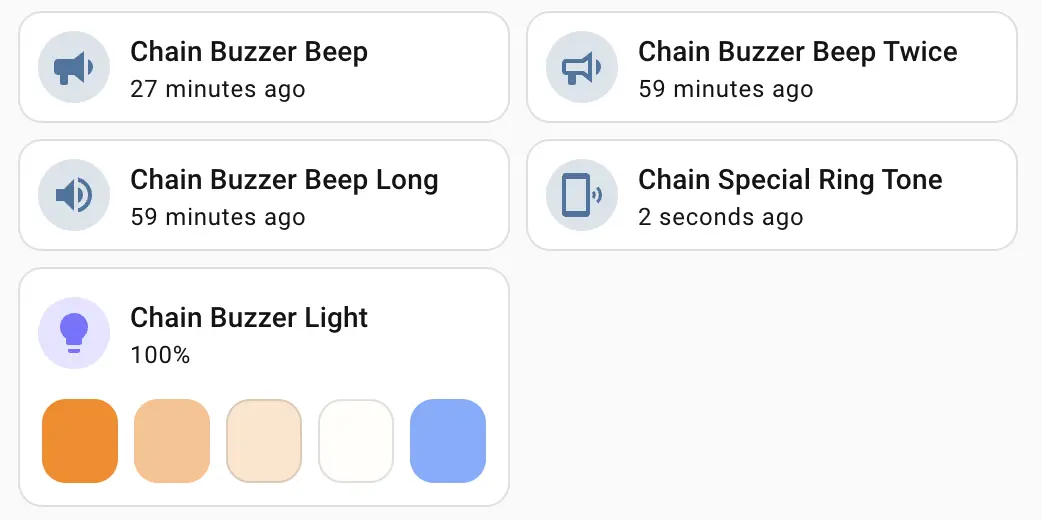
After the Chain Buzzer expansion module is connected, you can view the corresponding Button and Light entities on the device page:
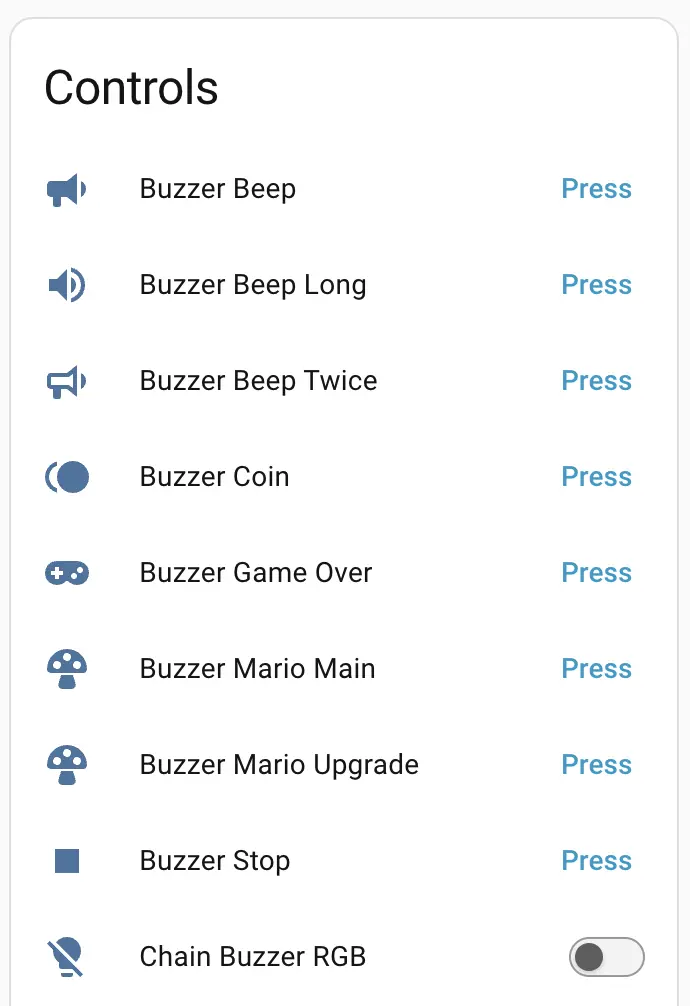
Dashboard card example