Home Assistant
Home Assistant
Controller & Devices
Cameras
Components
Lighting
Interfaces and Expansion
Applications
Media Playback
Dashboard
Chain Joystick ESPHome Component
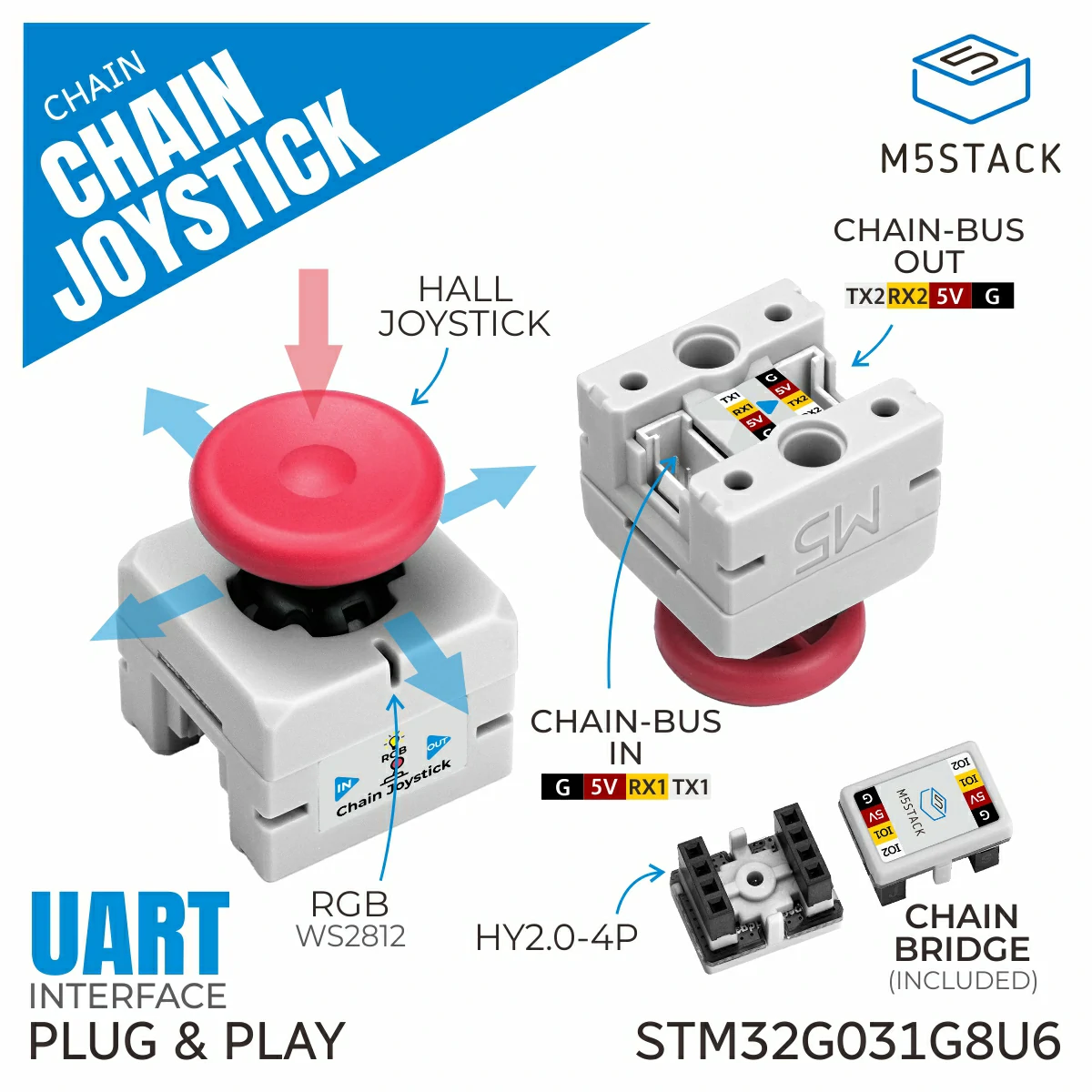
Chain Joystick is a high-precision Hall-effect joystick input node in the M5Stack Chain series. It supports three-axis control signal input, including analog input on the X/Y axes and digital button input on the Z axis. The device uses a Hall-effect joystick that achieves high-precision control by detecting magnetic field changes, offering contactless operation, wear resistance, high accuracy, and strong interference immunity, which ensures stability and a long service life. It also integrates a programmable RGB LED for status indication and interactive display, making it suitable for human-machine interaction, robot control, and other applications.
1. Component Overview
| Item | Information |
|---|---|
| Expansion module | Chain Joystick (U205) |
| Main functions | Provides Hall-effect joystick input and button functions |
| Communication interface | Chain Bus / UART |
| ESPHome components | m5_chain_base, m5_chain_joystick (external components) |
| ESPHome version requirement | 2026.9.0 or later |
2. Component Details
Include External Components
Configuration Example
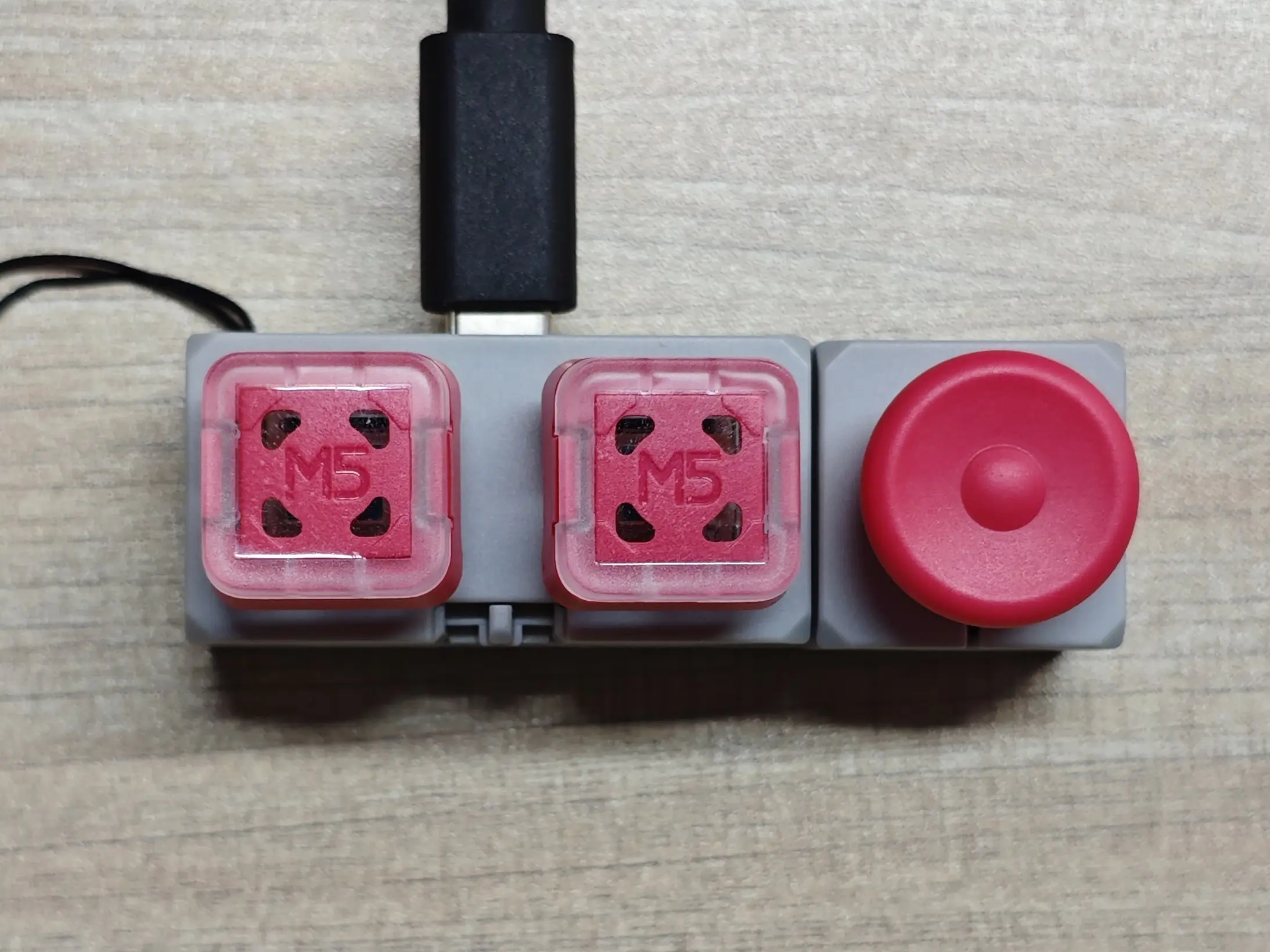
- Configure the host UART pins (using the Chain DualKey as an example)
uart:
  - id: chain_uart_right
    tx_pin: GPIO6
    rx_pin: GPIO5
    baud_rate: 115200

  - id: chain_uart_left
    tx_pin: GPIO47
    rx_pin: GPIO48
baud_rate: 115200- Include the external components
external_components:
  - source: github://m5stack/esphome@feat-m5-chain
    components: [m5_chain_base, m5_chain_joystick]
refresh: 0s- Add the Chain Joystick
m5_chain_joystick:
  id: chain_joystick
  uart_id: chain_uart_right
  chain_index: 1
update_interval: 50msSet the correct index according to the actual position of the Chain.
- Add Chain Joystick ADC sensors
sensor:
  - platform: m5_chain_joystick
    m5_chain_joystick_id: chain_joystick
    name: "Chain Joystick X"
    type: mapped_int16
    axis: x

  - platform: m5_chain_joystick
    m5_chain_joystick_id: chain_joystick
    name: "Chain Joystick Y"
    type: mapped_int16
axis: y- Add the Chain Joystick binary sensor
binary_sensor:
  - platform: m5_chain_joystick
    m5_chain_joystick_id: chain_joystick
name: "Chain Joystick Button"- Add the Chain Joystick RGB LED
output:
  - platform: m5_chain_joystick
    id: chain_joystick_red
    m5_chain_joystick_id: chain_joystick
    channel: rgb_red
  - platform: m5_chain_joystick
    id: chain_joystick_green
    m5_chain_joystick_id: chain_joystick
    channel: rgb_green
  - platform: m5_chain_joystick
    id: chain_joystick_blue
    m5_chain_joystick_id: chain_joystick
    channel: rgb_blue

light:
  - platform: rgb
    name: Chain Joystick RGB
    red: chain_joystick_red
    green: chain_joystick_green
blue: chain_joystick_blue3. Reference Example
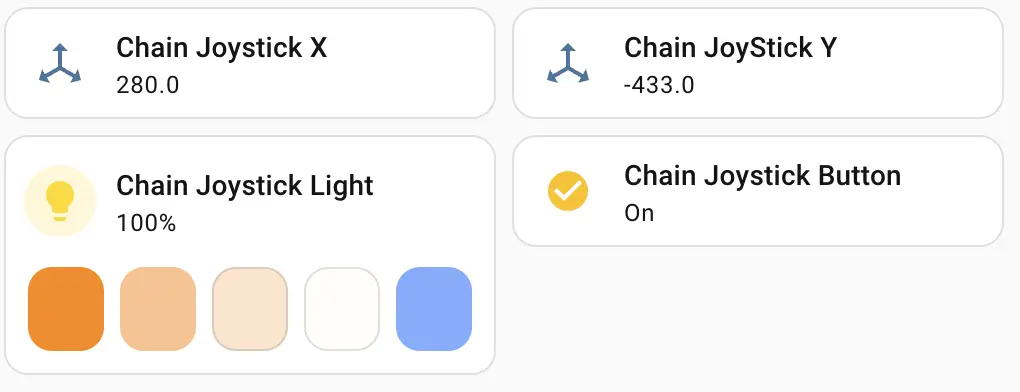
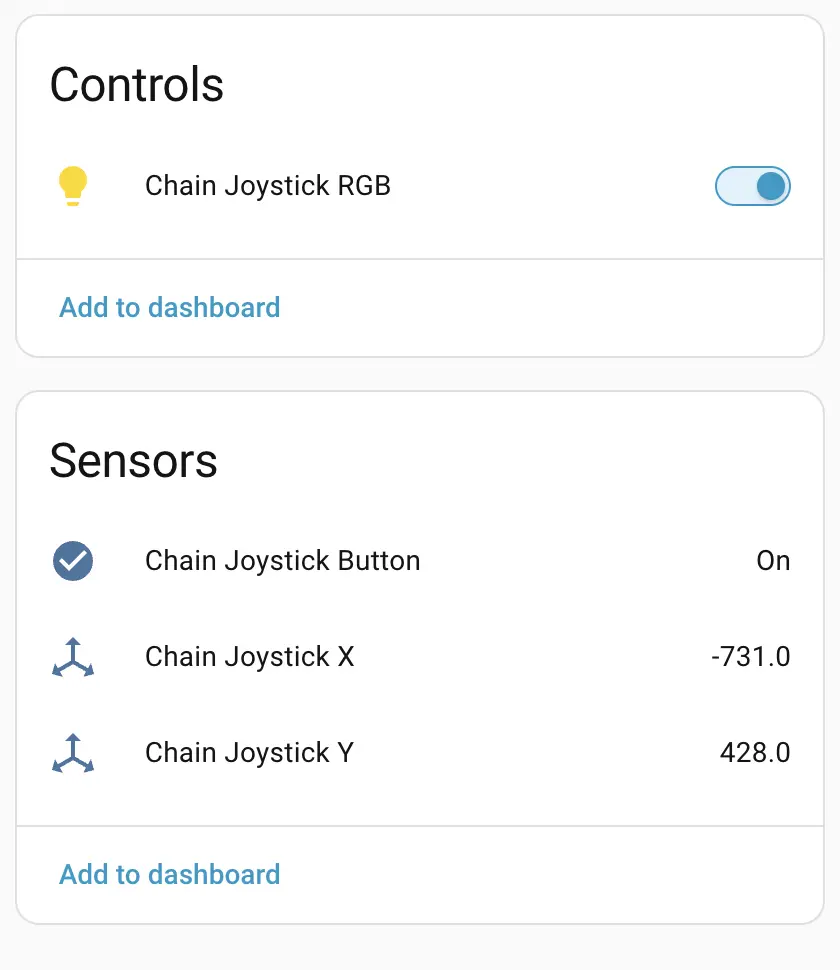
After the Chain Joystick expansion module is connected, you can view the corresponding Sensor and Light entities on the device page:
Dashboard card example