

Home Assistant
Home Assistant
Controller & Devices
Cameras
Components
Lighting
Interfaces and Expansion
Applications
Media Playback
Dashboard
Chain MIC ESPHome Component
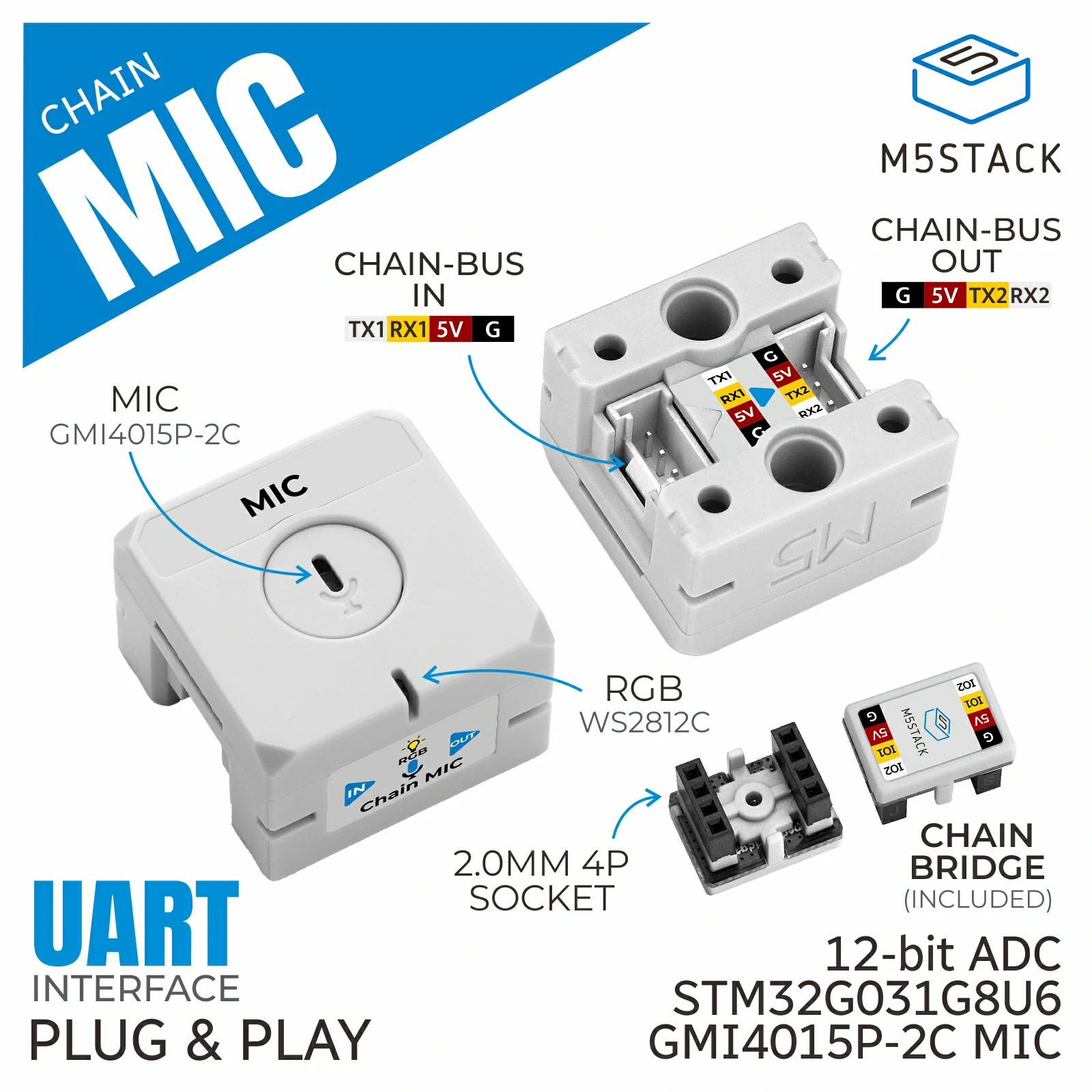
Chain MIC is a sound acquisition node in the M5Stack Chain series. It integrates a GMI4015P-2C microphone, an SGM321YC5/TR operational amplifier, and a programmable RGB LED, and supports 12-bit ADC sampling of sound signals and threshold triggering. It is suitable for ambient sound detection, voice-controlled interaction, device status prompts, and other applications.
Note
To use Chain series nodes, a compatible host is required for UART communication and control, such as the Chain DualKey host, or an Atom series device paired with the Atomic ToChain Base.
1. Component Overview
| Item | Information |
|---|---|
| Expansion module | Chain MIC (U226) |
| Main functions | Provides sound acquisition data |
| Communication interface | Chain Bus / UART |
| ESPHome components | m5_chain_base, m5_chain_mic (external components) |
| ESPHome version requirement | 2026.9.0 or later |
2. Component Details
Include External Components
Configuration Example
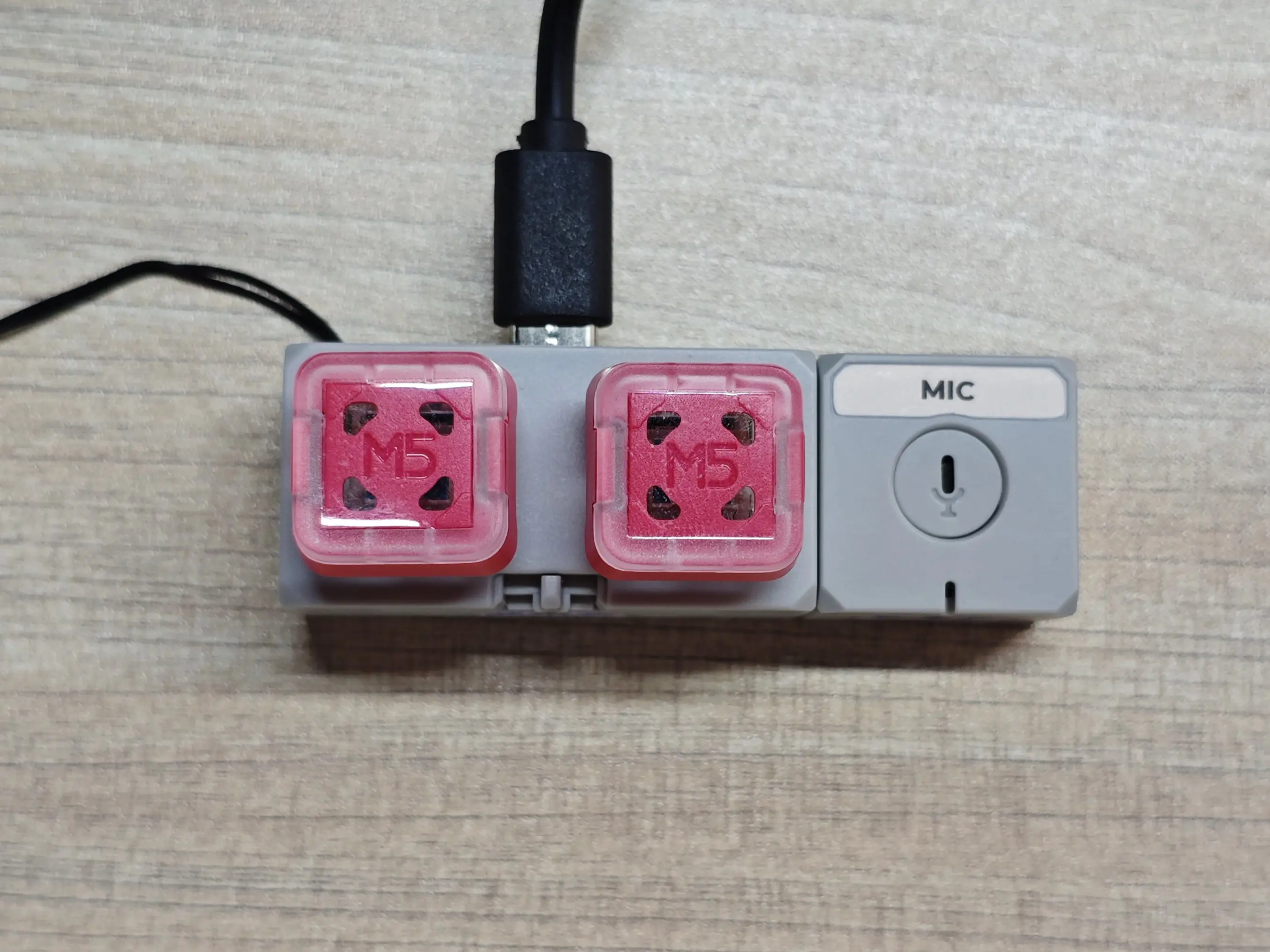
- Configure the host UART pins (using the Chain DualKey as an example)
uart:
  - id: chain_uart_right
    tx_pin: GPIO6
    rx_pin: GPIO5
    baud_rate: 115200

  - id: chain_uart_left
    tx_pin: GPIO47
    rx_pin: GPIO48
baud_rate: 115200- Include the external components
external_components:
  - source: github://m5stack/esphome@feat-m5-chain
    components: [m5_chain_base, m5_chain_mic]
refresh: 0s- Add the Chain MIC
m5_chain_mic:
  id: chain_mic
  uart_id: chain_uart_right
  chain_index: 1
update_interval: 250msNote
Set the correct index according to the actual position of the Chain.
- Add the Chain MIC sound threshold binary sensor
binary_sensor:
  - platform: m5_chain_mic
    m5_chain_mic_id: chain_mic
name: Chain MIC Threshold- Add Chain MIC ADC sensors for volume
sensor:
  - platform: m5_chain_mic
    m5_chain_mic_id: chain_mic
    name: Chain MIC ADC
    type: adc_12
  - platform: m5_chain_mic
    m5_chain_mic_id: chain_mic
    name: Chain MIC ADC 8 bit
type: adc_8- Add the Chain MIC RGB LED
output:
  - platform: m5_chain_mic
    id: chain_mic_red
    m5_chain_mic_id: chain_mic
    channel: rgb_red
  - platform: m5_chain_mic
    id: chain_mic_green
    m5_chain_mic_id: chain_mic
    channel: rgb_green
  - platform: m5_chain_mic
    id: chain_mic_blue
    m5_chain_mic_id: chain_mic
    channel: rgb_blue

light:
  - platform: rgb
    name: "Chain MIC Light"
    red: chain_mic_red
    green: chain_mic_green
blue: chain_mic_blue3. Reference Example
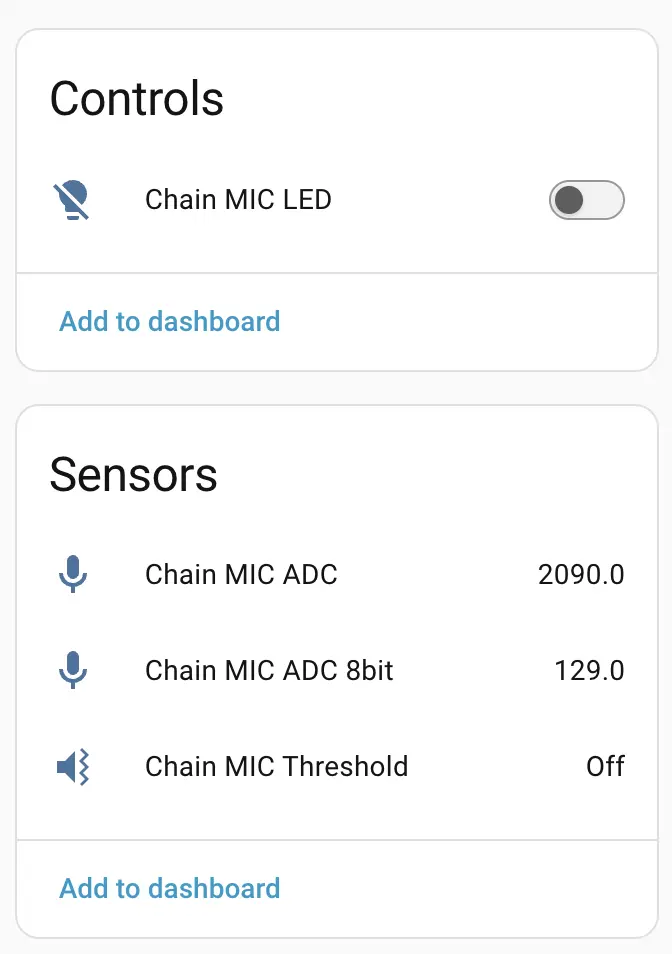
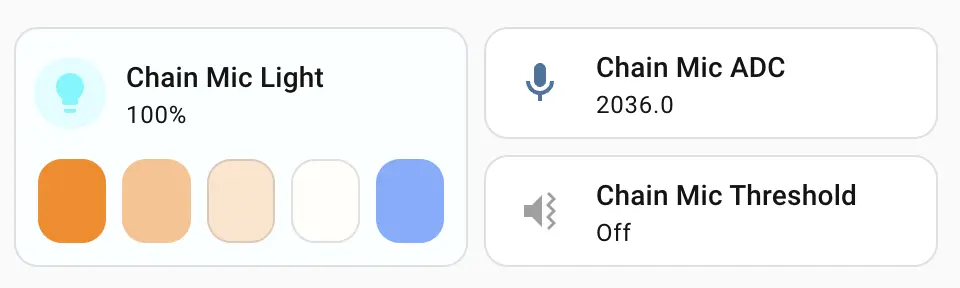
After the Chain MIC expansion module is connected, you can view the corresponding Sensor and Light entities on the device page:
Dashboard card example
Page Tools