

Home Assistant
传感器
Unit ToF Home Assistant 集成
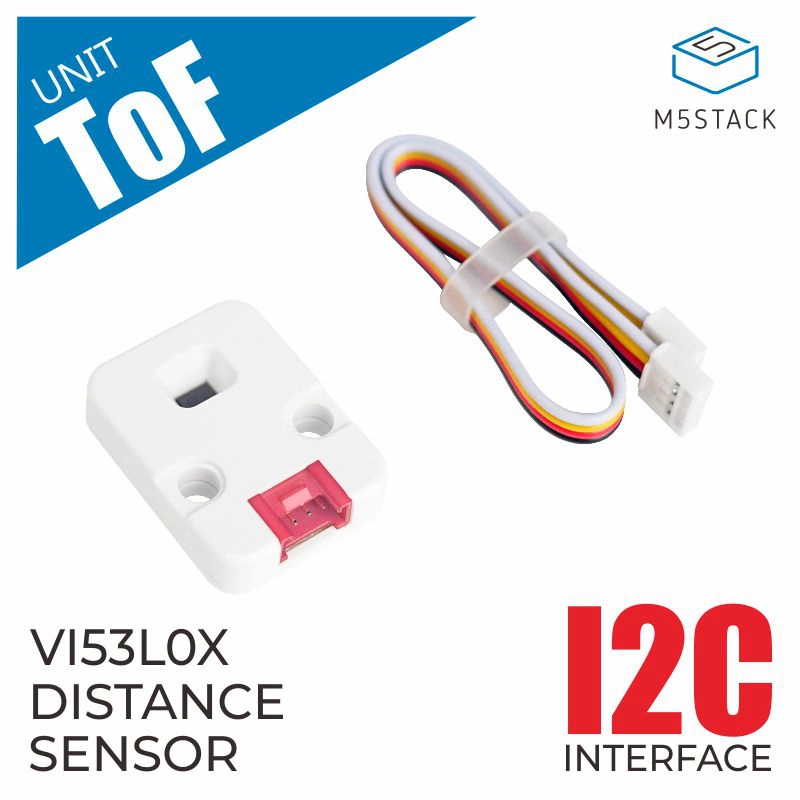
本教程将介绍如何使用 Unit ToF 高精度激光测距传感器集成至 Home Assistant,实现非接触式距离监测。
1. 准备工作
环境准备
- 参考 Home Assistant 官方文档安装 Home Assistant。
- 参考 ESPHome 官方文档完成 ESPHome Device Builder 插件安装。
- 查阅以下配置资料:
- VL53L0X datasheet
- 可参考 ESPHome 以查看最新的配置:VL53L0X Time Of Flight Distance Sensor
硬件产品
- Unit ToF
- 兼容主控设备(如 Atom 系列、Stamp 系列、Stick 系列、Core/Basic 系列等)
注意
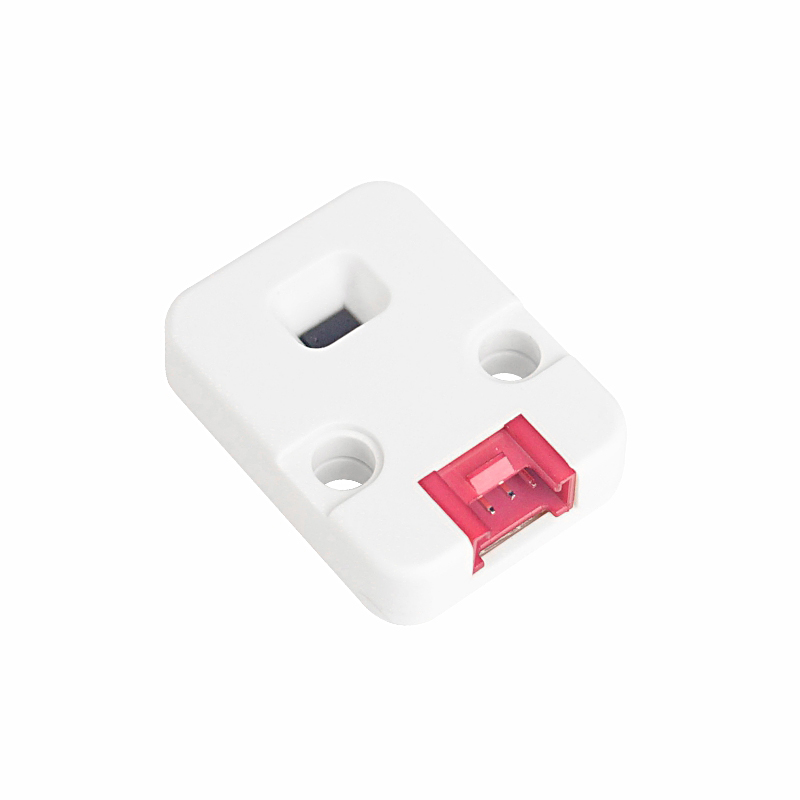
因为 Unit ToF 只是单独的传感器平台,需要额外的主控设备(如 Atom 系列、Stamp 系列, Stick 系列,Core/Basic 系列等)才能集成至 Home Assistant。
2. 修改配置
需要在 ESPHome 配置中启用 I²C 组件:
# Example configuration entry for ESP32
i2c:
  sda: GPIOXX
  scl: GPIOXX
scan: true这里的 GPIO 引脚会因为使用的主控设备不一而不同。比如使用 Atom Lite 作为主控:
# I2C Bus on Grove Port (HY2.0-4P)
i2c:
  sda: GPIO26
scl: GPIO32Unit ToF 配置的范例:
yaml
1 2 3 4 5 6
sensor:
  - platform: vl53l0x
    name: "VL53L0x Distance"
    address: 0x29
    update_interval: 60s
long_range: true保存配置文件,编译并且上传固件后,可以将设备添加至 Home Assistant 集成。
Page Tools