

Home Assistant
Media Player
Expansion
Sensor
Unit EXT.IO2 / Stamp IO — Home Assistant Integration
This section describes how to configure Unit EXT.IO2 / Stamp IO for integration with Home Assistant.
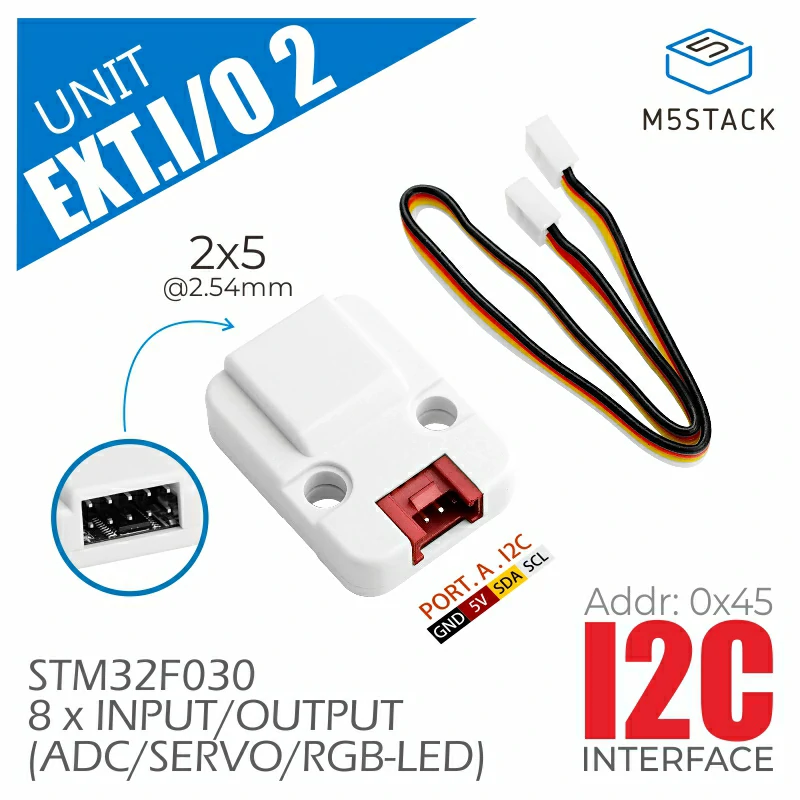
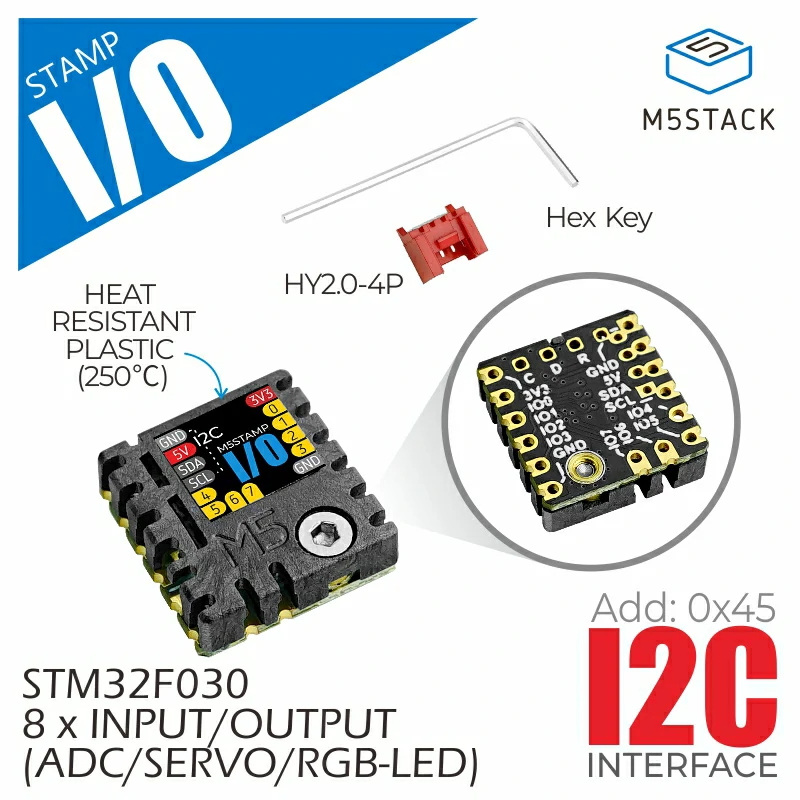
Preparation
Environment Setup
- Install Home Assistant by following the official Home Assistant documentation.
- Install the ESPHome Device Builder add-on by following the official ESPHome documentation.
Hardware
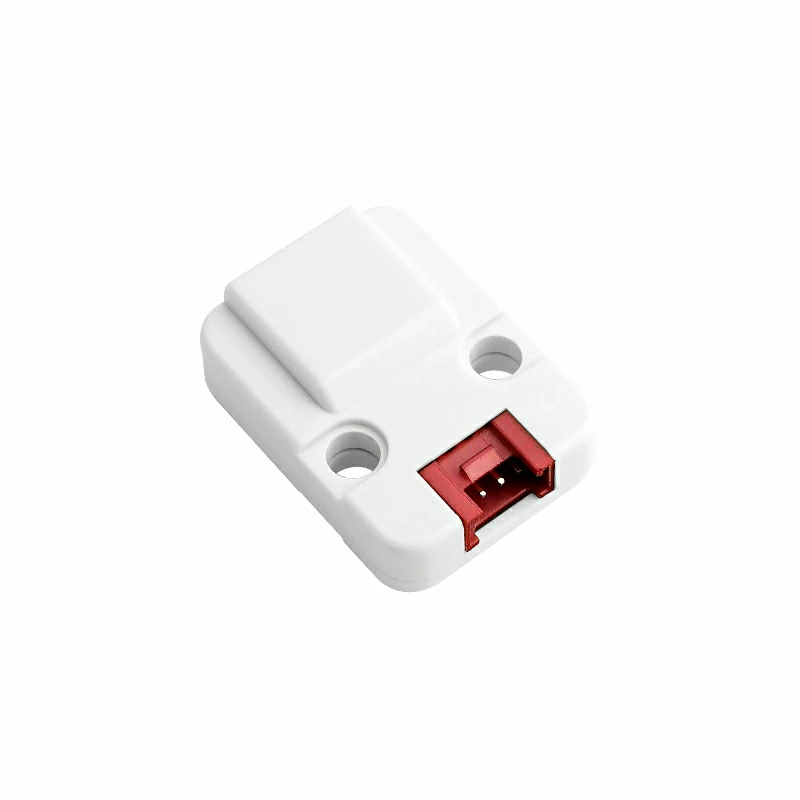
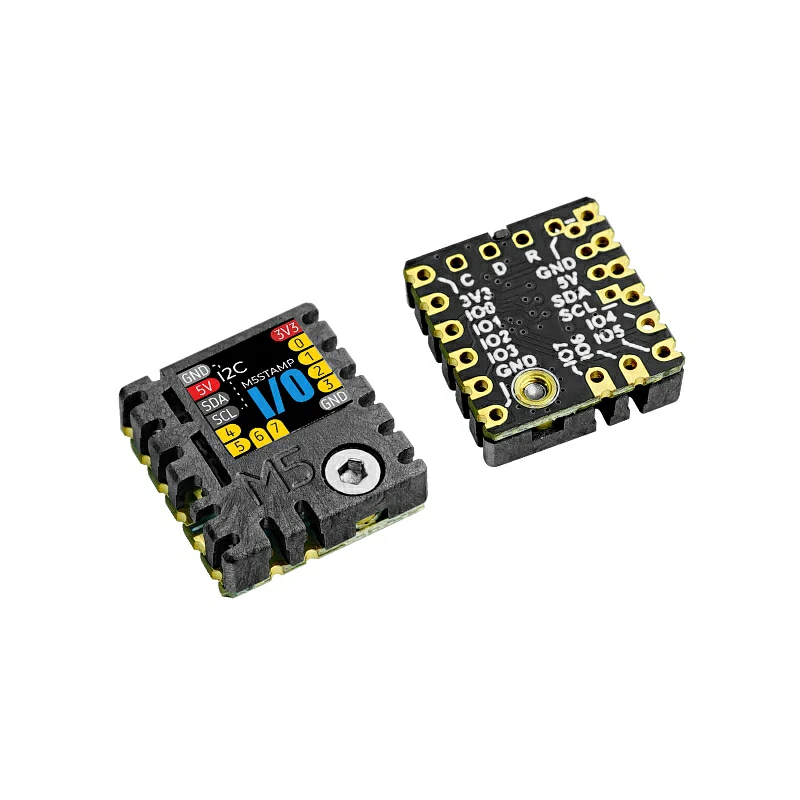
- Unit EXT.IO2 or Stamp IO
- Host controller (Atom series, Stamp series, Stick series, or Core / Basic series)
- Home Assistant host
Add Features
I²C Bus
The expansion features require the I2C component.
# Example configuration entry for ESP32
i2c:
  sda: GPIOXX
  scl: GPIOXX
scan: trueFor example, when using an Atom Lite as the host controller:
# I2C Bus on Grove Port (HY2.0-4P)
i2c:
  sda: GPIO26
scl: GPIO32Hub Component
Add the extio2 external component and declare the hub before using any platform:
external_components:
  - source: github://m5stack/esphome-yaml/components@main
    components: [extio2]
    refresh: 0s

extio2:
id: extio2_hubConfiguration Variables
- id (Optional, ID): Manually assign an ID to this hub instance.
- address (Optional, int): I²C device address. Defaults to
0x45. - reset (Optional, boolean): Perform a software reset on startup. All pins are set to output mode, driving low. Defaults to
true. - pwm_freq (Optional, enum): Global PWM frequency shared by all channels. Defaults to
1kHz. Options:2kHz1kHz500Hz250Hz125Hz
- All options from I²C Device are also supported.
GPIO Pin
EXT.IO2 pins can be used anywhere ESPHome accepts a standard GPIO pin reference, such as switch, binary_sensor, and similar components.
# Digital output — switch
switch:
  - platform: gpio
    name: "EXT.IO2 GPIO 0"
    pin:
      extio2_id: extio2_hub
      number: 0
      mode:
        output: true

# Digital input — binary sensor
binary_sensor:
  - platform: gpio
    name: "EXT.IO2 GPIO 1"
    pin:
      extio2_id: extio2_hub
number: 1Pin Configuration Variables
- extio2_id (Required, ID): The ID of the EXT.IO2 hub.
- number (Required, int): Pin number,
0–7. - inverted (Optional, boolean): Invert the pin logic. Defaults to
false.
pullup, pulldown, and open_drain are not supported.Sensor (ADC)
The sensor platform reads analog values from any of the 8 ADC-capable pins.
sensor:
  - platform: extio2
    extio2_id: extio2_hub
    name: "ADC Sensor 0"
    channel: ADC_0
    resolution: 12BIT
update_interval: 5sConfiguration Variables
- extio2_id (Optional, ID): The ID of the EXT.IO2 hub.
- channel (Required, enum): ADC channel to read,
ADC_0throughADC_7. - resolution (Optional, enum): ADC resolution. Defaults to
8BIT.8BIT: 8-bit resolution, range 0–255.12BIT: 12-bit resolution, range 0–4095.
- update_interval (Optional, Time): Polling interval. Defaults to
60s. - All options from Sensor are also supported.
Output (PWM)
The output platform drives any pin as a PWM output. Duty cycle is expressed as a float from 0.0 to 1.0, mapped internally to 0–100%.
output:
  - platform: extio2
    extio2_id: extio2_hub
    id: pwm_ch0
    channel: PWM_0

light:
  - platform: monochromatic
    name: "PWM Light 0"
    output: pwm_ch0
    effects:
- pulse:Configuration Variables
- extio2_id (Optional, ID): The ID of the EXT.IO2 hub.
- id (Required, ID): ID for this output.
- channel (Required, enum): PWM channel to use,
PWM_0throughPWM_7. - All options from Float Output are also supported.
pwm_freq option. All PWM channels share the same frequency.Number (Servo)
The number platform controls servos in two modes: angle (degrees) or pulse width (microseconds).
Angle Mode
Controls servo position by angle (0–180°).
number:
  - platform: extio2
    extio2_id: extio2_hub
    name: "Servo 0"
    type: angle
    channel: SERVO_0
    min_value: 0
    max_value: 180
step: 3Pulse Mode
Controls servo position by raw pulse width (microseconds).
number:
  - platform: extio2
    extio2_id: extio2_hub
    name: "Servo 1"
    type: pulse
    channel: SERVO_1
    min_value: 500
    max_value: 2500
step: 100Configuration Variables
- extio2_id (Optional, ID): The ID of the EXT.IO2 hub.
- type (Required, enum): Servo control mode.
angle: Control by angle.pulse: Control by pulse width.
- channel (Required, enum): Servo channel to use,
SERVO_0throughSERVO_7. - min_value (Optional, float): Minimum value. Defaults to
0.0(angle) or500.0(pulse). - max_value (Optional, float): Maximum value. Defaults to
180.0(angle) or2500.0(pulse). - step (Optional, float): Step size. Defaults to
3.0(angle) or100.0(pulse). - All options from Number are also supported.
| Mode | Unit | Min | Max | Step |
|---|---|---|---|---|
angle | ° | 0 | 180 | 3 |
pulse | µs | 500 | 2500 | 100 |
Light
The light platform supports two modes: a single RGB LED on a specified pin, or an addressable LED strip starting from pin 0.
Single RGB LED
Controls one RGB LED on the specified pin.
light:
  - platform: extio2
    extio2_id: extio2_hub
    name: "EXT.IO2 Light 2"
    type: light
channel: LIGHT_2Addressable LED Strip
Controls a consecutive run of RGB LEDs starting from pin 0. Supports all ESPHome addressable light effects.
light:
  - platform: extio2
    extio2_id: extio2_hub
    name: "LED Strip"
    type: addressable_light
num_leds: 8Configuration Variables
- extio2_id (Optional, ID): The ID of the EXT.IO2 hub.
- type (Required, enum): Light mode.
light: Single RGB LED.addressable_light: Addressable LED strip.
- channel (Required for
lighttype, enum): Pin to use,LIGHT_0throughLIGHT_7. - num_leds (Required for
addressable_lighttype, int): Number of LEDs,1–8. Pins are assigned consecutively starting from pin 0. - All options from Light are also supported.
num_leds: 3 uses pins 0, 1, and 2. The hardware does not provide a brightness control register. Brightness is implemented via software scaling of RGB values.Full Configuration Example
i2c:
  sda: GPIO2
  scl: GPIO1

extio2:
  id: extio2_hub
  address: 0x45
  reset: true
  pwm_freq: 1kHz

# GPIO — digital output
switch:
  - platform: gpio
    name: "EXT.IO2 GPIO 0"
    pin:
      extio2_id: extio2_hub
      number: 0
      mode:
        output: true

# GPIO — digital input
binary_sensor:
  - platform: gpio
    name: "EXT.IO2 GPIO 1"
    pin:
      extio2_id: extio2_hub
      number: 1
      mode:
        input: true
        pullup: true

# ADC sensor
sensor:
  - platform: extio2
    extio2_id: extio2_hub
    name: "ADC Sensor 2"
    channel: ADC_2
    resolution: 12BIT
    update_interval: 5s

# PWM output used as monochromatic light
output:
  - platform: extio2
    extio2_id: extio2_hub
    id: pwm_ch3
    channel: PWM_3

light:
  - platform: monochromatic
    name: "PWM Light 3"
    output: pwm_ch3
    effects:
      - pulse:

  # Single RGB LED
  - platform: extio2
    extio2_id: extio2_hub
    name: "RGB Light 6"
    type: light
    channel: LIGHT_6

  # Addressable LED strip (all 8 pins)
  - platform: extio2
    extio2_id: extio2_hub
    name: "LED Strip"
    type: addressable_light
    num_leds: 8

number:
  # Servo — angle control
  - platform: extio2
    extio2_id: extio2_hub
    name: "Servo 4"
    type: angle
    channel: SERVO_4

  # Servo — pulse width control
  - platform: extio2
    extio2_id: extio2_hub
    name: "Servo 5"
    type: pulse
    channel: SERVO_5