

Home Assistant
Media Player
Expansion
Sensor
Unit Mini TVOC/eCO2 Home Assistant Integration
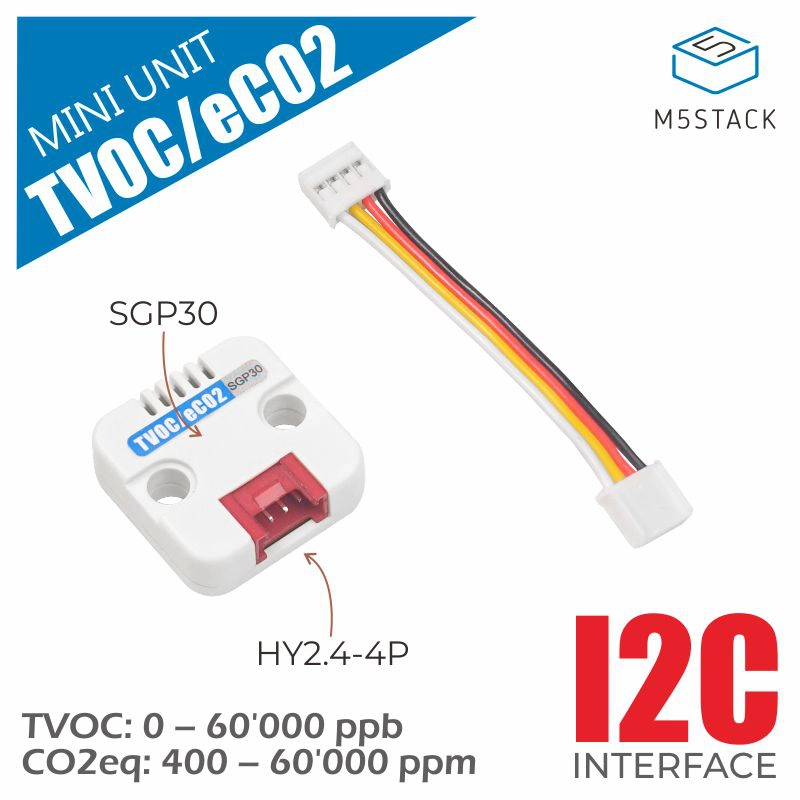
This tutorial will introduce how to use the Unit Mini TVOC/eCO2 gas sensor unit with the AtomS3R main controller and integrate it into Home Assistant to achieve real-time monitoring of TVOC (Total Volatile Organic Compounds) and eCO2 (equivalent carbon dioxide) concentrations in the air.
1. Preparation
Environment Setup
- Install Home Assistant 2026.2.0 or later by following the official Home Assistant documentation.
- Install the ESPHome Device Builder add-on by following the official ESPHome documentation. This tutorial uses ESPHome 2026.2.2 or later.
Hardware Products
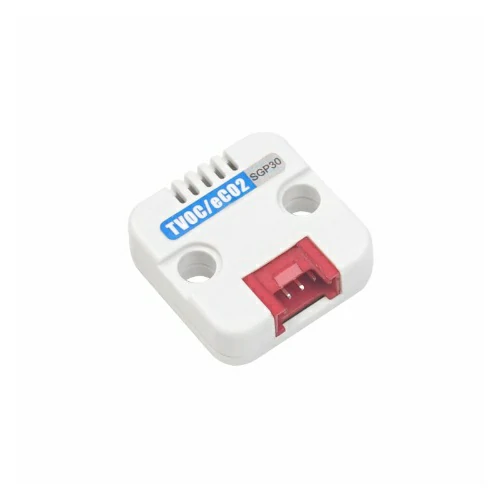
- Unit Mini TVOC/eCO2
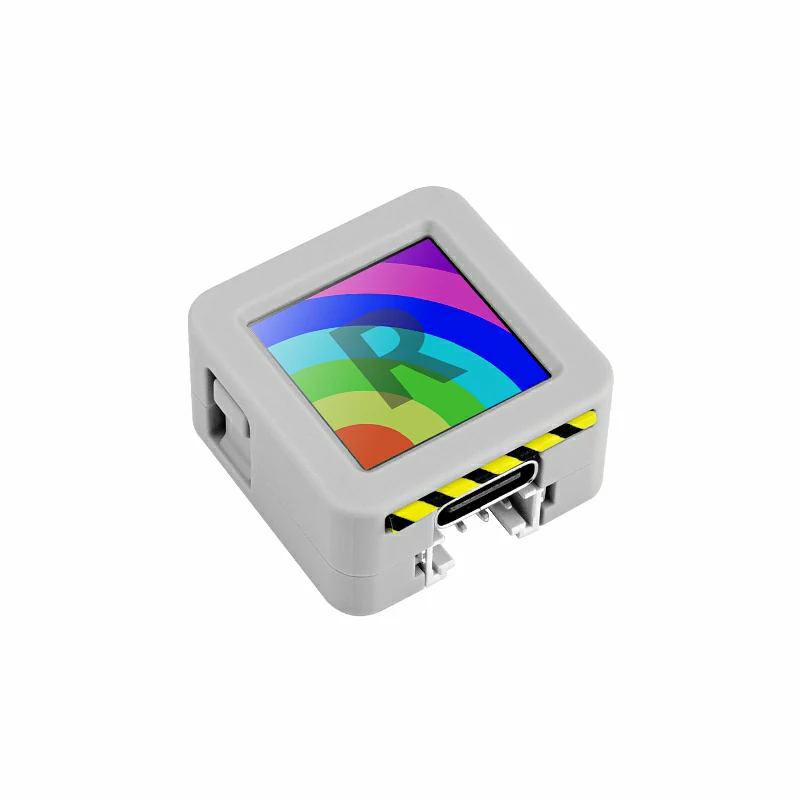
- AtomS3R
- 1 x HY2.0-4P Grove Cable (20cm)
- 1 x Home Assistant host (server, mini PC, NAS, etc.)
2. Firmware Build & Flash
Build Time
The first build may take some time, depending on the performance of the Home Assistant host and network quality.
Create Device
- Open the ESPHome Dashboard. If the initial guidance interface appears, click
CONTINUE.
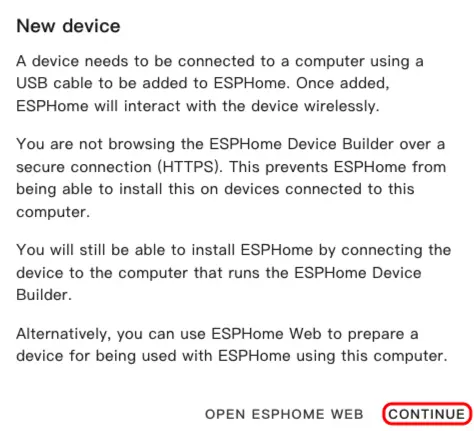
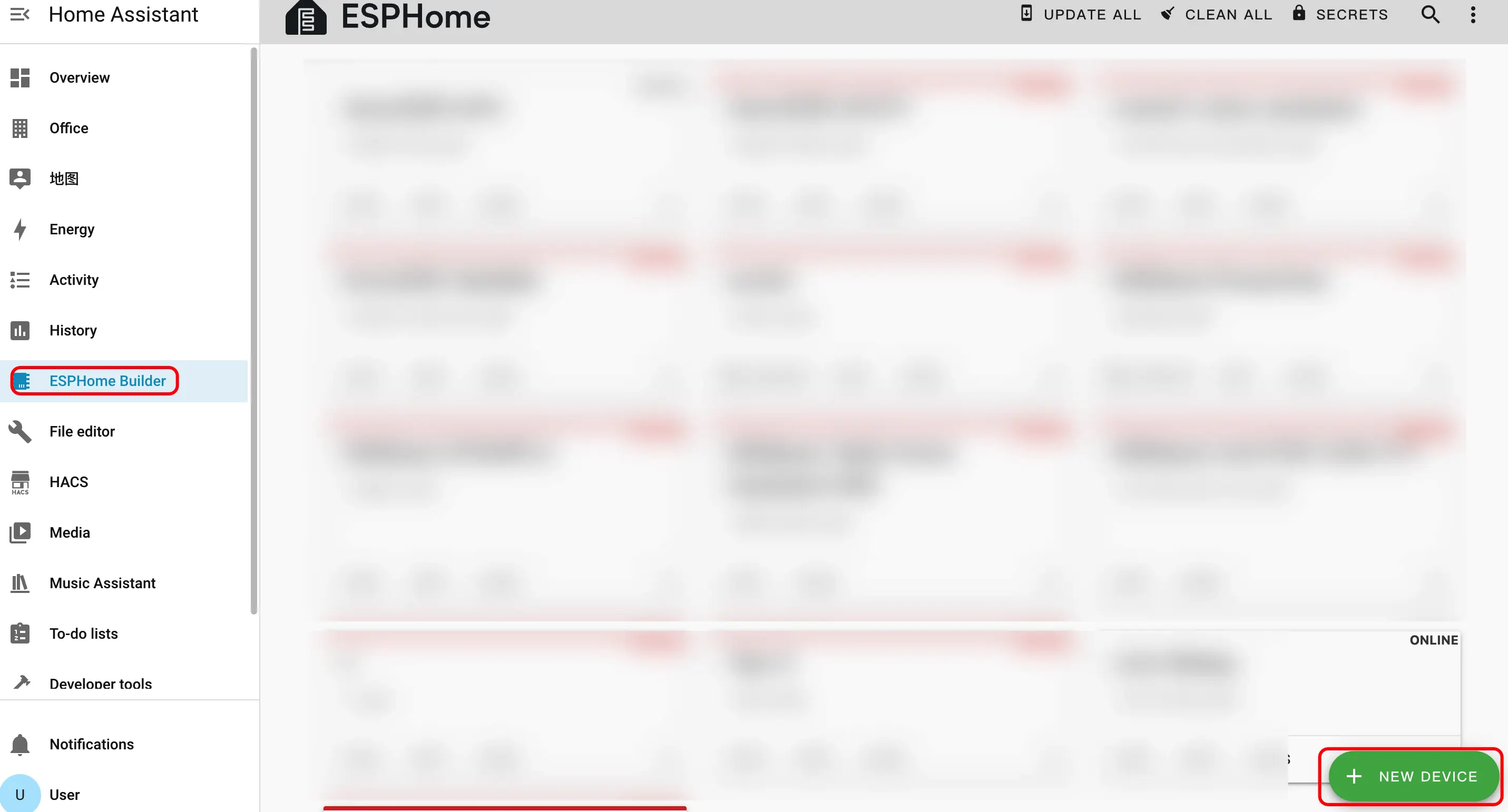
- Click the green + button in the lower right corner to start creating a new device.
- Click
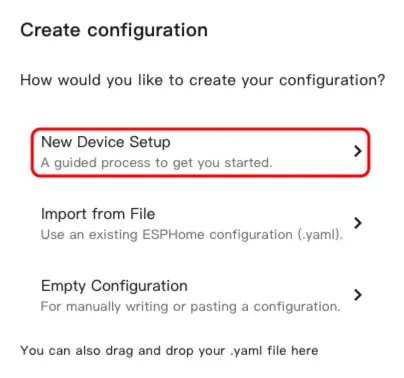
New Device Setupto enter the device creation wizard.
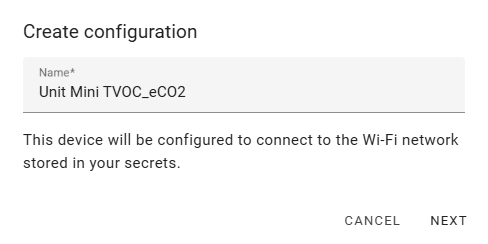
- Enter the device name and click
NEXT.
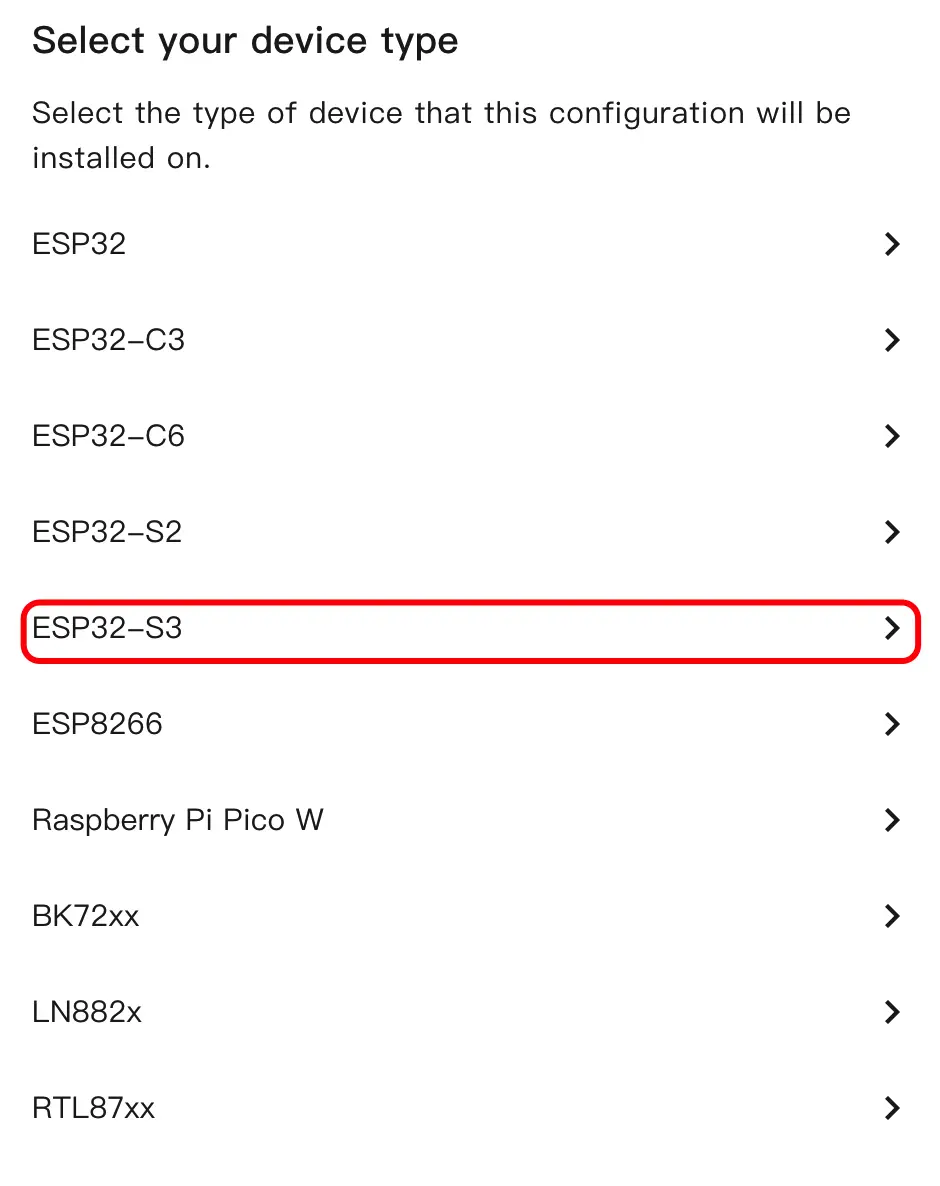
- Select the device type, click
ESP32S3.
- Click
SKIPto skip the encryption key setting.
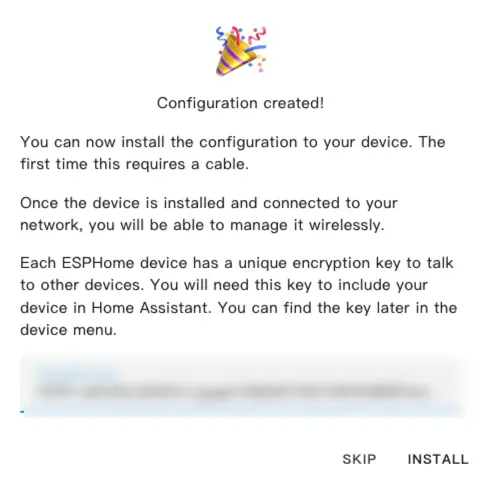
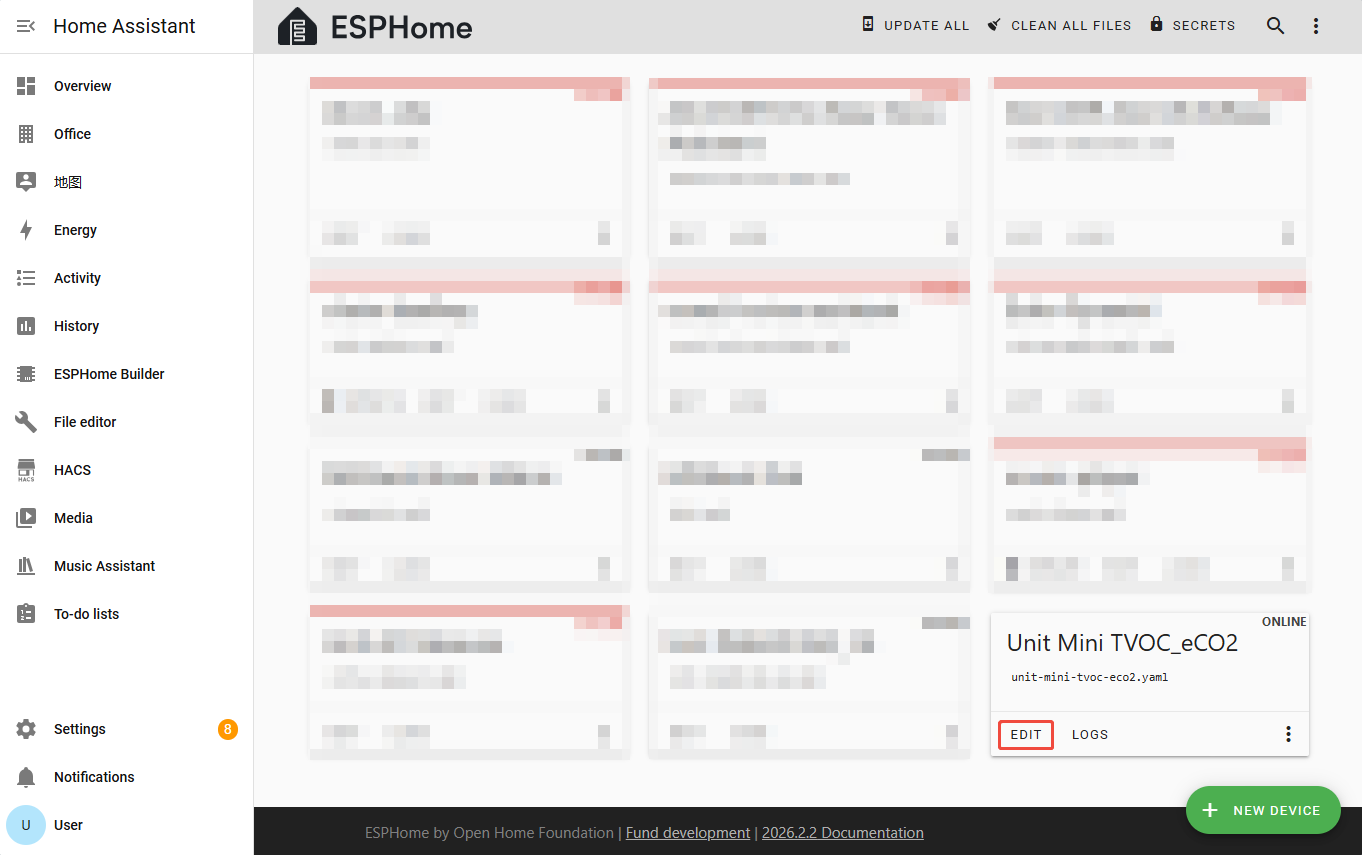
- Click
EDITto enter the YAML configuration page and customize device functions.
Modify Configuration
I2C Bus Configuration
Add the I2C component to configure the communication pins between Unit Mini TVOC/eCO2 and AtomS3R.
i2c:
  sda: GPIO2
  scl: GPIO1
scan: trueDescription
The PORT.A interface of AtomS3R corresponds to SDA: GPIO2, SCL: GPIO1. If using other ports, please adjust according to the actual pins.
Sensor Configuration
Add the Sensor component to enable the SGP30 sensor entity.
sensor:
  - platform: sgp30
    address: 0x58
    update_interval: 2s
    store_baseline: true
    # Optional
    # baseline:
    #   eco2_baseline: 0x190 #400
    #   tvoc_baseline: 0x0   #0
    eco2:
      name: "eCO2"
    tvoc:
name: "TVOC"Main Parameter Descriptions:
| Parameter | Value | Description |
|---|---|---|
address | 0x41 | I2C address of Unit Mini TVOC/eCO2. |
update_interval | 2s | Time interval for updating measurement values to Home Assistant. |
store_baseline | true | Whether to enable the baseline value storage function. |
baseline | Optional | Preset baseline values, which can be adjusted according to the environment for accuracy. |
eco2 | eCO2 entity configuration | Configures properties such as the name of the eCO2 sensor entity. |
tvoc | TVOC entity configuration | Configures properties such as the name of the TVOC sensor entity. |
- For the above configuration instructions, please refer to the official ESPHome documentation: SGP30 CO₂ and Volatile Organic Compound Sensor
Compile Firmware
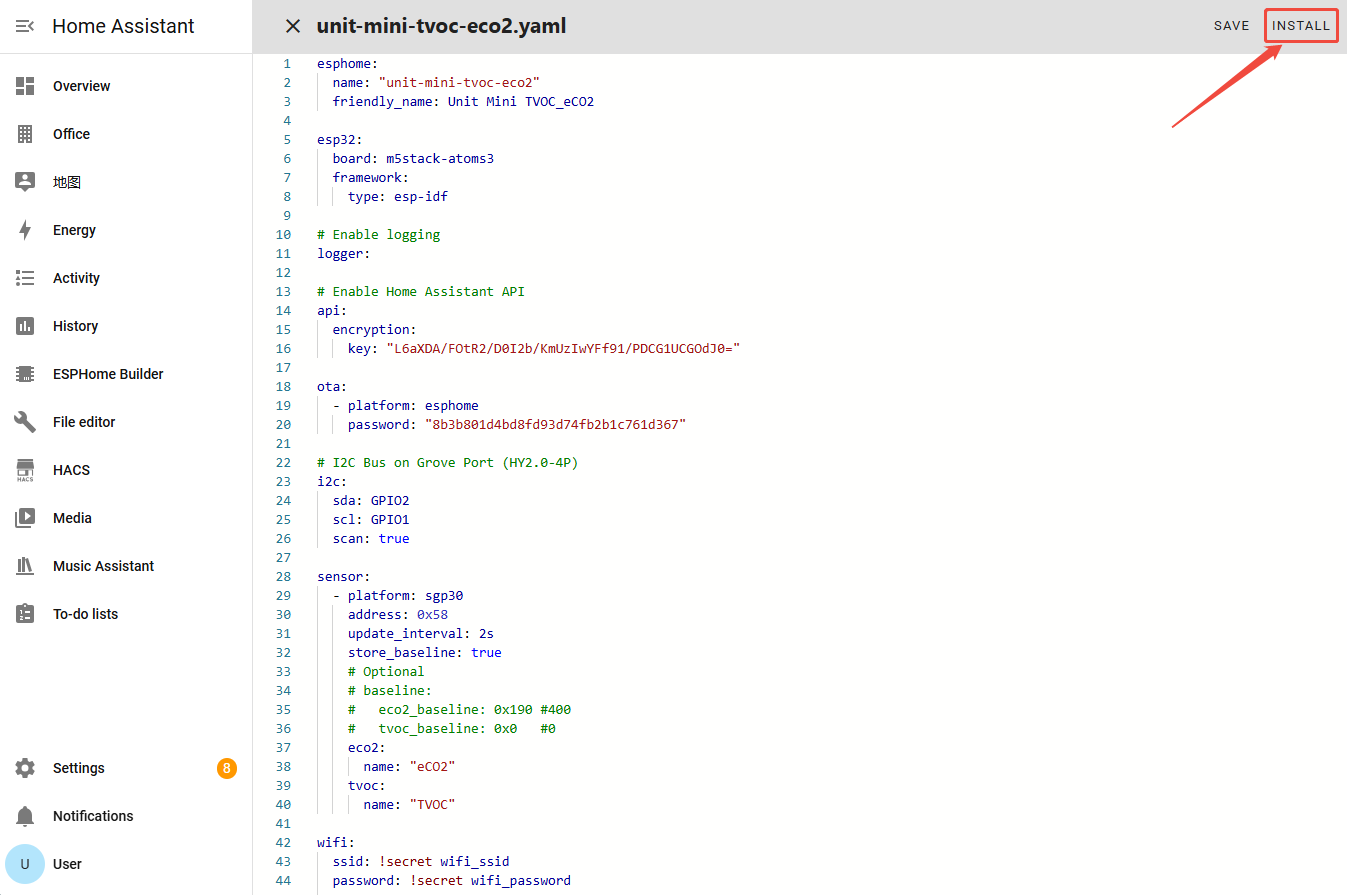
- After completing the YAML modification, click
SAVEin the upper right corner to save the configuration, then clickINSTALL.
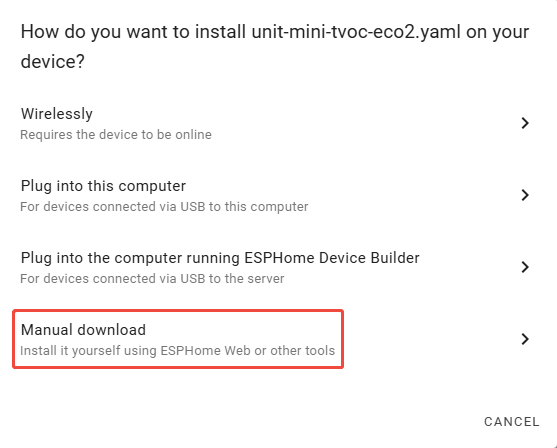
- Select
Manual Downloadin the pop-up window.
- Wait for the firmware compilation to complete, click
Downloadand selectFactory format (Previously Modern)to save the firmware locally.
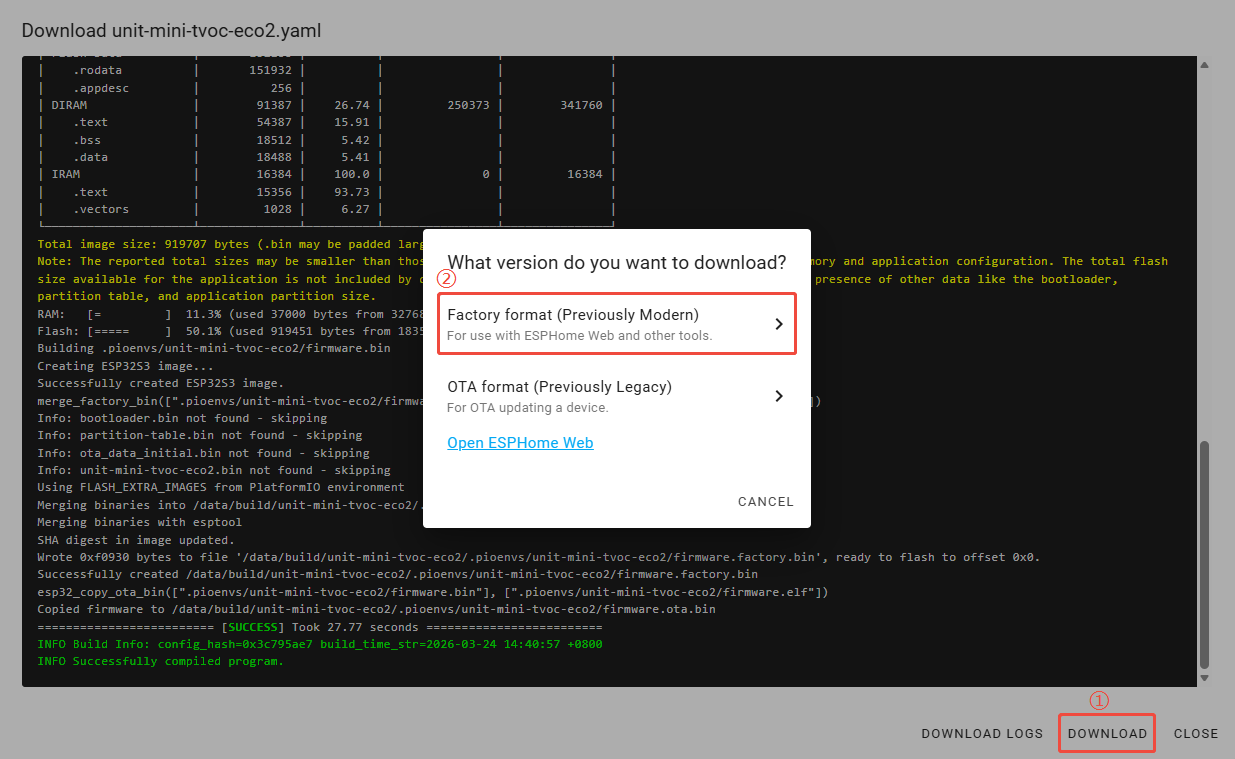
Flash Firmware
- Connect AtomS3R to the computer using a USB Type-C cable. Open ESPHome Web and click
CONNECT.
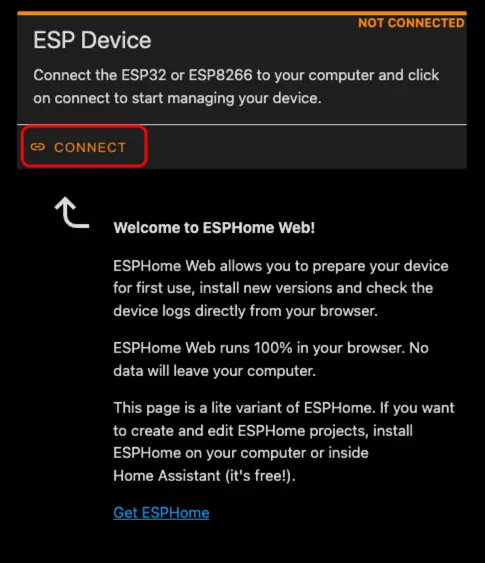
- In the pop-up serial port selection window, select the correct serial port number.
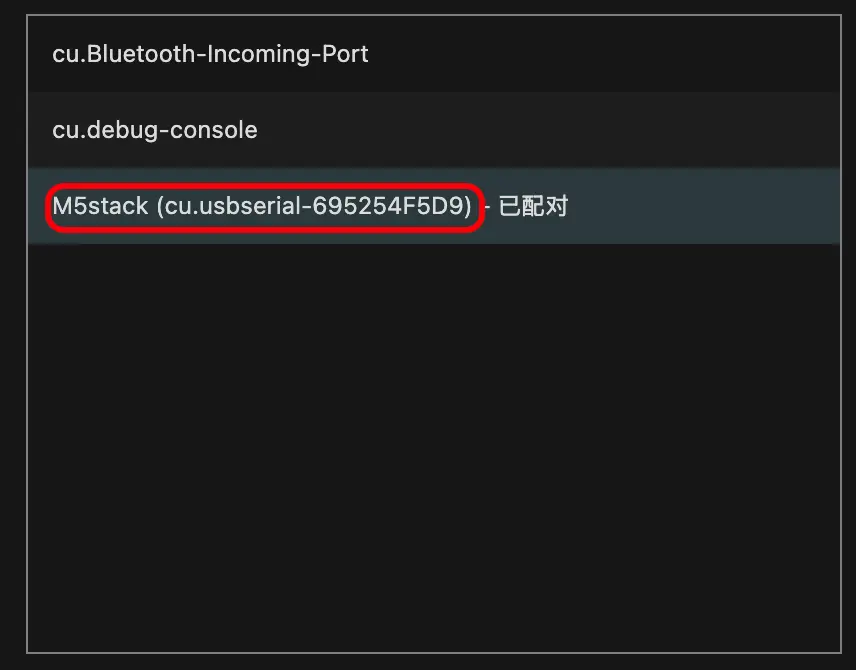
- Click
INSTALL.
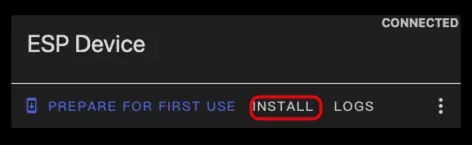
- Select the firmware file downloaded in step 3 and start flashing.
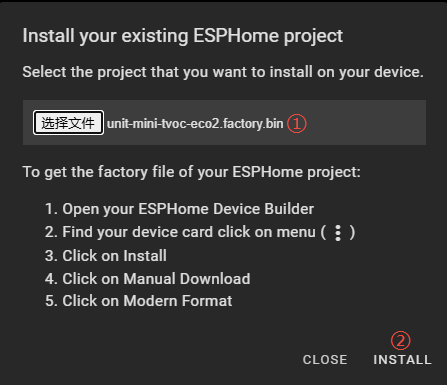
Note
The device must be reset after flashing is complete; otherwise, the firmware may not start normally.
3. Getting Started
- In Home Assistant, click
Settings>Devices & Servicesin sequence to enter the integration management page.
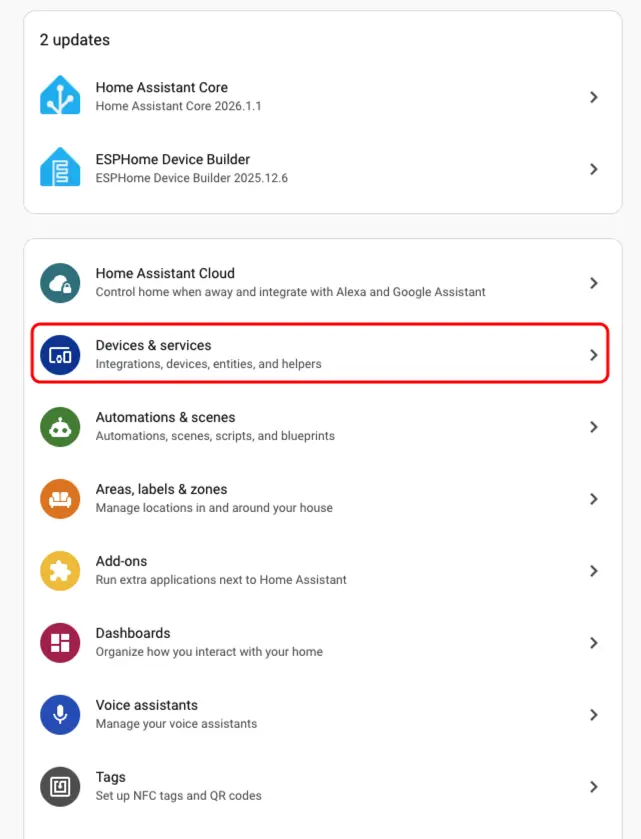
- Find the Unit Mini TVOC/eCO2 device in the
Discoveredarea, clickCONFIGURE, and follow the wizard to complete the configuration.
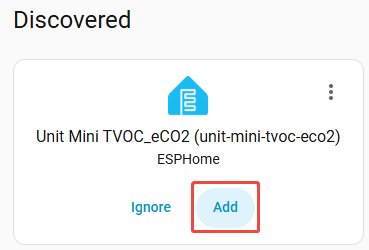
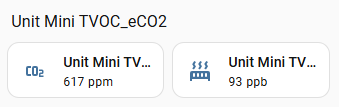
- After the device is added, multiple sensor entities can be seen on the device details page, including
eCO2andTVOC. ClickAdd to dashboardto add them to the dashboard.
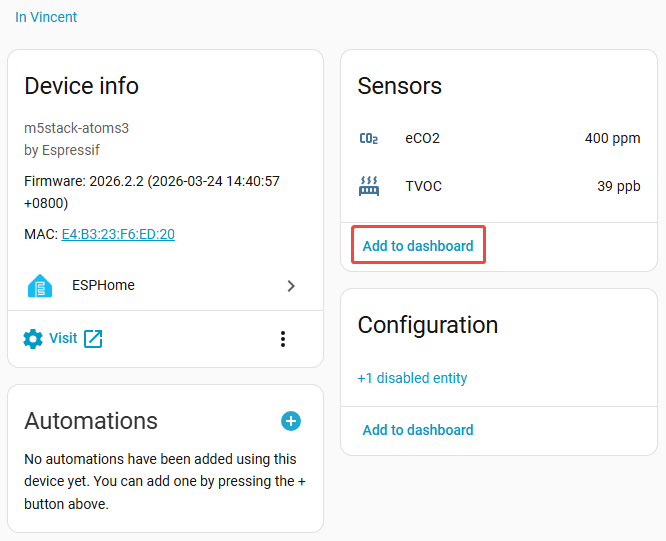
- Finally, add these sensor entities to the dashboard to monitor TVOC and eCO2 concentrations in the air in real-time.
Page Tools