

Home Assistant
传感器
Voice Pyramid Home Assistant 集成
本教程介绍如何将 Voice Pyramid 语音底座集成至 Home Assistant。
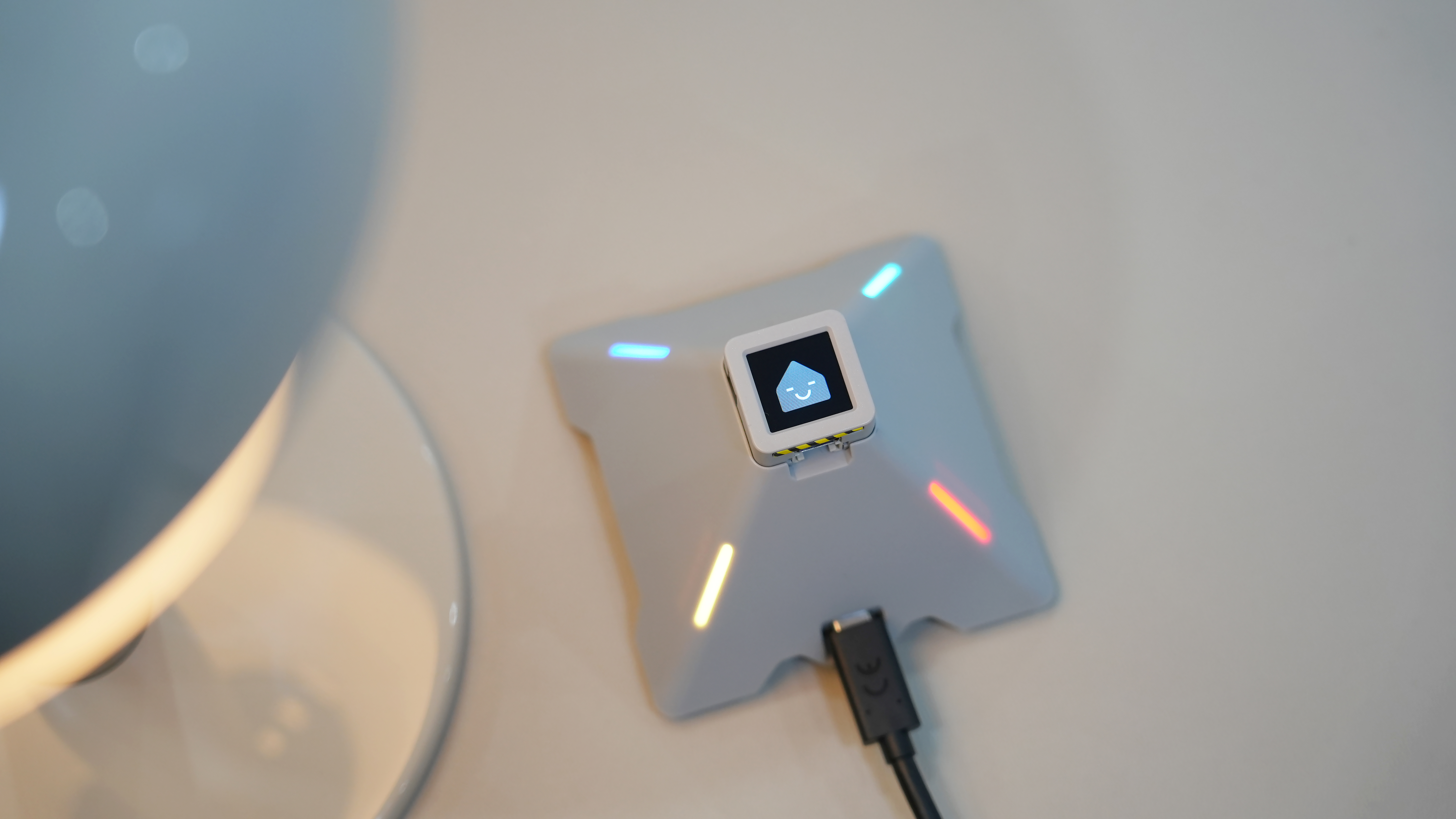
1. 准备工作
环境准备
- 参考 Home Assistant 官方文档 安装 Home Assistant。
- 参考 ESPHome 官方文档 完成 ESPHome Device Builder 插件安装。(注意:本教程基于
ESPHome 2026.1.2版本编写,如遇编译或烧录错误,建议先切换至该版本进行验证。)
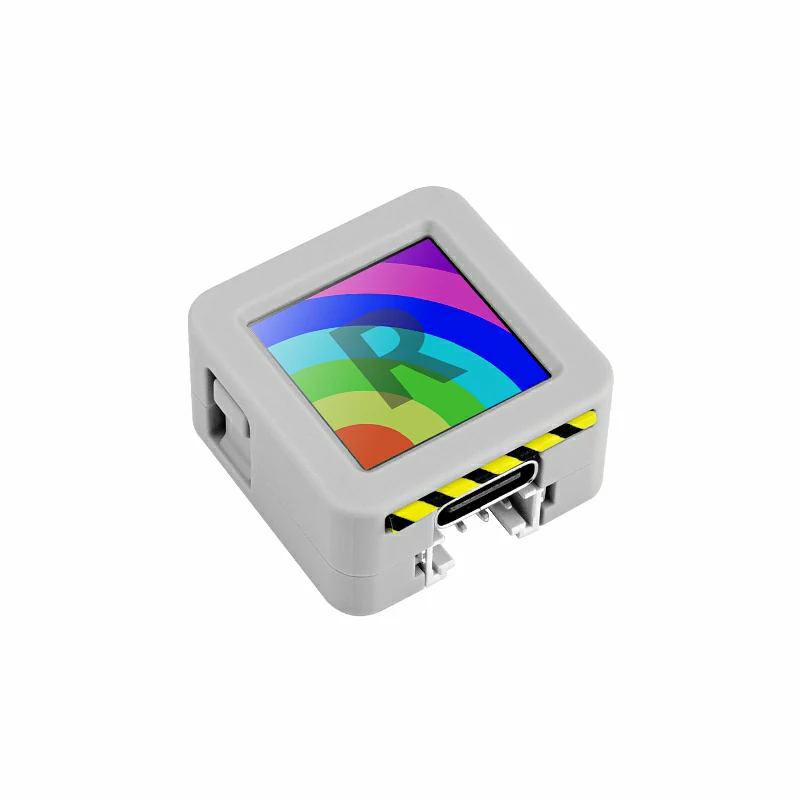
硬件产品

2. 固件编译 & 烧录
本小节将说明如何基于 yaml 配置文件重新编译 Voice Pyramid 项目,便于二次开发、功能修改或新增功能。
编译时长
首次编译可能需要较长时间,具体取决于 Home Assistant 主机性能和网络状况。
创建设备
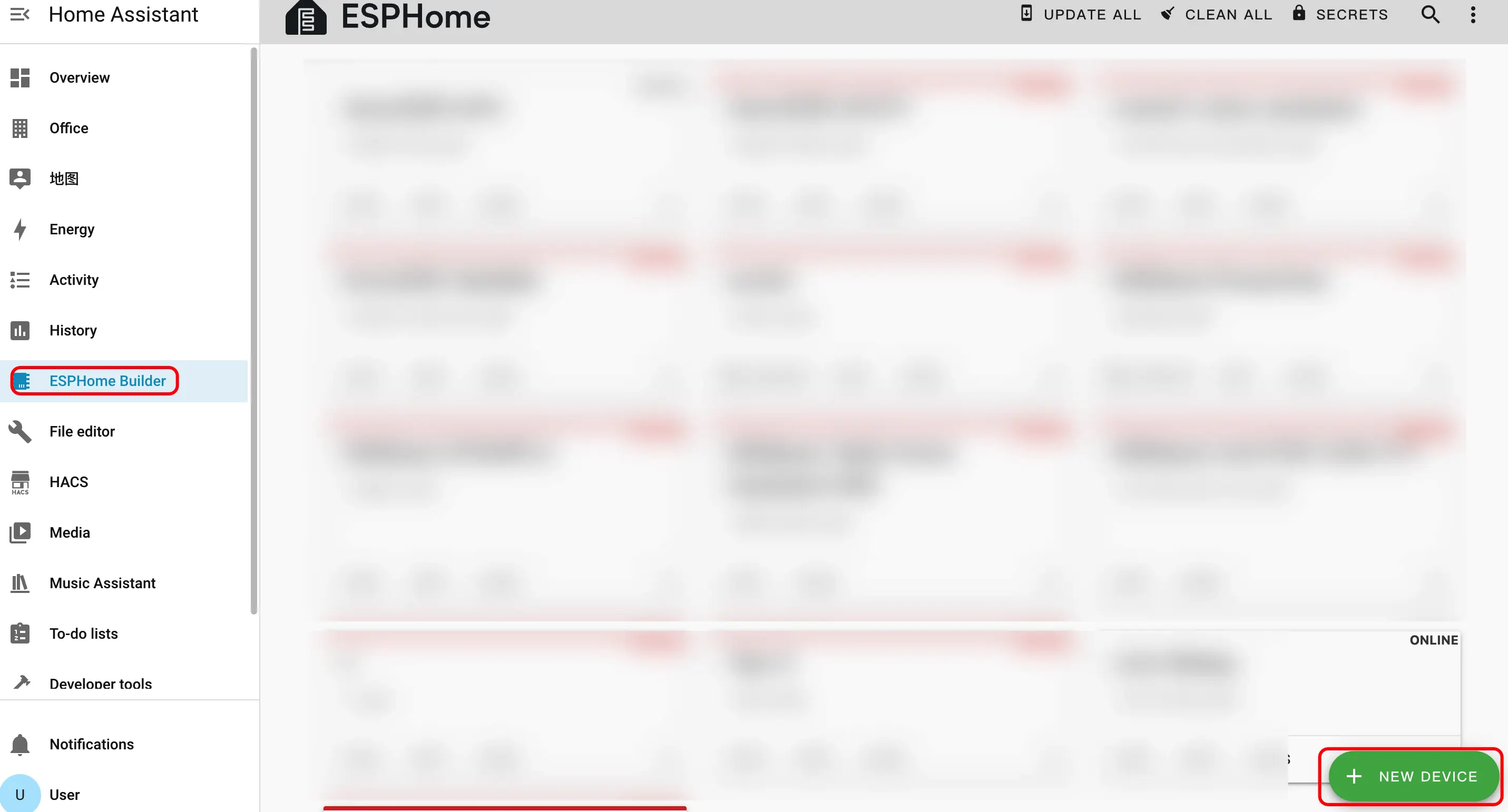
- 打开 ESPHome 插件页面,点击右下角的绿色按钮创建一个新设备。
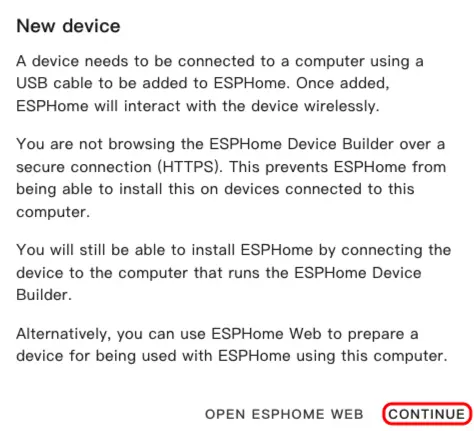
- 点击
CONTINUE。
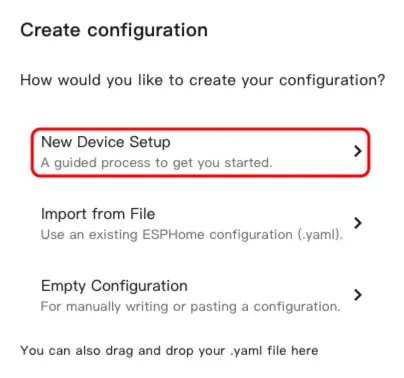
- 点击
New Device Setup,创建新的配置文件。
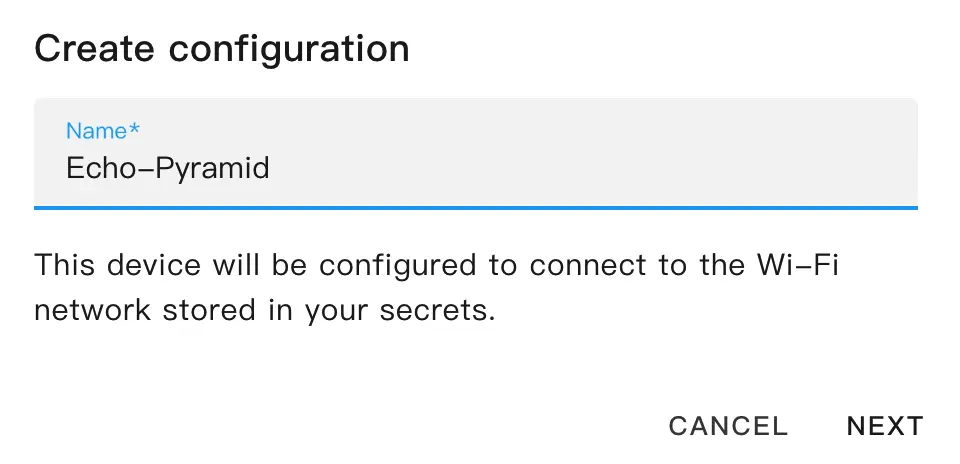
- 输入设备名称,然后点击
NEXT。
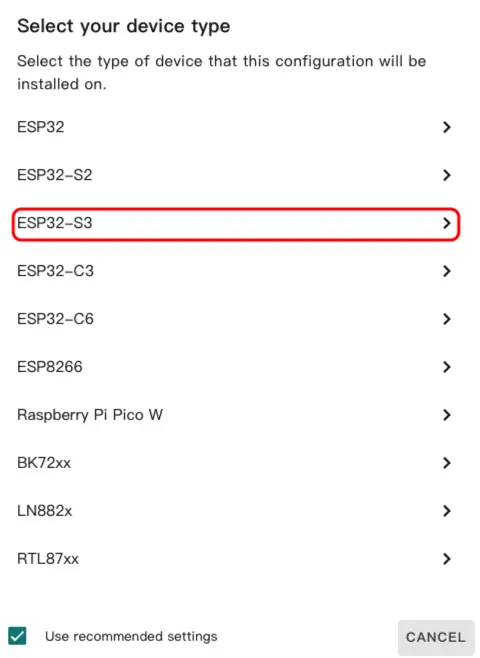
- 选择
ESP32-S3。
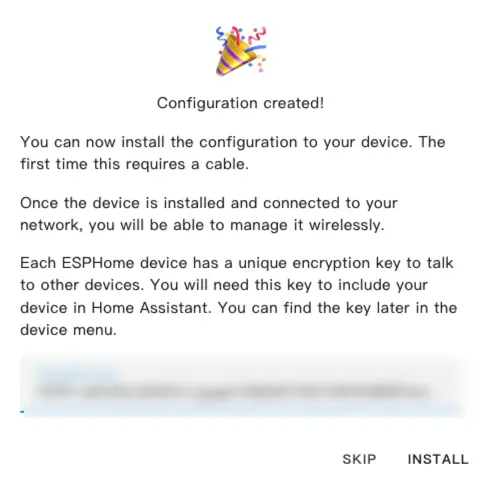
- 点击
SKIP跳过加密密钥设置。
修改配置
- 点击
EDIT,通过 YAML 文件自定义设备功能。
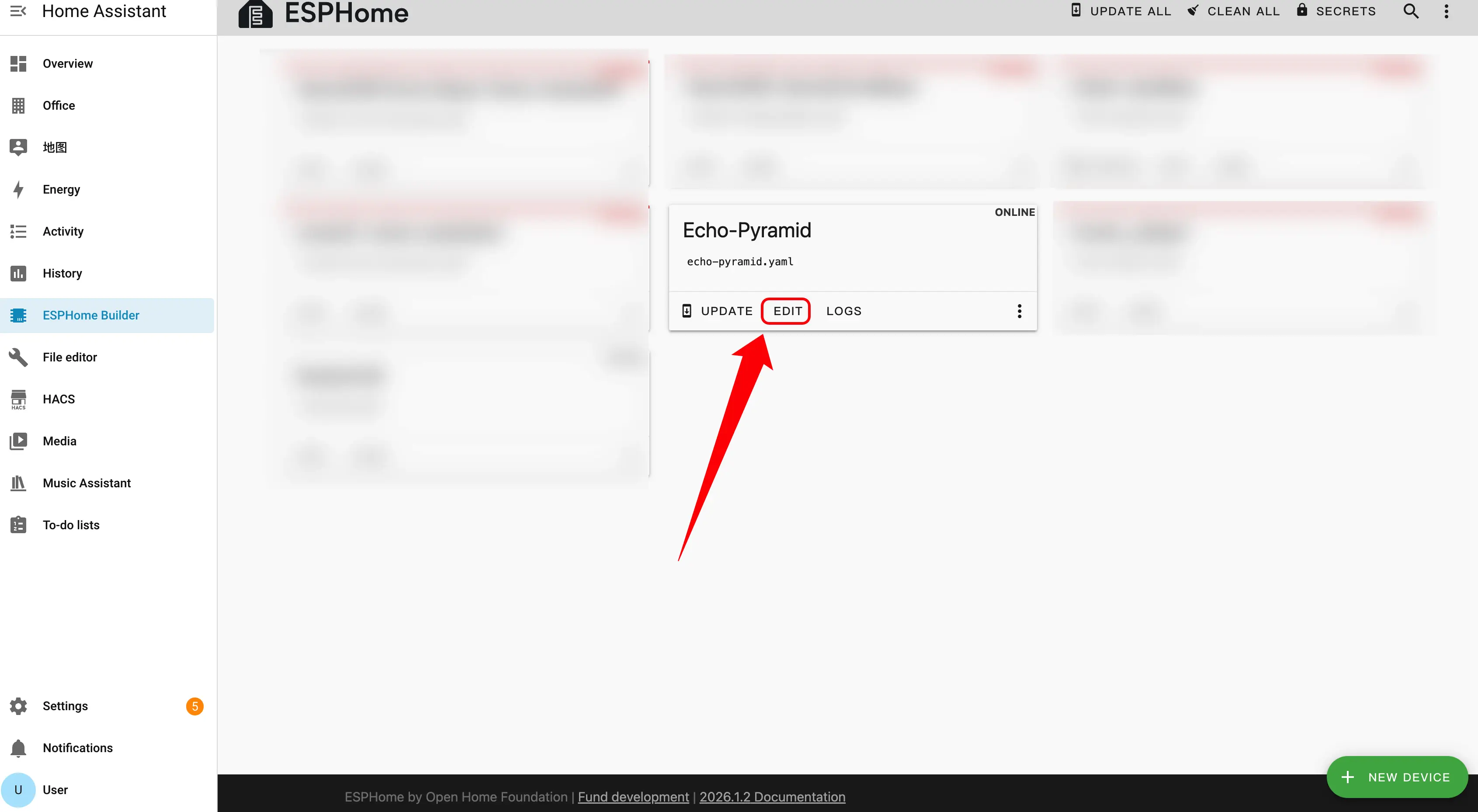
下面是配置中的核心部分,后文会给出相关参考链接和说明。
PSRAM 配置
添加 PSRAM 组件:
psram:
  mode: octal
speed: 80MHz外部组件
添加 External 外部组件:
external_components:
  - source: github://m5stack/esphome-yaml/components
    components: [aw87559, si5351, lp5562, pyramidrgb, pyramidtouch]
refresh: 0sI2C 总线配置
添加 I2C 组件:
i2c:
  - id: bsp_bus
    sda: GPIO45
    scl: GPIO0
    scan: true
  - id: ext_bus # 用于 Atomic Echo 底座
    sda: GPIO38
scl: GPIO39I2S 音频配置
添加 I2S Audio 组件:
i2s_audio:
  - id: i2s_audio_bus
    i2s_lrclk_pin: GPIO8
i2s_bclk_pin: GPIO6音频 DAC 配置
添加 Audio DAC 组件:
audio_dac:
  - platform: es8311
    id: es8311_dac
    i2c_id: ext_bus
    bits_per_sample: 16bit
sample_rate: 16000音频 ADC 配置
添加 Audio ADC 组件:
audio_adc:
  - platform: es7210
    id: es7210_adc
    i2c_id: ext_bus
    address: 0x40
    bits_per_sample: 16bit
sample_rate: 16000麦克风配置
添加 Microphone 组件:
microphone:
  - platform: i2s_audio
    id: i2s_mic
    sample_rate: 16000
    i2s_din_pin: GPIO5
    bits_per_sample: 16bit
    adc_type: external
channel: stereo扬声器配置
添加 Speaker 组件:
speaker:
  - platform: i2s_audio
    id: i2s_speaker
    i2s_dout_pin: GPIO7
    dac_type: external
    bits_per_sample: 16bit
    sample_rate: 16000
    channel: mono
audio_dac: es8311_dac配置示例
点击 Voice Pyramid 可查看完整示例配置。
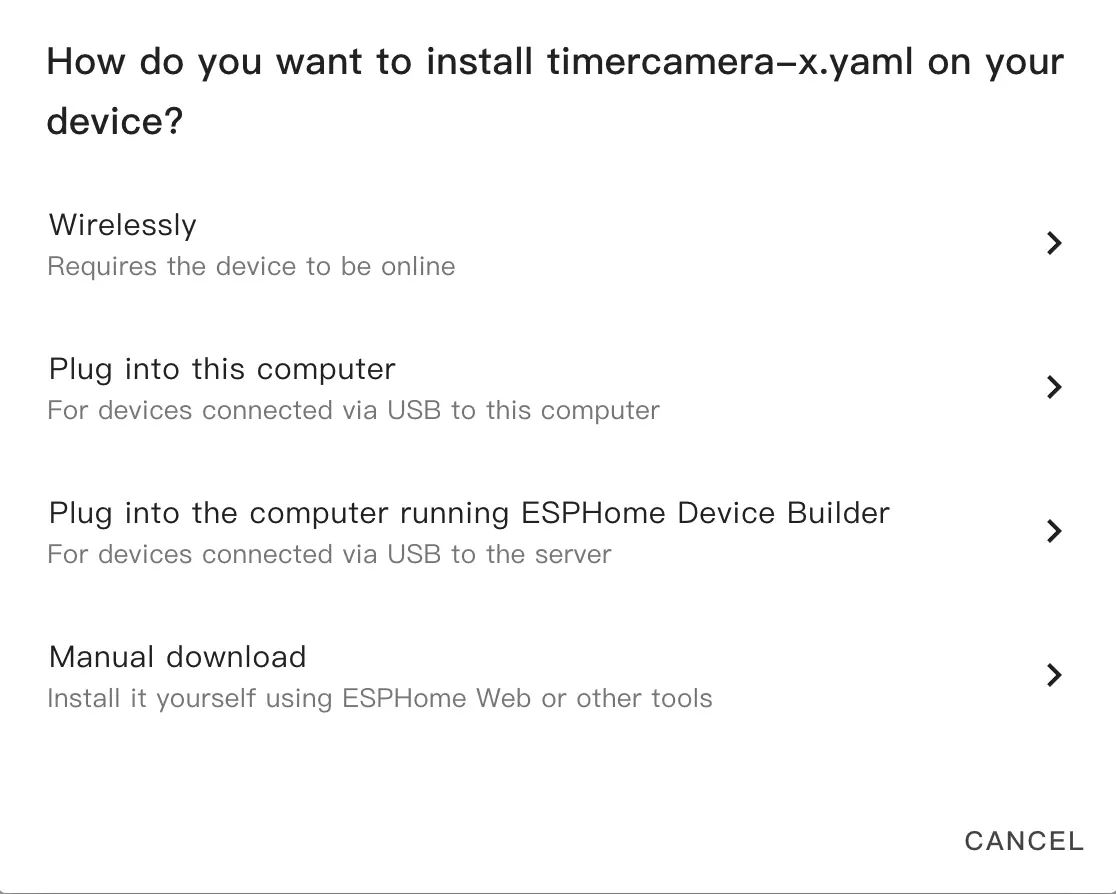
- 修改配置后,点击右上角的
SAVE和INSTALL,在弹出的窗口中选择Manual Download。
烧录固件
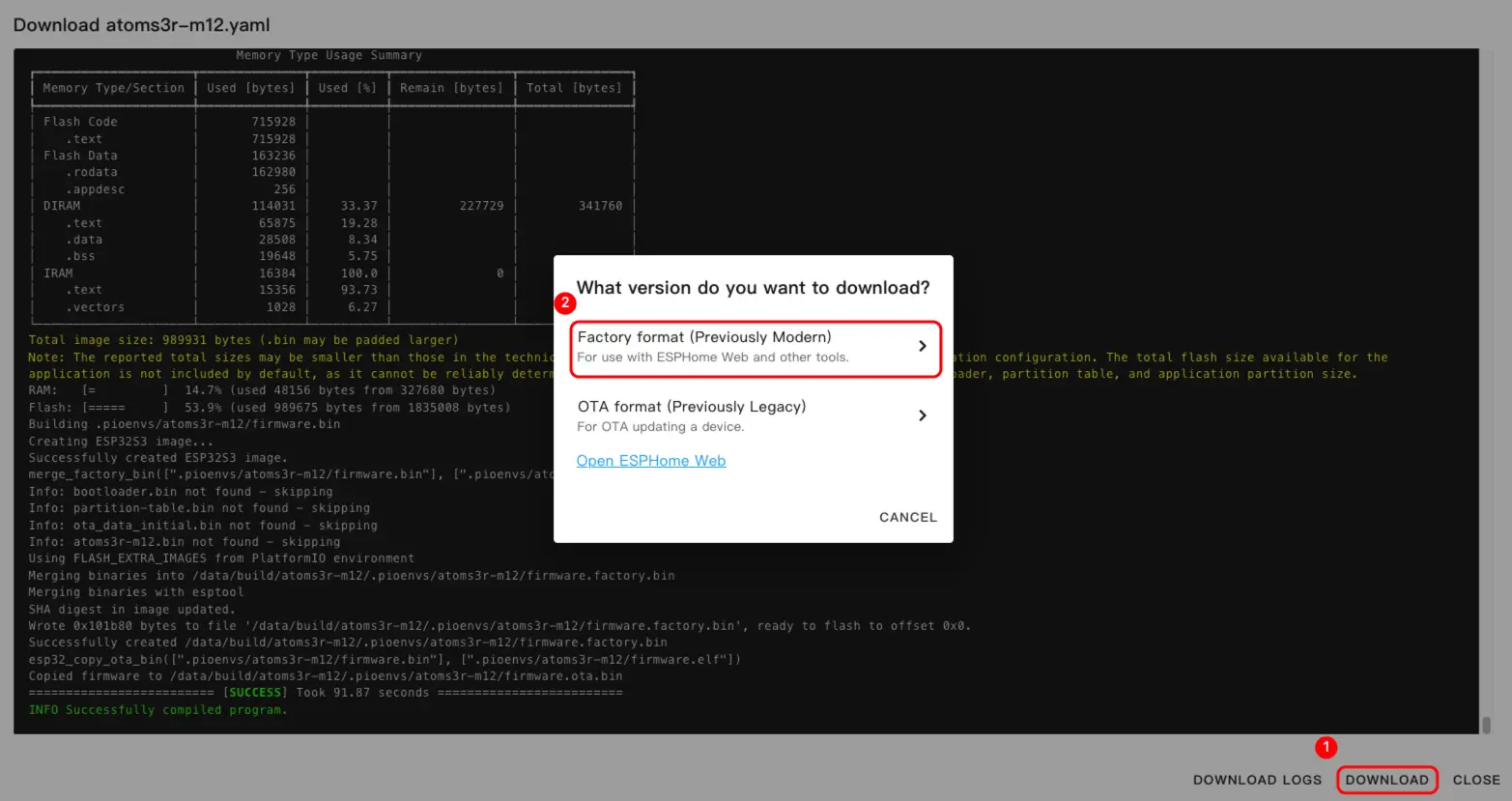
- 固件编译完成后,点击下载并选择
Factory format(Previously Modern)。
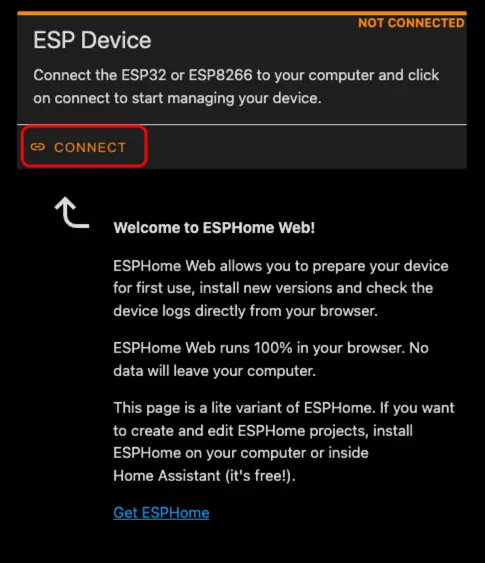
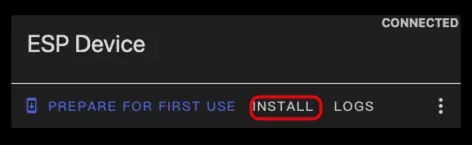
- 使用 USB Type-C 线将设备连接到主机。打开 ESPHome Web,点击
CONNECT连接设备。
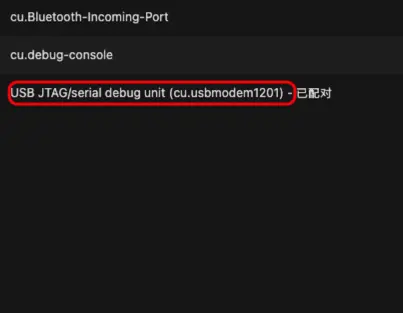
- 找到对应的串口号。
- 点击
INSTALL。
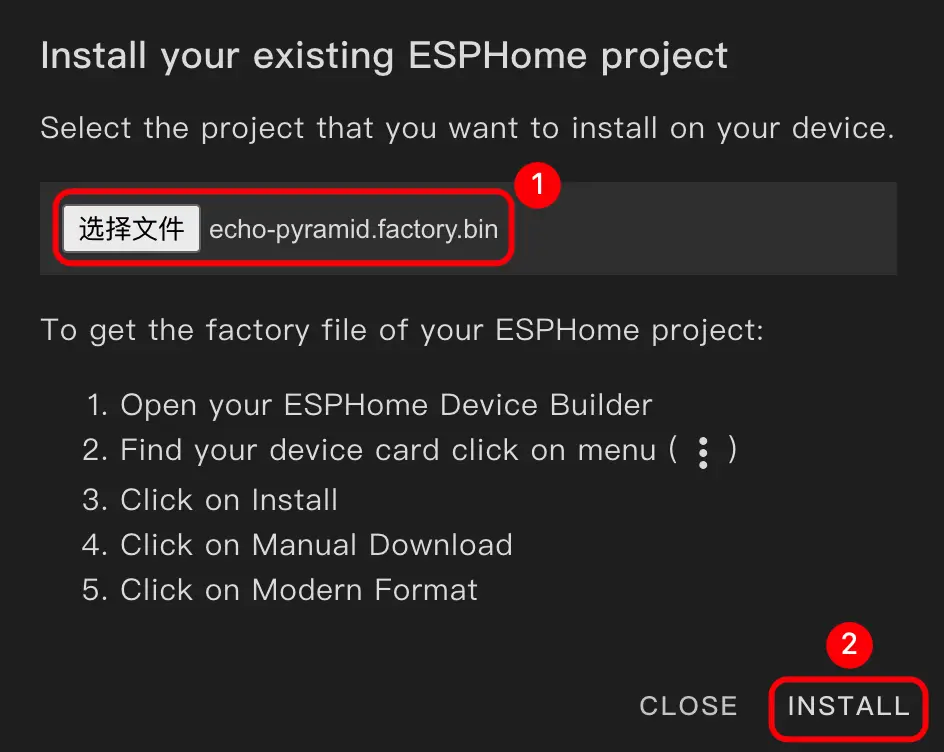
- 选择编译好的固件进行上传。
- 烧录完成后,重新启动设备。
3. 开始使用
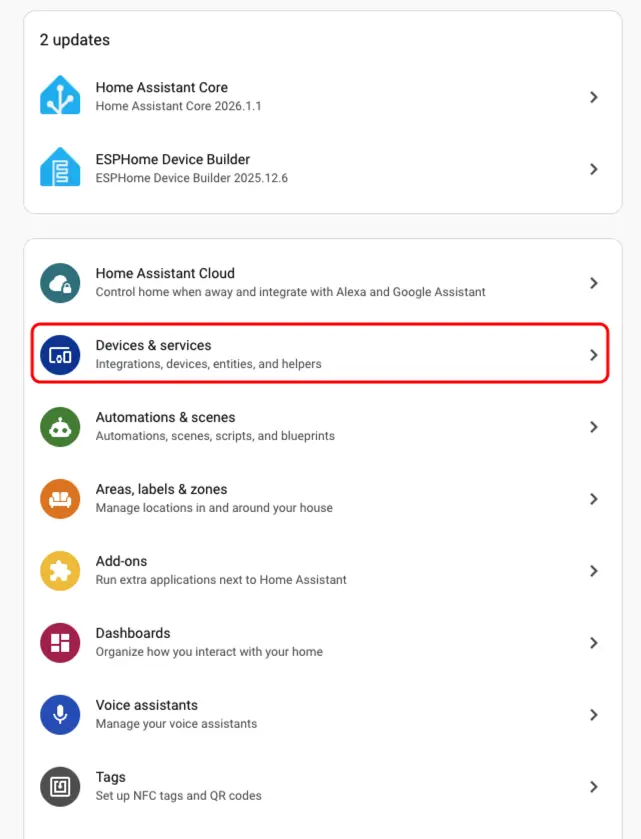
- 在 Home Assistant 中点击
Settings>Devices & Services检查设备。
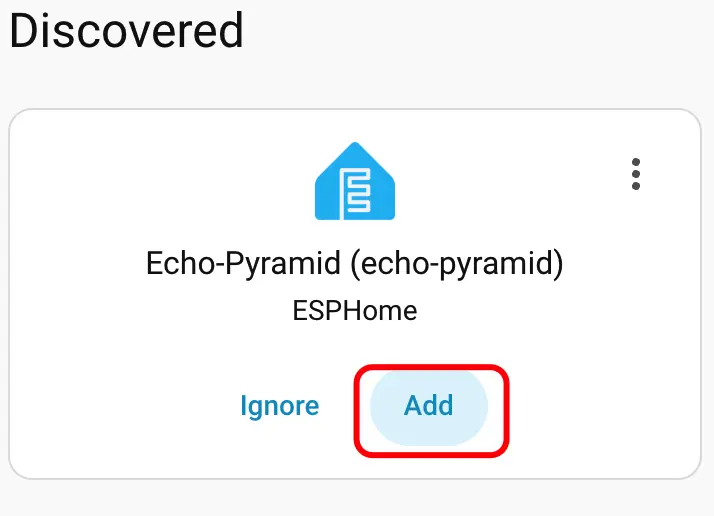
- 可以在
Discovered区域中发现对应的设备。
- 添加设备后,即可看到相关数据正确显示。
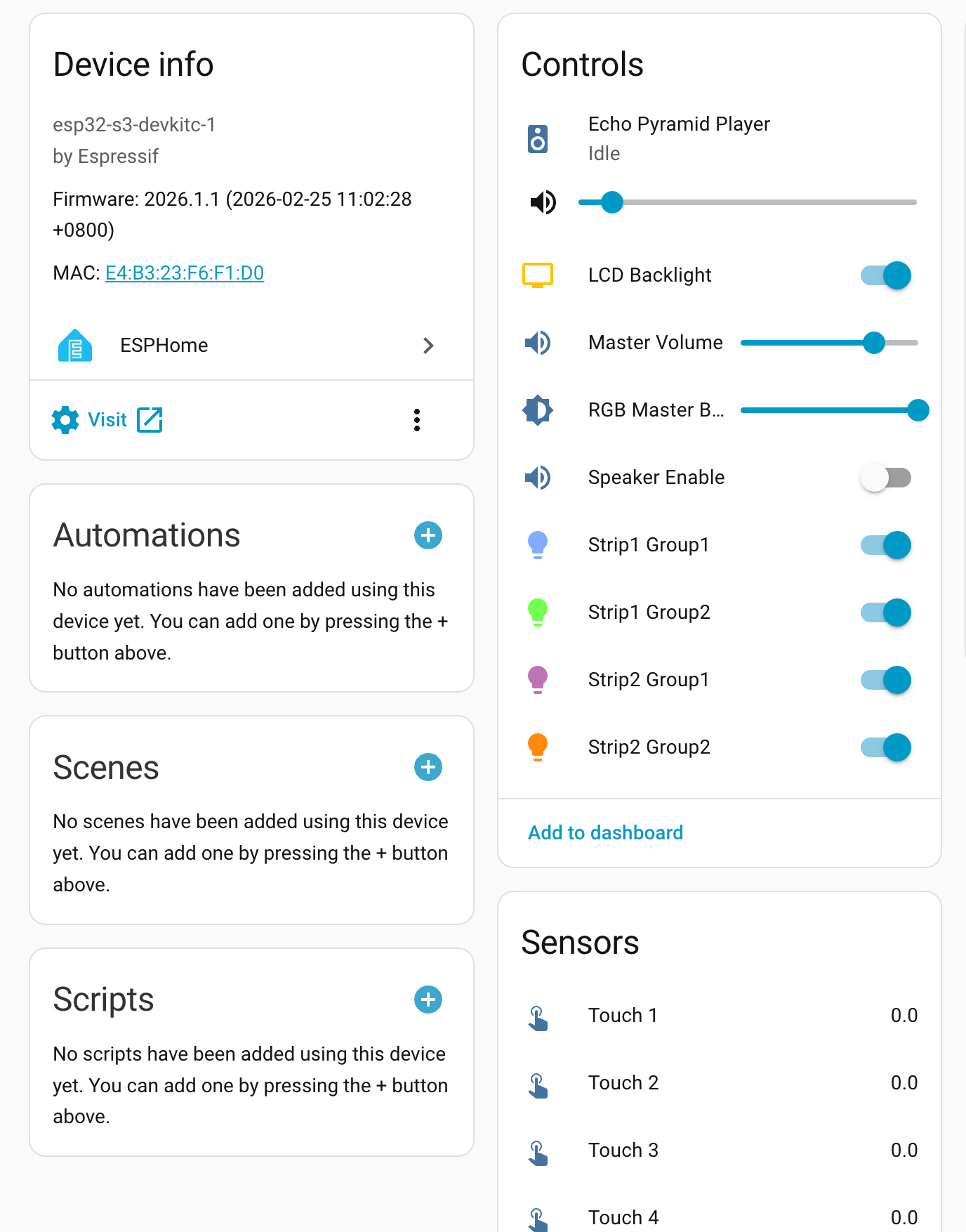
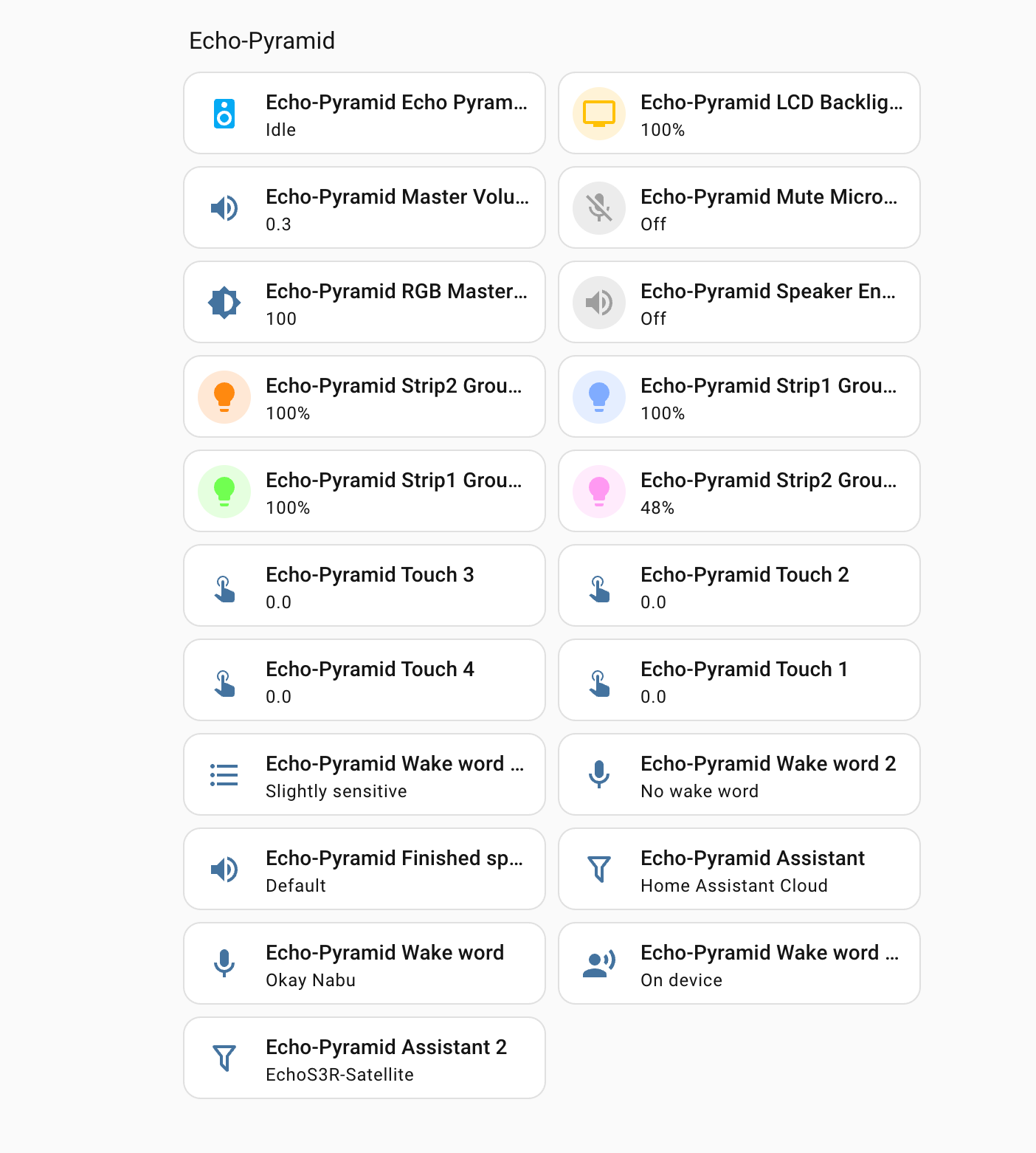
最终,用户可以通过控制面板配置 Voice Pyramid 上各类可控硬件,并配合自定义唤醒词 (Echo-Pyramid Wake Word) 来激活设备,实现如查询天气、时间和日期等智能语音交互功能。
4. 相关视频
Page Tools