
























Arduino Quick Start
2. Devices & Examples
3. M5Unified
4. M5GFX
5. Extensions
Unit
Base
Cap
IoT
Accessories
StickS3 Button
StickS3 button input related APIs and example program.
Note:
Include
M5.update() function in the main loop to read status update and minimize blocking, otherwise you may not be able to retrieve the status of key changes in time.Example
Compilation Requirements
- M5Stack Board Manager version >= 3.2.5
- Development board option = M5StickS3
- M5Unified library version >= 0.2.12
- M5GFX library version >= 0.2.18
cpp
1 2 3 4 5 6 7 8 9 10 11 12 13 14 15 16 17 18 19 20 21 22 23 24 25 26 27 28 29 30 31 32 33 34 35 36 37 38 39 40 41 42 43
#include "M5Unified.h"
#include "M5GFX.h"

static int32_t w;
static int32_t h;
static bool drawed = false;

void setup()
{
    auto cfg = M5.config();
    M5.begin(cfg);

    M5.Lcd.setRotation(1);
    w = M5.Lcd.width();
    h = M5.Lcd.height();
    M5.Lcd.setFont(&fonts::FreeMonoBold12pt7b);
    M5.Lcd.drawString("Button Released", 0, 0);
}

void loop()
{
    M5.update();
    if(M5.BtnA.isPressed() || M5.BtnB.isPressed())
    {
        if (!drawed){
            M5.Lcd.clear();
        }
        M5.Lcd.drawString("Button  Detail:", 0, 0);
        if (M5.BtnA.isPressed()) {
            M5.Lcd.drawString("ButtonA Pressed", 0, 30);
        }
        else if (M5.BtnB.isPressed()) {
            M5.Lcd.drawString("ButtonB Pressed", 0, 60);
        }
        drawed = true;
    }
    else if (drawed){
        drawed = false;
        M5.Lcd.clear();
        M5.Lcd.drawString("Button Released", 0, 0);
    }
    vTaskDelay(1);
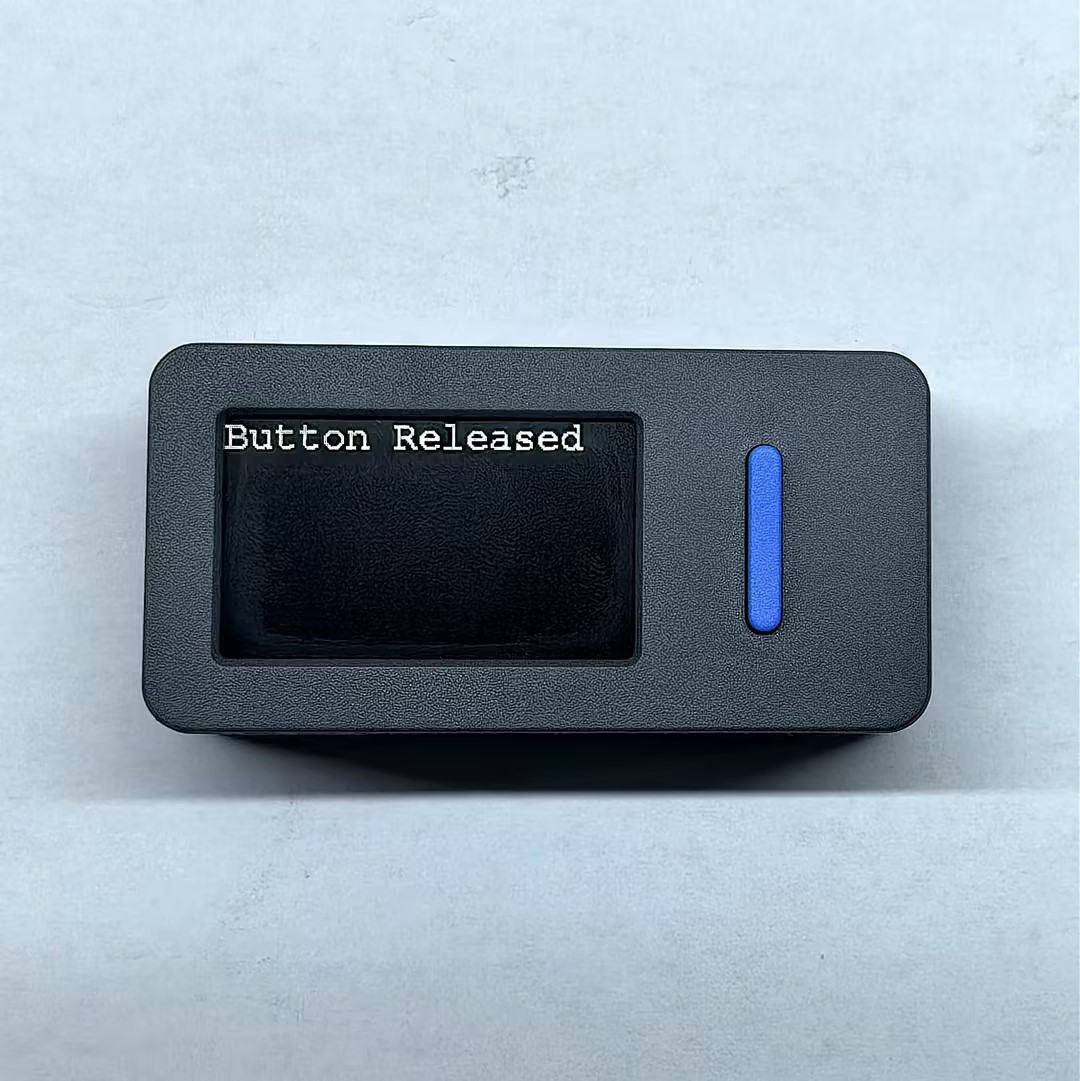
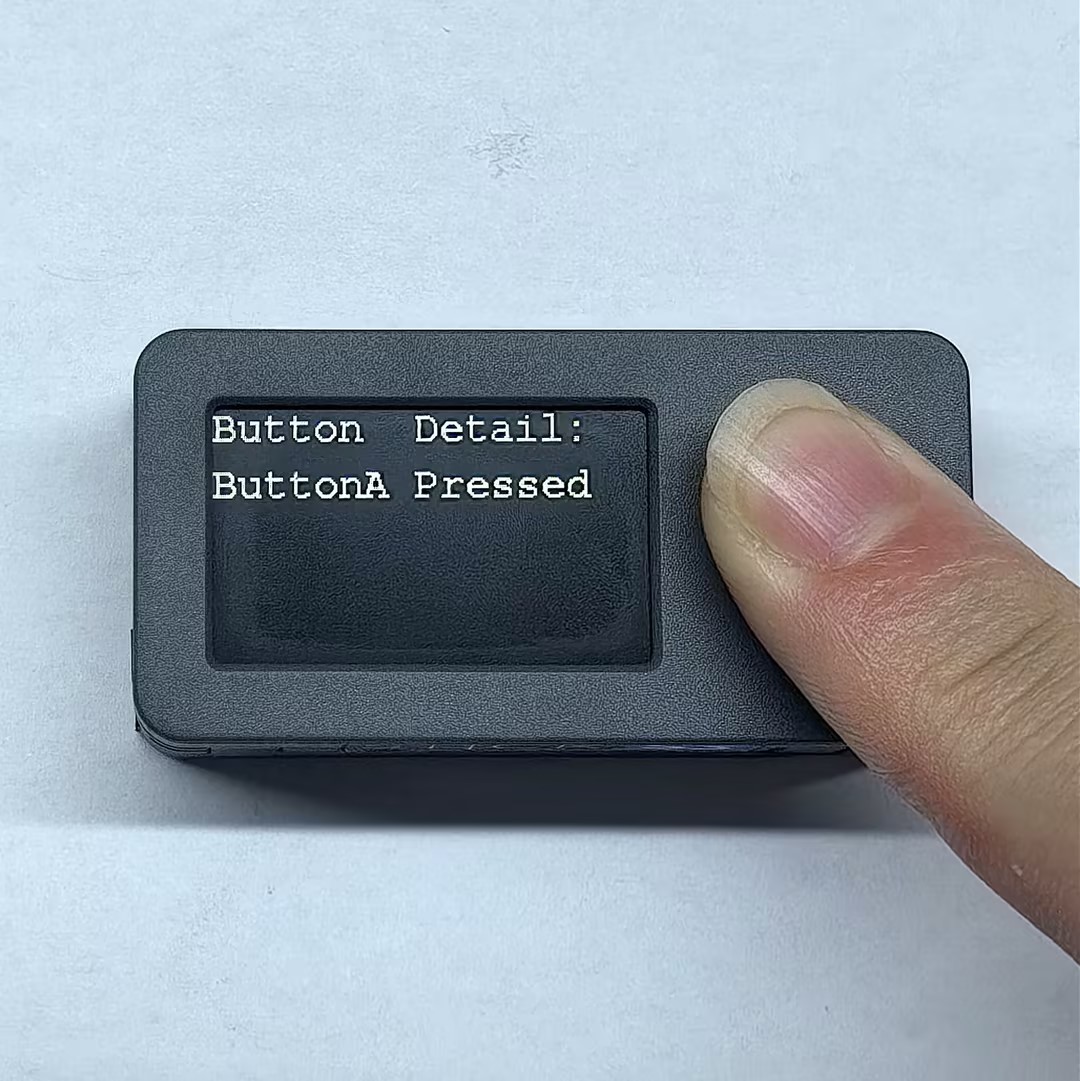
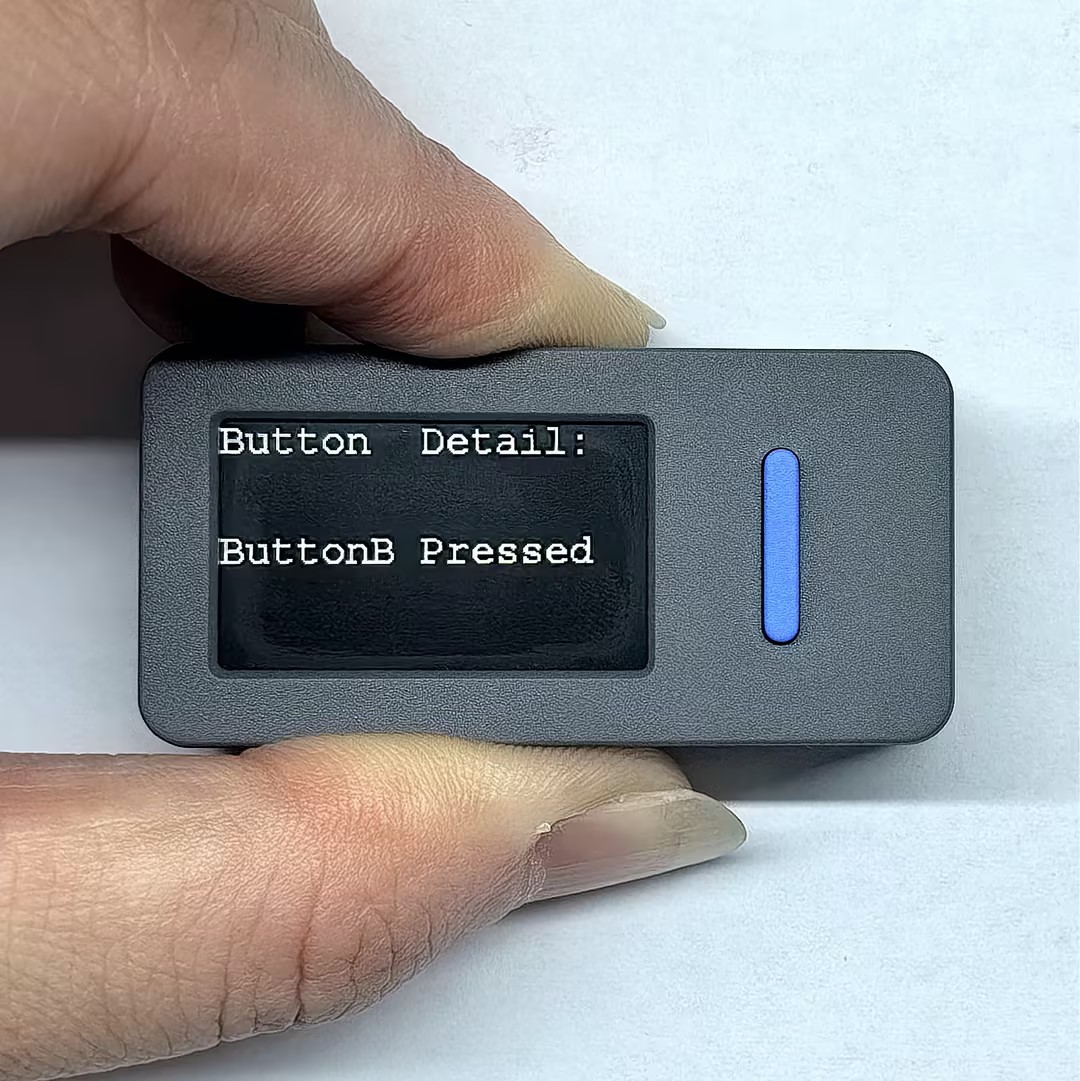
} When you press the button, the screen will display the specific button status.
API
The button part of StickS3 uses the Button_Class in the M5Unified library. For more related APIs, you can refer to the following documentation: