Arduino Quick Start
2. Devices & Examples
3. M5Unified
4. M5GFX
5. Extensions
Unit
Atomic
Base
Tab5
IoT
Accessories
StickS3 Display
Note:
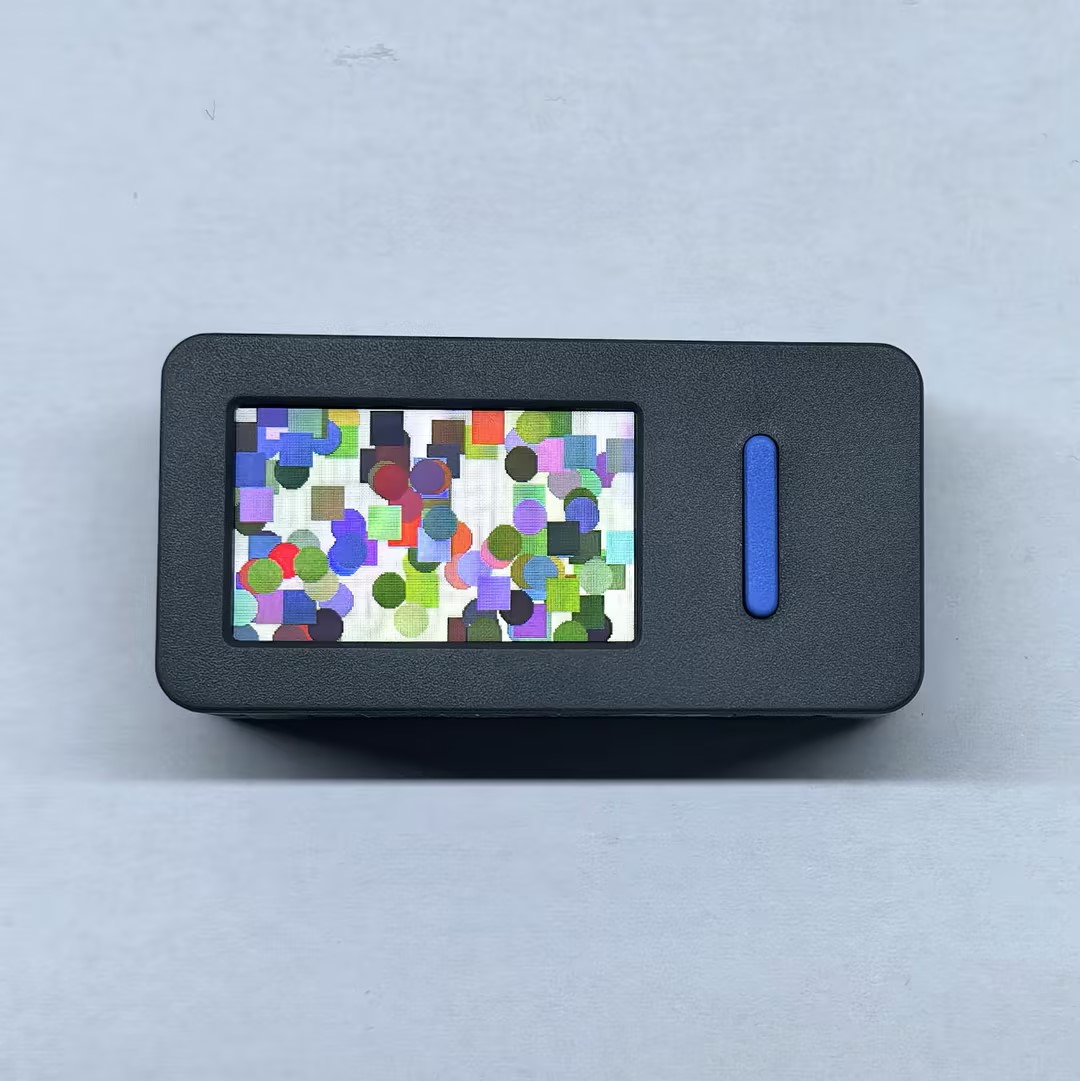
StickS3 uses the M5GFX library as the display driver. You can implement simple display functions by referring to the following APIs and examples. For more API content, you can refer to the M5GFX source code.
Example
Compilation Requirements
- M5Stack Board Manager version >= 3.2.5
- Development board option = M5StickS3
- M5Unified library version >= 0.2.12
- M5GFX library version >= 0.2.18
cpp
1 2 3 4 5 6 7 8 9 10 11 12 13 14 15 16 17 18 19 20 21 22 23 24 25 26 27 28 29 30 31 32 33
#include "M5Unified.h"

void draw_function(LovyanGFX* gfx)
{
    int x      = rand() % gfx->width();
    int y      = rand() % gfx->height();
    int r      = (gfx->width() >> 4) + 2;
    uint16_t c = rand();
    gfx->fillRect(x - r, y - r, r * 2, r * 2, c);
}

void setup()
{
    auto cfg = M5.config();
    M5.begin(cfg);
    int textsize = M5.Display.height() / 60;
    if (textsize == 0) {
        textsize = 1;
    }
    M5.Display.setTextSize(textsize);
    M5.Display.clear(TFT_WHITE);
}

void loop()
{
    int x      = rand() % M5.Display.width();
    int y      = rand() % M5.Display.height();
    int r      = (M5.Display.width() >> 4) + 2;
    uint16_t c = rand();
    M5.Display.fillCircle(x, y, r, c);
    draw_function(&M5.Display);
    delay(1000);
} The example program runs as follows: