

Arduino Quick Start
2. Devices & Examples
3. M5Unified
4. M5GFX
5. Extensions
Unit
Module
Atomic
Tab5
IoT
Accessories
CoreS3 Power Management
CoreS3 power management related APIs and example programs.
Example Program
Compilation Requirements
- M5Stack Board Manager version >= 3.2.2
- Board selection = M5CoreS3
- M5Unified library version >= 0.2.11
cpp
1 2 3 4 5 6 7 8 9 10 11 12 13 14 15 16 17 18 19 20 21 22 23 24 25 26 27 28 29 30 31 32 33
#include "M5Unified.h"

void setup()
{
    auto cfg = M5.config();
    // if using ext power input(Grove Port or DC input power supply) needs to be set to false.
    // cfg.output_power = false;
    M5.begin(cfg);
    M5.Display.setTextSize(2);
    M5.Power.setChargeCurrent(200);
}

void loop()
{
    M5.Display.clear();

    bool bat_ischarging = M5.Power.isCharging();
    M5.Display.setCursor(10, 30);
    M5.Display.printf("Bat Charging: %d", bat_ischarging);

    int bat_vol = M5.Power.getBatteryVoltage();
    M5.Display.setCursor(10, 50);
    M5.Display.printf("Bat Voltage: %dmv", bat_vol);

    int bat_level = M5.Power.getBatteryLevel();
    M5.Display.setCursor(10, 70);
    M5.Display.printf("Bat Level: %d", bat_level);

    int vbus_vol = M5.Power.getVBUSVoltage();
    M5.Display.setCursor(10, 90);
    M5.Display.printf("VBus Voltage: %dmv", vbus_vol);
    delay(1000);
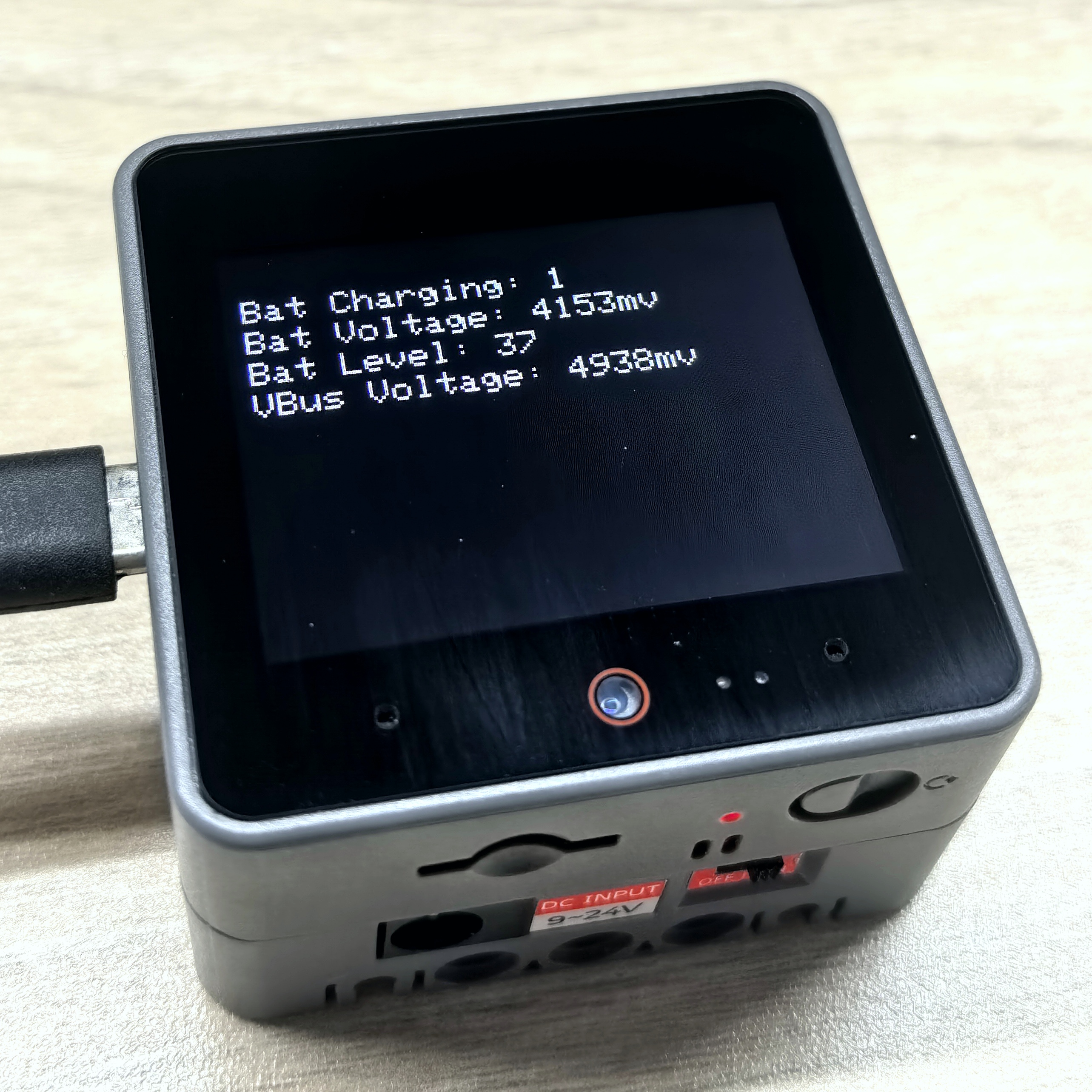
}After successful upload, you can view battery charging status, battery voltage, battery level percentage, and VBUS voltage information on CoreS3.
API
The CoreS3 power section uses the Power_Class from the M5Unified library. For more related APIs, please refer to the documentation below:
Page Tools