

Arduino Quick Start
2. Devices & Examples
3. M5Unified
4. M5GFX
5. Extensions
Unit
Module
Atomic
Tab5
IoT
Accessories
Unit ASR Arduino Tutorial
1. Preparation
Environment setup: Follow the Arduino IDE Getting Started Tutorial to install the IDE, and install the corresponding board manager and required libraries for your development board.
Required libraries:
- Hardware used:
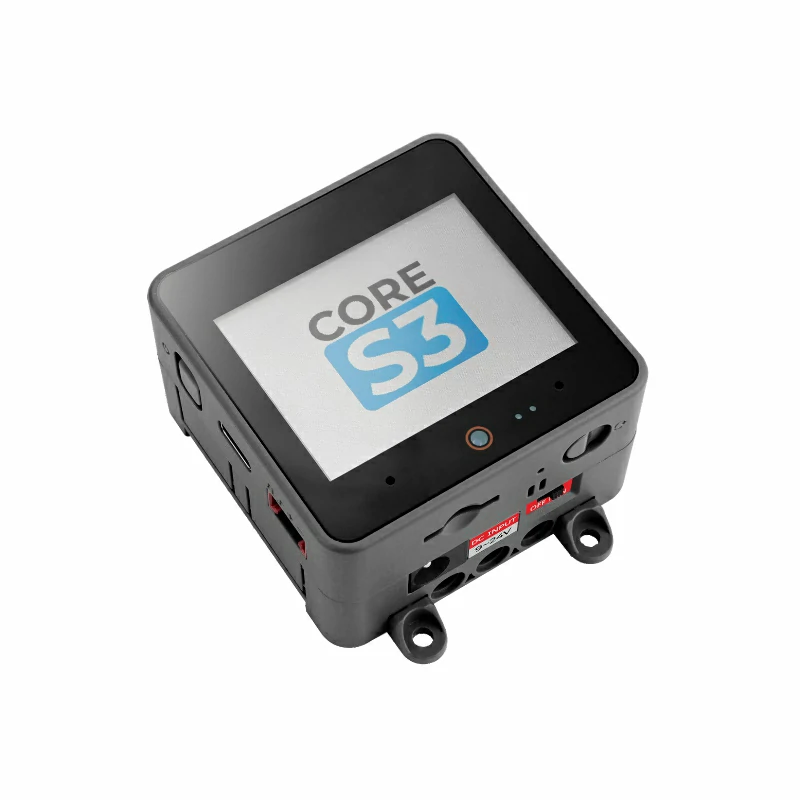
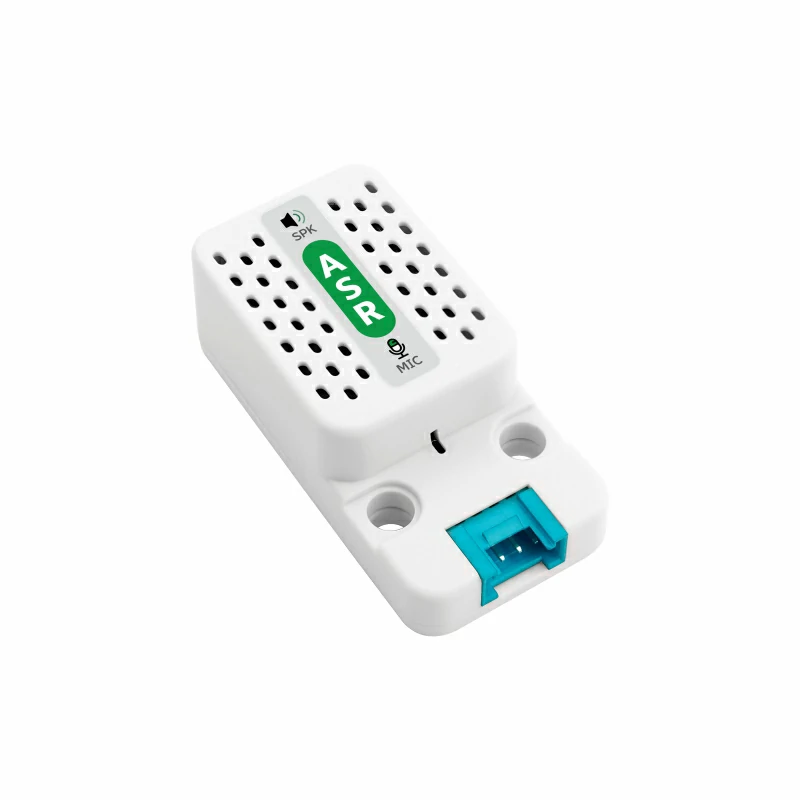
2. Example
Example Explanation
Unit ASR supports voice wake-up and voice command input, and returns the current voice command information through the serial port. The default firmware of Unit ASR has some preset commands, as shown in the table below. By using M5Unit-ASR, we can easily register callback functions for corresponding commands and implement simple voice command controls.
Turn On/Off
Add basic command display functions based on M5Unified and M5GFX, and add turn on and turn off command callback functions to simulate a light control scene.
cpp
1 2 3 4 5 6 7 8 9 10 11 12 13 14 15 16 17 18 19 20 21 22 23 24 25 26 27 28 29 30 31 32 33 34 35 36 37 38 39 40 41 42 43 44 45 46 47 48 49 50 51 52 53
#include <M5Unified.h>
#include <unit_asr.hpp>

ASRUnit asr;

void turnOnHandler()
{
    Serial.println("turn on command received!");
    M5.Display.setCursor(0, 0);
    M5.Display.fillRect(0, 0, 320, 60, BLACK);
    M5.Display.println("turn on!");
}

void turnOffHandler()
{
    Serial.println("turn off command received!");
    M5.Display.setCursor(0, 0);
    M5.Display.fillRect(0, 0, 320, 60, BLACK);
    M5.Display.println("turn off!");
}

void wakeupHandler()
{
    Serial.println("Hi, M Five command received!");
    M5.Display.setCursor(0, 0);
    M5.Display.fillRect(0, 0, 320, 60, BLACK);
    M5.Display.println("wakeup!");
}

void setup()
{
    M5.begin();
    M5.Display.setFont(&fonts::FreeMonoBold12pt7b);
    Serial.begin(115200);
    asr.begin(&Serial1, 115200, 18, 17);
    asr.addCommandWord(0x14, "turn on", turnOnHandler);
    asr.addCommandWord(0x15, "turn off", turnOffHandler);
    asr.addCommandWord(0xFF, "Hi, M Five", wakeupHandler);
    M5.Display.setCursor(0, 0);
    M5.Display.fillRect(0, 0, 320, 60, BLACK);
    M5.Display.println("Say \"Hi, M Five\"\nto wake up!");
}

void loop()
{
    M5.update();
    if (asr.update()) {
        Serial.println(asr.getCurrentCommandWord());
        Serial.println(asr.getCurrentCommandNum());
        Serial.println(asr.getCurrentRawMessage());
        Serial.println((asr.checkCurrentCommandHandler()));
    }
}3. Compile and Upload
- Download Mode: Before burning the program into different devices, they need to enter download mode. This step may vary depending on the main control device. Please refer to the Arduino IDE Getting Started Tutorial page for a list of specific device download tutorials and steps.
For CoreS3, press and hold the reset button (for about 2 seconds) until the internal green LED lights up, then release it. The device will enter download mode, waiting for the firmware to be burned. The green LED turns off after the button is released, confirming that the device is in download mode.
.gif)
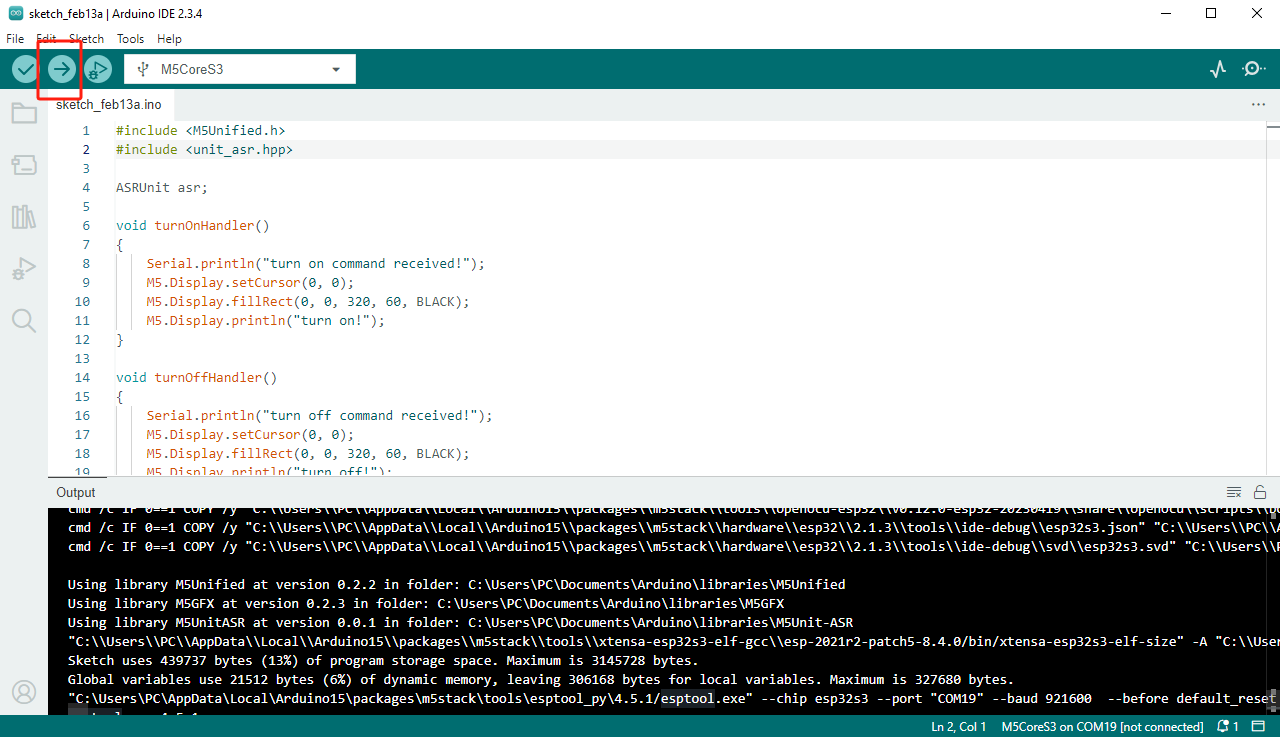
- Select the device port, click the compile and upload button in the upper-left corner of the Arduino IDE, and wait for the program to finish compiling and uploading to the device.
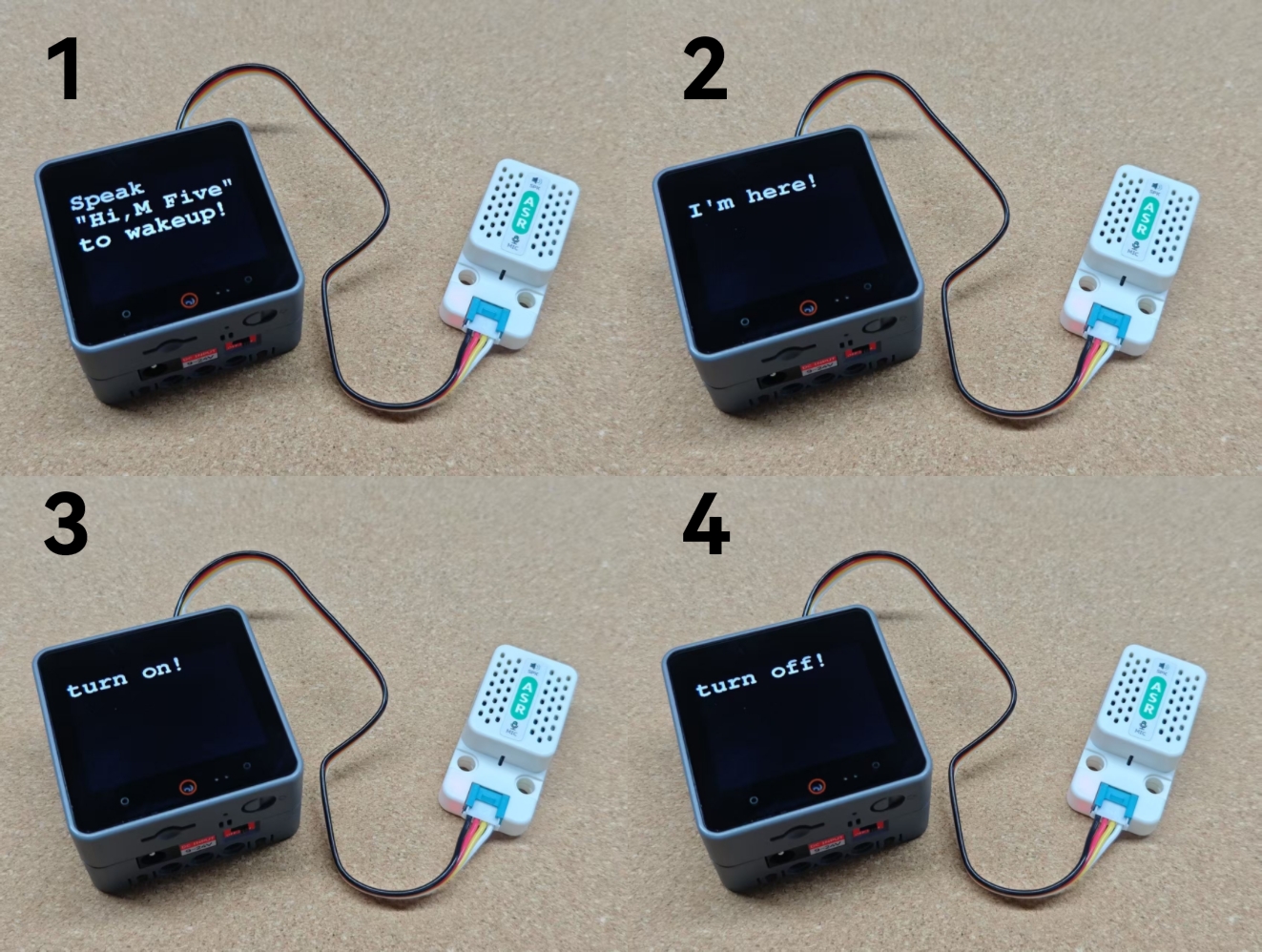
4. Command Interaction
- Use the
Hi M Fivecommand to wake up. - Respond with
I'm here. - Use the
Turn oncommand, respond withOK. - Use the
Turn offcommand, respond withOK.
5. Custom Commands
- Unit ASR supports modifying or adding new interaction commands by regenerating the firmware. Follow the tutorial below to generate and burn custom command firmware.
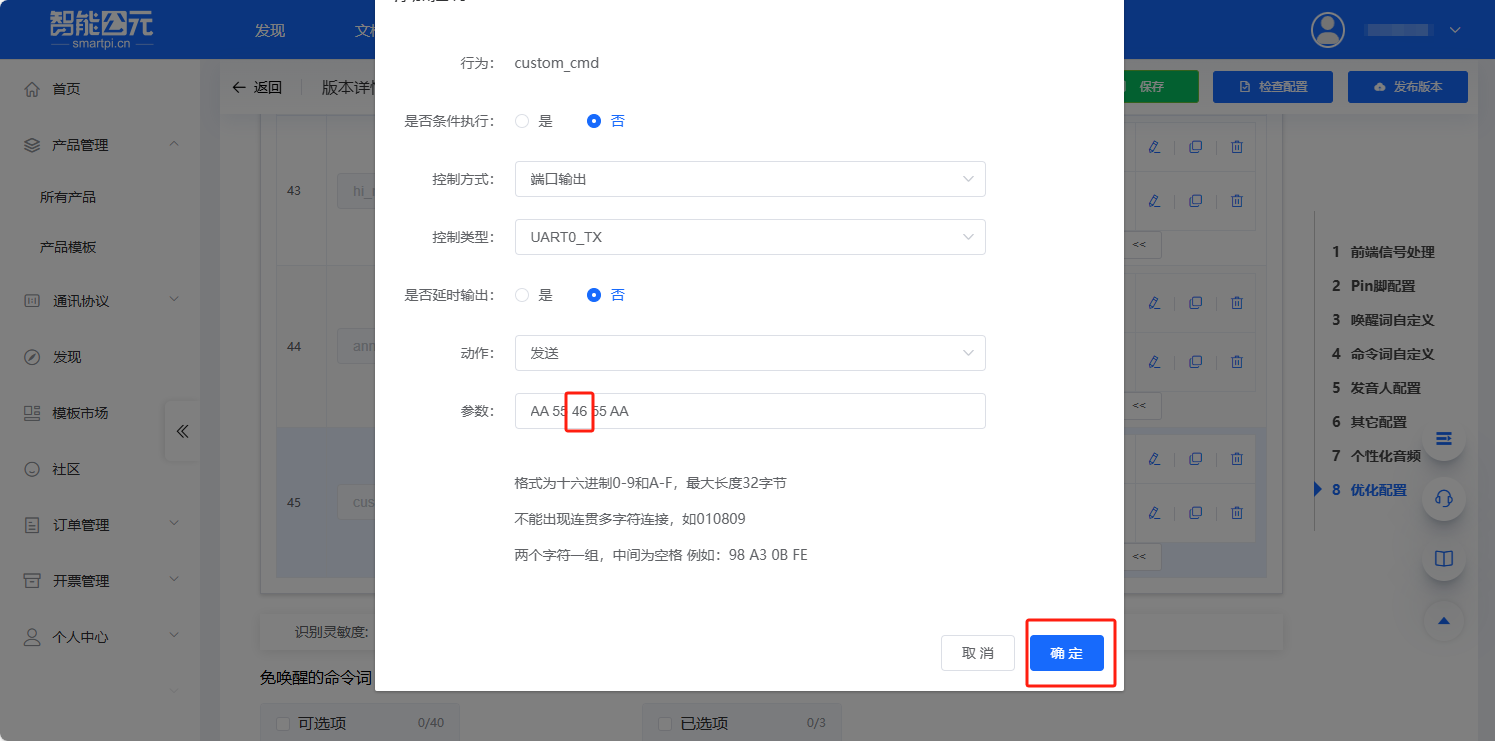
- Custom instructions defined using the Unit ASR configuration template can be added and used through the M5Unit-ASR library. For example, a command defined as
AA 55 46 55 AAwith a command code of0x46. You can refer to the example program below for adding and registering commands and callback functions.
cpp
1 2 3 4 5 6 7 8 9 10 11 12 13 14 15 16 17 18 19 20 21 22 23 24 25 26 27 28 29
#include <M5Unified.h>
#include <unit_asr.hpp>

ASRUnit asr;

void JustHandler()
{
    Serial.println("Just command received!");
}

void setup()
{
    M5.begin();
    Serial.begin(115200);
    asr.begin(&Serial1, 115200, 22, 21);
    asr.addCommandWord(0x46, "Just", JustHandler);
}


void loop()
{
    M5.update();
    if (asr.checkMessage()) {
        Serial.println(asr.getCurrentCommandWord());
        Serial.println(asr.getCurrentCommandNum());
        Serial.println(asr.getCurrentRawMessage());
        Serial.println((asr.checkCurrentCommandHandler()));
    }
}- Power on Unit ASR.
- Use the
Hi M Fivecommand to wake up, respond withI'm here. - Use the
Justcommand, respond withDo it. - The
JustHandlerfunction is called normally.
Just command received!
Just
0x46
0xAA 0x55 0x46 0x55 0xAA
1Page Tools