Arduino Quick Start
2. Devices & Examples
3. M5Unified
4. M5GFX
5. Extensions
Unit
Module
Atomic
Tab5
IoT
Accessories
Hat ToF Arduino Tutorial
1. Preparation
Environment setup: Refer to the Arduino IDE Getting Started Guide to complete IDE installation, then install the corresponding board package for the development board you are using, along with the required driver libraries.
Driver libraries used:
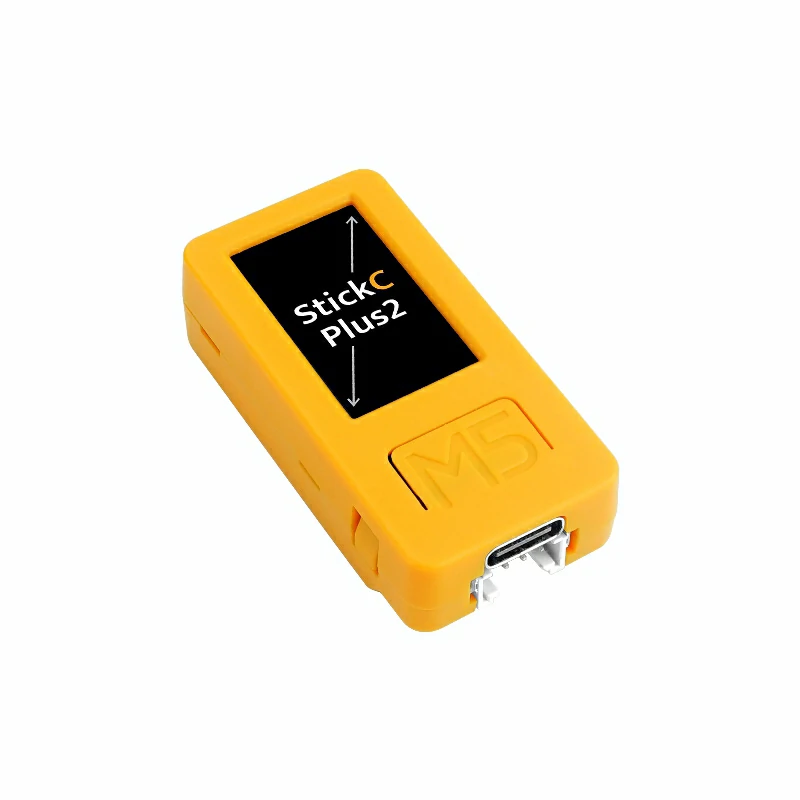
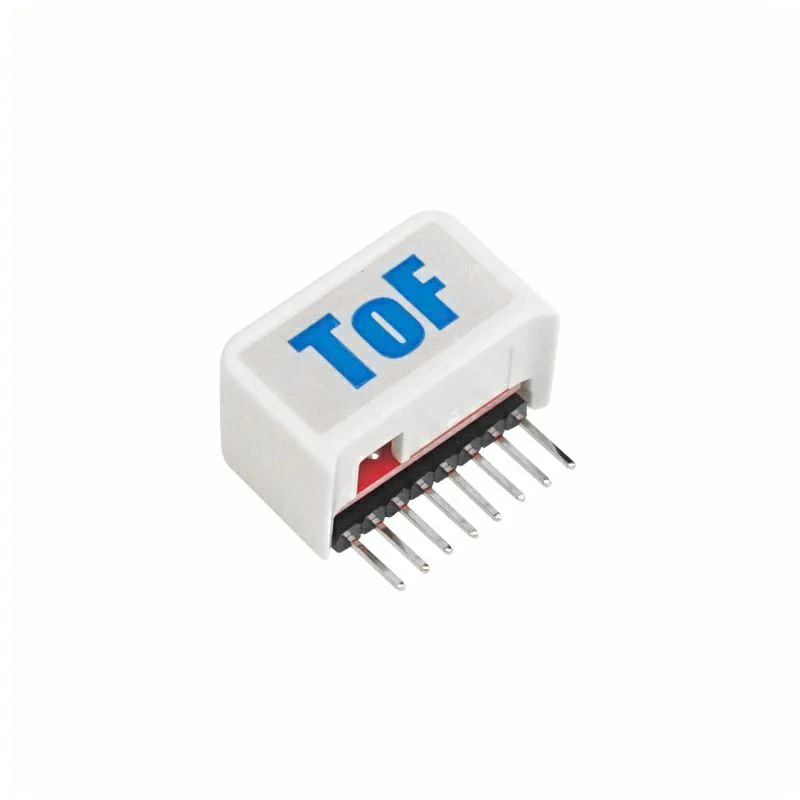
Hardware products used:
2. Example Program
Full Program
#include <M5Unified.h>
#include <Wire.h>
#include <VL53L0X.h>

VL53L0X sensor;

void setup() {
    M5.begin();
    Serial.begin(115200);

    // I2C initialization (SDA: G0, SCL: G26)
    Wire.begin(0, 26);

    // Sensor initialization
    sensor.setTimeout(500);
    if (!sensor.init()) {
        Serial.println("Sensor init failed!");
        while (1);
    }

    // Set measuring mode (default: 120cm)
    sensor.setMeasurementTimingBudget(200000);

    Serial.println("Hat ToF Ready");
}

void loop() {
    M5.update();

    uint16_t distance = sensor.readRangeSingleMillimeters();

    if (sensor.timeoutOccurred()) {
        Serial.println("Timeout!");
    } else {
        Serial.printf("Distance: %.1f cm\n", distance / 10.0);
        M5.Display.fillScreen(BLACK);
        M5.Display.setRotation(1);
        M5.Display.setTextSize(2);
        M5.Display.setCursor(10, 40, 2);
        M5.Display.setTextColor(WHITE);
        M5.Display.printf("Distance: %.1f cm\n", distance / 10.0);
    }

    delay(100);
}3. Compile and Upload
Enter download mode: Before flashing a program, different Stick devices require the corresponding driver to be installed. Different main controllers may use different drivers and installation steps. For details, refer to the device program download tutorial list at the bottom of the Arduino IDE Getting Started Guide page to find the operation method for your specific device.
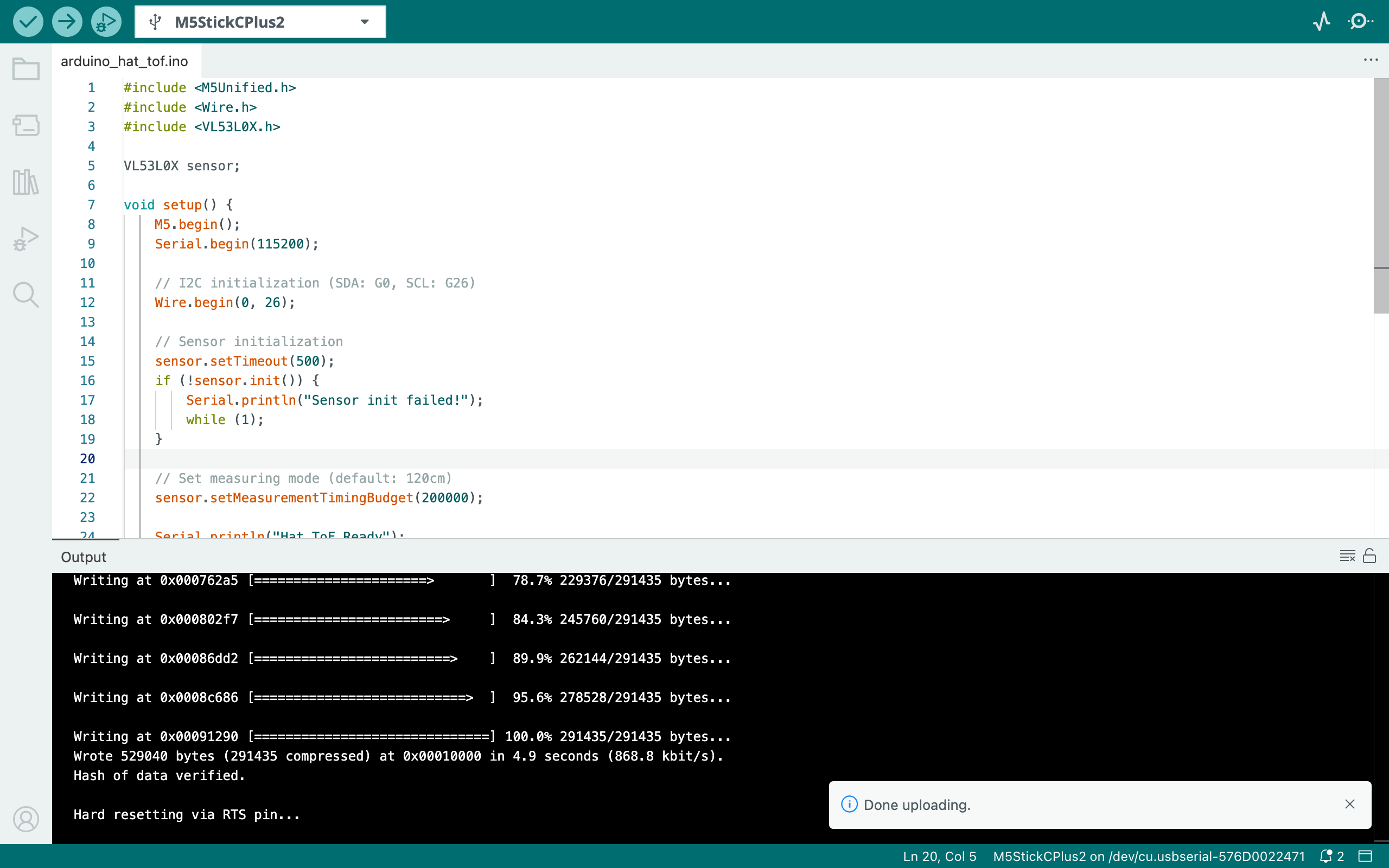
Select the device port, click the Compile and Upload button in the upper-left corner of the Arduino IDE, and wait for the program to finish compiling and uploading to the device.
4. Hat ToF Laser Ranging Sensor Data Display
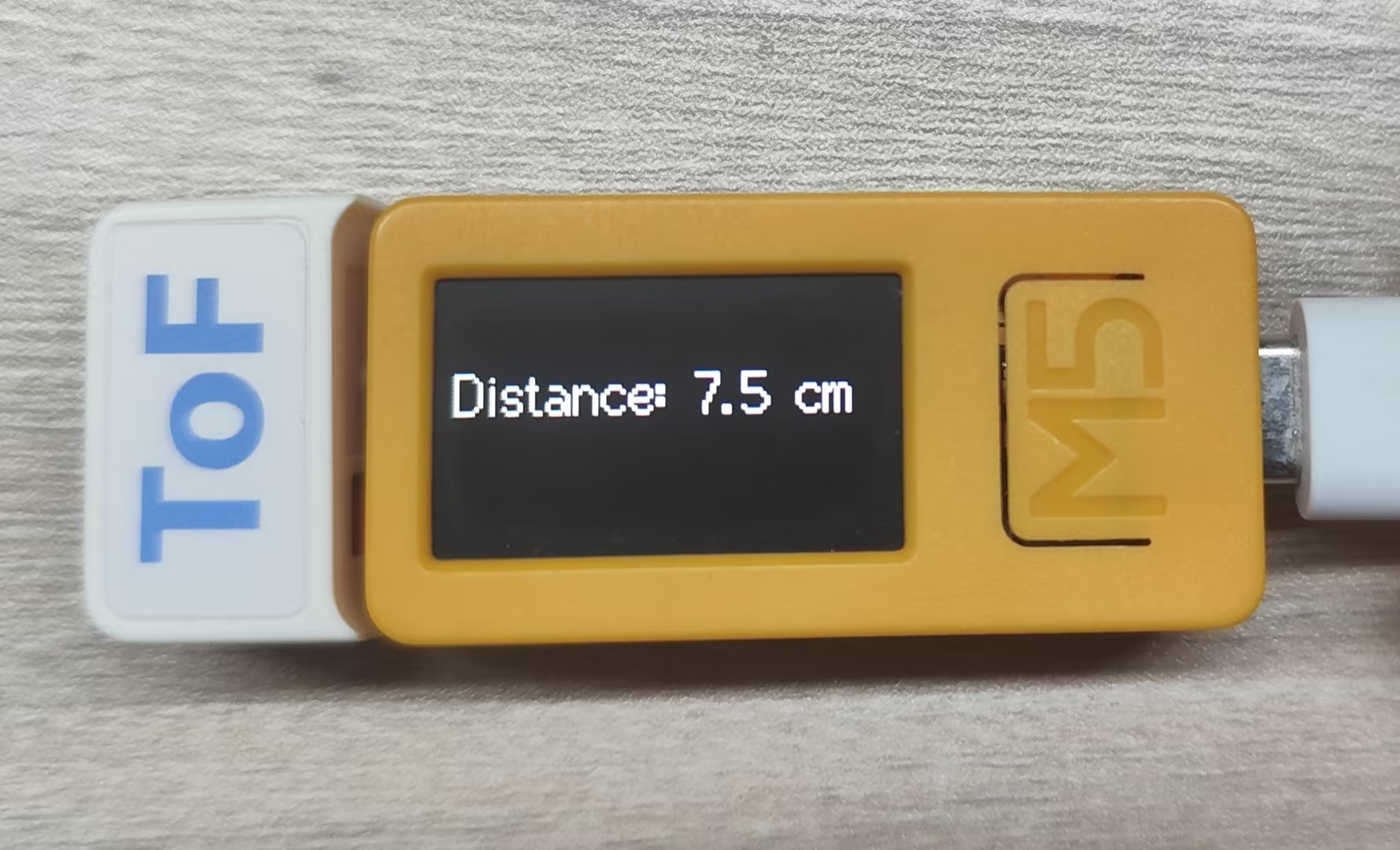
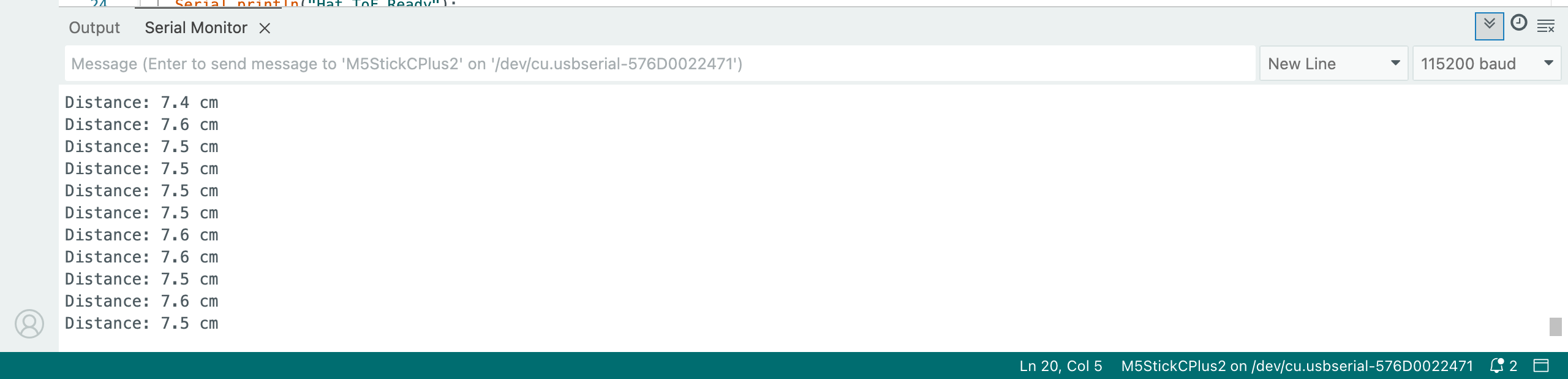
This program will read the Hat ToF laser ranging sensor data and print it on the StickC-Plus2 screen and in the computer’s serial monitor: