

Arduino Quick Start
2. Devices & Examples
3. M5Unified
4. M5GFX
5. Extensions
Unit
Module
Atomic
Tab5
IoT
Accessories
Chain ToF Tutorial
1.Preparation
- Environment Setup: Refer to the Arduino IDE Getting Started Guide to complete the IDE installation. Then install the corresponding board package and required driver libraries according to the development board you are using.
- Required Driver Library:
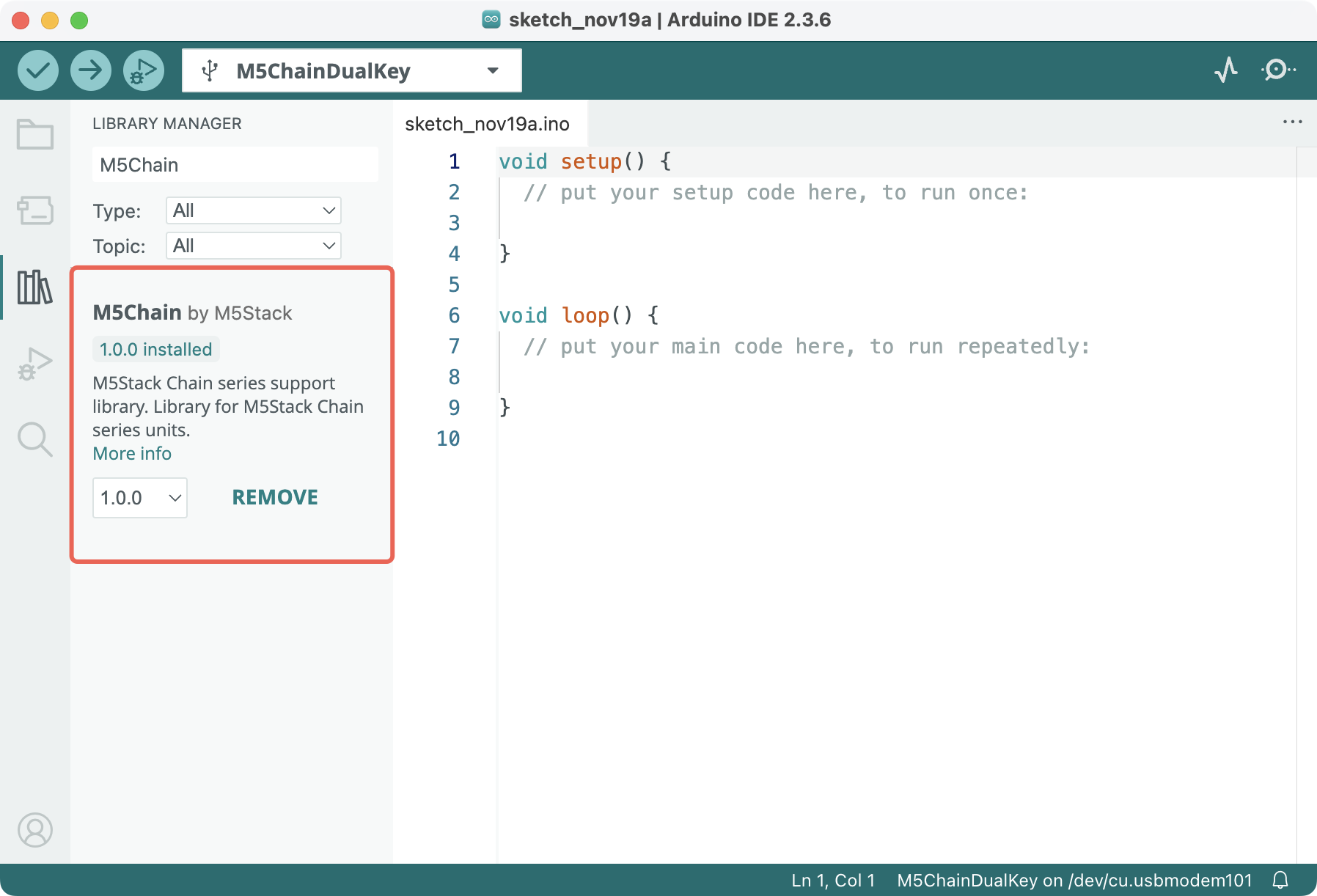
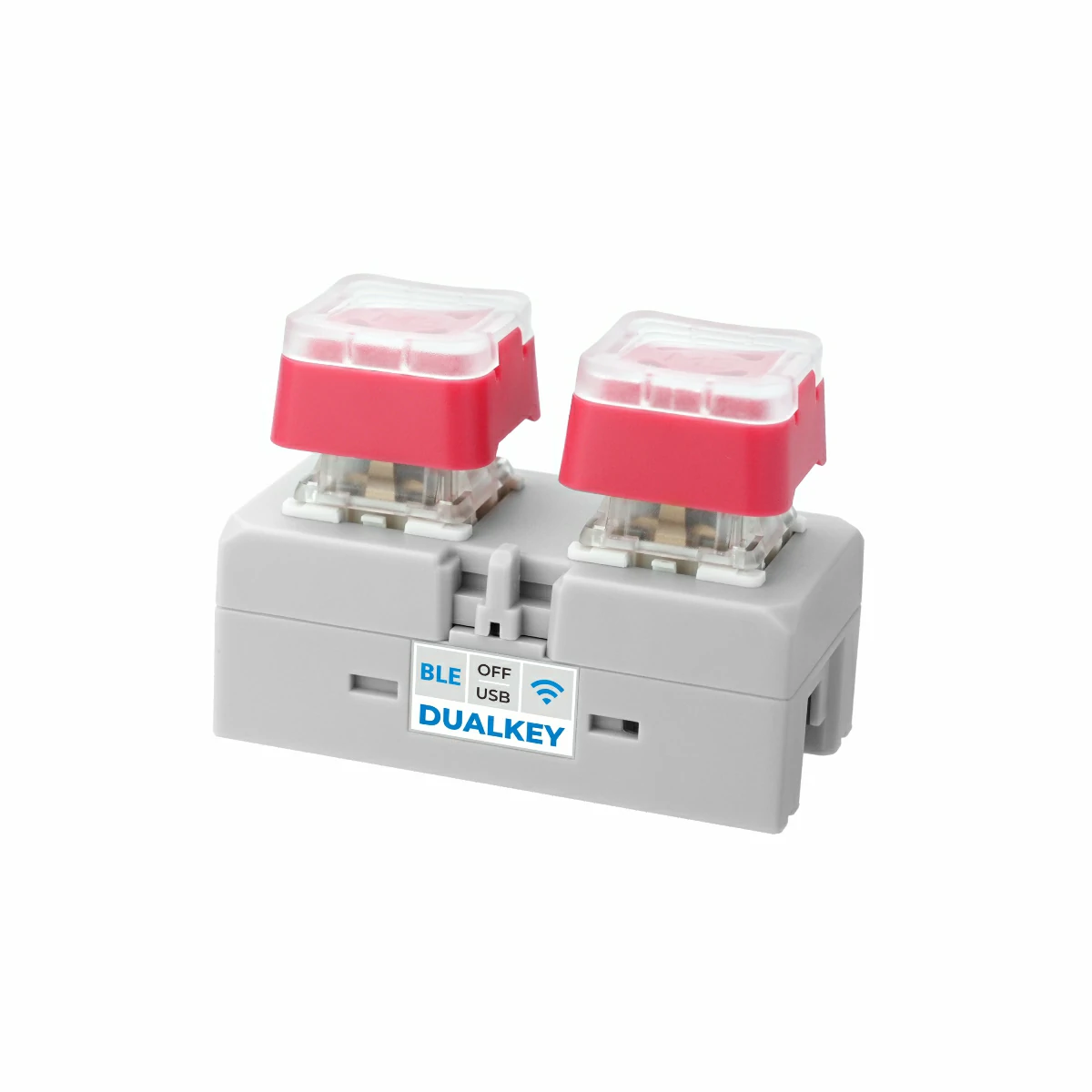
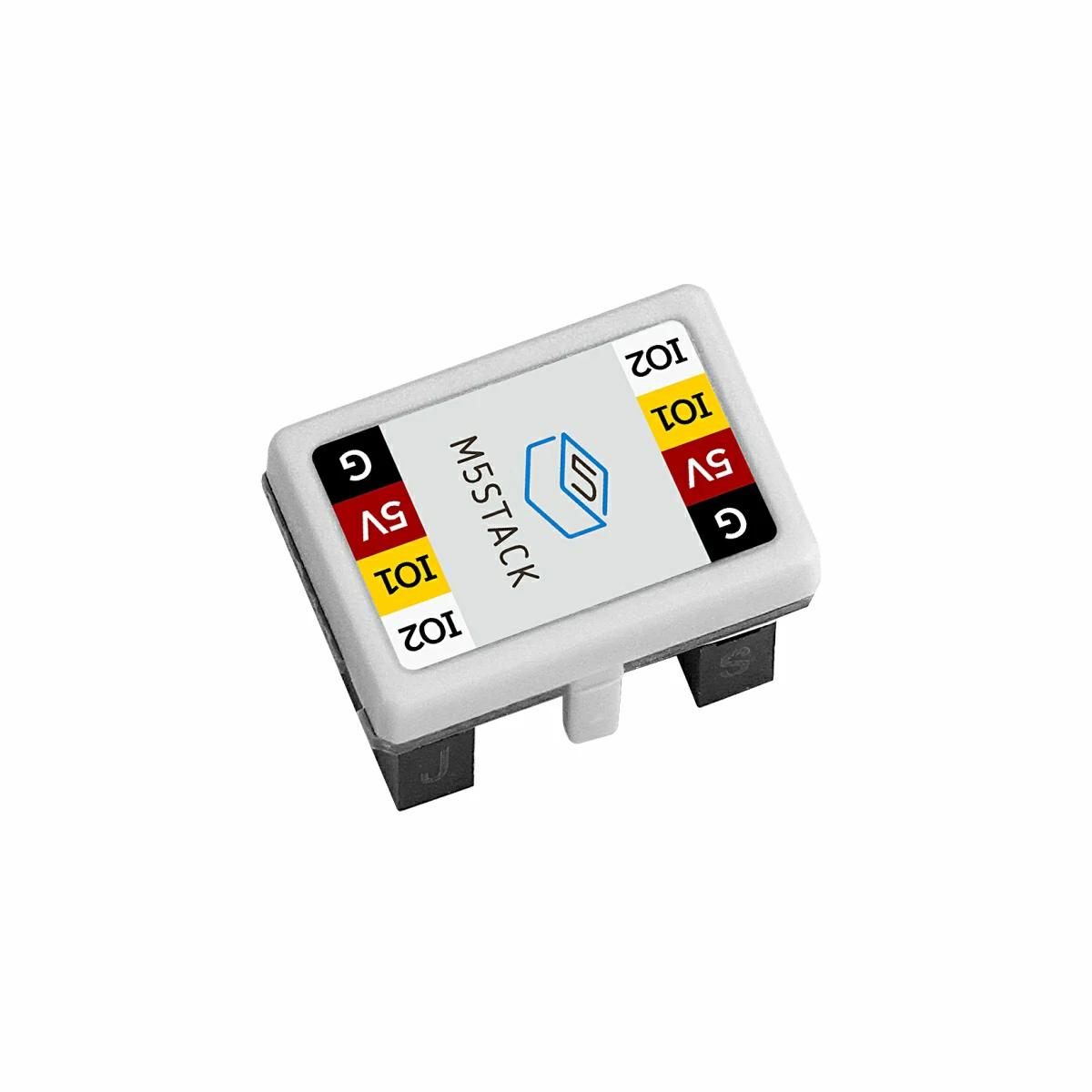
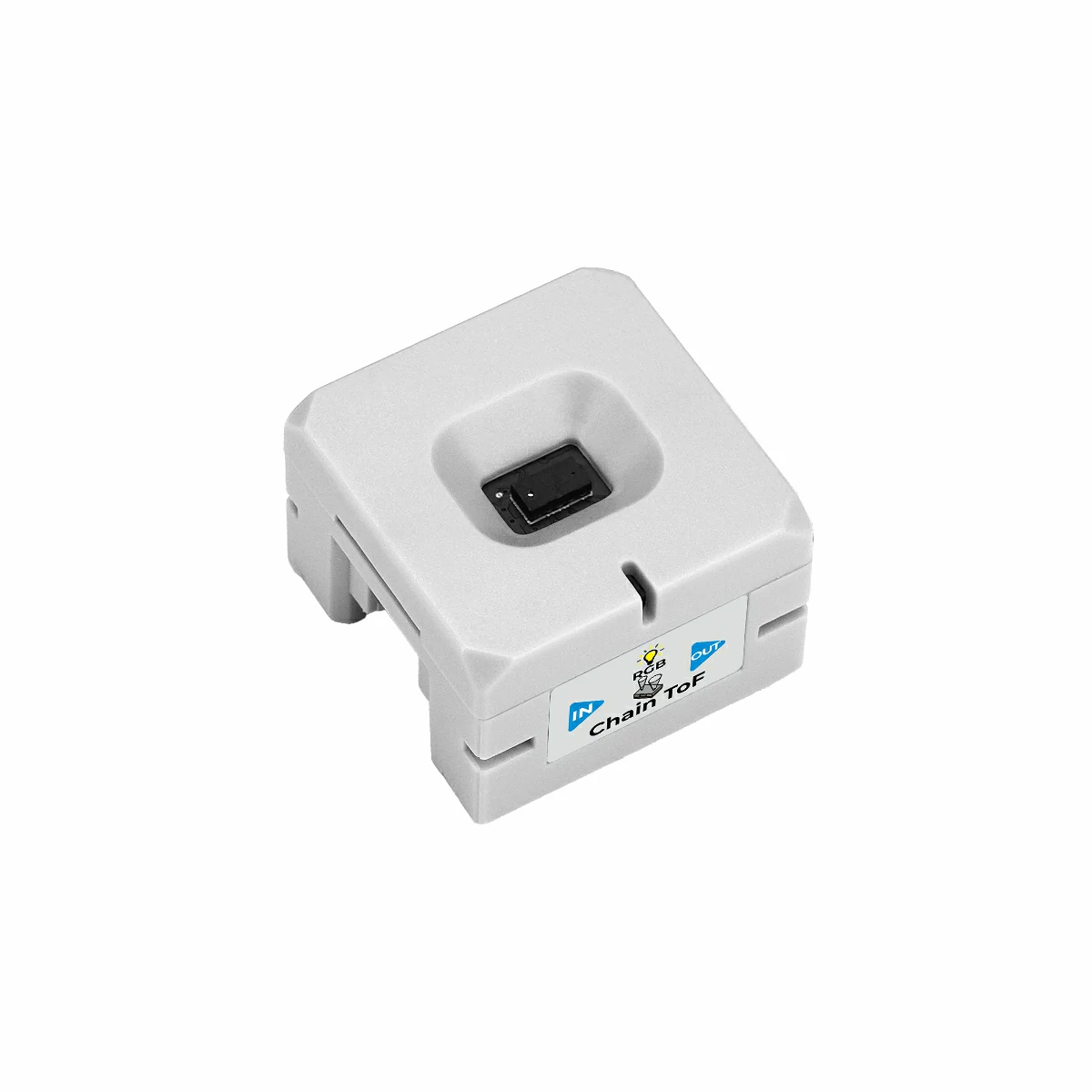
- Required Hardware Products:
- Chain DualKey
- Chain series connectors such as Chain Bridge or Chain Return
- Chain ToF
2.Example Program
Build Requirements
M5Stack Board Manager Version >= 3.2.4
M5Chain Library Version >= 1.0.0
M5Chain Library Version >= 1.0.0
cpp
1 2 3 4 5 6 7 8 9 10 11 12 13 14 15 16 17 18 19 20 21 22 23 24 25 26 27 28 29 30 31 32 33 34 35 36 37 38 39 40 41 42 43 44 45 46 47 48 49 50
#include "M5Chain.h"

#define RXD_PIN GPIO_NUM_5  // 47 for the other side of Chain DualKey
#define TXD_PIN GPIO_NUM_6  // 48 for the other side of Chain DualKey

Chain M5Chain;

device_list_t *device_list = NULL;
uint16_t device_count = 0;
uint8_t opr_status = 0;

uint16_t tof_distance;

void setup() {
  Serial.begin(115200);
  delay(1000);
  Serial.println("===========================");
  Serial.println("M5Stack Chain ToF Test");

  M5Chain.begin(&Serial2, 115200, RXD_PIN, TXD_PIN);
  while (!M5Chain.isDeviceConnected()) {
    Serial.println("No device connected");
    delay(1000);
  }

  M5Chain.getDeviceNum(&device_count);
  device_list = (device_list_t *)malloc(sizeof(device_list_t));
  device_list->count = device_count;
  device_list->devices = (device_info_t *)malloc(sizeof(device_info_t) * device_count);
  M5Chain.getDeviceList(device_list);

  if (device_list->devices[0].device_type == CHAIN_TOF_TYPE_CODE) {
    Serial.println("ID[1] is Chain ToF\n");
    delay(1000);
  } else {
    Serial.println("ID[1] is NOT Chain ToF\n");
    return;
  }

  // Device ID, ToF measure mode (CONTINUOUS/SINGLE/STOP), operation status pointer
  M5Chain.setToFMeasureMode(1, CHAIN_TOF_MODE_SINGLE, &opr_status);
  // Device ID, ToF measure time (20-200 ms), operation status pointer
  M5Chain.setToFMeasureTime(1, 50, &opr_status);
}

void loop() {
  M5Chain.getToFDistance(1, &tof_distance);  // Device ID
  Serial.printf("tof_distance: %4d mm\n", tof_distance);  // 30 - 2000
  delay(200);
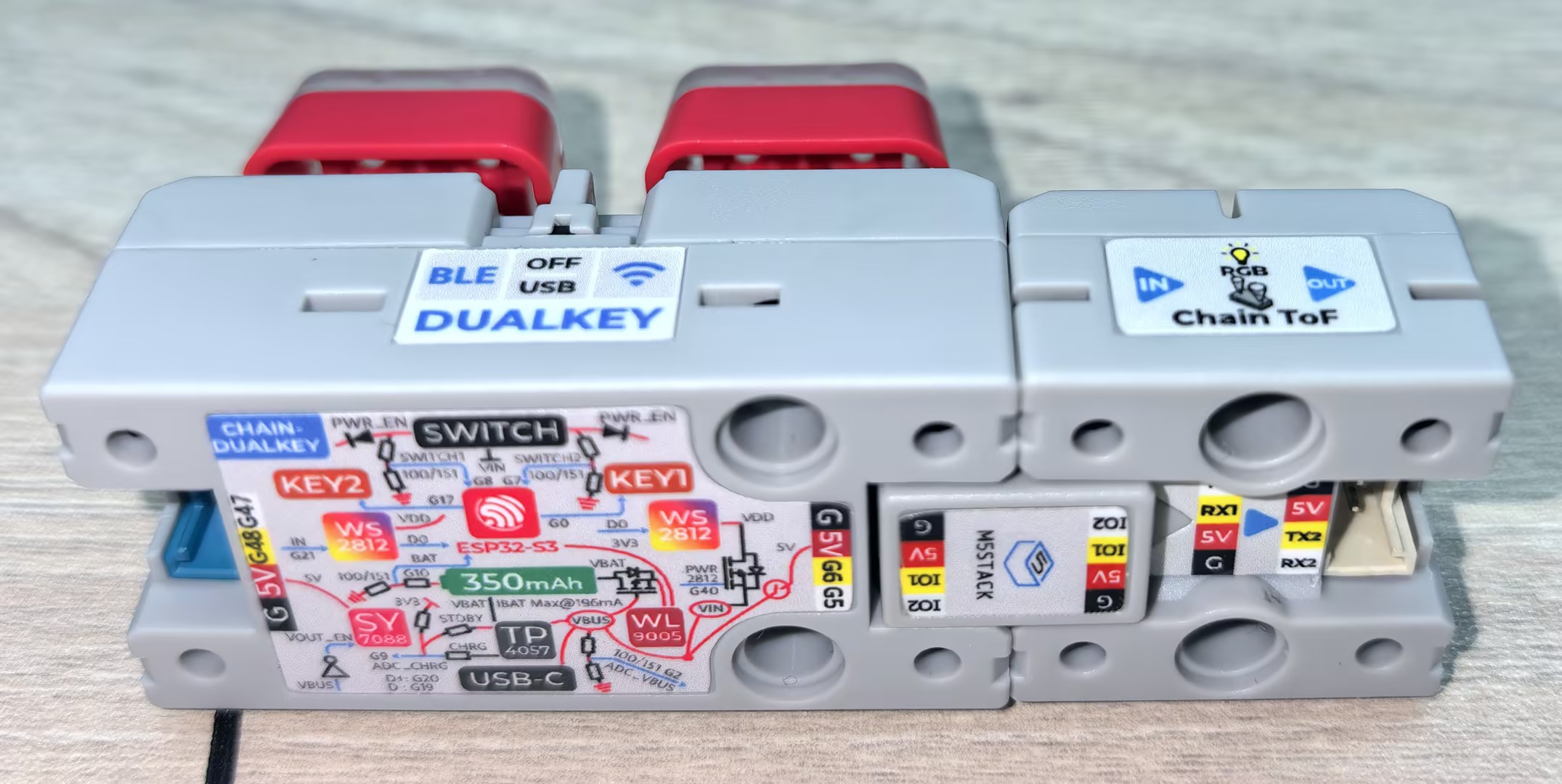
}Use the Chain Bridge connector to link the main controller Chain DualKey with Chain ToF. When connecting, make sure the direction is correct: the triangular arrow should point outward from the main controller Chain DualKey, as shown below:
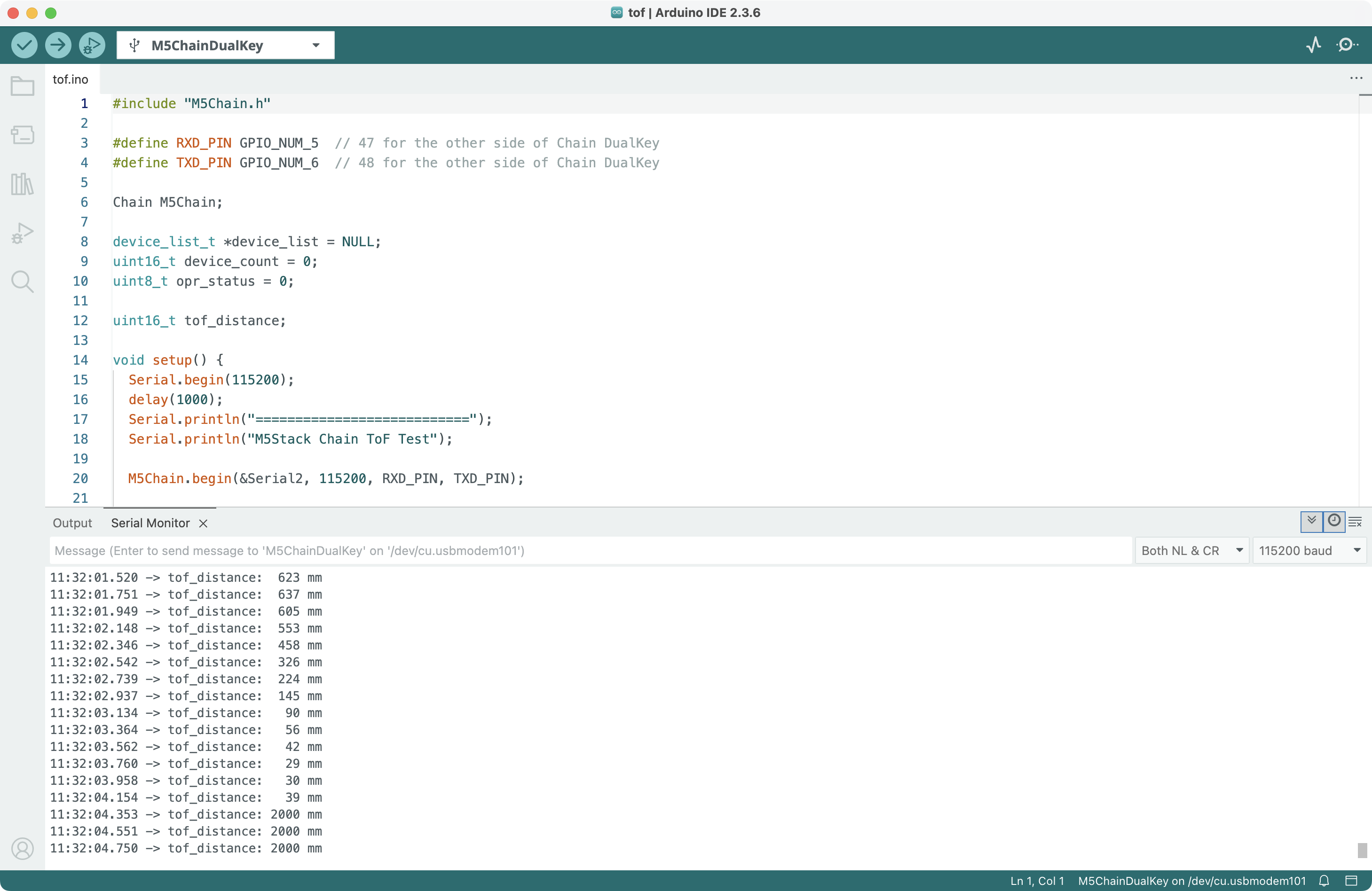
Compile and upload the above program to the device. Click the button in the upper-right corner of Arduino IDE to open Serial Monitor. You will see the distance from Chain ToF to the obstacle (valid measurement range: 30–2000 mm):
3.Reference Links
Page Tools