

Arduino 上手教程
2. 设备开发 & 案例程序
3. M5Unified
4. M5GFX
5. 扩展模块
Unit
Module
Atomic
Tab5
IoT
NanoH2 Arduino 示例程序编译与烧录
1. 准备工作
- Arduino IDE 安装: 参考Arduino IDE安装教程,完成 IDE 安装。
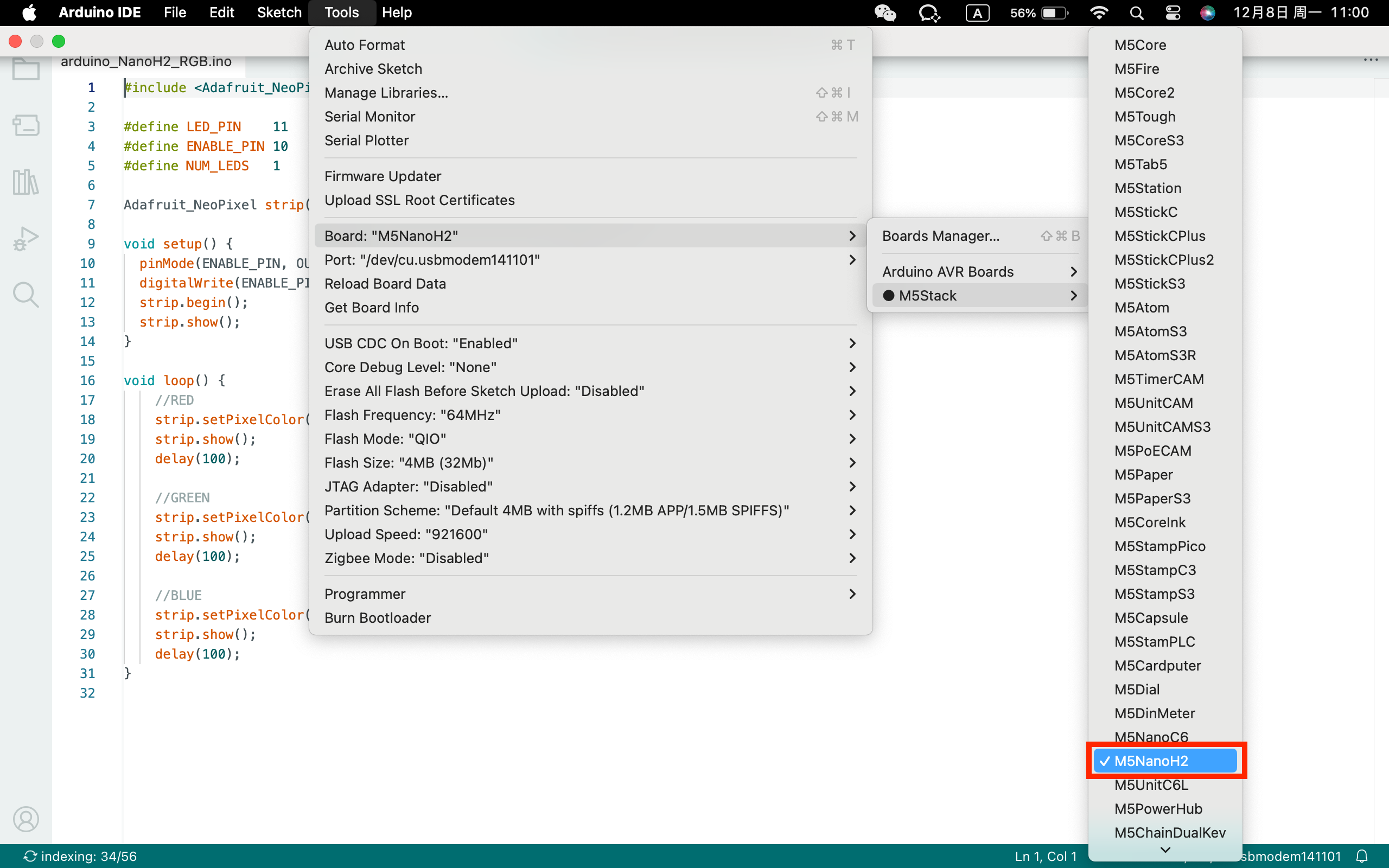
- 板管理安装:参考基本环境搭建教程,完成 M5Stack 板管理安装并选择开发板
M5NanoH2。
2. 下载模式
上电前按住 M5NanoH2 正面的输入按键,然后连接 USB 线供电将进入下载模式。

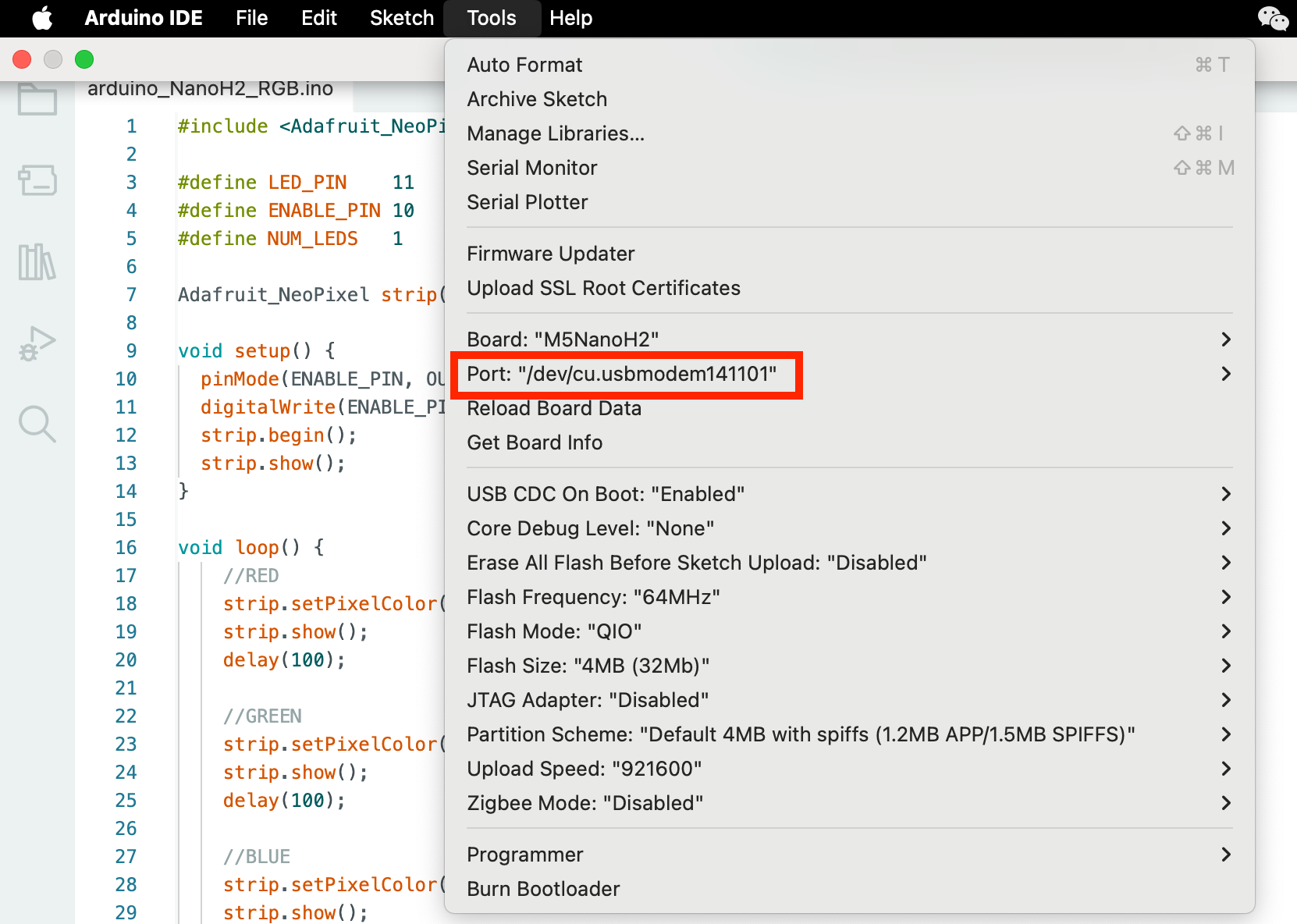
3. 端口选择
将设备通过 USB 线连接至电脑,在 Arduino IDE 中可选中对应设备的端口。
4. 程序编译 & 烧录
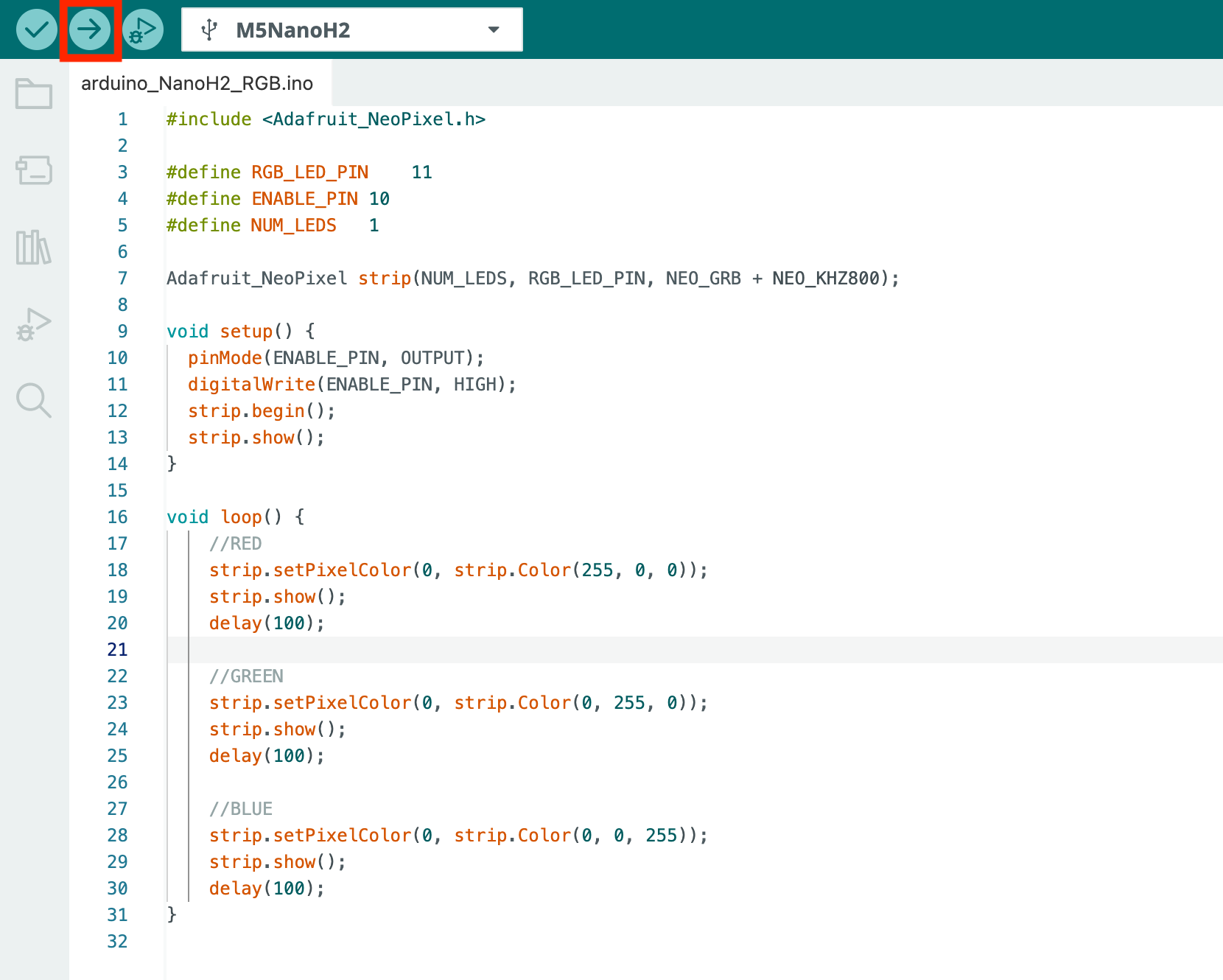
在 Arduino IDE 工作区输入下方代码,点击上传按钮,将自动进行程序编译与烧录。
说明:
1. 本案例基于Adafruit NeoPixel库实现,使用前请通过库管理安装Adafruit NeoPixel依赖库。
2. 为了控制待机功耗,M5NanoH2 RGB LED 需要使能灯珠,即需要高电平控制下方代码中的
ENABLE_PIN 。cpp
1 2 3 4 5 6 7 8 9 10 11 12 13 14 15 16 17 18 19 20 21 22 23 24 25 26 27 28 29 30 31
#include <Adafruit_NeoPixel.h>

#define RGB_LED_PIN 11
#define ENABLE_PIN 10
#define NUM_LEDS   1

Adafruit_NeoPixel strip(NUM_LEDS, RGB_LED_PIN, NEO_GRB + NEO_KHZ800);

void setup() {
  pinMode(ENABLE_PIN, OUTPUT);
  digitalWrite(ENABLE_PIN, HIGH);
  strip.begin();
  strip.show();
}

void loop() {
    //RED
    strip.setPixelColor(0, strip.Color(255, 0, 0));
    strip.show();
    delay(100);

    //GREEN
    strip.setPixelColor(0, strip.Color(0, 255, 0));
    strip.show();
    delay(100);

    //BLUE
    strip.setPixelColor(0, strip.Color(0, 0, 255));
    strip.show();
    delay(100);
}
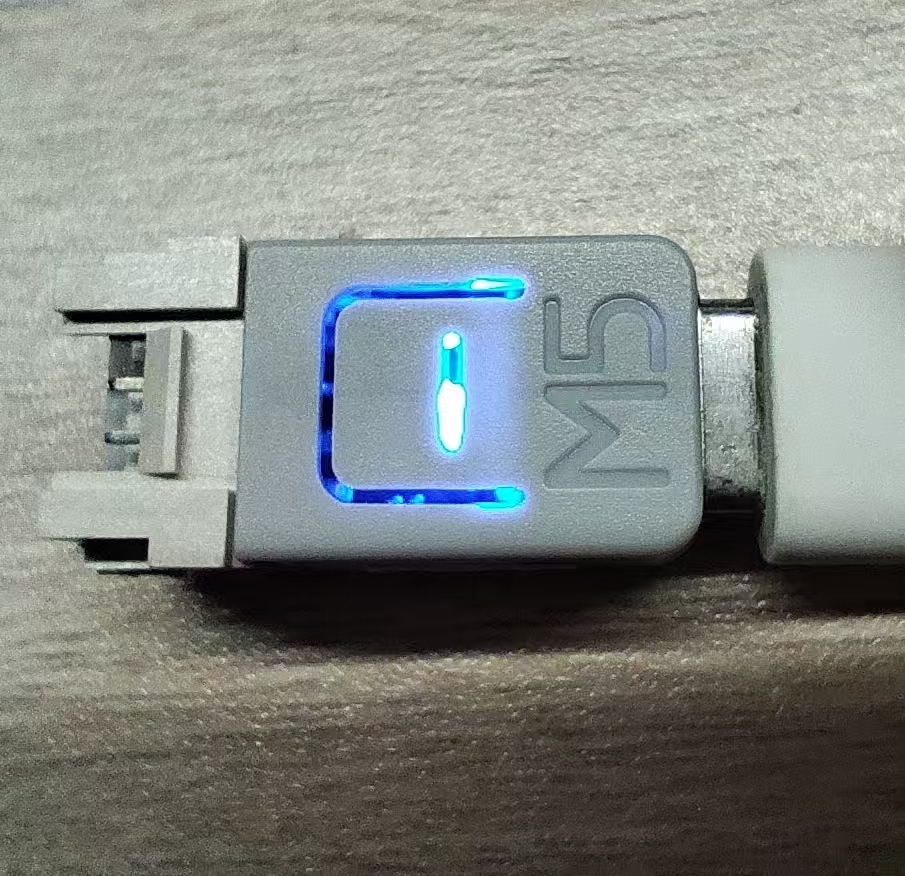
上传代码后,M5NanoH2 设备上的 RGB LED 灯便会循环显示红、绿、蓝三色。烧录完成后,请拔下设备,重新上电以正常运行。
5. 相关资源
Page Tools